Seedance 2.0 arrived as ByteDance's most capable text-to-video model, and for creators focused on adult and unrestricted content, it changes the game entirely. Unlike mainstream generators that block or water down NSFW prompts, Seedance 2.0 processes them through a high-fidelity pipeline that produces realistic, fluid motion from a simple text description. This tutorial breaks down the model's actual capabilities, how to structure prompts for the best output, and exactly where to run it on a platform that won't cap your creativity.
What Seedance 2.0 Actually Is
Seedance 2.0 is ByteDance's second-generation text-to-video model, built for both speed and realism. It generates short clips (typically 5 to 10 seconds) directly from text input, with native synchronized audio support baked in. The model handles motion physics well, meaning hair, fabric, water, and skin move in ways that feel plausible rather than artificial.
Its predecessor, Seedance 1.5 Pro, was already competitive. Seedance 2.0 sharpens detail retention across motion frames, handles portrait subjects with better consistency, and manages scene transitions more smoothly.
Who Built It and Why It Matters
ByteDance is the company behind TikTok, which means their video AI is trained on an enormous dataset of real human motion, expression, and scene variety. That training shows up in Seedance 2.0's ability to render human subjects believably. Posture, micro-expressions, and natural movement all benefit from being trained on billions of clips of real people.
The model is commercially significant because it sits at the intersection of high output quality and relatively accessible inference costs, at least compared to earlier state-of-the-art video models.
Seedance 2.0 vs Earlier Versions
| Feature | Seedance 1.5 Pro | Seedance 2.0 |
|---|
| Resolution | Up to 1080p | Up to 1080p |
| Motion fluidity | Good | Significantly improved |
| Audio sync | Partial | Native built-in |
| Portrait consistency | Variable | Improved frame-to-frame |
| NSFW handling | Depends on platform | Depends on platform |
The version number matters less than where you run the model. On a platform that does not apply its own content filter, Seedance 2.0 handles adult content directly. That is the critical variable.
NSFW Capabilities: What's Possible
Seedance 2.0's output quality with NSFW prompts is determined almost entirely by the platform hosting it. The model itself does not inherently block adult content, but many API wrappers and hosting platforms apply their own safety layers before or after generation.
On unrestricted platforms, Seedance 2.0 produces glamour content, suggestive motion sequences, and artistic nudity with photorealistic fidelity. The motion rendering handles skin texture, natural body movement, and lighting conditions in a way that competitive models often struggle with.

What "Unrestricted" Means in Practice
An unrestricted platform means the prompt goes to the model without a pre-generation content check that would reject it, and the output is not post-processed through a classifier that would blank or censor frames.
This is rarer than it sounds. Most major AI platforms apply multiple safety layers even when they market themselves as "open." The platforms worth using for this purpose have made a deliberate product decision to disable or minimize those filters.
💡 Tip: If your prompt returns a generic error or a blank output on a platform that claims to support NSFW, the filter is almost certainly triggering on either the prompt itself or specific words within it. Reword, simplify, or switch platforms.
Style and Realism Levels
Seedance 2.0 tends toward photorealism by default. You do not need to specify a realistic style in your prompt. It assumes it. Where you need to be explicit:
- Lighting type (natural sunlight, indoor lamp, golden hour)
- Camera distance (close-up, medium shot, wide establishing)
- Motion intention (slow pan, static scene with subject movement, walk cycle)
- Clothing specifics (the model reads this accurately if described clearly)
Writing Prompts That Work
Prompt structure is the single biggest variable in output quality. Seedance 2.0 reads sequential, descriptive text well. It does not need special syntax or trigger words. Write the way a director would describe a shot to a cinematographer.
Prompt Structure for Best Results
A strong prompt has four parts, written in order:
- Subject description: Who is in the shot, their appearance, and what they are wearing (or not wearing)
- Setting: Where the scene takes place and what is visible in the background
- Lighting: Direction, quality, and color temperature of the light
- Action and camera: What moves, and how the camera sees it
Structure: [Subject + state/pose] + [environment/background] + [lighting conditions] + [camera motion and angle]
5 Prompt Templates That Deliver
These prompts are ready for use with Seedance 2.0 on an unrestricted platform:
Outdoor glamour:
"A woman in a white bikini standing waist-deep in a clear turquoise ocean, waves washing past her hips, looking toward the horizon. Bright midday tropical sun overhead, water sparkling with light reflections. Camera holds steady in medium shot, slight wind moving hair."
Indoor intimate:
"A woman in a fitted silk camisole sitting on the edge of a white-sheeted bed, looking toward the camera with a calm expression, leaning slightly forward. Warm bedside lamp light from the right, soft window shadow from the left. Slow push-in from medium to close-up over 5 seconds."
Bathroom reveal:
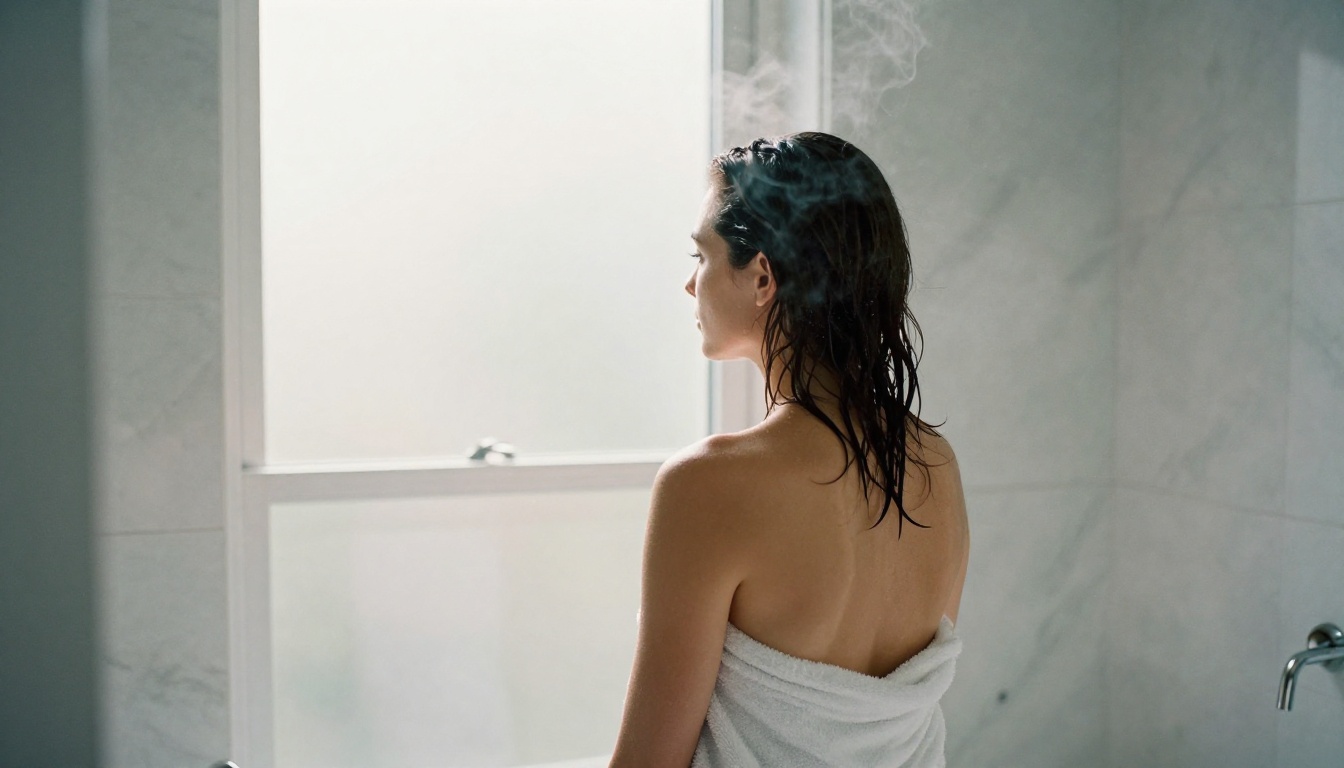
"A woman stepping out of a shower, wrapped in a white towel, steam in the air around her. Marble bathroom with soft overhead diffused lighting. She tilts her head and looks into the mirror. Static camera at medium distance."
Pool scene:
"A woman in a minimal bikini sitting at the edge of a rooftop infinity pool at sunset, legs in the water, leaning back on both hands. City skyline in background, warm golden-orange light from low left sun. Camera slowly pans left to right."
Athletic fitness:
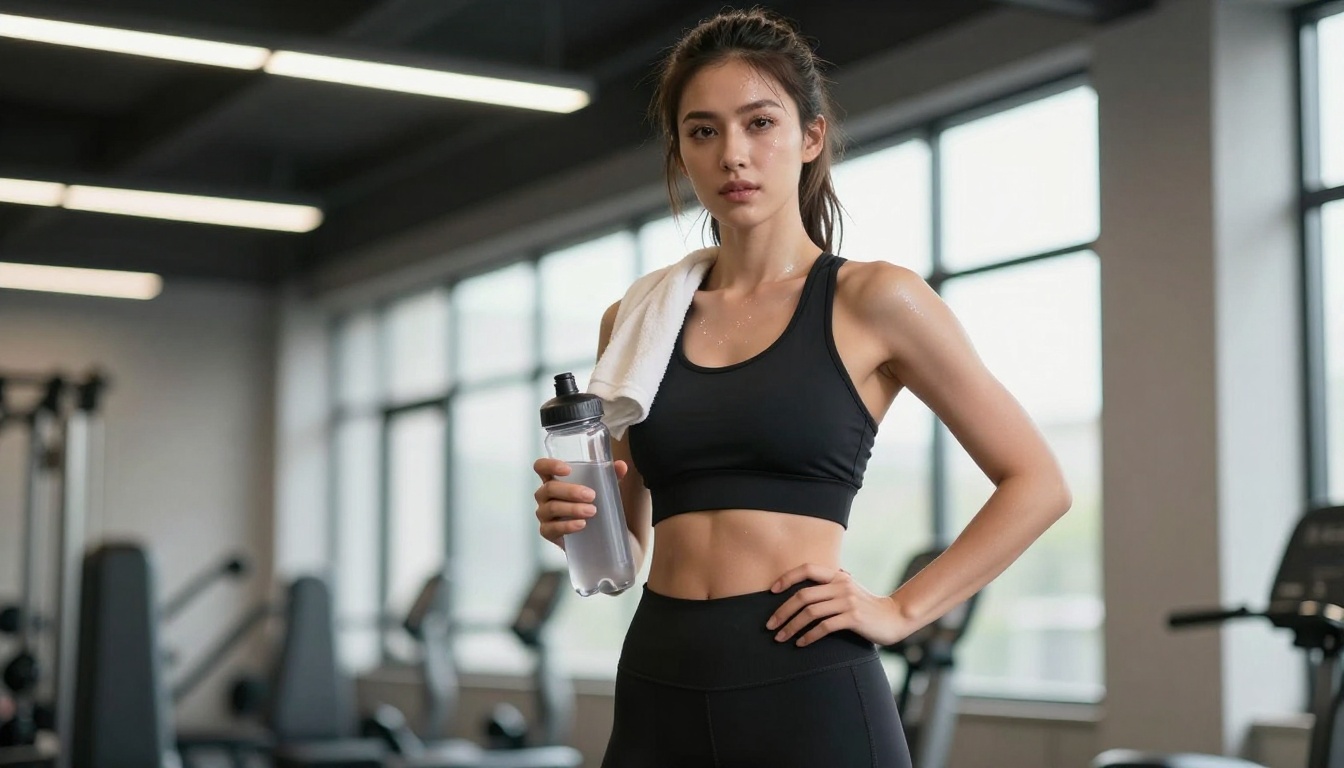
"A woman in black athletic wear finishing a workout stretch in a bright modern gym, slow controlled movements, standing near large windows with natural morning light. Camera slightly below eye level, medium shot."
💡 Prompt tip: Avoid abstract or metaphorical language. Describing what is physically in frame gets better results than tone descriptors. Be concrete about appearance, context, and motion.

How to Use Seedance 2.0 on PicassoIA
PicassoIA hosts Seedance 2.0 directly, alongside Seedance 2.0 Fast, a variant that trades some quality for significantly reduced generation time.
Step-by-Step Walkthrough
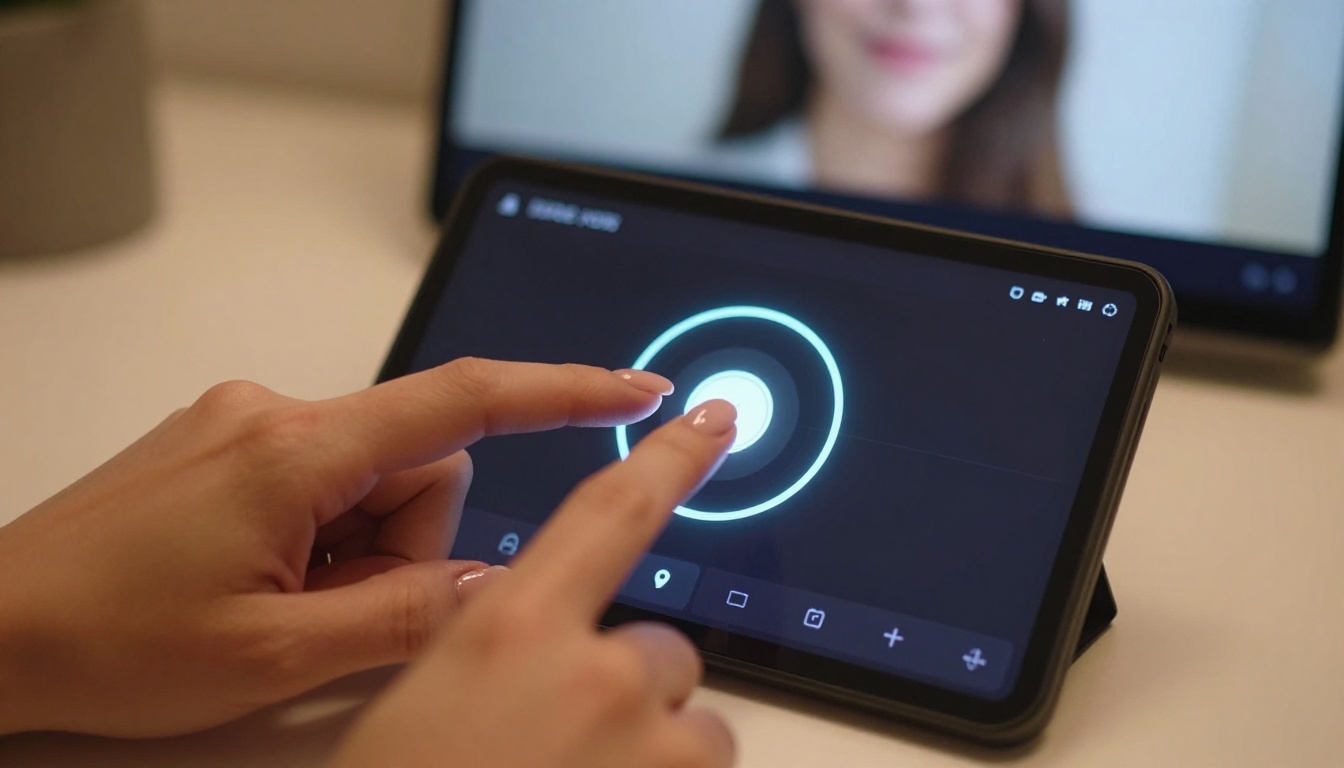
Step 1: Open the model
Go to the Seedance 2.0 page on PicassoIA. No plugin or external setup is needed. It runs directly in the browser.
Step 2: Write your prompt
Paste your prompt into the text field. Use the four-part structure above: subject, setting, lighting, camera. Keep it under 200 words for best coherence.
Step 3: Select resolution
Choose 720p for a balance of speed and quality. 1080p produces sharper output but takes longer to render.
Step 4: Set duration
The standard clip is 5 seconds, long enough for a single scene beat: a turn, a walk, a slow push-in. If you need a longer sequence, generate multiple clips and edit them together.
Step 5: Generate and review
Click generate. The model typically returns results within 30 to 90 seconds depending on current load. Review the clip for motion artifacts, especially around face and hands. If there are issues, re-run with a slightly simplified prompt.
Step 6: Download or iterate
Download the MP4 directly or pass it into a video editing tool for further refinement.
Resolution and Settings Tips
- 720p is the sweet spot for social media and web publishing
- 1080p is worth it for final output intended for download or display on larger screens
- For portrait-oriented subjects, the 9:16 aspect ratio produces better results than cropping 16:9
- Seedance 2.0 Fast cuts generation time by approximately 40% at a modest quality reduction, useful for rapid iteration before committing to a final render
Best NSFW AI Models on PicassoIA
Seedance 2.0 handles video well, but for image-first workflows and maximum creative flexibility, PicassoIA's full model lineup is worth knowing. These are the models that work without content restrictions:

- Seedream 4.5 ⭐ The top pick for NSFW image generation. Accepts adult content, supports image editing, and returns results in under 3 seconds. The newer Seedream 5 Lite does not support NSFW.
- PicassoIA Image Editor Pro An img2img model with unlimited generations on Elite and Infinite plans. Need 1,000 images? That's 1,000 images at no extra cost. Compare that to models like Nano Banana 2, where the same volume would cost around $100. Results in under 1 second, with a free trial and no credit card required.
- Qwen Image 2 Open-source model that creates or edits any image in seconds with very detailed realism.
- Grok Imagine Image Realistically converts any image to a bikini-format shot.
- Recraft V4 Very realistic text-to-image results (text input only, no editing).
- P-Image NSFW text-to-image in under 1 second.
- prunaai-wan-2.2-image Highly realistic images from text with no content filter.
- Wan 2.2 I2V Fast Turns static images into smooth, natural video clips.
- PicassoIA Video Unlimited video generation from text prompts at up to 720p, 5 seconds per clip, with no usage cap.
- P-Video Text, image, or audio to video at up to 1080p. Safety filter is disabled by default. Draft mode lets you preview instantly before rendering full quality.
- Grok Imagine Video Clips up to 15 seconds, no watermarks, from text, an image, or an existing clip.
- LTX 2.3 Pro The highest-fidelity option, up to 4K at 50fps, with retake and extend editing for precise scene control.
👉 See the full lineup at picassoia.com/en/all-models.
Image-to-Video for NSFW Content
The image-to-video workflow gives you a level of control over subject appearance that text-to-video alone cannot match. You choose exactly how the subject looks before adding motion.
The process:
- Generate a source image using a model like Seedream 4.5 or P-Image. This gives you precise control over subject appearance, posture, and framing.
- Pass that image into an image-to-video model such as P-Video or Wan 2.7 I2V. These models animate the existing image rather than generating from scratch.
- Describe the motion in the video prompt: what moves, how the camera moves, what changes over the 5 seconds.
When to Start with an Image
Use image-to-video when:
- You need a specific subject appearance maintained across a clip
- The text-to-video version produced the wrong subject look
- You want tighter framing control before adding motion
- You are producing multiple clips that need visual consistency
Text-to-video like Seedance 2.0 is faster and better for scene variety. Image-to-video is better for control and consistency.
Common Mistakes to Avoid
These patterns cause bad output most often:
Overloaded prompts: Describing too many simultaneous events or details in a single 5-second clip. The model will average or ignore elements. One clear scene, one clear action.
Abstract descriptors: Words like "sensual," "intimate," or "passionate" are interpreted weakly. Describe what is physically in frame instead.
Mismatched camera and subject motion: A slow push-in while a subject is also rapidly moving often produces jerky results. Match camera motion intensity to subject motion intensity.
Ignoring lighting: Lighting conditions dramatically affect output mood and realism. Specifying nothing often results in flat, generic lighting. Even a single note ("warm afternoon sun from the left") improves the result.
Running 1080p for every iteration: Use 720p or Seedance 2.0 Fast for testing prompts. Only commit to higher resolution for final output.
Not reviewing output before publishing: Always watch the full clip. Hand artifacts, face inconsistencies, and motion glitches are most common in the first and last frames.
Start Creating
Everything described in this tutorial is accessible on PicassoIA right now without setup or software installation. Seedance 2.0 is live, and so is the full library of image and video models referenced above.
The practical next step is to write a single prompt using the four-part structure and run it through Seedance 2.0. See what you get. From there, iterate on lighting, motion, and subject detail. Most creators find their first usable clip within two to three attempts once they understand what the model reads well.
For image-first workflows, start with Seedream 4.5, generate the exact frame you want, then animate it with P-Video or Wan 2.7 I2V.
For volume production with no generation limits, PicassoIA Image Editor Pro and PicassoIA Video are the tools to build a workflow around.
The full catalog is at picassoia.com/en/all-models.


