The debate between Seedance 2.0 Pro and Sora 2 is not just about which model looks better on paper. It is about which one actually delivers when you need a slow dolly push through rain-soaked streets, a crisp aerial drift over mountain fog, or a tight close-up that holds together frame after frame without falling apart. Both models have made serious noise in the text-to-video world. Both claim cinematic output. But the gap between them becomes very clear the moment you start pushing specific shot types.
This piece breaks that comparison down in detail: visual fidelity, motion realism, lighting behavior, temporal consistency, and real-world usability for anyone serious about cinematic video production.
What These Two Models Actually Do
Before diving into a shot-by-shot comparison, it is worth being precise about what each model is and where it was designed to perform.
Seedance 2.0 Pro at a Glance
Seedance 2.0 is ByteDance's flagship text-to-video model, built with cinematic realism as a core objective. The Pro tier adds higher resolution output, improved temporal stability, and stronger adherence to complex scene compositions described in prompts. It was trained on an enormous dataset of real-world film and television footage, which shows clearly in how it handles things like lens flare behavior, natural motion blur, and depth-of-field transitions.
The model is strong at:
- Long, unbroken shot sequences where consistency matters across many frames
- Natural physics simulation including fluid motion, cloth, and hair behavior
- Cinematic lighting behavior across different light source types and conditions
- Audio-aware video generation with native sound support built into the output
Sora 2 at a Glance
Sora 2 is OpenAI's second-generation video model, and it represents a significant leap from the original in terms of spatial coherence and creative range. Where the first Sora sometimes produced dreamlike, slightly unstable footage, Sora 2 tightens things up considerably. There is also a Sora 2 Pro variant that pushes resolution and generation quality higher for production-level work.
Sora 2 excels at:
- Imaginative or abstract scene compositions that blend reality with surreal elements
- Prompt instruction following with a strong grasp of spatial relationships
- Wide-angle establishing shots with strong environmental detail and world-building
- Subject clarity in complex, busy scenes with many simultaneous elements
Both models are available to use directly through the platform with no local hardware or API setup required.
Where the Visual Quality Differs
At a surface level, both models produce footage that would have been considered impossible two years ago. But they differ in ways that matter specifically for cinematic work.
Raw Resolution and Detail Retention
Seedance 2.0 Pro holds fine detail better at the pixel level, particularly in textures. Fabric weaves, skin pores, bark on trees, and wet surfaces all come through with more tangible realism. This is partly due to how the model was trained and partly because of its denoising approach, which preserves high-frequency detail rather than smoothing it away.
Sora 2 can produce sharper-looking footage in certain conditions, especially in scenes with strong contrast, but it tends to over-sharpen some surfaces, creating a slightly hyper-real look that reads more as polished CGI than as footage shot on film. For certain styles, that is fine. For work that needs genuine photographic texture and grain, Seedance 2.0 Pro holds the edge.
Color Grading and Tone Mapping
| Attribute | Seedance 2.0 Pro | Sora 2 |
|---|
| Shadow detail | Excellent lifted shadows with film-like depth | Can crush blacks in darker scenes |
| Highlight rolloff | Natural, gradual highlight recovery | Slightly harder highlight clipping |
| Skin tone accuracy | Warm, naturalistic across skin types | Slightly cooler, more corrected look |
| Color consistency across shot | Very high temporal color stability | Occasional per-frame subtle shifts |
| Stylistic range | Leans strongly toward realism | More flexible across visual styles |
💡 If your workflow involves color grading in post, Seedance 2.0 Pro gives you more latitude in the shadows and highlights to work with. Sora 2 delivers a more finished look straight out of generation.
Motion Is Where It Gets Real
This is the area that separates the two models most clearly. Motion is where AI video either looks like real film or reveals itself instantly.
Camera Movement Accuracy
Seedance 2.0 Pro has noticeably better camera motion simulation. When you describe a slow dolly-in toward a subject, it reads that instruction and executes a smooth, continuous arc with proper parallax shift between foreground and background elements. Pan shots behave like real camera pans, with expected motion smear on fast background objects and a natural following arc.
Sora 2's camera movement is less spatially consistent. It often creates fluid, beautiful-looking movement, but the relationship between camera travel and scene geometry can feel slightly off, as if objects are sliding rather than being passed by a moving camera. For wide establishing shots, this is rarely noticeable. For tight interior scenes with identifiable props and furniture, it becomes apparent.
For fine-grained motion control work, Kling V3 Motion Control is also worth considering as a third option with camera trajectory tools built directly into the interface.
Object Physics and Natural Flow
Sora 2 wins on imagination and surreal or complex physics interactions. Water, smoke, and crowd behavior in Sora 2 can look genuinely stunning. But for grounded, naturalistic physics, such as a leather jacket shifting as someone turns, curtains moving in a breeze, or rain hitting a car roof, Seedance 2.0 Pro is more accurate.
💡 For documentary-style or narrative realism shots, go with Seedance 2.0 Pro. For visually striking abstract or high-concept sequences, Sora 2 has more creative elasticity.
Cinematic Lighting, Frame by Frame
Lighting is the soul of cinematography. How a model renders light tells you nearly everything about its cinematic competence.
Interior Scenes and Artificial Light
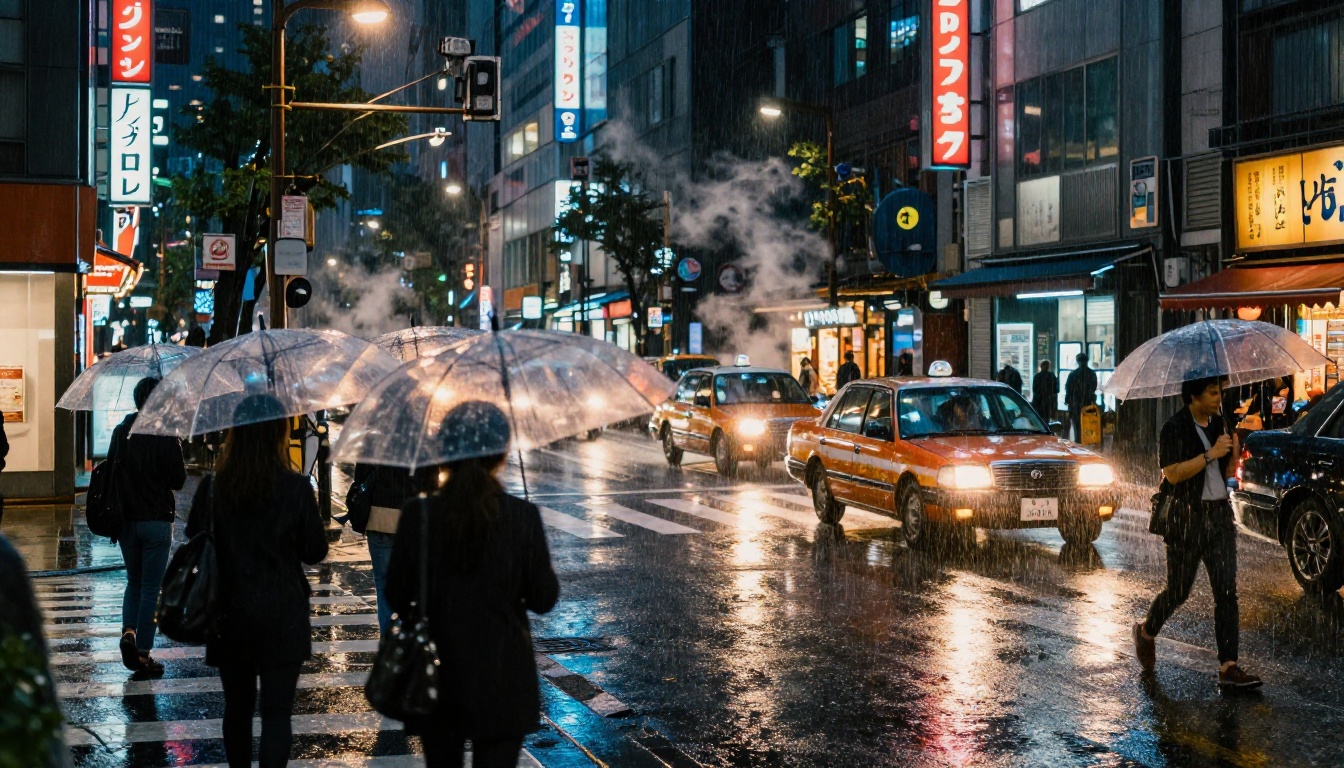
Seedance 2.0 Pro handles practical light sources exceptionally well: a single tungsten lamp on a desk, neon signs bouncing off a wet floor, candlelight flickering in a dark room. The model understands how light wraps around faces, how it creates secondary fill via bounce off walls, and how it falls off over distance. This is precisely the kind of lighting behavior that separates cinematic footage from flat, evenly-lit AI content.
Sora 2 can also produce strong interior lighting, but it sometimes defaults to a more uniformly distributed ambient look rather than committing to the drama of a single-source practical setup. When pushed with very specific prompt language, Sora 2 can hit some excellent interior lighting scenes, but it requires more iteration to arrive there.
Outdoor and Golden Hour Performance
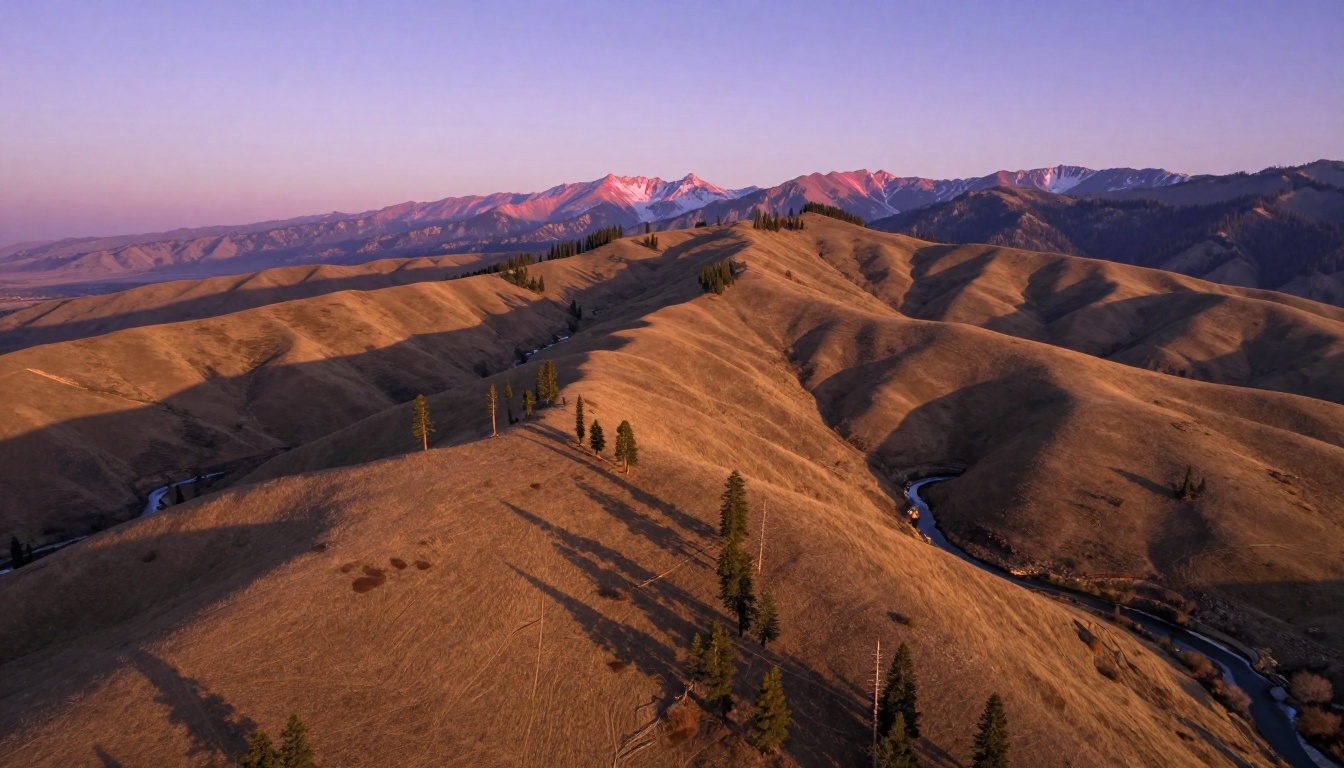
Both models handle golden hour well, but again with different strengths. Seedance 2.0 Pro nails the volumetric quality of late afternoon light: the directionality, the long shadows, the warm orange cast on sun-facing surfaces versus the cooler blue sitting in the shadows. Sora 2 tends to produce more saturated, almost idealized golden hour footage that looks beautiful but less like it was captured from a real location.
For productions where the sky itself needs to be dramatic and controlled, Veo 3 is another model worth evaluating for outdoor atmospheric work with strong environmental presence.
Temporal Consistency Under Pressure
Ask any AI filmmaker what their biggest frustration is and temporal consistency will come up immediately. A beautiful first frame that deteriorates into visual noise by frame 60 is useless for real production.
Long Shots and Scene Continuity
This is Seedance 2.0 Pro's clearest advantage. Over extended shot durations, it maintains object permanence, consistent character appearance, and stable environmental details far more reliably than most competing models. Background elements stay where they were placed. A lamp in the rear-left of frame does not drift or disappear between cuts.
Sora 2 performs well for shorter durations but can introduce subtle inconsistencies in longer shots: a character's clothing color shifting slightly, a background object being repositioned, or depth cues changing between frames in a way that reads as a subtle flicker when played back in sequence.
Face and Character Stability
| Scenario | Seedance 2.0 Pro | Sora 2 |
|---|
| Close-up face over 5 seconds | Very stable, consistent features throughout | Generally stable, minor drift possible |
| Character turning 180 degrees | Strong coherence across the full rotation | May lose facial consistency past 90 degrees |
| Two characters in frame | Both remain distinct and visually stable | Secondary character can fluctuate subtly |
| Night scene face in low light | Maintains face structure deep into shadows | May over-smooth in darker areas |
💡 For scenes requiring a specific character or face to stay consistent throughout, Seedance 2.0 Pro is the safer professional choice. Sora 2 remains excellent for b-roll, environmental shots, and abstract sequences where character continuity is not the priority.
Speed, Cost, and Practical Use
Performance specs matter when you are iterating through ten variations of a scene before finding the right one.
Generation Time Comparison
Seedance 2.0 Pro is not the fastest model available, but it operates at a reasonable pace for the quality tier it occupies. The base Seedance 2.0 Fast version offers significantly shorter generation times when you need faster iteration cycles. For final output, the full Pro variant is worth the additional processing time.
Sora 2 and Sora 2 Pro both sit in a similar generation time bracket. The Pro tier naturally takes longer but delivers noticeably improved resolution and coherence. Neither model creates a bottleneck that derails a creative workflow when used through a properly optimized platform.
Who Should Pick Which
Choose Seedance 2.0 Pro if:
- You are producing narrative film content where character and scene consistency is non-negotiable
- Your shots involve complex interior lighting with practical sources
- You need footage that holds up in a professional color grading pipeline
- Motion realism and physics accuracy are top priorities for your production
Choose Sora 2 if:
- You are producing high-concept, visually bold content where imagination matters more than strict realism
- Your project involves short, punchy clips rather than extended scene work
- You want strong environmental and wide-shot world-building without heavy prompt work
- You prefer a polished, production-ready look without heavy post-processing
For productions that span different shot types, both models working together is the most powerful approach: environmental establishing shots with Sora 2, character-driven dialogue sequences with Seedance 2.0 Pro.
Other strong contenders worth knowing for specific use cases: Kling V3 for motion control work, LTX-2.3 Pro for fast professional iteration, and Kling V2.6 for high-quality output with reliable camera movement simulation.
How to Use Seedance 2.0 on PicassoIA
Since Seedance 2.0 is available directly on the platform, here is a practical workflow for cinematic shots.
Step by Step from Text Prompt
Step 1: Head to the Seedance 2.0 model page on the platform. No installation, no API key, no local GPU required.
Step 2: Write your prompt. Be specific about camera position, lighting conditions, subject behavior, and environment. Vague prompts produce generic footage. Specific prompts produce cinematic output.
Step 3: Set your duration. Start with 5-second clips to validate your composition before committing to longer generations.
Step 4: Adjust your aspect ratio to 16:9 for cinematic output or 9:16 for vertical social content.
Step 5: Generate and evaluate. Focus on the first 2 seconds; if the composition is off there, iterate before generating the full clip.
Step 6: Use Seedance 2.0 Fast for rapid draft iterations, then switch to the full model for your final generation.
Prompt Tips for Cinematic Results
Getting cinematic results from Seedance 2.0 Pro depends heavily on prompt construction. These patterns consistently produce film-grade output:
- Always specify lighting direction: "morning light entering from a high left window" beats "bright interior scene" every time
- Name your camera position and lens: "low-angle 35mm wide shot" gives the model specific spatial instructions to work from
- Include motion description: "slow dolly-in toward the subject as they speak" produces far better motion than simply describing the scene statically
- Add film stock references: Prompts mentioning "Kodak Portra 400 film emulation" or "Fujifilm Eterna cinema tone" consistently produce warmer, more photographic results
- Specify weather and time of day precisely: "overcast afternoon, diffused ambient light, no direct sun" completely changes how the model renders the entire scene
💡 Treat your Seedance 2.0 Pro prompts like a cinematographer's shot brief. The more specific your directions, the closer the output gets to what you actually envisioned.
Which One Actually Wins for Cinematic Shots
There is no single winner that applies to every use case, but for the specific question of cinematic shots, meaning shots that could plausibly appear in a feature film or high-end commercial production, Seedance 2.0 Pro takes the edge.
Its strengths in temporal consistency, naturalistic lighting, accurate motion physics, and color latitude in the grades are all properties that professional cinematographers actually care about. Sora 2 is exceptional and absolutely competitive, particularly for wide world-building shots and high-concept sequences. But when you sit with both side-by-side on a color-accurate reference monitor, Seedance 2.0 Pro holds up better at the moment you really start scrutinizing the footage frame by frame.
That said, the strongest AI video workflow right now is not picking one model and committing to it exclusively. It is knowing which model wins in which specific scenario and building your pipeline accordingly.
Both Seedance 2.0 and Sora 2 are ready to use right now with no setup required. The only way to find out which one works for your specific creative vision is to actually generate the shots. There are over 87 text-to-video models available to experiment with across the platform, spanning every aesthetic and production use case. Start with these two, compare the results against your actual creative brief, and let the footage decide.


