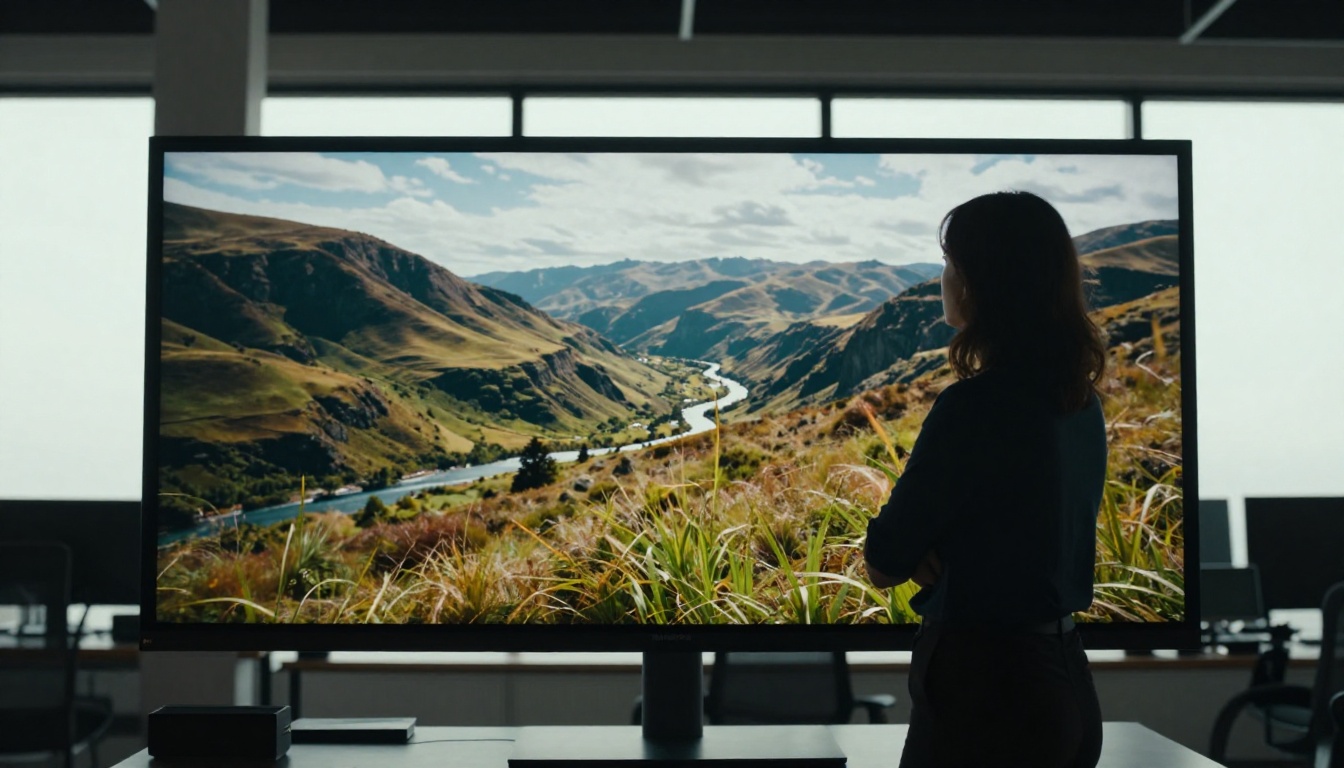
Two of the most talked-about AI video tools right now are Seedance 2.0 and Runway Gen-4. Both promise cinematic output, both support text-to-video and image-to-video workflows, and both have attracted serious attention from creators, filmmakers, and marketers. But they are built differently, they prioritize different things, and the results they produce are genuinely not the same.
If you have been trying to decide which one to spend time on, this comparison lays out everything that matters: output quality, motion realism, audio support, speed, pricing, and the specific scenarios where each model wins.
What Seedance 2.0 Actually Does
Seedance 2.0 is ByteDance's flagship video generation model. It was built from the ground up with a focus on three things: photorealistic motion, native audio generation, and long-form video coherence. Unlike most models that treat audio as an optional add-on, Seedance 2.0 generates synchronized sound as part of the core output.
The model supports both text-to-video and image-to-video workflows. Feed it a still image and a prompt, and it produces a flowing video that preserves the visual identity of the source image while adding convincing motion. Feed it only text, and the output holds up with strong composition and realistic scene movement throughout the clip.
Native Audio Changes Everything
This is the feature that separates Seedance 2.0 from most competitors. Native audio means the model generates ambient sound, music, and basic dialogue cadence as part of a single pass. You are not stitching audio on top after the fact. The result is a video where the sound matches the scene naturally because both were generated together.
For content creators producing social media clips, product walkthroughs, or short films, this dramatically cuts post-production time. You get a video with sound in one generation step, which matters when you are producing at volume.
Seedance 2.0 Fast vs. Standard
There are two variants accessible on PicassoIA. Seedance 2.0 is the full-quality model with longer generation times. Seedance 2.0 Fast trades a small amount of visual fidelity for significantly faster output.
For iteration and concept testing, the Fast version is the right call. For final deliverables, the standard model produces noticeably sharper motion and better temporal consistency across longer clips. Both versions support native audio generation.

What Runway Gen-4 Brings
Runway Gen-4 is the result of years of iterative development from one of the original players in AI video generation. Where Seedance 2.0 is built for realism and audio coherence, Gen-4 prioritizes something different: cinematic consistency and motion control.
Runway's model produces videos where objects, faces, and environments maintain their appearance across every frame. This temporal consistency is one of Gen-4's defining strengths. Faces do not morph unexpectedly. Objects do not flicker or warp mid-clip. Backgrounds hold steady without visual artifacts.
It also handles camera motion with precision. Pan, tilt, zoom, and dolly effects can be specified in the prompt, and Gen-4 executes them with a level of accuracy that has impressed filmmakers and directors using the tool professionally.
Motion Consistency That Holds Up
Motion consistency is not a small thing. One of the most common failure modes in AI video is temporal flickering, where the model redraws elements slightly differently in each frame, creating a stuttering or unstable look. Gen-4 has largely solved this problem for clips up to around 10 seconds.
The practical benefit is clear: you can use Gen-4 output in actual productions without extensive cleanup. The shots look held, steady, and intentional, which is exactly what you need when delivering work to clients or cutting together a professional reel.
Gen-4 Turbo Speed
Runway also offers a Turbo mode that speeds up generation significantly. For a tool already popular in production pipelines, faster iteration means more usable shots per hour. Creative teams can test more variations in the same time window, which matters when working against deadlines or managing a high volume of client revisions.
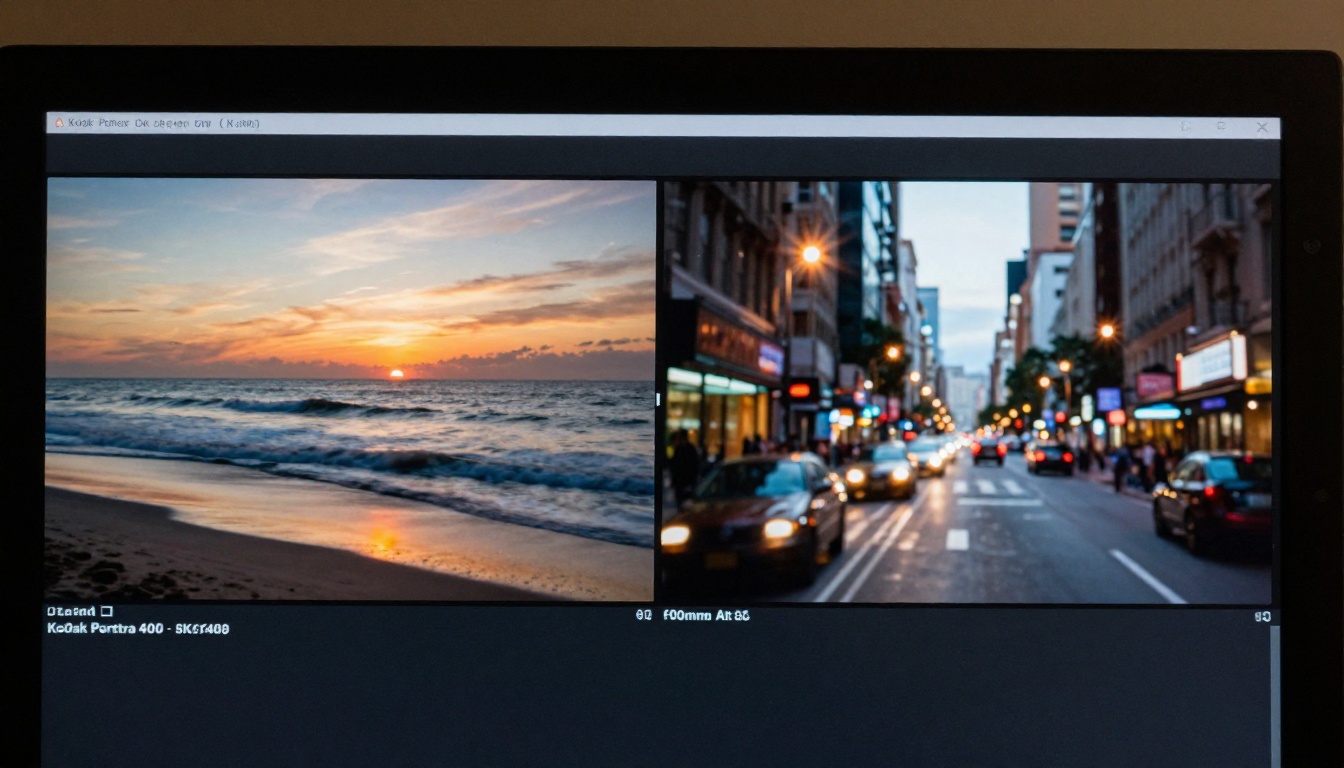
Side-by-Side: The Real Differences
💡 The choice between these two tools often comes down to what you prioritize: audio-ready social content (Seedance 2.0) or polished cinematic shots for production use (Runway Gen-4).
| Feature | Seedance 2.0 | Runway Gen-4 |
|---|
| Native audio generation | Yes | No |
| Text-to-video | Yes | Yes |
| Image-to-video | Yes | Yes |
| Temporal consistency | Good | Excellent |
| Camera motion control | Limited | Strong |
| Max clip length | ~10 seconds | ~10 seconds |
| Resolution | Up to 1080p | Up to 1080p |
| Speed (standard mode) | Medium | Medium-Fast |
| Fast/Turbo variant | Yes | Yes |
| Prompt adherence | Very literal | Interpretive |
Output Quality
In terms of raw visual quality, both models produce impressive results. Seedance 2.0 tends to produce warmer, more naturalistic-looking motion, particularly in outdoor and lifestyle scenes. Human movement feels fluid and organic, and the overall aesthetic reads as spontaneous rather than constructed.
Runway Gen-4 outputs look more controlled and deliberate. Lighting is more precise, camera motion feels considered, and the overall aesthetic reads as cinematic in a traditional production sense. If you are going for something that looks like it came from a real film set, Gen-4 is often the stronger choice.
Speed and Throughput
Seedance 2.0 Fast is among the faster models currently available for its quality level. The standard Seedance 2.0 takes longer but produces results that justify the wait for final output. Runway Gen-4's Turbo mode is competitive on speed. For most users, generation time will not be the deciding factor between these two tools.
Prompt Adherence
This is an area where real-world testing reveals a genuine difference. Seedance 2.0 follows detailed prompts very closely, including specific actions, environments, and object behaviors. You can describe a complex scene and expect the output to reflect your description with accuracy.
Runway Gen-4 is strong on prompt adherence too, but it sometimes reinterprets artistic descriptions in its own way. This is not always a drawback since the reinterpretation often produces something visually interesting. But if you need tight control over what happens on screen, Seedance 2.0 tends to be more literal in a useful way.

Pricing Breakdown
Both tools operate on credit-based pricing models when accessed directly from their respective platforms. Access through PicassoIA simplifies this significantly since you work with both models from a single interface without managing separate accounts or subscriptions.
Seedance 2.0 Costs
ByteDance's Seedance models are positioned competitively on price. The Fast variant costs fewer credits per generation, making it viable for high-volume use cases. Creators producing multiple clips per day will find the Fast version cost-efficient without a significant quality compromise on short-form content.
Runway Gen-4 Costs
Runway's Gen-4 model sits at a premium price point relative to many competitors. The production-quality output justifies this for professional use cases, but hobbyists and casual creators may find the per-generation cost adds up quickly compared to alternatives. The Turbo mode helps reduce costs per usable shot by speeding up iteration.
💡 Using PicassoIA to access both models lets you compare outputs directly and allocate credits based on which model performs best for each specific project type.

Who Should Use Which
Pick Seedance 2.0 If...
- You need video with native audio baked into the output
- You produce social content where sound matters as much as visuals
- You want precise prompt adherence for specific scene descriptions
- You are iterating quickly and need a fast variant that still looks polished
- You work with image-to-video workflows and want strong motion preservation from the source
Pick Runway Gen-4 If...
- You need cinematic-quality shots for professional productions
- Temporal consistency across frames is non-negotiable for your use case
- You want to specify camera movements like dolly, pan, or tilt in your prompts
- You are producing content where the aesthetic needs to feel filmed rather than generated
- You have a larger budget for per-generation costs and prioritize output polish
Neither model is universally superior. They are optimized for different strengths, and the most effective creative workflow often involves using both for different purposes within the same project.
How to Use Both on PicassoIA
Both Seedance 2.0 and Gen-4.5 by Runway are accessible on PicassoIA without needing separate accounts or subscriptions for each platform.
Using Seedance 2.0 on PicassoIA
- Go to the Seedance 2.0 model page on PicassoIA
- Choose between text-to-video or image-to-video mode
- Write a detailed prompt describing the scene, subject action, environment, and mood
- Enable audio generation if you want synchronized sound in the output
- Select your clip duration (shorter clips produce better consistency across frames)
- Click Generate and review the output before committing to final delivery
For faster iteration, switch to Seedance 2.0 Fast and use the same prompt to preview results quickly before running the full model.
Tips for better Seedance 2.0 output:
- Be specific about the environment: "golden hour, open field, tall grass moving in wind" outperforms vague scene descriptions
- Describe subject movement explicitly: "walks slowly toward camera" gives better motion than just "walks"
- For audio, describe the soundscape you want directly in the prompt: "ambient wind sounds, distant birds, soft music"
Using Gen-4.5 on PicassoIA
- Open the Gen-4.5 model page on PicassoIA
- Choose text-to-video or upload a reference image for image-to-video
- Describe your scene with camera direction included: "slow dolly forward toward subject" or "pan left across the skyline"
- Specify mood and lighting: "overcast diffused light, blue tones, quiet atmosphere"
- Generate and review temporal consistency across the full clip
Tips for better Gen-4.5 output:
- Camera motion prompts work best when they are simple and direct. One clear movement beats multiple combined directions
- Gen-4.5 handles faces extremely well. Use it for content where human expression and identity need to hold across frames
- Use Turbo mode for quick concept testing before running the full quality model on your final prompt

Other Models Worth Comparing
If you are building a broader AI video workflow, these two models are not the only options worth knowing about. PicassoIA hosts over 80 text-to-video models across different use cases and quality levels.
Kling v3 Video is a strong alternative for motion-controlled video with excellent detail retention. It competes directly with Gen-4 on cinematic output and is worth testing in parallel when you want a second opinion on visual quality.
Veo 3 from Google is one of the most capable models available for photorealistic video generation. It is worth benchmarking against Seedance 2.0 for naturalistic scene work, particularly on outdoor and documentary-style content.
Hailuo 2.3 from MiniMax handles fast generation with above-average quality, making it a practical option when speed is the main priority and you need high clip volume.
The advantage of working through PicassoIA is that you can test all of these without managing multiple subscriptions. Every model is accessible from one place with consistent credit usage across all of them.
💡 Running the same prompt through Seedance 2.0, Gen-4.5, and Kling v3 side by side is one of the most efficient ways to identify which model performs best for your specific content style.
Start Creating Now
Reading about AI video tools only gets you so far. The real difference becomes obvious the moment you run your own prompt through both models and compare the outputs directly.
PicassoIA gives you access to Seedance 2.0, Seedance 2.0 Fast, and Gen-4.5 by Runway on one platform. Take a prompt you care about, run it through both, and let the results speak for themselves. You might find one model consistently fits your style, or you might end up using both depending on what each project demands.
The best AI video tool is the one that works for your specific project. Both of these are worth trying.