Two versions of ByteDance's flagship AI video generator. Same base architecture. Wildly different outputs. If you've been testing both and wondering whether upgrading to Seedance 2.5 is actually worth it for uncensored content generation, this comparison cuts straight to the results, side by side, no fluff.

What Seedance 2.0 Delivers
Seedance 2.0 arrived as a significant step forward for text-to-video. It brought native audio generation, coherent motion across 5-second clips, and a level of prompt adherence that most competitors couldn't match at launch. For general content, it performs reliably. For uncensored output, the story gets more nuanced.
Output Quality at a Glance
The base model produces 720p footage by default with acceptable frame consistency. Skin tone rendering is decent but tends toward over-smoothing, losing the granular texture that separates AI video from photorealistic footage. Motion arcs are generally smooth but can stutter on complex body movements, particularly in scenes where limb positioning requires precise spatial reasoning.
Seedance 2.0 Mini offers a faster inference path with slightly reduced fidelity, useful when you need quick iteration. Seedance 2.0 Fast sits between the two, trading some quality for speed in a way that works for draft testing.
💡 Tip: When testing uncensored prompts with Seedance 2.0, keep your motion descriptions simple. Complex choreography increases the chance of limb distortion between frames.

Where It Falls Short
Seedance 2.0's main weakness for mature content is spatial consistency. Over a 5-second clip, fabric behavior and body proportions can shift subtly between frames. It's not always noticeable at normal playback speed, but frame-by-frame inspection reveals the model's struggle to maintain consistent physical logic throughout the clip.
Prompt compliance for explicit spatial relationships is also hit-or-miss. The model sometimes interprets positional language conservatively, producing results that are technically accurate but compositionally safe, even when the prompt clearly requests otherwise. For creators working with suggestive or mature themes, this gap becomes frustrating fast.
What Changed in Seedance 2.5
Seedance 2.5 is not a minor patch. ByteDance rebuilt significant portions of the temporal consistency engine and pushed the model's understanding of physical materials and surfaces. The results are immediately visible in uncensored test outputs across every category of prompt.

Better Skin and Motion
The most obvious upgrade in 2.5 is skin rendering fidelity. Where 2.0 over-smoothed, 2.5 preserves pore structure, subtle shadows in skin folds, and realistic specular highlights. When generating close-up footage of faces or bodies, the improvement is not marginal. It's the difference between footage that reads as AI-generated and footage that could pass for real cinematography.
Motion in 2.5 is also more natural. The model appears to have trained on a larger dataset of real human movement, which pays off most in scenes where the subject transitions between poses or performs subtle gestures. Frame blending is tighter, reducing the ghosting artifacts that plagued 2.0 in fast-motion segments.
30-Second Video Support
Seedance 2.5 extends maximum video duration to 30 seconds, compared to the 5-second standard clips from 2.0. This matters for storytelling-style mature content, where scene progression across a longer runtime adds context and visual impact that a 5-second clip simply cannot deliver.
Seedance 2.5 Lite provides this capability for free with clips up to 10 seconds, making it an accessible entry point for creators who want to test before committing to the full model.
💡 Tip: For best results with 30-second clips, break your prompt into temporal sections: describe what happens in the first 10 seconds, the middle segment, and the final moments. The model responds well to time-structured narratives.

Head-to-Head Comparison
The numbers tell part of the story. The real gap shows up in edge cases: close-up body shots, scenes with fabric in motion, and prompts that require the model to hold a consistent composition across multiple seconds.
| Feature | Seedance 2.0 | Seedance 2.5 |
|---|
| Maximum duration | 5 seconds | 30 seconds |
| Default resolution | 720p | 1080p |
| Skin texture realism | Moderate | High |
| Motion fluidity | Good | Excellent |
| Prompt compliance | Moderate | High |
| Temporal consistency | Moderate | Strong |
| Audio generation | Native | Native |
| Free tier | Via Fast/Mini | Via Lite |
Both models generate native synchronized audio, which is a genuine differentiator from most competitors. For uncensored content, audio authenticity adds a layer of immersion that elevates the final result significantly.

Uncensored Results: The Real Test
Testing both models across identical uncensored prompts reveals clear patterns. These are not cherry-picked results. They represent consistent behavior observed across dozens of generations with varied prompt structures and content types.
Prompt Compliance
Seedance 2.5 honors explicit spatial and compositional instructions significantly better than 2.0. When a prompt specifies body position, clothing state, or scene layout, 2.5 follows it with fewer hallucinated elements introduced by the model's internal corrections.
That said, neither model is fully uncensored in the absolute sense. Both operate within ByteDance's content policies. The "uncensored" advantage of 2.5 is better realism within allowed content ranges, not a bypass of restrictions. For genuinely unrestricted generation across a wide range of models, PicassoIA offers options that push well beyond what either Seedance version provides on its own.
Skin Texture and Realism
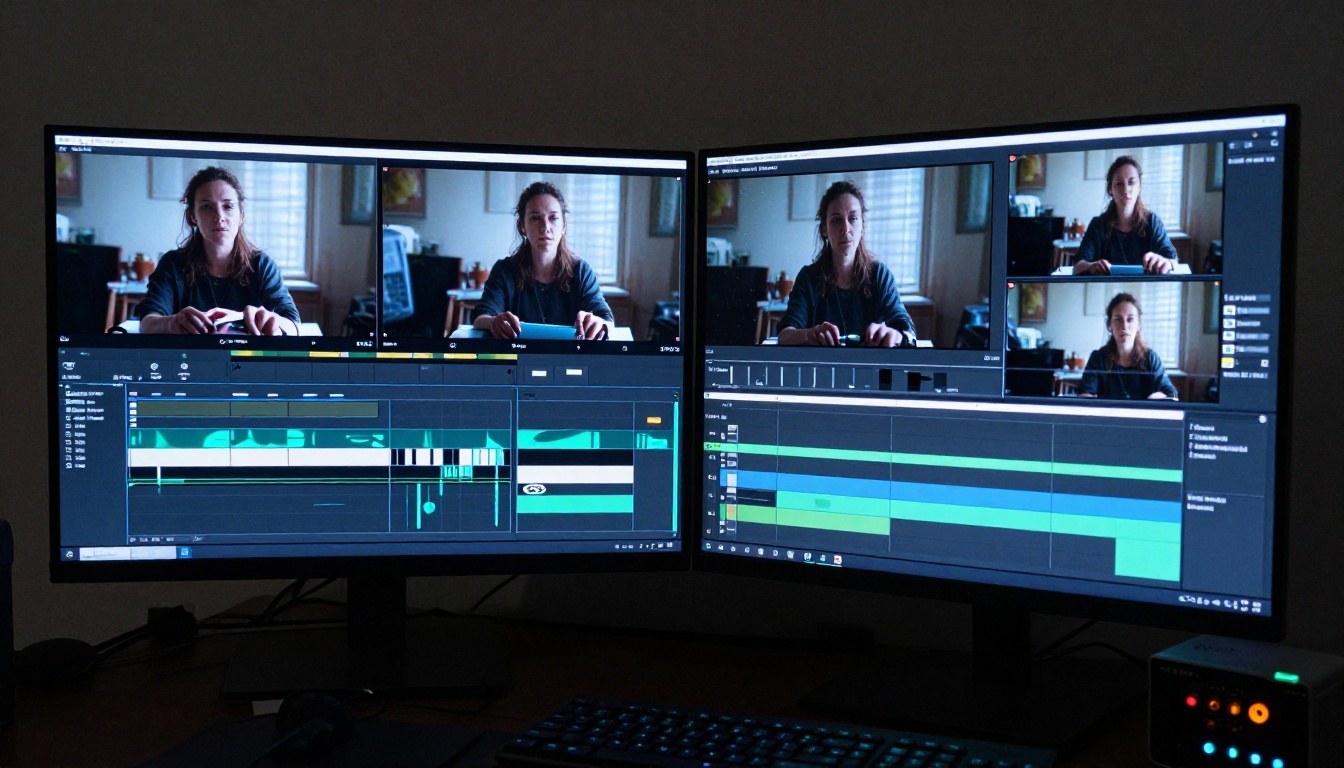
This is where 2.5 wins unambiguously. Side-by-side outputs from identical prompts show:
- Seedance 2.0: Smooth, slightly plastic-looking skin. Highlights are diffuse and lack specular precision.
- Seedance 2.5: Natural pore texture, realistic subsurface scattering in lighter areas, and accurate shadow behavior in body contours.
The improvement is most visible in golden-hour lighting conditions, where the 2.5 model captures the warmth and directionality of light on skin in a way that feels genuinely photographic rather than computationally generated.
Motion Without Artifacts
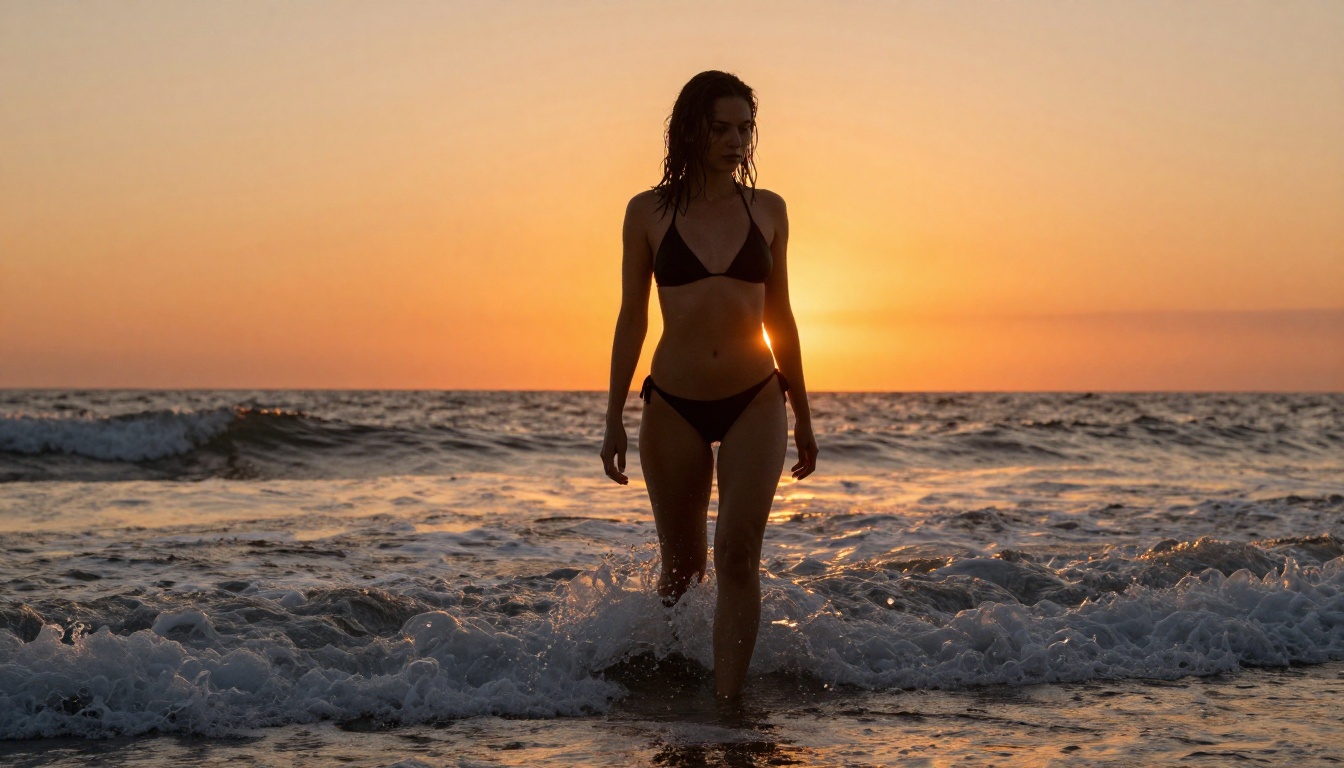
Fluid motion in uncensored content is the hardest technical challenge for any video model. Body mechanics are complex, and models frequently hallucinate incorrect limb positions when faced with unfamiliar poses or transitions.
Seedance 2.5 reduces but does not eliminate this problem. In controlled tests across prompt categories:
- Low-complexity motion (slow pan, standing subject): Both models perform well
- Mid-complexity motion (subject turning, reaching): 2.5 significantly better
- High-complexity motion (dancing, athletic movement): 2.5 better, both show some artifacts at full speed
💡 Tip: For uncensored content with body movement, always use a reference image from a photorealistic source as your starting frame when using image-to-video mode. It anchors the model to real proportions and dramatically reduces spatial drift over the clip's duration.
How to Use Seedance 2.5 on PicassoIA
Both Seedance 2.5 and Seedance 2.5 Lite are available directly on PicassoIA with no setup required. Here is how to get the best uncensored outputs from either version.
Step-by-Step Setup
- Open the model page: Navigate to Seedance 2.5 on PicassoIA
- Choose your mode: Text-to-video for pure prompt work, or image-to-video to anchor the first frame with a reference photo
- Set duration: For uncensored content with narrative flow, 10 to 30 seconds gives room for the scene to breathe
- Write a structured prompt: Scene description, subject position, lighting conditions, motion arc
- Select resolution: 1080p for final outputs, 720p for rapid iteration and testing
- Generate and iterate: First generation rarely nails the composition. Refine motion language and spatial descriptors across 3 to 5 attempts
Prompts That Work
The model responds best to prompts structured around cinematic language. Instead of vague descriptions, use directorial framing:
- "Camera slowly pans right across... woman in [state] standing at [location], [lighting], [motion detail]"
- "Close-up on [subject], [body detail], light from [direction], [texture emphasis], subtle [motion type]"
What to avoid:
- Ambiguous spatial terms like "nearby," "somewhere," or "around"
- Conflicting motion directions within a single scene description
- Overloading a single prompt with too many subjects or simultaneous events
For Images, Start With Seedream 4.5
The Seedance models are video-focused. For still image generation with uncensored output quality, Seedream 4.5 is the strongest starting point on PicassoIA. It holds the best balance of prompt compliance, realism, and generation speed among ByteDance's image lineup, and it handles mature content without the over-filtering that newer lite variants apply.
For unlimited image generations with an editor-style interface, the PicassoIA Image Editor Pro gives you ongoing access to Seedream 4.5 and dozens of other models without per-generation cost limits. That makes it the practical choice when you're running multiple test variations across different prompts and styles.
Do not use Seedream 5 Lite for uncensored content. It applies stricter content filtering than 4.5 and will produce sanitized results even when the prompt is permissive.
Other strong options in the image space:
- Seedream 4: Solid baseline, slightly less detailed than 4.5
- Seedream 5 Pro: Highest resolution at 2K, best for final polished outputs
- Seedream 3: Fastest of the family, good for high-volume iteration
Other Video Models Worth Testing
If Seedance 2.5 doesn't fully cover your use case, these alternatives on PicassoIA are worth adding to your rotation:
For highest realism:
- Kling v3 Video: Strong cinematic rendering with precise pose and motion control
- Kling v2.6: Good balance of speed and visual quality
- Veo 3.1: Google's model with exceptional audio-video synchronization at 1080p
For speed and volume:
For image-to-video anchoring:
Try It on PicassoIA Now
The gap between Seedance 2.0 and 2.5 is real, and it matters most when the content demands the highest fidelity. Skin texture, motion consistency, and longer video duration all push 2.5 ahead for anyone serious about uncensored video generation quality.
Both models are live and accessible at picassoia.com/en/all-models, alongside over 80 other text-to-video models and hundreds of image generators. The fastest way to understand the quality gap is to run identical prompts through both and compare the outputs side by side. No amount of written comparison replaces that direct experience.
Start with Seedance 2.5 Lite if you want a free entry point with up to 10-second clips. Move to Seedance 2.5 once you have a prompt formula that reliably produces the results you're after. The platform handles the infrastructure; your prompt craft determines the ceiling.


