Speed matters more than ever in AI video creation. Whether you're a solo creator racing a deadline or a studio churning out social content by the dozen, the time between "send prompt" and "download video" is the number that defines your workflow. Seedance 2.0 Mini from ByteDance and Runway Gen-5 (available on PicassoIA as Gen 4.5) occupy very different positions in that race, and choosing the wrong one can add hours of waiting to your production pipeline for no good reason.
This breakdown puts both models under a real-world lens: raw generation speed, output quality at their respective resolutions, native audio behavior, pricing per credit, and which use cases each one actually wins. If you've been running both and wondering whether the wait is worth it, this is the answer.
What Both Models Are Built For
Before running the speed comparison, it helps to understand the design philosophy behind each model. Speed is always a product of intentional trade-offs, and knowing what each team optimized for tells you a lot about where each model will let you down.
Seedance 2.0 Mini in 60 Seconds
Seedance 2.0 Mini is ByteDance's lightweight entry in the Seedance generation family. The "Mini" label refers to a model deliberately trained to prioritize throughput. ByteDance stripped down the diffusion steps, reduced the parameter count relative to the full Seedance 2.0, and tightened the generation pipeline to produce results fast without collapsing visual coherence.
The model outputs 720p video with native synchronized audio. That audio is not added in post, it's generated at inference time alongside the visual frames, making it genuinely useful for social media clips, product demos, and any content where ambient sound or synchronized effects matter from the start.
Core strengths:
- Sub-30-second generation for short clips under optimal queue conditions
- Native audio baked into every output at no additional step
- Excellent for text-to-video at scale, where you need many outputs fast
- Accessible on PicassoIA without API setup or complex configuration
Where it shows limits: complex multi-subject scenes with precise spatial relationships, long clips requiring strong temporal consistency across many frames, and film-grade color science.
Runway Gen-5 (Gen 4.5): Cinematic First
Runway built its reputation on cinematic fidelity. Gen 4.5, the current iteration available on PicassoIA representing the Gen-5 lineage in architecture and visual quality, prioritizes motion realism, temporal consistency, and output that looks like it belongs in a film rather than a social reel. Camera motion is fluid, subject tracking is precise, and the color science leans toward a filmic look by default.
The trade-off is waiting. Runway's pipeline runs deeper diffusion passes, which translates to longer generation times per video, particularly at higher resolutions.
Core strengths:
- Superior cinematic motion quality and subject tracking
- Better temporal consistency across longer clips
- Strong performance with complex multi-element scene compositions
- Available via Gen4 Turbo for a speed-boosted variant
The Speed Gap Is Real

The difference in generation speed between these two models is not marginal. Under comparable queue conditions, the gap is significant enough to change how you plan an entire production day.
Seedance 2.0 Mini Processing Time
Seedance 2.0 Mini completes a 5-second clip in roughly 20 to 40 seconds under normal server load. At peak times, that can stretch to 60 to 90 seconds, but it rarely exceeds two minutes. For a creator running 20 video generations in a session, that's a total wait of under 30 minutes, which is manageable within a working morning.
The model's speed advantage comes from:
- Fewer diffusion steps per generation pass
- A lighter model footprint that fits more simultaneous requests into GPU memory
- A generation architecture tuned for parallel batch processing
💡 If you're running bulk AI video production, Seedance 2.0 Mini is almost always the right call. The throughput advantage compounds significantly with volume.
Runway's Generation Pipeline
Runway's Gen 4.5 typically takes 60 to 180 seconds per video at standard settings. The pipeline behind Gen-5's cinematic quality runs more diffusion passes, sampling at higher fidelity per frame. The result looks better, but you're waiting 2 to 3x longer per clip compared to Seedance 2.0 Mini.
Gen4 Turbo narrows the gap, bringing Runway-quality output in reduced generation time. It's the right pick when you want Runway's visual style without the full queue wait.
| Metric | Seedance 2.0 Mini | Runway Gen 4.5 | Gen4 Turbo |
|---|
| Avg. generation time | 20-40s | 60-180s | 30-90s |
| Resolution | 720p | 720p-1080p | 720p |
| Native audio | Yes | No | No |
| Best for | Speed, volume | Cinematic quality | Balanced use |
Quality vs. Velocity: The Real Tradeoff

Speed wins mean nothing if the output is unusable. Both models are capable, but they win decisively in different scenarios. Picking the wrong tool for your content type costs you either time or quality, sometimes both.
Where Seedance 2.0 Mini Shines
Social content, product clips, and rapid iteration are Seedance 2.0 Mini's home territory. When you need a dozen versions of a product showcase at 720p, or you're A/B testing video hooks for ads, the mini model's throughput lets you generate, review, and iterate in near real-time.
The native audio capability is what truly differentiates it from most fast generators. Runway's outputs arrive silent by default, requiring an additional step to add sound. Seedance 2.0 Mini ships with audio baked in, which removes a full production step from the workflow. For creators publishing to TikTok, Instagram Reels, or YouTube Shorts, that matters enormously at scale.
Where Runway Pulls Ahead
If you're producing a brand video, a narrative short, or content that lives on a large screen, Runway's Gen 4.5 outputs hold up better under scrutiny. Camera motion feels intentional. Subjects don't drift or flicker mid-clip. Lighting consistency across frames is noticeably superior to most fast-tier models.
For creative directors who can tolerate a 2-minute wait per clip and need the output to look like it was shot on location, Runway wins that argument.
💡 A workflow that actually works: use Seedance 2.0 Mini for rapid concept testing, then switch to Gen 4.5 for the final hero shots that go into the deliverable.
Native Audio: A Decisive Factor

One underrated dimension in this comparison is audio. For many creators, "video generation" implicitly means video-only, with sound sourced separately from a library or a dedicated TTS model. But native audio changes the economics of short-form content significantly, especially when you're producing at volume.
Seedance 2.0 Mini generates synchronized ambient audio at inference time. That means footsteps sound when feet hit the ground, water flows when waves appear on screen, and background ambience matches the visual environment. This is not stitched on after the fact. It's part of the generation pass, produced in parallel with the visual frames.
Runway's Gen 4.5 does not include native audio. Every video arrives as a silent file. You'd need to layer audio manually or use a separate model for sound synthesis, which adds time, tools, and in some cases additional cost.
Other models on PicassoIA that include native audio and are worth knowing for comparison:
- Seedance 2.0: the full-scale Seedance version with higher quality output and audio
- Seedance 2.0 Fast: speed-optimized variant with audio built in
- Veo 3: Google's flagship with native synced audio at 1080p
- Pixverse v6: cinematic output with AI-generated audio track
Resolution and Output Specs

Resolution is one part of the quality story. The full spec picture tells you more about where each model fits in a real production pipeline.
| Spec | Seedance 2.0 Mini | Runway Gen 4.5 |
|---|
| Max resolution | 720p | 1080p |
| Frame rate | 24fps | 24fps |
| Clip length | 5s | 5-10s |
| Audio | Native synchronized | Silent |
| Aspect ratio | 16:9, 9:16 | 16:9, 9:16 |
| Text adherence | Strong | Very strong |
| Motion fluidity | Good | Excellent |
| Temporal consistency | Good | Excellent |
For most short-form publishing destinations, 720p is more than sufficient. Instagram Reels, TikTok, and YouTube Shorts all accept 720p content without noticeable quality penalty. If your target is YouTube long-form, broadcast, or a brand showreel presented on a large display, Runway's 1080p capability starts to matter.
💡 If you need 1080p with faster generation than Runway's standard pipeline, Kling v2.1 and Pixverse v5 are both on PicassoIA with full HD output at competitive generation speeds.
What It Actually Costs Per Video

Speed is not the only budget consideration. Credit cost per generation determines how many videos you can produce before refilling, and it compounds fast when you're iterating through many prompt variations.
Pricing in Practice
Seedance 2.0 Mini consumes fewer credits per video than the full Seedance 2.0, making it the economical option for volume production. Runway's Gen 4.5 sits at the premium credit tier, reflecting its higher compute requirements and cinematic output quality.
A realistic cost comparison across 50 video generations:
- Seedance 2.0 Mini: lower credit spend per video, faster throughput, ideal for content campaigns and rapid iteration where volume matters more than maximum quality per clip
- Runway Gen 4.5: higher credit spend per video, justified specifically for final-cut hero content that will be scrutinized on large screens
For studios running high-volume campaigns, the credit efficiency of Seedance 2.0 Mini can represent meaningful savings over a month of production. If you want to stretch credits further while maintaining quality above the mini tier, Seedance 2.0 Fast sits in the middle: faster than the full Seedance 2.0, slightly more refined than Mini, with audio included.
How to Use Seedance 2.0 Mini on PicassoIA

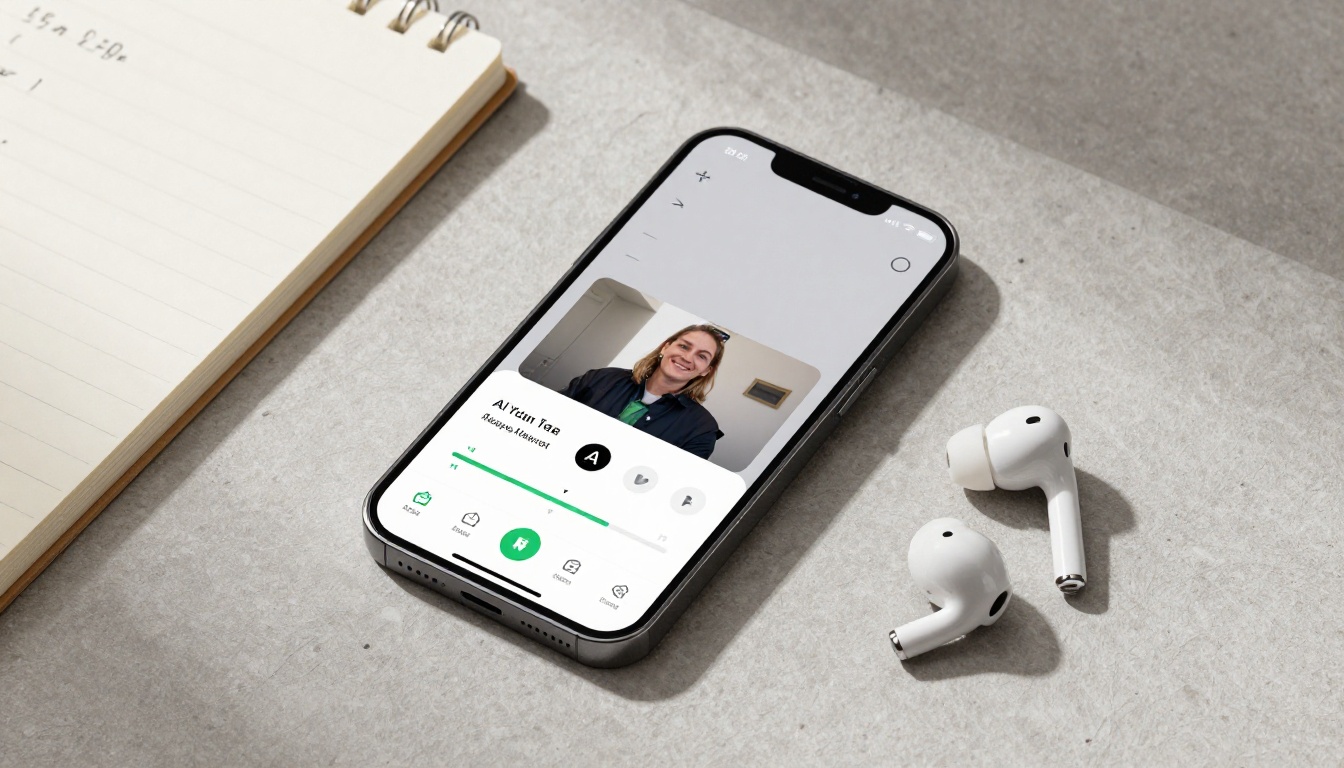
Seedance 2.0 Mini is accessible directly on PicassoIA, no API credentials or local compute required. Here's the workflow from first prompt to downloaded video:
Step 1: Open the model page
Navigate to Seedance 2.0 Mini on PicassoIA. The interface shows the prompt field and aspect ratio controls immediately.
Step 2: Write a tight, scene-specific prompt
The Mini model responds well to concise descriptions rather than long paragraphs. Structure your prompt around: subject + action + environment + lighting. Example: "A barista pouring latte art in a sunlit café, slow motion, warm morning light, close-up shot."
Step 3: Choose your aspect ratio
Select 16:9 for landscape content (YouTube, desktop viewing) or 9:16 for vertical formats (TikTok, Instagram Reels, YouTube Shorts). Both are natively supported.
Step 4: Generate and monitor queue position
Generation typically begins within seconds of submitting. You'll see a progress indicator. Expect your video in 20 to 60 seconds under normal server conditions.
Step 5: Download with synchronized audio
The output file includes native ambient audio. Download it directly and publish. No audio layering or additional tools needed for standard social content.
Tips for consistently better results:
- Add specific lighting descriptors: "golden hour light," "overcast diffused light," "dramatic side lighting from the right"
- State camera behavior explicitly: "slow dolly in," "static wide shot," "gentle pan left"
- Keep prompts under 80 words for best prompt adherence
- For product videos, describe the surface the product rests on and the background separately
- Avoid vague quality requests like "high quality" or "cinematic", describe what cinematic means for your scene instead
Other Fast Models Worth Knowing
If neither Seedance 2.0 Mini nor Runway Gen 4.5 is exactly right for your specific project, the PicassoIA library includes several fast alternatives that sit at different points on the speed-quality spectrum.
Speed-first workflows:
- Seedance 2.0 Fast: ByteDance's speed-optimized full model with native audio, one tier above Mini
- LTX 2 Fast: Lightricks' rapid generator with strong prompt adherence at low generation times
- Wan 2.5 T2V Fast: open-architecture model with fast generation and accurate scene rendering
Quality one step above Mini:
- Seedance 2.5: ByteDance's current flagship, supporting up to 30-second videos with audio
- Seedance 2.5 Lite: free and unlimited generations with up to 10-second clips
- Kling v3 Video: cinematic quality from Kuaishou with strong motion control at 1080p
- Pixverse v6: cinematic output with native AI audio, competitive generation times
For lipsync and character animation:
When your workflow involves talking heads or character video synchronized to speech, the Kling Avatar v2 and Avatar V models pair well with Seedance-generated source frames, giving you a full pipeline from image to animated character without leaving PicassoIA.
The right model depends entirely on where you need speed and where you can accept a quality ceiling. For most content creators working in social formats, Seedance 2.0 Mini is the answer. For brand film work, Gen 4.5 earns its wait time.
Start Creating AI Videos Now
The fastest way to find your preferred model is to run both on your own content type and compare the outputs directly. Benchmarks from controlled tests tell you averages. Your specific prompt style, subject matter, and target resolution will land differently on each model, and only real generations on your actual use cases will tell you which one fits.
Start with Seedance 2.0 Mini for its speed and native audio advantage. If the output quality doesn't hit your bar for a specific project, step up to Gen 4.5 for the cinematic tier or try Seedance 2.5 if you want ByteDance quality at the flagship level with longer clip support.
PicassoIA gives you access to all of these models in one platform with no API credentials required. You can move between models in the same session and compare outputs side by side, which is the fastest way to build real intuition for which tool handles which type of scene.
Head to picassoia.com/en/all-models and run your first prompt. The difference between a 30-second video and a 3-minute wait is just a model choice away.


