Seedance 2.0 from ByteDance is one of the most capable text-to-video models available today, and it is now accessible on PicassoIA for anyone who wants to create high-quality adult video content without dealing with the restrictive filters that plague most mainstream platforms. The model generates videos up to 1080p with synchronized native audio from a text prompt alone, meaning you describe what you want and the system builds it, frame by frame, with no manual editing required. This article covers exactly how to do that: what the model does, how the interface works, which supporting image models to pair it with, and the prompt strategies that consistently produce the best results.

What Seedance 2.0 Actually Does
Seedance 2.0 is ByteDance's flagship text-to-video model, built from the ground up for cinematic quality output. Unlike earlier AI video tools that produced choppy, dreamlike results with inconsistent motion, Seedance 2.0 delivers fluid, temporally coherent video that holds subject identity across every frame.
The core capabilities include:
- Native audio generation: Sound is synthesized alongside the video, not added in post. The model creates synchronized ambient sound, voice tone, and environmental audio from the same prompt.
- 1080p resolution: Output quality reaches full HD, suitable for professional content pipelines.
- Text-to-video and image-to-video modes: Start from a written description or provide a reference image as the first frame.
- Coherent subject tracking: Characters, faces, and objects maintain visual consistency throughout the clip, a major improvement over older diffusion-based video models.
Seedance 2.0 Fast is also available if you want faster turnaround at slightly reduced latency. For adult content creation where iteration speed matters, both versions are relevant.
💡 Tip: Seedance 2.0 works best when your prompt includes a clear subject description, specific environment, lighting direction, and motion instructions. Vague prompts produce generic results.
Why Creators Are Switching to Seedance 2.0
Most AI video platforms impose content policies that block adult material at the prompt level. They reject requests before generation even starts. PicassoIA operates differently: the platform gives creators access to models without adding a secondary content filter on top of the model's own behavior.
This matters because Seedance 2.0 itself does not apply the same heavy-handed restrictions common in consumer-facing products. When you use it on PicassoIA, you get the model's actual capabilities, not a restricted subset.
Beyond the content freedom angle, the quality case for Seedance 2.0 is strong on its own terms:
| Feature | Seedance 2.0 | Older Generation Models |
|---|
| Resolution | Up to 1080p | Typically 480p-720p |
| Audio | Native synchronized | No audio or post-added |
| Subject consistency | High | Low to medium |
| Prompt adherence | Excellent | Moderate |
| Motion smoothness | Fluid 24fps | Often choppy |
The combination of quality and creative freedom is what makes it the right choice for adult video production. You are not fighting the tool to get what you want.
How to Use Seedance 2.0 on PicassoIA
The workflow has a few distinct phases. Following them in order saves time and avoids the most common problems.
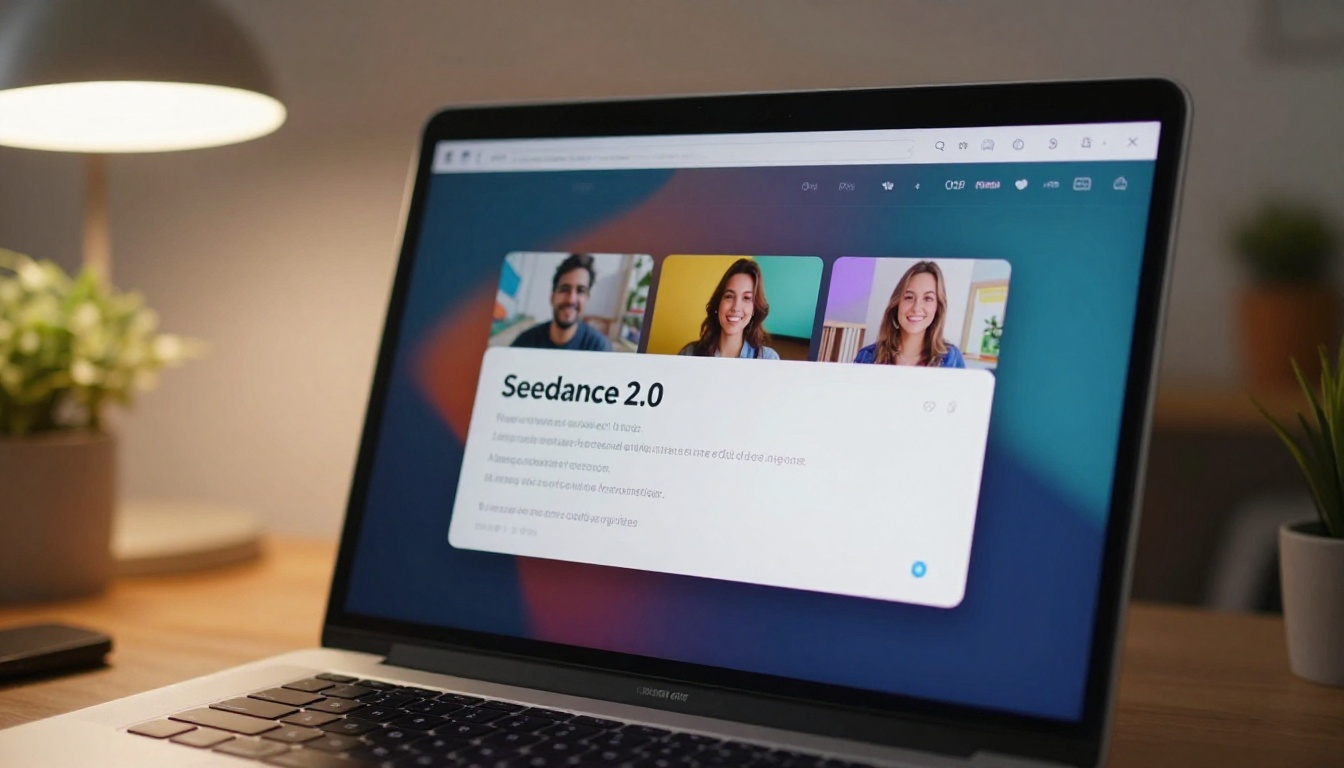
Step 1: Open Your Account
Go to picassoia.com and sign in. The Elite or Infinite subscription tiers unlock access to the full model catalog, including Seedance 2.0 and unlimited generation on select models. A free trial is available for testing the interface before committing.
Step 2: Find the Model
From the dashboard, go to Collection > Text to Video and search for "Seedance 2.0." You will see both the standard version and the fast variant. Click the model to open the generation interface.
Step 3: Write Your Prompt
The prompt box accepts plain English descriptions. Structure your prompt in this order:
- Subject: Who is in the video and what do they look like
- Action: What they are doing, with specific motion descriptors
- Environment: Where the scene takes place, with spatial detail
- Lighting: Direction, quality, and color of light
- Camera: Shot type, angle, and movement
Example: "A tall woman with dark curly hair wearing a sheer silk robe walks slowly toward the camera across a sunlit bedroom, warm morning light streaming through sheer curtains to the right, shallow depth of field on her face, slow dolly-in camera movement."
Step 4: Set Resolution and Generate
Select 1080p for maximum quality. Click Generate and wait for the model to return your clip. Generation typically takes 60 to 120 seconds depending on server load.
Step 5: Iterate
Your first result is a starting point. Review it and identify what to change: subject appearance, motion pacing, environment detail, lighting color. Adjust the prompt for those specific elements and regenerate. Two or three iterations usually produce a final clip worth keeping.
💡 Tip: Save prompts that produce good results. Build a personal library of base prompts you can modify per project rather than starting from scratch each time.
Best Models for NSFW Content on PicassoIA

Seedance 2.0 handles video, but a complete adult content workflow usually involves image generation too. PicassoIA has a full roster of NSFW-capable image models. Here is the recommended order, from top pick to supporting tools:
-
Seedream 4.5 is the top pick for NSFW image generation. It accepts adult content, supports image editing, and delivers ultra-realistic results in under three seconds. This is the model to start with for any adult image work. Note that the newer Seedream 5 Lite does not support NSFW content, so do not confuse the two.
-
PicassoIA Image Editor Pro changes the economics of content production. It is an image-to-image model included with Elite and Infinite subscriptions with unlimited generations. Need 1,000 variations of a single reference image? That costs nothing extra. On models like Nano Banana 2, generating 1,000 images would run around $100. Here it is free. Results return in under one second, and NSFW content is fully supported. There is a free trial with no credit card required.
-
Qwen Image 2 is an open-source model that edits or creates any image in seconds with exceptional realism. It handles complex descriptions well and produces consistent results.
-
Grok Imagine Image specializes in converting any reference image into a bikini-style output with realistic proportions. Useful for transforming clothed reference images.
-
Recraft V4 delivers very realistic text-to-image results for adult content, though it only works in text-to-image mode.
-
P-Image generates NSFW images from text in under one second. Speed is its main advantage when you need fast reference material.
For video beyond Seedance 2.0, these models on PicassoIA also support adult content without restrictions:
- PicassoIA Video: Unlimited video generation at up to 720p and 5 seconds per clip. No per-clip cost with a qualifying subscription.
- P-Video: Text, image, or audio to video at up to 1080p. Safety filter is off by default, and a draft mode gives you an instant low-resolution preview before final render.
- Grok Imagine Video: Clips up to 15 seconds, no watermarks, 720p or 480p output. Its companion image model, Grok Imagine Image, is already a strong NSFW pick.
- LTX 2.3 Pro: The highest-fidelity option at up to 4K and 50fps, with retake and extend editing capabilities for precise control over every segment of your clip.
👉 Browse the complete model catalog at picassoia.com/en/all-models.
Writing Prompts That Get Real Results
Prompt quality is the single biggest factor in output quality. Most people write prompts that are too short and too vague. Here is what actually works with Seedance 2.0.
The Five Layers of a Strong Video Prompt
Layer 1: Subject Details
Describe skin tone, hair color, body type, and clothing with specificity. "Beautiful woman" produces generic results. "A tall woman with olive skin, straight dark hair to the waist, wearing a white silk bikini" produces a specific subject the model can render consistently.
Layer 2: Action Specificity
Vague actions like "moving" produce random motion. Specific actions produce intentional results: "slowly turning away from camera, hair falling across her shoulder, one hand reaching toward the window frame."
Layer 3: Environment
Background, floor surface, props, and spatial context all anchor the video in a believable space. "A luxury hotel suite" is thin. "A sunlit penthouse bedroom with white linen bedding, marble floors, and sheer curtains moving gently near an open balcony door" is workable.
Layer 4: Lighting
Lighting direction and quality affect the entire emotional register of the clip. "Morning light from the left" versus "neon ambiance from below" produces completely different results. Be specific about color temperature, direction, and softness.
Layer 5: Camera Behavior
Tell the model what the camera does: "slow dolly-in," "static wide shot," "handheld push toward subject," "smooth orbit around subject." Camera motion makes the video feel cinematic rather than static.
💡 Tip: Write your full prompt, then read it back and ask: if I described this to a cinematographer, would they know exactly what to shoot? If not, add detail.
Prompt Templates by Scene Type
| Scenario | Prompt Structure |
|---|
| Bedroom solo | Subject + lingerie or state + motion on bed + morning or evening light + slow push |
| Poolside | Subject + swimwear + water motion + natural midday light + wide then close |
| Studio glamour | Subject + minimal clothing + movement toward camera + studio lighting + static wide |
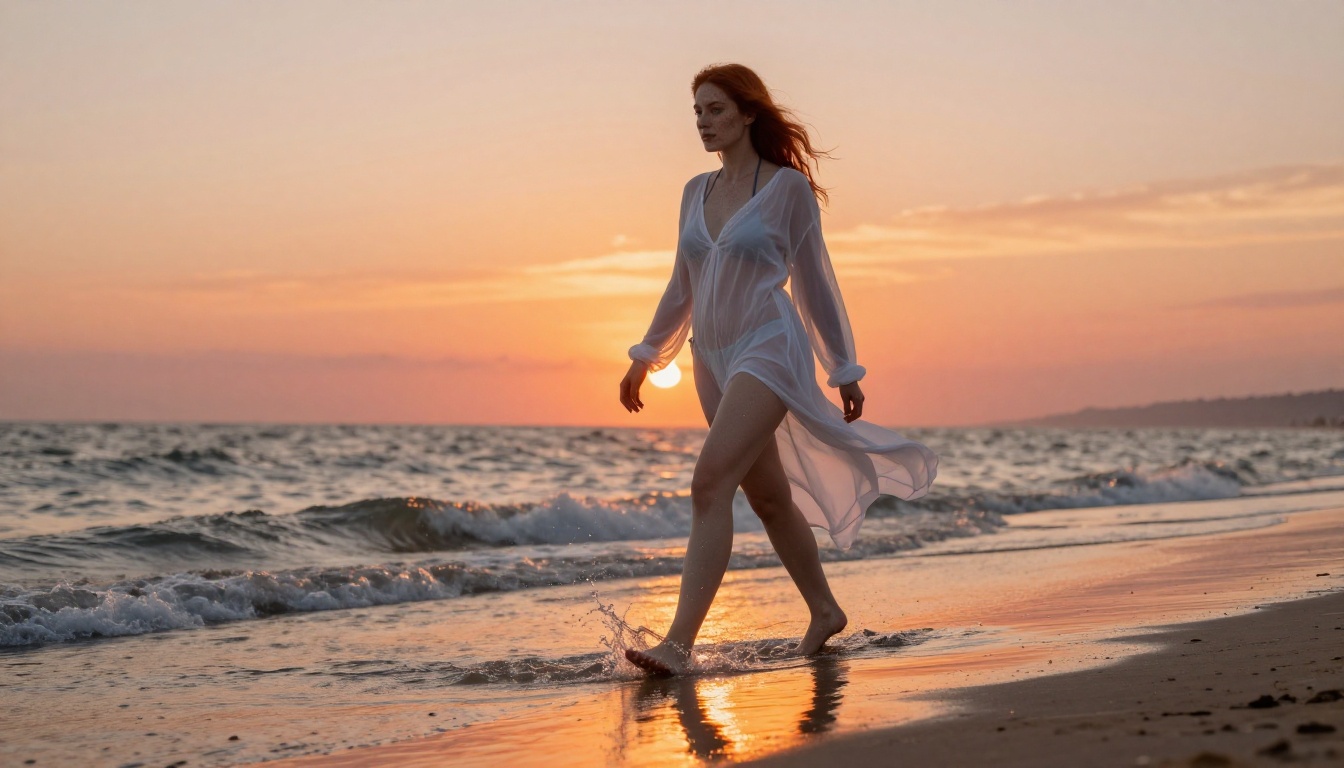
| Outdoor sunset | Subject + attire + walk along shoreline + golden hour + telephoto compression |
Common Mistakes That Ruin Output Quality

Even with a capable model, poor technique produces poor results. These are the mistakes that come up most often:
Too short a prompt. Seedance 2.0 uses every detail you provide. A 10-word prompt leaves most decisions to the model, which defaults to generic outputs. Aim for 60 to 100 words minimum for each clip.
Not specifying camera motion. Without camera instruction, the model often generates a nearly static frame with minimal visual movement. Always include camera behavior in your prompt.
Generating at 480p to save time. For adult content intended for sharing or publishing, resolution matters. The difference between 480p and 1080p output is immediately visible. Always select 1080p for final clips.
Ignoring iteration. The first output is a draft. Creators who accept the first result leave quality on the table. Treat every generation as one step in a refinement process.
Inconsistent subject description. If you generate a series of clips featuring the same character, use identical subject description across every prompt. Even small changes in wording produce different-looking subjects.
Skipping reference images. When you need a specific person or body type that matches a previous image, use the image-to-video mode. Provide a reference frame generated by Seedream 4.5 or PicassoIA Image Editor Pro, then animate it with Seedance 2.0. This produces far more consistent subject identity than text-only generation.
Seedance 2.0 vs Other Video Models
PicassoIA hosts over 100 text-to-video models. Here is how Seedance 2.0 compares to the most relevant alternatives for adult video production:
For most adult video workflows, Seedance 2.0 is the primary model, PicassoIA Video covers unlimited quick drafts, and LTX 2.3 Pro handles final high-fidelity exports when you need the best possible quality.
The Image-to-Video Workflow

One of Seedance 2.0's most powerful features is image-to-video mode. Here is how to use it effectively for adult content:
Phase 1: Generate your reference frame. Use Seedream 4.5 to create a photorealistic image of your subject in the exact pose and environment you want. Seedream 4.5 generates in under three seconds and accepts detailed NSFW descriptions. Save the output image.
Phase 2: Refine the reference. If the image needs adjustment, bring it into PicassoIA Image Editor Pro for image-to-image editing. Adjust clothing, pose, lighting, or background details. Since Image Editor Pro includes unlimited generations with qualifying subscriptions, iterate freely until the reference image is exactly right.
Phase 3: Animate with Seedance 2.0. Open Seedance 2.0 in image-to-video mode. Upload your reference image as the first frame. Write a motion prompt that describes what happens next: how the subject moves, how the camera moves, what changes in the environment. Generate and review.
This three-phase workflow produces the most controlled results because you define the visual starting point precisely before adding motion.
Put It Into Practice
Seedance 2.0 on PicassoIA removes the barriers that have kept adult AI video out of reach for most creators: platform restrictions, poor quality, inconsistent subjects, and the need for technical expertise. The model does the heavy lifting. Your job is to write prompts with enough detail to direct it well.
The fastest path to results: start with Seedream 4.5 for your reference image, refine it with PicassoIA Image Editor Pro, and then animate it with Seedance 2.0. That three-step sequence consistently produces the highest quality output with the least wasted effort.
PicassoIA also offers Seedance 1.5 Pro and Kling v3 Video as alternative production-grade options, plus over 90 image models for reference frame creation. If you want to push further into long-form or ultra-high-resolution output, LTX 2.3 Pro at 4K is where the ceiling sits right now.
👉 Access the full NSFW model lineup and start generating at picassoia.com/en/all-models.


