The most realistic AI video clips being created right now are coming from one model: Seedance 2.0 by ByteDance. Prompt it with a cinematic scene and within seconds you have footage that moves like a real production, with synchronized audio and motion fidelity that cheaper models cannot match. For creators who want unrestricted output, whether glamour, romance, fashion, or anything that mainstream platforms flag immediately, Seedance 2.0 on PicassoIA is the cleanest path from idea to finished clip.
What Seedance 2.0 Actually Does
Seedance 2.0 sits in a different weight class from most text-to-video models. It is not just about resolution. The core difference is how the model handles physics, light, and character movement across the full duration of a clip.

Built-In Audio from Day One
Every clip Seedance 2.0 generates includes native synchronized audio. You do not need to add sound in post. The model produces ambient sound, environmental audio, and subtle foley that matches what is happening on screen. A beach scene gets waves. A city scene gets traffic hum. A romantic interior gets the quiet breathing of a room.
This is not a secondary feature. For cinematic content, audio is 50% of the experience, and Seedance 2.0 bakes it in from frame one. Seedance 2.0 Mini offers the same audio-first approach at faster generation speed for rapid iteration. Seedance 2.0 Fast sits between the two on the speed-quality curve.
The Cinematic Motion Difference
Most AI video models move subjects in ways that look slightly wrong. Limbs slide rather than pivot. Hair does not fall with gravity. Fabric does not behave like fabric. Seedance 2.0 was trained on a dataset weighted toward cinematic footage, which means its motion priors are closer to how real cameras see the world: slight depth-of-field breathing as subjects move, natural micro-tremor in handheld shots, and cloth physics that hold up under scrutiny.
This matters enormously for uncensored cinematic clips. The moment a viewer sees incorrect physics on skin or fabric, it breaks the illusion. Seedance 2.0 keeps that illusion intact across the full clip duration.
Resolution and Output Specs
The standard Seedance 2.0 delivers clips at 1080p resolution, 5 seconds at 24fps, with aspect ratio matching the source image when using image-to-video mode. That is enough for short-form social content at full quality and well above the threshold that makes clips look professional rather than experimental. The model does not require you to upscale after the fact.
Why Creators Want Unrestricted Output
The commercial AI video market is heavily filtered. Platforms built for mainstream consumers apply conservative content policies by default. That is appropriate for many use cases, but it creates a real problem for adult content creators, fashion photographers, boudoir artists, and anyone producing content for platforms where non-explicit suggestive material is the standard product.

The Problem with Restricted Platforms
When you submit a prompt to a heavily filtered model and it returns a sanitized result, you lose hours of iteration time. You rewrite the prompt. You try synonyms. You split the scene into fragments hoping none of them trip a filter. Sometimes you succeed. Often you produce something that looks nothing like what you intended.
💡 PicassoIA runs Seedance 2.0 without the usual platform-level content filters. Your prompt goes to the model with minimal interference, and the model produces what the model can produce.
Artistic vs. Explicit Content
There is a real distinction between uncensored and explicit. Uncensored means the model generates what you describe without an intermediary system quietly removing details. Explicit means pornographic. Seedance 2.0 is excellent for the former.
Glamour, boudoir, romantic tension, fashion with revealing cuts, artistic nudity implied through composition, swimwear in cinematic lighting, all of this is the sweet spot. The model renders it photorealistically and the platform does not interrupt the process.
Who Actually Uses This
The creators getting consistent value from Seedance 2.0 on PicassoIA fall into a few clear categories:
- Adult content creators building short-form clips for subscription platforms
- Fashion photographers generating video extensions of photoshoot concepts
- Art directors previsualing intimate scenes before production
- Social media creators producing glamour and beauty content that mainstream video tools sanitize
- Filmmakers testing cinematic lighting and movement concepts quickly and cheaply
How Seedance 2.0 Compares
The text-to-video landscape has several serious contenders. Here is an honest comparison of what Seedance 2.0 does better and worse than the models you will actually consider as alternatives.

Seedance 2.0 vs. Kling v3
Kling v3 Video produces beautiful output and handles face consistency extremely well across a clip. Where Kling v3 falls short is prompt adherence on complex scenes. If your prompt requires a specific costume, lighting setup, and character action simultaneously, Kling v3 tends to prioritize one element and soften the others. Seedance 2.0 handles multi-element prompts more literally.
| Feature | Seedance 2.0 | Kling v3 Video |
|---|
| Native audio | Yes | No |
| Multi-element prompt adherence | High | Medium |
| Face consistency | Medium | High |
| Fabric physics | High | Medium |
| Generation speed | Medium | Fast |
Seedance 2.0 vs. Ray 3.2
Ray 3.2 from Luma AI is the model to reach for when cinematic lighting quality is the primary concern. Its HDR output and color grading are impressive. For glamour content in well-lit environments, Ray 3.2 is a competitor. The gap opens when you need complex motion. Ray 3.2 handles slow, controlled movement well but loses sharpness on fast or intricate character action, where Seedance 2.0 maintains fidelity.
Seedance 2.0 vs. Veo 3.1
Veo 3.1 from Google is the highest-quality output available for photorealistic scenes of any kind. The problem is content filtering. Veo 3.1 applies Google's content policies, which are restrictive for adult-adjacent creative work. For uncensored cinematic clips specifically, Veo 3.1 is not a practical option. Seedance 2.0 is. That is the real comparison between these two models.
Seedance 2.0 vs. Wan 2.7
Wan 2.7 T2V generates 1080p video from text with strong environmental detail. It is a good secondary model for establishing shots and wide scenes where you want scale. For intimate close-ups and scenes where character physics matter, Seedance 2.0 holds a clear edge. The most productive workflow uses both: Wan 2.7 for wider establishing content and Seedance 2.0 for the clips that carry emotional weight.
Using Seedance 2.0 on PicassoIA
PicassoIA gives you direct access to Seedance 2.0 through a clean interface. No account tiers that punish experimentation. Here is how to actually use it effectively.

Text-to-Video Workflow
The simplest path is pure text-to-video. Write a prompt that describes the scene with physical specificity: lighting direction, subject positioning, camera angle, movement direction. Generic prompts produce generic clips. Specific prompts produce cinematic ones.
Strong prompt elements for cinematic clips:
- Subject action and starting position ("woman in silk robe turning slowly toward camera")
- Camera movement ("slow dolly push forward")
- Lighting detail ("warm candlelight from frame left, deep shadows on the right")
- Environment ("marble hotel bathroom, steam rising, condensation on mirror")
- Pacing tone ("intimate, unhurried, quiet")
The model responds to pacing language in a way that most text-to-video models do not. "Slow," "lingering," and "unhurried" all bias Seedance 2.0 toward deliberate movement that reads as cinematic rather than mechanical.
Image-to-Video for Cinematic Clips
If you generate a still image first and use it as the first frame for video, you get exact control over the subject's appearance, outfit, and environment before the motion begins. This is the workflow for professional output.
The process:
- Generate your source image using Seedream 5 Pro or another high-quality image model
- Use the image URL as the starting frame input
- Write a motion prompt describing what happens during the clip
- Submit to Seedance 2.0 and wait for the result
The Wan 2.7 I2V model is a strong alternative if you want a second motion pass on the same source image with different movement.
Getting the Most from Your Prompts
Three things make Seedance 2.0 output consistently better:
Be specific about fabric and skin. The model responds to physical descriptors. "White silk slipping off one shoulder" gives better cloth physics than "revealing top."
Describe the camera as well as the subject. "Close-up tracking shot following her as she moves toward the window" gives the model a camera instruction alongside a character instruction. Both matter.
Name the environment specifically. "Candlelit villa bedroom," "rain-streaked penthouse window," and "backstage dressing room with vanity mirrors" all produce strong results because they carry implicit lighting and atmosphere information.
💡 For uncensored romantic content, prompts that establish mood before action consistently produce more cinematic results. Set the scene first, then describe the motion.
Generating Source Images for Video
The image-to-video workflow makes your source images the foundation of every clip. A poorly composed source image produces a poorly composed clip. A photorealistic, well-lit still gives Seedance 2.0 something genuinely worth animating.

Why Source Images Matter
When you use a still frame as input, the model reads the composition, color palette, subject pose, and lighting direction from that image. These become locked-in constraints for the video. If the image has soft romantic window light, the video will have soft romantic window light. If the image has a dramatic hard key light, that carries through every frame.
For uncensored cinematic content, this means you can control costume, expression, and physical presentation with precision before the video is generated. The video inherits everything from the still. Your creative control is at its maximum in the image stage.
Best Image Models for Cinematic Frames
Seedream 5 Pro by ByteDance produces images at 2K resolution with detail quality that translates directly into better video output. Since Seedream 5 Pro and Seedance 2.0 share ByteDance's visual vocabulary, the output of one feeds naturally into the other. Skin tones, lighting quality, and compositional weight carry across the handoff from still to video.
For uncensored content specifically, the image-first approach gives you editorial control at every step. You see exactly what will be animated before you commit to the video generation.
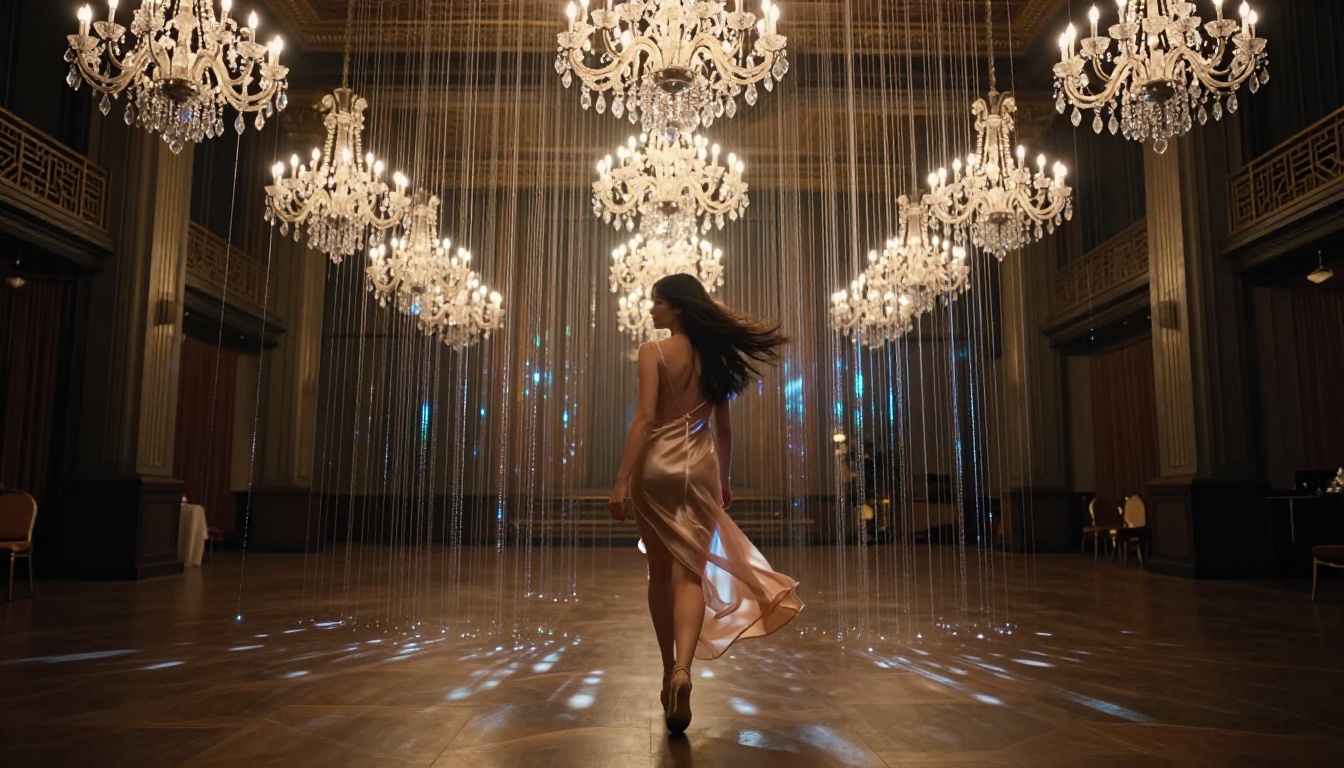
Prompt Writing for Source Images
The best source images for Seedance 2.0 input share a few characteristics:
- Clear subject placement: The main subject should be positioned with enough space around them for the video to breathe. A subject jammed into the edge of the frame leaves the video nowhere to go.
- Strong, directional lighting: Flat, diffuse lighting reads as lower quality on screen. Side lighting, rim lighting, or single-source practical lighting all give the video a cinematic quality.
- Natural, non-static pose: A pose with slight natural weight distribution animates more convincingly than a perfectly symmetrical stance that looks posed. Slight hip shift, one shoulder lower, a hand resting rather than posed.
Other Models Worth Trying
Seedance 2.0 is the primary model for this workflow, but PicassoIA gives you access to over 87 text-to-video models. Several of them are genuinely useful for specific situations within an uncensored cinematic clip workflow.
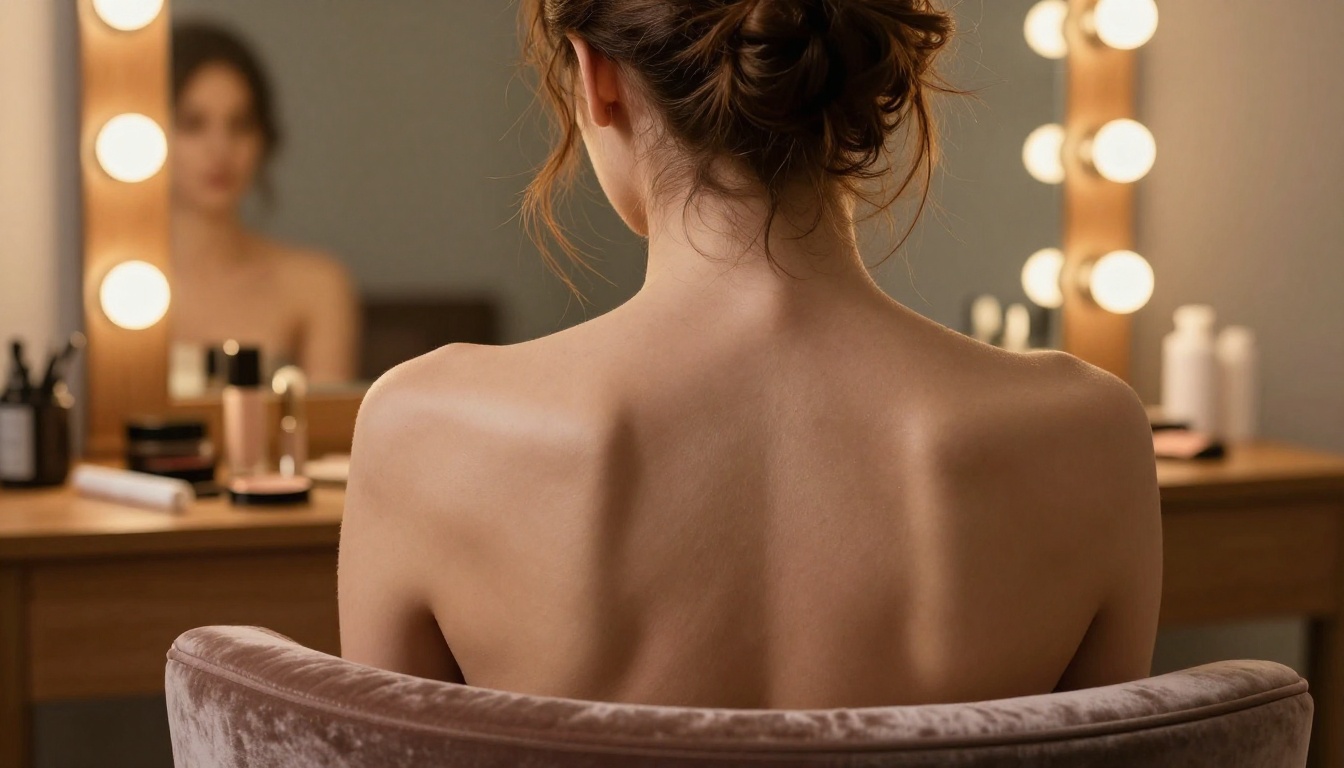
Free Video Generation Options
Seedance 2.5 Lite is a free unlimited option that generates up to 10 seconds of video. The quality step-down from 2.0 is real but the free access makes it ideal for testing prompts and motion concepts before committing to a full generation. PicassoIA Video is another free unlimited model that handles image-to-video effectively and costs nothing to run at any volume.
High-End Alternatives
When budget is not a concern and you want maximum visual quality for a hero clip:
Seedance 2.5 extends duration to 30 seconds per clip, which is enough to construct a full short-form scene without cutting. The motion quality matches 2.0 and the extended runtime opens up narrative possibilities that 5-second clips cannot achieve.
Hailuo 2.3 from Minimax produces 1080p output with unusually strong face-to-scene integration. For close-up romantic or boudoir clips where face quality is critical across the full clip duration, Hailuo 2.3 is worth testing alongside Seedance 2.0.
Pixverse v5.6 handles stylized cinematic output with excellent color control. If you want a specific color grade baked into the generation rather than added in post, Pixverse v5.6 responds to color descriptors in prompts more precisely than most alternatives.
LTX 2.3 Pro generates 4K video from text, which means even a 5-second clip has enough resolution for cropping, reframing, and repurposing across multiple aspect ratios without quality loss. For creators distributing across vertical, square, and widescreen simultaneously, 4K headroom is a real workflow advantage.
Kling v2.6 deserves mention for its motion control capabilities. When you need a specific camera movement, pan arc, or subject trajectory that standard prompting does not reliably deliver, Kling v2.6's motion control system lets you define the path explicitly.
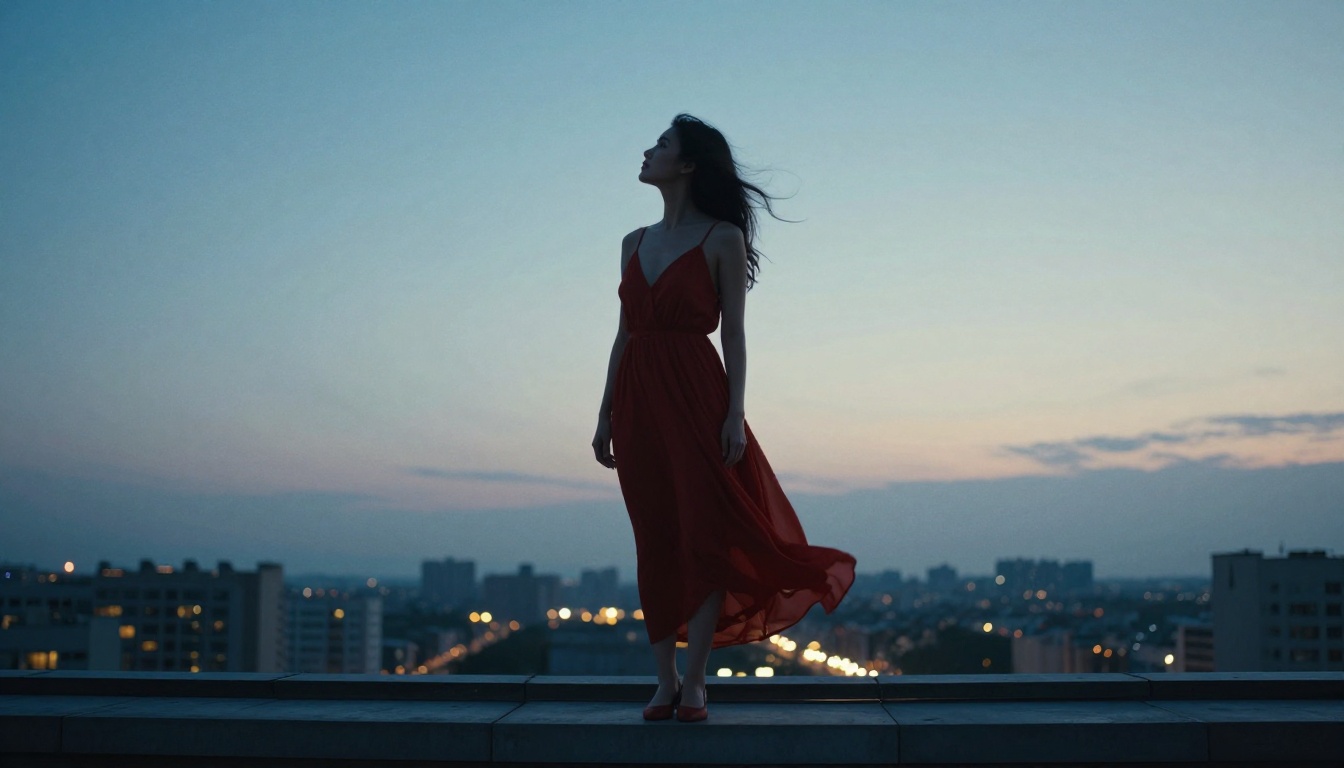
What You Can Create Starting Today
The technology to produce professional-quality uncensored cinematic clips with AI exists right now. It is not experimental, it is not a future capability, and it does not require a significant technical background. The workflow is: write a specific prompt, generate a source image if you want precise control over the starting frame, submit to Seedance 2.0 on PicassoIA, and receive a clip with synchronized audio within minutes.
The models that matter for this workflow are all available in one place. Seedance 2.0 for primary video generation. Seedream 5 Pro for source image creation that matches the video model's visual language. Seedance 2.5 when you need clips long enough to carry a full scene. Kling v3 Video when face consistency across the full clip duration is non-negotiable.

The full catalog, over 87 video models and 91 image models, is at picassoia.com/en/all-models. Every model on that list is accessible without download, without setup, and without the content restrictions that define mainstream platforms. The platform is built for creators who know what they want to produce. Start with Seedance 2.0 and build from there.


