The debate between Seedance 2.0 and Kling 3.5 is one of the most searched comparisons in AI video generation right now, and for good reason. Both models have earned a reputation for fewer content restrictions and consistently impressive visual output. If you want to know which one actually delivers better uncensored results, this is the breakdown you have been looking for.
What Makes These Two Models Different
These are not generic text-to-video tools. Both Seedance 2.0 and Kling v3 Omni Video come from major AI labs pushing the boundaries of what video generation can produce, and their philosophies around content handling differ in ways that matter for creators working in mature or artistic content spaces.

Seedance 2.0 at a Glance
Seedance 2.0 is ByteDance's flagship video generation model. It focuses on natural motion, synchronized audio, and a level of prompt-to-video fidelity that puts it in the top tier of available tools. Core specs:
- Resolution: Up to 1080p
- Duration: Up to 10 seconds per clip
- Audio: Built-in synchronized audio generation
- Motion Style: Organic, fluid, cinema-grade
- Content Flexibility: Relatively permissive on artistic and suggestive content
On PicassoIA, you can also access Seedance 2.0 Fast for quicker iteration and Seedance 2.0 Mini for lighter-weight generation with native audio.
💡 Tip: Seedance 2.0 Fast is ideal when you are iterating on prompt variations quickly before committing to a full-quality render.
Kling 3.5 at a Glance
Kling 3.5, developed by Kuaishou, represents the top end of their v3 generation line. Available on PicassoIA as Kling v3 Omni Video and Kling v3 Video, it competes directly with Seedance on visual richness and prompt fidelity. Core specs:
- Resolution: Up to 1080p
- Duration: 5-10 seconds depending on mode
- Audio: Supported in Omni variants
- Motion Style: Sharp, high-contrast, detail-preserving
- Content Flexibility: Permissive on artistic nudity and mature themes in select pipeline configurations
| Feature | Seedance 2.0 | Kling 3.5 (v3) |
|---|
| Max Resolution | 1080p | 1080p |
| Audio | Native built-in | Omni variants |
| Motion Organic Feel | Very High | High |
| Prompt Precision | High | Very High |
| Speed (standard) | Fast | Moderate |
| Uncensored Output | Good | Very Good |
| Available on PicassoIA | Yes | Yes |
The Uncensored Test
When people search for "uncensored" AI video results, they are looking for something specific: a model that does not block glamour, artistic nudity, or suggestive content behind aggressive safety filters. Both Seedance 2.0 and Kling 3.5 have proven more capable than most models in this space.
What "Uncensored" Actually Means Here
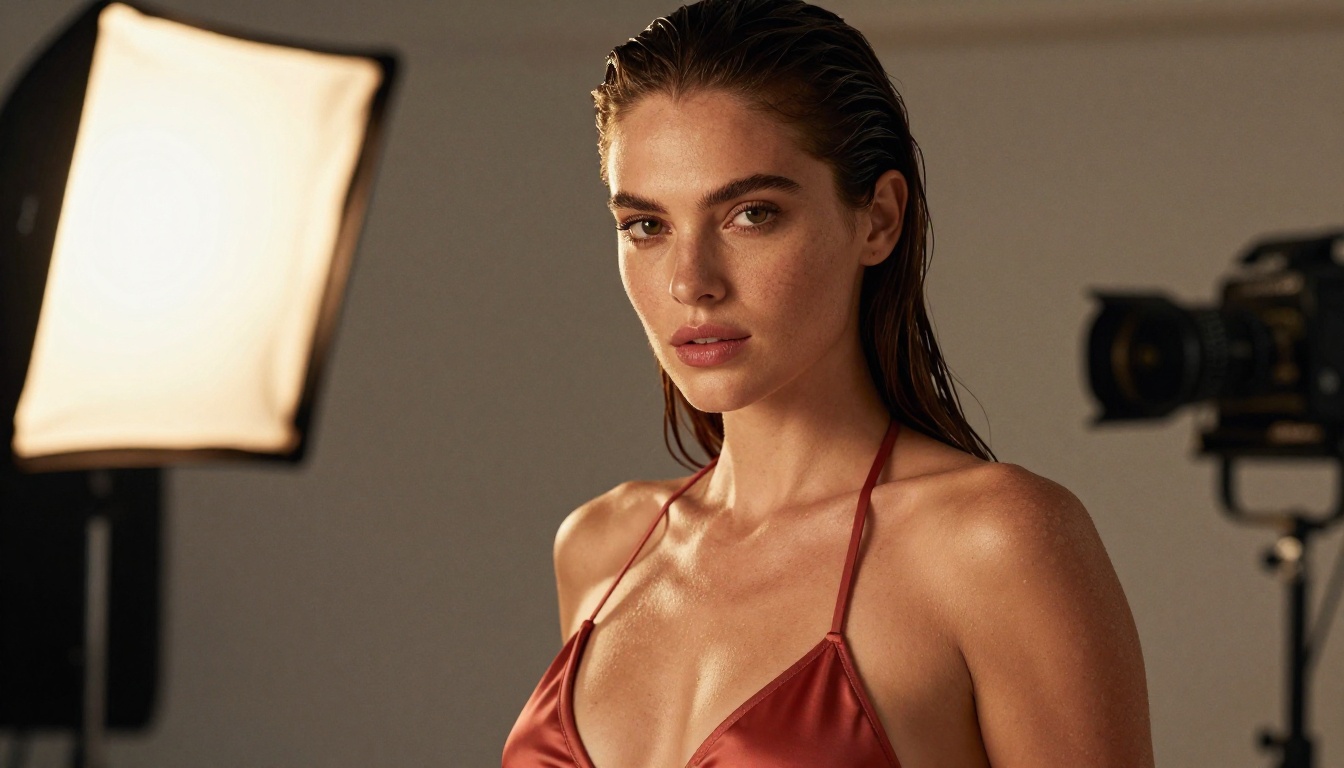
This is not about explicit or pornographic content. The most useful framing for this comparison is content permissiveness at the artistic and glamour level: can the model produce a realistic beach scene with a woman in a bikini without distorting the body? Can it generate a lingerie editorial with natural skin tone and lighting without artifacts or censorship blurs?
Both models perform well here, but they handle the task differently. Seedance 2.0 tends toward softer, more cinematic output with organic skin detail and natural motion. Kling v3 pushes for higher contrast, sharper edge definition, and more precise prompt adherence.
Prompt Handling for Adult Content
One of the clearest differences shows up in how each model interprets suggestive or mature prompts.
Seedance 2.0:
- Handles descriptive body-language prompts well
- Produces smooth, natural-looking skin and fabric movement
- Less likely to over-interpret a prompt into something explicit when not intended
- Works best with cinematic, scene-first prompt structure
Kling 3.5 (v3):
- Higher precision on specific physical descriptions
- Better at preserving costume or wardrobe detail (fabric texture, cut, silhouette)
- More likely to produce what you wrote rather than an approximation
- Benefits from concise, direct prompt writing
💡 Tip: For artistic and glamour content in Kling v3, structure your prompt as: [Subject + pose] + [wardrobe detail] + [environment] + [lighting condition]. Avoid abstract language.
Motion Quality Side-by-Side
Motion quality is where the real difference lives between these two models. Both can produce 1080p output, but how subjects and environments move within a clip is the most visible differentiator.
Seedance 2.0 Motion Results
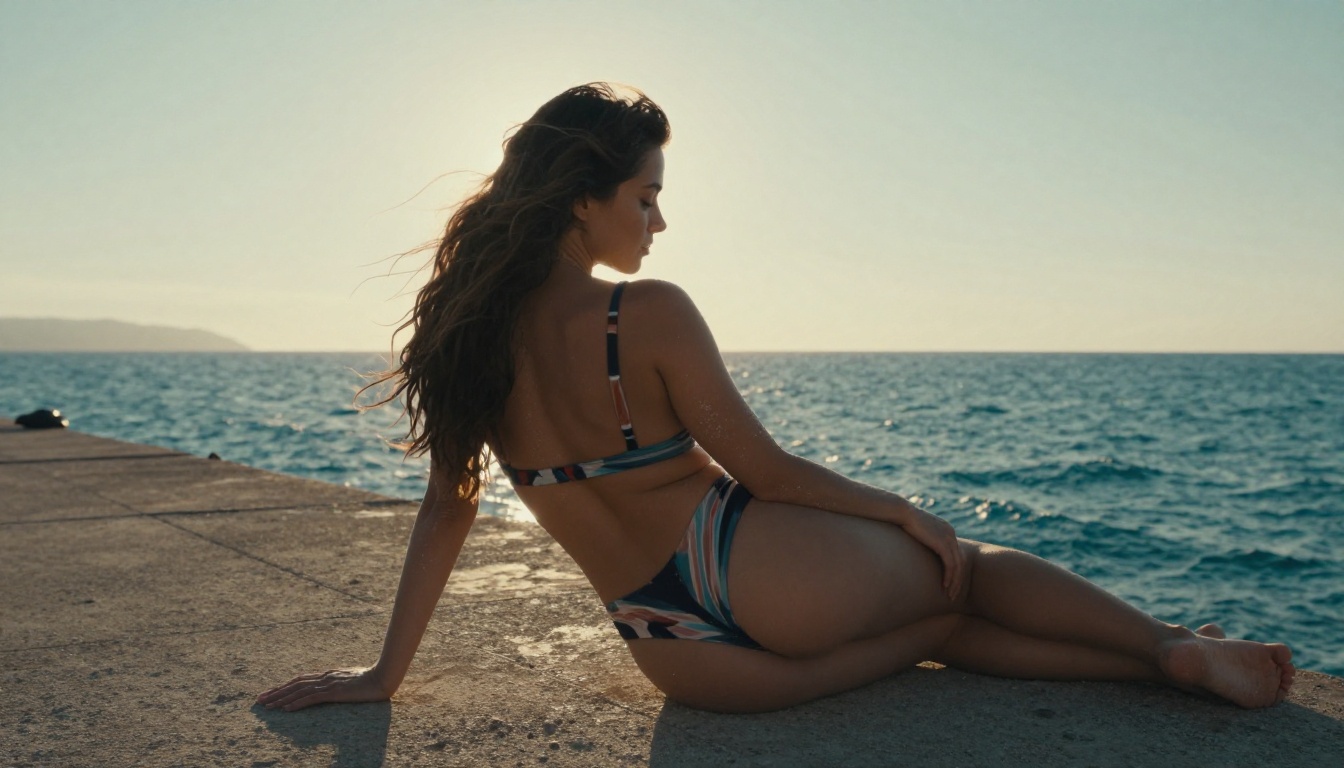
Seedance 2.0 has one of the most organic motion systems of any current video model. Hair, fabric, water, and body movement all follow physically plausible trajectories with minimal jitter or artificial stiffness.
Strengths:
- Hair and clothing flow naturally in wind or during movement
- Skin deformation during motion looks human, not synthetic
- Camera movements (slow dolly, gentle pan) stay stable
- Water and environmental motion are particularly realistic
Where it can fall short:
- Complex multi-person interactions can still show tracking drift
- Extreme motion (fast running, impact moments) occasionally produces blur artifacts
- Long clips (8-10 seconds) sometimes show subject drift from the original frame composition
Kling 3.5 Motion Results
Kling v3 Video and Kling v3 Omni Video emphasize frame stability and subject preservation. The motion feels slightly more deliberate, but with a precision that pays off when output quality matters over naturalism.
Strengths:
- Subject stays anchored in frame with less drift
- Detail in clothing and accessories is well-preserved across frames
- High-contrast scenes maintain detail in shadows and highlights simultaneously
- Motion control variant (Kling v3 Motion Control) allows precise trajectory input
Where it can fall short:
- Motion can feel slightly mechanical in very organic scenes (beach, nature)
- Slower generation time on standard tier compared to Seedance
Speed and Output Fidelity
Generation time matters when you are iterating through multiple prompt variations or producing content at volume.
Generation Times Compared
These are approximate ranges based on typical queue conditions on PicassoIA. Actual times vary with server load.
Prompt Accuracy at Different Detail Levels
Both models respond differently as prompt complexity increases.
Short prompts (1-2 sentences): Kling v3 tends to produce more literal interpretations. Seedance 2.0 adds more creative flourish, which can be a benefit or a drawback depending on your intent.
Medium prompts (3-5 sentences): Both perform well. Seedance 2.0's built-in audio generation adds immersive ambient sound that Kling matches only in Omni mode.
Long prompts (6+ sentences): Kling v3 handles layered descriptions better. Seedance 2.0 sometimes blends multiple scene elements in ways that deviate from the literal prompt.
Resolution and Visual Quality
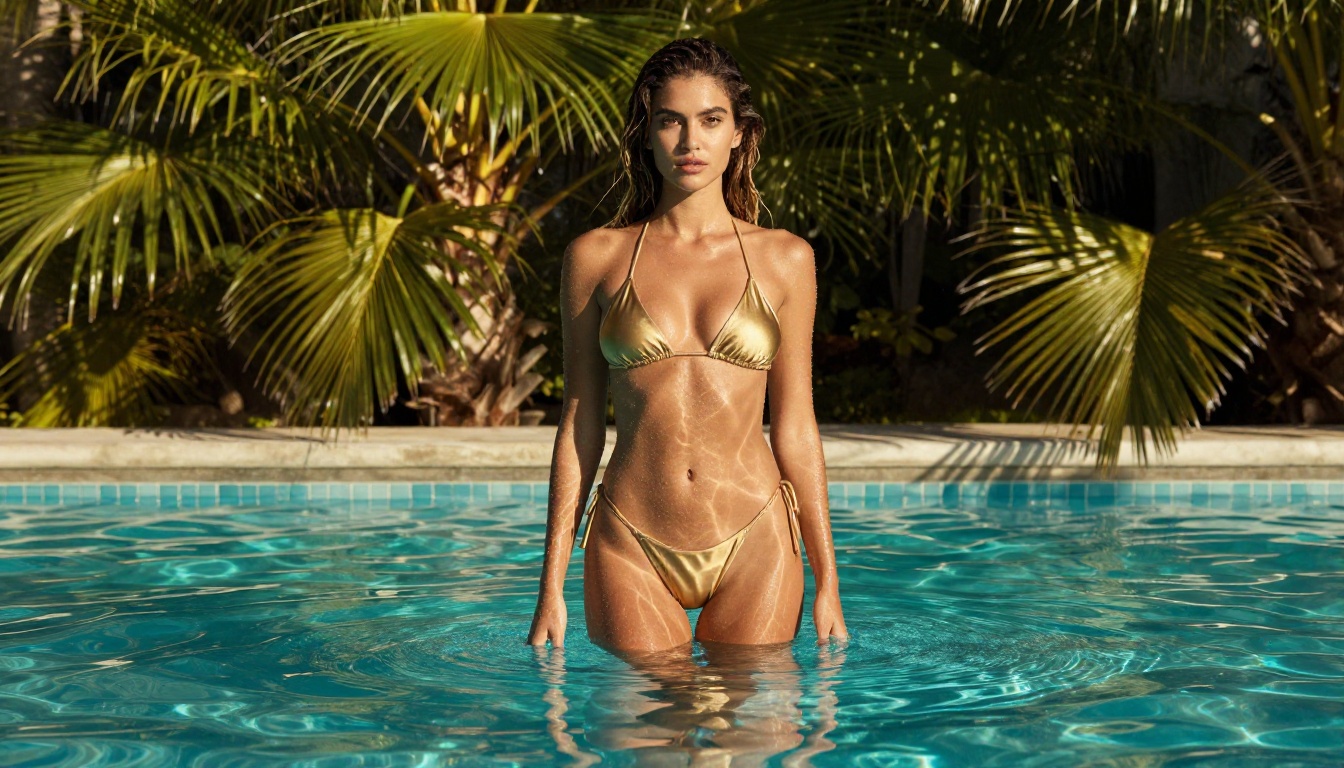
Both models output 1080p video, but there are meaningful differences in how that resolution is used.
Skin Texture and Lighting Detail
This is the most important category for anyone creating glamour or artistic content.
Seedance 2.0: Skin rendering is warm, organic, and photorealistic. Lighting transitions across skin during movement are smooth and natural. You get micro-detail on textures: pores, fine hair, subtle color variations in tone. In close-up shots, the output rivals high-end fashion photography when the prompt is well-structured.
Kling v3: Skin detail is sharp and clearly defined. Lighting is more contrasty, which gives a high-production-value look but can occasionally lose some of the organic warmth that Seedance achieves. In medium shots and full-body scenes, Kling v3 preserves wardrobe detail better.
💡 Tip: Use Seedance 2.0 for close-up portrait and skin-focused scenes. Use Kling v3 for full-body editorial and wardrobe-forward content.
Background Consistency and Frame Stability
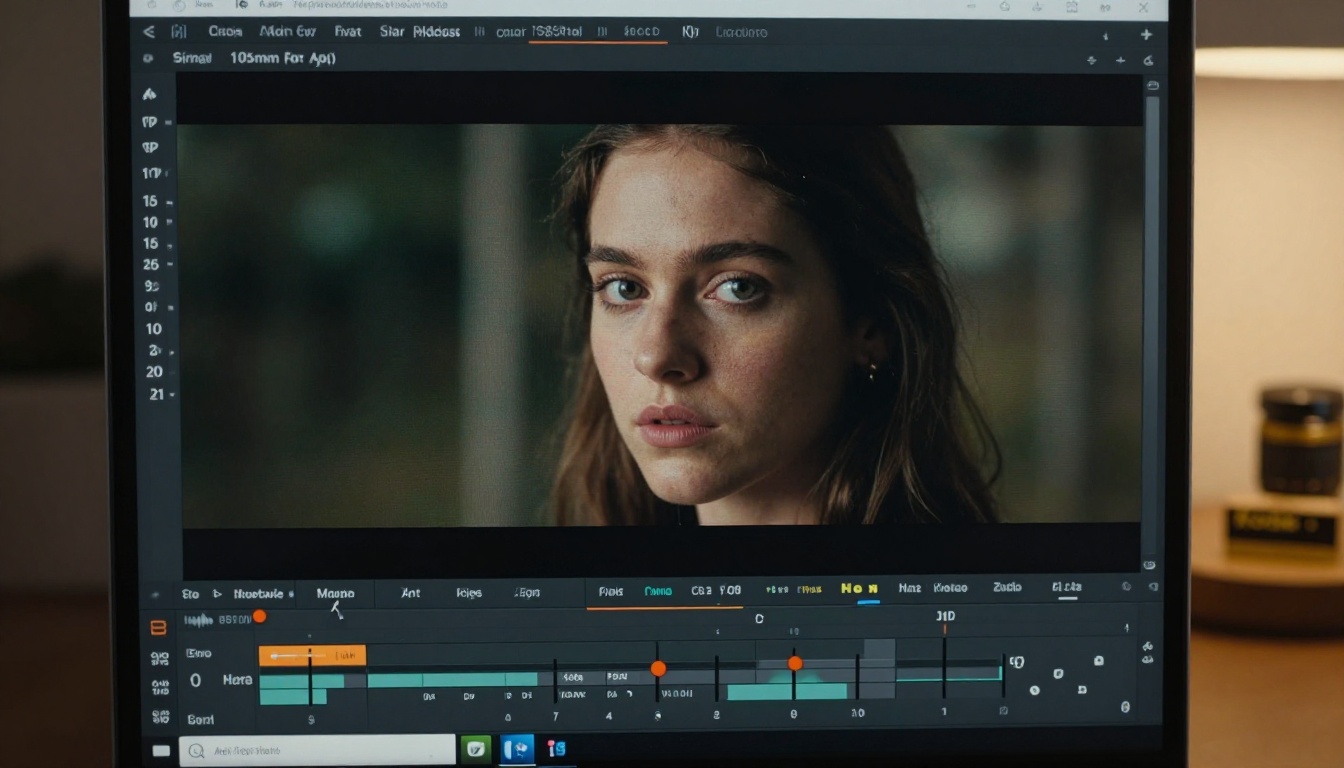
Frame-to-frame background consistency is where lower-tier models break down quickly. In both Seedance 2.0 and Kling 3.5, backgrounds stay stable across the clip duration, but with notable differences:
- Seedance 2.0 backgrounds feel alive: subtle wind movement in foliage, light shifting naturally, water surfaces animated with physics-based ripples.
- Kling v3 backgrounds are more static but razor-sharp and consistent. No flicker, no drift, no unexpected changes between frames.
For content where the background is important (hotel room, outdoor setting, interior scene), Kling v3 is the safer choice. For mood-setting content where atmosphere matters, Seedance 2.0 wins.
Who Wins for Specific Use Cases
For Glamour and Artistic Content
Winner: Seedance 2.0 for skin and motion. Kling v3 for wardrobe and precision.
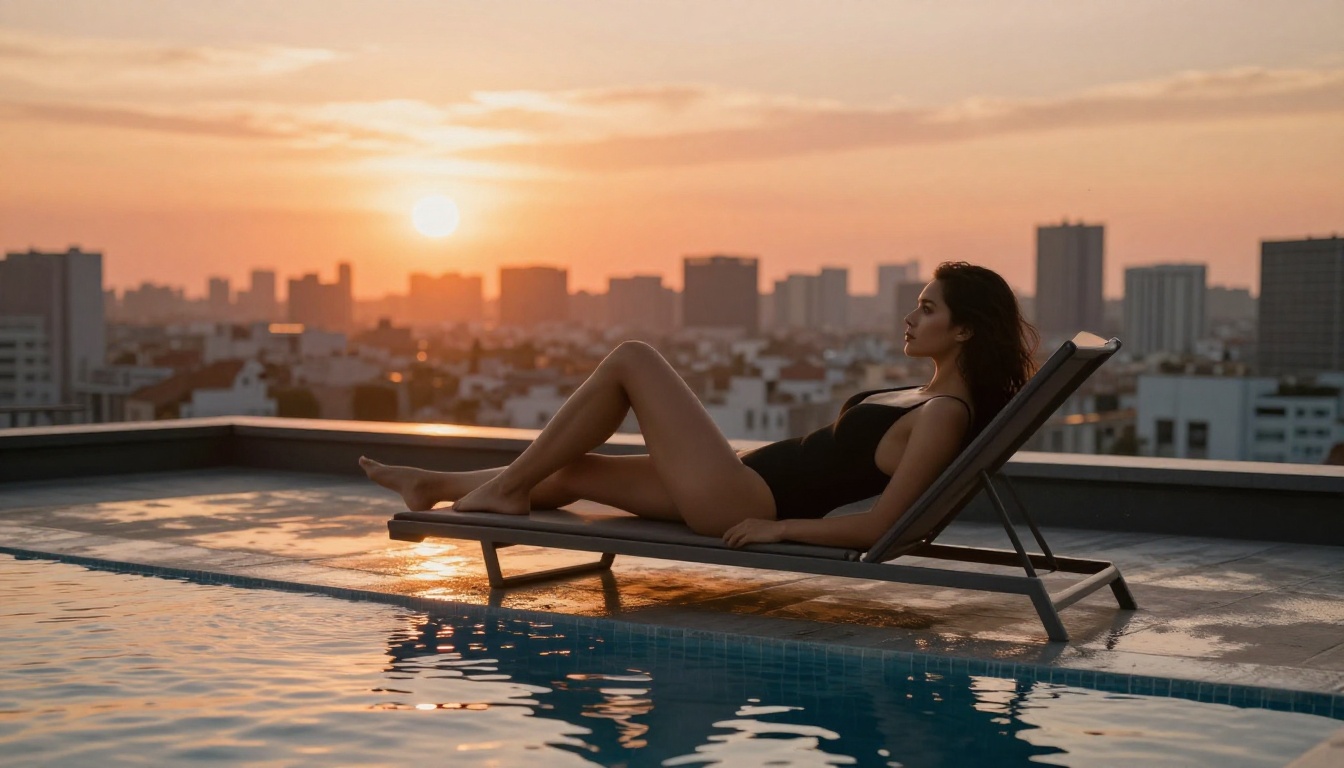
If your content is focused on a person in motion, beach or pool settings, and you want naturalistic, cinematic output: Seedance 2.0 is your first choice. If you are producing content where specific outfit detail, pose precision, and sharp visual definition matter, Kling v3 produces more reliable results.
Both models are available right now on PicassoIA with no subscription required for testing.
For Cinematic Narratives
Winner: Seedance 2.0.
The native synchronized audio in Seedance 2.0 and its organic motion system make it significantly better for scene-building content: a person walking through an environment, a quiet intimate moment, an establishing shot with ambient atmosphere. The audio layer that ships automatically with each generation adds a production value layer that Kling requires Omni mode to match.
For High-Volume Creative Work
Winner: Seedance 2.0 Fast.
When you need to iterate through many variations quickly, Seedance 2.0 Fast cuts generation time nearly in half compared to standard Kling v3 while still delivering output suitable for review and refinement. Once you have identified the winning prompt, switch to full Seedance 2.0 or Kling v3 Omni Video for the final render.
How to Use Seedance 2.0 on PicassoIA
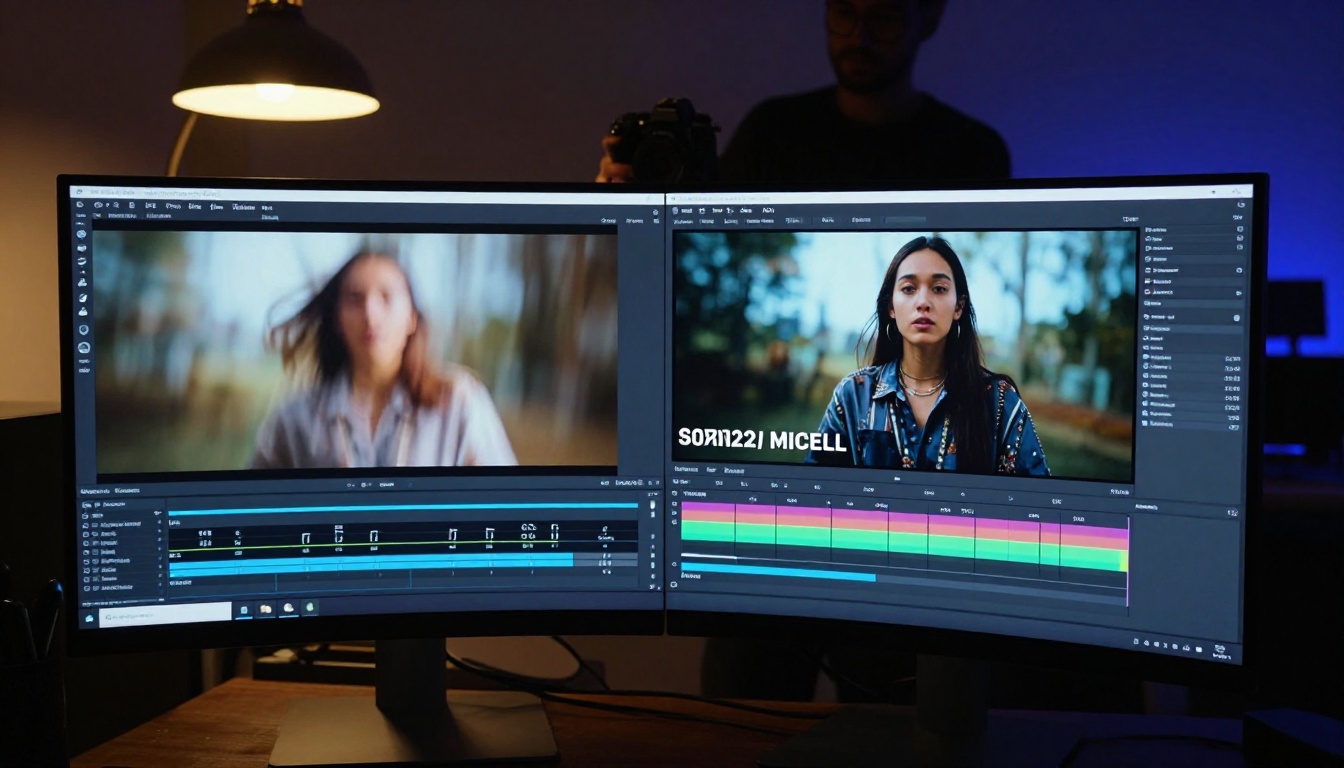
Since Seedance 2.0 is available directly on PicassoIA, here is how to get the best results from it.
Step 1: Pick Your Model
Navigate to the Seedance 2.0 page on PicassoIA. For faster testing, use Seedance 2.0 Fast. For minimal credit usage on short clips, Seedance 2.0 Mini is available with native audio intact.
Step 2: Write Your Prompt
Structure your prompt in this order for best results:
- Subject: Who is in the scene and what are they doing
- Environment: Where the scene takes place
- Lighting: Time of day, light source, direction
- Camera: Angle, distance, movement
- Mood/Tone: The emotional register of the scene
Example prompt: "A confident woman in a coral silk bikini walking slowly along a sun-bleached Mediterranean pier, turquoise water visible below, warm golden hour backlight creating a rim glow, slow push-in from medium to close-up, warm cinematic mood"
Step 3: Set Your Output Options
- Resolution: 1080p for final output, 720p for fast previews
- Duration: Start with 5 seconds for testing, increase to 10 seconds once the prompt is confirmed
- Audio: Leave enabled for atmospheric sound generation
💡 Tip: Always run one 5-second test at 720p before committing to a full 1080p 10-second generation. It saves credits and lets you refine the prompt before the expensive render.
Still Image Results with Seedream
For artists who want to compare static image results alongside video output, PicassoIA also offers Seedream 5 Pro for text-to-image generation with the same ByteDance quality pipeline. Running Seedream 5 Pro alongside Seedance 2.0 gives you a consistent visual language across both still and motion formats.
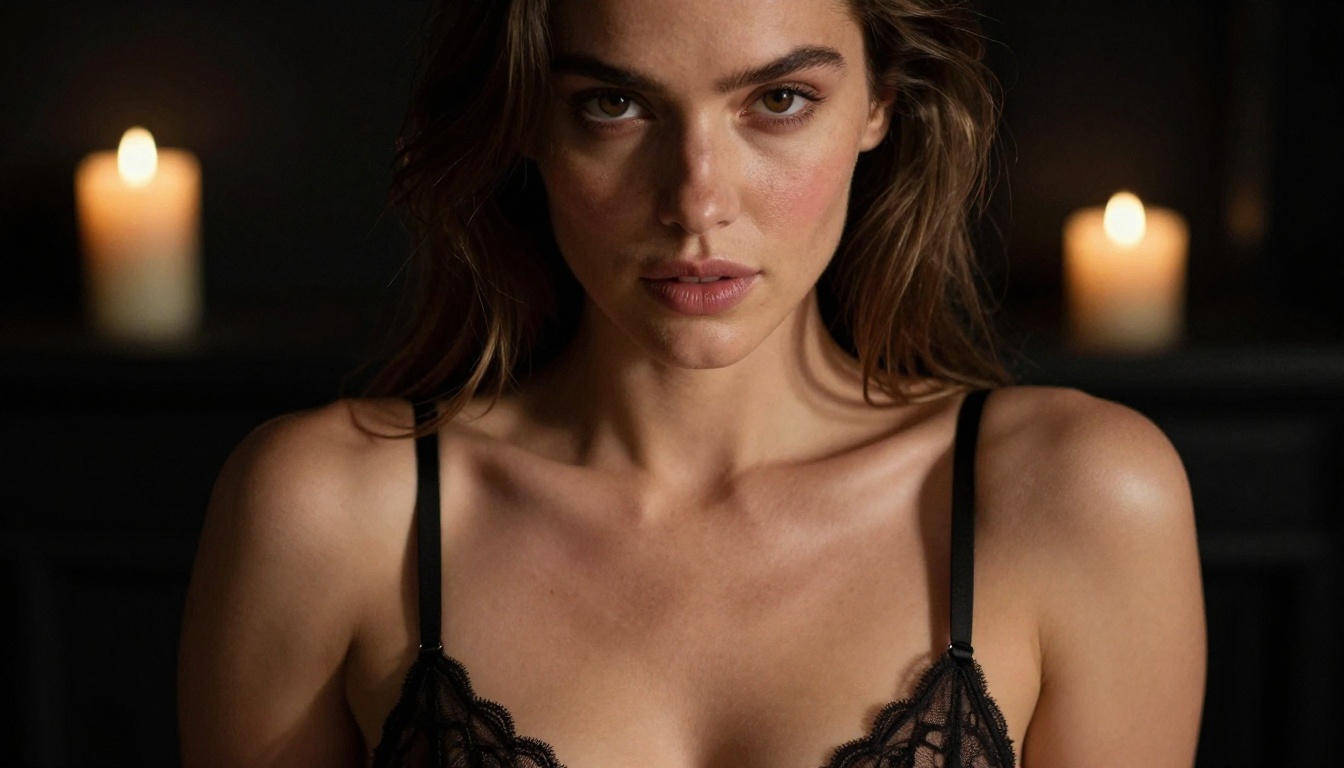
For image generation with fewer restrictions on artistic content, Seedream 5 Pro handles high-detail glamour photography prompts reliably. The full range of available models is listed at picassoia.com/en/all-models.
The Real-World Verdict
Both models are legitimate choices for uncensored AI video creation. Here is the short version:
Neither model is universally better. Your choice should depend on what you are creating: go with Seedance 2.0 when mood, motion, and atmosphere matter most, and reach for Kling v3 when precision, wardrobe detail, and frame-stable output are the priority.
Start Creating Right Now

The best way to settle this debate for your own projects is to run both models with the same prompt and compare the output directly. PicassoIA gives you access to Seedance 2.0, Kling v3 Omni Video, and over 80 other text-to-video models in one place, so you are never locked into a single pipeline.
Head to picassoia.com/en/all-models to see the full model catalog. Try the same prompt in Seedance 2.0 and Kling v3 Video and see which output fits your creative vision better. There is no more reliable benchmark than your own eyes on your own prompts.


