Most AI video platforms give you the same answer when you push toward adult or suggestive content: a refusal, a softened output, or a quiet downgrade of your result. Seedance 2.5 takes a different position. ByteDance's flagship video model, when accessed through the right platform, outputs content that most competitors quietly block. But "uncensored" is not a switch you flip. The results depend heavily on your source image, your prompt structure, the platform running the inference, and a handful of settings most users never touch. This article covers what actually works, what keeps failing, and how to build a consistent workflow around Seedance 2.5's real capabilities.

What "Uncensored" Actually Means for Video Models
The word gets thrown around loosely. In practice, AI video models have two distinct filtering systems: prompt-level filtering and output-level filtering. Some platforms run your text through a classifier before it ever reaches the model. Others let the model generate and then filter the result after the fact.
Seedance 2.5 is a permissive model at the weights level. The filtering you experience depends almost entirely on the platform wrapping it. Run it through a conservative API and you get soft, sanitized outputs. Access it through a platform that applies lighter restrictions and the model's true range becomes visible.
The filter layers most platforms use
Most services apply restrictions in this order:
- Prompt screening — keyword-based or embedding-based classification before generation starts
- NSFW classifier on the output — a post-generation filter that suppresses flagged frames
- Usage policy enforcement — account-level restrictions based on tier or region
💡 The real distinction: bypassing layer 1 is achievable with careful prompting. Bypassing layer 2 requires a platform that simply does not run the output classifier. That is where platform choice matters more than any prompt trick.
Where Seedance 2.5 sits on that spectrum
At the model level, Seedance 2.5 is trained on a broad dataset that includes suggestive, glamour, and adult-adjacent material. The model can generate near-explicit and artistic adult video. Whether it does depends on the inference environment.
Seedance 2.5 Lite, the free version, applies stricter moderation. The full Seedance 2.5 through PicassoIA runs with significantly lighter content restrictions, making it the preferred choice for adult and glamour video creators who need consistent, unrestricted outputs.

Seedance 2.5 on PicassoIA: How to Use It
PicassoIA gives you direct access to Seedance 2.5 with content restrictions dialed down. No account flags, no region blocks, no soft outputs on suggestive prompts. Here is the exact workflow:
Step-by-step setup
Step 1: Prepare your source image
Seedance 2.5 is an image-to-video model. The output quality is directly tied to the quality of your starting frame. For NSFW and glamour content, Seedream 5 Pro produces the best starting images. It renders skin texture, clothing, and lighting in the hyper-realistic style that Seedance 2.5 animates most convincingly. Avoid Seedream 5 Lite for this use case — its content filters reduce the range of viable starting images significantly, defeating the purpose.
Step 2: Navigate to Seedance 2.5
Open picassoia.com/en/collection/text-to-video/bytedance-seedance-25, upload your source image, and write your motion prompt in the text field.
Step 3: Set your parameters
- Duration: Up to 30 seconds. For testing prompts, use 5 seconds to save credits
- Resolution: 720p for drafts, 1080p for final renders
- Motion strength: Set between 0.6 and 0.8. Lower values keep the subject stable; higher values introduce more body movement
Step 4: Iterate on the prompt
The first generation is almost never the one you keep. Use 5-second clips to test motion direction, then extend once you have a prompt structure that works.

Parameters That Actually Matter
| Parameter | Recommended Range | What It Controls |
|---|
| Motion Strength | 0.5 - 0.8 | Amount of movement per frame |
| Guidance Scale | 7 - 10 | How strictly the model follows the prompt |
| Seed | Fixed value | Reproduce an output or test variations systematically |
| Duration | 5 - 30s | Longer clips need more descriptive motion prompts |
💡 Pro tip: Lock your seed when refining a prompt. Change one variable at a time so you can isolate what actually improved the output versus what changed by chance.
5 Content Types That Consistently Work
Seedance 2.5 does not perform equally across all NSFW content categories. Some content types animate naturally from the model's training distribution. Others trigger artifacts, distortions, or stilted motion. Here is what consistently delivers.
Glamour and swimwear
Bikini, lingerie, and swimwear content animates with the most natural motion in Seedance 2.5. The model handles fabric physics well: drape, slight movement in sheer materials, and water interaction on wet skin all generate cleanly. Prompt examples that work:
- "Woman on beach, gentle breeze moving her hair, waves at her feet, slow natural body sway, golden hour light"
- "Model in black lingerie seated on bed, slow head turn toward camera, ambient soft light, 5 seconds"
- "Bikini top, slow walk along shoreline, water splashing at feet, warm afternoon sun on skin"
The 30-second maximum duration gives you room to build full scenes — something most competitors with their 10-second caps cannot match.
Fashion-forward and editorial
High-contrast editorial content, runway-style movement, and fashion film aesthetics generate some of Seedance 2.5's cleanest outputs. The model handles structured garments and intentional poses with less hallucination than softer, intimate scenes. Effective prompts combine a specific action with a defined environment:
- "Fashion model in white structured dress, slow confident walk down concrete corridor, single overhead spotlight, 8 seconds"
- "Editorial portrait, slow quarter-turn to face camera, warm spotlight, movement in silk sleeve, minimal motion"
Artistic implied nudity
Silhouettes, body paint, draped fabric, and backlit shots all fall within Seedance 2.5's comfortable generation range on PicassoIA. The model handles artistic adult content where the composition substitutes for explicit detail. This requires a strong source image. A blurry or poorly composed starting frame produces unusable output regardless of how well the prompt is written.
Prompt structure for artistic content: lead with the lighting condition, then describe the motion, then the mood. Description of the body should be compositional rather than graphic to stay within what the model animates cleanly.
Dance, movement, and body expression
Choreographed movement generates naturally. The model has seen enough dance footage in training that it interpolates motion convincingly across styles: contemporary, sensual, burlesque, and classical. For this specific category, Wan 2.7 I2V offers superior motion physics for complex body dynamics, but Seedance 2.5 wins on skin and lighting fidelity in the final output.

Lipsync and speaking characters
Seedance 2.5 generates believable lip movement when prompted correctly, but a dedicated lipsync model produces tighter sync for close-up talking shots. On PicassoIA, Lipsync 2 Pro syncs any existing video to a voice track with frame-accurate precision. Omni Human 1.5 goes further: it animates a single photo into a talking, expressive video with full audio sync in a single step.
For adult content creators who need characters to speak on-screen, combining Seedance 2.5 for body animation with Kling Lip Sync for voice sync on the final clip is the standard professional workflow.

3 Prompt Patterns That Fail (and the Fix)
These three patterns account for the majority of bad outputs.
Too explicit, too fast
The most common mistake is front-loading the prompt with explicit content description before establishing the scene. Models generate with heavy weighting on early tokens in the prompt. If the first sentence is purely anatomical, the model often produces distorted geometry because it has no spatial reference to anchor the body in a coherent environment.
Fails: "Naked woman with large breasts slowly removing top, bedroom, 5 seconds"
Works: "Woman seated on the edge of a bed in a dimly lit hotel room, warm amber lamp to her right, slowly reaches for the strap of her dress and lets it fall off one shoulder, intimate and slow, 5 seconds"
The fixed version establishes environment, lighting, subject position, and motion before describing the specific action. The model generates a coherent spatial scene first, then animates within it.
Missing scene context
Seedance 2.5 needs spatial anchoring to generate coherent motion. A subject floating in an undefined background with no environmental cues produces drift and position changes between frames. Always include a surface the subject is on or near, a light source direction, and at least one background element.
💡 Prompt template: [Subject + position/posture] + [environment/surface/background] + [light source] + [motion description] + [mood or pacing]
Poor source image choice
The source image is 60% of the result. Common failures:
- Over-compressed JPEGs: Compression artifacts in the source propagate and amplify in the video frames
- Symmetrical frontal poses: The model has less depth information to work with; three-quarter angles generate better motion
- Backgrounds with fine repetitive patterns: Wallpaper, fabric weaves, and grids hallucinate badly when animated
- Flat studio lighting: No shadow direction means the model has less 3D reference, producing flat-looking motion
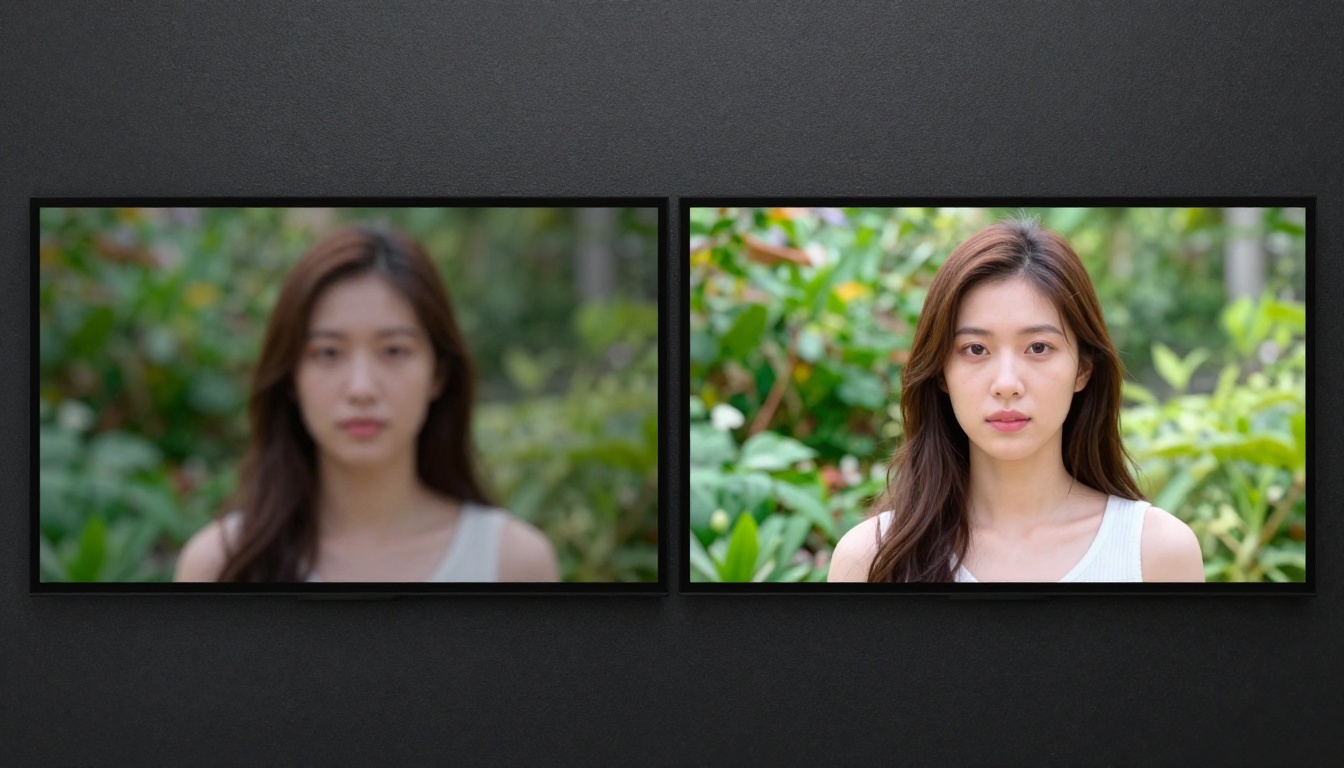
Best Video Models for NSFW Content on PicassoIA
Seedance 2.5 is strong, but it is not the only option. Here is how the top models compare for adult and unrestricted content generation on PicassoIA:
| Model | Strengths | NSFW Output Quality | Best For |
|---|
| Seedance 2.5 | Skin fidelity, long clips (30s), lighting | Very High | Glamour, lingerie, artistic nude |
| Kling v3 | Motion quality, face consistency | High | Talking characters, fashion |
| Wan 2.7 I2V | Physics simulation, fluid motion | Medium-High | Dance, water, fabric |
| Kling v2.6 | Cinematic motion, color grading | Medium-High | Film-quality artistic outputs |
| Pixverse v5.6 | Speed, style consistency | Medium | Quick drafts, stylized content |
| LTX 2.3 Pro | 4K resolution, detail retention | High | Final render quality |
For pure output quality and content permissiveness, Seedance 2.5 and Kling v3 sit at the top. LTX 2.3 Pro is the choice when resolution matters most and you want 4K output with no quality compromise.
Seedance 2.5 vs the Competition
How does Seedance 2.5 stack up against the alternatives in the broader market for unrestricted AI video?
| Feature | Seedance 2.5 | Kling v3 | Wan 2.7 I2V | Ray 3.2 |
|---|
| Max duration | 30s | 10s | 10s | 9s |
| Max resolution | 1080p | 1080p | 1080p | 1080p |
| NSFW permissiveness | Very High | High | Medium | Low |
| Skin and texture fidelity | Excellent | Very Good | Good | Good |
| Motion naturalness | Very Good | Excellent | Very Good | Good |
| Lipsync quality | Good | Excellent | Good | Good |
The 30-second duration is Seedance 2.5's biggest practical advantage. Most competitors cap at 10 seconds. For anything narrative, a full scene, a character sequence, a styled vignette, Seedance 2.5's extended clip length wins outright.
Image-to-Video: Getting the Source Right
The entire Seedance 2.5 workflow depends on a strong source image. This is where the NSFW image generation models matter as much as the video model itself.
Which image models work best for adult content
Seedream 5 Pro is the primary recommendation for glamour and adult content. Being from the same ByteDance model family as Seedance 2.5, the two share a visual vocabulary. Source images from Seedream 5 Pro animate with better temporal consistency than images from other generators. Skin rendering, hair physics, and lighting distribution all translate cleanly into Seedance 2.5's motion output.
💡 Important: Avoid Seedream 5 Lite for NSFW source images. Its content filters significantly restrict the range of viable output. Seedream 5 Pro runs without those restrictions, making it the correct choice for this workflow.
For editorial and fashion content where you want sharper, more stylized imagery as a base, a Flux-based model or Kling v3 in image mode produces strong results with excellent detail preservation.
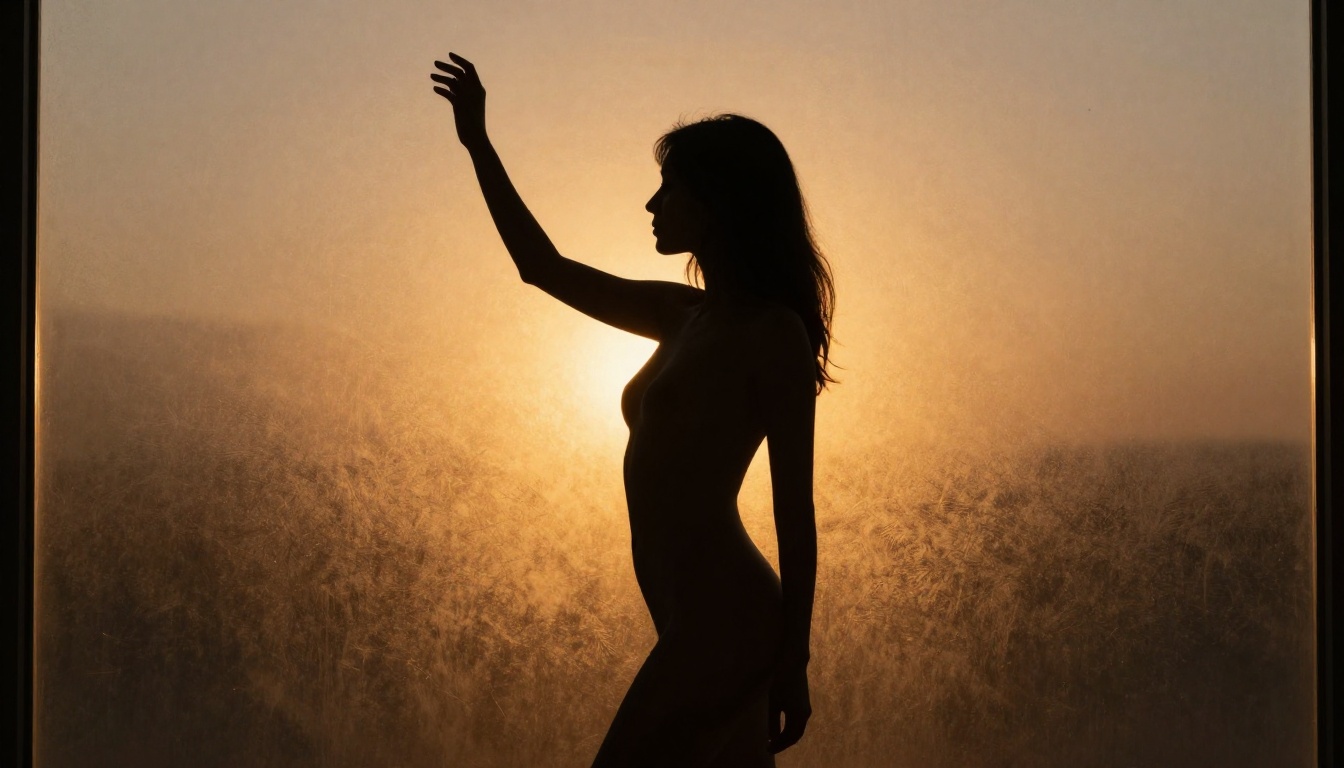
Resolution and composition for best results
The source image should be at minimum 1024x576 (16:9) for 720p video output, or 1920x1080 for 1080p. Anything lower introduces upscaling artifacts in the generated video that become more visible as motion is added.
Composition rules for source images that animate well:
- Position the subject off-center: Dead-center symmetrical compositions generate less natural movement
- Leave breathing room around the body: Tight cropping forces the model to hallucinate frame edges during motion
- Use natural, directional light: Flat lighting gives the model less depth information to work with
- Avoid busy backgrounds with many moving-adjacent elements: Trees, curtains, and crowds introduce unpredictable motion hallucination
For generating multiple source images quickly, Seedream 5 Pro on PicassoIA supports unlimited generation runs, making it efficient to batch several composition variations before selecting the best frame for video.
Lipsync on Adult Video: The Right Stack
When the video needs speaking characters, pure text-to-video or image-to-video generation is not enough. Lip movement from base generation models is passable but not convincing for close-up talking shots. The practical stack for adult lipsync video on PicassoIA:
- Generate the character image: Seedream 5 Pro for realistic skin and body rendering
- Animate the body: Seedance 2.5 for full-body motion up to 30 seconds
- Sync the lips: Lipsync 2 Pro or Omni Human 1.5 for voice-to-lip sync with frame accuracy
- Add voice: Generate the audio track with PicassoIA's text-to-speech tools before applying lipsync
Omni Human 1.5 handles the full image-to-talking-video pipeline in a single step, which is efficient when body motion is less important than facial expressiveness. For scenes where both matter, the four-step stack gives you full control over each component independently.
P Video Avatar is specifically strong for talking head content. It handles close-up facial animation with excellent mouth detail and integrates directly with audio input without requiring a pre-animated clip.
Lipsync Speed is the choice when turnaround time matters more than absolute precision — it processes in seconds and works well for content pipelines running at volume.
The short-form adult content market runs on volume. Creators producing at scale have settled on a specific approach with Seedance 2.5:
Batch source image generation: Generate 10-20 character images using Seedream 5 Pro in a single session, selecting the 3-5 with the strongest composition and lighting.
Prompt templates per content category: Maintain a library of proven motion prompts for each content type (swimwear, editorial, dance). Swap the source image, keep the prompt structure, and adjust 1-2 descriptors per run.
Seedance 2.0 for drafts, 2.5 for finals: The previous generation model runs faster and costs fewer credits. Use it to validate composition and motion direction, then run the same setup through Seedance 2.5 for the publishable output.
Lipsync as post-production: Do not try to get perfect lip sync from Seedance 2.5 directly. Generate the body animation first, then apply Kling Lip Sync or Lipsync 2 Pro as a separate post-production pass.
This pipeline reduces wasted generations significantly because each step is validated independently before the next credit-heavy step is run.
Start Creating with Seedance 2.5 Now
Every model mentioned in this article is available at picassoia.com/en/all-models. No separate subscription or waitlist. PicassoIA runs Seedance 2.5, Kling v3, Wan 2.7 I2V, and the full lipsync toolkit without the aggressive output-level filtering that most alternatives apply.
The fastest path to your first usable result: generate a base image with Seedream 5 Pro, set the composition and lighting the way you want the video to begin, then pass it into Seedance 2.5 with a 5-second test clip. Adjust the motion prompt, regenerate, and extend once you have a result worth keeping.
For creators building pipelines at scale, the model library also includes Seedance 1 Pro and Seedance 2.0 for budget-conscious drafting, plus 87 total text-to-video models, dedicated lipsync tools, video effects, and super-resolution for finishing passes.
The platform and the models are there. All that is left is building the workflow that works for your content type.