Seedream 5.0: The AI Image Tool Everyone Is Talking About in 2027
Seedream 5.0 from ByteDance is rewriting the rules of AI image generation in 2027. With unmatched photorealism, precise text rendering, and portrait quality that rivals professional cameras, this model has become the go-to choice for creators, marketers, and photographers who need results that look genuinely real.
Something shifted in AI image generation in early 2026, and most people felt it before they could name it. The images started looking too real. Not "pretty good for AI" real, but "wait, is this a photograph?" real. That shift has a name: Seedream 5.0.
Developed by ByteDance, the same company behind some of the most ambitious AI research of the last decade, Seedream 5.0 arrived as a direct answer to the photorealism gap that has haunted text-to-image models since the beginning. It does not just generate attractive visuals. It produces images that rival controlled studio photography, handle fine skin textures without turning them to plastic, and render written text with a precision that previous models simply could not match.
This article breaks down what Seedream 5.0 does differently, how it stacks up against the strongest competitors in 2027, and exactly how to start using it right now through Seedream 5 Lite on PicassoIA.
What Seedream 5.0 Actually Does
At its core, Seedream 5.0 is a high-resolution diffusion model trained on an enormous dataset of real-world photography. But the training methodology is what separates it from the pack. ByteDance invested heavily in perceptual quality metrics during fine-tuning, which means the model does not just optimize for "plausible" images. It optimizes for images that feel grounded in physical reality.
The results are visible within seconds of running your first prompt. Everything from skin texture to fabric behavior to how light falls across a surface shows a level of fidelity that earlier models could not produce consistently.
The Photorealism Problem, Solved
Earlier AI image models struggled with a consistent set of issues: hands with extra fingers, eyes that looked slightly glazed, fabrics with unnatural texture, and lighting that felt generated rather than captured. Seedream 5.0 addresses these at the architecture level.
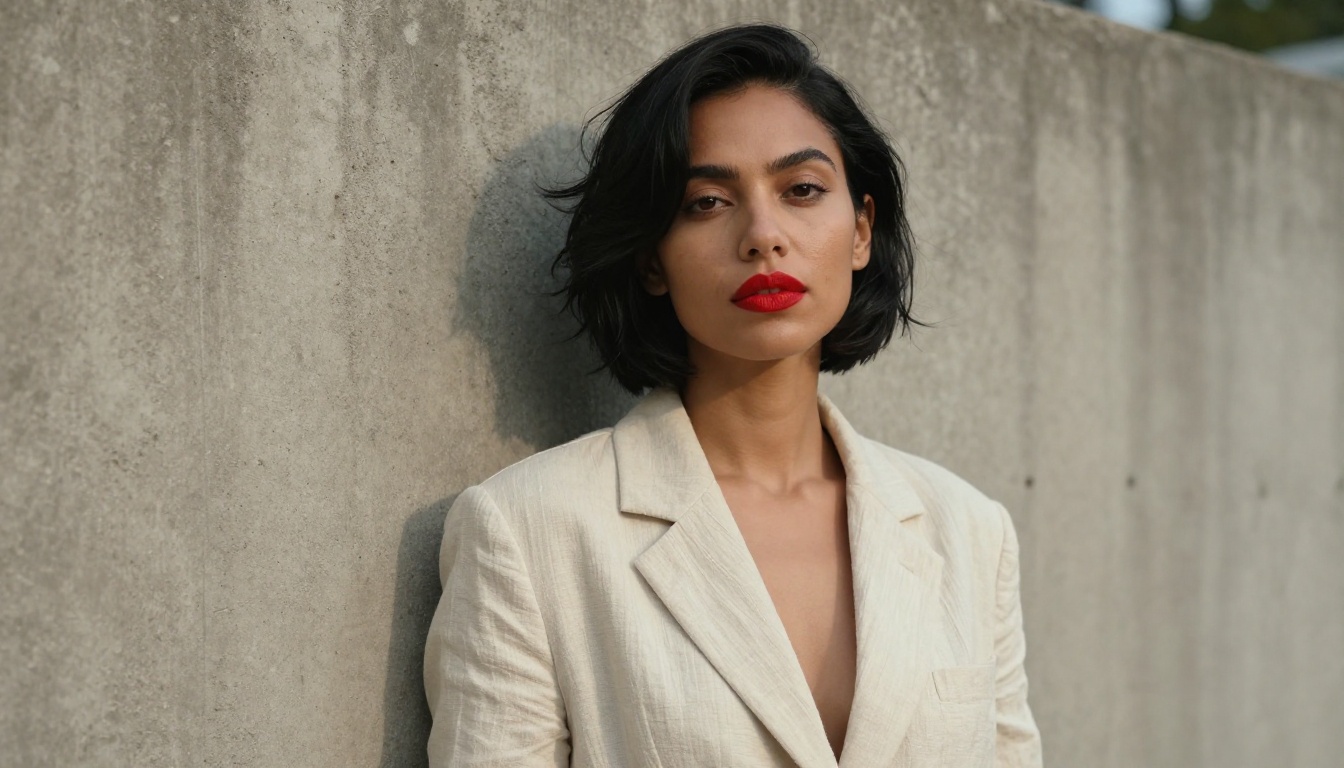
Skin rendering is the most noticeable improvement. Where models like earlier Stable Diffusion variants would produce smooth, slightly waxy skin that telegraphed their AI origins, Seedream 5.0 renders pores, fine lines, subtle discoloration, and the micro-texture of real human skin. A portrait prompt produces something that looks like it was taken on a Canon with an 85mm prime.
Fabrics behave similarly. Cotton weave catches light with the correct specular falloff. Denim fades in the right places. Leather shows natural creasing patterns. These are not minor cosmetic improvements. They are the difference between an image that convinces and one that almost convinces.
Text in Images, Finally Done Right
Text rendering has been the weak point of AI image generation for years. Ask an older model to include a short phrase in an image and you get garbled characters, misspelled words, and letterforms that drift toward something recognizable but wrong.
Seedream 5.0 handles short text in images with a level of accuracy that puts it in a different category from most competitors. Brand names, labels, signage, short captions: these all render cleanly. It is not perfect at long passages, but for the use cases that matter most to designers and marketers, the text capability alone justifies switching.
💡 Tip: Keep text prompts to fewer than 8 words for best results. Specify font weight ("bold serif", "thin sans-serif") to get more predictable letterform output.
Seedream 5.0 vs The Competition
The AI image generation space in 2027 is genuinely competitive. Flux 2 Pro, GPT Image 1.5, and Flux 1.1 Pro are all strong models with dedicated user bases. So where does Seedream 5.0 actually win, and where does it fall behind?
Seedream 5.0 vs Flux 2 Pro
Flux 2 Pro from Black Forest Labs is the gold standard for creative prompt following. Give it a complex, layered prompt with multiple subjects, unusual compositions, or stylistic requests, and Flux 2 Pro interprets it with impressive fidelity.
Seedream 5.0 edges Flux 2 Pro specifically on photorealism for human subjects. Portraits, lifestyle imagery, product photography with people: these categories go to Seedream. Flux 2 Pro wins on creative flexibility, abstract compositions, and stylized output.
Category
Seedream 5.0
Flux 2 Pro
Portrait photorealism
★★★★★
★★★★☆
Creative prompt following
★★★★☆
★★★★★
Text rendering
★★★★☆
★★★☆☆
Speed (standard tier)
★★★★☆
★★★★☆
Product photography
★★★★★
★★★★☆
Seedream 5.0 vs GPT Image 1.5
GPT Image 1.5 has a significant advantage in one specific area: instruction following for complex editing tasks. If you are using inpainting workflows or giving detailed conditional instructions about what to change in an image, GPT Image 1.5 is currently the most reliable option.
For pure generation from a text prompt, Seedream 5.0 consistently produces more photorealistic output. GPT Image 1.5 leans toward a slightly polished, slightly softened aesthetic that reads as AI to trained eyes. Seedream 5.0 does not.
💡 When to choose GPT Image 1.5: Complex editing tasks, instruction-following pipelines, or when you need tight control over compositional changes. When to choose Seedream 5.0: any time photorealism is the primary goal.
Who Is Using It and Why
The adoption curve for Seedream 5.0 has been unusually fast, and for specific reasons. Three groups have led the charge.
Product Photography at Scale
E-commerce teams have been among the earliest and most enthusiastic adopters. Product photography has historically been expensive: studio rental, photographer fees, model fees, post-processing. For a mid-size brand with hundreds of SKUs, a proper photo shoot is a major budget line item.
Seedream 5.0 changes the math. Consistent product imagery across multiple angles and lifestyle contexts, at a fraction of the cost and in hours rather than days, is not a theoretical benefit. Teams are already running this workflow in production.
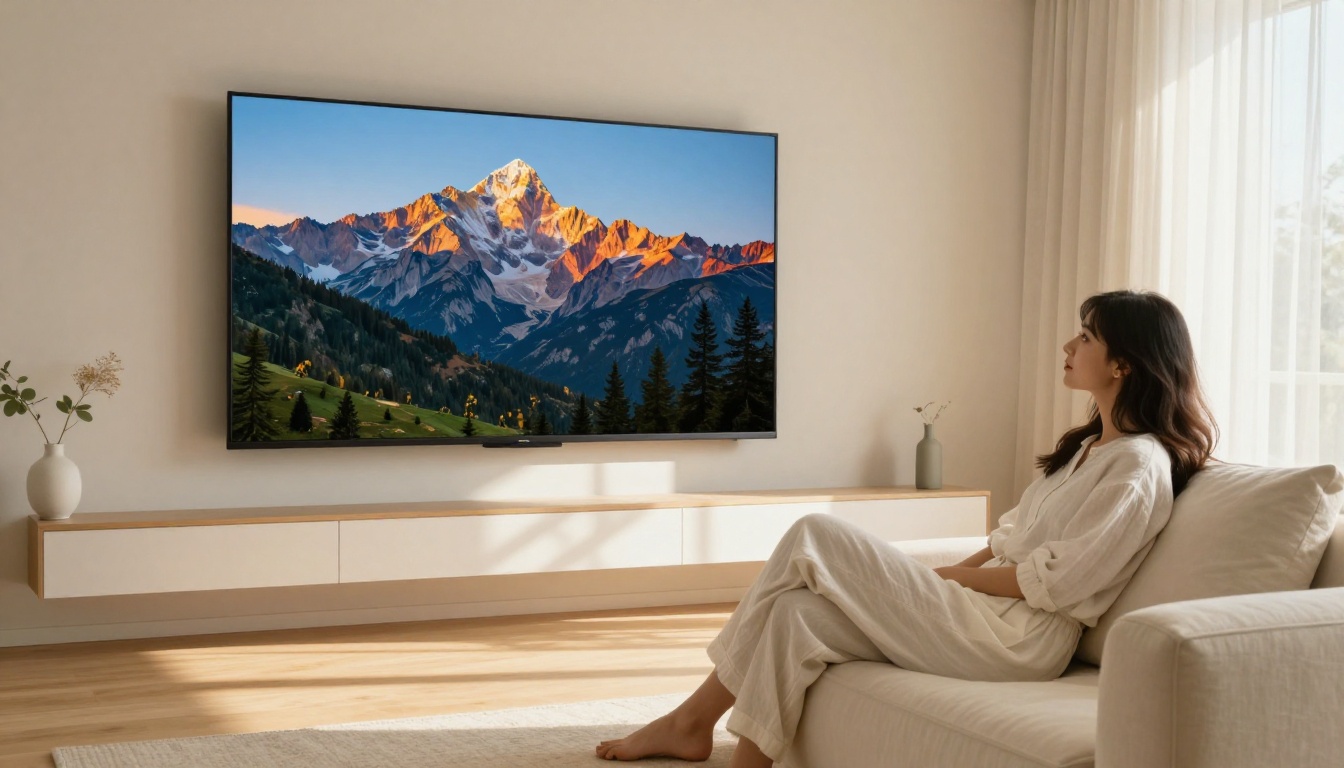
The model handles product placement in lifestyle settings particularly well. A skincare bottle on a marble bathroom shelf, a sneaker on a gritty urban sidewalk, a coffee mug on a sun-drenched kitchen table. These contexts read as real because the lighting model understands how physical objects interact with their environments.
Portrait and Headshot Generation
Corporate headshots, author photos, professional profiles. These have become a surprisingly large use case for Seedream 5.0. The model's skin rendering and lighting quality make it viable for producing polished portrait imagery for personal branding, websites, and professional directories.
The workflow that produces the best results: provide a reference image using an image-to-image approach, then use Seedream 5.0 to generate variations with different backgrounds, clothing, and lighting conditions. Results that would require a half-day professional shoot are achievable in an afternoon.
Marketing Teams Saving Hours
Social media managers, campaign designers, and content teams are the third major adoption group. The ability to generate on-brand, photorealistic lifestyle imagery without a shoot removes one of the biggest bottlenecks in content production.
What teams are discovering is that Seedream 5.0 is not just a replacement for photography in limited contexts. It is a new workflow entirely. Brief the model like you would brief a photographer: describe the subject, the setting, the lighting, the mood, and the composition. The output quality is consistently usable for digital advertising, social posts, and website imagery.
How to Use Seedream 5 Lite on PicassoIA
PicassoIA provides direct access to Seedream 5 Lite, the optimized version of Seedream 5.0 that balances quality and generation speed. It is the fastest way to start working with this model without any local setup or infrastructure.
Step 2: Write your prompt in the text input field. Start with the subject, then the environment, then the lighting, then the camera and lens details.
Step 3: Select your aspect ratio. For portrait work, use 3:4 or 9:16. For landscape and product imagery, use 16:9 or 3:2. For social square posts, use 1:1.
Step 4: Hit generate. The first output gives you a quality baseline. Iterate from there.
Step 5: If the result is close but not quite right, make one specific change to the prompt. Adjust the lighting description, add a camera lens specification, or add a texture detail. Avoid changing multiple things at once for cleaner feedback.
Prompt Tips That Get Results
The prompts that work best with Seedream 5 Lite share a consistent structure. Here is the formula that produces the most reliable photorealistic output:
[Subject + age + appearance details] + [Action or pose] + [Specific environment with surface/texture details] + [Lighting direction and quality] + [Camera body and lens] + [Film stock or grain type] + --ar 16:9 --style raw
Examples that work well:
"Young woman, late 20s, auburn hair, standing in a sunlit bookshop aisle, warm indirect afternoon light from above, Canon EOS R5 35mm f/2.0, Kodak Portra 400"
"Close-up of a man's hands wrapping leather around a handmade bicycle frame, industrial workshop background, directional side lighting from left, Nikon Z6 90mm macro, natural shadows"
"Luxury wristwatch on a dark slate surface, single overhead spotlight creating a small specular highlight on the crystal, shallow depth of field, 100mm macro lens"
💡 Power tip: Add "photorealistic, 8K resolution, no AI artifacts, natural skin texture" to the end of any portrait prompt to push the model toward its highest quality output tier.
You can also compare results with the earlier Seedream 4.5 and Seedream 4 models to see the progression in photorealism across the Seedream family. The improvement in skin rendering and lighting accuracy between 4.0 and 5.0 is substantial and immediately visible.
Where Seedream 5.0 Falls Short
No model wins every category, and being direct about limitations is more useful than pretending they do not exist.
Niche Scenarios to Know
Highly stylized or non-photographic output: Seedream 5.0 is tuned hard for photorealism. If you want painterly textures, anime aesthetics, or abstract compositions, Flux 2 Dev or Recraft V4 Pro will serve you better.
Complex multi-subject compositions: Scenes with four or more distinct subjects in specific spatial relationships can lose coherence. The model does better with one or two primary subjects supported by an environment.
Consistent character across generations: Like most text-to-image models, Seedream 5.0 does not have native character consistency without additional tooling. Each generation is independent. For brand campaigns requiring the same face across many images, a ControlNet or IP-Adapter workflow is necessary.
Long text rendering: Short phrases are clean. Anything beyond 6-8 words starts to degrade in quality. For text-heavy designs, use Seedream 5.0 for the photographic base and handle typography in post-production.
Limitation
Practical Workaround
Stylized aesthetics
Use Flux 2 Dev or Recraft V4 Pro
Character consistency
Add ControlNet or IP-Adapter layer
Long text in images
Composit text in post-production
Many subjects in a scene
Simplify to 1-2 primary subjects
The Numbers That Matter
For practitioners who care about specifics, here is where Seedream 5.0 sits relative to core performance metrics.
Speed, Resolution, and Output Quality
Seedream 5.0 in full resolution is not the fastest model in the field. It trades some generation speed for the quality depth it produces. The Lite variant available on PicassoIA narrows that gap significantly without a proportional drop in output quality, making it the right choice for most production workflows.
Metric
Seedream 5.0
Seedream 5 Lite
Flux 2 Pro
Max resolution
2048px
1536px
1440px
Typical generation time
15-25s
8-14s
10-18s
Portrait quality
★★★★★
★★★★☆
★★★★☆
Prompt adherence
★★★★☆
★★★★☆
★★★★★
Text rendering
★★★★☆
★★★★☆
★★★☆☆
Seedream 5 Lite delivers roughly 85-90% of the flagship output at around half the inference time. For most production workflows, that trade is worth making.
PicassoIA also gives you access to Flux 2 Max for direct comparison, making it straightforward to run the same prompt through multiple top-tier models and pick the best result for your specific use case.
💡 Workflow tip: Run the same prompt through Seedream 5 Lite and Flux 2 Pro side by side. For portrait and product work, Seedream typically wins. For creative or stylized output, Flux often edges ahead.
Start Creating With Seedream Right Now
Seedream 5.0 represents a clear and measurable step forward in what text-to-image AI can actually deliver. The photorealism is not marketing language. It is visible, practical, and consistently useful across the scenarios that matter most: portraits, products, lifestyle imagery, and marketing creatives that need to pass as real photography.
The model has real limitations, and the competition from Flux 2 Pro, GPT Image 1.5, and Recraft V4 Pro is real. But for the specific category of photorealistic human-centric imagery, Seedream 5.0 sets the benchmark in 2026.
The fastest way to see this for yourself is to open Seedream 5 Lite on PicassoIA and run a prompt. Take one image you have in your head, describe it as specifically as you can, and watch what comes out. No local setup. No technical configuration. Just the model and your prompt.
If you want to push further, compare the Seedream series across generations: Seedream 3, Seedream 4, Seedream 4.5, and Seedream 5 Lite. The evolution in output quality across that sequence tells the story of what ByteDance has been building. The 2026 benchmark is not an accident. It is the result of consistent, focused improvement over multiple model generations.
PicassoIA hosts over 91 text-to-image models, which means you are never locked into a single tool. But for work that requires genuine photographic conviction, Seedream 5.0 is where the bar sits right now. Pick a prompt, open the model, and start generating.