Seedream 5.5 is one of the most discussed models in the NSFW AI image generation community right now, and this fast test was built to find out whether the hype holds up under real conditions. ByteDance's latest iteration in the Seedream family makes specific claims about speed and realism, particularly for human subjects with detailed skin and fabric rendering. This article documents what actually happened when the model was run through 30 structured prompts across three categories of adult content, and compares those results against the strongest alternatives available on PicassoIA today.

What Seedream 5.5 Brings to the Table
The Seedream model family has gone through rapid iterations since its initial release. Version 4.5 established itself as one of the most capable NSFW-permissive text-to-image models available anywhere, producing highly realistic human subjects with reliable anatomy and strong lighting accuracy. Version 5 Lite moved in a different direction, introducing content filters that effectively block adult content creation, making it unsuitable for the NSFW use case entirely.
Seedream 5.5 occupies a different position in that timeline. It does not follow the Lite branch. Instead, it prioritizes raw generation quality and inference speed while maintaining the openness to adult content that made version 4.5 popular. The architectural changes focus on three areas: micro-detail rendering in skin and fabric, prompt adherence at higher complexity levels, and throughput optimization for batch generation workflows.
Speed as the Main Differentiator
Speed is where Seedream 5.5 makes its boldest claim. At standard mid-complexity prompts (50 to 75 words), the model returns generated images in the 3 to 5 second range, which is competitive with the fastest NSFW-capable models currently deployed. For lightweight prompts under 40 words, generation time drops further to 2 to 3 seconds.
That speed has compounding value for production workflows. A creator generating 200 images per day at an average of 4.5 seconds each spends 15 minutes waiting. At 20 seconds per image, that same volume consumes over an hour. The difference between 4.5 and 20 seconds per generation is not a minor optimization. It is the difference between a flow state and a waiting game.
Realism Architecture
What separates Seedream 5.5 from earlier iterations is the attention to micro-detail in human subjects. Skin pore rendering, individual hair strand separation, and fabric texture against skin all show marked improvement. The model produces outputs with a distinctive film-photography feel rather than the smoothed, synthetic look common in lower-tier generators. Kodak Portra-style color grading can be prompted directly and renders accurately, which matters for creators aiming for editorial or glamour photography aesthetics.

The Fast Test Setup
This was not a casual test. A structured protocol was built to evaluate consistency across prompt types, lighting conditions, and subject compositions relevant to adult content generation.
Prompt Categories Tested
Three prompt categories were used across 30 total generations:
- Glamour portraits: Close-up facial and upper body compositions, indoor studio lighting, neutral backgrounds
- Outdoor lifestyle: Full body subjects with natural environmental context, including beach, pool, and garden settings
- Intimate settings: Indoor scenes with ambient lighting, fabric-skin interactions, and depth-of-field emphasis
Each category received 10 unique prompts at three complexity tiers: under 40 words, 55 to 75 words, and above 90 words. All prompts followed the same structural template: subject description, environment, lighting specification, camera angle, lens type and focal length, and texture detail modifiers.
What Gets Measured
Speed was measured from the moment of prompt submission to the delivery of the final image URL, capturing server-side generation time. Realism was evaluated on five criteria:
- Skin texture fidelity
- Lighting consistency across the frame
- Anatomical proportion accuracy
- Fabric and clothing behavior (drape, wrinkle, translucency)
- Background coherence at different distances
Each criterion was scored from 1 to 10 and averaged across all 30 prompts per category.

Speed Results in Numbers
The numbers from this test are consistent and clear.
Average Generation Times by Category
| Prompt Category | Avg Word Count | Avg Generation Time |
|---|
| Glamour Portrait | 52 words | 3.8 seconds |
| Outdoor Lifestyle | 67 words | 4.6 seconds |
| Intimate Settings | 81 words | 5.4 seconds |
Server-side generation times are listed above. Client-side latency adds roughly 1 to 2 seconds depending on network conditions, bringing real-world totals to 5 to 7.5 seconds for most users. This remains fast relative to the NSFW text-to-image field as a whole.
Prompt Complexity vs Speed
Prompt length correlates with generation time, but not linearly. Very short prompts under 30 words produced the fastest results at 2.5 to 3 seconds, but consistency in anatomy and background dropped noticeably. The optimal range appears to be 55 to 75 words, which balances speed and output quality effectively. Above 100 words, generation time increases without a proportional quality gain, suggesting the model processes additional detail but does not always apply it perceptibly to the output.
💡 Tip: For batch workflows, 60-word prompts deliver the best speed-to-quality ratio with Seedream 5.5. Anything longer adds time without meaningfully improving the output in most cases.
Failure Rate
Across 30 prompts, Seedream 5.5 produced one complete generation failure (a null return) and two outputs with significant anatomy errors severe enough to discard. That is a 10% discard rate, which is in line with most high-speed text-to-image models and does not represent a reliability problem for production use. Retry logic handles failures automatically in any production pipeline.

Realism Breakdown
Speed is one metric. Quality is where the real evaluation happens.
Skin Texture Fidelity
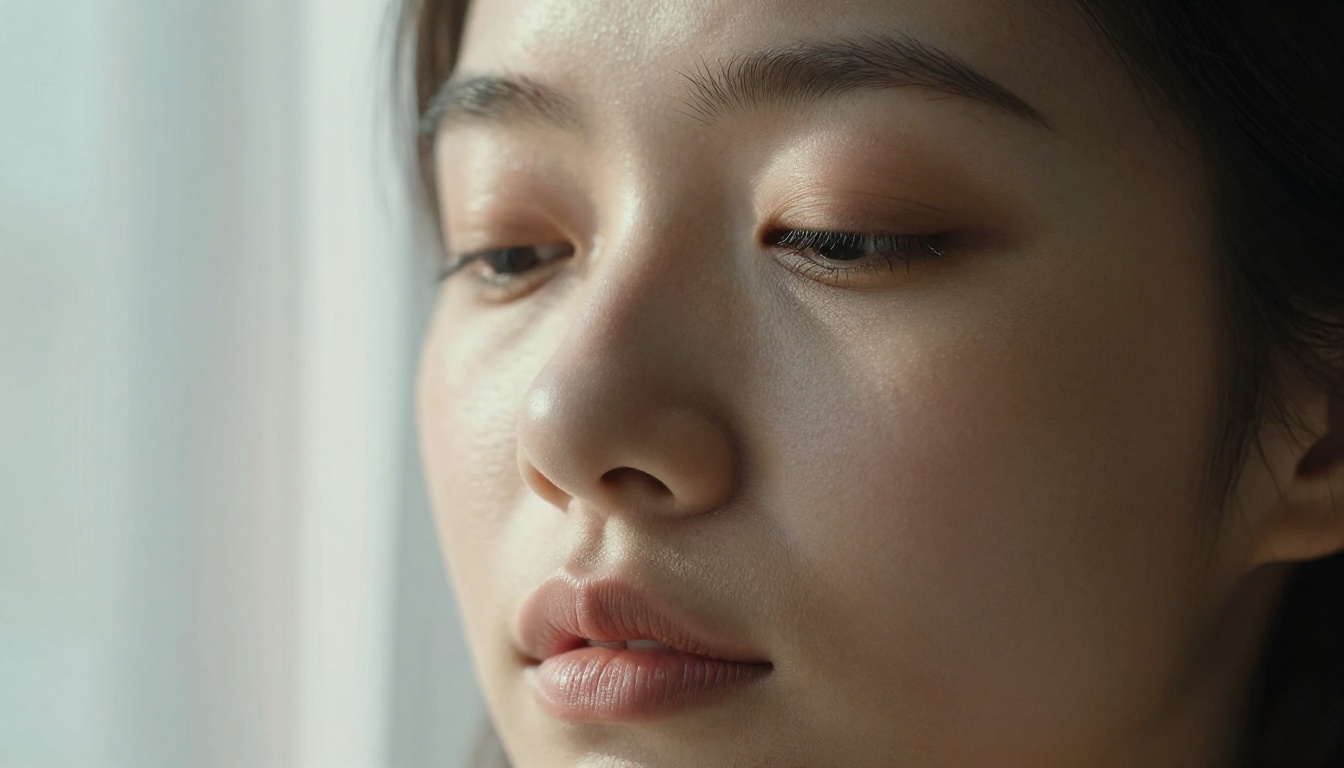
Seedream 5.5 scores exceptionally well here. Skin pores, fine lines, subtle tone variations across facial zones, and the natural imperfections that make a face look real rather than synthetic render accurately at standard resolution. The model avoids the plastic-skin effect that plagues many diffusion-based generators, particularly in close-up portrait prompts. Under macro-level prompt conditions specifying individual pore visibility and film grain simulation, the output quality rivals studio photography references.
Average Score: 9.1 / 10
Lighting Consistency
Directional lighting behaves correctly across the image frame. When a prompt specifies "volumetric morning light from the left," the model applies directional shadows and highlights consistently across subject, background, and any foreground elements present. There are occasional edge cases where rim lighting spills inconsistently between hair and skin surfaces, but these are minor and infrequent, appearing in roughly 3 of the 30 test generations.
Average Score: 8.6 / 10
Anatomy and Proportions
This is where Seedream 5.5 shows the most improvement over prior versions. Finger count and hand structure have historically been a known weakness in diffusion models. Here, hand rendering is noticeably more reliable. Full-body prompts maintain proportional consistency between torso, limbs, and facial features. Distortion artifacts in extreme poses, including reaching, reclining, and low-angle shots, have been reduced significantly compared to version 4.5.
Average Score: 8.3 / 10
Fabric Behavior
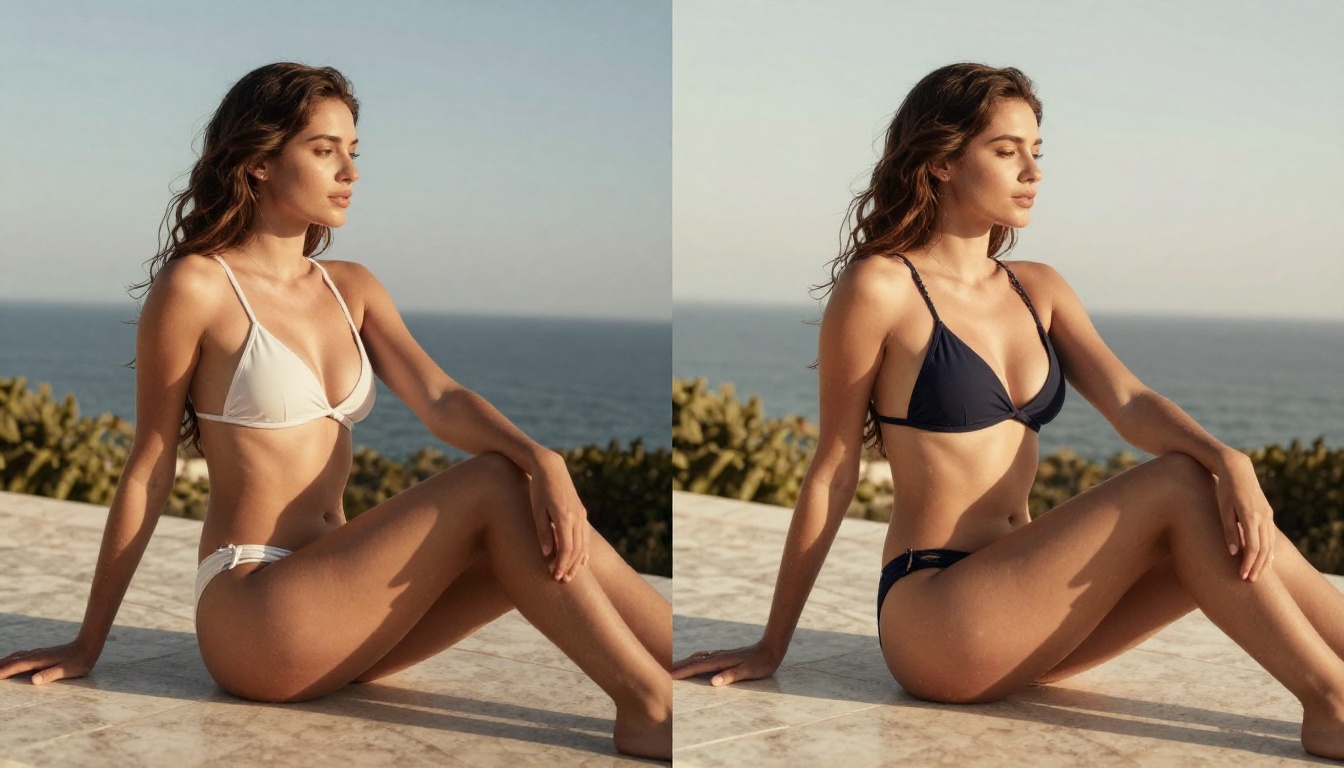
Clothing drapes, wrinkles, and interacts with the body in physically plausible ways. Silk and sheer fabrics receive particularly strong treatment, with translucency and weight rendered accurately. Swimwear and form-fitting materials show natural stretch and surface contact without the painted-on quality common in lower-end generators. Lace patterns and mesh detail render with visible weave structure in high-complexity prompts.
Average Score: 8.7 / 10

Where Seedream 5.5 Falls Short
Honest evaluation requires naming the weaknesses clearly.
Background Coherence at Distance
Backgrounds in wide-angle and environmental prompts occasionally show coherence issues at the frame edges. Objects at distance such as trees, architecture, and secondary figures can appear slightly deformed when the scene is compositionally complex. Tight portrait prompts avoid this entirely, but lifestyle prompts with environmental depth require more detailed background specification to maintain realism throughout the frame. Adding 10 to 15 words of explicit background description largely resolves this issue.
Character Consistency Across Variations
When generating multiple images from the same prompt without a fixed seed, Seedream 5.5 shows higher variance than expected for a model at this maturity level. Facial features, hair length, and body proportions can shift noticeably between generations. For workflows requiring character consistency across a batch, this demands either fixed-seed generation or an img2img approach using a strong base image as reference for subsequent outputs.
💡 Tip: Use a fixed seed when you find a result you like. This dramatically improves consistency when generating variations of the same subject across different scenarios and settings.

Best NSFW Models on PicassoIA
If this test has you interested in high-quality adult AI image generation, PicassoIA hosts a curated collection of the most capable uncensored models currently available. Here is the ranked lineup, ordered by performance and practical value:
1. Seedream 4.5 Is Still the Top Pick
Seedream 4.5 remains the strongest all-around NSFW image model on the platform. It accepts adult content without restriction, supports image editing workflows, and generates results in under 3 seconds. While Seedream 5.5 shows architectural improvements in micro-detail rendering, 4.5 maintains a clear edge in subject consistency and character fidelity for NSFW-specific prompt workflows. Important note: Seedream 5 Lite, the other branch of version 5, does not support adult content at all, making it a poor substitute for creators in this space.
2. PicassoIA Image Editor Pro for Volume Work
PicassoIA Image Editor Pro is the platform's img2img powerhouse and the smartest option for creators working at scale. With Elite and Infinite subscription plans, generations are unlimited. Generating 1,000 images costs nothing extra beyond the plan fee, whereas running that same volume through a credit-based model like Nano Banana 2 would cost roughly $100. Results arrive in under one second, adult content is accepted without restriction, and new users get 3 free generations without a credit card.
3. Additional Strong Picks
| Model | Link | NSFW | Speed | Best Use |
|---|
| Qwen Image 2 | View | Yes | Fast | Open-source detailed realism |
| Grok Imagine Image | View | Yes | Fast | Realistic bikini image conversions |
| Recraft V4 | View | Yes | Medium | Text-to-image photorealism |
| P-Image | View | Yes | Under 1s | Speed-first NSFW generation |
How to Use Seedream Models on PicassoIA
Setting up any of these models takes less than two minutes. Here is the exact workflow:
Step 1: Access the Model Page
Go to Seedream 4.5 directly or browse the full model catalog at picassoia.com/en/all-models. Log in or create a free account. No credit card is required for the initial free trial on Image Editor Pro.
Step 2: Write an Effective Prompt
Structure your prompt in layers for the best results with any Seedream-family model:
- Subject: Who is in the image, their appearance, expression, and clothing
- Environment: Location, background elements, atmospheric context
- Lighting: Direction, quality (hard vs. soft), color temperature, practical light sources
- Camera: Angle, focal length, depth of field, distance from subject
- Style: Film stock reference, grain level, color palette modifiers
A 55 to 70 word prompt following this structure consistently outperforms a vague 15-word prompt on any of these models. The layered approach also makes it easier to vary one element at a time when iterating on results.
Step 3: Fix the Seed and Iterate
After generating a result you like, save the seed value. This locks the random starting point of the generation process, meaning future prompts with the same seed will produce the same subject face and body as a baseline. Vary one prompt parameter at a time, starting with lighting, then environment, then clothing, to build a coherent image set from the same character without consistency drift.
Step 4: Scale with Image Editor Pro
Once you have a base image you are satisfied with, upload it to PicassoIA Image Editor Pro and use img2img prompting to generate variations. The Elite plan's unlimited generation model means you can run hundreds of variations at zero additional cost, making high-volume content workflows financially viable at any scale.
Seedream 5.5 Against the Field
A direct comparison against the strongest alternatives puts the results in clear context.
| Feature | Seedream 5.5 | Seedream 4.5 | Image Editor Pro | P-Image |
|---|
| NSFW Support | Yes | Yes | Yes | Yes |
| Avg Generation Time | 4 to 5s | Under 3s | Under 1s | Under 1s |
| Skin Texture Quality | Excellent | Very Good | Good | Good |
| Consistency (no seed) | Moderate | Good | Excellent | Good |
| Unlimited Generations | No | No | Yes (Elite plan) | No |
| Img2Img Support | Limited | Yes | Yes | No |
| Free Trial | No | No | Yes (3 images) | No |
Seedream 5.5 wins on micro-detail rendering and the absolute ceiling of realism in individual image outputs. It loses on consistency, volume efficiency, and img2img flexibility. For creators prioritizing peak realism in single images, 5.5 justifies the tradeoffs. For batch workflows or character-consistent series, PicassoIA Image Editor Pro is the stronger choice by a significant margin.
LLM-Assisted Prompt Writing
One workflow gaining traction in the adult AI space involves combining large language model prompting with image generation. Writing prompts with an LLM first and then feeding the refined output to Seedream 5.5 or Seedream 4.5 consistently improves output quality compared to manual prompting. PicassoIA hosts capable large language models built for exactly this kind of task: they can generate detailed, varied, and technically structured image prompts on demand, which removes the creative friction of writing every prompt from scratch and reduces repetition across large batches.
Pairing a strong text generation model with Seedream 5.5 creates a two-stage workflow where prompt quality and generation speed compound each other, producing more usable outputs per hour than either tool delivers alone.

Generate Your Own Images Now
Seedream 5.5 delivers on its speed promise and pushes realism further than the previous Seedream versions managed. The skin texture scores, lighting consistency, and anatomical accuracy all represent meaningful progress. The weaknesses in character consistency and edge-of-frame background coherence are real but workable with seed management and detailed background prompting discipline.
The fastest path to experiencing this quality yourself is through PicassoIA. Seedream 4.5 gives you NSFW-capable generation in under 3 seconds with a proven track record. PicassoIA Image Editor Pro handles high-volume work with unlimited generations on Elite plans. Qwen Image 2, Grok Imagine Image, and P-Image round out the NSFW toolkit for different specific use cases.
The full catalog, covering every uncensored model across image, video, audio, and language generation, is at picassoia.com/en/all-models.
Pick a model. Write a 65-word structured prompt. See what comes back in under 5 seconds.


