The gap between AI-generated video and reality just got dangerously thin. OpenAI's Sora 2 Pro has arrived at a point where the question is no longer "can you tell it's AI?" but "does it even matter?" Particularly in the NSFW space, the model sets a new bar for temporal consistency, skin texture fidelity, and cinematic motion that genuinely competes with professionally shot adult content.
This breakdown covers what Sora 2 Pro actually does in the NSFW context, where its competitors sit, which models give you more freedom, and exactly how to use PicassoIA to create your own high-quality adult AI videos today.

What Sora 2 Pro Actually Produces
Sora 2 Pro is OpenAI's most capable video generation model to date, and the jump from its predecessor is substantial. Where earlier models struggled with coherent motion in complex scenes, Sora 2 Pro holds subject identity across frames with a precision that was genuinely unexpected when first released.
The Quality Jump from Sora 1
Sora 1 had charm. It also had floating hair, warped anatomy on fast motion, and temporal artifacts that broke immersion the moment anything moved quickly. Sora 2 Pro addresses all three directly. Skin surfaces maintain consistent micro-texture across entire clips. Hair behaves with physically plausible dynamics. Even fabric drape reacts to motion in ways that are computationally expensive to fake.
For NSFW content specifically, these improvements matter more than in general video generation. A corporate promotional video can hide a lot with cuts. An intimate scene with a static camera has nowhere to hide inconsistency.
How the Model Handles Adult Prompts
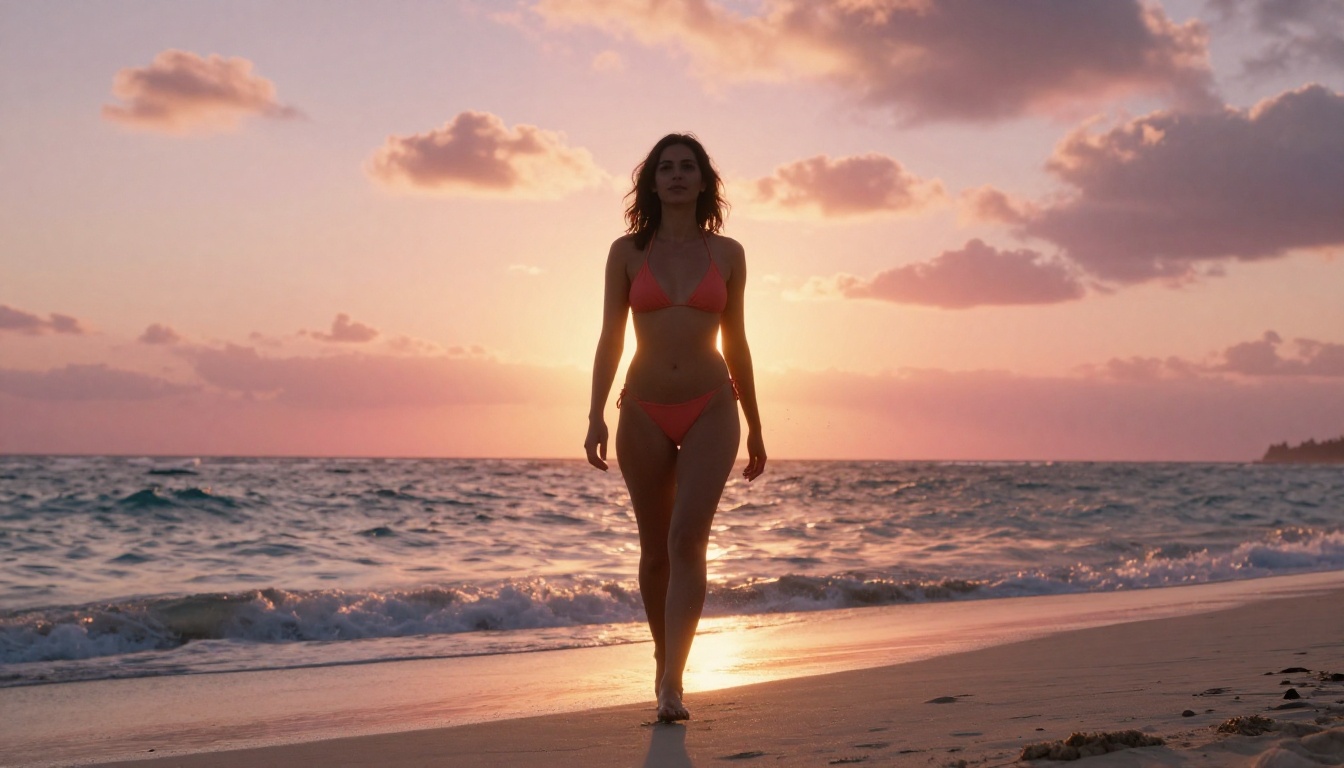
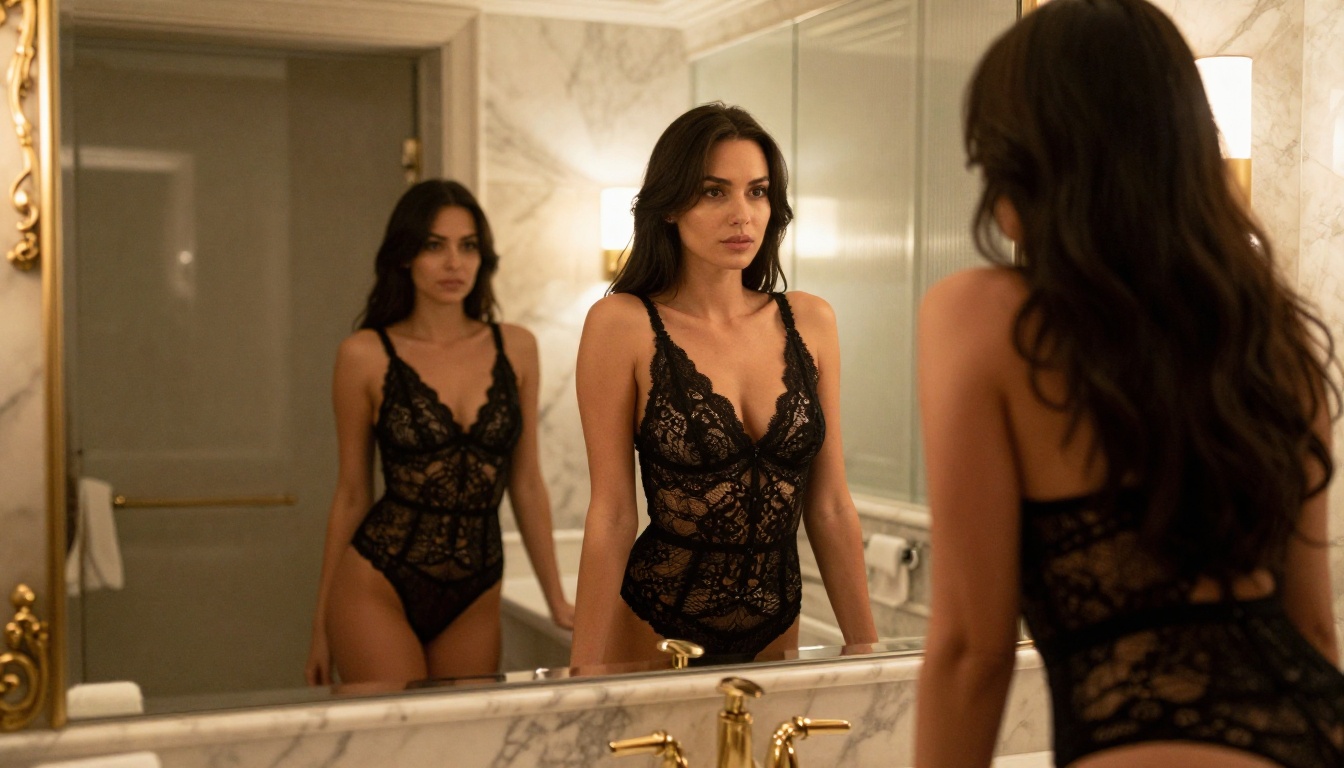
Sora 2 Pro operates within OpenAI's usage policies, which means it does not generate explicit pornographic content directly. What it does produce, when prompted carefully, is exceptionally realistic suggestive content: swimwear, lingerie, implied nudity with tasteful framing, and intimate scenarios rendered with production quality that rivals professional photography.
The model's real NSFW strength is its ability to maintain coherent subject identity through dynamic movement. A dancer, a model walking through a scene, someone stretching in morning light: these read as real because the model has internalized the physics of human motion at a depth that earlier architectures could not reach.
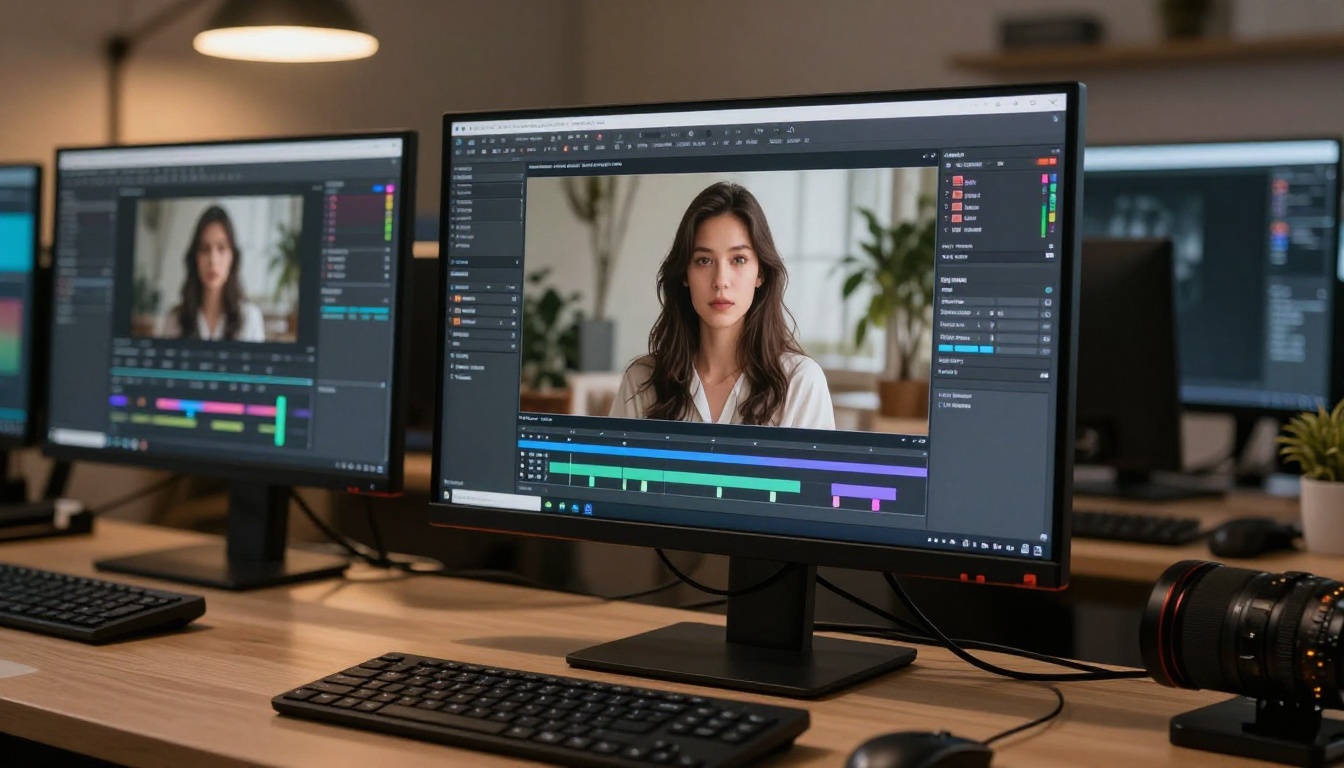
Why "Better Than Real" Is a Real Claim
The phrase sounds like marketing. It is not. There are specific, technical reasons why AI-generated video at this tier can outperform real footage in ways that matter for NSFW content production.
Temporal Consistency That Holds Up
Real video shot on a phone or consumer camera has noise, focus breathing, rolling shutter artifacts, and color temperature shifts. Sora 2 Pro generates clean frames with perfectly consistent lighting across the clip. When you want a specific atmosphere, real lighting is expensive to reproduce and harder to control. AI delivers it frame-perfect, every time.
This is particularly noticeable in skin tones. Real skin under video lighting shifts subtly with camera sensor noise. Sora 2 Pro's skin rendering is flawless and consistent in a way that reads as slightly hyper-real, in the same way that modern high-end photography post-processing does.
Skin Texture and Lighting Fidelity
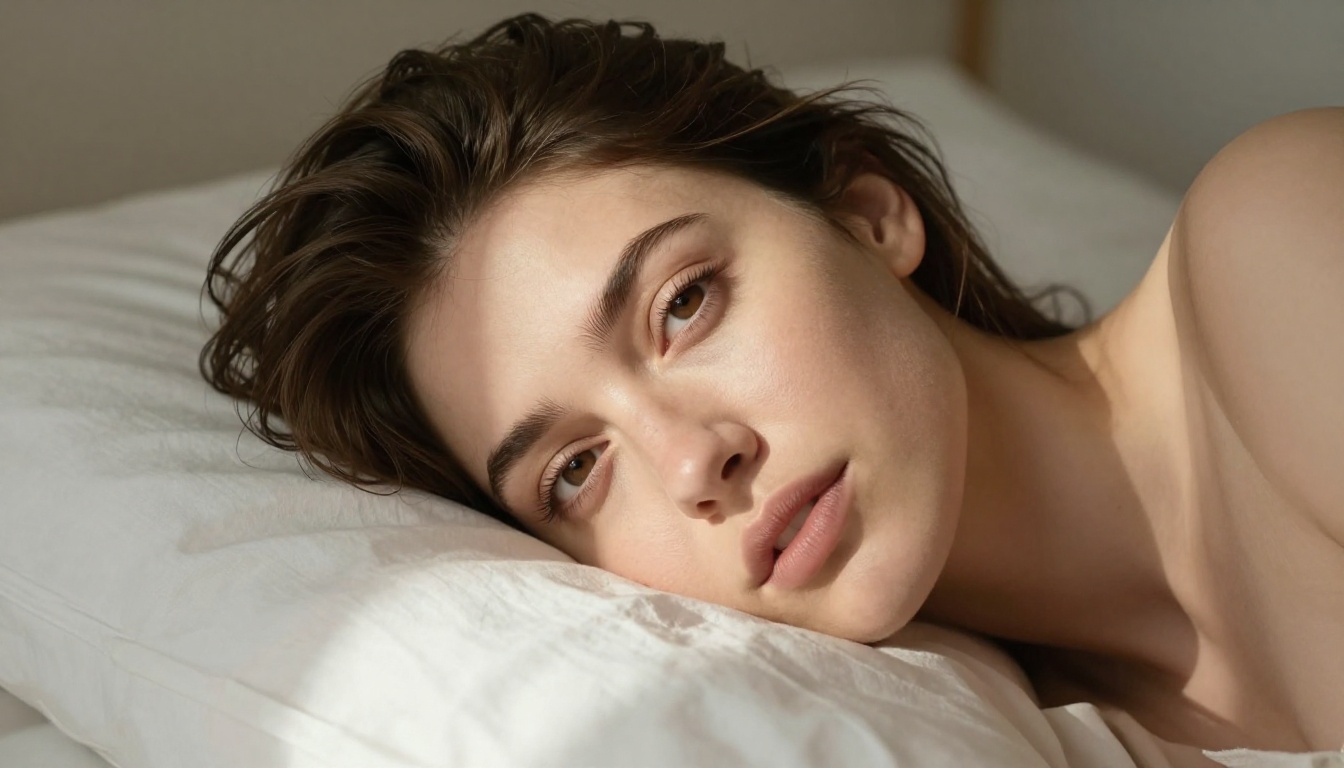
The depth of detail Sora 2 Pro renders at the pixel level is the feature that earned the "better than real" descriptor. On a close-up shot, the texture visible on skin surfaces shows pore-level detail that requires macro lenses and controlled studio lighting to achieve in a real shoot. The AI generates it from a text prompt in under a minute.
Lighting direction, shadow softness, subsurface scattering effects through skin, specular highlights on lips and eyes: all of it computed with a precision that even professional cinematographers find impressive. There is no equivalent production workflow at this speed or price point.
Sora 2 Pro vs The Competition
Sora 2 Pro does not operate in isolation. Several models available right now offer compelling alternatives, each with different strengths and NSFW tolerance levels worth knowing before you commit to a workflow.
| Model | Resolution | NSFW Tolerance | Strengths |
|---|
| Sora 2 Pro | Up to 1080p | Suggestive | Realism, motion physics |
| Seedance 2.0 | Up to 1080p | Moderate | Built-in audio, speed |
| Kling v3 Video | Up to 1080p | Moderate | Cinematic camera control |
| Wan 2.7 T2V | Up to 1080p | Low | Open weights, speed |
| Veo 3 | Up to 1080p | Low | Native audio, photorealism |
| LTX 2 Pro | Up to 4K | Low | Resolution, speed |
Wan 2.7 and Its NSFW Ceiling
Wan 2.7 I2V is an extraordinary model for general cinematic video generation. Its image-to-video capability is among the most reliable available, animating static images with motion that respects the original composition. For NSFW applications, its content filtering is relatively strict, which limits the direct use case. Where it excels is in taking a suggestive still image generated by a more permissive image model and animating it with convincing, natural motion.
Kling v3 and Cinematic Quality
Kling v3 Video from Kwai offers some of the most controlled cinematic output of any consumer-accessible model. Its motion control capabilities allow you to specify camera movements, pan speeds, and subject trajectories with precision. For producing glamour-style videos with deliberate composition, this matters considerably. The model's NSFW tolerance sits in a moderate range: suggestive content renders without issue, and the production quality makes the output feel closer to a short film than a generated clip.
Seedance 2.0 for Audio-Visual Output
Seedance 2.0 from ByteDance brings something the others lack: native synchronized audio generation alongside the video. When you generate an intimate scene, Seedance 2.0 delivers ambient sound, environmental audio, and subtle motion-synced elements as part of the same output. This immersive audio-visual combination is a meaningful differentiator for adult content applications where atmosphere matters as much as visuals.
The NSFW Models Worth Using Right Now
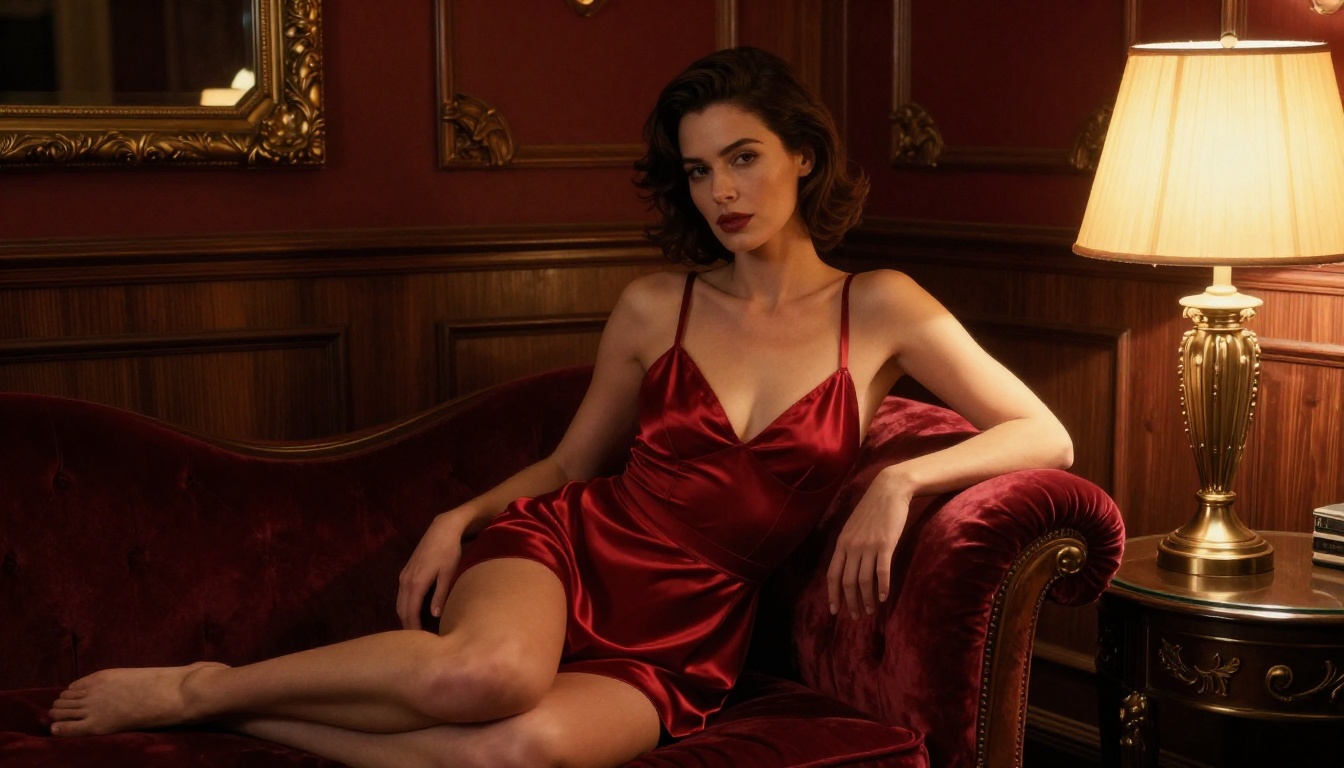
For creators specifically targeting NSFW output, the workflow typically involves generating high-quality images first, then animating them into video. This gives you more control and bypasses some of the filtering that text-to-video pipelines apply at the prompt level.
Seedream 4.5 Takes the Crown
For NSFW image generation as a foundation for your videos, Seedream 4.5 is the current benchmark on PicassoIA. It handles adult content with a level of anatomical accuracy and artistic sensibility that other models struggle to match. The output quality shows genuine skin texture, natural body proportions, and lighting that reads as photographed rather than generated.
If you are building an image-to-video workflow, starting with Seedream 4.5 gives your video model the best possible source material to animate. Its unlimited generation policy means you can iterate through dozens of frames to find exactly the right starting image before committing a video credit.
💡 Workflow tip: Generate your base image with Seedream 4.5, then feed it into Wan 2.7 I2V or Kling v3 Video for animation. This two-step process gives you more control over the final output than pure text-to-video.
Wan 2.7 I2V for Natural Animation
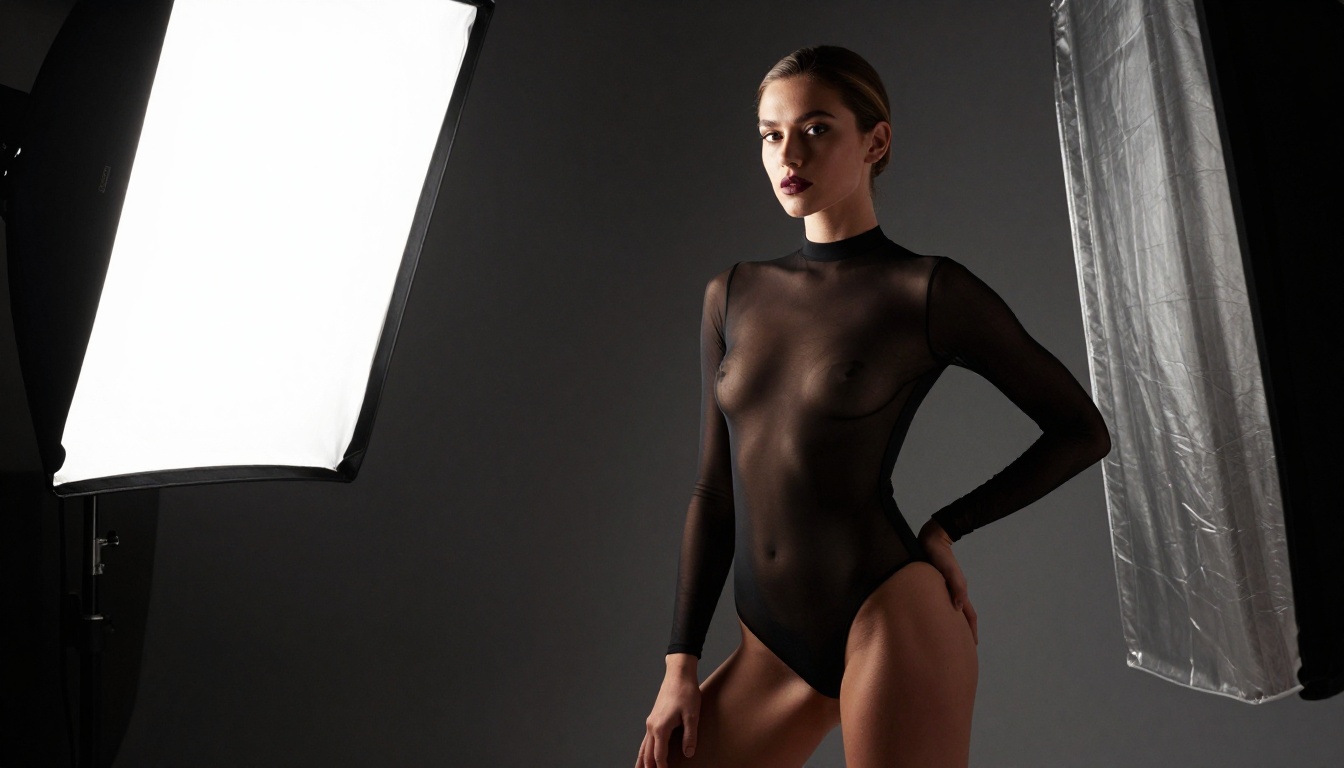
Wan 2.7 I2V shines specifically in the image-to-video pipeline. Feed it a clean, high-quality source image and the motion it generates is physically coherent in a way that text-only video models often miss. Hair flows with weight. Fabric responds to implied air movement. The subject's breathing creates subtle chest and shoulder movement that transforms a static frame into something that reads as live footage.
For glamour and intimate content, this natural motion is the difference between an obviously generated clip and something that could pass for a professional shoot. The model handles skin and fabric physics in a way that feels borrowed from a physics simulator rather than approximated from training data.
Kling v3 for Cinematic Scenes
Kling v3 Video sits at a different tier of cinematic quality. Its motion control system lets you specify not just the subject's behavior but the camera's movement: slow dolly-in, gentle pan across a subject, subtle crane-style rise that reveals a full scene. For NSFW content where atmosphere and framing matter, this control makes Kling v3 the professional's choice.
The model handles low-light scenes exceptionally well. Candlelit rooms, dim hotel suites, the soft backlit ambiance of a bathroom: all rendered with grain and shadow behavior that makes cinematographers take notice.

How to Use Sora 2 Pro on PicassoIA
Sora 2 Pro is available directly on PicassoIA with no local setup required. The platform handles API authentication, queuing, and output delivery: you write the prompt, the platform runs the generation, and you get a download link for the result.
Open the Sora 2 Pro Page
Head to Sora 2 Pro on PicassoIA. The page includes example outputs, parameter documentation, and the generation interface in a single view. No account setup required to browse the examples and get a sense of what the model produces.
Write Your Prompt with Intention
Sora 2 Pro responds exceptionally well to atmospheric, descriptive prompts that prioritize the scene's mood and physicality. Think like a cinematographer, not a writer:
- Setting: Where is the scene? Time of day, light quality, room type, location.
- Subject: Physical description with specifics. Clothing, hair, skin tone, body language, posture.
- Motion: What movement happens? Walking, stretching, turning toward the camera, sitting down.
- Camera: Is the camera static? Does it drift in slowly? Pan across the subject?
Example prompt: "A woman in a white silk robe stands at a penthouse window at golden hour. The sun catches the fabric and her skin from the left. She turns slowly toward the camera. Slow dolly-in. 85mm portrait perspective. Photorealistic. Film grain."
This kind of prompt is both cinematically precise and naturally permissive: the model can render it beautifully without triggering content filters, because it reads as a professional film direction note rather than an explicit request.
Set Your Output Parameters
| Parameter | Recommended Setting |
|---|
| Resolution | 1080p for maximum realism |
| Duration | 5-10 seconds per clip |
| Aspect Ratio | 16:9 for widescreen |
| Style | Photorealistic / RAW |
Download and Build Your Sequence
Sora 2 Pro outputs individual clips. For longer content, generate multiple clips and combine them in any standard video editor. Each clip maintains consistent subject identity when you keep the prompt structure similar across generations, making it straightforward to build a coherent multi-shot sequence.
Getting the Most Out of NSFW Video Prompts
Prompt quality is the single biggest variable in output quality. The model does not fail: imprecise prompts do.
Prompt Structure That Works
The prompts that consistently produce high-quality NSFW output share specific characteristics that separate them from generic requests:
1. Specific lighting descriptions
Do not write "good lighting." Write "soft diffused morning light entering from a single north-facing window, creating gentle shadows under the chin and collarbone, with warm fill bouncing from white walls on the left side."
2. Camera language
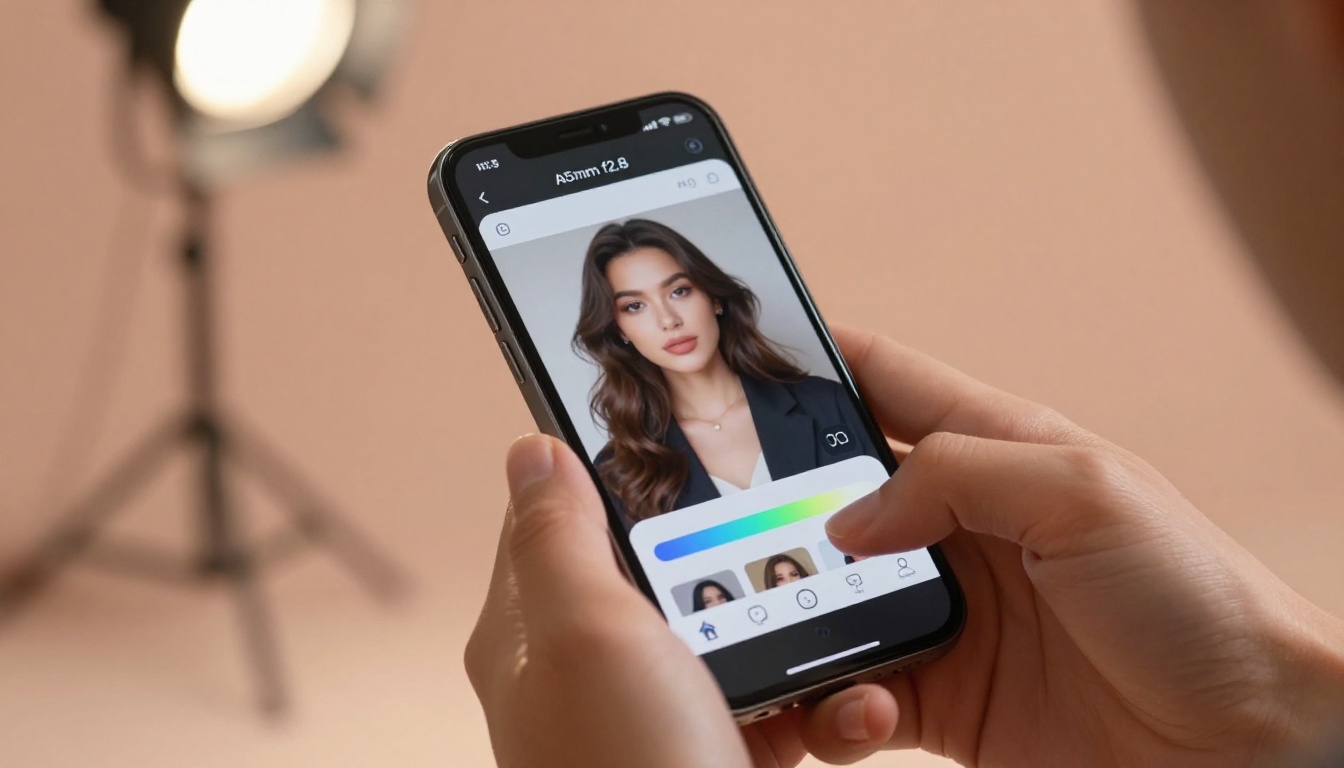
"Close-up" is vague. "85mm portrait lens at f/1.8 depth of field, camera at eye level" is precise. Use photography and cinematography terminology: "wide establishing shot," "over-the-shoulder," "slow rack focus from background to subject."
3. Fabric and texture specifics
Models render fabric behavior based on material description. "Thin white cotton shirt" behaves differently from "heavy silk blouse." Being specific about materials gives you control over how motion is interpreted and rendered.
4. Motion directionality
"She moves" is vague. "She slowly raises her arms above her head, the fabric rising with the motion, camera tilting upward to follow" is an effective video direction.
💡 Avoid filters with craft: Stay descriptive and artistic rather than explicit. Describe what a photographer or director would observe and capture. This approach both passes content filters and produces noticeably better output quality compared to explicit requests.
Working Around Content Filters
Most platforms apply content filtering at the prompt level, not the output level. The filter reads your words, not your intent. Cinematic, descriptive language almost always clears filters that explicit terms trigger.
This is not about workarounds. It is about prompt craft. The same scene described with the vocabulary of photography versus the vocabulary of adult fiction will produce different filter responses and, consistently, better output quality when using the cinematic approach. The model was trained on professionally captioned photography and film direction notes: speak that language back to it.
The Real Cost of Content Restrictions
Here is an honest assessment: Sora 2 Pro is exceptional, but its content policy limits what it will generate directly. The same applies to Veo 3 from Google and, to a lesser extent, LTX 2 Pro from Lightricks.
For creators who need to operate beyond the suggestive tier, the image-to-video pipeline becomes the professional standard. Generate the source material with an unrestricted image model, then animate it with a video model that focuses on motion quality rather than content filtering. The two-tool workflow gives you more control over every frame than a single text-to-video pipeline ever could.
PicassoIA's collection includes models specifically suited to this workflow. Platforms with unlimited generation policies let you iterate through dozens of source images until you have exactly the starting frame you want, then animate that single chosen frame with a premium video model. The combination produces results that neither tool alone could deliver.
What the Alternatives Cannot Match
No competitor currently matches Sora 2 Pro on the specific combination of human motion physics and skin rendering at its quality tier. Hailuo 02 produces impressive 1080p output quickly but lacks depth of realism on close-up work. Pixverse v5 handles stylized content well but reads as slightly artificial on close skin detail. Ray 3.2 from Luma offers strong cinematic framing but trails on skin texture rendering.
For anyone prioritizing maximum realism in intimate video content, Sora 2 Pro remains the technical leader. The gap between it and second place is measurable at the pixel level.
Start Generating Today
If you have been reading this and building a mental list of scenes you want to create, that instinct is exactly right. The technology is at a point where the barrier is no longer technical: it is simply sitting down to write the prompt.
PicassoIA gives you direct access to Sora 2 Pro, Seedance 2.0, Kling v3, Wan 2.7 I2V, and dozens of other models through a single interface. No API setup. No local GPU requirements. No extended queue times.
Start with a single scene. Pick a setting, describe the lighting, specify the motion, choose your model, and generate. The first output will tell you immediately what the model responds to. Iterate from there. Ten generations from now you will have an output that would have cost thousands to produce on a real set just two years ago.
Browse the full model collection at picassoia.com/en/all-models and start generating your first scene today.


