If you have spent any time in the AI video space lately, you have seen the name Sora 2 Pro attached to some of the boldest quality claims in generative media. OpenAI's premium text-to-video subscription sits at $200 per month, a number that stops most people before they even read the feature list. Before committing to a subscription that costs as much as a professional software license, there is a practical question worth answering directly: does Sora 2 Pro produce results that justify that monthly spend, or are you paying a brand premium for output you can get cheaper elsewhere?
This review covers what the Pro tier actually delivers, where it genuinely leads the field, where it still frustrates experienced creators, and whether the math works for your specific workflow. No filler, just what matters before you hand over your credit card details.
What You Actually Get for $200
Sora 2 Pro is OpenAI's highest subscription tier for their flagship text-to-video model. At $200/month it occupies the absolute premium end of the consumer AI video market, sitting above competitors that charge a fraction of that amount for comparable capability. Every feature at this price point has to justify its presence.
Resolution and Output Quality
The centerpiece of the Pro tier is 1080p video output. For AI-generated video in 2027, that resolution still marks the upper limit for consumer-accessible models. Frames hold genuine detail across the full clip duration: surface textures carry depth, motion blur reads like a physical camera rather than a rendering artifact, and shadow placement respects light source direction in a way that cheaper models still struggle to replicate consistently.
Object permanence, one of the most persistent challenges in video generation, has improved substantially in Sora 2 Pro. Characters hold consistent facial features, proportions, and clothing across a full ten-second clip in the majority of test cases. That consistency separates it from many competing models where a character's face drifts noticeably between seconds four and eight. The color science is also a genuine strength. Outputs carry a filmic, slightly warm bias that reads as cinematic rather than synthetic, and skin tones render with a naturalism that competitors at lower price points still miss frequently.
Monthly Credits and Generation Limits
The Pro tier allocates 10,000 priority credits per month. Individual generations cost approximately 50 to 100 credits depending on clip duration and output resolution. In practical terms that translates to roughly 100 to 200 clips monthly at standard settings, or considerably fewer when pushing maximum duration and resolution on every generation.
That ceiling becomes a real constraint for commercial users running high-volume workflows. Heavy users producing 20-second clips for client deliverables will exhaust credits before the billing period ends. Casual users experimenting a few times per week will routinely have credits left over, meaning they pay for capacity that never gets used. Knowing your actual monthly generation volume before subscribing is not optional at this price point.
Speed and Queue Priority
Priority queue access is one of the most tangible day-to-day benefits the Pro subscription provides. Free-tier and Plus-tier users face multi-minute wait times per generation during peak usage hours. Pro users consistently receive completed generations in under 30 seconds for standard 5-second clips. For anyone iterating through multiple prompt variations in a single creative session, those time savings compound into hours recovered per month. For client-facing workflows where revision cycles have hard deadlines, the reliability of fast generation is worth real money.
Video Quality in Practice
Feature lists describe what is theoretically possible. What matters in practice is whether Sora 2 Pro produces output that holds up when placed into actual projects.
Cinematic Realism
On well-constructed prompts, Sora 2 Pro generates footage that holds up to a second look. A character walking through rain on a cobblestone street at dusk shows convincing water interaction on the paving stones, realistic movement of a heavy coat in damp air, and natural depth-of-field falloff from the simulated camera lens. That is genuinely impressive output and represents a meaningful step forward from what video generation could produce eighteen months ago.
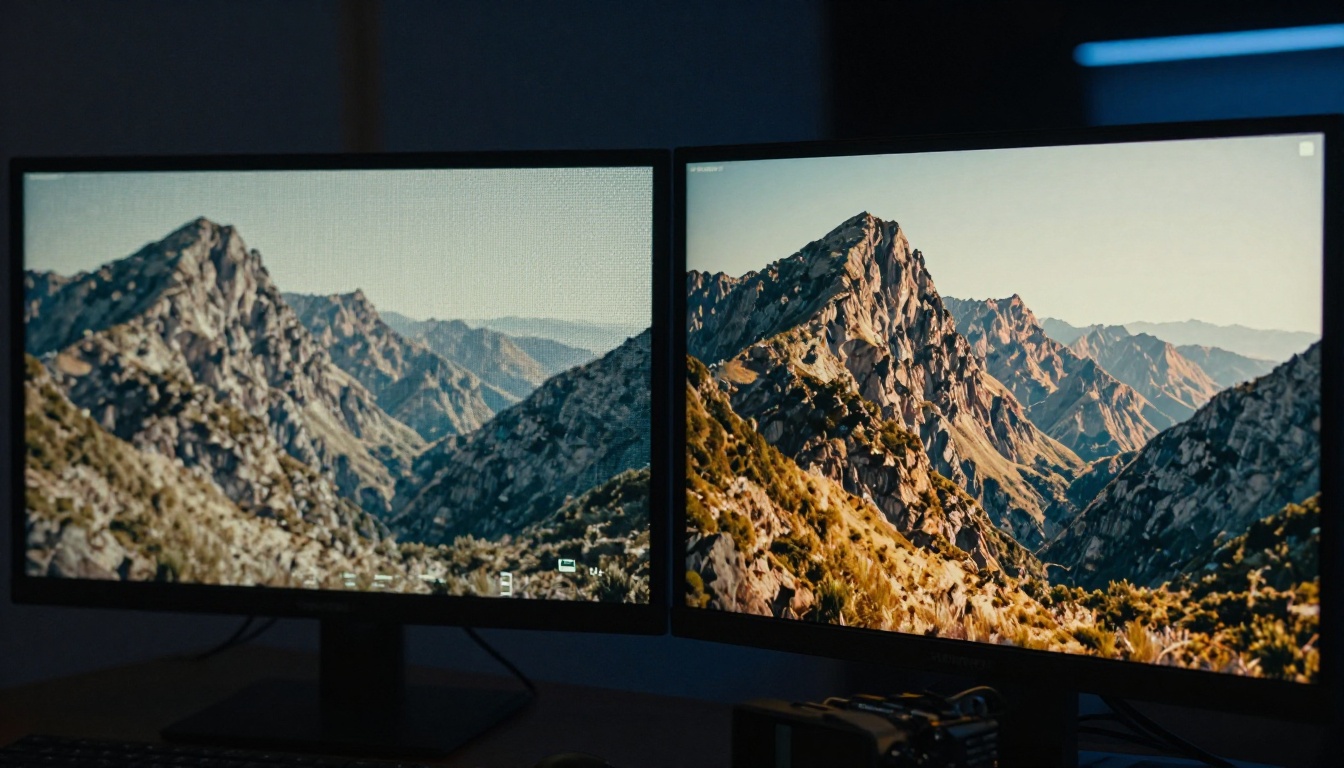
Aerial and wide landscape shots are a consistent strength. Sora 2 Pro handles large-scale environmental motion with a naturalism that outperforms most alternatives: ocean swells rolling toward a shoreline, wind moving through tall grass in visible waves, clouds building over mountain ranges at time-lapse speed all render with physical plausibility. Camera movement simulation has also improved considerably. Slow dolly moves, smooth tracking shots, and gradual pull-outs feel intentional rather than coincidental, which makes the footage far more usable in edited sequences.
Motion Coherence
This is where the Pro tier begins to justify part of its price. Human motion has improved substantially relative to earlier Sora releases. Walking cycles show far less of the uncanny-valley instability that characterizes cheaper models, and for medium and wide shots the results are genuinely usable in professional contexts without extensive rotoscoping or cleanup. Character actions like picking up objects, turning to look at something, or sitting down all execute with reasonable physical coherence for clips under eight seconds.
Hands remain the most problematic area under close inspection. Fingers flex in physically implausible ways when the camera is close enough to see individual knuckles. For footage that avoids macro closeups on hands, the issue is largely invisible in practice. Facial expressions have also improved, with emotional transitions reading as intentional rather than random, though very tight portrait shots still show subtle drift in facial structure between frames.
Text within video remains a genuine weakness regardless of how the prompt is written. Signs, storefronts, labels, printed text on surfaces, any scenario requiring legible characters on screen almost always produces garbled or hallucinated results. This is an industry-wide challenge that no current video model has solved, but it matters for workflow planning at any price point.
Where It Still Falls Short
At $200 per month, expectations set themselves high, and there are scenarios where Sora 2 Pro does not clear that bar. Complex multi-character interactions in a single frame tend to lose coherence after four to five seconds: characters drift into each other, limbs multiply, and physical interaction between two people degrades into visual noise. Long-form generations at the 20-second maximum accumulate more visible artifacts than shorter clips, particularly in the middle section of the clip where the model appears to lose structural memory of the scene it started generating.
Physics on small objects, liquids pouring from a container, hair dynamics in wind, individual leaves falling from a tree, all carry the telltale signature of a model extrapolating physical behavior rather than simulating it from first principles. Prompt interpretation is also not perfectly reliable at this price point. Specific stylistic instructions and precise spatial relationships in complex scene descriptions get dropped or misread with enough frequency that iteration is an assumed part of every generation workflow, not an occasional correction.

How Sora 2 Pro Compares to Rivals
The $200 monthly subscription is only rational in the context of what alternatives deliver. In 2027, those alternatives have narrowed the quality gap considerably.
Kling v3 at a Fraction of the Cost
Kling v3 Video from Kwai has become the most direct quality competitor to Sora's premium offering. On a per-generation consumption model, a moderate-volume user producing comparable clip counts spends significantly less than $200 monthly. Motion coherence is excellent across most prompt types, character movement reads naturally in medium and wide shots, and prompt fidelity matches Sora 2 Pro on descriptive scene-based prompts.
The gap opens on color science and tonal rendering. Kling v3 outputs carry a cleaner, more processed look that reads as AI-generated to trained eyes working in post-production. Sora 2 Pro's warmer, more analog-influenced color rendering holds a visible advantage for projects where that filmic tonal quality is a creative requirement. Kling v3 Omni Video extends the model with text-and-image input support, giving it practical workflow flexibility that pure text-to-video competitors currently lack. For creators who work from reference images, that capability alone changes the comparison significantly.
Veo-3 and Gen-4.5
Google's Veo-3 presents the most credible direct challenge to Sora's quality claims. Environmental realism in outdoor scenes and large-scale atmospheric simulations is outstanding, frequently outperforming Sora 2 Pro on nature and landscape content. The addition of native synchronized audio output, a capability Sora currently does not offer at all, makes Veo-3 significantly more practical for social media and advertising content where silence is not acceptable in the final deliverable.
Runway's Gen-4.5 targets professional editing workflows with strong video-to-video capabilities that allow editors to augment or stylistically transform existing footage rather than generating purely from text prompts. If your workflow involves modifying real-world footage rather than creating from scratch, Gen-4.5 has a clear practical advantage that Sora's current feature set cannot match.
LTX-2.3 Pro and Hailuo 2.3 round out the competitive landscape with fast generation times and strong consistency for shorter clips, both accessible at consumption-based pricing well below Sora's monthly commitment. For high-volume short-form content workflows, either represents a financially compelling alternative.
The Real Differentiator
After comparing outputs across all major platforms, Sora 2 Pro's genuine differentiator is not raw output quality. It is ecosystem integration and brand recognition in client-facing contexts. For freelancers and agencies pitching AI video work to cautious or conservative clients, the OpenAI name carries weight that technically superior or price-competitive alternatives do not yet match in certain markets. That's a real value proposition. Whether it's worth $200 per month depends entirely on how often that brand recognition actually closes deals or prevents objections in your specific client relationships.
Who Should Actually Pay $200/Month
The honest answer is: a smaller group than OpenAI's subscription page implies.
Professionals with Real ROI
The subscription makes clear financial sense for commercial video producers billing on a project basis. If a single Sora 2 Pro generation saves four hours of stock footage sourcing, licensing, and editing work, and you bill at $75 per hour, the monthly subscription cost recovers in a single client project. Agency creative teams managing volume output with structured client review cycles benefit directly from priority queue access, where generation delays during revision rounds create real schedule and relationship risk.
Marketing departments running high-volume short-form content pipelines, producing dozens of clips weekly for social and paid distribution, will find the credit allocation reasonable when measured against the value of the content output. The same calculation applies to film and advertising pre-visualization work, where $200 is negligible against total production budgets and the speed benefit of immediate generation versus two-week stock procurement timelines is the primary value driver.
Tip: If you need access to the core Sora model with lower monthly volume, Sora 2 at the standard tier uses the same underlying model with a reduced credit allocation and standard queue priority at a significantly lower monthly cost. For creators who generate fewer than 50 clips monthly, the standard tier is almost always the smarter starting point.
Hobbyists and Casual Creators
If you generate a handful of videos per month for personal projects, a growing channel, or social media experimentation, $200 per month is very difficult to rationalize against what you actually consume. The credit allocation exceeds casual usage volumes by a wide margin in most months, meaning you regularly pay for capacity you never access.
Alternatives like Kling v3, PixVerse v5.6, or Seedance 1.5 Pro deliver strong output quality at consumption-based pricing that scales directly with actual usage volume. For variable-schedule creators, that model is almost always the more financially sound choice.

Using Sora 2 Pro on PicassoIA
Sora 2 Pro is available directly through PicassoIA without committing to an OpenAI flat-rate subscription. Credit-based access means you pay per generation rather than per month, which changes the economics significantly for creators with variable monthly output volumes. You get access to the same model, the same output quality, and the same parameter controls without locking into a recurring $200 commitment.
Step 1: Navigate to the Model
Go to the Sora 2 Pro page on PicassoIA. Before starting your session, review the current credit cost per generation length and resolution combination. Understanding the credit math before you begin prevents running out mid-session and losing creative momentum at a critical iteration point.
Step 2: Write a Strong Prompt
Effective Sora 2 Pro prompts follow a repeatable structure: Subject + Action + Environment + Camera Style + Mood. Specificity is the single biggest driver of output quality. Compare "a woman walking in a city" with "a woman in her 30s wearing a long camel coat walking briskly through a rain-slicked Tokyo side street at dusk, medium tracking shot from behind, soft orange streetlight reflections on wet pavement, overcast sky, quiet and contemplative atmosphere." The second prompt returns dramatically better results on every dimension.
Avoid loading a single prompt with multiple simultaneous complex actions. One clear primary action per generation produces more physically coherent output than attempting to choreograph intricate multi-step sequences in a single clip. If your scene requires a character to walk, turn, and react, generate those as separate clips and cut between them in post.

Step 3: Set Duration and Resolution
5 to 10 second clips at 1080p represent the best quality-to-credit ratio for most production use cases. Longer generations up to 20 seconds are available, but artifact accumulation in motion-heavy scenes increases noticeably past the 10-second mark, particularly around the midpoint where the model appears to lose structural coherence. Starting with shorter clips to validate your prompt direction before committing to maximum duration saves credits and time.
Aspect ratio selection matters for your destination platform. 16:9 for landscape video, desktop, and YouTube. 9:16 for mobile-first social formats. Setting this correctly before generation avoids post-processing crop steps that introduce quality loss and reframe compositions the model built for a different aspect ratio.
Step 4: Iterate in Cycles
Production-quality output from Sora 2 Pro almost always requires two to five generations per final clip. Write your prompt, evaluate the output critically, identify the specific elements that drifted from your creative vision, and refine the prompt language to address those gaps. Keep a running document of prompt elements that produced strong results so you can replicate them across a project. Combining several well-executed shorter clips through editing gives you more pacing control and more consistent quality than depending on a single long generation to carry an entire scene.
Also worth noting: PicassoIA gives you direct access to compare Sora 2 Pro output against Kling v3, Veo-3, and Gen-4.5 on the same prompt within the same session. That side-by-side access is one of the fastest ways to determine which model actually fits your specific output requirements.
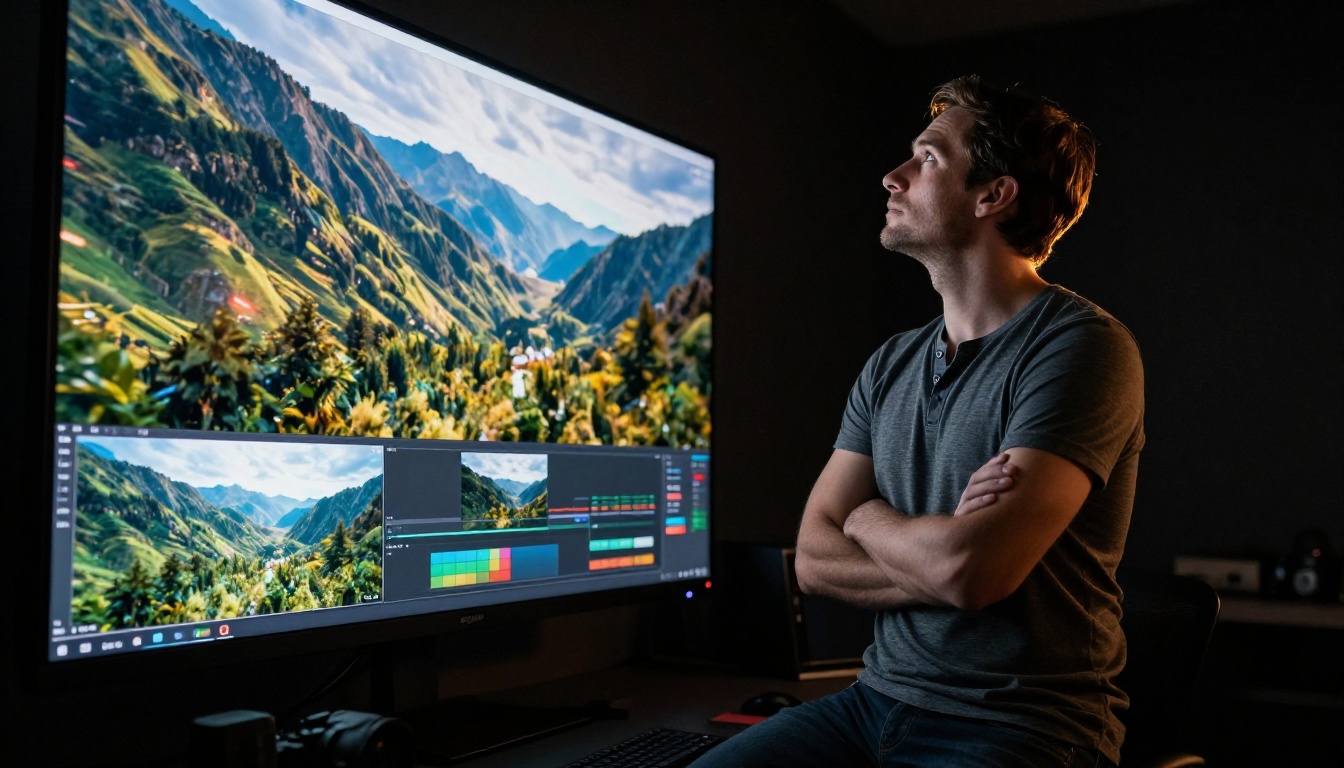
So, Is It Worth the $200?
Sora 2 Pro is a strong model. The output quality holds up in professional contexts, the priority queue delivers on its promise, and the credit volume is generous for high-production-volume users. The question is not whether it is good. It is. The question is whether a flat-rate $200 monthly subscription matches your actual usage pattern better than consumption-based alternatives.
When the Math Works
| User Profile | Why It Makes Sense |
|---|
| Commercial video producer | One project ROI covers the full monthly cost |
| Agency creative team | Priority queue removes client deadline risk |
| Film pre-visualization work | $200 is negligible at production scale |
| High-volume content pipeline | Credits justify at 100+ clips per month |
When Another Path Is Smarter
| User Profile | Better Option |
|---|
| Hobbyist and personal projects | Kling v3 or PixVerse v5.6 on consumption pricing |
| Occasional social content creator | LTX-2.3 Fast for rapid and affordable iteration |
| Audio-sync video requirements | Veo-3 for native audio output |
| Modifying existing footage | Gen-4.5 for video-to-video workflows |
The smartest entry point for most creators is to test Sora 2 Pro on PicassoIA using credit-based access before committing to any flat monthly fee. A handful of sessions will tell you quickly whether the output quality and your workflow are actually aligned with what a $200 subscription demands from you. You can run the same prompts through Kling v3 Omni Video, Veo-3, LTX-2.3 Pro, and Hailuo 2.3 in the same session to see directly where Sora 2 Pro earns its premium and where alternatives close the gap.
Start creating now on PicassoIA and put Sora 2 Pro to the test against your actual project requirements. The results will answer the $200 question faster than any review can.