The AI video generation race just got a lot more interesting. OpenAI's Sora 2 arrived promising near-cinematic output from simple text prompts, while ByteDance's Seedance 2.0 entered as a direct competitor built for speed, realism, and creator-first workflows. If you've been trying to pick one over the other for your next project, you're not alone. The debate between these two models has taken over every AI video forum, YouTube channel, and creative community in 2027.
This article puts both models through a detailed comparison across the factors that actually matter for real-world use: output quality, motion coherence, generation speed, pricing, and which types of projects each handles best.
Two Giants, One Screen
Before getting into benchmarks, it helps to know where each model comes from and what it was designed to do.
What is Sora 2
Sora 2 is OpenAI's second-generation text-to-video diffusion model. Built on top of the original Sora architecture, it introduced major improvements in temporal consistency, fine-grained motion control, and scene-level awareness. Where the first Sora sometimes produced dreamy, slightly unreal output, Sora 2 pushes harder toward grounded photorealism.
The model generates videos up to 60 seconds long with accurate physics simulation, multi-character scenes, and subtle environmental details like wind in fabric or reflections on wet surfaces. It's also available in a Sora 2 Pro variant that unlocks higher resolution outputs and extended generation length.
Strengths:
- Long-form video generation up to 60 seconds
- Cinematic camera movement control
- Strong spatial relationship and physics accuracy
- Exceptional prompt adherence on complex scenes
What is Seedance 2.0
Seedance 2.0 is ByteDance's flagship video generation model, the latest evolution of a series that started with Seedance 1 Pro and matured through Seedance 1.5 Pro. ByteDance brought substantial compute resources and a massive proprietary video dataset to train this model, resulting in output that feels distinctly different from OpenAI's approach.
Seedance 2.0 focuses heavily on motion naturalness, particularly for human subjects. Faces remain consistent frame-to-frame, body movements avoid the rubbery artifacts that plague many video models, and the model handles close-up shots exceptionally well. For creators working with lifestyle content, product videos, and social media-first productions, this is a significant advantage.
Strengths:
- Superior human motion and face consistency
- Faster generation times than Sora 2
- Excellent close-up and medium shot quality
- Strong performance at shorter clip lengths of 5 to 15 seconds

Head-to-Head: What Actually Matters
Numbers tell part of the story. In practice, the differences between these models show up in very specific scenarios.
| Feature | Sora 2 | Seedance 2.0 |
|---|
| Max Duration | 60 seconds | 20 seconds |
| Resolution | Up to 1080p | Up to 1080p |
| Human Motion | Good | Excellent |
| Physics Simulation | Excellent | Good |
| Generation Speed | 2 to 5 minutes | 30 to 90 seconds |
| Prompt Adherence | Very High | High |
| Cost Per Second | Higher | More affordable |
Video Quality and Realism
Sora 2 produces output that feels deliberately cinematic. The model has a natural tendency toward widescreen compositions, soft-focus backgrounds, and dramatic lighting. If your project needs epic landscape shots, complex multi-character scenes, or physically accurate environments, Sora 2 operates in a different class.
Seedance 2.0 takes a more grounded approach. Videos feel naturalistic rather than cinematic, which is exactly what you want for product demonstrations, social ads, and creator content. The color grading is more neutral, textures are more tactile, and human skin tones stay consistent even under changing light.
💡 For social media content under 15 seconds, Seedance 2.0 typically edges out Sora 2 on perceived realism. For anything over 30 seconds that needs visual drama, Sora 2 wins.
Motion Accuracy and Physics
This is where the most interesting differences appear. Sora 2 has clearly invested heavily in physics simulation. Objects interact with each other in believable ways, liquids flow correctly, and even unusual prompts like "a dog running through shallow water" produce accurate splashing patterns. The model has a detailed internal picture of how the physical world moves.
Seedance 2.0 approaches motion differently. Rather than simulating physics from first principles, it was trained on massive amounts of real video footage, making human movements feel exceptionally natural. A person walking, turning their head, or picking up an object looks right in a way that Sora 2 sometimes misses. The tradeoff is that unusual physical scenarios can produce artifacts.
Speed and Real Costs
Generation speed matters more than most creators admit. When you're iterating on a project, waiting five minutes between renders kills creative momentum.
Generation Time
Sora 2 typically takes between 2 and 5 minutes for a 10-second 1080p clip, depending on server load. Sora 2 Pro can push this to 8 or more minutes for longer clips at maximum quality settings.
Seedance 2.0, drawing on ByteDance's massive infrastructure, generates comparable 10-second clips in 30 to 90 seconds. This speed advantage compounds over a full day of work. If you're producing 20 clips for a campaign, the difference is measured in hours, not minutes.
For a faster iteration workflow, you can start with Seedance 1 Pro Fast or Seedance 1 Lite to test your prompts before committing to a full Seedance 2.0 generation.
Pricing Per Second
Exact pricing varies by platform and usage tier, but the general pattern holds across providers: Sora 2 costs roughly 2 to 3 times more per second of output than Seedance 2.0. For individual creators and small studios, this difference is material. For enterprise users on flat-rate plans, it matters less.
💡 Running quick concept drafts on Seedance 1 Lite before committing to a full Sora 2 render can cut your costs dramatically without sacrificing the final output quality.
Where Each One Wins
Both models are exceptional at what they do. The real question is which one fits your workflow.
Sora 2 Best For
- Film and narrative content: Multi-scene stories with consistent character movement benefit from Sora 2's stronger narrative coherence over longer durations.
- Nature and environment videos: Landscapes, weather events, and physical phenomena render with higher accuracy than any competing model.
- Architectural visualization: Complex spatial relationships, interior lighting, and material textures come through cleanly.
- Abstract and experimental video art: The model's tendency toward dramatic composition makes it ideal for creative and artistic projects.
Seedance 2.0 Best For
- Social media content: Short-form clips for Instagram, TikTok, and YouTube Shorts benefit from Seedance's speed and natural look.
- Product advertising: Close-up product shots with realistic textures and lighting are a clear Seedance strength.
- Lifestyle and fashion: Human subjects moving naturally in real-world environments look more believable than with Sora 2.
- High-volume production: If you're generating many clips per day, the speed and cost advantages stack up fast.

How to Use Sora 2 on PicassoIA
Both Sora 2 and Seedance models are available directly on PicassoIA, so you can try them both without any API setup or technical configuration.
Step 1: Go to the Sora 2 model page
Navigate to Sora 2 on PicassoIA. You'll see the prompt input interface, duration selector, and resolution options.
Step 2: Write a detailed prompt
Sora 2 responds very well to specific prompts. Include the camera angle, lighting conditions, subject action, and environment. For example: "A close-up shot of a woman in a red coat walking through an empty cobblestone street in the rain, camera following from behind at low angle, late afternoon overcast light."
Step 3: Set your duration and resolution
For testing prompts, start at 5 seconds to iterate quickly. Once you have a prompt that works, scale up to 15 or 30 seconds. For final production quality, use Sora 2 Pro for maximum resolution and extended duration.
Step 4: Iterate on motion descriptors
If the motion looks off, add explicit motion language to your prompt. Words like "slow pan," "dolly in," "static shot," or "handheld camera" have a significant effect on output character.
Step 5: Post-process the output
Use PicassoIA's video upscaling and stabilization tools to refine and improve your generated clip before downloading.
How to Use Seedance 2.0 on PicassoIA
The Seedance 1.5 Pro is the current top-tier Seedance model on PicassoIA, offering the closest experience to Seedance 2.0's capabilities for human-centered video generation.
Step 1: Open the model
Go to Seedance 1.5 Pro on PicassoIA and start with the default settings to understand the model's baseline output style.
Step 2: Focus on human subjects
Seedance performs best when prompts center on human activity. Be specific about clothing, environment, and action. Avoid abstract or physics-heavy prompts where Sora 2 has a natural edge.
Step 3: Use shorter durations for quality
Seedance 2.0 consistently delivers its best results at 5 to 10 seconds. Longer clips can see a quality dropoff toward the end. Plan to stitch multiple short clips if you need longer sequences.
Step 4: Pair with an image reference when possible
For lifestyle and product content, starting from an image reference produces more consistent results. The model anchors visual elements to your reference image, reducing unwanted variation between frames.
Step 5: Generate multiple variations
Seedance's speed is its biggest asset. Use it to generate multiple variations of the same prompt quickly, then pick the best take. This approach treats the model like a fast-turnaround camera operator rather than a slow render farm.

3 Things Nobody Tells You
Prompts work differently for each
Sora 2 responds to cinematic language: shot types, lighting descriptions, and narrative context improve output dramatically. Seedance 2.0 responds better to concrete visual descriptions: exact clothing, specific environments, precise actions. Copying the same prompt between models without adapting it is one of the most common mistakes creators make.
Neither model is great at text
Both Sora 2 and Seedance 2.0 struggle with generating readable text within video frames. If your content needs visible words, titles, or signs, plan to add these in post-production rather than relying on the AI to generate them accurately.
The best model changes by prompt
There's no single winner across all prompts. Experienced creators often test both models on the same prompt, then pick the better result. The cost of a second generation is worth it when the output quality difference is significant.

Beyond Video: More on PicassoIA
Video generation is just one part of a full AI content workflow. While you're producing clips with Sora 2 or Seedance 2.0, PicassoIA gives you access to dozens of tools that make the full production pipeline faster and more cohesive.
- Image Generation: Over 91 text-to-image models for creating reference frames, thumbnails, and supporting visuals
- Super Resolution: Upscale your video frames or extracted images up to 4x for print and broadcast quality
- Lipsync: Add realistic synchronized speech to any character in your AI video
- Effects: 500 or more video effects to stylize and finish your generated clips
- AI Music Generation: Create custom backing tracks that match the mood and pacing of your video
- Background Removal: Isolate subjects from any generated or real footage for clean compositing
If you're already using AI video generation, having all of these in one place means fewer tool switches and a faster path from idea to finished content.
Which One Should You Pick?
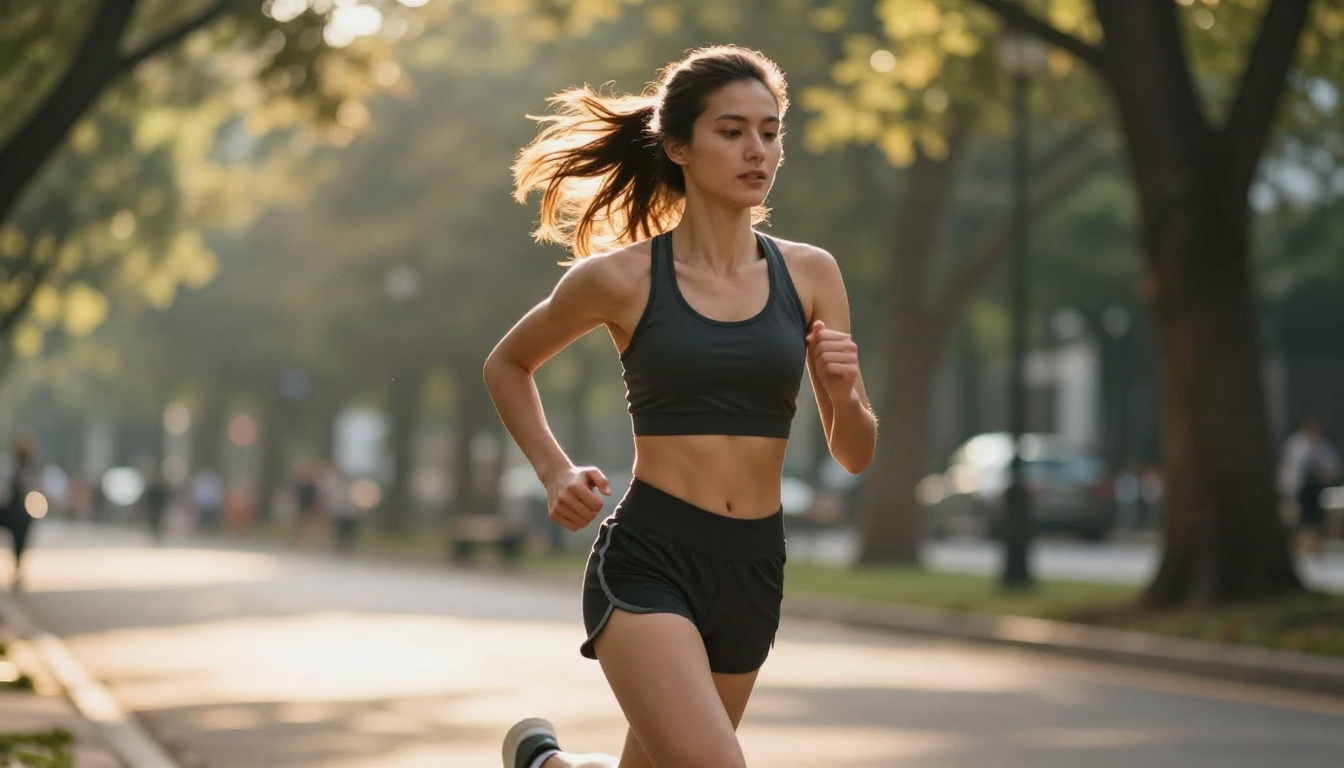
The short answer: if you're making cinematic narrative content or need videos longer than 20 seconds, Sora 2 is the right choice. If you're producing social content, lifestyle videos, or anything that centers on human subjects at volume, Seedance 2.0 (available as Seedance 1.5 Pro on PicassoIA) is faster, more affordable, and often more realistic for those use cases.
The better question is: why pick just one? PicassoIA gives you access to both models in the same platform, letting you use each where it excels without committing to a single tool. You can draft fast iterations on Seedance, finalize polished cinematic shots on Sora 2 Pro, and ship everything through a single production workflow.
The AI video generation space is moving at a pace where no single model stays on top for long. What matters is having access to the best tools when you need them, and the flexibility to switch as the landscape shifts. Start creating your own AI videos today on PicassoIA and see which model fits your creative vision best.