If you've been using Midjourney and watching $30 disappear from your bank account every month, you're not alone. Millions of creators and designers have been paying that monthly toll without questioning whether something better exists at a fraction of the cost, or for free entirely. The answer is yes, it does. And the quality gap you're imagining? It's smaller than you think.
The Real Cost of Midjourney
Midjourney positions itself as the gold standard for AI image generation, and for a while that reputation was earned. But the landscape shifted dramatically in 2024 and 2025, with open-source models catching up fast. The $30/month Basic plan gives you around 200 image generations per month. That sounds like a lot until you start iterating on a single concept and burn through 40 images in one afternoon.
What $30 Actually Buys
The Basic plan caps you at 200 Fast GPU hours per month, with no ability to generate commercial-use content on the cheapest tier. You also need a Discord account to access it, which adds friction for anyone who just wants to generate images without joining a chat server.
Here's what that $30 breaks down to:
- 200 fast generations per month (roughly 6 to 7 per day)
- No stealth mode (all your generations are publicly visible)
- Discord only access, no clean web UI on Basic
- No commercial license on the cheapest paid tier
- Rate limiting during peak hours
The Limits That Never Get Mentioned
Beyond the generation count, Midjourney's community guidelines are strict. Anything touching suggestive or mature themes, even tasteful artistic content, requires the $60/month Pro plan. That's double the price just to access features that free alternatives offer by default. If you're a photographer, lifestyle creator, or brand working with beauty imagery, $60 monthly adds up to $720 per year.
What to Look for in a Free Alternative
Not every free AI image generator deserves your attention. Many are slow, produce muddy outputs, or slap watermarks on every image. The ones worth switching to share a few specific traits.
Quality Without Compromise
The benchmark has changed. Models like Flux Schnell LoRA and Playground v2.5 produce outputs that are genuinely difficult to distinguish from Midjourney at default settings. The main difference is in photorealism and prompt adherence, two areas where open-source models have narrowed the gap significantly.
💡 Tip: The quality of your prompt matters more than the model you choose. A well-crafted 50-word prompt on a free model will outperform a vague 3-word prompt on any paid tool.
The Right Model for the Right Job
Different use cases demand different models. Portraits behave differently than landscapes. Product photography needs different training than cinematic editorial art. A platform that gives you access to multiple models, not just one proprietary system, wins in the long run.
Flux AI Changed the Equation
When Black Forest Labs released Flux in 2024, the AI image generation market stopped treating Midjourney as untouchable. Flux was built from the ground up with a rectified flow transformer architecture, which translates to better text understanding, sharper detail in faces and hands, and far more predictable prompt adherence than anything Midjourney's v6 offered at the same period.

The impact was immediate. Designers who had been paying for Midjourney started migrating. Not because Flux was free (the Pro version carries its own cost), but because the open-source variants, Flux Schnell LoRA and Flux 2 Klein 4B, delivered comparable results without any subscription gate.
Why Flux Handles Portraits Better
Midjourney has a signature aesthetic: everything slightly painterly, slightly saturated, slightly processed. That's fine if it matches your vision, but it limits your creative range. Flux's training allows for genuinely photographic outputs, the kind where you're not sure whether it was generated or shot on a real camera.
Flux Redux Dev takes this further by allowing image-to-image conditioning, so you can start from a reference photo and push it in a new creative direction while retaining the photographic quality of the original.
💡 Note: Flux models handle skin texture, hair detail, and fabric patterns better than most alternatives. For fashion, beauty, and lifestyle content, this architecture is genuinely hard to beat at any price point.
5 Models Worth Switching To Today
Here's a breakdown of the most practical alternatives to Midjourney that are available right now, without the $30 monthly bill.
Flux Schnell LoRA
Best for: Fast ideation and rapid iteration
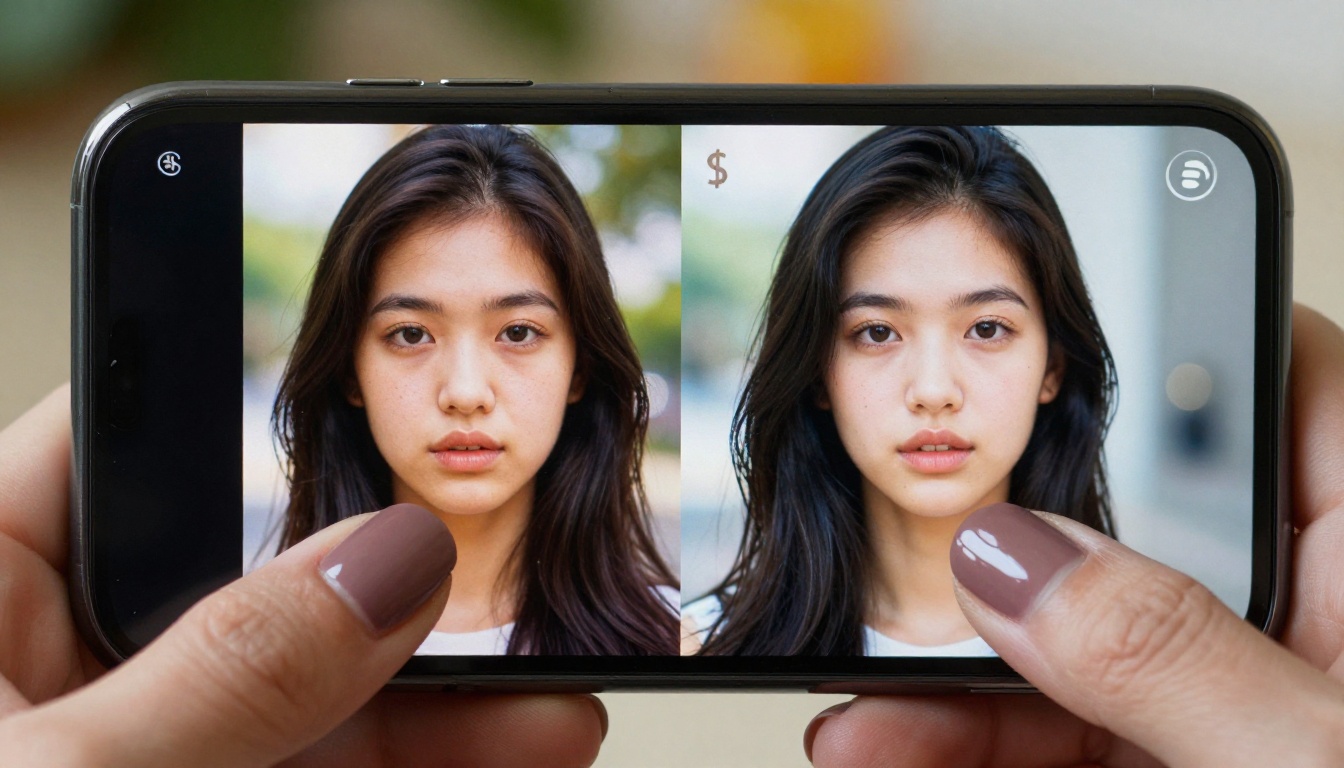
Flux Schnell LoRA generates images in roughly 3 to 5 seconds using a 4-step diffusion process. That speed makes it perfect for rapid prototyping when you need to test 20 prompt variations before committing to a final concept. Quality is high enough for most professional use cases without being the absolute performance ceiling.
- Generation time: 3 to 5 seconds
- Prompt adherence: Excellent
- Best use: Ideation, mood boards, social content
DreamShaper XL Turbo
Best for: Stylized, cinematic imagery
DreamShaper XL Turbo sits in an interesting sweet spot between photorealistic and illustrated. If your brand aesthetic leans cinematic, dramatic, or slightly stylized without going fully illustrated, DreamShaper gives you that look reliably. It handles complex scenes with multiple subjects better than most alternatives in this category.
- Generation time: 4 to 6 seconds
- Prompt adherence: Very good
- Best use: Editorial imagery, cinematic scenes, brand campaigns
Playground v2.5
Best for: Aesthetic and emotionally resonant images
Playground v2.5 was trained specifically for aesthetic quality, meaning outputs tend to have a visual polish that other models struggle to match by default. Colors are rich, compositions tend toward the balanced, and portraits carry a warmth that makes them look genuinely appealing rather than technically generated.
- Generation time: 5 to 8 seconds
- Prompt adherence: Good
- Best use: Social media content, portrait photography, lifestyle brands
SDXL Lightning 4-Step
Best for: Volume and versatility
SDXL Lightning 4-Step is the workhorse. It combines the reliability of SDXL's training with a distilled 4-step generation pipeline, meaning you get consistent, high-quality outputs fast. It's not the flashiest model on the list, but it handles the widest range of prompts without unexpected failures or aesthetic drift.
- Generation time: 2 to 4 seconds
- Prompt adherence: Excellent
- Best use: General purpose, product imagery, batch generation
Realistic Vision v5.1
Best for: Photography-style human subjects
Realistic Vision v5.1 was trained almost exclusively on photographic data, and it shows. Portraits come out with natural skin tones, accurate eye detail, and the kind of imperfect lighting that makes an image feel like a real photograph rather than a render. If you create content featuring human subjects, this is the model to run first.
- Generation time: 5 to 10 seconds
- Prompt adherence: Strong for photographic prompts
- Best use: Portraits, fashion photography, lifestyle content
How to Use Flux on PicassoIA
PicassoIA gives you access to all the models above in a single browser interface. No Discord required, no monthly subscription to unlock the good stuff. Here's how to get your first image in under a minute.
Step 1: Pick Your Model
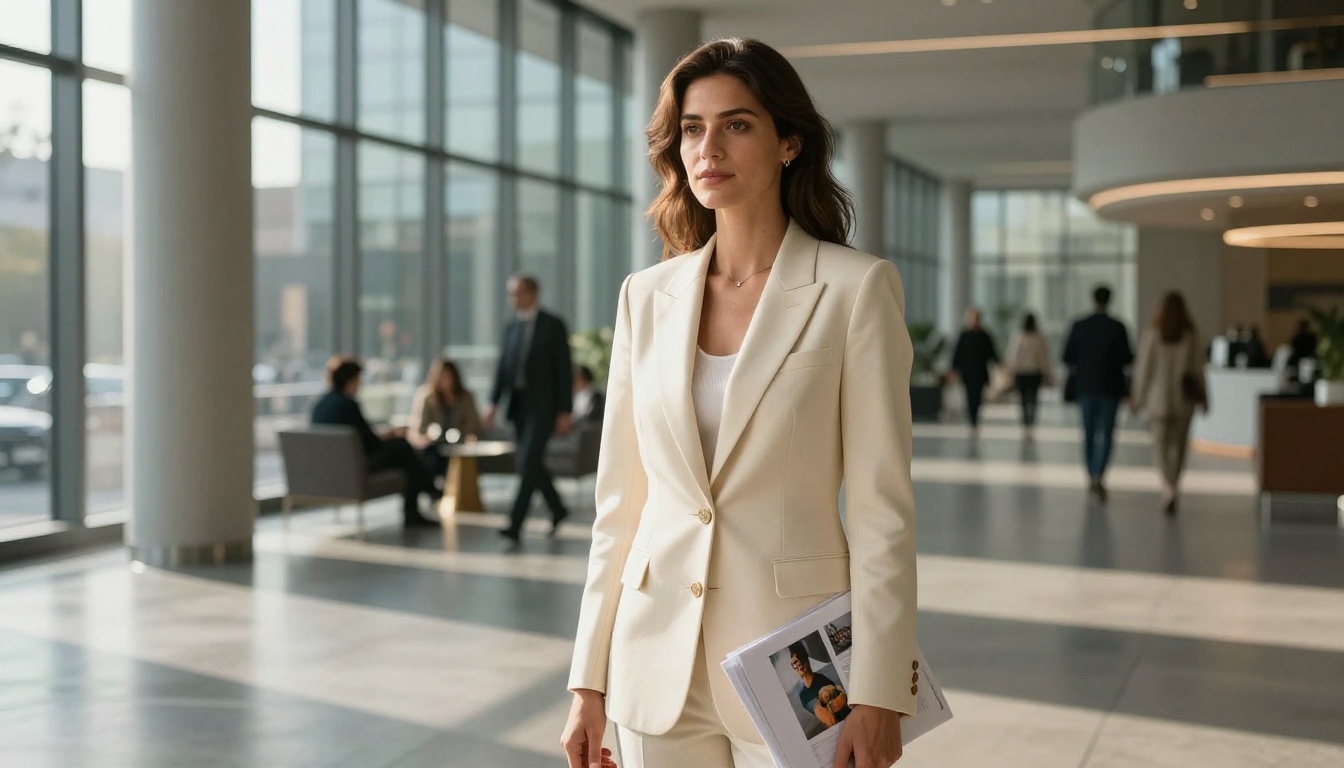
Go to the Flux Schnell LoRA page on PicassoIA. The model interface loads directly in your browser. No account required to try it. If you want to save and download your results at full resolution, create a free account.
For portraits and human subjects, start with Realistic Vision v5.1. For more stylized or cinematic images, switch to DreamShaper XL Turbo. For maximum speed during the ideation phase, Flux Schnell LoRA is your default.
Step 2: Write a Strong Prompt
This is where most people underperform. Midjourney trained its users to write short, punchy prompts. That works fine for Midjourney's internal interpretation engine, but open-source models respond better to detailed, specific descriptions.
A weak prompt: beautiful woman, sunset
A strong prompt: A 28-year-old woman with dark hair standing on a rooftop at golden hour, wearing a red silk dress, warm amber light casting long shadows behind her, photorealistic skin texture, 85mm f/1.8 lens, Kodak Portra 400 film grain
Notice the additions: age, specific setting, clothing, lighting direction, camera lens, film stock. Each detail narrows the output space and pushes the model toward what you actually want.
💡 Pro tip: Add "photorealistic, RAW photography, 8K, film grain" at the end of any portrait prompt to anchor the model in the photographic space and avoid CGI-looking outputs.
Step 3: Generate, Review, Iterate
Hit generate and wait 3 to 10 seconds depending on the model. If the output misses the mark, tweak one variable at a time. Change the lighting description, adjust the camera angle, or try a different model. PicassoIA lets you switch between all available models without leaving the platform, so comparing outputs across models takes seconds.
Once you land on an image you love, you can use Clarity Pro Upscaler or Topaz Image Upscale to push it to print-quality resolution at up to 6x the original size.
Midjourney vs Free Alternatives
Here's the honest comparison.
| Feature | Midjourney Basic ($30/mo) | PicassoIA (Free Tier) |
|---|
| Monthly cost | $30 | $0 |
| Generation limit | ~200 fast | Pay per generation |
| Model choice | 1 (Midjourney) | 90+ models |
| Photorealistic output | Good | Excellent (Flux, RV5.1) |
| Mature content access | Pro only ($60/mo) | Available on free tier |
| Interface | Discord only | Browser |
| Commercial license | Standard plan only | Yes |
| Upscaling tools | Basic | Advanced (Topaz, Clarity) |
| Video generation | No | Yes, 87+ video models |
The cost argument alone is compelling. But the model variety is the real advantage. Midjourney is one aesthetic, one model, one creative direction. A platform with 90+ models means you can match any brief, any client, any style without compromise and without paying a flat rate for capacity you might not use.
Who Should Make the Switch
The short answer: anyone paying a flat subscription who doesn't need 200 images every single month.
Freelancers and Content Creators
If you work on client projects, you likely need bursts of generation followed by quiet periods. A flat monthly subscription means you're paying $30 in months you barely open the tool. Pay-per-use models or genuinely free tiers make more financial sense for anyone whose usage fluctuates week to week.
Model variety also matters for client work. One client wants hyperrealistic product shots. Another wants editorial fashion photography. Another wants painterly illustrations. With a single model like Midjourney, you're always bending the tool to fit the brief. With access to 90+ models, you're choosing the right tool from the start.
Brands on a Budget
Marketing teams with tight budgets are often the first to cut subscriptions that feel optional. If your AI image budget competes with ad spend, influencer partnerships, or design tool licenses, a free tier with pay-as-you-go pricing beats a $360 annual commitment every time.
Generating images for social media, ad creative, editorial content, and email campaigns from the same platform, without the overhead of a Midjourney subscription, is the kind of efficiency gain that compounds over a full year.
💡 Worth knowing: PicassoIA also includes background removal, face swap AI, video generation from text, and music generation tools in the same platform. One account, one interface, no juggling five different subscriptions across five different tools.
Create Something Right Now
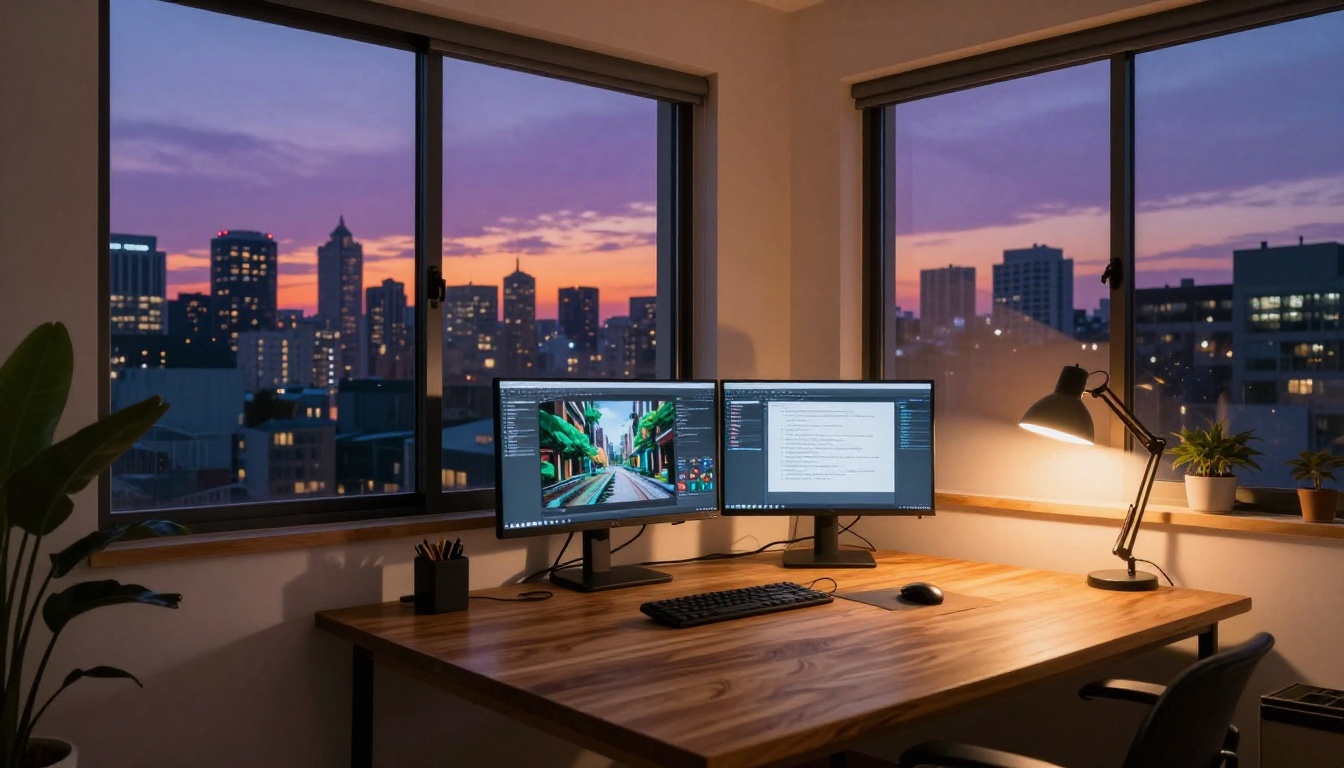
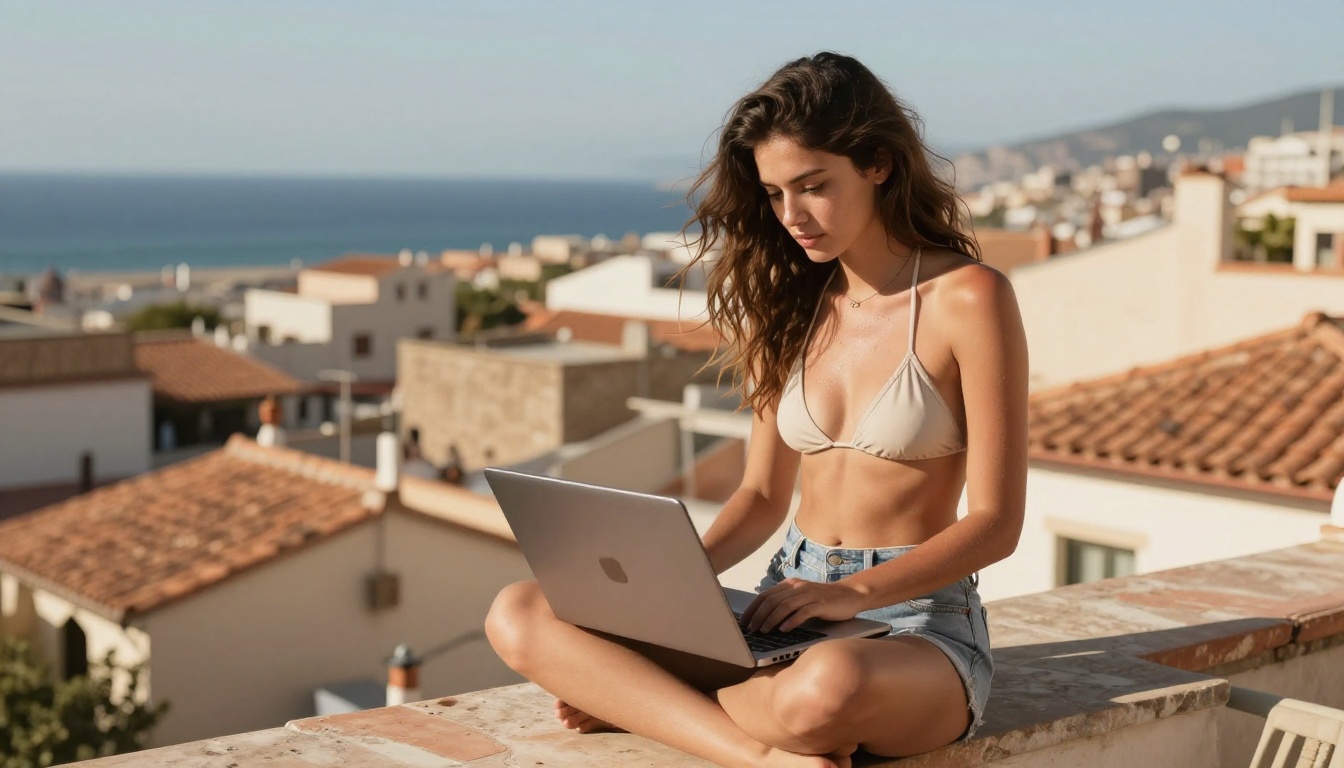
The images in this article were generated in under 30 minutes using the exact models linked above. No subscription. No Discord. No waiting list. You pick a model, write a prompt, and get a result in seconds.
The $30 per month you've been sending to Midjourney could stay in your account. Either way, the tools exist right now to produce results that are equal to, and in several areas better than, what you've been paying for.
Go try Flux Schnell LoRA for your next image. Write a detailed prompt, something 40 to 60 words with specific lighting, camera lens, and subject description. Then run the same prompt through Realistic Vision v5.1 and compare the outputs. You'll understand within five minutes why people are moving away from locked-in subscriptions.
The era of paying $30 for a single AI image tool is ending. The models are better, the access is wider, and the results speak for themselves.


