Something that used to take a production team, a script, actors, and hours of editing can now happen in under a minute. You write a sentence describing a scene, click generate, and a polished video clip plays back on your screen. That is the promise of modern text-to-video AI, and with Seedance 2.0, ByteDance has delivered on it in a way that genuinely changes what one person can produce in a day.
This is not a model for generating rough previews. The outputs from Seedance 2.0 are sharp, cohesive, and more responsive to your written prompt than most competing models at any tier. Whether you are a solo content creator, a small agency, or someone who just wants to experiment with what AI video can do right now, this is one of the most capable tools available.
This article walks through exactly what Seedance 2.0 is, what sets it apart, how to use it step by step, and what you need to know to write prompts that actually produce results worth keeping.
What Seedance 2.0 Actually Does
Seedance 2.0 is a multimodal text-to-video generation model developed by ByteDance. It accepts a natural language text prompt and returns a video clip. Unlike simpler image animation tools, Seedance 2.0 builds its video output from the ground up based on what you write. It is not animating a static image. It is synthesizing motion, lighting, texture, and scene physics all at once.
The model operates as a diffusion-based system trained on vast video data, which means it has internalized how real-world scenes look, move, and sound. Give it a clear enough description and it will produce something that resembles a clip taken from an actual camera, not a rough approximation.
What makes version 2.0 specifically notable is the jump in three core areas: prompt fidelity, motion quality, and native audio generation. Each of these was a meaningful weakness in earlier Seedance versions and across the broader text-to-video category.
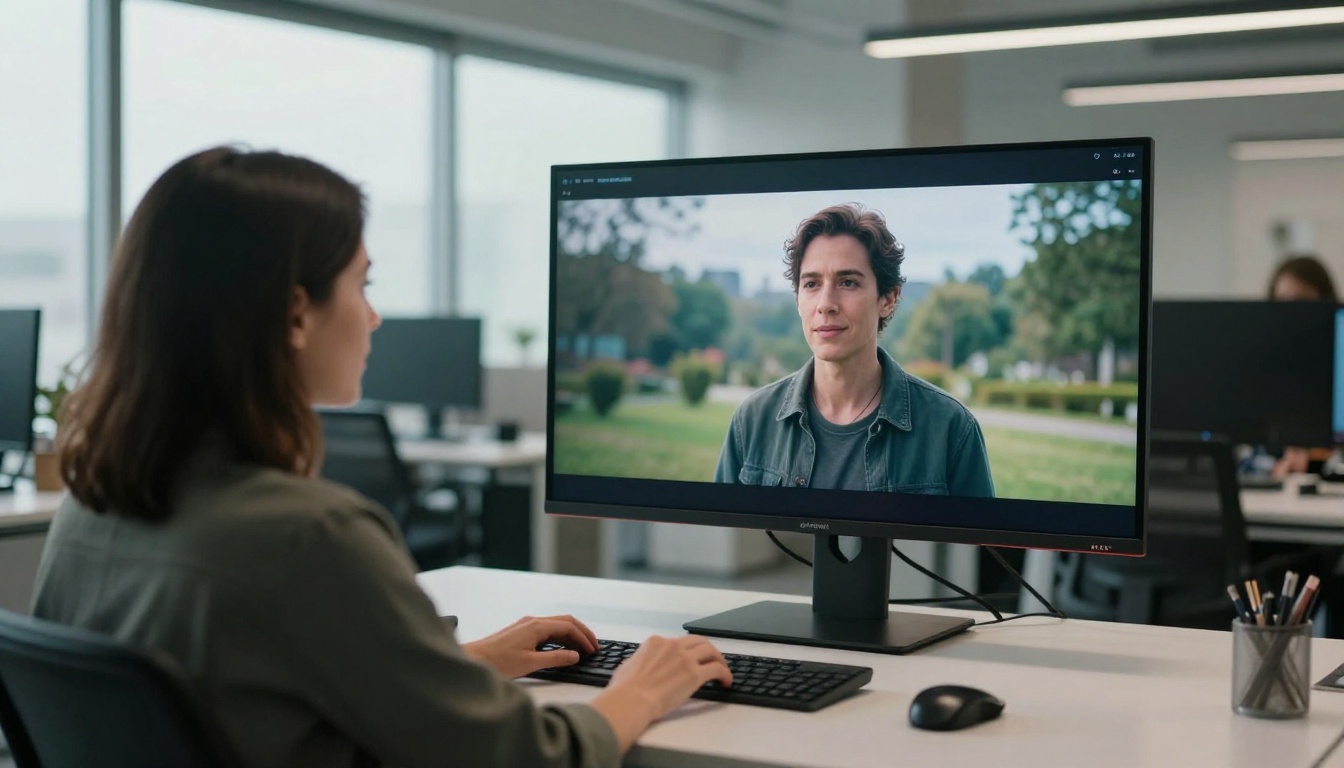
Native Audio in the Same Pipeline
Most text-to-video workflows require you to generate visuals first and then layer audio on top separately, either through another AI model or through manual editing. Seedance 2.0 generates audio as part of the video itself.
That audio includes ambient sounds, environmental tones, and contextually appropriate background noise. A beach scene produces waves. A city street scene produces traffic and footsteps. A forest scene produces wind and birdsong. None of this requires additional steps or separate tools.
This is a bigger deal than it sounds. For social content in particular, video without audio feels incomplete and performs poorly on platforms like Instagram Reels and TikTok. Native audio in the generation step removes what was previously a significant production gap between AI-generated video and professionally produced content.
Resolution and Duration Specs
Seedance 2.0 supports output up to 1080p resolution with clip durations that go beyond what earlier text-to-video models could handle. You are not limited to two or three second clips that feel like animated GIFs. You can generate clips long enough to be genuinely useful as social content, intro sequences, or visual segments within longer productions.
For situations where speed matters more than maximum quality, Seedance 2.0 Fast offers the same core model with faster processing at 720p. It is a solid choice for rapid iteration when you are still in the prompt-testing phase.
💡 Tip: Use the Fast variant while refining your prompt, then switch to the full Seedance 2.0 for the final output.
Why This Model Stands Out
There are now dozens of text-to-video AI models actively available to the public. The category is crowded, and the gap between models is closing fast. So why pay attention specifically to Seedance 2.0?

Prompt Fidelity Is Surprisingly Strong
The most frustrating thing about most text-to-video models is the disconnect between what you wrote and what you received. You ask for a woman in a yellow dress running along a beach at sunrise, and you get a blurry figure in an undefined outdoor space.
Seedance 2.0 is noticeably more literal than most of its peers. Specific details you include in your prompt, such as clothing colors, objects, lighting direction, and time of day, tend to appear in the output. That is a meaningful difference when you are trying to produce content that matches a brief or a specific creative vision.
This stronger prompt adherence means you spend less time regenerating and less time in post-production fixing outputs. That efficiency compounds quickly when you are running multiple projects simultaneously.
Motion Quality That Holds Up
Early text-to-video AI had a reputation for what reviewers called "jelly motion": characters and objects moving in ways that defy physics, with textures warping, limbs morphing unexpectedly, and background elements flickering in and out of consistency.
Seedance 2.0 has made serious improvements in this area. Fluid camera movement, realistic object physics, and stable character motion are all considerably more reliable than in previous versions. A person walking looks like a person walking. Water, fabric, hair, and other notoriously difficult elements behave in ways that hold up to scrutiny.
The model is still not perfect, and complex multi-character scenes or very fast motion can still produce artifacts. But for the types of scenes that most content creators actually need, the output is clean enough to use directly.
Seedance 2.0 vs. Other Top Models
It is useful to see how Seedance 2.0 sits relative to the strongest competing models available right now:
| Model | Native Audio | Max Resolution | Best For |
|---|
| Seedance 2.0 | Yes | 1080p | Cinematic scenes, audio-inclusive content |
| Seedance 2.0 Fast | Yes | 720p | Fast iteration, social media clips |
| Kling v3 | No | 1080p | Motion control, character consistency |
| Gen-4.5 | No | 1080p | Professional stylization and film looks |
| Veo 3 | Yes | 1080p | Photorealism, strong prompt accuracy |
| Hailuo 2.3 | No | 720p | Speed, stylized aesthetic |
| LTX-2.3-Pro | Yes | 1080p | Multimodal input, detail retention |
For native audio plus strong prompt fidelity in a single model, Seedance 2.0 and Veo 3 are the two strongest options right now. The difference often comes down to workflow preference and the specific look you are going for.

How to Use Seedance 2.0 on PicassoIA
Seedance 2.0 is available directly through PicassoIA. No local installation. No API configuration. No GPU required on your end. Here is the full workflow from opening the model to downloading your finished clip.

Step 1: Write Your Text Prompt
Navigate to the Seedance 2.0 page on PicassoIA. The text prompt input field is the first thing you see. This is where your video begins.
A strong text prompt for video generation includes four elements:
- Subject: Who or what is in the frame, described with specific details
- Action: What is happening, including how subjects are moving
- Environment: The setting, time of day, weather, and background context
- Style or mood: Cinematic, documentary, slow-motion, handheld, aerial
Weak prompt: "a person walking outside"
Strong prompt: "A woman in her early 30s wearing a light beige coat walks slowly along a cobblestone street in a quiet European town at golden hour, warm afternoon light casting long shadows, wide establishing shot, cinematic depth of field, slight lens flare"
The second prompt gives the model enough direction to produce something with visual character. The first produces something generic.
Step 2: Set Your Parameters
Once your prompt is written, you have a few key parameters to configure before generating:
- Duration: Start with 3-5 seconds while you are testing. Once you have a prompt you like, increase to 8-10 seconds for a complete usable clip
- Resolution: 720p for speed, 1080p for final-quality output
- Audio: Toggle native audio on to include ambient sound generated alongside the visual
💡 Tip: Keep your first few generations short and fast. Identify the exact phrasing that produces the composition and mood you want before committing to a long high-resolution generation.
Step 3: Generate and Review
Hit the generate button. Seedance 2.0 processes most requests in 30 to 90 seconds depending on clip length, resolution, and current platform load. The output appears as a playable preview directly in the browser.
Watch the clip through at least twice before deciding whether to keep it. Look specifically at:
- Whether the main subject matches your description
- Whether the motion feels natural and consistent throughout the clip
- Whether the audio matches the visual context
If the clip is close but not quite right, adjust one specific element in your prompt and regenerate. Changing too many things at once makes it harder to identify what is actually producing the output you want.
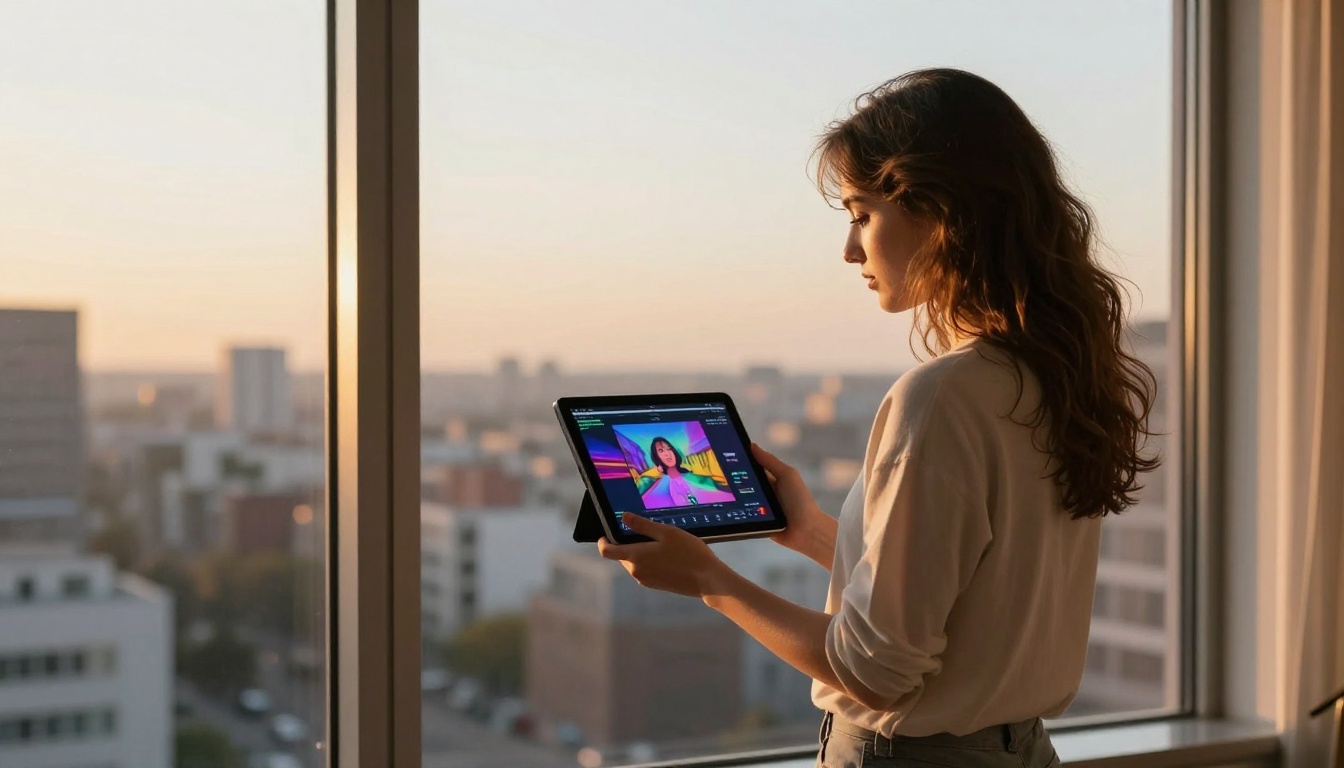
Download the final clip directly from the preview. If you want to refine motion or enhance the output further, LTX-2.3-Pro and Kling V3 Motion Control are both available on the same platform for post-generation work.
Writing Prompts That Work
Prompt quality is the single biggest variable in text-to-video AI output. A well-configured model will still produce weak results from a vague prompt. Seedance 2.0 is more forgiving than most, but it rewards careful prompt writing.

Structure Your Scene Like a Director
A useful mental model is to write your prompt the way a director writes a shot description for a crew:
- Camera position first: Is it a wide shot, close-up, aerial, low-angle, or tracking shot?
- Subject second: Describe the person or object with specific, concrete details
- Action third: What is moving and how? Be as specific as possible about the nature of the motion
- Light and atmosphere fourth: Lighting direction, quality, and time of day dramatically affect how the output feels
Writing in this order produces noticeably better results than writing a flat description from left to right. It gives the model a clear hierarchy of what matters most in the scene.
Also worth noting: negative space matters. If you write "a woman standing in a field" you will get an undefined field with an undefined woman. If you write "a woman in a white summer dress standing alone in a wide golden wheat field under a bright midday sun, wind moving the wheat behind her, shallow depth of field, wide shot," you get something with actual visual character.
5 Prompt Formulas That Deliver
These prompt structures work consistently with Seedance 2.0 across different scene types:
Character in environment:
"[Detailed character description] [specific action] in [specific location] at [time and weather], [camera style], [mood descriptors], cinematic depth of field, 8K photorealistic"
Landscape or nature:
"[Camera angle: wide or aerial] of [specific landscape] during [time of day], [motion: waves, wind, clouds], [atmospheric condition], [lighting quality], no people, photorealistic, film grain"
Product or object:
"[Object description] placed on [surface] in [environment], [lighting direction and quality], [camera movement: slow push-in, static, orbit], commercial photography style, 8K"
Action or event:
"[Action description] in [context and location], [camera perspective], [emotional tone], [motion pace: slow motion or real-time], [visual style]"
Atmospheric or ambient:
"[Setting] with no people, [weather condition], [sound cue descriptor], [mood adjectives], [camera angle], [lighting], Kodak film grain, cinematic"
💡 Tip: Adding "8K photorealistic, cinematic depth of field, Kodak Portra 400 film grain" to the end of almost any prompt raises the output quality noticeably.
Real Use Cases Worth Knowing
Text-to-video AI generation is past the experimental stage for many professional workflows. These are the areas where Seedance 2.0 is producing the most practical value right now.

Social Media Content
Short-form video platforms demand a constant supply of fresh content. A solo creator or small team using Seedance 2.0 can produce background footage, b-roll clips, ambient loops, and scene transitions in minutes that would previously require camera equipment, a location, and editing time.
For Instagram Reels, TikTok, and YouTube Shorts, the clip durations and resolutions that Seedance 2.0 produces map directly to platform specs. The native audio generation is particularly useful here, since sound-on viewing is the default behavior on most short-form platforms.
Product Demos and Ads
Lifestyle product videos are one of the highest-value applications of AI video generation in commercial contexts. Showing a product in a realistic, appealing environment, without a photoshoot budget, opens up real options for small brands and solo operators.
A carefully written prompt can produce a clip that shows a product in context: on a café table, in a kitchen, outdoors on a trail. A prompt like "A sleek black water bottle resting on a wooden table beside a trail map, forest light filtering through trees behind it, gentle breeze motion, commercial photography style" can produce something that reads as actual product footage.
Combine this with AI-generated images from the platform's text-to-image models for thumbnails and marketing statics, and you have a fairly complete visual production pipeline at a fraction of traditional costs.
Creative Storytelling and Pre-Visualization
Filmmakers, writers, and concept artists are using text-to-video AI to visualize story ideas before committing to production. Scene sequences that would take days to illustrate manually as storyboards can be roughly rendered in an afternoon.
This is not replacing production. It is replacing the early stages of visualization that previously required either illustration skills or a significant budget. For pitching ideas to clients, investors, or collaborators, showing a rough moving version of a concept instead of just describing it verbally is a significant practical advantage.
💡 Tip: For narrative pre-visualization, keep character descriptions consistent across every prompt in the sequence to maintain visual continuity between scenes.
Other Text-to-Video Models to Try
Seedance 2.0 is one of 89 text-to-video models available on PicassoIA. Depending on what you are making, these alternatives are worth knowing about:
- PixVerse v5.6: Fast output with strong stylization options, well-suited for social-first visual content
- LTX-2.3-Pro: Accepts text, image, and audio input in the same pipeline with excellent detail preservation
- Kling v3: The strongest option currently for precise motion control and character consistency
- Seedance 1.5 Pro: The previous Seedance generation, still very capable for simpler or faster-turnaround scenes
- Hailuo 2.3: Reliable, consistent, and fast, a strong choice for high-volume production workflows
- Veo 3: Google's photorealistic model with native audio support and one of the most direct competitors to Seedance 2.0
Most workflows benefit from using two or three models rather than locking into just one. Testing the same prompt across Seedance 2.0 and one or two alternatives helps identify which output best matches your specific scene requirements.
Try It Yourself Right Now

Creating video content used to require equipment, a team, software expertise, and time. Now it requires a good sentence and a few seconds of patience. That shift is real and it is already being used by the people paying attention to it.
Seedance 2.0 is available now on PicassoIA with no installation or configuration needed. Open the model page, write your first prompt using the structures in this article, and generate your first clip. If you need faster iteration, start with Seedance 2.0 Fast and switch to the full model when you are ready for final-quality output.
Over 89 text-to-video models are available across the platform right now, spanning photorealistic generation, stylized animation, motion control, and more. PicassoIA also covers image generation, video editing, lipsync, audio generation, and background removal, making it a single platform for a complete AI content production workflow.
Pick a scene. Write the prompt. See what comes out.


