The AI image generation space has never moved this fast. In 2027, the tools at the top of this list would have looked like science fiction two years ago, and the gap between free and paid output quality has closed to the point where "budget" no longer means "worse."
Whether you're a solo creator experimenting for the first time or a production team churning through hundreds of visuals per week, the generator you choose directly shapes your results. This list cuts through the noise with real rankings, honest tradeoffs, and direct links to every model worth trying.
What Separates Good Generators from Bad
Not all AI image generators are equal. The ones worth your time share three traits: prompt accuracy (does it generate what you actually described?), photorealism ceiling (how indistinguishable from photography can it get?), and output resolution (is it usable at print size without upscaling?).
Speed and pricing round out the picture, but quality-per-prompt is the number that matters most for daily use.
💡 The realism benchmarks have shifted dramatically in 2026. Models like FLUX Krea Dev and Seedream 4.5 now produce outputs that pass trained-eye inspection on casual review. The bar is genuinely high.
All 12 at a Glance
| # | Generator | Free Tier | Best For | Max Output |
|---|
| 1 | PicassoIA | ✅ Unlimited | All-in-one platform | 4K |
| 2 | FLUX (Black Forest Labs) | ✅ via PicassoIA | Photorealism | 4K |
| 3 | Seedream 4.5 | ✅ via PicassoIA | 4K portraits | 4K native |
| 4 | GPT Image 2 | ❌ Paid | Prompt accuracy | HD |
| 5 | Gemini 2.5 Flash | ✅ via PicassoIA | Speed + context | HD |
| 6 | Stable Diffusion 3 | ✅ via PicassoIA | Versatility | HD |
| 7 | Midjourney | ❌ Paid only | Stylized art | 4K |
| 8 | Adobe Firefly | ✅ Limited | Commercial safety | HD |
| 9 | Ideogram | ✅ Limited | Text in images | HD |
| 10 | Wan 2.7 Image Pro | ✅ via PicassoIA | 4K landscapes | 4K |
| 11 | Hunyuan Image 2.1 | ✅ via PicassoIA | Cinematic stills | 2K |
| 12 | Runway Gen4 Turbo | ❌ Paid | Precision control | HD |
#1 PicassoIA: Best Overall in 2027
PicassoIA earns the top spot not by doing one thing better than everyone else, but by giving you access to more than 90 text-to-image models through a single interface, many of them completely free with no daily credit limits.
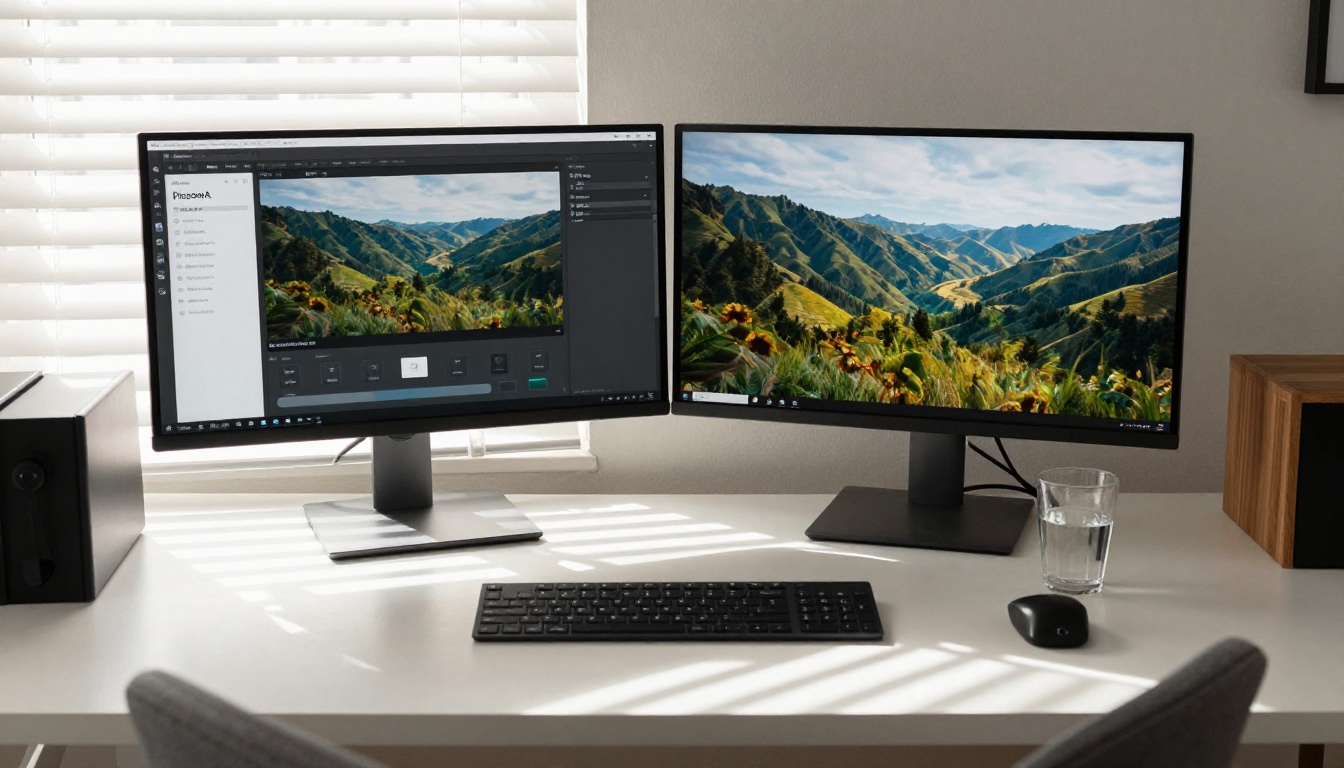
Start with PicassoIA Image, the platform's flagship unlimited generator. It handles photorealistic portraits, landscapes, product shots, and architectural renders without watermarks or credit caps. When you need editing capabilities, PicassoIA Image Editor Pro adds inpainting, outpainting, and region-specific editing in the same workflow, letting you generate a base image and then precisely repaint specific areas without switching platforms.
The platform also hosts FLUX Kontext Fast for instant photo editing via text, Dreamina 3.1 for cinematic 4MP stills, and GPT Image 1 for complex multi-element prompts. That breadth is the real value proposition: one login, every major model architecture.
What's free: Unlimited generations on 85+ models, no watermarks, no subscription required for standard access.
Paid plans: Available for priority queue and higher-resolution outputs.
#2 FLUX by Black Forest Labs
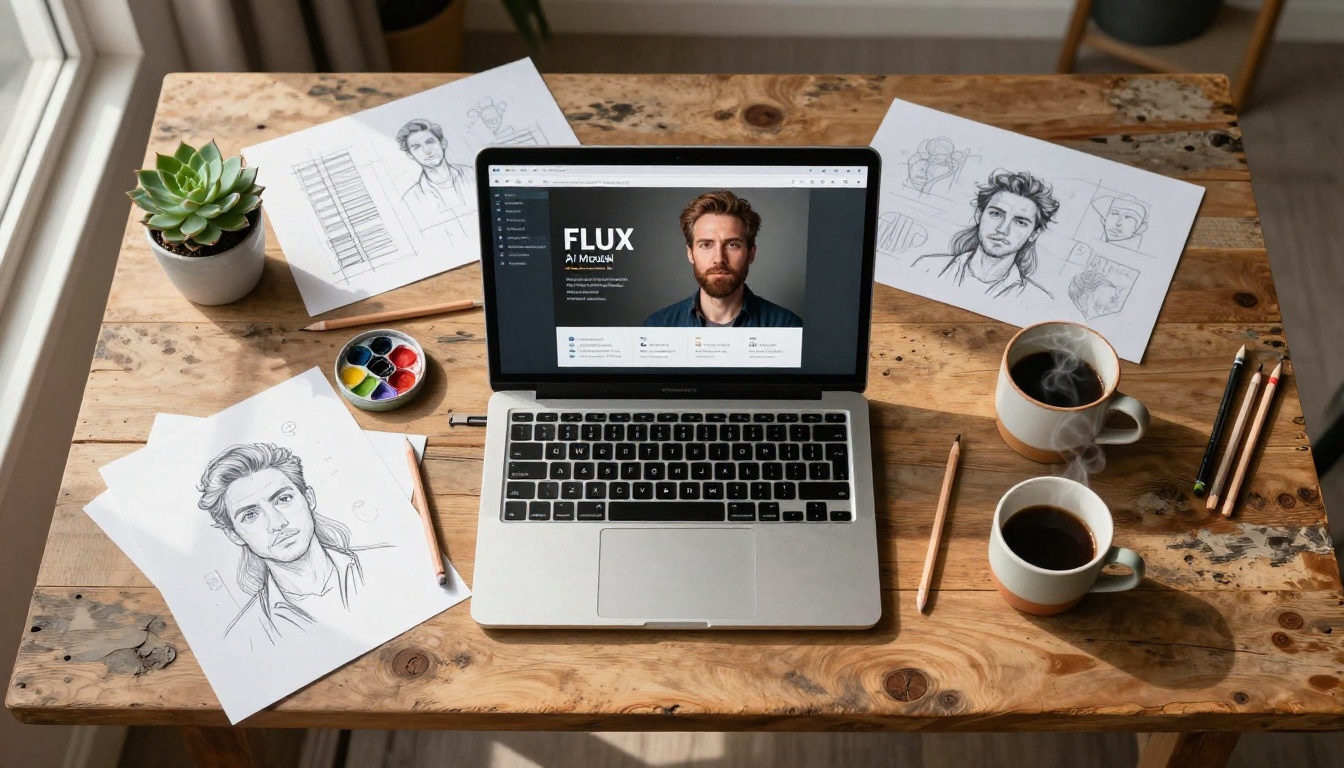
Black Forest Labs released the FLUX architecture in 2024, and in 2026 it remains the photorealism benchmark that every other model chases. The gap it opened on human anatomy, surface textures, and light behavior has yet to be fully closed.
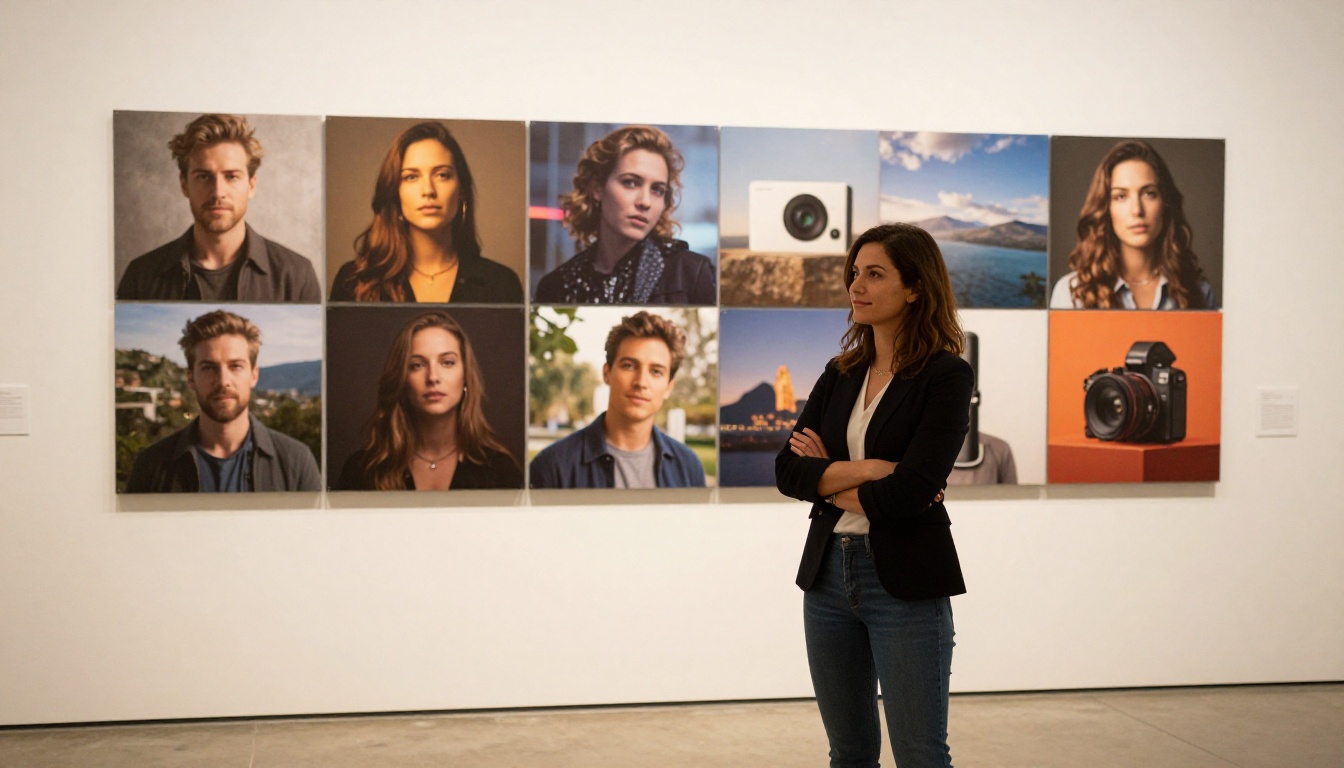
FLUX Krea Dev is the standout for photorealism. Its ability to avoid the "AI look" through accurate texture rendering, realistic depth of field, and natural light behavior makes it the default for creators chasing photography-level outputs without post-processing.
The FLUX family covers multiple use cases without requiring platform switching:
All accessible via PicassoIA, free for standard resolution tiers.
#3 Seedream 4.5 by ByteDance
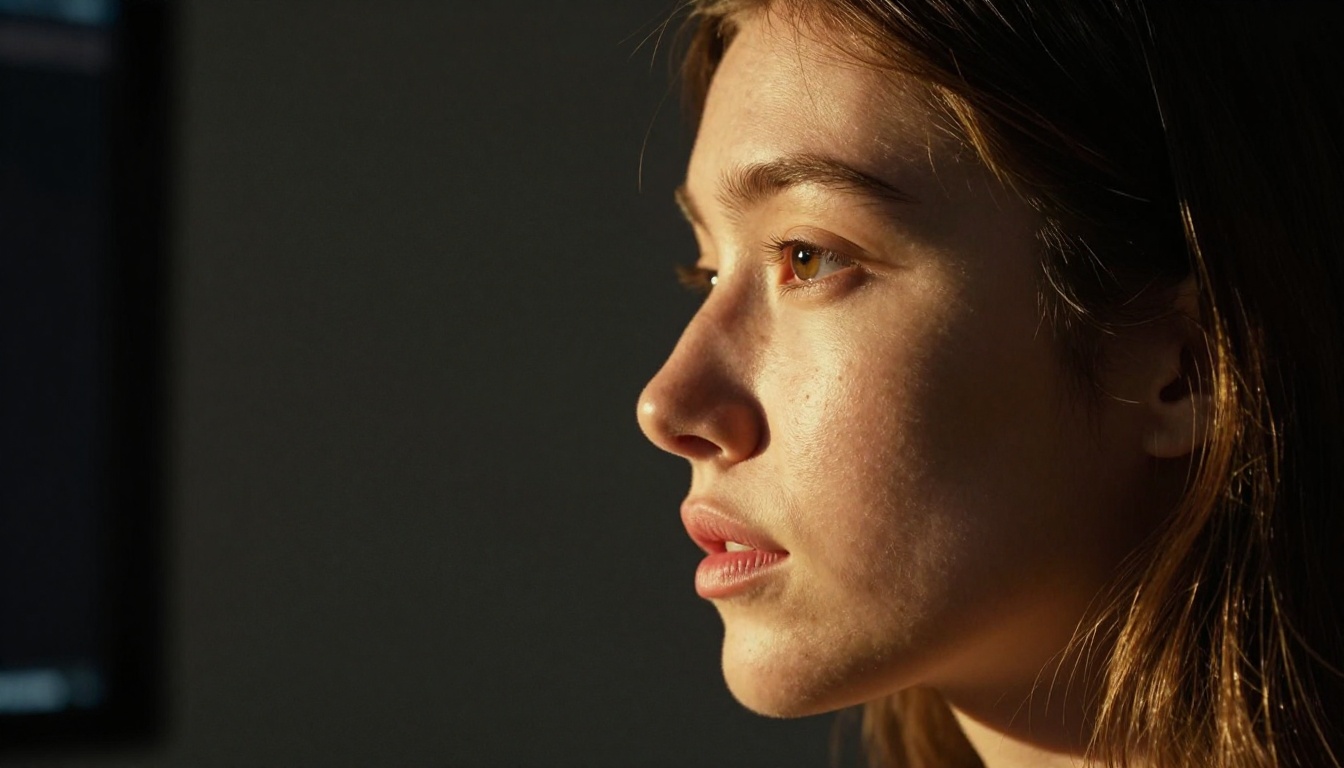
ByteDance trained Seedream 4.5 with a specific emphasis on facial accuracy and skin tone realism. The result is a 4K native portrait generator that outperforms most dedicated portrait tools on the market.
Seedream 4.5 handles scenarios most models get wrong: natural wrinkles, authentic subsurface skin scatter, and expressions that don't look frozen mid-frame. For anyone working in beauty, fashion, or editorial photography contexts, it's the strongest free option in the 2027 market.
Strengths: 4K native resolution, exceptional portrait quality, free via PicassoIA
Limitations: Slower than FLUX Schnell variants, less versatile on non-portrait subjects
#4 GPT Image 2 by OpenAI
OpenAI's GPT Image 2 brings a specific strength to the table: prompt accuracy on complex, multi-element briefs. When a prompt specifies multiple subjects with specific spatial relationships and particular lighting conditions, GPT Image 2 tends to nail the brief more reliably than most alternatives.
The prior generation GPT Image 1 is still worth running for faster results on simpler briefs. Both are available on PicassoIA, with GPT Image 2 on a paid-per-generation model.
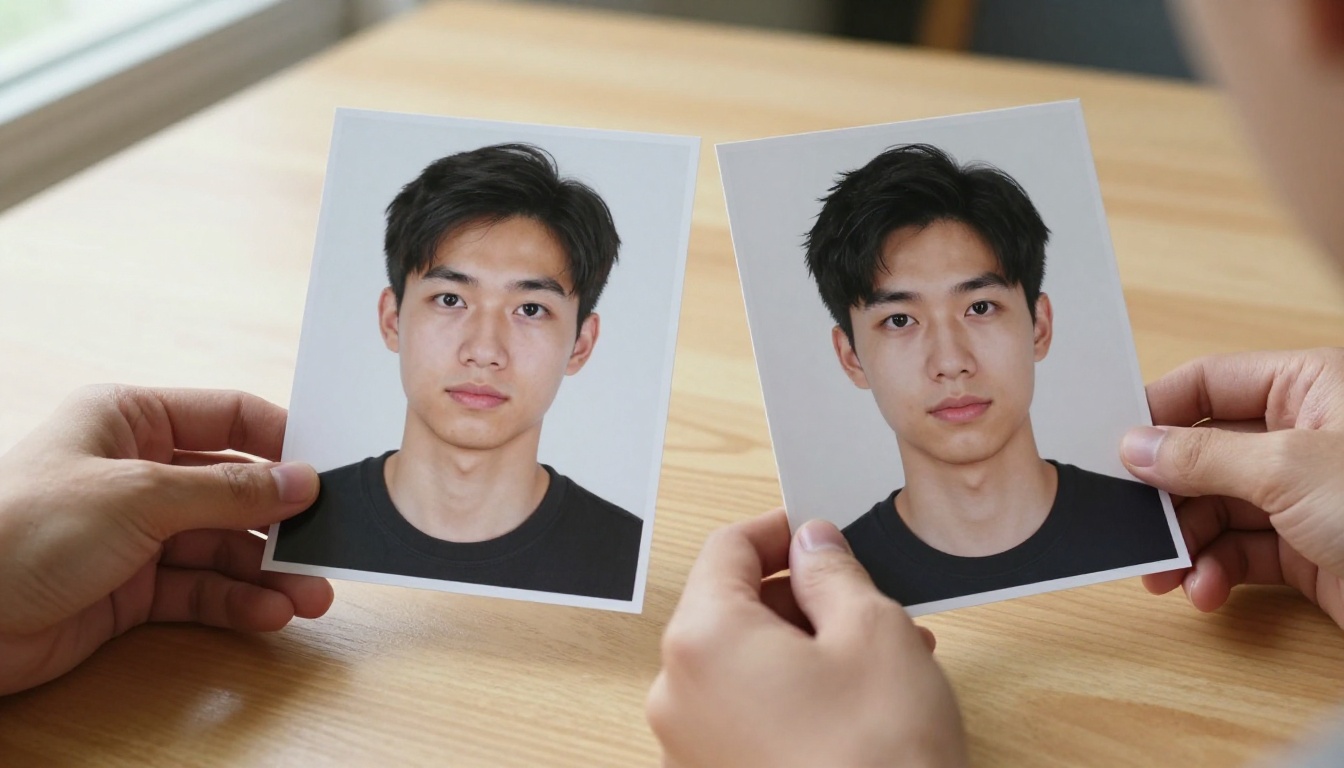
💡 When to use it: Product mockups with specific placements, scene compositions with multiple subjects, and prompts where precise object relationships and spatial accuracy matter more than raw photorealism.
#5 Gemini 2.5 Flash Image by Google
Gemini 2.5 Flash Image hits a balance most generators miss: fast generation without sacrificing output quality. Google's multimodal architecture means the model interprets contextual nuance in prompts that other generators handle too literally.
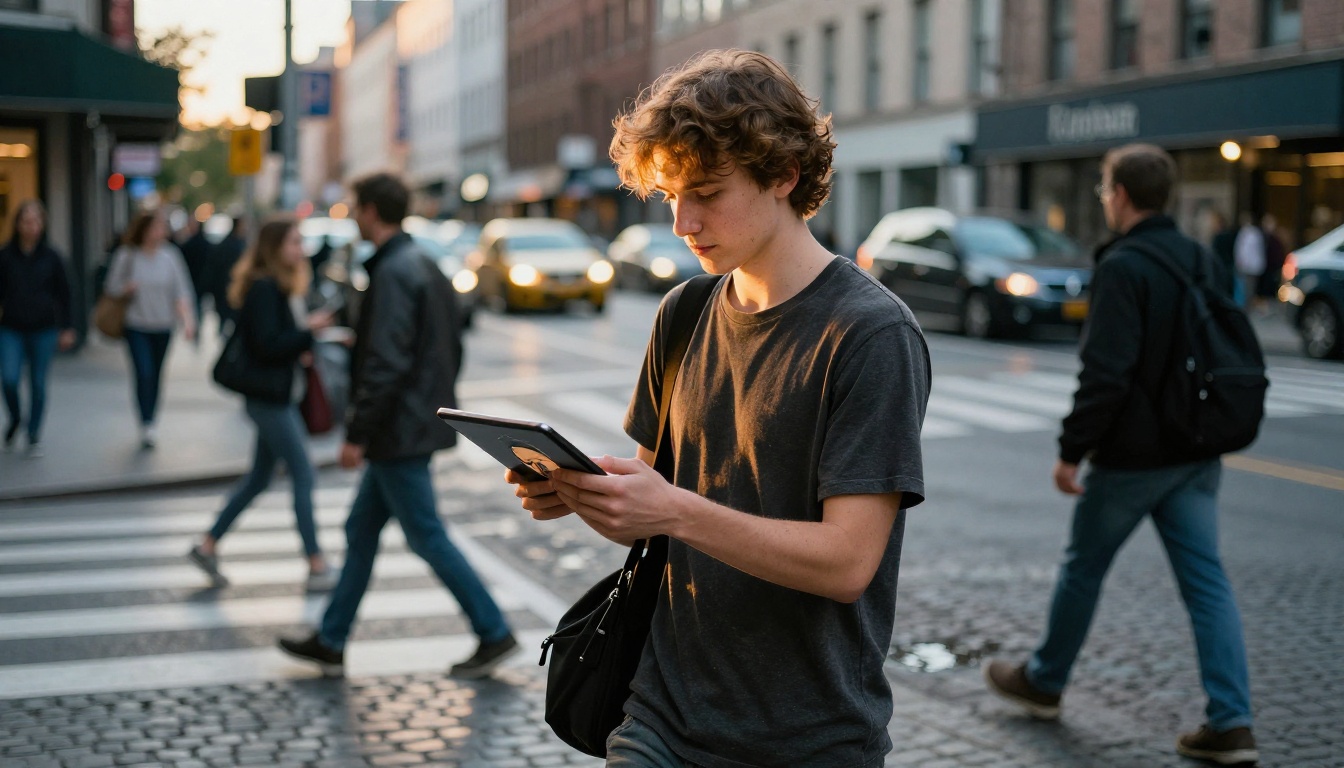
It's particularly strong on architectural photography, urban environments, and any prompt involving accurate text rendering within the scene. Speed is the secondary advantage: outputs arrive faster than most 4K-capable models at comparable quality. Available free via PicassoIA.
Best for: Fast iteration cycles, architectural and urban scenes, text-in-image prompts.
#6 Stable Diffusion 3
Stable Diffusion 3 from Stability AI closed the anatomy and prompt-adherence gaps that plagued its predecessors. The open-weight architecture remains the most versatile option for workflows requiring flexibility across many different subject types and styles.
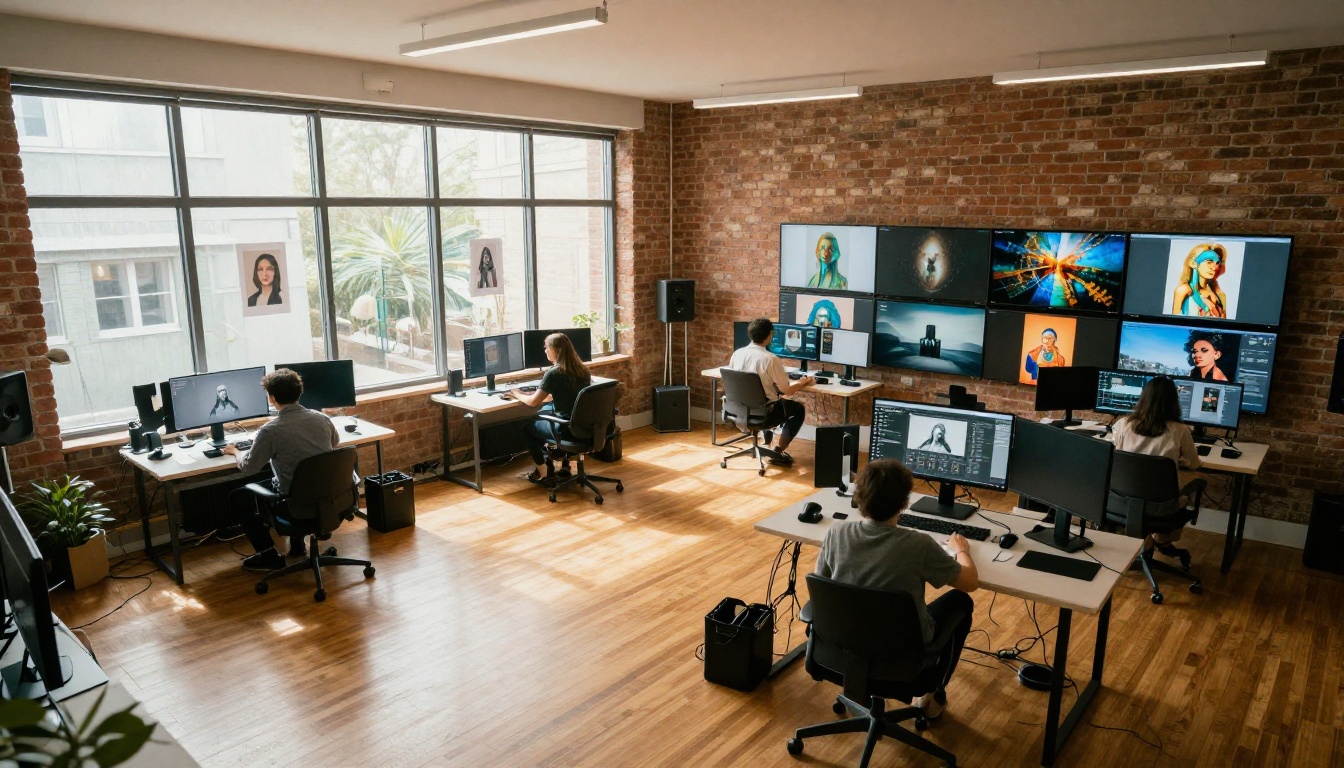
On PicassoIA, you access it without managing any infrastructure. The model handles general-purpose generation, commercial projects, and experimental prompting with equal reliability. Not having one dominant niche is its actual advantage for creators who work across multiple project types.
Best for: General-purpose generation, commercial projects, experimental workflows.
#7 Midjourney
Midjourney operates exclusively through Discord with a paid subscription model, no free tier in 2026. What it trades in accessibility it makes up in aesthetic output, particularly for stylized, editorial, and painterly results where distinct visual character matters more than strict photorealism.
Creative directors and concept artists reach for Midjourney when the brief calls for something with genuine visual identity. The cinematic quality it produces on atmospheric and moody subjects still sets the aesthetic bar even against newer models.
Cost: Plans start at $10/month, no trial available.
Best for: Editorial, concept art, high-aesthetic creative work where the "AI photorealism" look isn't the goal.
#8 Adobe Firefly
Adobe Firefly's strongest argument is legal clarity: every output is trained on licensed Adobe Stock content, making it the safest option for commercial use under IP review. For brands and agencies operating under legal oversight, that assurance is worth real money.
The free tier offers limited monthly credits via web. Firefly integrates natively into Photoshop and Illustrator through the Generative Fill tool, making it the obvious pick for creators already working inside Adobe's ecosystem who want AI generation without leaving their workflow.
Free tier: Limited credits via Adobe web app.
Best for: Legally safe commercial content, Photoshop and Illustrator workflows.
#9 Ideogram
Ideogram Character addresses the problem AI image generators have failed at for years: rendering legible, accurate text inside images. Posters, book covers, social media graphics with readable type, Ideogram handles them reliably where other models produce garbled characters.
Character consistency is the other standout: generate the same person across multiple scenes while maintaining visual identity across outputs. Available on PicassoIA with a limited free tier on the standalone Ideogram platform.
Best for: Graphic design with text elements, character consistency across multiple scenes.
#10 Wan 2.7 Image Pro
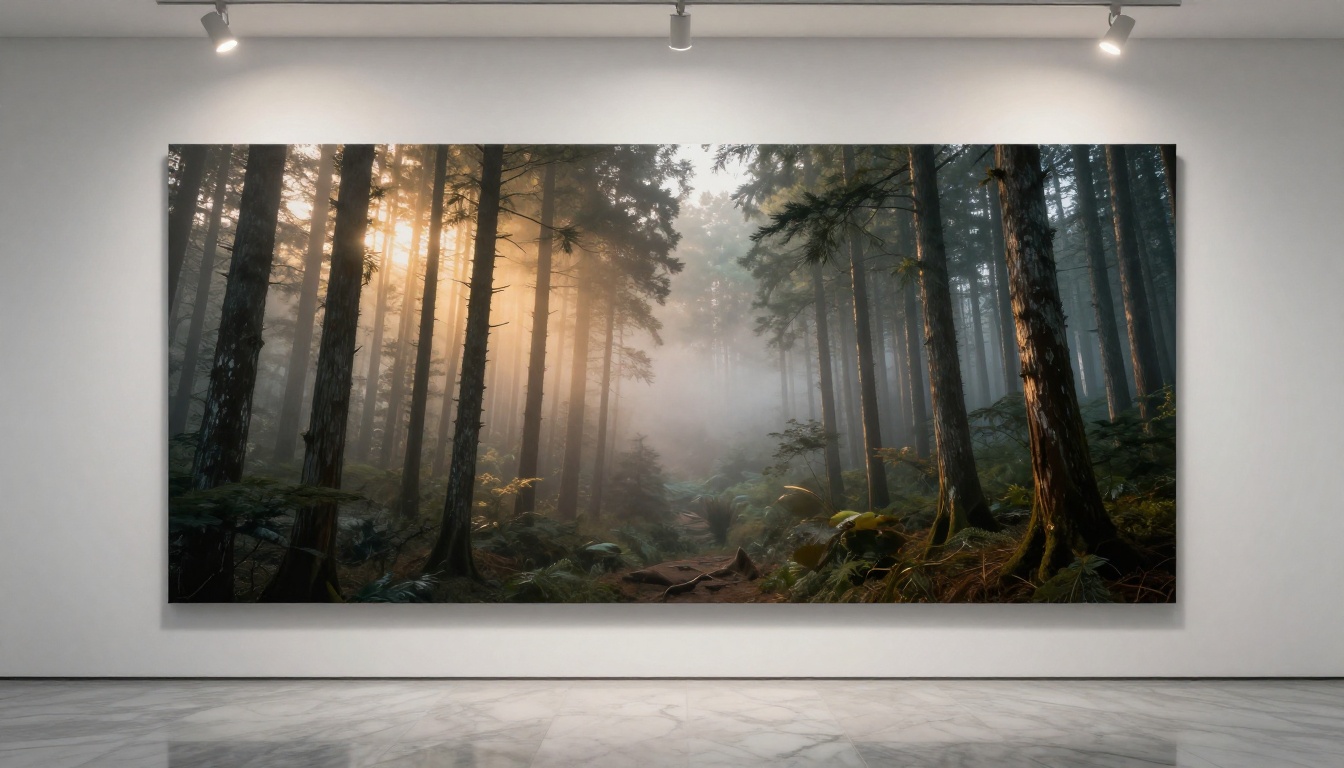
Wan 2.7 Image Pro from Wan Video pushes native 4K outputs specifically optimized for print workflows. The standard Wan 2.7 Image handles most everyday use cases well, while the Pro variant adds enhanced environmental detail resolution for wide-format compositions.
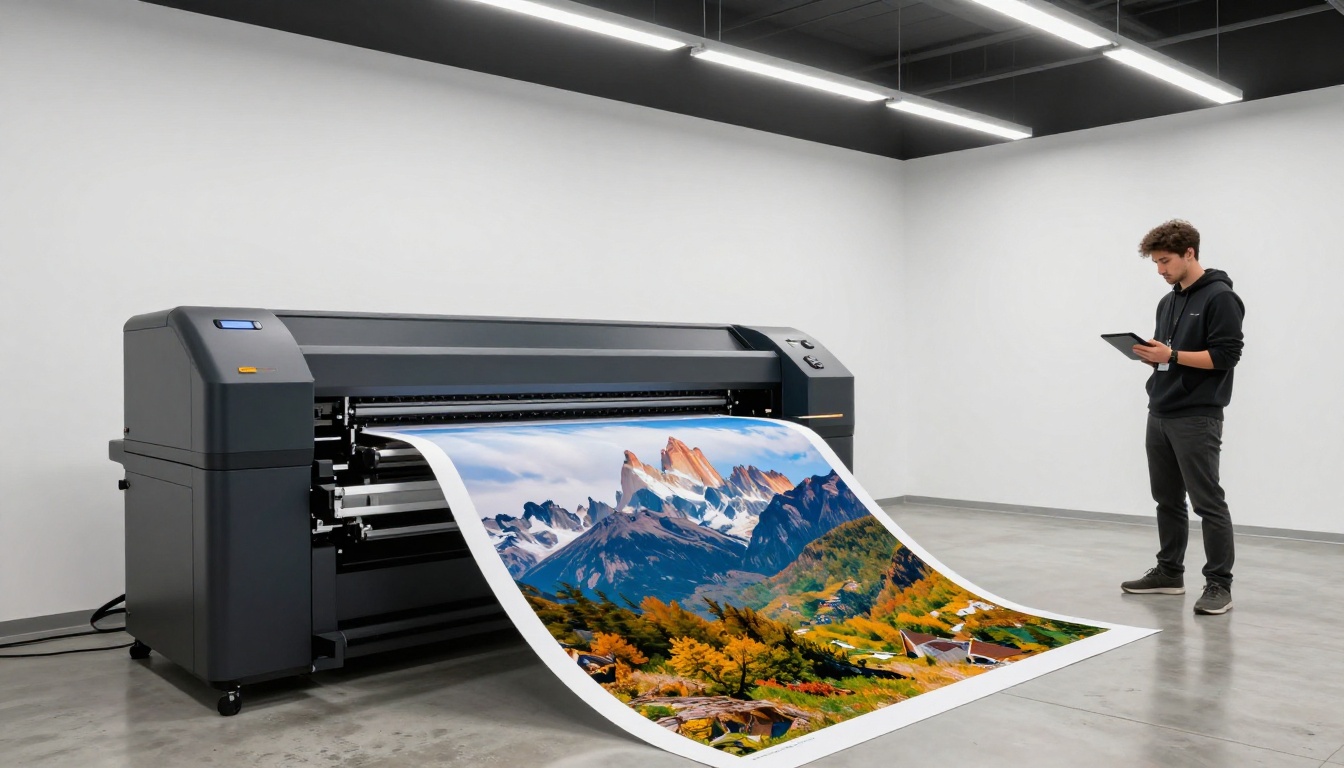
Landscapes, architectural exteriors, and scenes demanding fine environmental texture are where this model stands above comparable options. Available free via PicassoIA with no daily generation caps on standard outputs.
Best for: Print-ready 4K landscapes, architectural exteriors, wide-format compositions.
#11 Hunyuan Image 2.1 by Tencent
Hunyuan Image 2.1 from Tencent brings 2K native outputs with a specific strength in cinematic lighting scenarios. Dusk, candlelight, neon environments, and complex light situations look noticeably better here than on most alternatives.
For creators working on cinematic still frames, high-production visual content, or any scene where light behavior is the dominant compositional element, it's a strong addition to the rotation. Free via PicassoIA.
Best for: Cinematic stills, complex lighting scenarios, dusk and interior ambiance shots.
#12 Runway Gen4 Image Turbo
Gen4 Image Turbo from Runway rounds out this list as the precision specialist. Runway built its reputation on video generation, and that technical precision carries into its image model with exceptionally clean subject-background separation, accurate depth rendering, and high output consistency across repeat prompts.
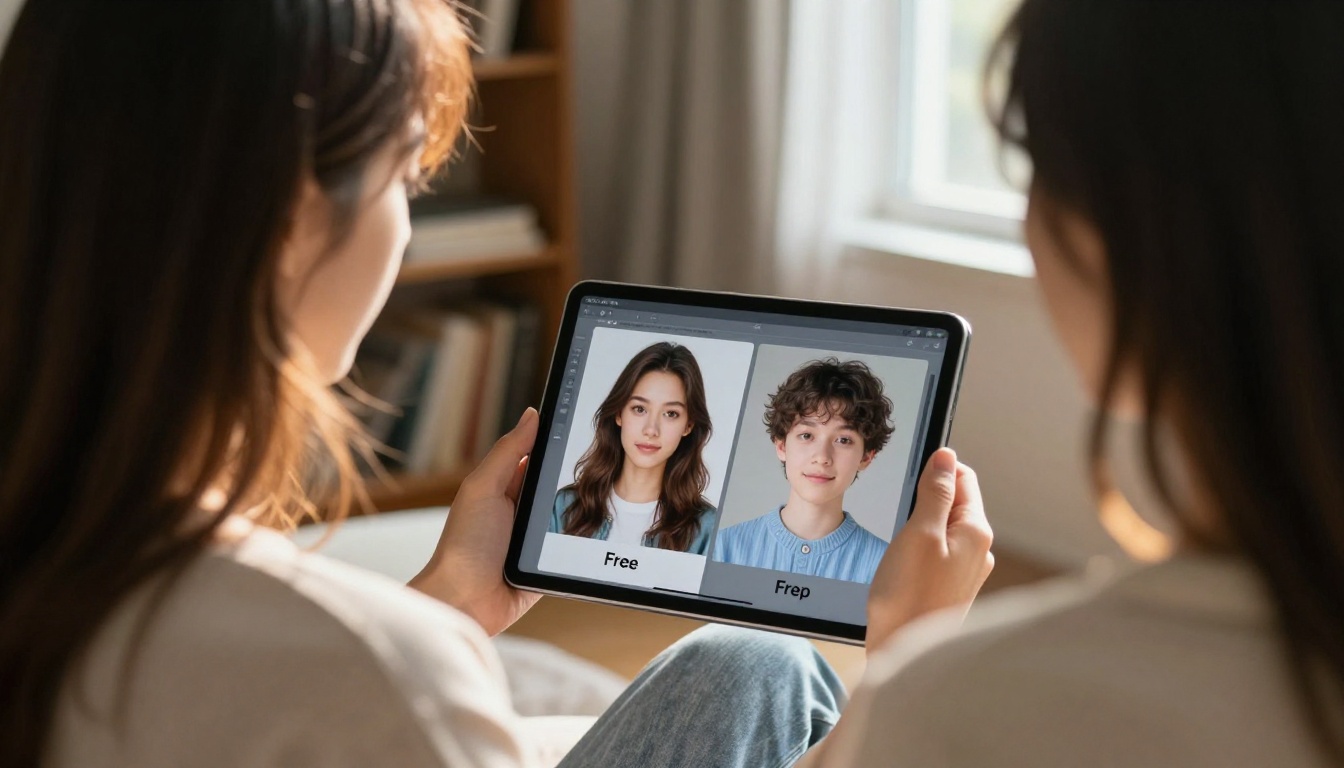
It's a paid model with no meaningful free tier, but the consistency justifies the cost for production pipelines where repeatability and subject isolation matter.
Cost: Paid per generation, available on PicassoIA.
Best for: Production workflows requiring consistent, repeatable outputs with clean subject separation.
Free vs Paid: What You Actually Need
The honest answer in 2027: start free. The quality gap between free and paid tiers has narrowed to the point where most professional use cases are well served by no-cost options, and the tools available without spending anything through PicassoIA would have commanded significant subscription fees just two years ago.
Paying makes sense in specific scenarios:
- High volume: Priority queue access saves meaningful time when generating hundreds of images per day
- Resolution requirements: Some 4K+ output modes sit behind paid tiers
- Legal needs: Specific commercial licensing requirements may require paid access on certain platforms
- Speed sensitivity: Free queues on high-traffic platforms slow down during peak hours
💡 PicassoIA's free tier includes PicassoIA Image, FLUX Krea Dev, Seedream 4.5, Stable Diffusion 3, Wan 2.7 Image, and 85+ other models with no daily limits. That's more free capability than any single-model platform offers at any price tier.
| Budget | Tool | Reason |
|---|
| $0 | PicassoIA Image | Unlimited, no watermarks, 90+ models |
| $10/month | Midjourney Basic | Artistic quality, active Discord community |
| $20/month | Adobe Firefly | Legal safety, Photoshop integration |
| Enterprise | PicassoIA Pro | API access, priority queue, all premium models |
Your First Image on PicassoIA
Creating on PicassoIA takes under two minutes, even on a first session.
- Open any model at picassoia.com. Start with PicassoIA Image for unlimited free access or FLUX Krea Dev for maximum photorealism
- Write a detailed prompt. The more specific, the better. Describe lighting direction, camera lens, subject detail, and mood
- Choose your aspect ratio. 16:9 for landscapes, 1:1 for social media, 9:16 for vertical content
- Hit Generate and wait 10 to 30 seconds depending on the model
- Download or refine. If the first result is close, adjust one element in your prompt and regenerate
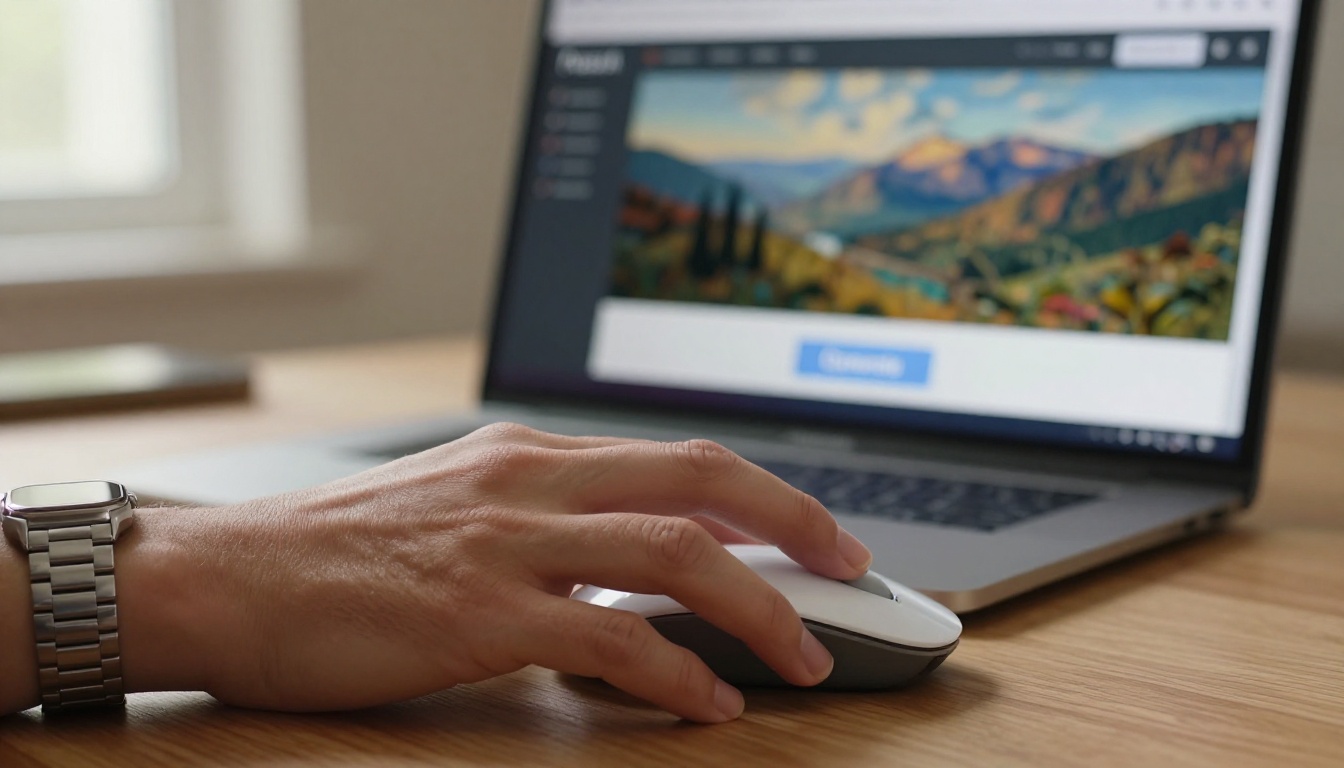
💡 Quick prompt formula: Add "85mm f/1.8 lens, Kodak Portra 400 film grain, volumetric morning light from left" to any portrait prompt for an immediate quality jump. Specificity is the variable that separates good outputs from great ones.
For editing existing images, switch to PicassoIA Image Editor Pro, draw a mask over the area you want to change, and describe the replacement in the prompt. It's the fastest way to fix specific elements without regenerating the whole image from scratch.
Try It Yourself Right Now
Every generator on this list is worth testing, but the fastest path to actual results is the one with zero friction. PicassoIA puts 90+ models behind a single login with unlimited free access to the ones that matter most.
Browse all available models at picassoia.com/en/all-models. For stylistic range, Recraft 20B covers more visual territory than almost any other model. For custom-trained outputs, Flux Pro Finetuned is worth a full session. For portrait work at native 4K, Seedream 4.5 remains the standard.
Type your first prompt. See what 2027's best image generation technology actually produces.


