Something happened on social media in 2024 that nobody in the toy industry predicted. A handful of creators posted short videos showing how they were using AI image generators to design hyper-detailed miniature characters, sending them to 3D printers, and selling the results on Etsy for $30 to $80 each. The videos went viral. Comment sections filled with the same question over and over: "How do you make these?" That curiosity is exactly why the 3D figurine AI trend is now one of the most talked-about intersections of artificial intelligence and physical craftsmanship.
Why Everyone Is Making AI Figurines Now
The Viral Spark on Social Media
TikTok, Instagram Reels, and Pinterest boards dedicated to miniature figurines have exploded since mid-2023. The format is irresistible: a short video shows a prompt typed into an AI tool, then a character concept appears, then a small resin print emerges from a printer, then a hand-painted finished piece sits gleaming under soft light. The entire journey from idea to object takes less than 48 hours and costs under $20 in materials.
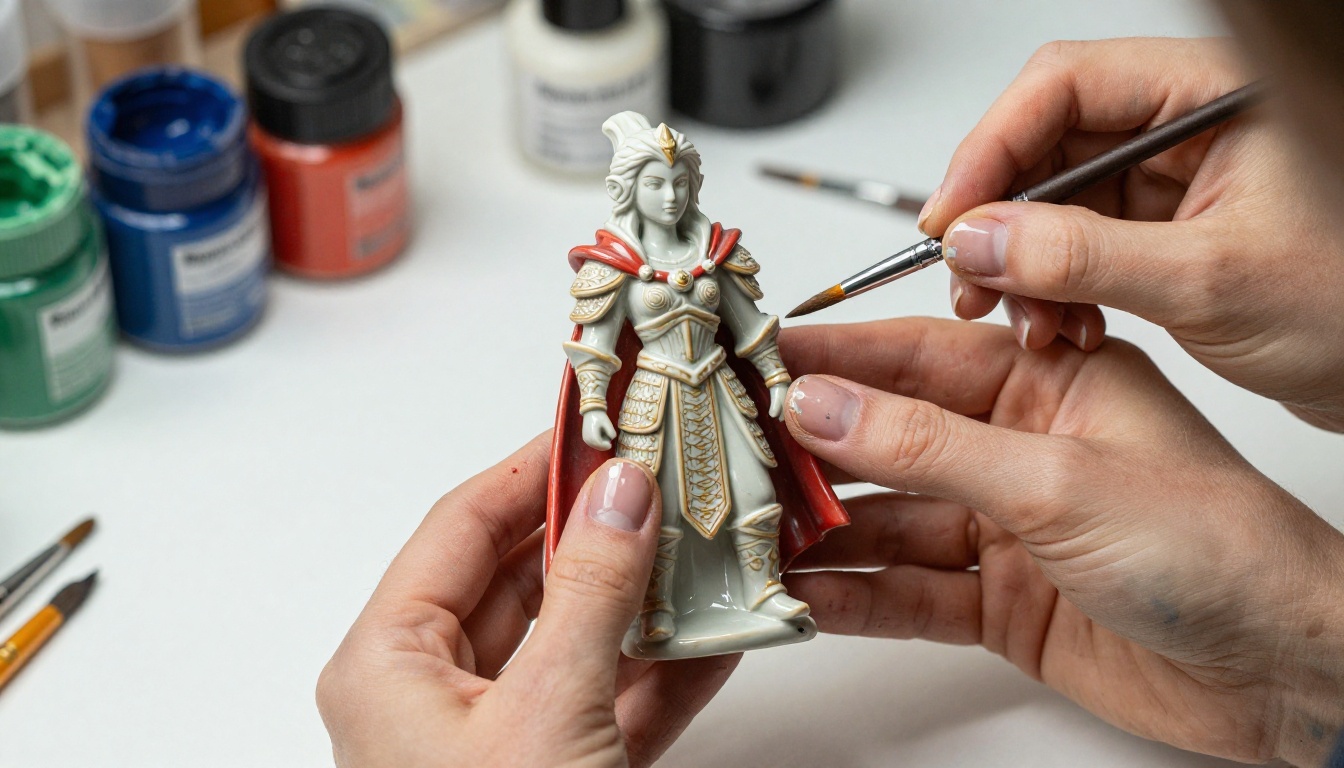
The numbers back this up. Searches for "AI figurine" on Google Trends rose by more than 400% between January 2023 and March 2025. Etsy sellers using terms like "custom AI miniature" in their listings saw average monthly revenue jump from four-figure to five-figure ranges within a single product cycle. This is not a niche hobby anymore. It is a genuine creative economy.
Who Is Creating These?
The people making AI figurines are not all professional artists or engineers. The trend has attracted three distinct groups:
- Hobbyist gamers designing custom miniatures for tabletop RPG campaigns
- Small business creators selling personalized character figurines as gifts
- Digital artists exploring a new pipeline from 2D AI concept art to 3D objects
What unites them is access to tools that previously required either expensive software skills or a professional sculptor. AI has flattened that barrier almost entirely.
What the 3D Figurine AI Trend Actually Is
The term "3D figurine AI trend" covers a specific creative workflow, not just one tool or technique. It is the practice of using AI image generation to design character concepts, then converting those 2D images into printable 3D geometry, and finally producing physical objects through resin or FDM printing.
Prompt to Character Concept
Everything starts with a text prompt. A creator describes their character in detail: species, pose, clothing, expression, accessories, style. An AI image model generates a concept image based on that description. The quality of this first image determines everything downstream. A muddy or anatomically inconsistent concept leads to printing problems and post-processing nightmares.

💡 Pro tip: The most successful figurine designers treat the AI image as a "sculptor's maquette," not a finished design. They generate four to six variations and select the one with the clearest silhouette and most consistent proportions.
Concept to Physical Object
Once the concept image exists, it goes through a conversion pipeline:
- The 2D image is fed into a 3D generation tool (like TripoSR, Meshy, or similar platforms)
- The resulting mesh is cleaned up in software like Blender
- The mesh is sliced and sent to a resin printer
- The printed piece is cleaned, cured, and painted
This pipeline sounds technical, but modern AI-assisted tools have simplified every step significantly. Some platforms now handle the 2D-to-3D conversion with a single click.
Best AI Models for Figurine Design
Not every AI image model produces results that work well for figurine concept art. The best results come from models that handle anatomy, material texture, and small-scale detail with precision. Here are the top choices for figurine design work:
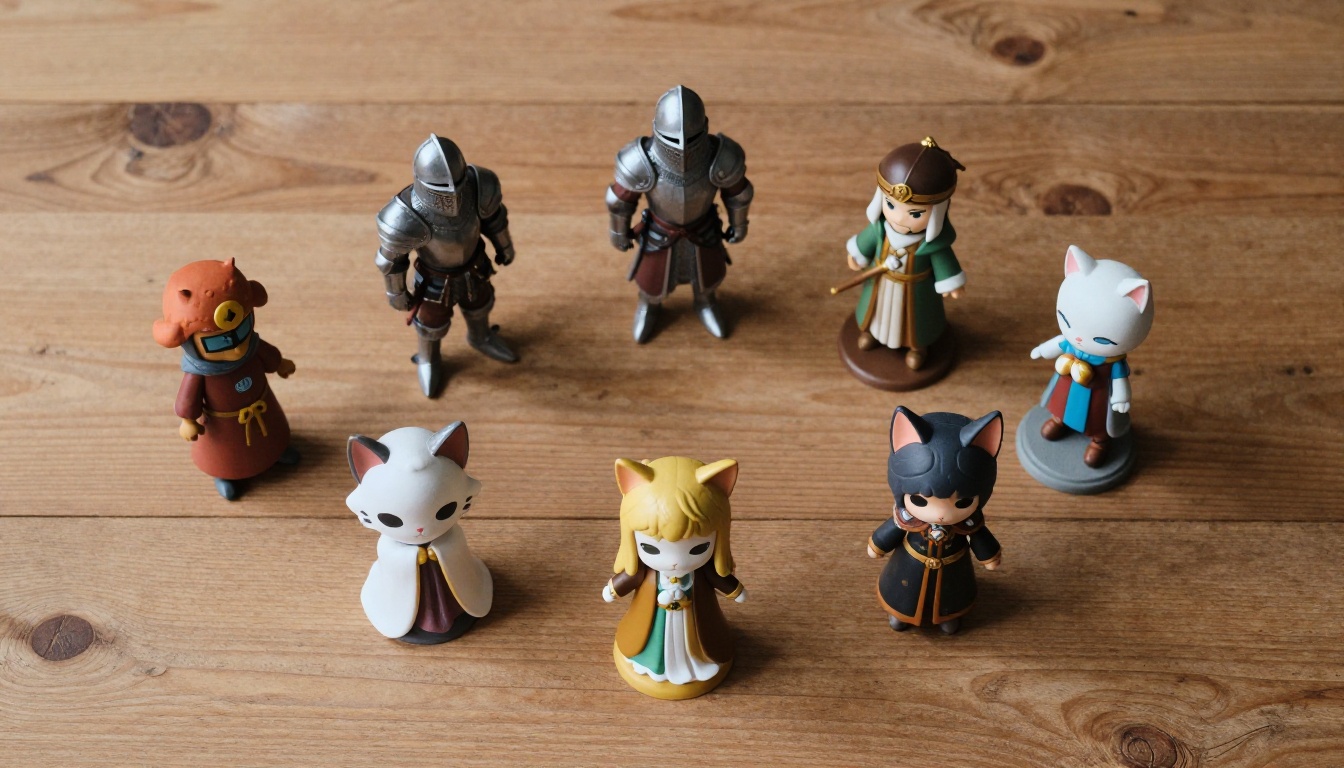
Flux 2 Pro has become the community favorite for full-body character concepts because it handles complex poses and fine clothing detail reliably. For users who want more stylized results with a painterly or chibi aesthetic, Ideogram v3 Quality produces distinctive character designs that translate well to small-scale prints.
From Image to Printable 3D File
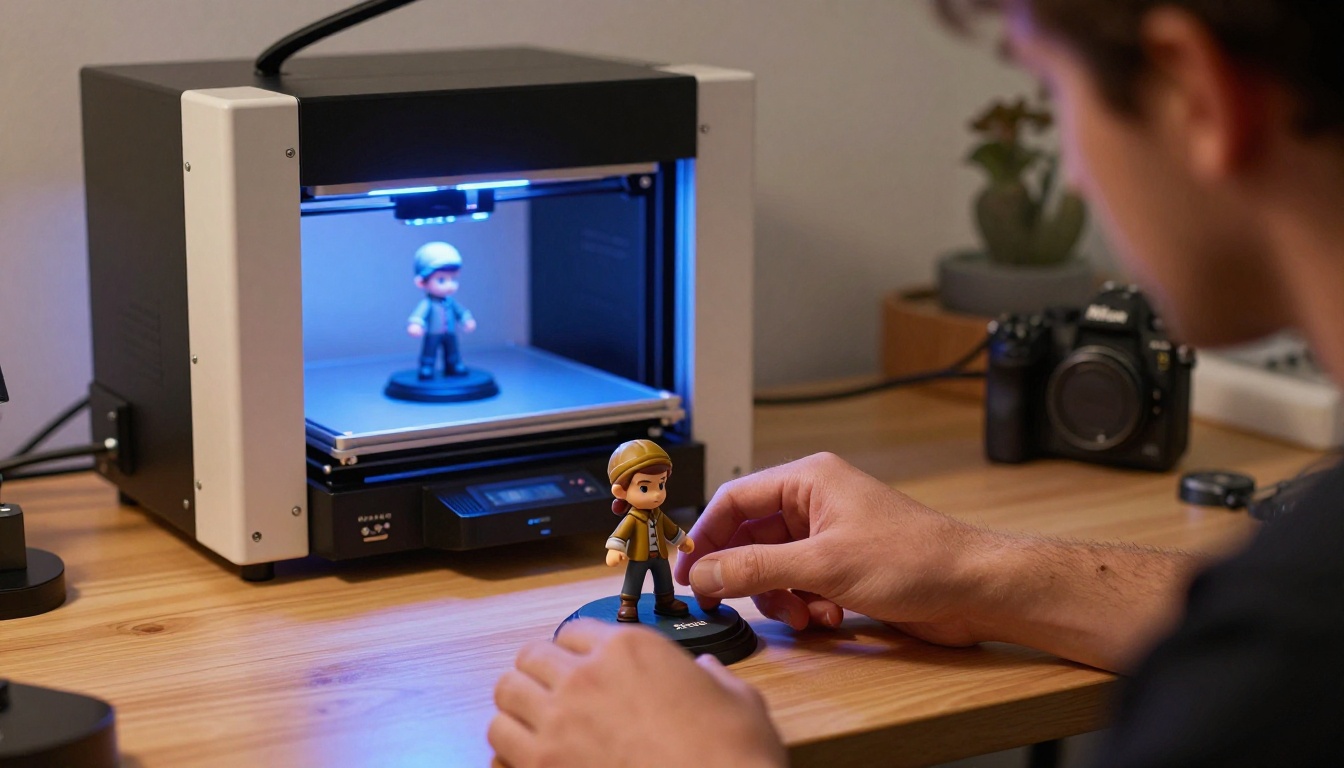
This is where the trend gets genuinely interesting from a technology standpoint. Several tools now accept a front-view and side-view character image and output a printable STL file within minutes:
- Meshy AI: Produces detailed mesh output from concept images
- TripoSR: Open-source, fast, handles cartoon and stylized characters well
- Rodin: Specialized for character figures with pose-aware reconstruction
- Luma Genie: Strong on organic shapes like creatures and fantasy characters
Most creators use Flux Schnell for rapid multi-angle generation, producing four reference images (front, back, left side, right side) that they feed into the 3D tool simultaneously.
How to Design Your Own Figurine with AI
Crafting the Right Prompt
The figurine prompts that produce the best results share a specific structure. Creators who have refined their workflow through hundreds of iterations consistently land on this formula:
[Character type] + [Pose/stance] + [Clothing detail] + [Expression] + [Color palette] + [Style reference] + [View angle]
For example: "Chibi dragon knight, standing in heroic pose, ornate silver armor with blue gem inlays, determined expression, gold and blue color palette, clean character concept art, front view, white background, full body, no shadow"
The "white background, full body, no shadow" portion is critical for 3D conversion tools. They need clean silhouettes to reconstruct geometry accurately.
💡 Prompt tip: Add "orthographic view" or "model sheet" to your prompt to get flatter, more technically useful character art that converts to 3D more reliably.
Choosing the Best Style
Figurine style matters as much as character design. Different styles present different printing challenges and market opportunities:
Chibi/Super-Deformed: Large head, compact body, exaggerated features. Extremely popular on social media. Easy to paint for beginners because detail is concentrated.
Heroic Scale: Realistic proportions with fine detail. Appeals to tabletop gaming communities. Harder to print but commands higher prices.
Steampunk/Fantasy: Ornate details, complex accessories. High visual impact in photography. Strong seller on collector platforms.
Minimalist/Modern: Simple geometry, smooth surfaces. Fastest to print, easiest to post-process. Popular as desktop decorations.
Getting a Print-Ready File
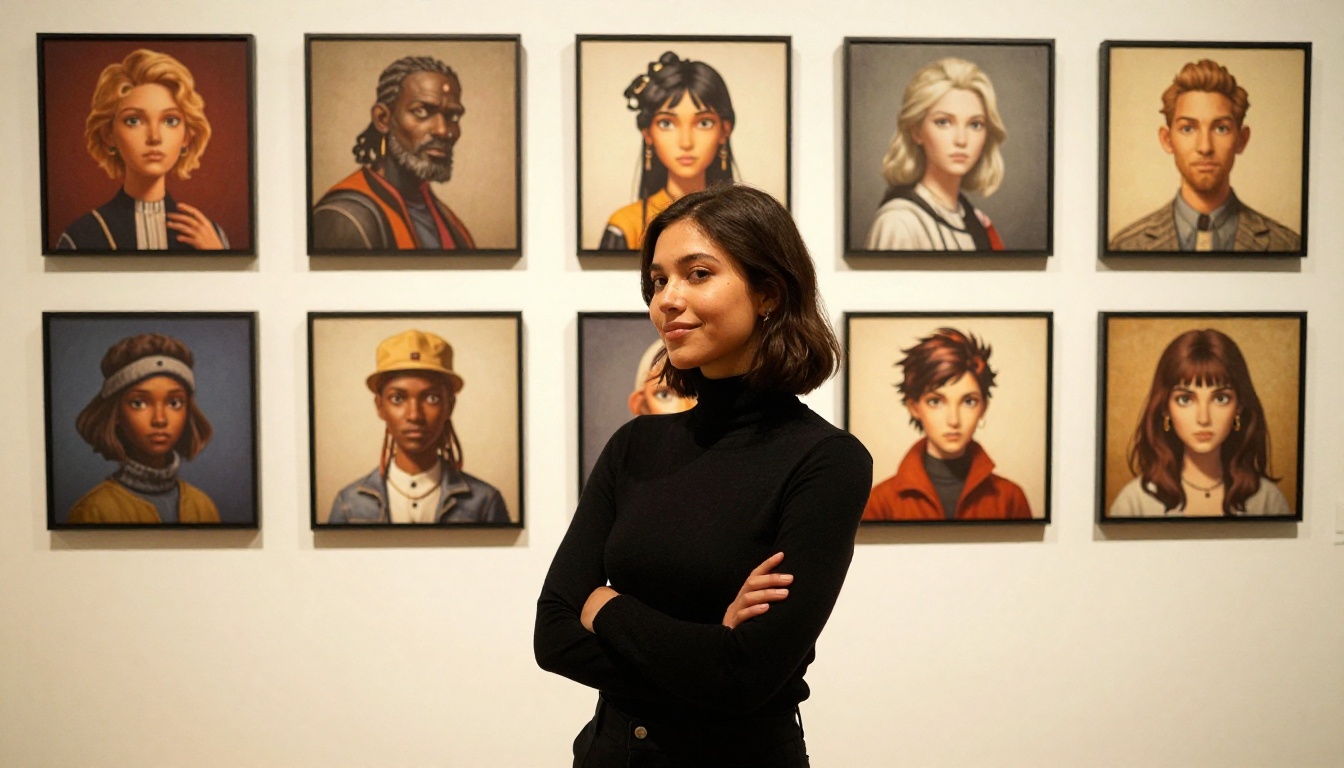
After generating the 3D mesh, most creators do a quick cleanup pass in Blender or Meshmixer before printing. The key steps:
- Check for non-manifold geometry (holes in the mesh)
- Thicken any parts thinner than 0.5mm (arms, accessories, hair strands)
- Add a base or support structure for stability
- Scale to desired print size (most figurines are 50mm to 120mm tall)
- Export as STL or OBJ for your slicer software
What Makes a Great Figurine Prompt
Character Anatomy Tips
The most common failure mode in AI figurine design is distorted hands and feet. These are the hardest body parts for image models to render consistently at small scale. The solution most creators use is deliberate simplification: armored gauntlets instead of bare hands, boots instead of bare feet, dynamic capes or cloaks that cover complex body geometry.
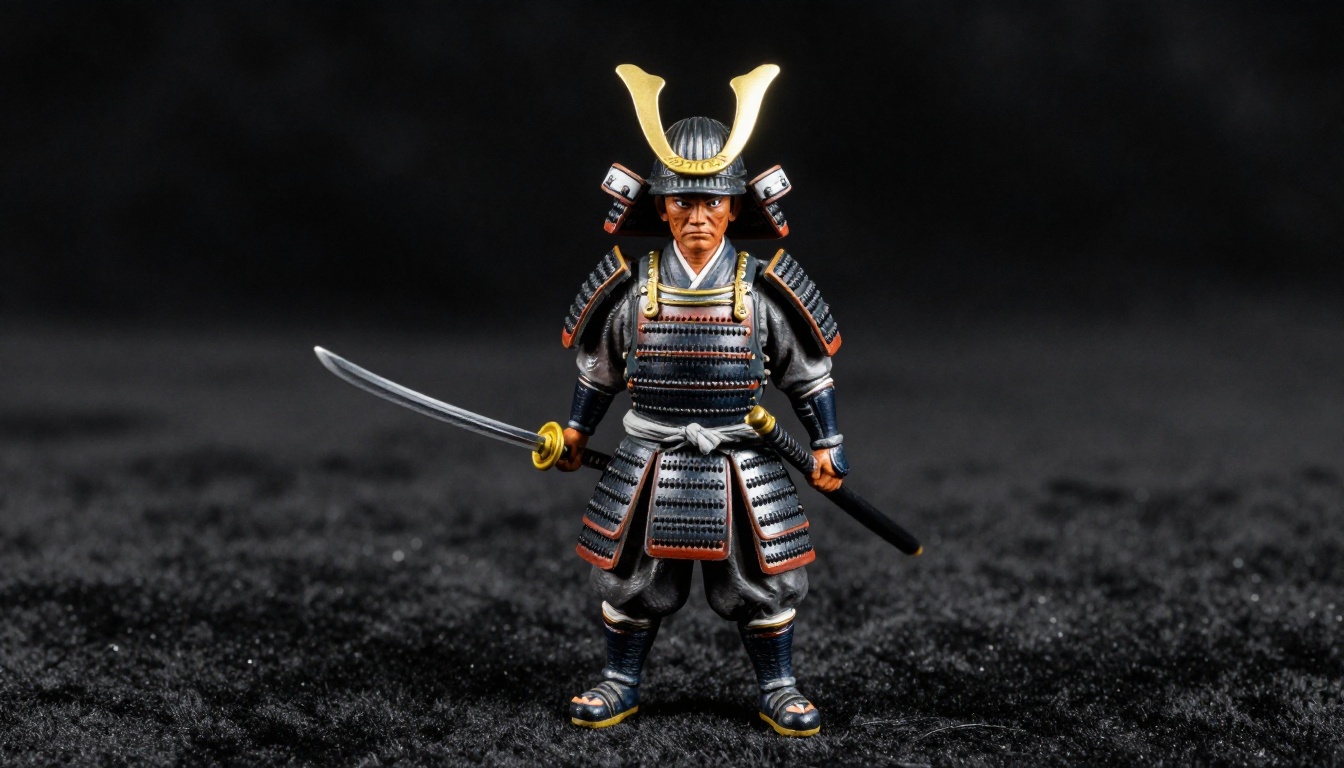
When you need visible hands, Flux 2 Pro handles them better than most models at the moment. The trick is to add "detailed hands, correct anatomy, five fingers" explicitly to your prompt and use RealVisXL v3 Turbo as a secondary check model.
Style and Genre Options
The genre you choose affects everything from prompt complexity to printing cost to sales potential:
| Genre | Prompt Complexity | Print Time | Market Demand |
|---|
| Fantasy RPG | High | 4-8 hours | Very High |
| Chibi / Cute | Low | 1-2 hours | Very High |
| Sci-Fi / Mecha | Very High | 8-12 hours | High |
| Animal / Creature | Medium | 3-5 hours | High |
| Portrait / Person | Medium | 2-4 hours | Medium |
| Abstract / Geometric | Low | 1-2 hours | Medium |
Fantasy RPG and Chibi styles dominate the current market, particularly for the gift and personalization segment.
Selling Custom AI Figurines
Platforms That Work
The commercial side of the 3D figurine AI trend is growing rapidly. Creators are monetizing through several channels simultaneously:
Etsy: Still the dominant platform for one-of-a-kind and personalized figurines. Custom pet portraits as figurines have become a top-selling category.
Gumroad / Patreon: Many designers sell STL files rather than physical prints, letting buyers print locally. This requires no shipping and scales without inventory.
Local Markets: Artisan fairs and pop-up markets are increasingly featuring AI-designed figurines, with vendors often live-printing on portable setups.
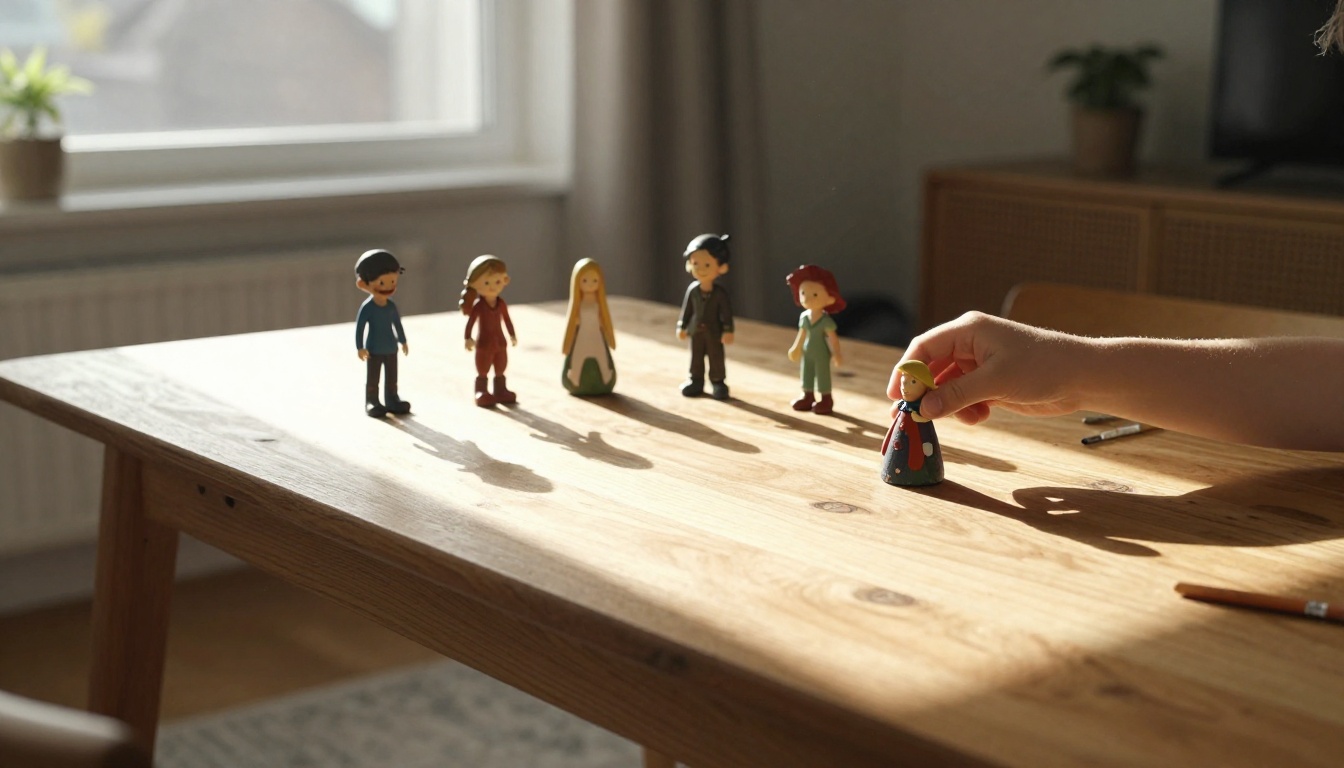
💡 Pricing baseline: Most creators target 3x to 5x material cost for physical prints, plus a design fee for custom work. A simple chibi figurine using $4 in resin typically sells for $18 to $35.
Pricing Your Creations
Custom figurine pricing follows a simple tiered model used across the community:
- Standard (preset design): $15 to $30 for a small painted figurine
- Custom (character from prompt): $35 to $80 depending on size and complexity
- Premium (multi-character dioramas): $100 to $250+ for collector pieces
- STL Files Only: $5 to $20 per file with unlimited personal use
The most profitable sellers combine digital file sales with print-on-demand physical copies, creating a passive income layer on top of active commission work.
Collectors and Hobbyists
One of the most fascinating dimensions of the 3D figurine AI trend is how it has created a bridge between two previously separate communities: AI art enthusiasts and traditional miniature hobbyists. Tabletop RPG players who paint miniatures for games like Dungeons and Dragons have embraced AI design tools as a way to get highly specific custom characters that commercial miniature companies would never produce.
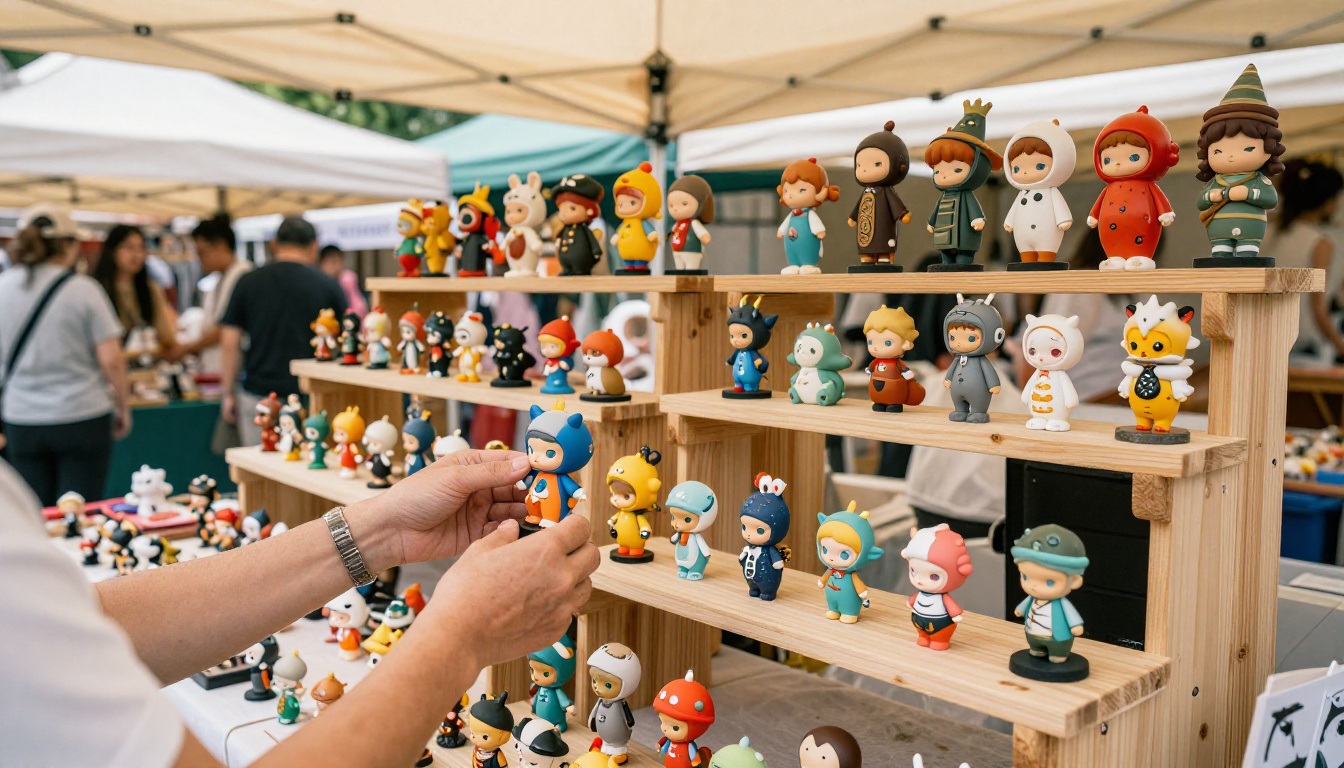
The miniature painting community, which has existed for decades with its own techniques and vocabulary, now openly discusses AI tools in forums alongside brush techniques and resin curing protocols. This cross-pollination has made the overall community larger and more welcoming to newcomers.
Social Media and Viral Potential
The 3D figurine trend has a structural advantage for social media virality that most creative trends lack: a clear before-and-after visible in a short video. The sequence of prompt typing, generated concept, printed grey model, and finally painted finished piece is inherently satisfying to watch. Each stage offers a distinct visual reveal.
Creators who document their process across all four stages consistently outperform those who only show the final product. The process is the content.
💡 Creator tip: The most engaging figurine videos use natural light for the final reveal shot. Warm afternoon window light, shot at a low angle showing multiple figurines at once, performs better than studio lighting in engagement metrics across platforms.
Start Creating Your Own Characters
The 3D figurine AI trend is accessible to anyone with a creative idea, a browser, and either a 3D printer or access to a local print service. The entire workflow, from typed description to physical object in your hands, is something that simply did not exist five years ago.
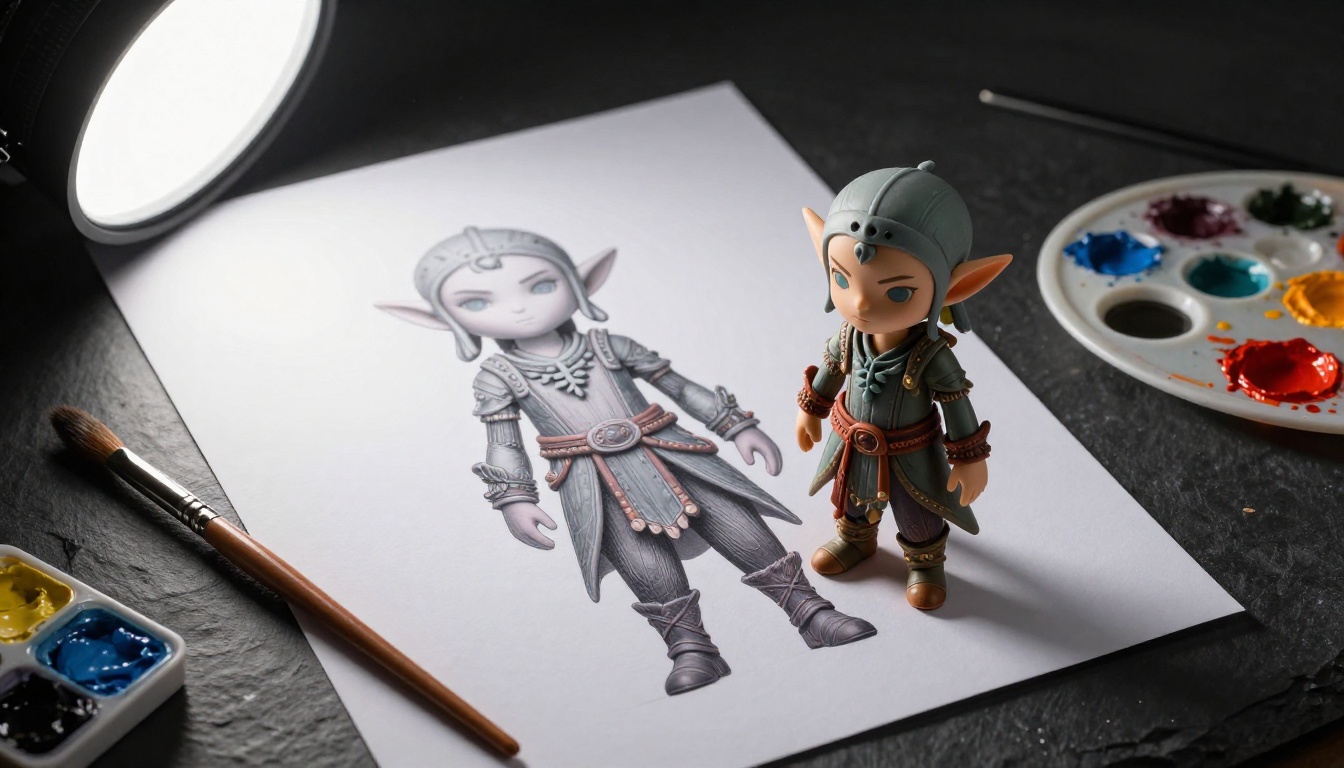
The best starting point is generating character concepts directly in your browser. Flux 2 Pro and Flux 1.1 Pro both produce character concepts detailed enough to feed directly into 3D conversion tools. Stable Diffusion 3.5 Large offers excellent control over stylistic variation when you want to explore different aesthetic directions for the same character. And Flux Schnell is the right tool for rapid iteration when you want to generate twenty variations and pick the one with the strongest silhouette.
Pick a character that excites you. Type a detailed prompt. Generate four or five variations. Choose the one with the cleanest silhouette and most interesting detail work. Then take that image to a 3D conversion tool and watch your idea gain a third dimension.
The trend is real, the tools are ready, and the only thing missing is your character concept.


