The pace of AI image generation in 2027 is nothing short of remarkable. Professional photographers are using these tools to concept-test shoots before booking studios. Marketers generate campaign visuals in minutes instead of days. Independent creators build entire visual brands from a single text prompt. The technology works. The real question is which generator to use for your specific output.
This ranked list covers the 9 best AI image generators in 2027, scored on output quality, photorealism, speed, prompt fidelity, and creative versatility. Every model here is available to use right now on PicassoIA, the platform that brings all of them under one roof, with no additional accounts or API keys required.
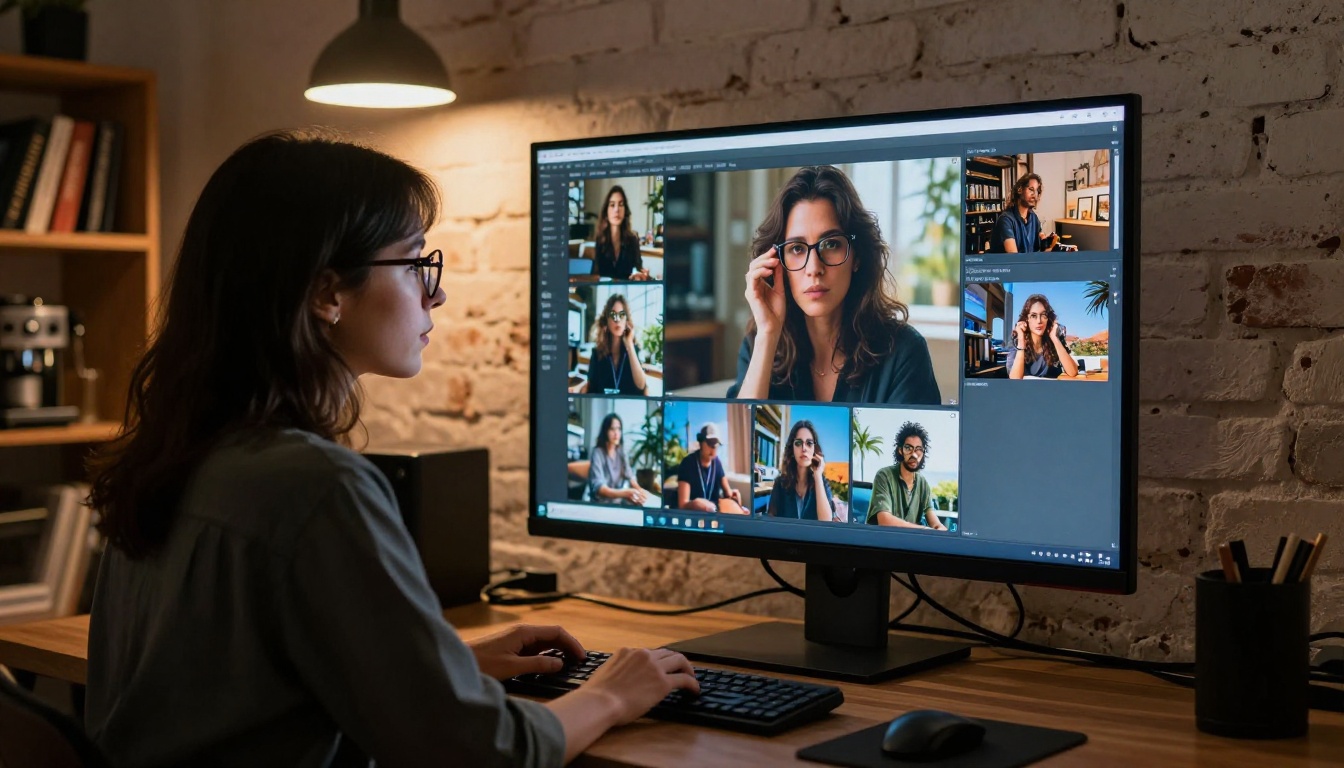
What Sets AI Image Generators Apart
Not all AI image generators are equal. Output resolution matters, but it is just one variable. The real differentiators in 2027 come down to a short list of criteria that expose the gap between models quickly.
The five factors that matter most:
- Prompt fidelity: Does the model generate what you actually described?
- Photorealism: Can it produce images that pass for photography?
- Speed: How long from prompt to usable output?
- Consistency: Do multiple runs maintain coherent style and composition?
- Editing capability: Can you refine, inpaint, or outpaint after the initial generation?
The best generators on this list score well across all five. The scoring breakdown used for rankings:
| Criterion | Weight |
|---|
| Output Quality | 30% |
| Prompt Accuracy | 25% |
| Speed | 20% |
| Editing Tools | 15% |
| Accessibility | 10% |
The 9 Best AI Generators Ranked
💡 All 9 models in this list are available on PicassoIA at picassoia.com. No separate API keys or software downloads required.
1. Seedream 4.5
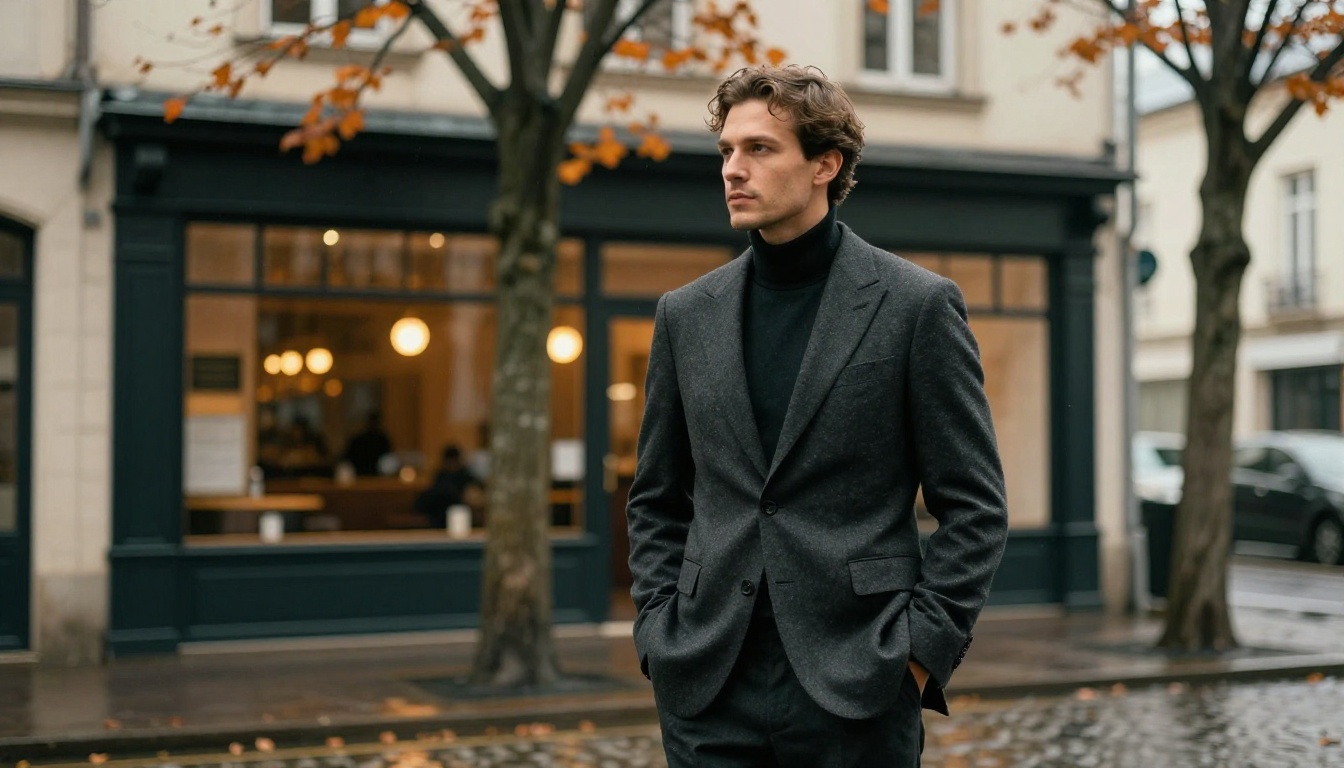
Seedream 4.5 by ByteDance is the highest-rated text-to-image model of 2027 by a meaningful margin. Its 4K native output quality is genuinely indistinguishable from professional photography in many conditions, and its ability to handle complex, multi-element prompts outpaces every other model in its class.
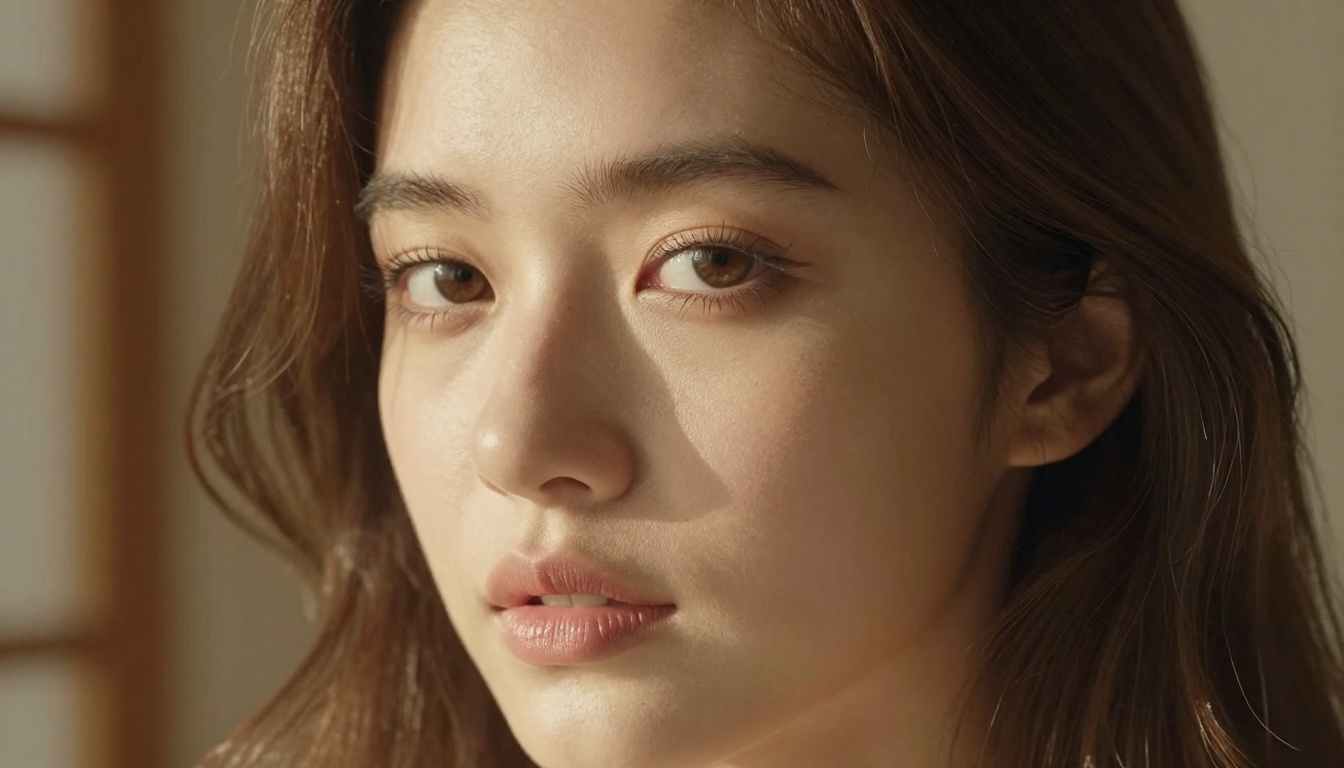
What makes it stand out:
- 4K native output resolution with no upscaling artifacts
- Exceptional skin rendering and facial anatomy accuracy
- Strong adherence to lighting descriptions within prompts
- Fast generation, typically under 20 seconds per output
Best for: Portraits, fashion shoots, editorial content, photorealistic human subjects.
💡 Seedream 4.5 produces the most believable skin textures of any model currently available on PicassoIA. If your output requires human subjects, start here.
2. PicassoIA Image
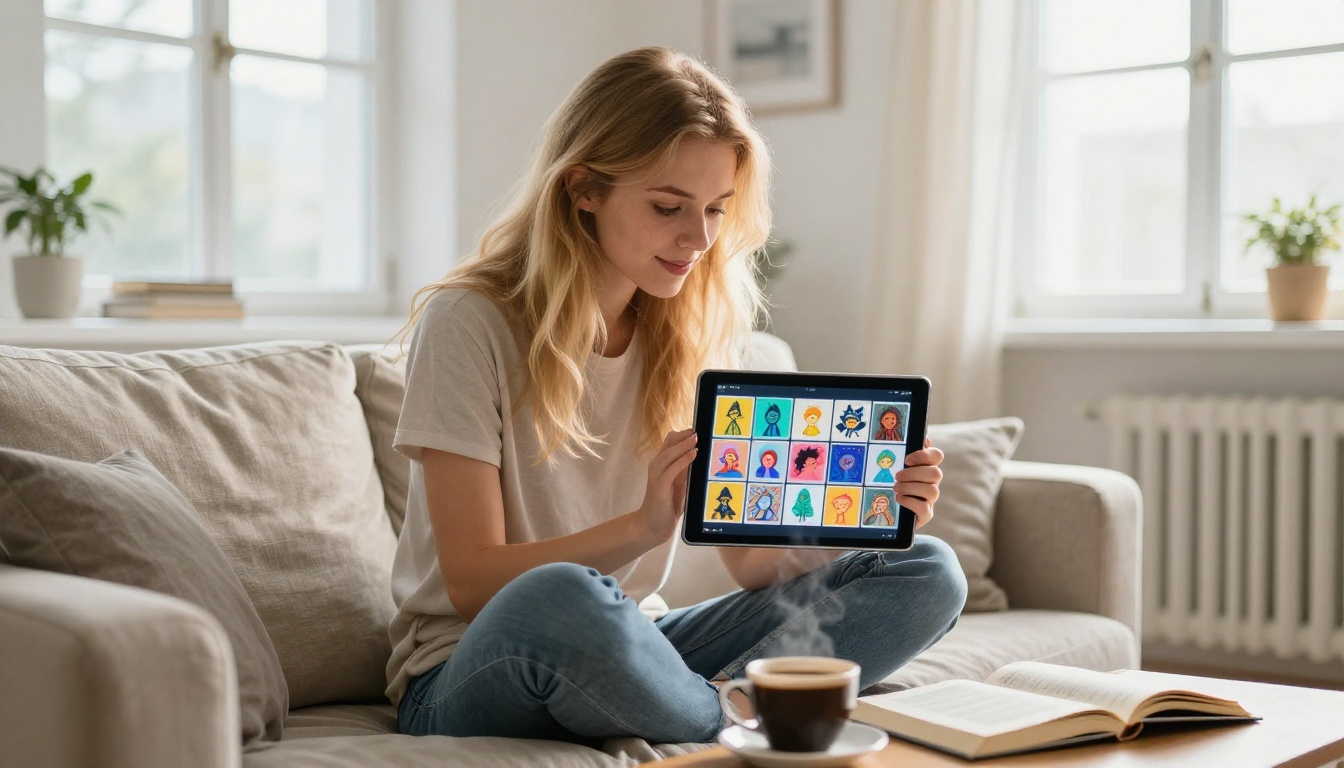
PicassoIA Image earns its spot through consistency and flexibility. Unlike most hosted models that throttle outputs or apply watermarks on free tiers, this model offers unlimited generations with no watermarks attached to any output.
Strengths at a glance:
- Unlimited generations, no credit counting
- Wide stylistic range from photorealistic to illustrated
- Built-in ControlNet support for pose and structure control
- Direct integration with PicassoIA Image Editor Pro for post-generation editing and refinement
Best for: High-volume workflows, marketing teams, creators who iterate fast and need zero generation limits.
3. GPT Image 2
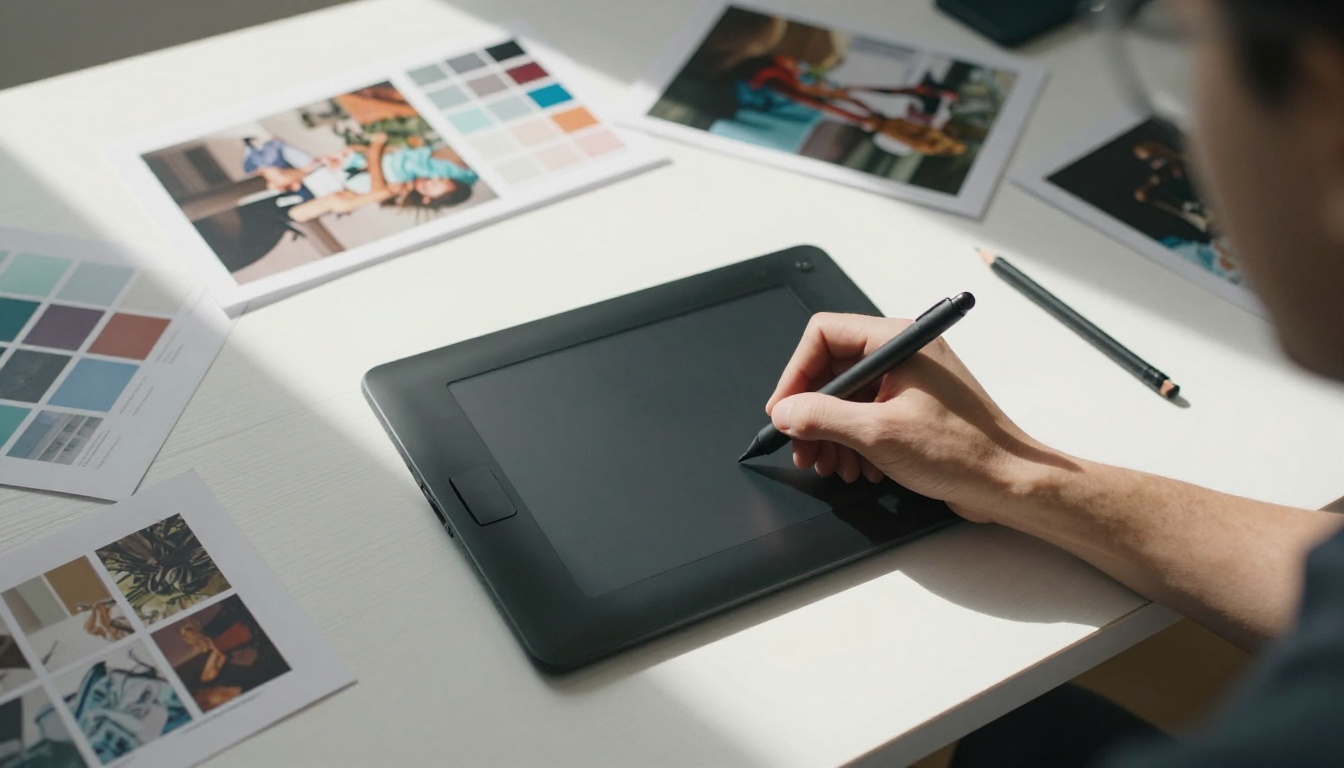
OpenAI's GPT Image 2 brings the full weight of GPT-class language understanding to image generation. In practice, this means it handles incredibly dense, specific prompts more accurately than any previous OpenAI visual model, and its text rendering within images is the most precise of any generator in this list.
Standout capabilities:
- Best-in-class text rendering within images, logos, captions, labels
- Accurate handling of complex spatial relationships described in prompts
- High accuracy on brand-consistent visual outputs
- Clean, precise results suited for commercial and marketing production
Limitation to note: GPT Image 2 tends toward polished, clean aesthetics. If you need raw grain or heavy film texture, pair it with post-processing tools available on PicassoIA.
| Model | Best For | Speed | Photorealism |
|---|
| Seedream 4.5 | Portraits, humans | Fast | Excellent |
| PicassoIA Image | High volume, variety | Fast | Very Good |
| GPT Image 2 | Commercial, text-in-image | Medium | Good |
| Flux Krea Dev | Nature, organic look | Fast | Excellent |
4. Flux Krea Dev
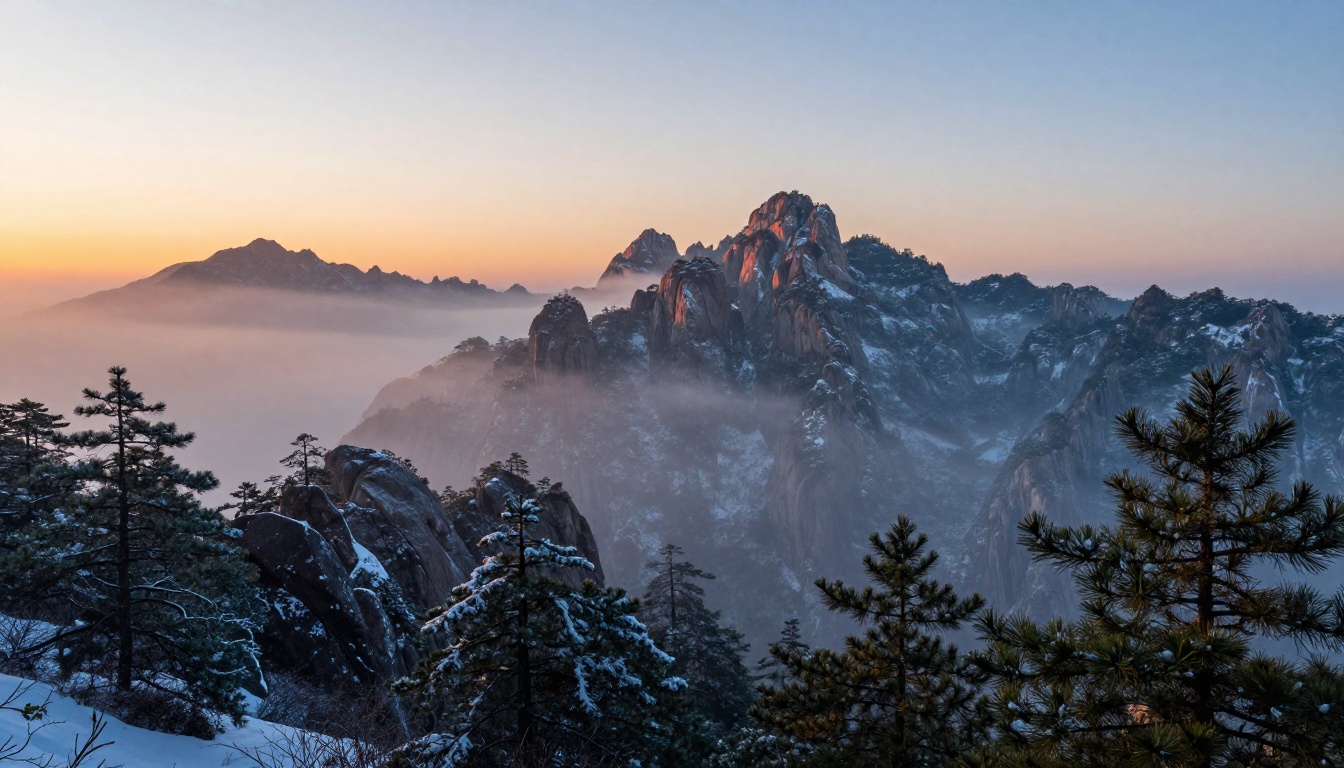
Flux Krea Dev by Black Forest Labs solves one of the most persistent problems in AI image generation: the uncanny AI look. Outputs from this model have a natural imperfection, an organic quality that makes them nearly impossible to identify as AI-generated without metadata.
Why photographers rely on it for stock production:
- Natural grain, organic depth, and realistic imperfection
- Outstanding results for landscape and architecture imagery
- No over-sharpening artifacts that plague cheaper models
- Outputs hold up under close pixel-level inspection
Best for: Landscape photography, editorial realism, architecture visualization, stock photo production.
💡 If you are building a stock photo library and need images that pass agency review, Flux Krea Dev is the right starting point.
Also worth testing from the Black Forest Labs family: Flux Redux Dev for image variations and Flux Fill Pro for outpainting and inpainting on existing shots.
5. Stable Diffusion 3
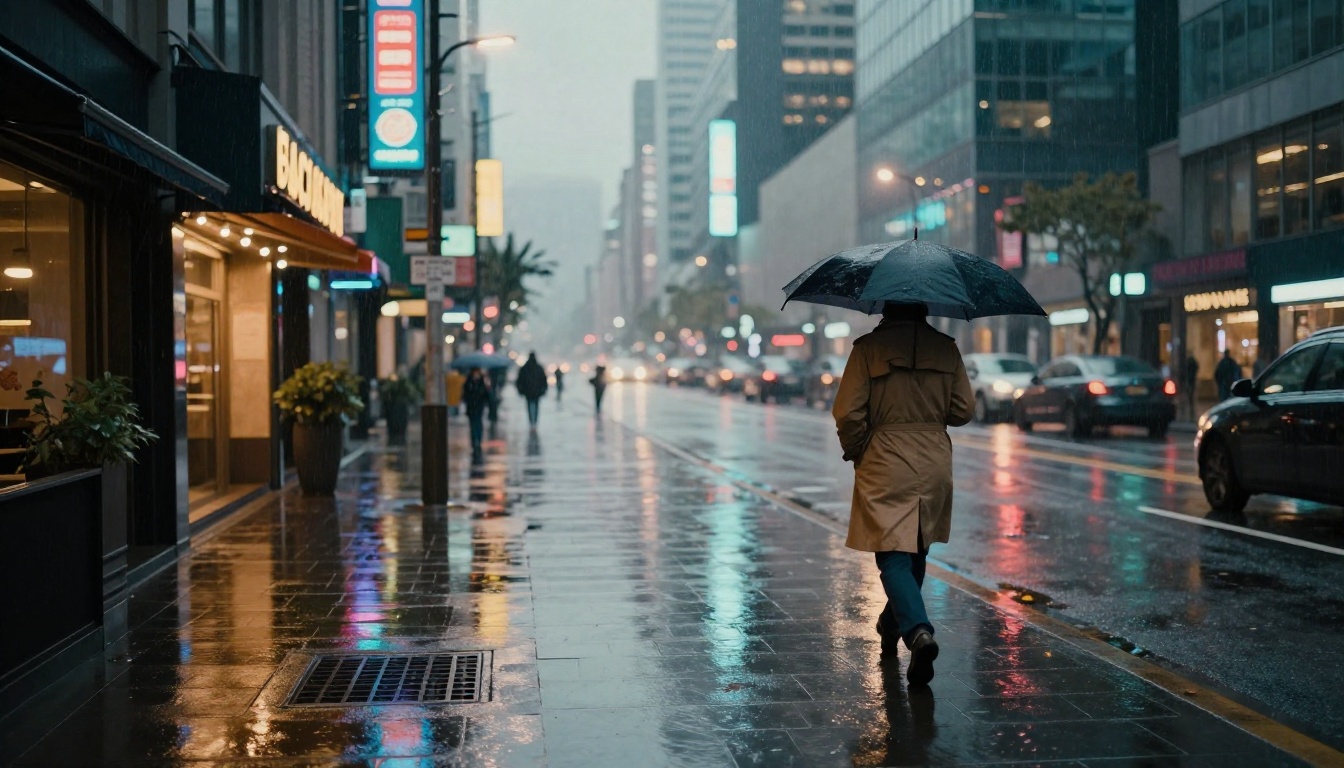
Stable Diffusion 3 by Stability AI remains one of the most important models in the ecosystem in 2026, not because it tops the photorealism charts but because of what it enables. SD3 brought significant architectural improvements that close the gap with proprietary competitors while retaining the open-source flexibility that made the original so valuable.
What SD3 does well:
- Excellent stylistic range, from photorealistic to painterly
- Strong community of custom LoRA adapters for niche styles
- No output restrictions when accessed via PicassoIA
- Reliable prompt handling for compositional complexity
Best for: Stylized content, illustrative projects, creative experimentation, custom-trained styles via LoRA adapters.
6. Wan 2.7 Image Pro
Wan 2.7 Image Pro is the breakout model of early 2026. Built for 4K native output, it delivers extraordinary resolution and detail density in every generation. The difference between this and the standard Wan 2.7 Image is visible immediately at full zoom.
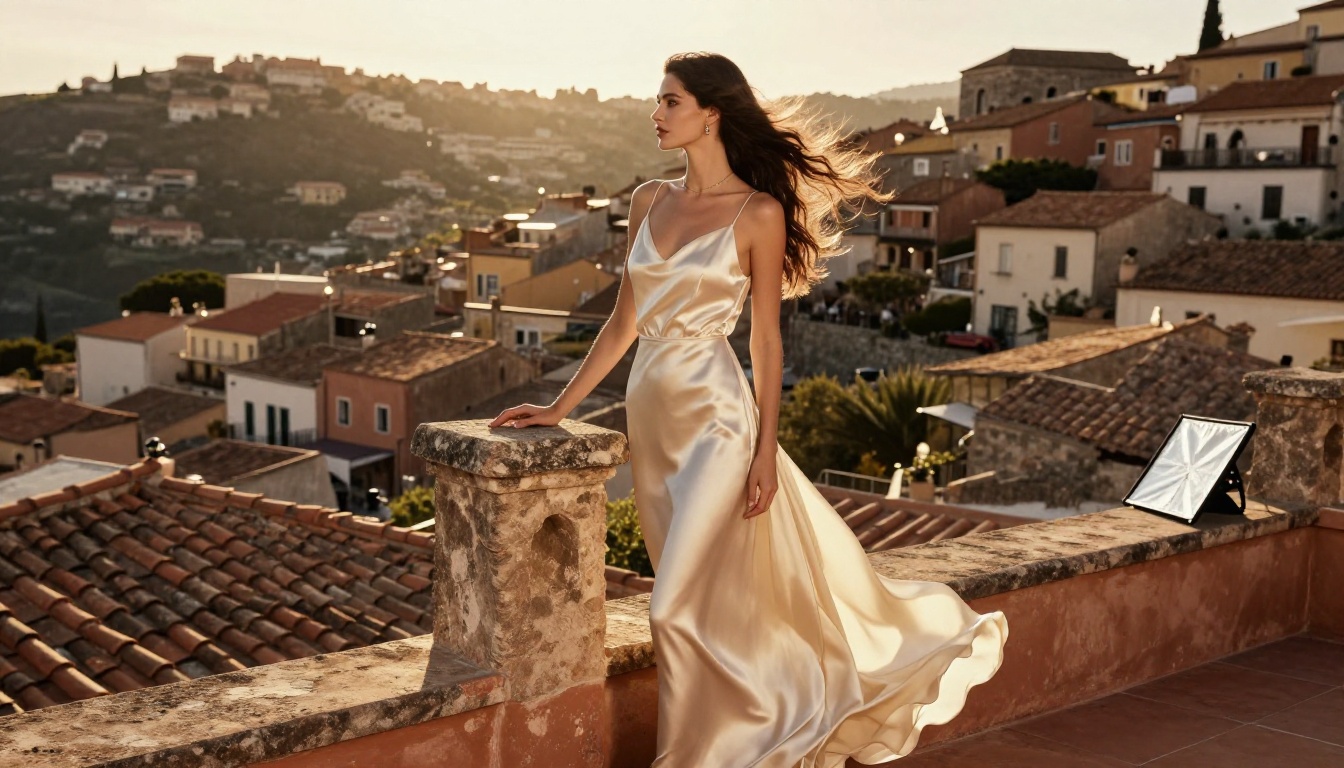
Pro vs standard at a glance:
| Feature | Wan 2.7 Image Pro | Wan 2.7 Image |
|---|
| Max Resolution | 4K | 2K |
| Generation Speed | ~25s | ~15s |
| Detail Density | Exceptional | Very Good |
| Best Use | Fashion, luxury, editorial | General purpose |
Best for: Fashion photography, luxury product content, high-resolution editorial work.
7. Hunyuan Image 2.1
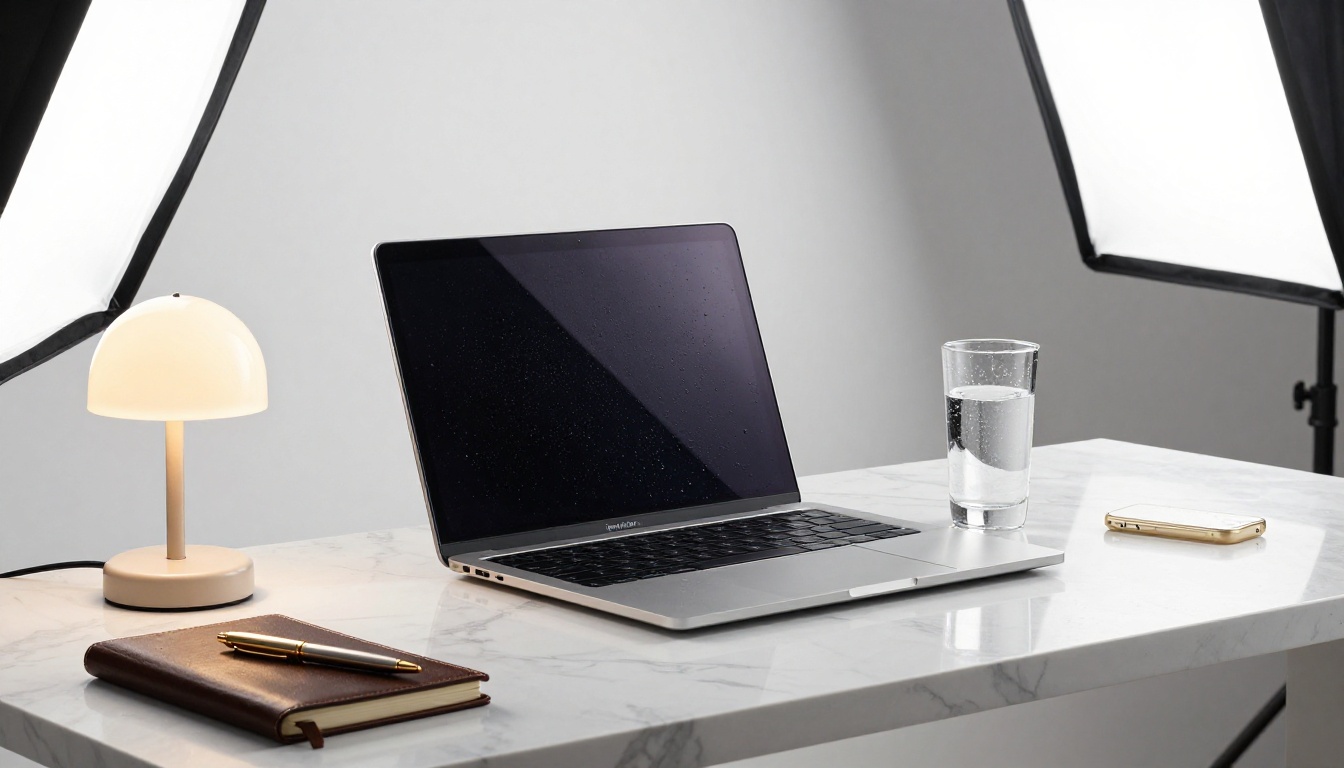
Tencent's Hunyuan Image 2.1 has quietly become the preferred model for product photography in 2027. Its handling of studio lighting, product surface reflections, and object isolation is the most accurate of any generator in this list.

Where it stands out:
- Studio lighting simulation with near-perfect catch-light placement
- Accurate material rendering across glass, metal, fabric, and leather
- Strong compositional control for product placement
- Consistent color accuracy across multiple outputs in a batch
Best for: E-commerce product imagery, luxury goods photography, catalog production.
💡 Pair Hunyuan Image 2.1 with PicassoIA's background removal tool for a complete product photography workflow: generate the product shot, remove the background, place it on a custom backdrop.
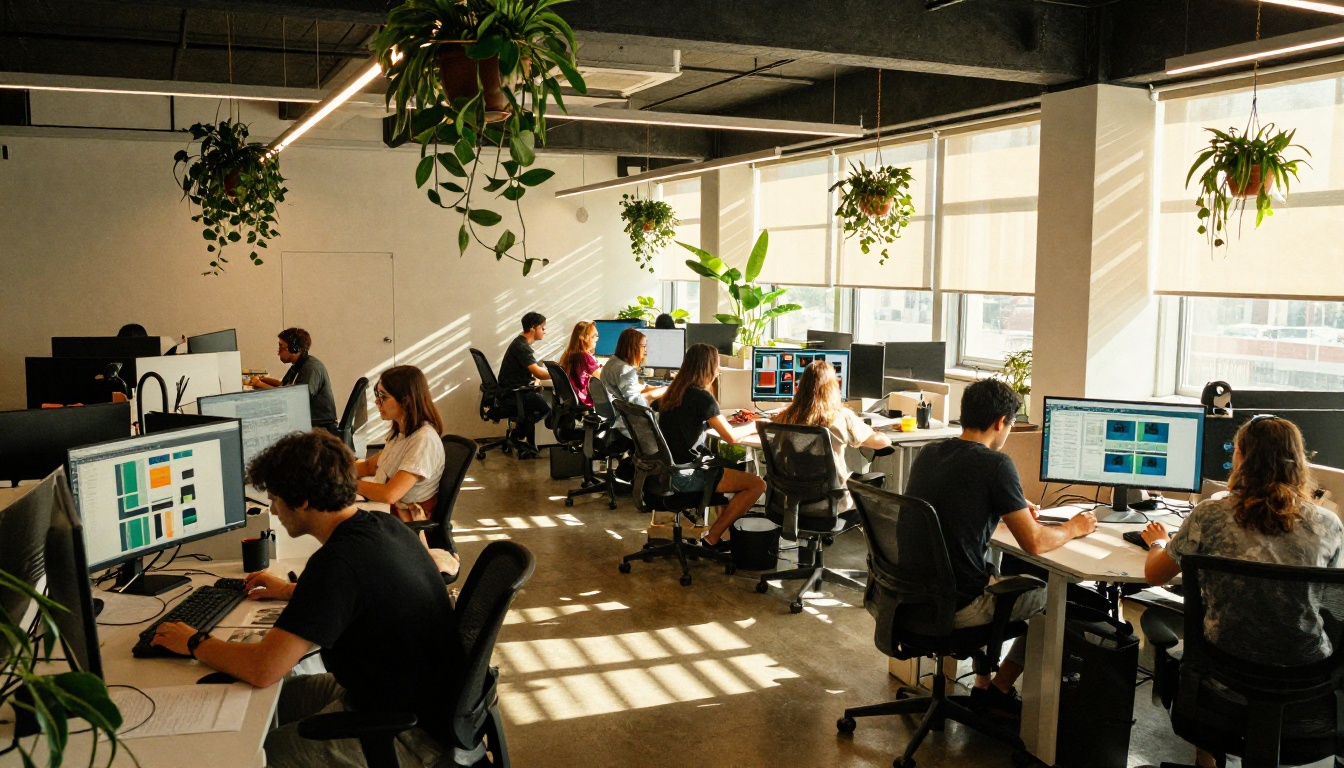
8. Recraft 20B
Recraft 20B occupies a unique position in this list: it is genuinely strong at both photorealistic photography and vector/graphic styles, something almost no other model achieves at this quality level. For brand designers who need visual consistency across both photography and graphic assets, this is the most versatile pick on the list.
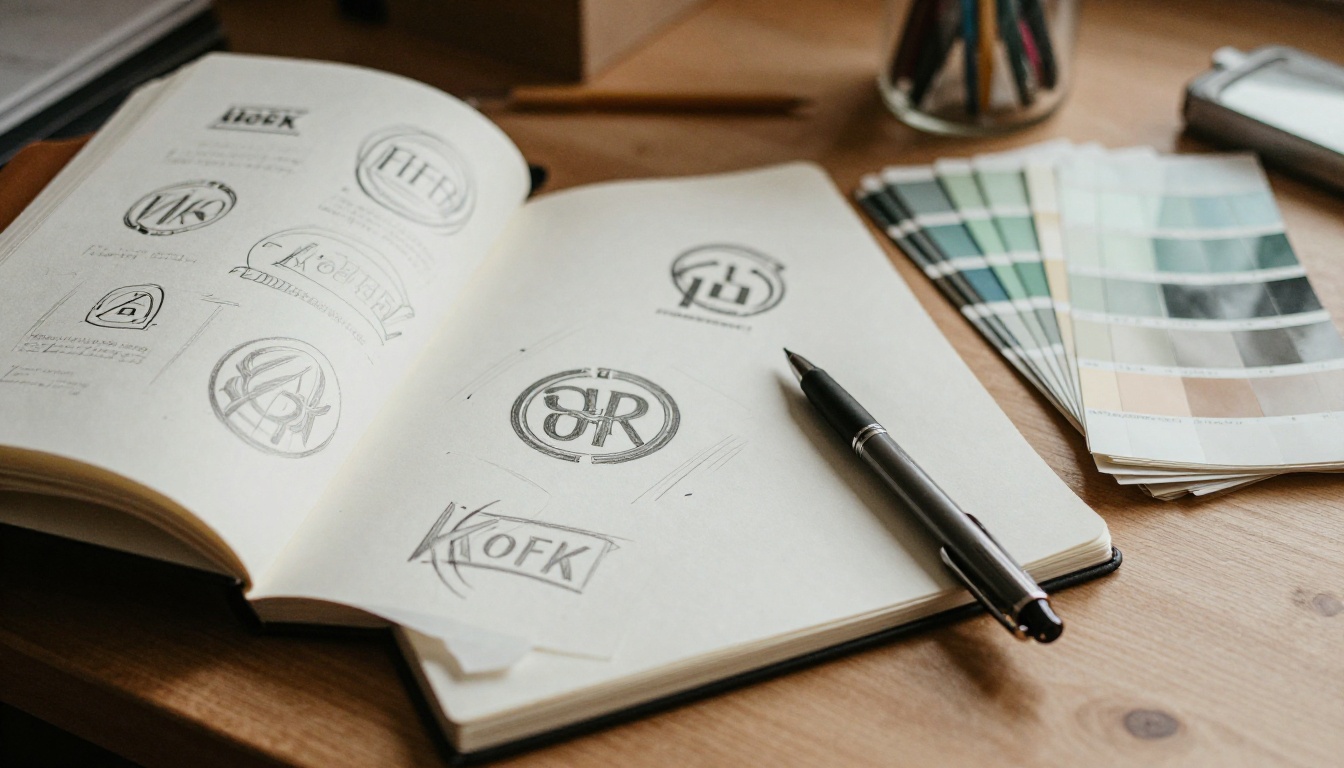
Multi-style capabilities:
- Photorealistic photography outputs at high fidelity
- Clean vector-style graphics with precise geometry
- SVG output available via Recraft 20B SVG
- Strong brand-style consistency across output batches
Best for: Brand designers, agencies, and design teams who need visual system cohesion across multiple asset types.
9. Gen4 Image Turbo
Runway's Gen4 Image Turbo closes this list with a focus on speed and precision. It is the fastest high-quality generator on PicassoIA right now, and its outputs carry a cinematic quality that reflects Runway's deep roots in professional video and film production.
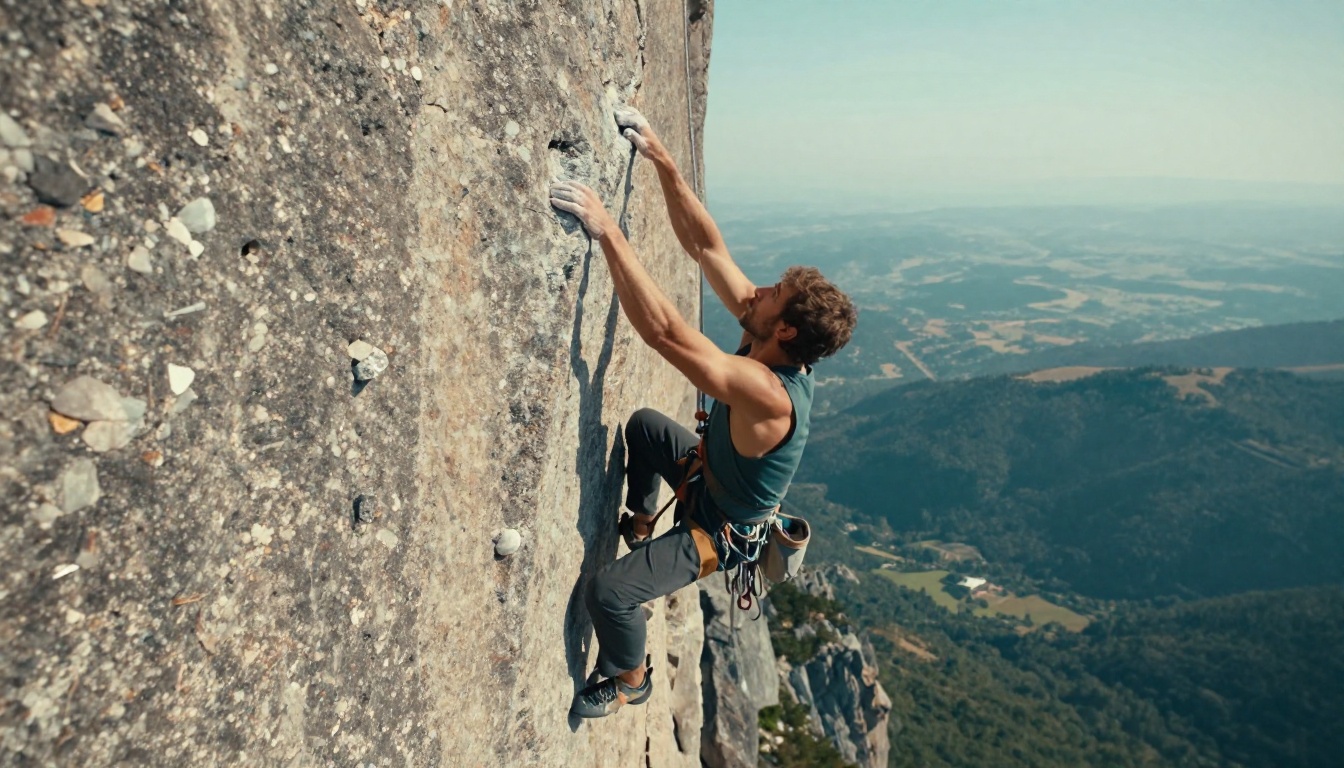
Speed and precision profile:
- Sub-10 second generation times for standard outputs
- Cinematic framing and composition built into the base model behavior
- Excellent handling of action, motion, and dynamic scenes
- Strong depth-of-field simulation without post-processing
Best for: Sports and action content, cinematic stills, rapid iteration for creative directors.
How to Use PicassoIA Image
PicassoIA Image exists to give you unlimited access to high-quality AI image generation without counting outputs or charging per generation. Here is how to get the best results from it.

Step 1: Open the model
Navigate to PicassoIA Image on PicassoIA. No software installation required, no signup barriers on the free tier.
Step 2: Write a specific prompt
Vague prompts produce mediocre results. Specific prompts produce magazine-worthy outputs.
- Weak: "woman in a dress"
- Strong: "close-up portrait of a woman in a white linen dress, warm afternoon light from the left, 85mm lens, shallow depth of field, natural skin texture, film grain, Kodak Portra 400"
Step 3: Set your parameters
- Aspect ratio: 16:9 for landscape/banner, 9:16 for portrait/mobile, 1:1 for social
- Toggle prompt upsampling on for short prompts that need automatic detail enrichment
- Lock in a seed number for reproducible results when iterating across variations
Step 4: Generate and refine
Run the generation. If the output needs targeted adjustments, move to PicassoIA Image Editor Pro for inpainting, object replacement, or canvas extension with outpainting.
💡 For portrait retouching after generation, Qwen Image Edit Plus handles text-guided edits with high accuracy. For style-consistent adjustments, P Image Edit LoRA is the better tool.
Which Model Should You Pick?
The honest answer is that no single model wins across every category. Here is a quick decision reference:
The fastest way to settle on your primary model is to run the same prompt through three or four of these and compare results side by side. When every generation is free and unlimited, there is no cost to experimenting broadly before committing to a workflow.
Start Creating on PicassoIA Now
Every model on this list is live on PicassoIA right now. The full model library at picassoia.com has over 90 text-to-image models and the complete stack of tools you need after generation: background removal, super-resolution upscaling, inpainting, outpainting, and video generation.
Pick a prompt that represents the hardest challenge your workflow throws at an image generator. Test it against Seedream 4.5, PicassoIA Image, and Flux Krea Dev. The winner becomes your default. The rest stay in your toolkit for when the default is not the right fit.
Start now at picassoia.com.


