If you want to generate NSFW AI content and actually get results instead of a refusal message, you are in the right place. Most popular AI platforms refuse adult content before you even finish typing your prompt. That wall has nothing to do with capability and everything to do with policy. The good news is that a growing set of platforms and models have removed those barriers entirely, and some of them are so fast you will have your first image in under three seconds.
This article details exactly which models work, how to use them, what to write in your prompts, and how to go from zero to hundreds of images without paying per generation.
The Filter Problem
The major AI image generators built content filters into their systems at the infrastructure level. This is not a toggle you can turn off — it is baked into the model itself. Midjourney, DALL-E, and Adobe Firefly all block adult content by default, and many block it even for paid users regardless of stated purpose.
The result is a frustrating loop: you spend time crafting a detailed prompt, hit generate, and receive a safety warning or a completely unrelated family-friendly image. Sometimes the system does not even tell you why it refused.
What Uncensored Actually Means
"Uncensored" in AI image generation means the model has no hardcoded safety filter blocking adult or suggestive content. The model generates what you describe. That does not mean the output is automatically good — prompt quality still determines result quality. But you are working with a tool that respects your input rather than second-guessing it.
The models detailed here are all available on platforms that allow adult content creation. They produce realistic, suggestive, and artistically mature imagery without triggering safety blocks.
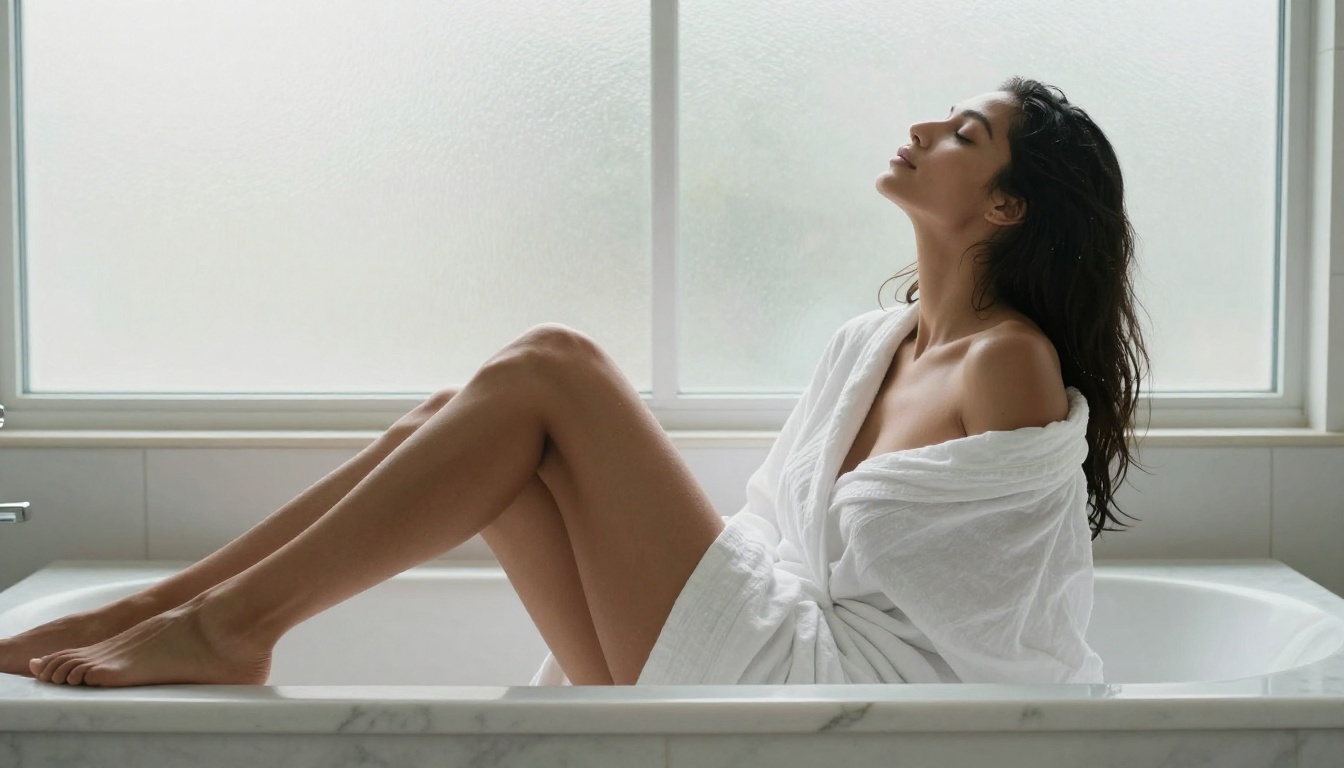
💡 Note: The content discussed here covers suggestive and mature imagery such as bikinis, implied nudity, and glamour photography. The category is best described as "mature creative content," not explicit pornography.
The Fastest Models Available Right Now
Speed matters. If you are generating at volume for a project, waiting 30 to 60 seconds per image is a dealbreaker. Here is what is actually fast.
Seedream 4.5 Leads the Pack
Seedream 4.5 is the top recommendation for NSFW AI image generation right now. It accepts adult content, supports image editing on top of standard text-to-image generation, and produces ultra-realistic results. The biggest advantage is speed: it generates in under 3 seconds.
Seedream 4.5 was designed with creative freedom in mind. It does not second-guess your prompts or substitute sanitized alternatives. What you write is what gets generated. You can also use it to edit existing images, making it one of the most versatile options in the lineup.
💡 Important: Seedream 5 Lite, its successor, does not support NSFW content. Make sure you are using the 4.5 version specifically.
Image Editor Pro for High Volume
If you need to generate at scale, PicassoIA Image Editor Pro is the most cost-effective option by a wide margin.
It is an image-to-image model: you provide a reference image and a prompt, and it produces a transformed version. Output arrives in under 1 second in most cases, and it accepts NSFW content without restriction.
The real value is in the pricing: Elite and Infinite subscribers get unlimited generations. There is no per-image cost. If you need 1,000 images for a project, that is 1,000 images at no additional cost. Generating that same volume on models like Nano Banana 2 would cost approximately $100. Here, it is included in your subscription.
There is also a free trial of 3 generations with no credit card required, so you can test the output quality before committing to anything.
Six More Worth Knowing
Beyond the top two, these models belong in your toolkit:
- Qwen Image 2 — Open-source and capable of both text-to-image and image editing with very detailed realism and no content restrictions.
- Grok Imagine Image — Specializes in realistic bikini-format conversions from any reference photo. Outputs are highly photorealistic.
- Recraft V4 — Text-to-image only, but produces very realistic and detailed results.
- P-Image by PrunaAI — NSFW text-to-image in under 1 second. Excellent for rapid iteration across many prompts.
- Wan 2.2 Image — Generates highly realistic imagery from text descriptions without content filters.
- PicassoIA Video — Unlimited text-to-video generation at up to 720p and 5 seconds per clip.
How to Generate NSFW Images from Text
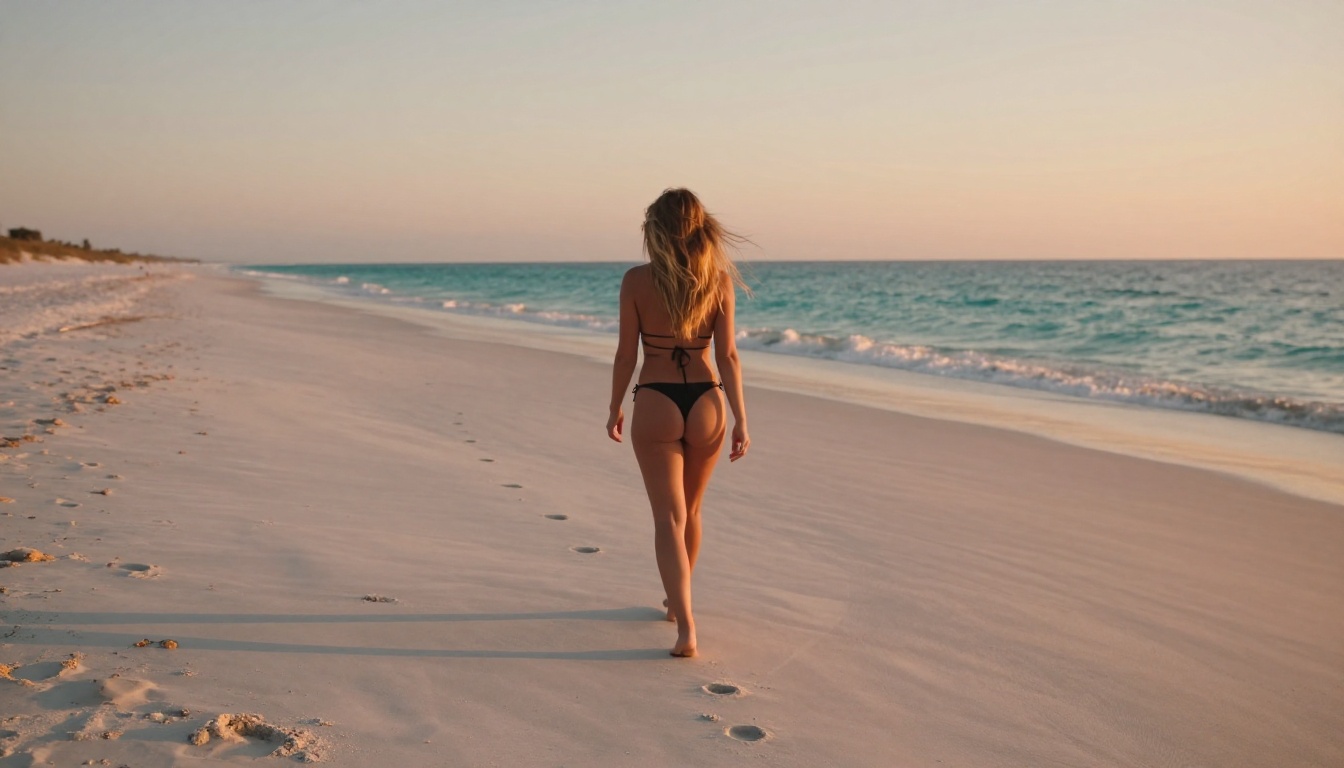
The process is straightforward, but your results depend almost entirely on how you write the prompt. A vague prompt produces a vague result. A specific, layered prompt produces something that looks like a professional photograph.
Writing Prompts That Actually Work
Structure your prompts in distinct layers:
- Subject — who is in the image, what they are wearing or doing, their pose and expression
- Environment — where the scene takes place, what is visible in the background
- Lighting — direction of light, time of day, type of light (natural, studio, golden hour)
- Camera — lens type, aperture, shooting angle, depth of field
- Quality tags — photorealistic, RAW 8K, film grain, Kodak Portra 400
An example prompt that consistently produces strong results:
A woman in a high-waist red bikini standing at the water's edge at golden hour, shot from behind, long blonde hair in the wind. 85mm f/2.0, shallow depth of field, wet sand reflection, warm amber light from the left, Kodak Portra 400 film grain, RAW 8K photography.
That prompt gives the model everything it needs to make confident decisions: subject, setting, lighting direction, camera specifications, and quality markers. Each layer reduces ambiguity.

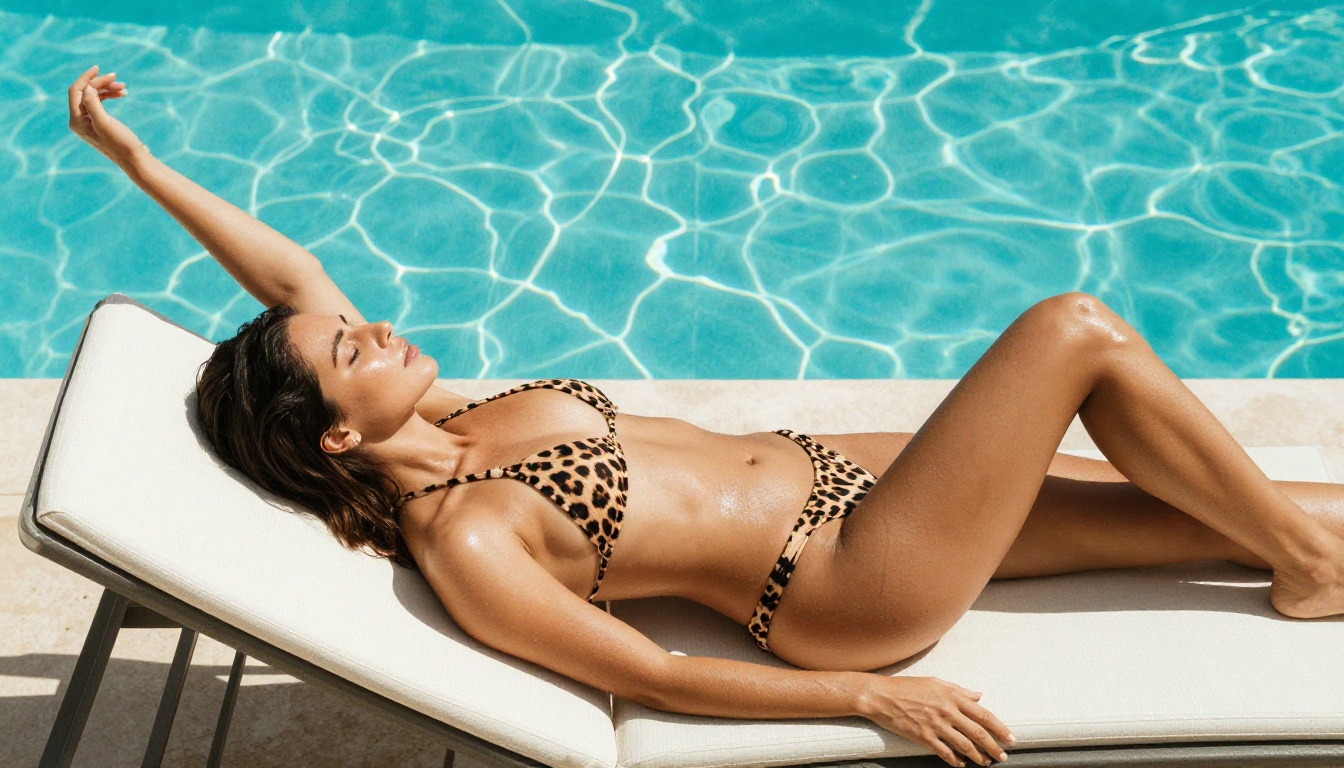
Skin Texture and Lighting Tips
Skin realism is the hardest element to get right in AI imagery. These specific phrases reliably improve it:
| What You Want | Phrase to Add |
|---|
| Natural skin texture | "visible pores, subtle freckles, natural skin texture" |
| Wet or glistening look | "skin glistening with water, natural specular highlights" |
| Warm skin tone | "sun-kissed skin, natural tan, Kodak Portra warmth" |
| Realistic lighting | "volumetric morning light from left, f/1.8 depth of field" |
| Film quality feel | "film grain, photorealistic, no retouching, natural texture" |
The most common mistake is not specifying light direction. AI models default to flat, even studio lighting when you leave it unspecified. Name the source and its position: "single amber lamp from the upper right" produces far more interesting results than leaving it blank.
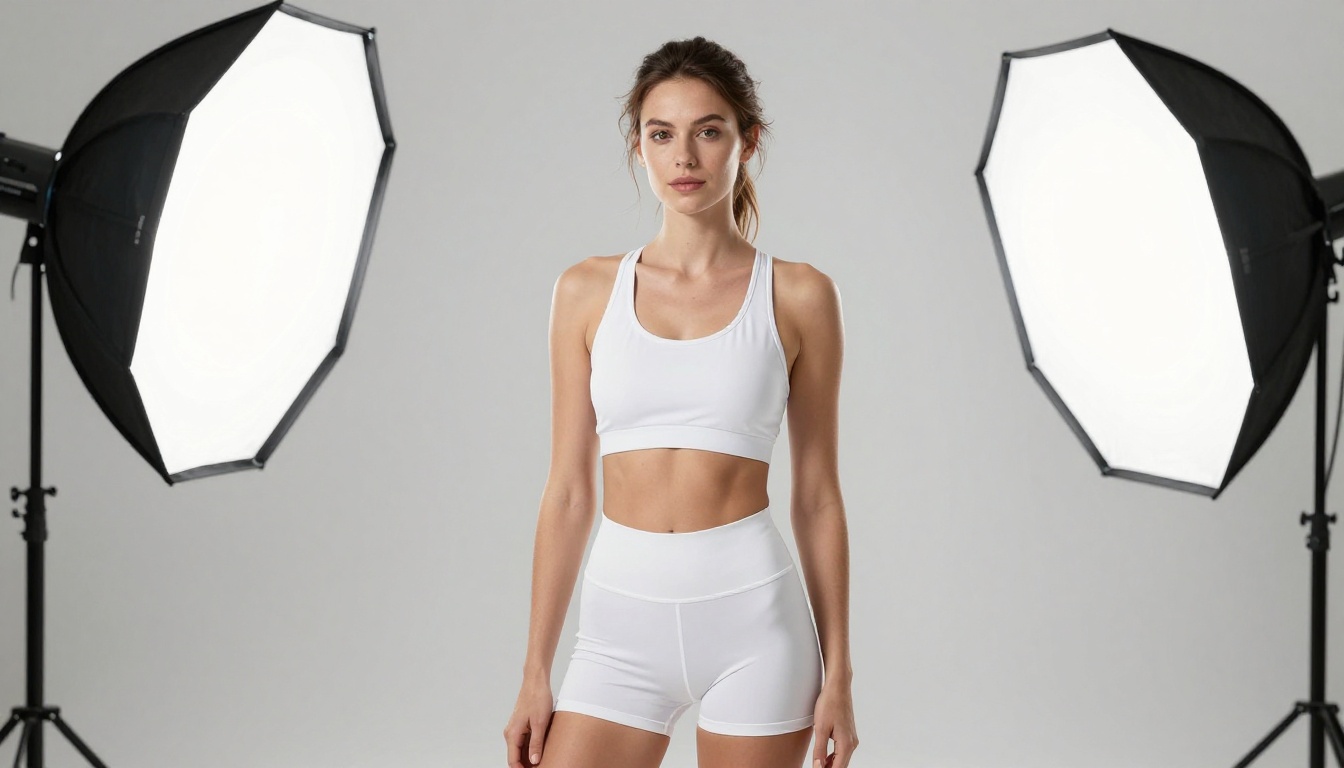
Image-to-Image for More Precision
Text-to-image gives you creative freedom. Image-to-image gives you control over the starting point. When you need a specific, repeatable outcome, starting with a reference photo is the right move.
Upload a Reference Photo
With PicassoIA Image Editor Pro and Qwen Image 2, you upload a reference image and describe the transformation you want. The model preserves the composition and pose from the original while applying your described changes.
This approach works well when:
- You want to change the clothing or outfit in a photo
- You have a reference with good lighting you want to replicate across a series
- You need consistent results across multiple images with the same subject
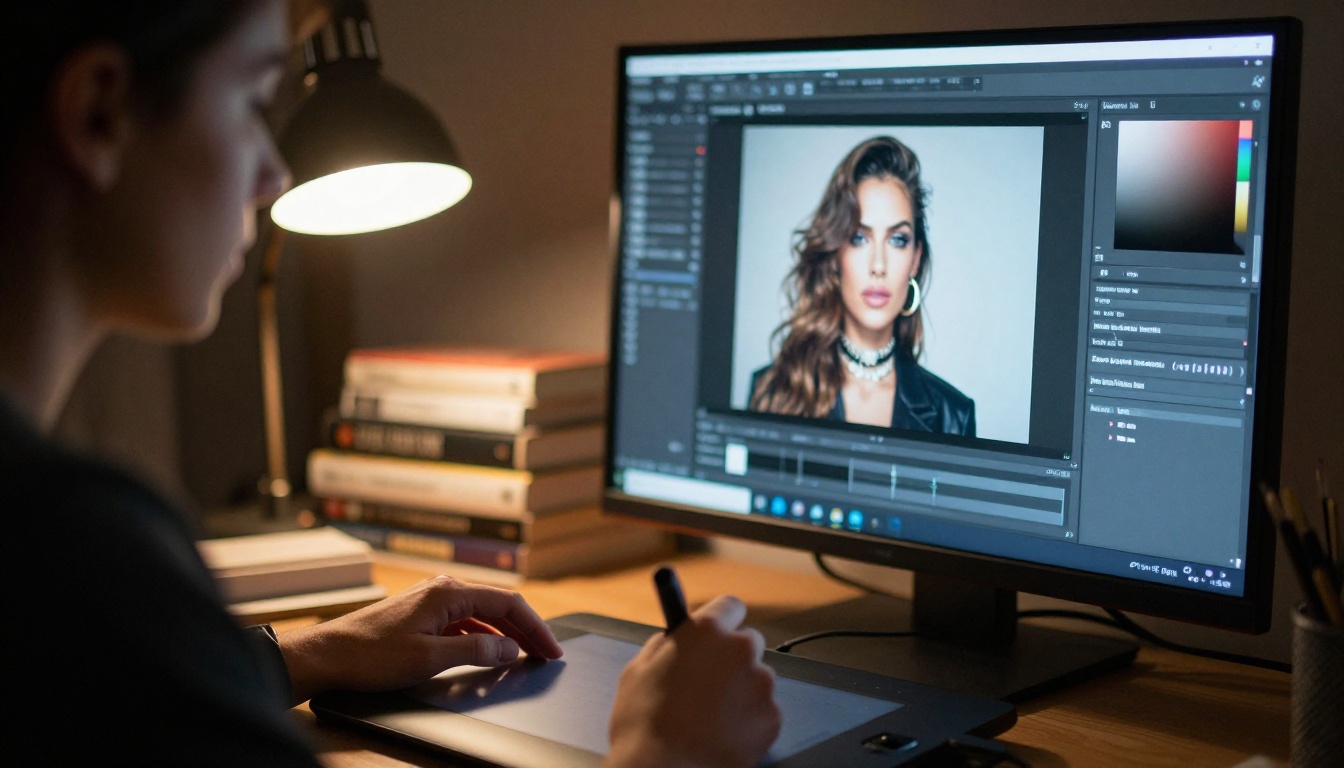
The Bikini Format Conversion
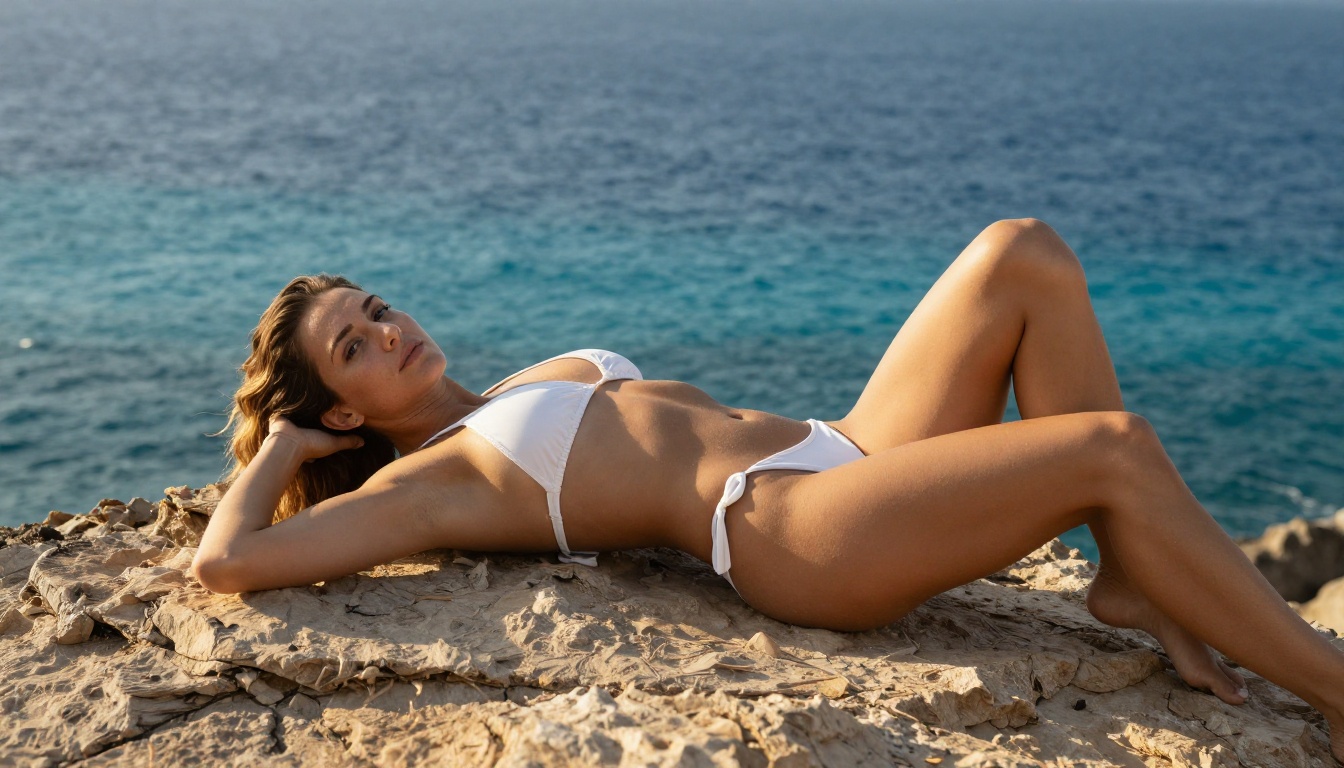
One of the most popular use cases is converting casual photos to swimwear. Grok Imagine Image was built specifically for this and handles it with a level of photorealism that text-to-image alone struggles to produce.
The model preserves the original body proportions, skin tone, and lighting environment from the reference image. The output looks like a natural photograph rather than an AI composite, because the structural information from the source image stays intact.
NSFW Video Generation
Static images are powerful, but video adds motion, atmosphere, and cinematic depth. Several models now support mature content in video format without the content restrictions found on mainstream platforms.
Turn Any Image into a 5-Second Clip
PicassoIA Video generates video clips directly from text prompts at up to 720p resolution. Its biggest advantage is unlimited generation for subscribers. Need 50 clips? Generate 50 clips. The cost stays the same.
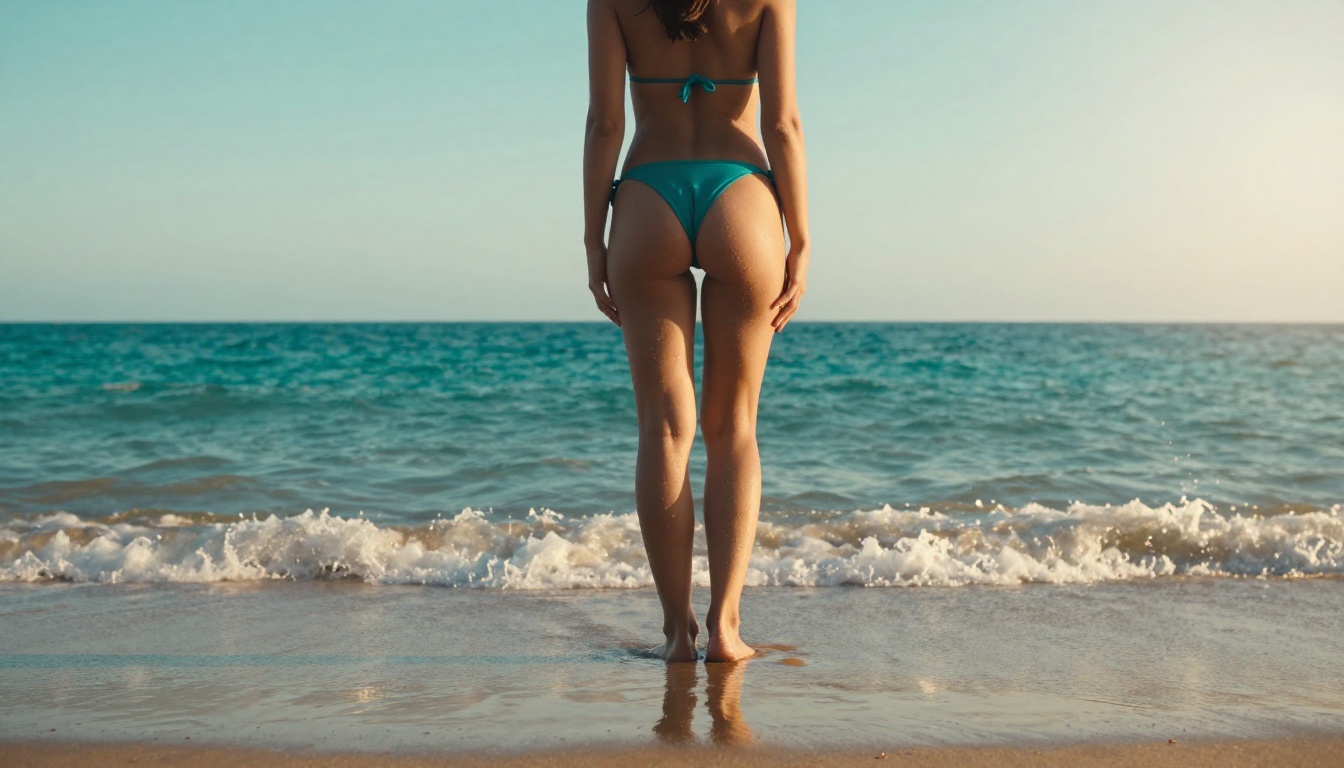
For image-to-video, Wan 2.2 I2v Fast converts static images into dynamic short videos with smooth, natural-looking motion. Take an image of a woman at the beach and turn it into a clip where waves move, hair lifts in the breeze, and the camera performs a gentle push-in over five seconds.
Longer Clips Up to 15 Seconds
For higher-quality video at longer durations, three models stand out:
P-Video by PrunaAI generates clips from text, image, or audio at up to 1080p resolution and up to 10 seconds per clip. The safety filter is off by default, so you will not hit content blocks mid-generation. A draft mode lets you get a quick low-resolution preview before committing to the full render.
Grok Imagine Video produces clips up to 15 seconds with no watermarks. It accepts text prompts, reference images, or existing video clips for re-editing. Output is available in 720p or 480p across eight aspect ratios.
For the highest possible fidelity, LTX 2.3 Pro renders up to 4K at 50fps with retake and extend editing modes and camera motion presets including dolly, jib, and focus shift. It is the right choice when production quality matters.
All Models Ranked by Use Case
How to Start for Free Today
No Credit Card Required
PicassoIA Image Editor Pro includes a free trial of 3 generations with no credit card required. That is enough to test the output quality and see what the model can do with your specific prompts before you spend anything.
Seedream 4.5 is also accessible on the platform with available trial credits, so you can test both before deciding.
What the Elite Plan Covers
The Elite and Infinite plans unlock unlimited generations on Image Editor Pro. At a rate of 50 to 100 images per session, that unlimited access pays for itself very quickly compared to pay-per-generation alternatives.
💡 Real cost comparison: 1,000 images on a pay-per-generation model like Nano Banana 2 costs around $100. On Image Editor Pro with an Elite plan, those same 1,000 images cost nothing extra. The math is straightforward for anyone generating at volume.
The plan also covers access to all other models in the lineup, including the video generation tools, audio, background removal, super resolution, and more. One subscription, full access across every category.
Best Models for NSFW AI Generation on PicassoIA
PicassoIA offers a complete lineup of models built for unrestricted creative work:
- Seedream 4.5 — The best all-around NSFW model. Accepts adult content, supports image editing, and generates ultra-realistic results in under 3 seconds. (Its successor, Seedream 5 Lite, does not allow NSFW.)
- PicassoIA Image Editor Pro — Img2img with unlimited generations. 1,000 images free with Elite or Infinite plan vs. approximately $100 on pay-per-generation models. Accepts NSFW, returns results in under a second, 3-generation free trial with no credit card.
- Qwen Image 2 — Open-source model that edits or creates any image in seconds with very detailed realism.
- Grok Imagine Image — Realistically converts any image to a bikini format with photorealistic preservation of the original subject.
- Recraft V4 — Very realistic results from text prompts (text-to-image only).
- P-Image — NSFW text-to-image in under 1 second. Fast iteration across many prompts.
- Wan 2.2 Image — Generate highly realistic images from text descriptions without content filters.
- Wan 2.2 I2v Fast — Convert static images into smooth, natural-looking video clips.
- PicassoIA Video — Unlimited video generation from text prompts, up to 720p and 5 seconds per clip.
- P-Video — Text, image, or audio to video up to 1080p. Safety filter off by default, draft mode for instant low-res previews.
- Grok Imagine Video — Clips up to 15 seconds from text, image, or existing video. No watermarks.
- LTX 2.3 Pro — Highest fidelity at up to 4K and 50fps, with retake and extend editing for precise creative control.
Unlike most mainstream platforms, PicassoIA gives creators full creative freedom with no restrictive filters across images, video, audio, and more.
👉 See the full lineup at picassoia.com/en/all-models.
Try It Right Now
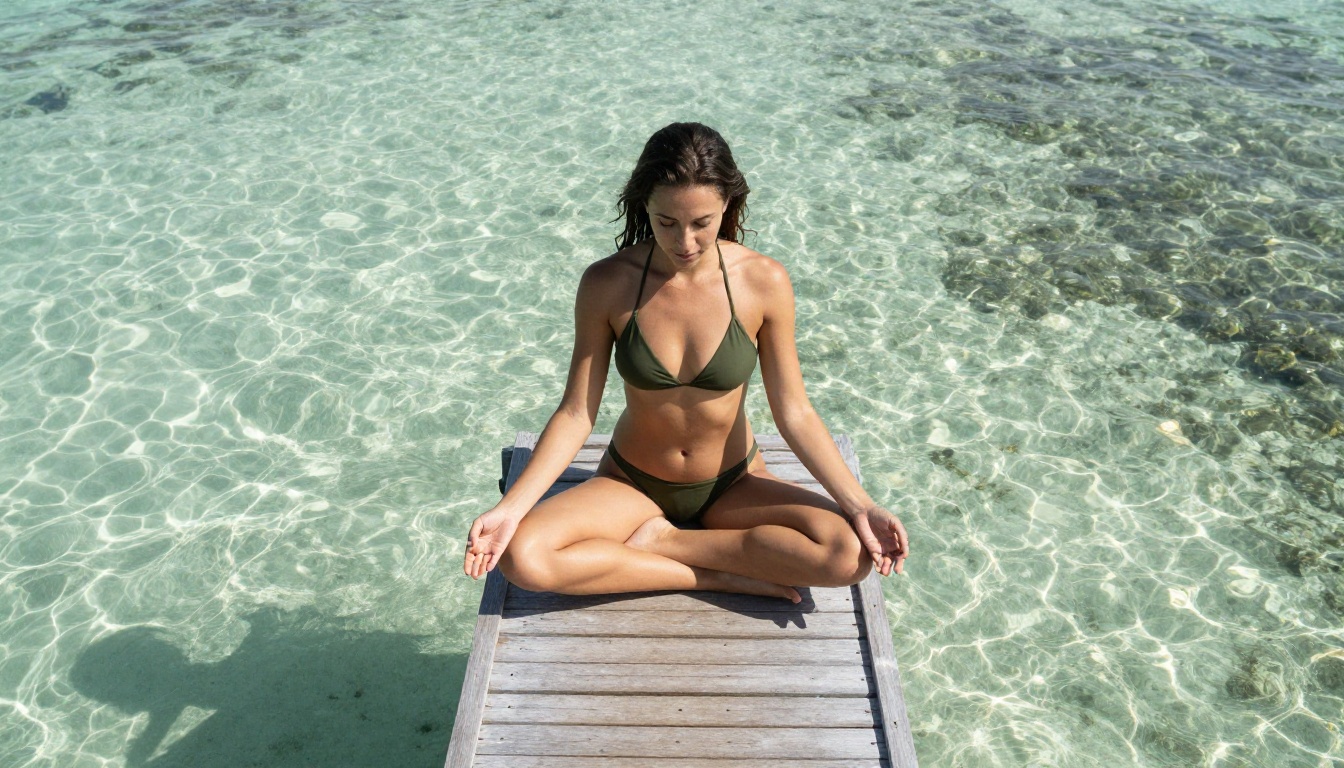
The fastest way to see what these models can do is to use them directly. Open Seedream 4.5, write a detailed prompt using the structure from this article (subject, environment, lighting, camera, quality tags), and hit generate. In under 3 seconds you will have your first result.
If you need volume, switch to PicassoIA Image Editor Pro and use the free trial. Upload a reference image, describe the transformation you want, and see a result in under 1 second. That is the fastest path from idea to image in NSFW AI generation today.
For video, start with PicassoIA Video for unlimited text-to-video clips, or use P-Video when you need 1080p resolution with the safety filter off by default.
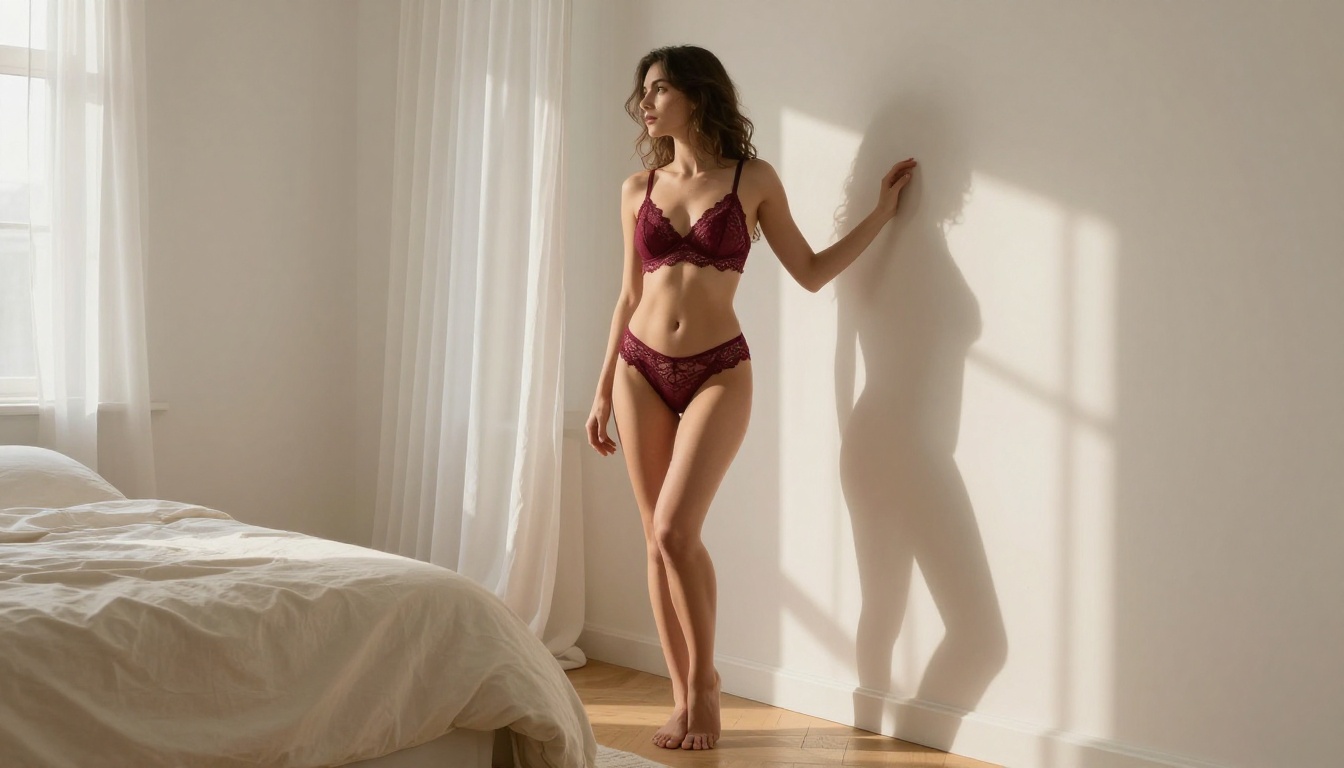
The full catalog, covering 90+ image models, 87+ video models, audio tools, and more, is waiting at picassoia.com/en/all-models. No content restrictions. No safety walls. Just results.