If you have ever typed a prompt into an AI image tool and waited what felt like forever for a blurry, over-filtered result, you already know the frustration. The fastest unrestricted AI image tool changes everything: no waiting, no content blocks, no watered-down output. Just fast, stunning, photorealistic images generated from any prompt you throw at it.
This is not about finding workarounds or hoping the platform does not flag your creative vision. This is about a generation of AI image tools built from the ground up to be fast, capable, and free of the limitations that make other platforms nearly unusable for serious creative work. The creators winning with AI right now are not using the most popular tool. They are using the fastest, most open one.
Why Speed Is Non-Negotiable
3 Seconds or It Is Too Slow
Speed in AI image generation is not a luxury. It is the difference between a creative session that flows and one that grinds to a halt every time you want to see a variation. When a tool takes 30 to 60 seconds per image, you lose your momentum. You second-guess your prompt. You settle for something close instead of iterating until it is exactly right.
The benchmark has shifted dramatically. The best unrestricted AI image tools today deliver results in 2 to 5 seconds. Some push even lower. When you can iterate that quickly, you stop treating each generation as a commitment and start treating it as a brushstroke. You generate 20 variations in the time it used to take to generate one.
💡 Pro tip: Fast generation is not just about saving time. It changes how you create. When results come instantly, you experiment more, take more creative risks, and consistently land on stronger outcomes.
How Slow Tools Kill Creativity
Imagine you are working on a portrait series. You need 20 variations of a composition before you find the right one. With a tool that takes 45 seconds per image, that is 15 minutes of waiting for a single creative decision. With a fast unrestricted tool, those same 20 images take under two minutes.
Speed compounds. A 10x faster tool does not just save time in a linear way. It removes the psychological friction that makes slow tools exhausting. That friction is what causes most people to give up mid-project and settle for whatever they got on attempt three or four. The creators who produce the most compelling AI imagery are not necessarily the best prompt writers. They are the ones who iterate the most.
The Real Cost of Waiting
Beyond frustration, slow image generation has real business costs. If you are producing content for clients, every extra minute in the generation pipeline is money out of your margin. If you are running a creative team, slow tools multiply across every team member, every session, every deadline. A tool that is three times faster than your current one is effectively three times more profitable for creative production work.
The fastest unrestricted AI image tools have become a competitive advantage for the creators and studios that have adopted them. Those who have not are still waiting for their images to load.
What "Unrestricted" Actually Means
No Filters on Your Vision
Most mainstream AI image platforms filter aggressively. They refuse prompts involving swimwear, romance, artistic nudity, mature themes, or even certain historical subjects and locations. The result is a creative ceiling that constantly frustrates photographers, content creators, novelists, marketers, and digital artists.
An unrestricted AI image tool removes that ceiling entirely. You can generate glamour portraits, swimwear and bikini photography, suggestive lifestyle content, and mature artistic imagery without the platform refusing your prompt, watering down your result, or throwing an error that tells you your creative vision violates community guidelines.
This does not mean anything goes. The best platforms in this space define "unrestricted" as full creative latitude for professional, artistic, and lifestyle content up to and including suggestive NSFW material, while keeping truly explicit pornographic content off the platform. That is the sweet spot for most serious creators working in glamour, fashion, fitness, and lifestyle categories.
The NSFW Advantage
Adult-adjacent content creation is a real creative and commercial category. From fitness and lifestyle photography to glamour modeling and artistic figure work, there is a massive audience and economy around beautiful, suggestive imagery. Platforms that block this category force creators into inferior tools, patchwork workarounds, or simply going without visuals that match their creative intent.
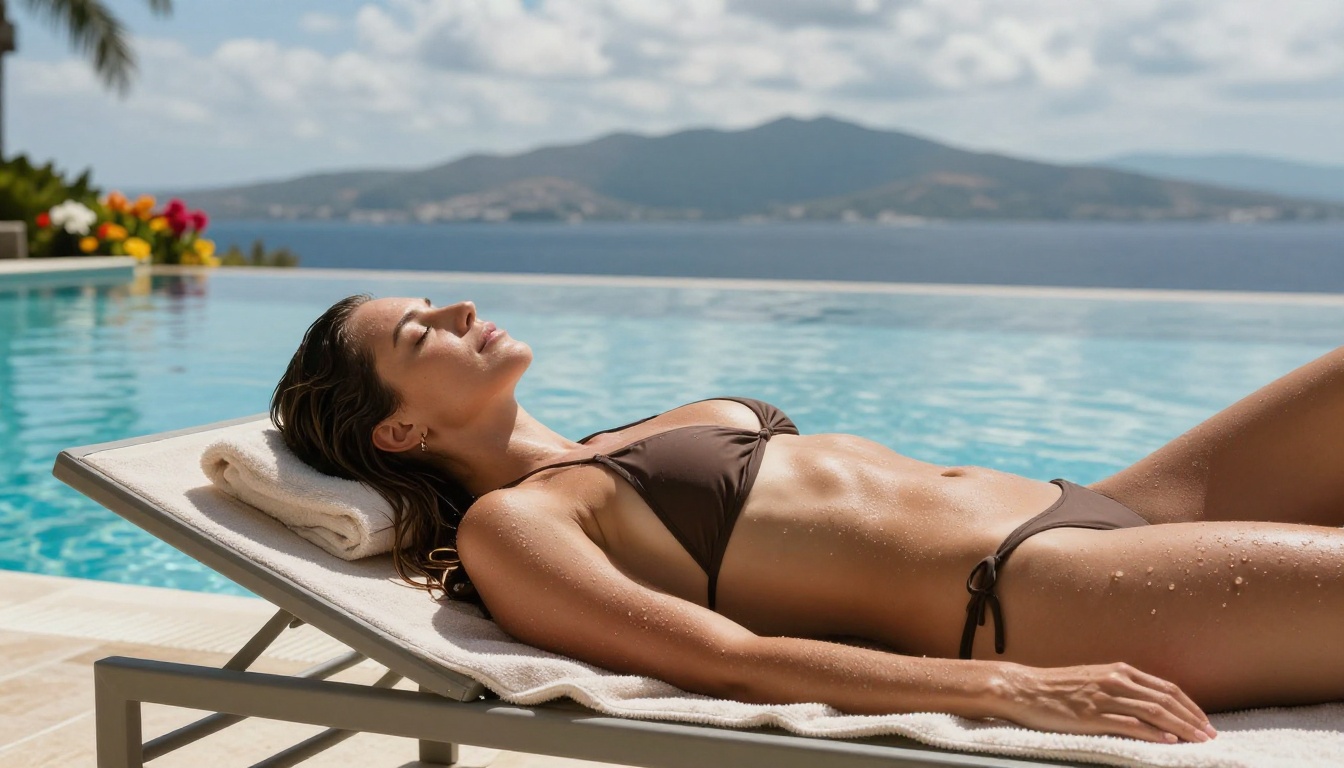
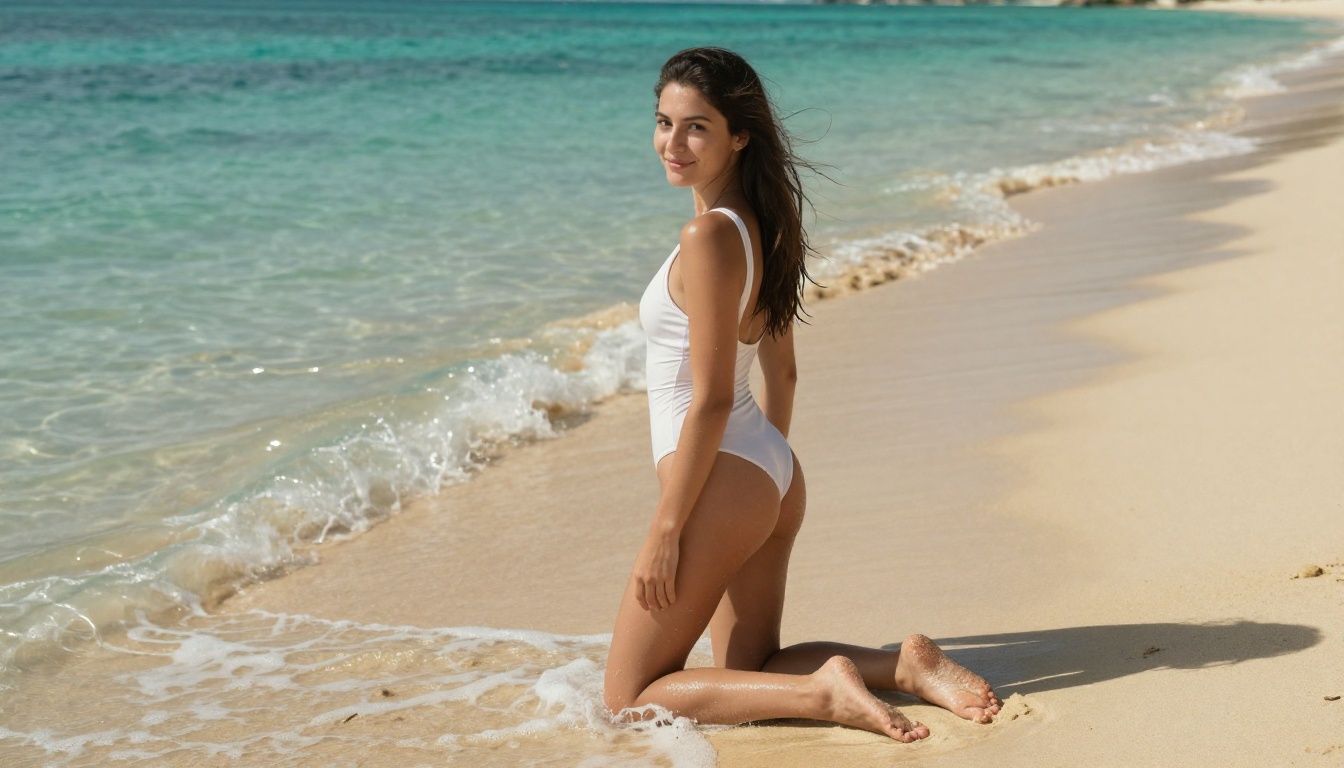
The fastest unrestricted AI image tools handle this correctly. They are built for real creators with real creative needs. You can generate a beautiful bikini shot on a tropical beach, a glamour portrait in natural afternoon light, or a suggestive editorial scene without the tool deciding your prompt is inappropriate. That freedom, combined with sub-5-second generation times, is what separates these platforms from everything else on the market.
The Best Unrestricted Models on PicassoIA
PicassoIA hosts one of the largest collections of unrestricted AI image models available on a single platform, with over 185 text-to-image models spanning every use case and creative category. These are the models that matter most for speed and creative freedom.
Seedream 4.5
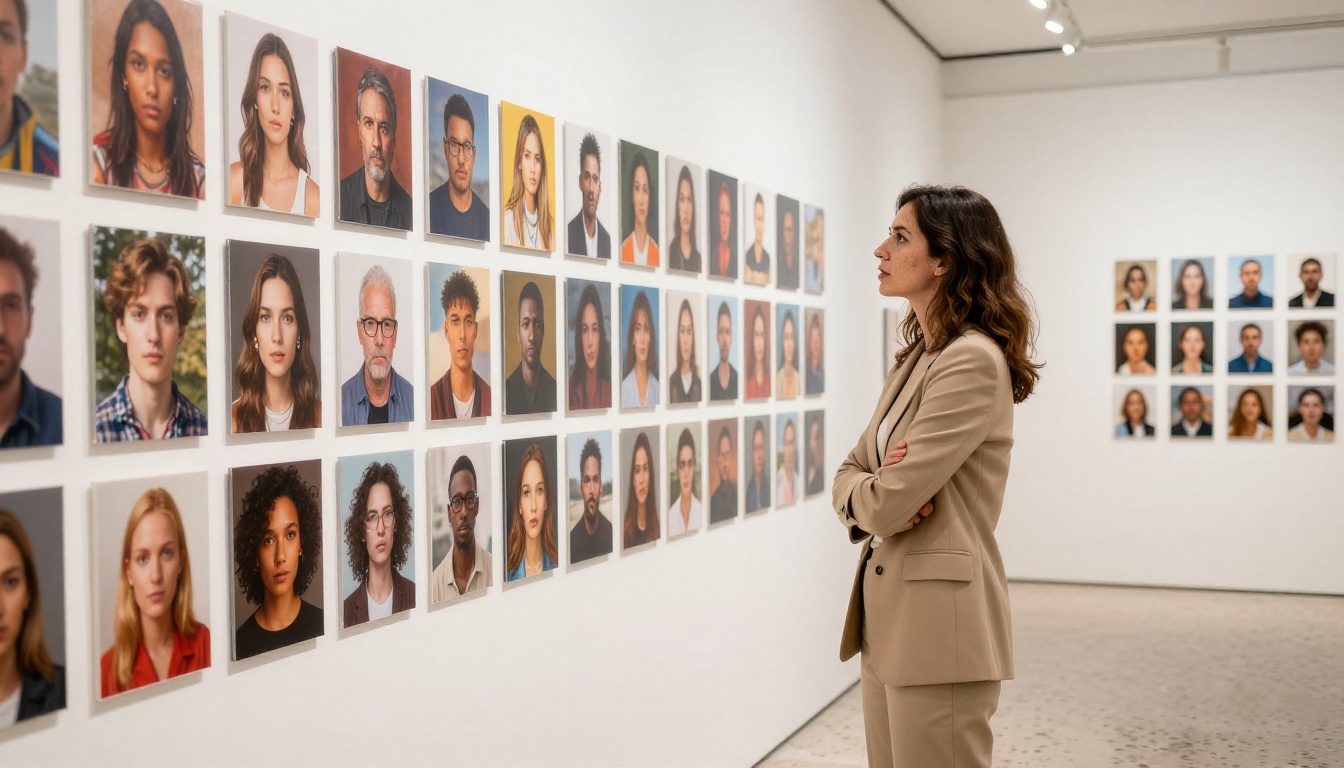
Seedream 4.5 is the first model to reach for when you need unrestricted, high-quality image generation at speed. Built by ByteDance, it generates 4K-resolution images with stunning photorealism and virtually no content restrictions. It handles glamour, lifestyle, and suggestive content without hesitation while maintaining aesthetic quality that competes with professional studio photography.
| Feature | Details |
|---|
| Resolution | Up to 4K |
| Content policy | Unrestricted (non-explicit) |
| Speed | Fast (3 to 5 seconds) |
| Best for | Glamour, portraits, lifestyle |
| Creator | ByteDance |
For NSFW-adjacent content, Seedream 4.5 is the first tool to reach for on PicassoIA. The image quality at 4K is exceptional, with accurate skin tones, proper lighting physics, and realistic fabric rendering.
Flux Fast and Flux Kontext Fast
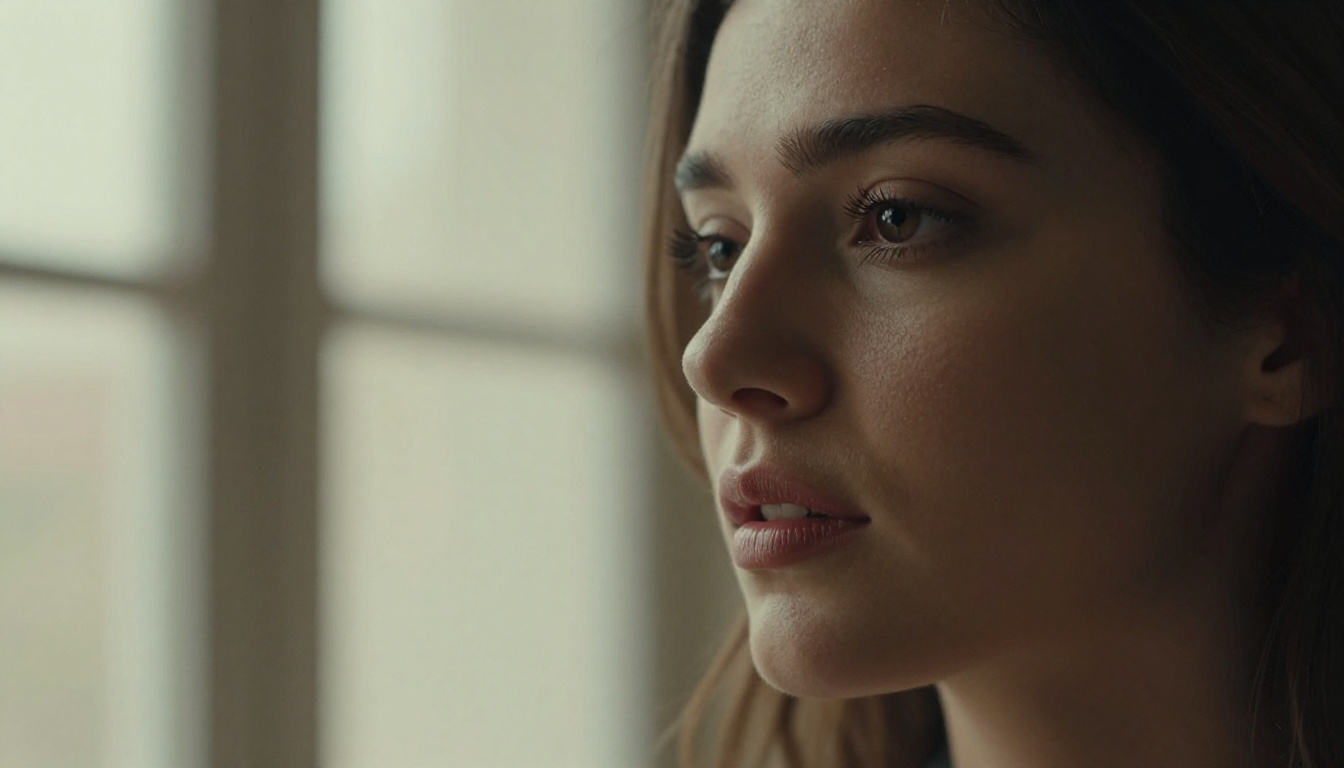
Flux Fast is exactly what its name promises: an optimized version of the Flux architecture that prioritizes generation speed without sacrificing image quality. It is consistently one of the fastest models on the platform and handles a wide range of content types without content filtering issues.
Flux Kontext Fast takes speed further by adding contextual image editing capabilities. You generate an image and then rapidly modify specific elements of it, creating variations and refinements in seconds rather than starting from scratch with a new prompt each time. For iterative creative workflows, this is invaluable.
Both models are excellent for creators who need to move fast across a project and cannot afford the per-image wait time that slower models impose.
PicassoIA Image and Image Editor Pro
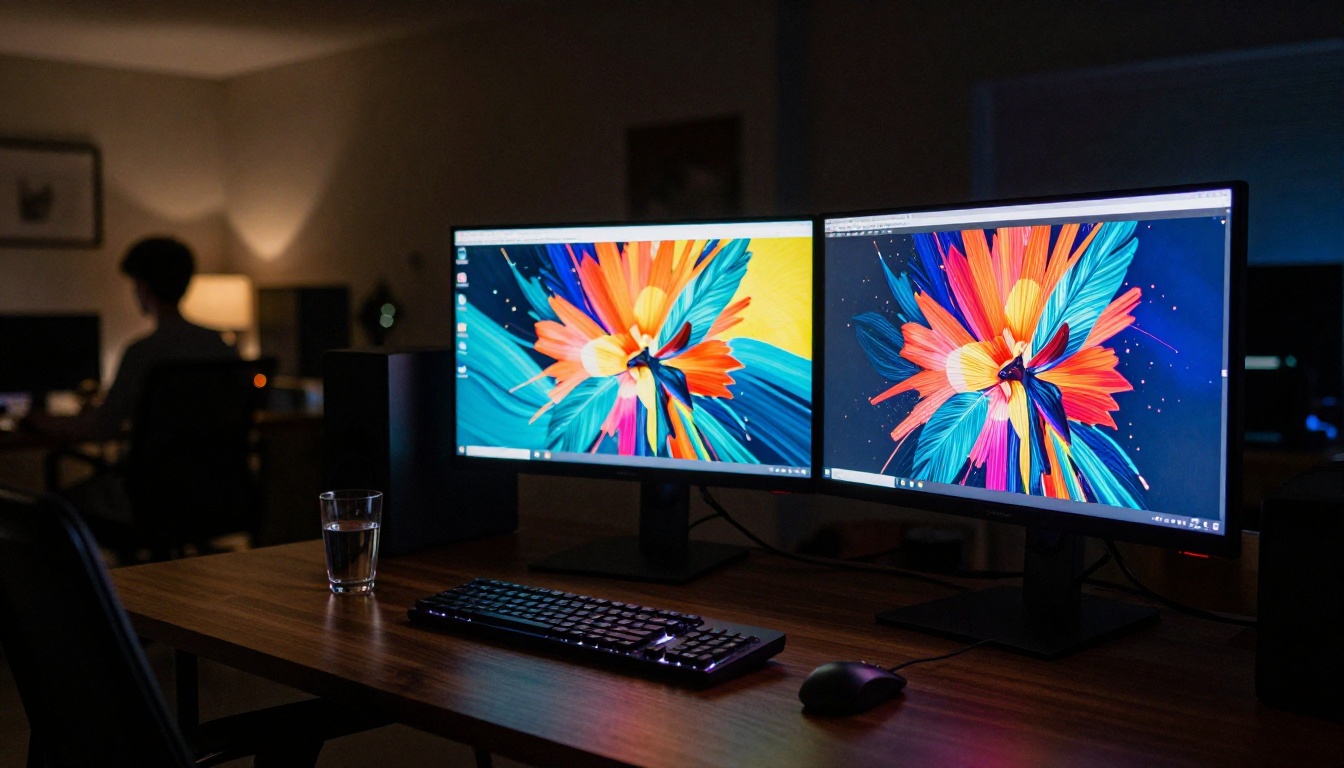
PicassoIA Image is the platform's own flagship text-to-image model, built specifically for unlimited generation. There are no throttles, no credit warnings mid-session, and no content flags stopping your workflow. For high-volume content creation, this is the reliable workhorse.
PicassoIA Image Editor Pro adds a full AI-powered photo editing layer directly on top of generation. You generate an image, then edit specific regions with inpainting, adjust lighting direction and intensity, replace objects, swap backgrounds, and refine details, all within the same interface and without leaving the platform. For production-quality work, this is one of the most capable complete tools available anywhere.
💡 When to use Image Editor Pro: Start with a quick generation in PicassoIA Image, then bring it into Image Editor Pro to clean up specific areas, fix hands, adjust skin tones, or swap out background elements that are not quite right. You save the full regeneration cost on the parts that are already perfect.
Dreamina 3.1
Dreamina 3.1 is another ByteDance model that delivers cinematic 4-megapixel photographs from text prompts. Its rendering pipeline is particularly strong on portrait work, fashion content, and dramatic lifestyle imagery. If Seedream 4.5 is the fastest option, Dreamina 3.1 is the most cinematic, with a natural color science that leans into warmth and depth.

More Models Worth Knowing
The breadth of models on PicassoIA means you always have the right tool for the specific job at hand. Across 185 text-to-image options, these stand out:
- Hunyuan Image 3: Tencent's model with sharp rendering and excellent color accuracy
- Flux Krea Dev: specifically designed to avoid the "AI look" for hyper-realistic output
- GPT Image 2: OpenAI's model for precise prompt instruction following
- Gemini 2.5 Flash Image: Google's fast generation model with strong concept accuracy
- Phoenix 1.0: Leonardo AI's flagship model, delivering up to 5MP images
- Stable Diffusion 3: the classic open model, fully integrated and unrestricted
- Flux Redux Dev: for creating consistent image variations from a reference
How to Use PicassoIA Image Editor Pro
PicassoIA Image Editor Pro is the fastest path from idea to polished, production-ready image. Here is how to use it effectively from your first session:
Step 1: Write a detailed, structured prompt
Open Image Editor Pro and enter your prompt. Be specific about the subject, lighting direction, composition angle, environment, and style. The more detail you provide, the closer your first result will be to your vision. Phrases like "natural morning light from the left," "85mm portrait lens shallow depth of field," and "Kodak Portra 400 film grain" will dramatically improve output quality.
Step 2: Generate multiple variations rapidly
Hit generate and wait 2 to 5 seconds. Do not stop at one result. Generate 4 to 6 variations of the same prompt and pick the strongest base image before moving to refinement. The speed of Image Editor Pro makes this approach practical in a way that slower tools simply are not.
Step 3: Use inpainting to fix problem areas
Select the inpainting brush and paint over any areas that need work: hands, facial features, background elements, clothing edges. Write a targeted fix prompt for just that region. The rest of the image stays exactly as it is.
Step 4: Refine lighting and skin tones
Use the relighting tools to shift the direction or intensity of lighting on specific parts of the image. For portrait and glamour work, correcting the lighting alone can take an image from passable to professional. Target the face and skin separately from the background for the most precise control.
Step 5: Export at full resolution
Export your final image at the maximum resolution available. Image Editor Pro outputs full-quality files suitable for print, social media, commercial licensing, and digital distribution. Do not scale down before export unless your final use case requires a specific size.
💡 Workflow tip: After fixing a region, use the Variations feature to get 3 to 4 versions of your edited result. This gives you options without restarting the entire generation process, saving both time and creative energy.
Speed vs Quality: A Direct Comparison
Understanding which model to use for which task saves time and produces better results. Here is how the top unrestricted models on PicassoIA stack up:
The general rule: use Flux Fast or PicassoIA Image for ideation and iteration, then move your best concept to Seedream 4.5, Dreamina 3.1, or Phoenix 1.0 for the final high-resolution output.

What You Can Actually Create
Glamour and Portrait Photography
The fastest unrestricted AI image tools produce portrait-level output that rivals professional studio photography in many scenarios. With the right prompt and the right model, your images can include:
- Natural skin texture with visible pore detail and subtle tonal variation across skin surfaces
- Accurate lighting physics from specific directions, including rim lighting, Rembrandt patterns, clamshell setups, and natural window light
- Realistic fabric and textile rendering with visible weave, drape, and surface sheen appropriate to each material
- Authentic background depth with proper bokeh from specified focal lengths and aperture values
- Consistent color science that matches specific film stocks or digital camera profiles

The output from models like Seedream 4.5 and Dreamina 3.1 at 4K resolution can be genuinely indistinguishable from real photography when the prompt is well-crafted and the right model is matched to the subject.
Fashion and Lifestyle
Fashion photography is one of the highest-demand categories for AI image generation across social media, e-commerce, editorial, and marketing. Creators need subjects wearing specific clothing in specific environments with specific moods. The fastest unrestricted tools handle all of it:
- Swimwear and beachwear shots with natural outdoor lighting on location
- Rooftop and urban lifestyle photography in various cities and environments
- Editorial-style portrait series with consistent subject styling across multiple frames
- Seasonal and thematic content at scale for marketing campaigns and social media calendars
- Influencer-style content for product placements and brand partnerships
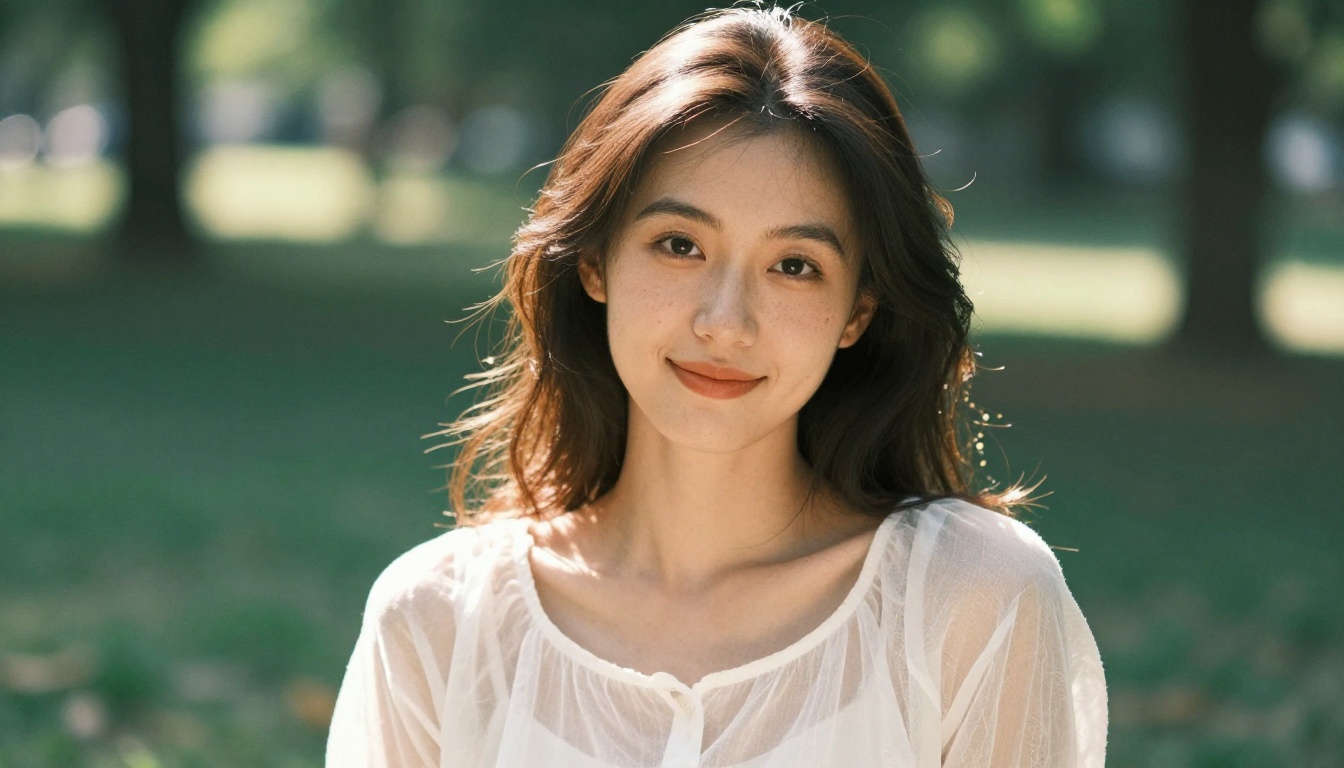
The Portrait Series tool on PicassoIA takes this further by maintaining consistent subject identity across multiple generated shots and lighting conditions. For social media content creators who need a cohesive visual identity without hiring a photographer for every shoot, this is genuinely significant.
Artistic and Editorial Work
Beyond lifestyle and glamour, the fastest unrestricted AI image tools open up serious creative territory:
- Long-exposure environmental scenes with realistic motion blur and atmospheric depth
- Dramatic studio portrait lighting with complex multi-light setups that would require an expensive studio to produce physically
- Documentary and reportage-style images with a raw, film-grain, natural feel
- Fine art figure work that draws on the tradition of classical portraiture with modern technical precision
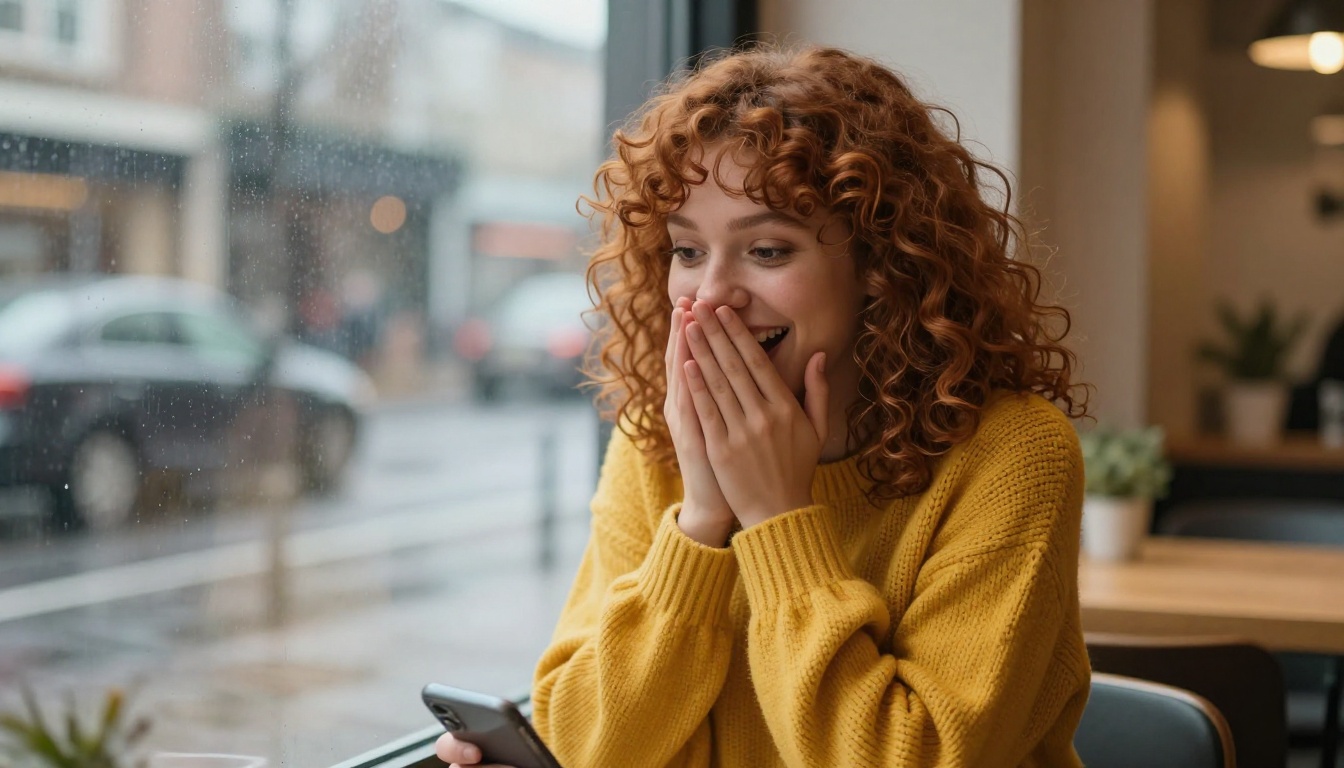
For creative teams and solo artists, the combination of speed and creative freedom means you can concept, produce, and deliver visual content in a single working session that used to require days of coordination with photographers, models, studios, and post-production teams.
💡 For editorial teams: Use Flux Krea Dev specifically when you need images that do not read as AI-generated. Its architecture specifically targets hyper-realistic output, avoiding the telltale softness and perfection that makes most AI imagery identifiable on sight.
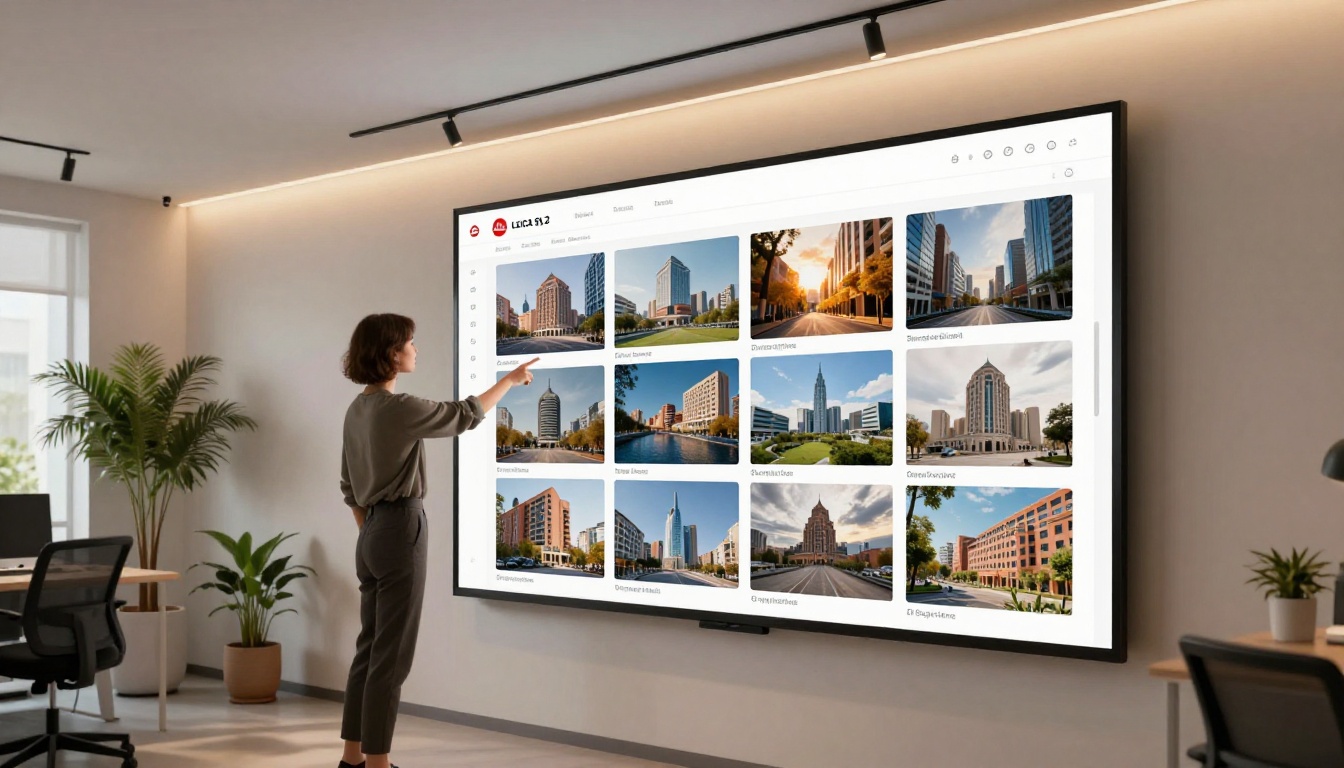
The Full Model Library at Your Fingertips
PicassoIA does not lock you into one model or one creative direction. Every model mentioned in this article is available alongside over 180 others, all accessible from a single account without platform switching, file transfer friction, or compatibility issues.
You can move from Flux Fast for rapid prototyping to Phoenix 1.0 for polished final output in the same session. You can take a generated image and run it through background removal, super-resolution upscaling, or video generation without leaving the platform.
The categories extend well beyond text-to-image:
- Text to Video: 87 models for turning prompts or images into cinematic video clips
- AI Video Enhancement: upscale, stabilize, and restore any footage
- Face Swap: realistic identity transfer for creative projects
- Super Resolution: upscale generated images 2x to 4x beyond their native resolution
- Background Removal: instant clean cutouts for e-commerce and compositing
- AI Music Generation: create original audio tracks from text prompts
The entire library is browsable and searchable at picassoia.com/en/all-models.
Start Creating Without Limits
The fastest unrestricted AI image tool is not a single model waiting to be discovered. It is a platform with the speed, the creative freedom, and the breadth of tools to support serious work at every level, from first concept to final delivery.
Whether you are building a content library for a brand, creating atmospheric imagery for a novel, producing fashion lookbooks, generating glamour photography for an adult platform, or simply exploring what is possible with a well-crafted prompt, the tools described here are ready for you right now without a waitlist, a content review process, or a slow generation queue standing between you and your output.
Head to picassoia.com and type your first prompt into Seedream 4.5 or PicassoIA Image Editor Pro. Your first result will be ready in seconds. Then iterate. Push the prompt. Try a different model. Generate 20 variations in the time other platforms deliver two. The platform does not slow you down. That is the entire point.


