Most AI image generators say they support creative freedom. Then you try to generate anything remotely interesting, and you get blocked. Content warnings. Flagged prompts. Images that never render. The phrase "your request violates our policies" has become one of the most frustrating experiences in modern digital creation.
But these AI tools have no restrictions. Not in the way most platforms claim, but actually, practically, when you sit down and start generating.
This isn't about shock value. It's about creative control. Artists, photographers, content creators, and digital designers need tools that respond to their vision, not a committee's interpretation of what's appropriate. This article looks at the platforms and models that deliver exactly that, ranked by performance, speed, and what they let you actually create.
What you'll find here: the fastest uncensored generators, the ones with unlimited output, a full comparison table, how to use the top model step by step, and where to start right now.
AI platforms make calculated bets. The larger and more mainstream they become, the more conservative their content policies get. Instagram banned nudity. YouTube demonetizes anything remotely suggestive. OpenAI's image tools block even artistically modest requests. The result is that serious creators, the ones doing legitimate work in fashion photography, boudoir art, character design, or glamour illustration, are stuck working around systems that weren't built with them in mind.
The Safety Filter Problem
Safety filters in most AI tools operate through two layers: a prompt filter that blocks certain words or phrases, and a post-generation classifier that rejects output even when the prompt seemed fine. Both create unpredictable generation. You type a careful, professional prompt, and the model either refuses, generates something bland, or produces an image that bears no resemblance to what you asked for.
For photographers adapting their work to AI, for illustrators building portfolio content, or for content teams creating editorial imagery, this isn't just annoying. It kills workflows.
What Creators Actually Want
The demand for uncensored AI tools is not primarily about explicit content. It's about:
- Accurate anatomy: A model that renders the human body the way a figure-drawing class would, without replacing arms with fabric or blurring realistic forms
- Fashion and swimwear: Standard commercial photography that any magazine would publish
- Artistic portraits: Classic boudoir, fine art nude, and implied content that has existed in photography for over a century
- Character design: Fantasy, gaming, and concept art that includes realistic human representation
These are professional needs. The tools that address them are the ones worth knowing.
💡 The real difference: platforms without overcorrection don't give you a blank check on content. They focus on removing algorithmic over-restriction, giving professional creators room to work without interruption.
The Fastest Uncensored AI Right Now
Speed matters. If you're producing content at scale, the difference between a 1-second generation and a 10-second generation compounds into hours of lost time per week. These are the models that generate fast, accurately, and without filtering your output.
Seedream 4.5 — The One to Start With
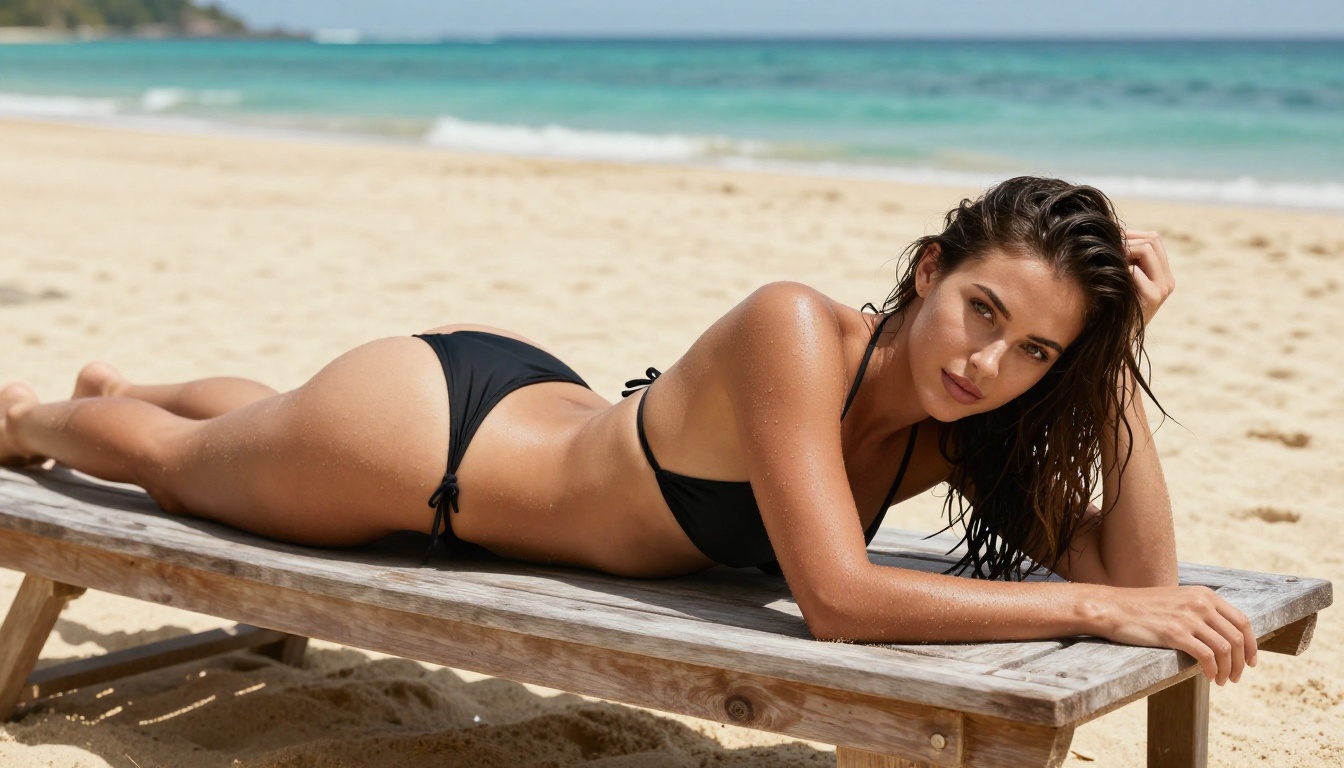
Seedream 4.5 is the clearest answer to which uncensored AI to use in 2027. Built by ByteDance, trained on massive photorealistic datasets, and available through PicassoIA with adult content enabled. It generates results in under 3 seconds, which is exceptional at this quality level.
What separates Seedream 4.5 from most competitors isn't just speed. It's the accuracy of skin texture, natural lighting response, and pose fidelity. When you describe a specific scene, Seedream 4.5 interprets it literally rather than sanitizing it. That matters when you're doing precision creative work.
It also supports image editing, meaning you can take an existing photo and instruct Seedream 4.5 to modify it. Pose changes, clothing adjustments, lighting corrections, and scene modifications all work within the same model without switching tools.
💡 Note on Seedream 5 Lite: The newer Seedream 5 Lite does not support adult content. If you need uncensored output, stay with Seedream 4.5.
P-Image — Under 1 Second, No Filter
P-Image by PrunaAI is the speed benchmark for unrestricted text-to-image generation. It generates in under 1 second. For fashion, beauty, and lifestyle prompts, the output quality is strong and consistent.

If you're building a content pipeline that needs volume, P-Image is what makes that possible without burning through time or budget. It supports NSFW content by default and doesn't require special configuration to access.
Qwen Image 2 — Open Source, Maximum Flexibility
Qwen Image 2 brings open-source flexibility to unrestricted generation. Being open source means the model hasn't been trimmed down to fit a commercial content policy. It handles both creation and editing tasks, works with detailed prompts, and produces highly realistic results across portrait and lifestyle categories.
The editing capability is particularly useful: point at an existing image, describe what should change, and Qwen Image 2 applies the modification with strong fidelity to the original scene's style and lighting.
How to Use Seedream 4.5 on PicassoIA
PicassoIA hosts Seedream 4.5 directly, and the workflow is straightforward even for first-time users. Here's how to get your first unrestricted image in under a minute.
Step 1: Open the Model
Go to picassoia.com/en/collection/text-to-image/bytedance-seedream-45. No download, no local setup. The model runs fully in the browser.
Step 2: Write a Precise Prompt
Seedream 4.5 responds best to prompts that are specific and descriptive. Include:
- Subject: Who or what is in the image, and what they're doing
- Setting: Environment, lighting conditions, time of day
- Style: Photography style, lens, film stock if relevant
- Mood: The emotional quality you want the image to carry
Example: "Young woman in a cream silk blouse standing by a window with natural morning light, soft overcast sky outside, 85mm f/1.8, Kodak Portra 400, photorealistic"
Step 3: Set Your Parameters
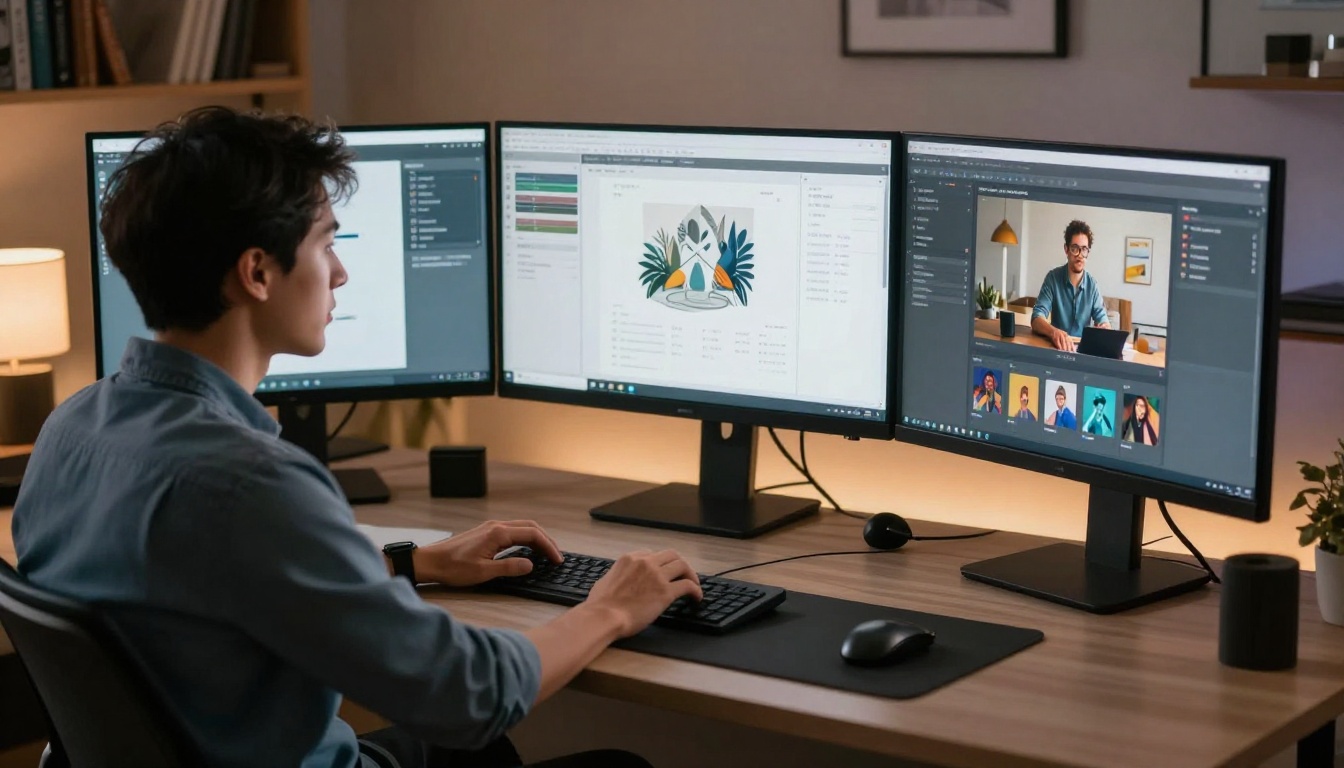
Adjust resolution (up to 4K), aspect ratio (16:9 for editorial, 1:1 for social), and any style guidance. The default settings produce strong results, so unless you have specific requirements, Seedream 4.5's defaults are a solid starting point.
Step 4: Generate and Refine
Click generate. Results arrive in under 3 seconds. If the first output isn't exactly right, adjust the prompt, add or remove descriptors, and generate again. Seedream 4.5 is consistent enough that small prompt changes produce predictable shifts in the output.
💡 Pro tip: Use the image editing mode to refine specific areas rather than regenerating from scratch. Describe what you want changed and the model applies the edit while preserving the rest of the composition.
Unlimited AI Art Without the Meter Running
Cost-per-generation is real. Most AI tools charge you for every image, every retry, every experiment. At scale, that adds up fast. These two tools solve the problem differently.
PicassoIA Image Editor Pro — Truly Unlimited
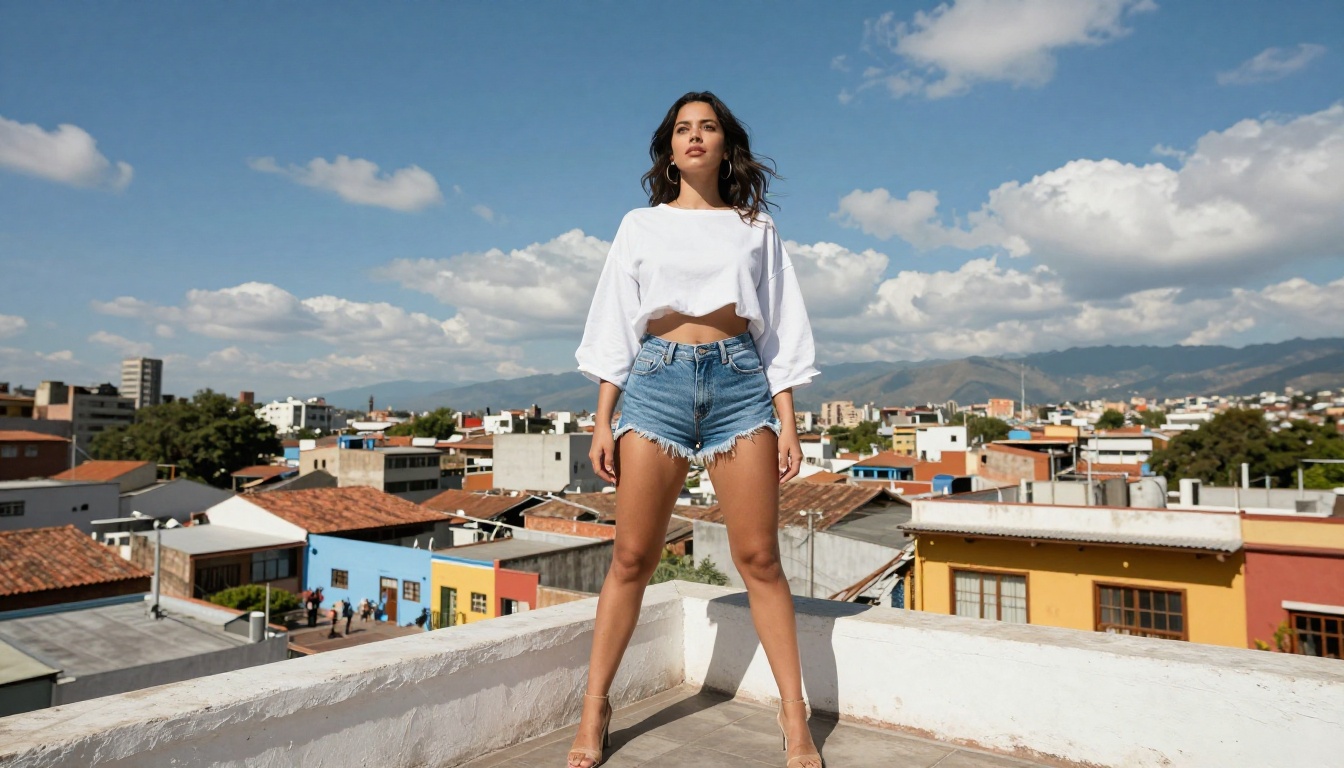
PicassoIA Image Editor Pro is the standout for anyone who needs volume. On the Elite or Infinite subscription, you get unlimited generations. That means 1,000 images costs the same as 10. Or 10,000.
To put that in context: generating 1,000 images on models billed per-generation (some charge around $0.10 per image) costs roughly $100. With PicassoIA Image Editor Pro on an Elite or Infinite plan, it's included. There's also a 3-generation free trial with no credit card required, so you can test it before committing to anything.
The model is img2img, meaning it takes an input image and modifies it based on your prompt. Results are ready in under 1 second. For content teams or creators building large image sets, this is the most cost-effective unrestricted option available.
Grok Imagine Image — Any Image, Realistic Results
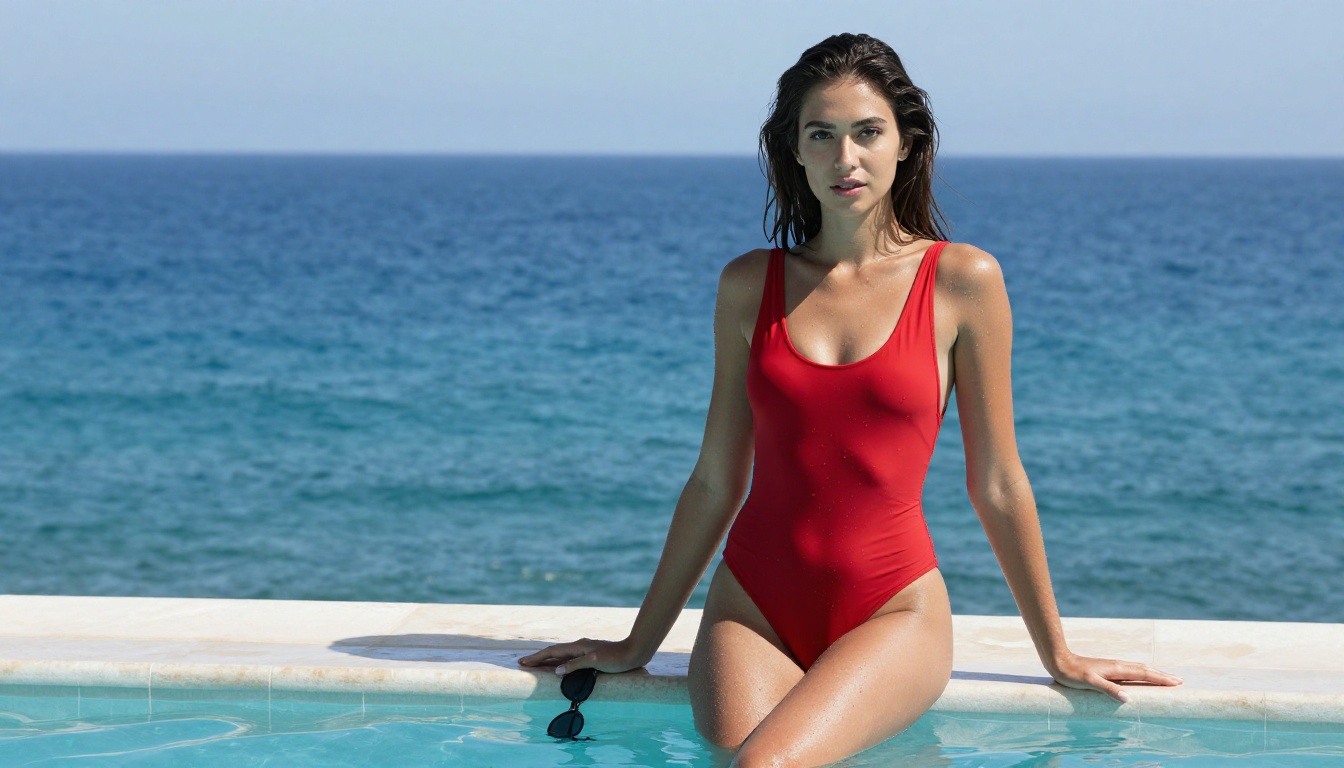
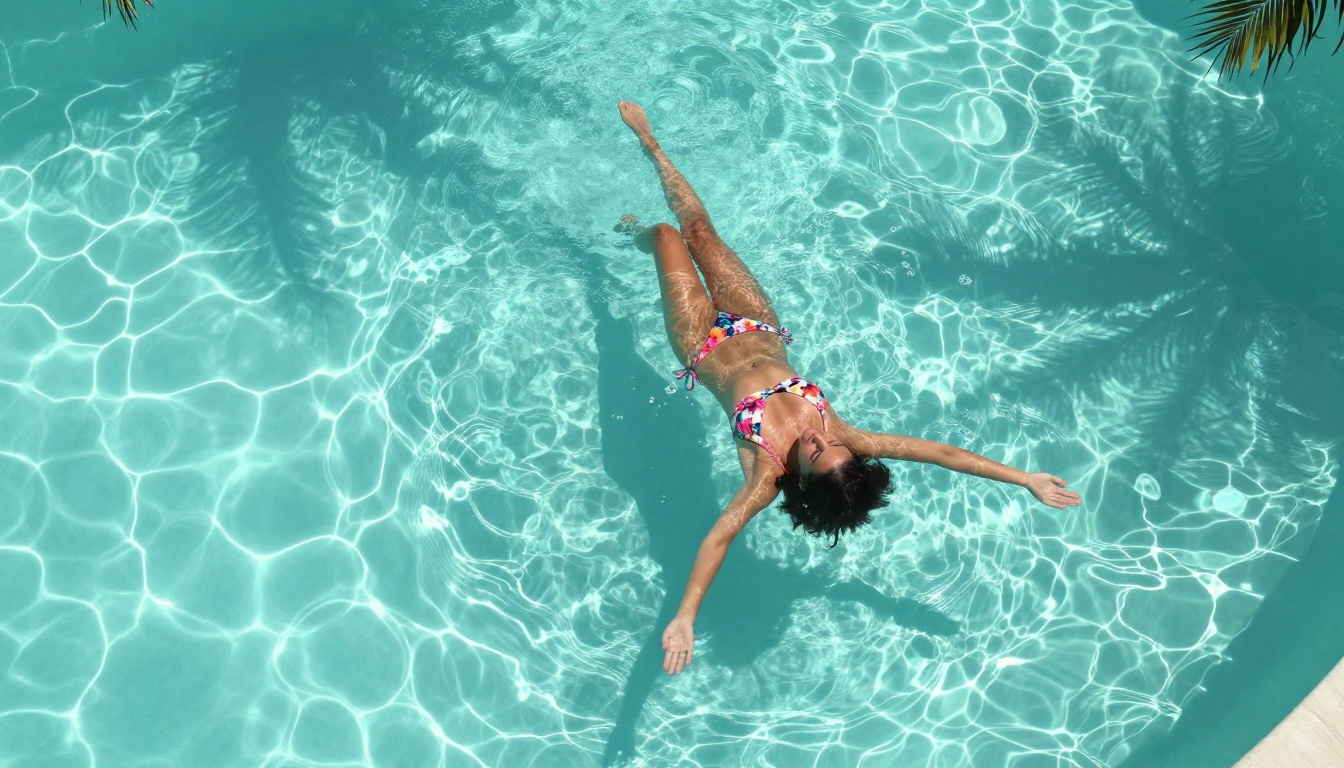
Grok Imagine Image specializes in realistic image-to-image modifications, including converting existing photos into realistically rendered swimwear or lifestyle versions. The output realism is exceptional, making it particularly useful for lifestyle and travel content creation.
The Best Models Side by Side
| Model | Type | NSFW | Speed | Best For |
|---|
| Seedream 4.5 | Text-to-Image + Edit | ✅ | Under 3s | All-around unrestricted generation |
| PicassoIA Image Editor Pro | Img2Img | ✅ | Under 1s | Unlimited volume at no extra cost |
| Qwen Image 2 | Text-to-Image + Edit | ✅ | Fast | Open source, flexible editing |
| Grok Imagine Image | Img2Img | ✅ | Fast | Lifestyle and swimwear modifications |
| Recraft V4 | Text-to-Image | ✅ | Fast | Maximum photorealism, text-only input |
| P-Image | Text-to-Image | ✅ | Under 1s | Fastest unrestricted generation |
| Wan 2.7 Image | Text-to-Image | ✅ | Fast | High-detail 2K image output |
Video Generation With No Filters
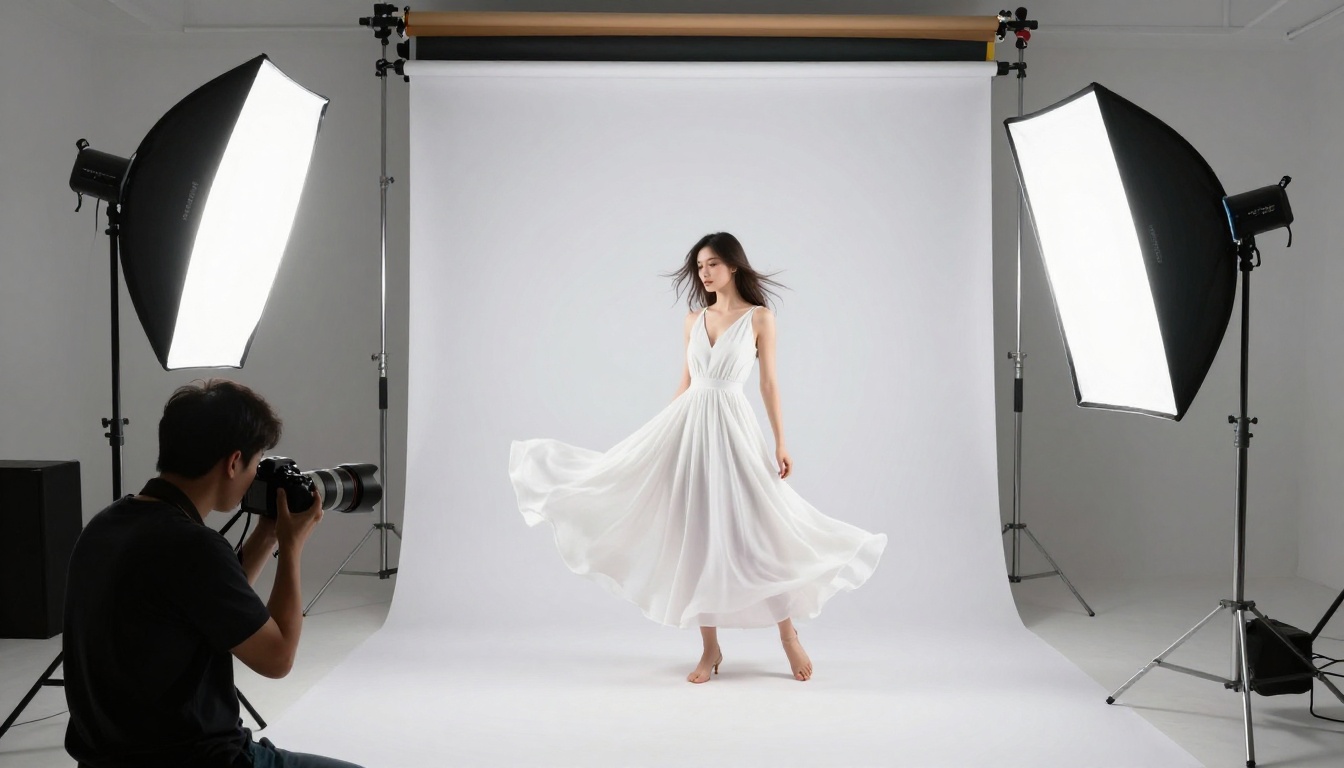
Static images are one thing. Video is where the restriction problem gets even worse, because most video AI tools layer on heavier content moderation than their image counterparts. These three models change that.
P-Video — Safety Filter Off by Default
P-Video by PrunaAI is one of the only video generation tools where the safety filter is disabled by default. It accepts text prompts, images, or audio files as input and outputs clips at up to 1080p at 24 or 48 fps. Duration is adjustable from 1 to 10 seconds.

The model includes draft mode for instant low-resolution previews before committing to a full render. For creative professionals who need to iterate quickly on motion content, this prevents wasted render time. Final outputs arrive in seconds with no watermarks.
Grok Imagine Video — 15 Seconds, No Watermarks
Grok Imagine Video generates clips up to 15 seconds from a text prompt, a reference image, or an existing video clip. Output options include 720p or 480p across eight aspect ratios, with no watermarks on any output.
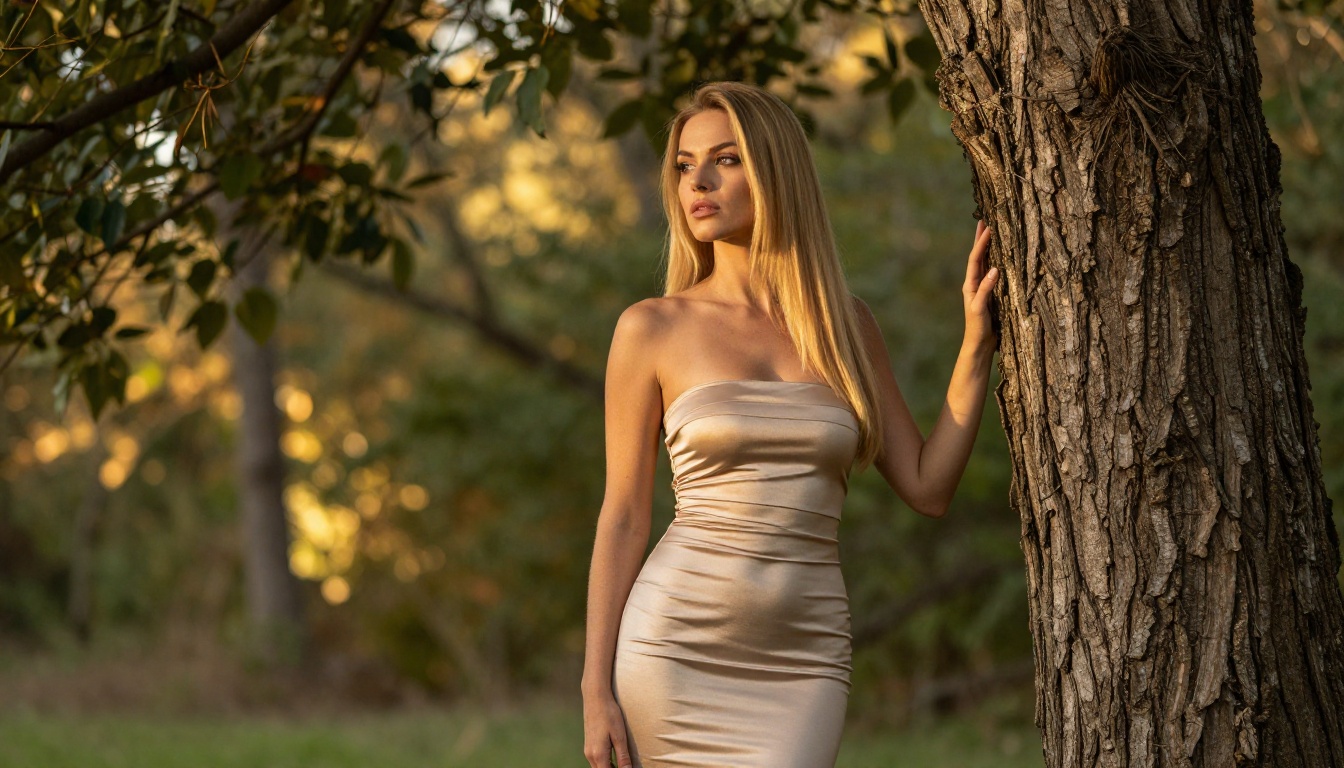
The image-to-video mode auto-matches your source photo's proportions automatically. Its companion image model, Grok Imagine Image, makes the full image-to-video pipeline seamless within PicassoIA.
LTX 2.3 Pro — 4K, 50fps, Professional Quality
LTX 2.3 Pro by Lightricks is the highest-fidelity unrestricted video tool available right now. It exports at up to 4K resolution at 50 fps, putting it in the same quality tier as professional video production tools.
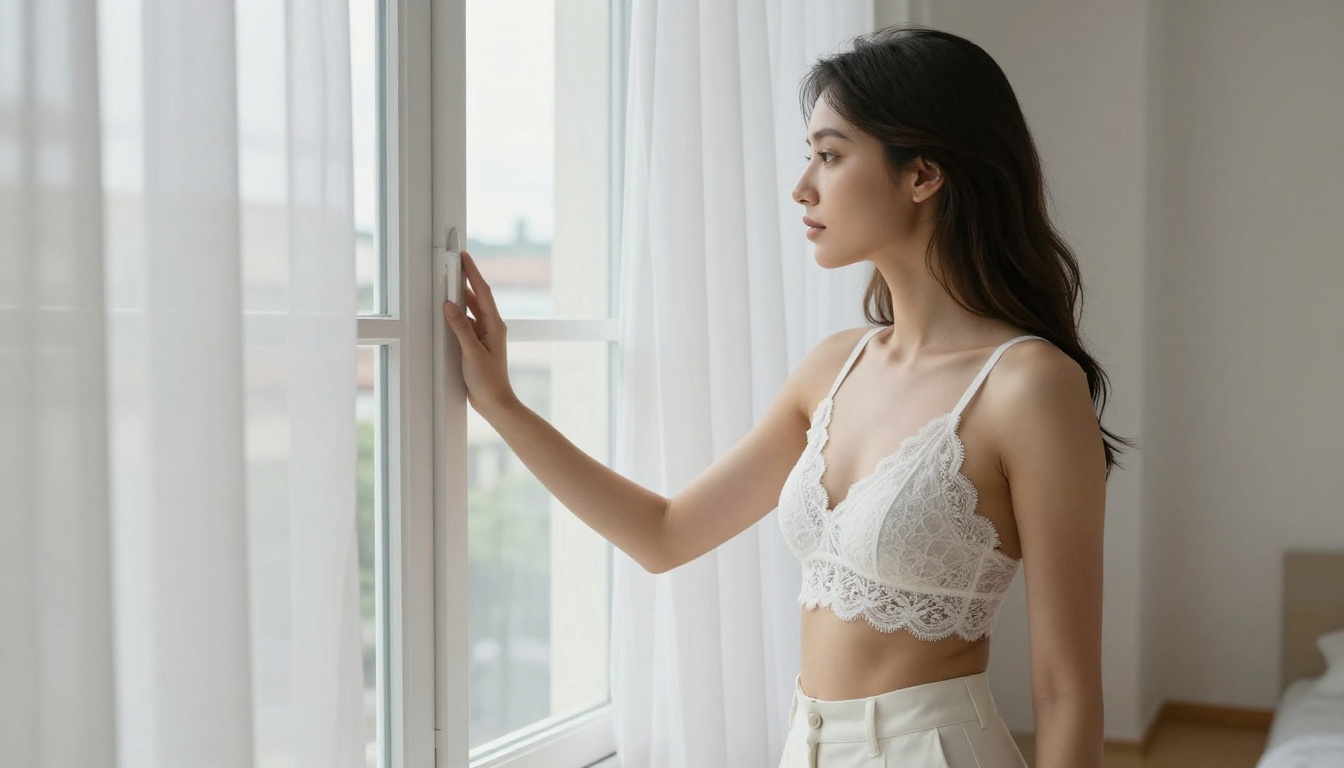
Five modes run from a single interface: text-to-video, image-to-video, audio-to-video, retake (replace a short segment without re-rendering the full clip), and extend (append footage before or after the existing clip). Camera-motion presets include dolly, jib, and focus-shift options for precise cinematic control.
PicassoIA also offers PicassoIA Video, which provides unlimited video generation from text prompts at up to 720p and 5 seconds per clip. For creators who need consistent output without per-generation costs, it's the volume play.
What You Can Actually Make
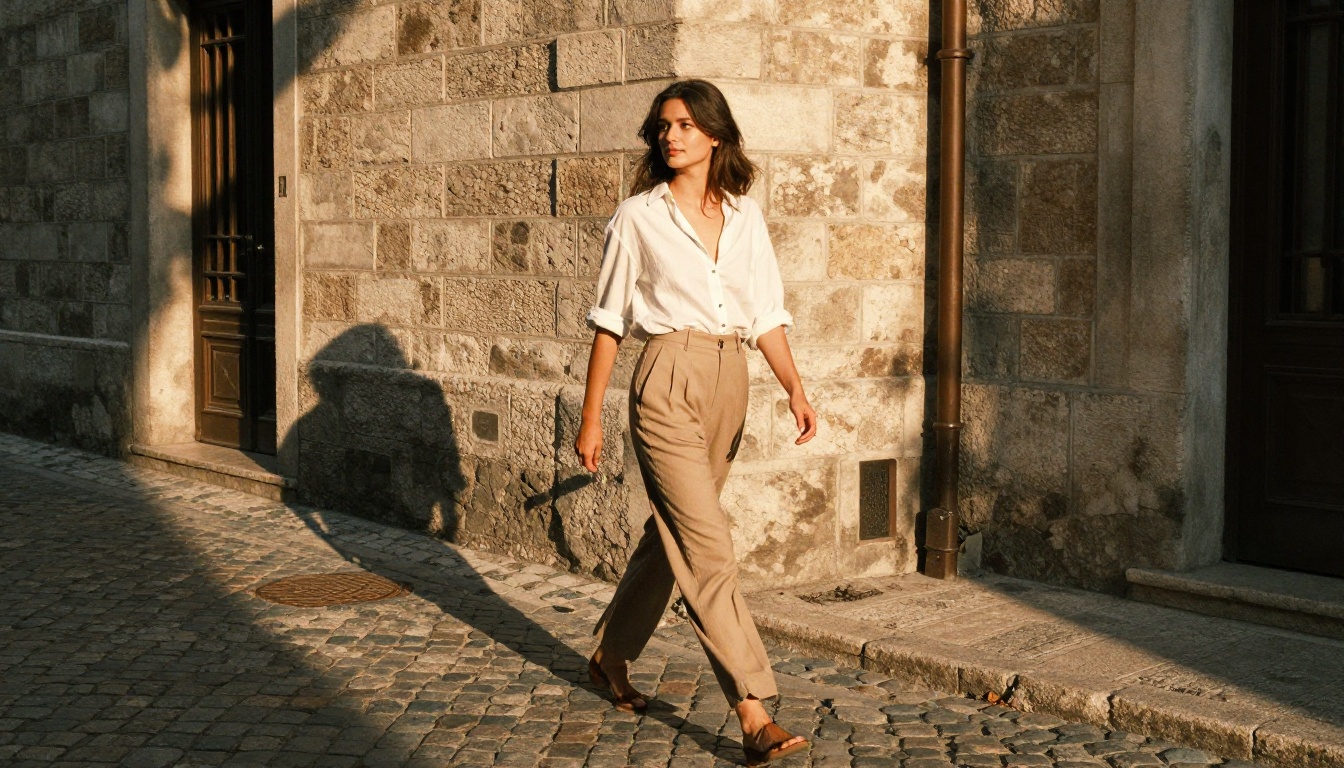
The question creators usually ask isn't "what's allowed?" on these platforms. It's "what's possible?" The answer is broad, and the categories below represent the most common use cases among creators who have moved to unrestricted AI tools.
Glamour and Beauty Photography
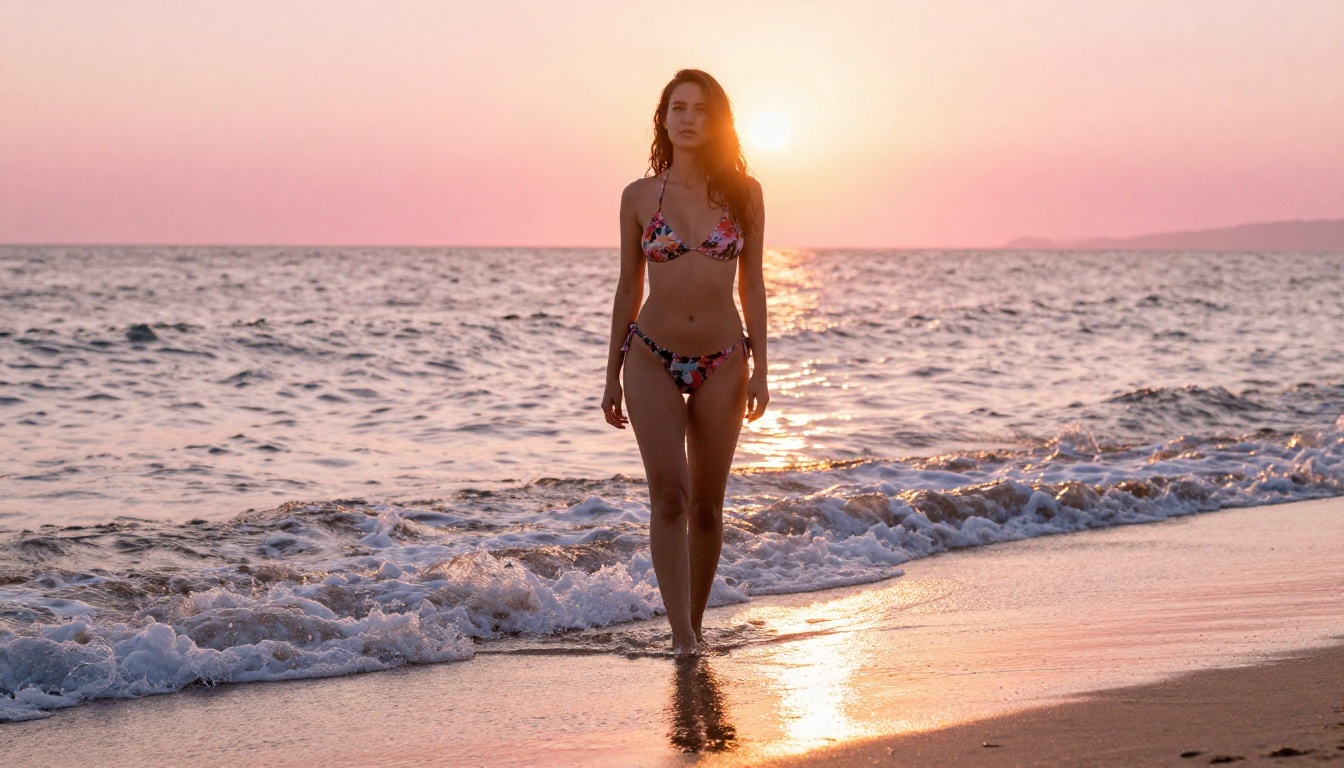
Fashion shoots, lifestyle imagery, swimwear photography, and glamour portraiture are the most common use cases. With models like Seedream 4.5 and Recraft V4, the output quality matches commercial photography at a level that's usable for editorial work. The skin texture rendering and natural lighting response are what separate these from filtered alternatives.
Practical applications:
- Editorial fashion content for social media
- Lifestyle imagery for brand campaigns
- Swimwear catalog mockups
- Glamour portraits for portfolio building
Artistic Portrait Work
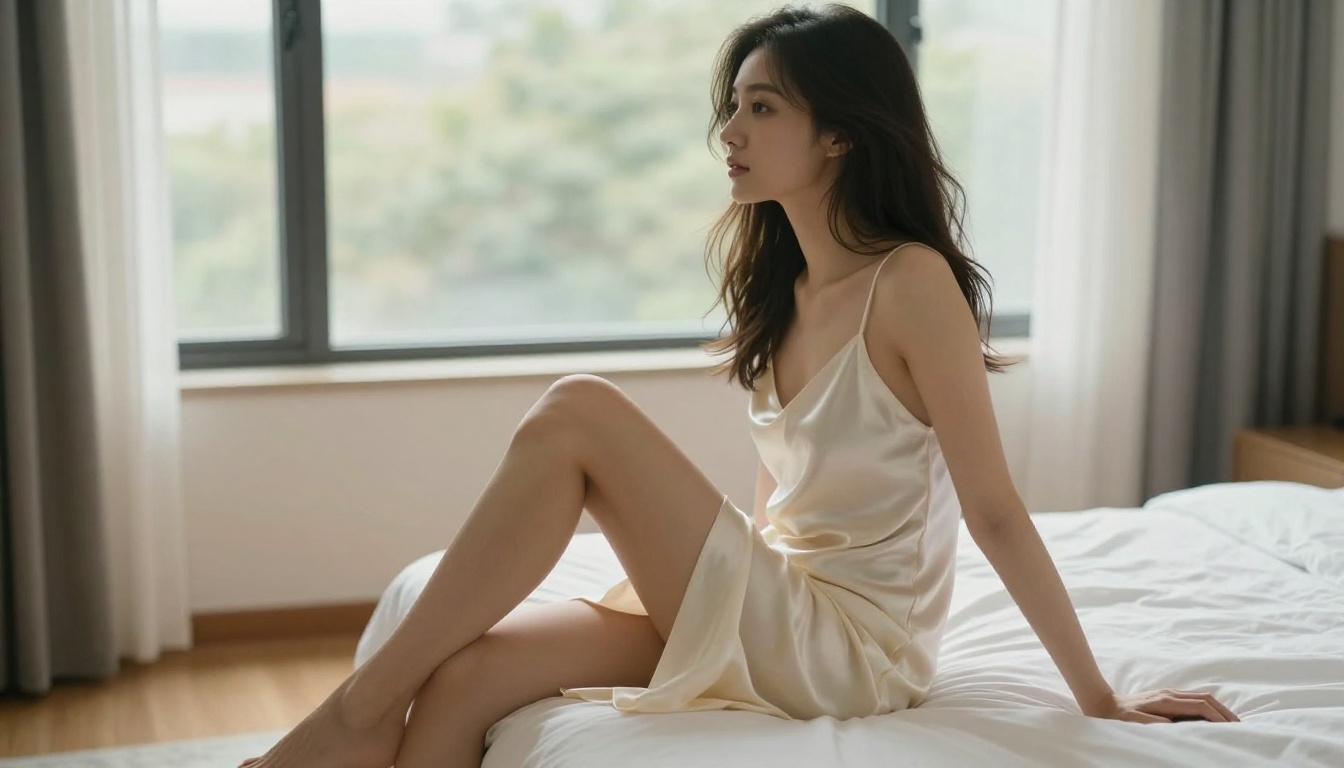
Fine art portrait work, including boudoir photography, artistic implied nudity, and classical compositional styles, all fall within what these models produce. The framing follows photographic principles: natural light sources, realistic depth of field, and compositional choices that reflect training on real photography.
Prompt precision is everything. Describe the artistic intent, the lighting setup, the mood, and the camera characteristics. Models like Qwen Image 2 and Seedream 4.5 respond accurately to structured creative direction.
Fashion and Lifestyle Imagery

Whether you're building content for a swimwear brand, a travel blog, or a lifestyle platform, the image and video tools here handle the full production pipeline. From initial concept generation to image-to-video motion, everything runs through PicassoIA without a content filter cutting off output.
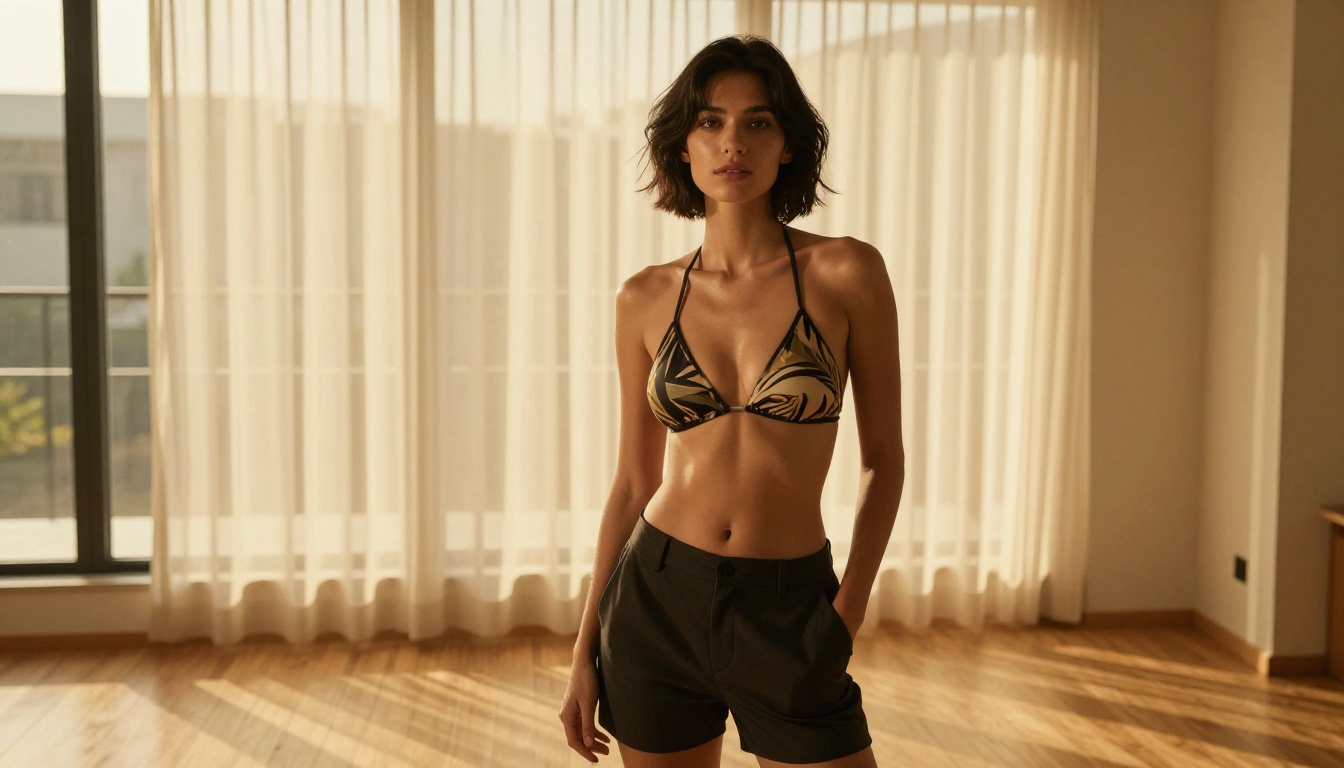
💡 Speed benchmark: Between Seedream 4.5 (under 3 seconds), P-Image (under 1 second), and PicassoIA Image Editor Pro (under 1 second), a single session can produce dozens of usable images in minutes rather than hours.
Start Creating Right Now
These AI tools with no restrictions aren't experimental or niche anymore. They're fully operational, fast, and accessible through a single platform without downloads or setup. The models described in this article handle every major creative need: speed, volume, quality, image editing, and video production without filter interruptions.
The biggest advantage of accessing them through PicassoIA isn't just the removal of content filters. It's the concentration of all these models in one place, with subscription plans that include unlimited generations on the most-used tools.
Whether you want photorealistic portraits in under 3 seconds with Seedream 4.5, unlimited edits with PicassoIA Image Editor Pro, unrestricted video output from P-Video, or high-fidelity 4K video with LTX 2.3 Pro, the tools are ready when you are.
Browse the full lineup of uncensored AI models at picassoia.com/en/all-models and start generating without the filters.


