If you've typed a perfectly reasonable prompt into an AI image generator and received a refusal, a warning, or a blurred mess of pixels, you're not alone. Most mainstream AI tools carry aggressive content filters that block everything from swimwear to historical subjects to anything remotely adult or edgy. The tools below don't do that. They give you what you asked for.
This isn't about breaking rules. It's about getting results. Whether you're a creative professional, an adult content creator, or someone who just wants to generate art without babysitters, these are the AI tools built for real creative freedom.
Why AI Censorship Is a Real Problem
AI image generation has exploded in capability over the past two years. Models can now produce photorealistic faces, intricate scenes, and emotionally resonant art at a quality that rivals professional photography. But somewhere along the way, most providers added content moderation so broad it borders on counterproductive.
What Gets Blocked
Most major AI image tools filter:
- Skin and swimwear, even in clearly artistic or professional contexts
- Historical or war imagery, regardless of educational purpose
- Any nudity, implied or otherwise, including classical fine art styles
- Violence or tension, blocking movie poster aesthetics and crime fiction visuals
- NSFW concepts that adult content creators need for their legitimate work
The filters are not surgical. They're blunt instruments that punish paying users for prompts any professional photographer, painter, or filmmaker would handle without issue.
Who Gets Hurt by It
Adult content creators lose their workflow. Digital artists who study figure drawing get blocked constantly. Romance novel cover designers hit walls every other prompt. Photographers who use AI for ideation can't test concepts involving the human body. The casualty list is long, and the damage is real: lost productivity, wasted time, and real money.

The Best Uncensored AI Image Generators
These are the tools that actually deliver. Every model listed here accepts adult prompts, produces realistic results, and doesn't apologize for it.
1. Seedream 4.5 by ByteDance
Seedream 4.5 is the top-ranked uncensored text-to-image model available right now. It accepts NSFW content without hesitation and generates results in under 3 seconds, which is exceptional given the quality ceiling it operates at. It handles both raw text-to-image generation and image editing from a single interface.
💡 Why it leads: Unlike its successor Seedream 5 Lite (which blocks adult content entirely), Seedream 4.5 was built with creative freedom in mind. The speed combined with the realism is hard to beat anywhere on the market.
What sets it apart from other uncensored models is consistency. Faces are stable across generations, lighting interpretation is sophisticated, and anatomy is handled correctly even in complex poses.
2. PicassoIA Image Editor Pro
PicassoIA Image Editor Pro operates as an image-to-image editing model, and its defining advantage is something no other model offers at scale: unlimited generations on Elite and Infinite plans.
To put that in perspective: generating 1,000 images on models like Nano Banana 2 costs roughly $100. On PicassoIA Image Editor Pro with an Elite or Infinite subscription, those 1,000 images cost nothing extra. The platform includes them in your plan, with no per-generation charges, no credit card anxiety, and no throttling.
It also accepts NSFW content and delivers results in under 1 second per image. For high-volume creators, this is the arithmetic that matters.
A 3-generation free trial is available with no credit card required, so you can test it before committing to anything.
3. Qwen Image 2
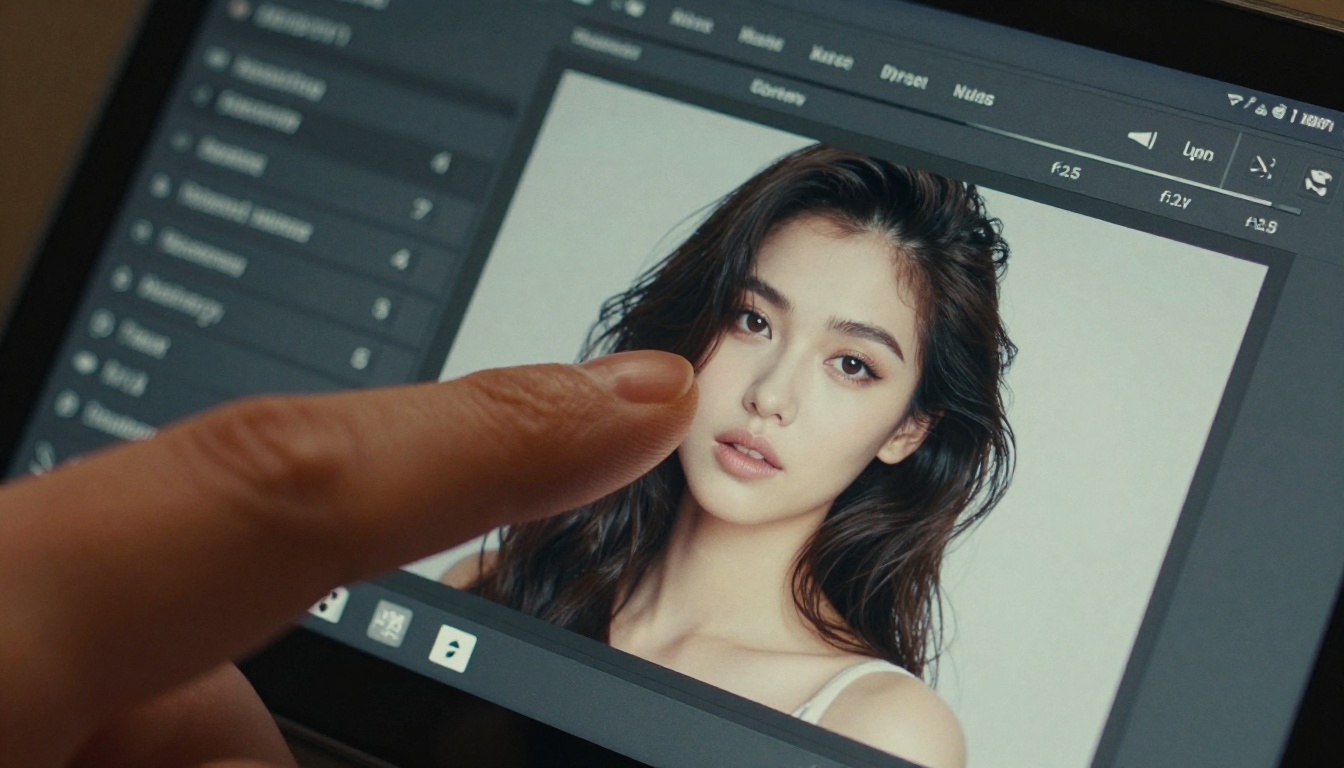
Qwen Image 2 is open source, which means it was never built around commercial content-filtering policies. You can use it to edit existing images or create new ones from text, with very detailed realism in the outputs. The open architecture makes it particularly flexible for prompts that proprietary models refuse to handle.
4. Grok Imagine Image
Grok Imagine Image specializes in image-to-image transformation. It's especially effective at converting reference photos into bikini or swimwear formats with photorealistic accuracy. If you have a source image and need a variation that mainstream tools refuse to produce, this is the model to reach for.
5. Recraft V4
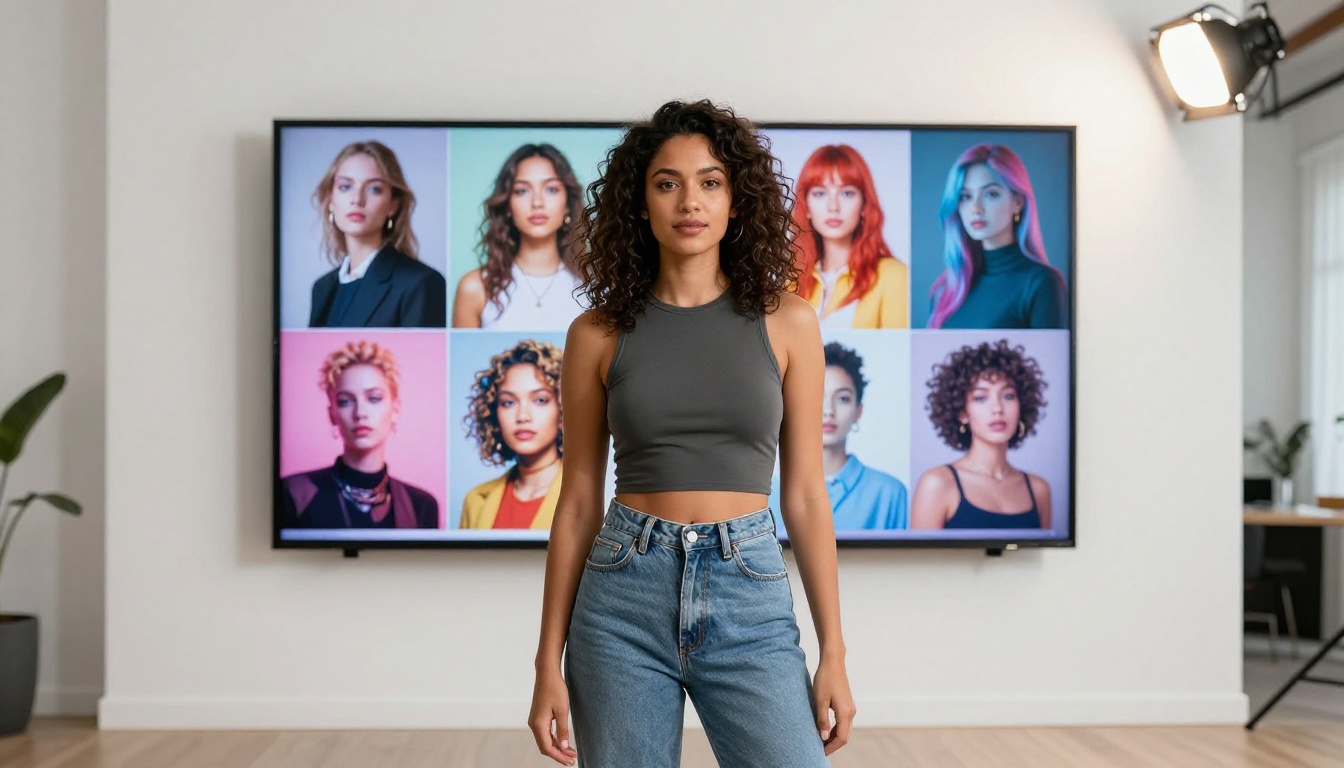
Recraft V4 is a text-to-image model that produces consistently realistic results across a wide range of subjects and styles. It doesn't handle image-to-image editing, but for pure text-to-image work without content restrictions, the output quality holds up at the highest tier.
6. P-Image by PrunaAI
P-Image generates NSFW images from text in under 1 second. It's the fastest model in this category and handles straightforward adult prompts efficiently. For creators who need volume at speed without complex editing workflows, it's the cleanest option in the lineup.
Uncensored AI Video Generators
Video generation follows the same pattern as images: most mainstream providers apply heavy content filtering. The tools below don't.

PicassoIA Video
PicassoIA Video is the only platform on this list offering unlimited video generation from text prompts. Clips run up to 5 seconds at up to 720p resolution. For creators running high-volume campaigns or testing many variations, the unlimited model changes the economics entirely. No per-second billing, no quota anxiety.
P-Video by PrunaAI
P-Video converts text, images, or audio into video clips at resolutions up to 1080p. The safety filter is off by default, which is the most honest approach any video model has taken. Duration is adjustable from 1 to 10 seconds, with seven aspect ratios supported. A draft mode gives you an instant low-res preview so you don't commit to a full render on a prompt that still needs adjusting.
Grok Imagine Video
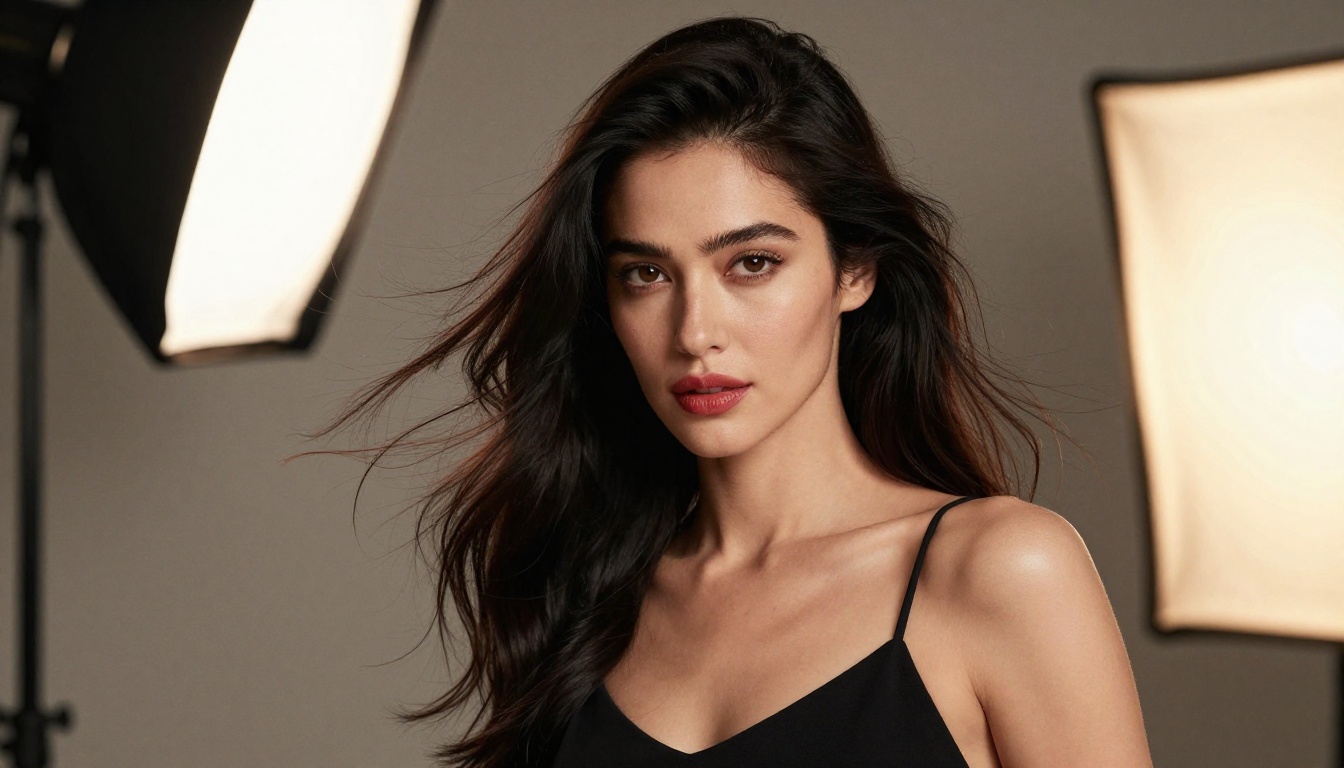
Grok Imagine Video handles clips up to 15 seconds, which is longer than almost every competitor in this space. It works from text prompts, reference images, or existing video clips you want to re-edit. Output options include 720p and 480p across eight aspect ratios, with no watermarks on the final output. The image-to-video mode auto-matches your source photo's proportions.
LTX 2.3 Pro by Lightricks
LTX 2.3 Pro is the professional option for final deliverables. It exports up to 4K at 50fps, placing it firmly in broadcast territory. Five editing modes are available from one interface: text-to-video, image-to-video, audio-to-video, retake (replace a short segment without re-rendering), and extend (add footage before or after). Camera motion presets including dolly, jib, and focus-shift are built in.
How to Use Seedream 4.5 on PicassoIA
Since Seedream 4.5 is the top model for uncensored image generation, here's exactly how to use it:
Step 1: Visit Seedream 4.5 on PicassoIA
Step 2: In the prompt field, describe your subject in specific, detailed terms. Include lighting direction, camera angle, clothing or lack thereof, environment, and mood.
Step 3: Set the aspect ratio to 16:9 for widescreen content or 9:16 for portrait and mobile formats.
Step 4: Click Generate. Results arrive in under 3 seconds.
Step 5: If the result needs refinement, use the built-in editing tools to adjust specific areas without regenerating the whole image.
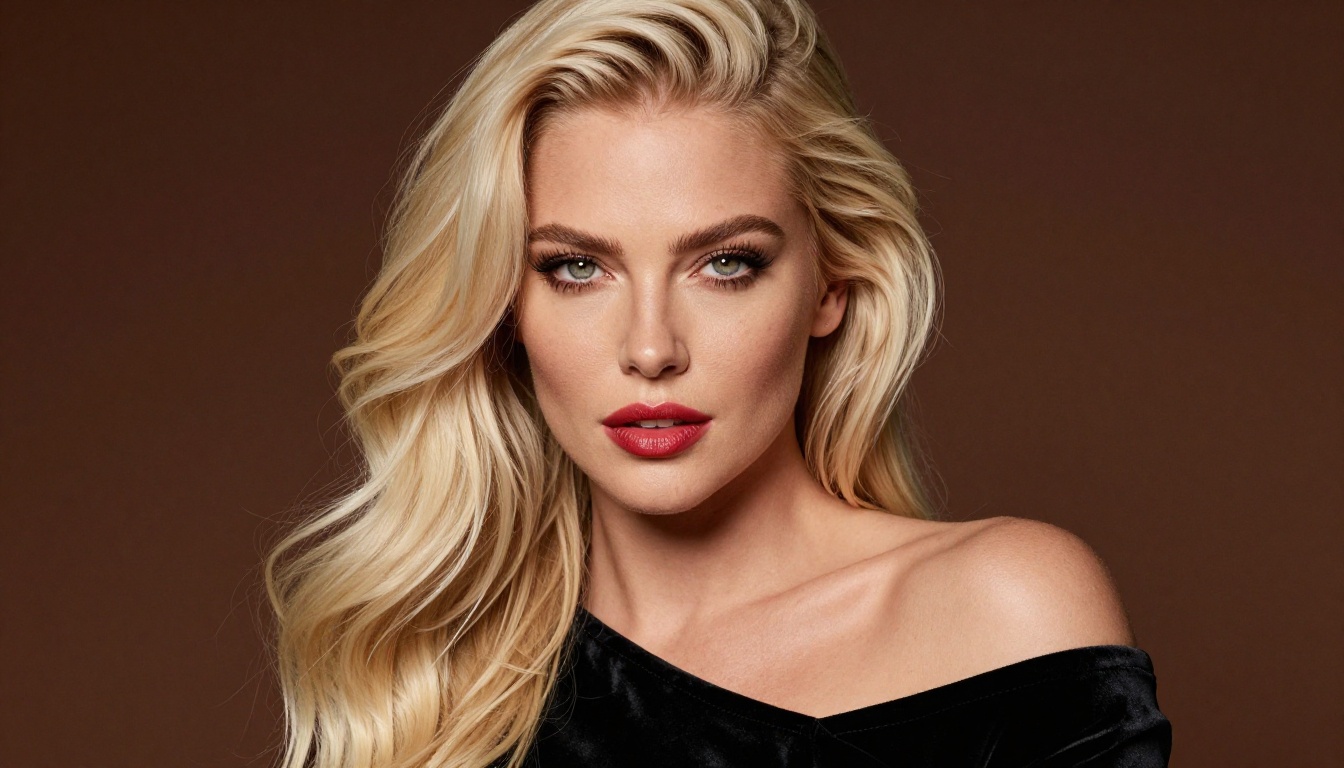
💡 Prompt tip: Seedream 4.5 responds well to photography-style language. Describe the shot as if briefing a photographer: "Close-up portrait, natural studio lighting from the left, shallow depth of field, film grain, warm skin tones." The more cinematic the language, the more realistic the output.
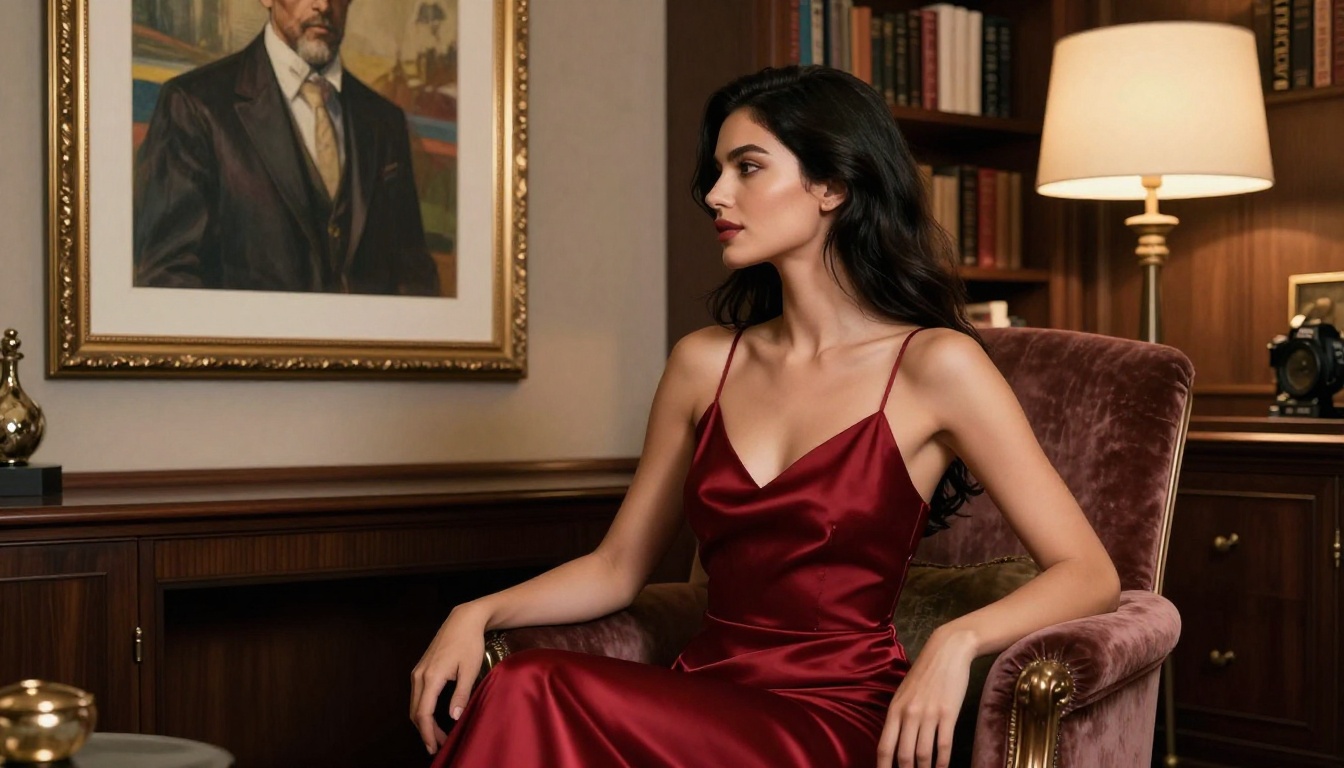
Side-by-Side Comparison
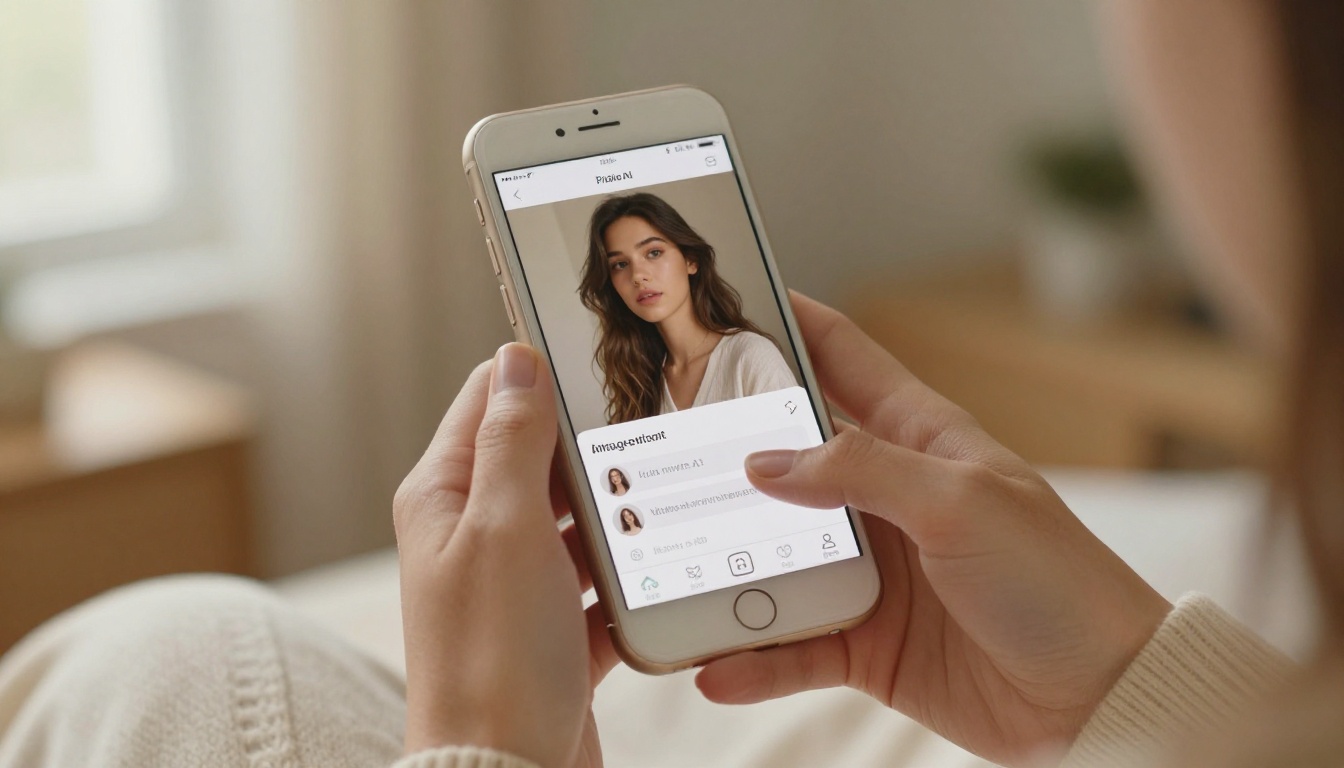
Tips for Better Results
These models are capable of exceptional output, but how you prompt them determines what you get. Here's what actually works.
Write Like a Photographer
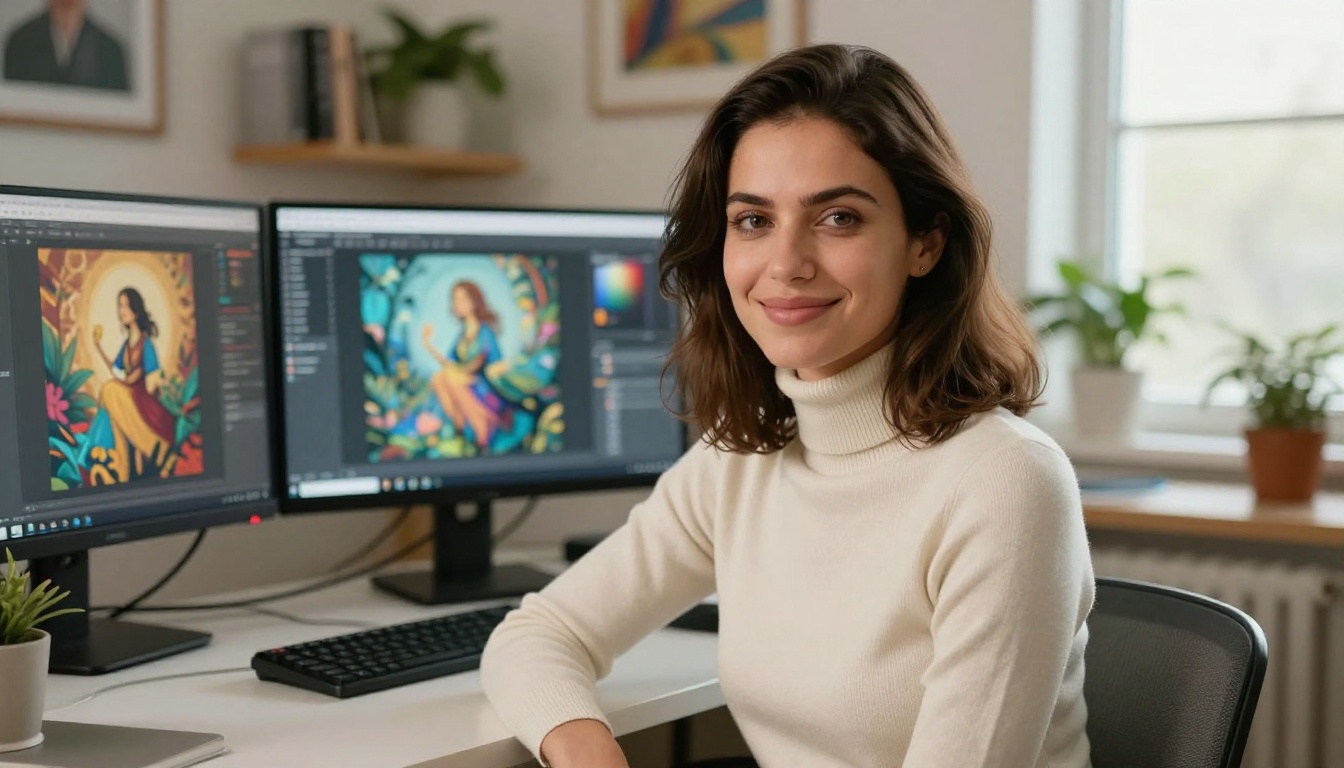
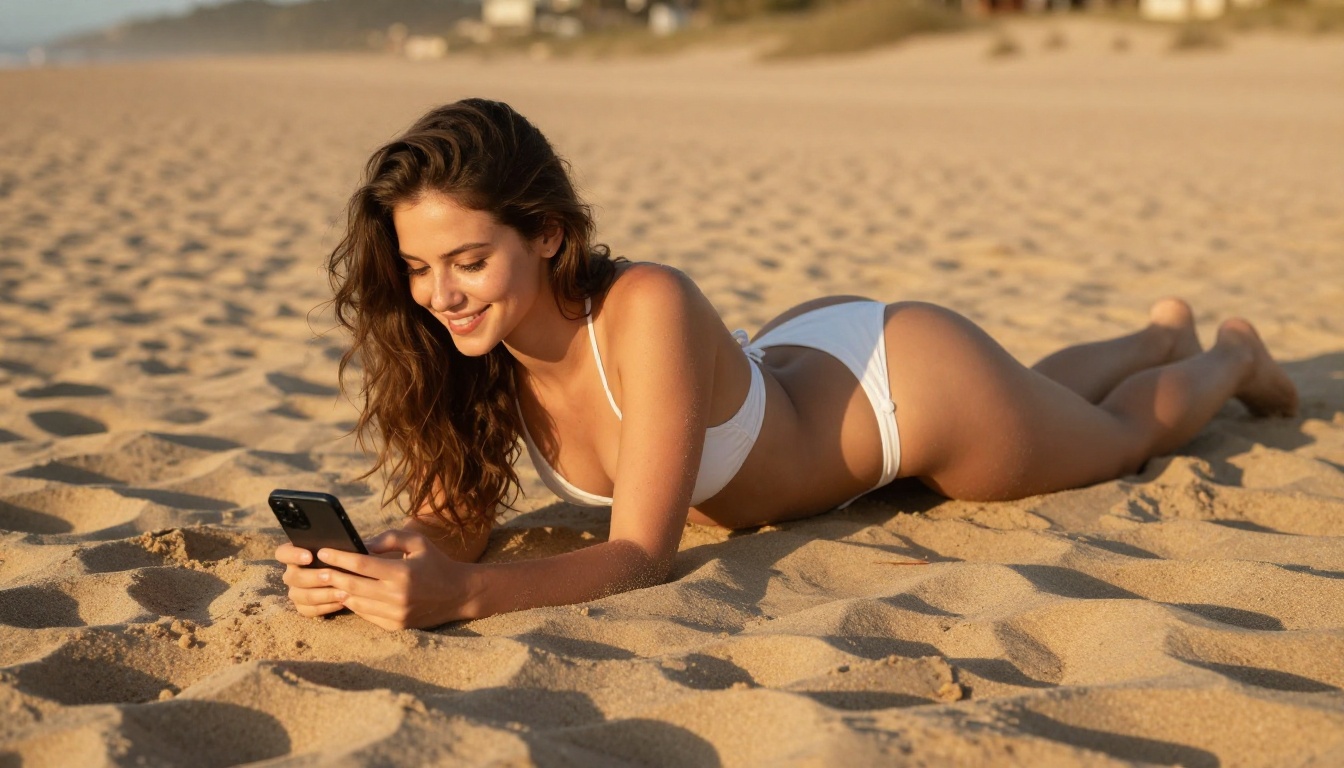
Generic prompts produce generic results. Instead of "woman at the beach," write "close-up portrait of a woman with wet hair at a sandy beach, golden hour light from the left, Canon 85mm f/1.4, shallow depth of field, salt water on her skin, natural freckles." The model interprets photographic language more reliably than vague descriptive adjectives.
Control Lighting Specifically
The biggest difference between a flat, dull image and a striking one is lighting direction. Always specify where light is coming from. "Volumetric morning light from the upper left" gives the model specific physical data to work with. "Warm lighting" does not.
Use Camera Lens Data
Specifying a lens forces compositional logic onto the output. 85mm f/1.2 means tight portrait with extreme bokeh. 24mm f/2.8 means wide angle with more depth in focus. 100mm macro means extreme close-up detail. These aren't just style cues. They're structural instructions the model understands and responds to.
Batch and Iterate
With Seedream 4.5 generating in under 3 seconds and PicassoIA Image Editor Pro offering unlimited generations, there's no reason to agonize over a single prompt. Generate 10 variations, keep the best 2, then refine from there. Speed and unlimited output change your relationship with the creative process entirely.
Add Film Grain and Camera Brand References
Phrases like "Kodak Portra 400 film grain," "Fujifilm XT4," or "shot on 35mm film" signal to the model that you want photographic realism rather than a clean digital render. The film grain instruction alone adds texture and believability that makes the difference between an obvious AI image and a photograph.
💡 For video prompts: Describe motion chronologically. Start with what the subject is doing at frame 1, describe what changes over 5 seconds, then specify camera movement (slow dolly-in, gentle pan, static hold). Models build motion from temporal descriptions, not static scene descriptions.
What Else PicassoIA Offers
Beyond the uncensored image and video models, the platform carries a full suite of creative AI tools that work without restrictive filters:
- Wan 2.7 Image Pro for 4K text-to-image generation
- Super Resolution to upscale any image 2x to 4x without quality loss
- Background Removal that handles complex edges including hair and transparent objects
- Lipsync for realistic audio-to-video mouth sync
- AI Music Generation for creating custom soundtracks from text prompts
- Face Swap AI for realistic instant face replacement
- Outpainting and Inpainting for extending or repairing any image without starting over

The full catalog spans 185+ models across text-to-image, text-to-video, super resolution, speech, music, and effects. Every major creative use case has multiple model options, and the uncensored models are not hidden or restricted. They're front and center in the catalog.
Start Creating Without Limits
Every model listed above is available right now on PicassoIA, with no waitlist and no special approval process. Seedream 4.5 is the obvious starting point for most creators, combining speed, quality, and no content restrictions in one place. If you run high volume, PicassoIA Image Editor Pro offers the unlimited generation model that fundamentally changes your cost structure.
For video, PicassoIA Video gives you unlimited clips from text prompts. When you need professional-grade deliverables, LTX 2.3 Pro handles 4K output at 50fps with full editing tools included.
Pick a model. Write a prompt. See what happens when an AI tool actually does what you tell it to.
👉 Browse the full catalog of uncensored AI models at picassoia.com/en/all-models.