Scroll through TikTok for five minutes and something becomes obvious: the people with the most views are not always the most naturally photogenic. They are the ones who figured out which AI filters actually work, how to stack them, and how to capture footage that makes those filters perform at their best. AI has rewritten what "looking good on camera" even means, and the creators riding that wave are doing it deliberately, not by accident.
Why AI Filters Hit Different Right Now
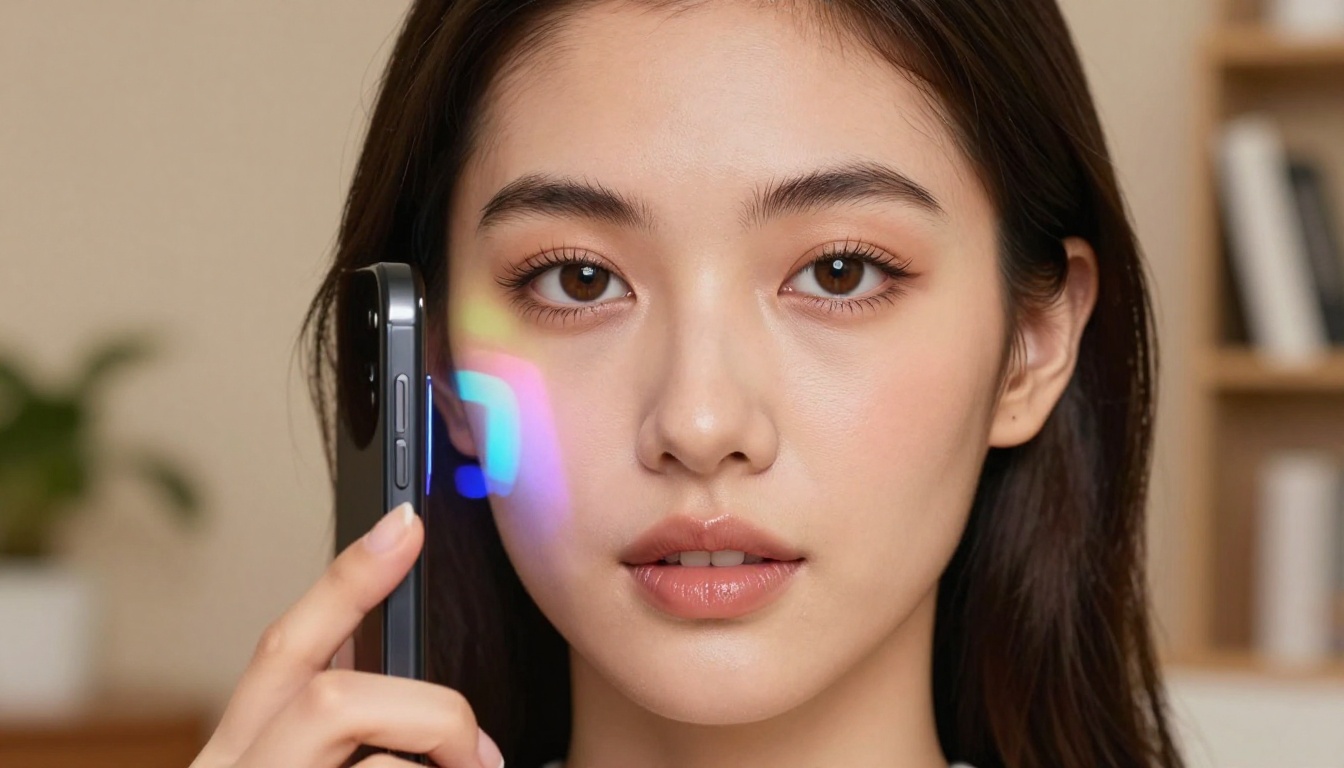
Not all filters are created equal. The ones that go viral on TikTok share a specific quality: they look almost real. Early Instagram filters were obviously fake. Anyone scrolling could tell you were using a Mayfair preset. The new wave of AI filters is different. They modify skin texture, lighting, facial geometry, and even backgrounds in ways that are genuinely difficult to detect at first glance.
TikTok's Algorithm Rewards Visual Surprise
TikTok rewards content that makes people pause, rewatch, or share. AI filters that deliver a surprising visual result do exactly that. A video where someone reveals a stunning AI-generated beauty look, or swaps their background to a photorealistic location, earns extra seconds of watch time because viewers want to figure out what they are seeing. That rewatch behavior signals quality to TikTok's recommendation system, which pushes the content to more people. The technical quality of the filter becomes a distribution advantage.
The Filters Racking Up Billions of Plays
The most-played AI filter categories on TikTok over the past year include:
| Category | What It Does | Viral Use Case |
|---|
| Beauty / Glamour | Smooth skin, add makeup, reshape features | "Filter reveal" videos |
| Age Shift | Make you look younger or older | Reaction and comparison content |
| Face Swap | Replace one face with another | Celebrity comparisons, comedy skits |
| AI Photo | Convert selfie into a stylized portrait | Profile photo content, aesthetic reels |
| Background Replacement | Swap surroundings in real time | Lifestyle and travel content |
| Lipsync / Talking Photos | Animate still images to lip-sync audio | Historical figures, pet videos |
Each category has its own mechanics, its own aesthetic, and its own community of creators who have built entire channels around a single filter type.
The Bold Glamour Era Is Not Over
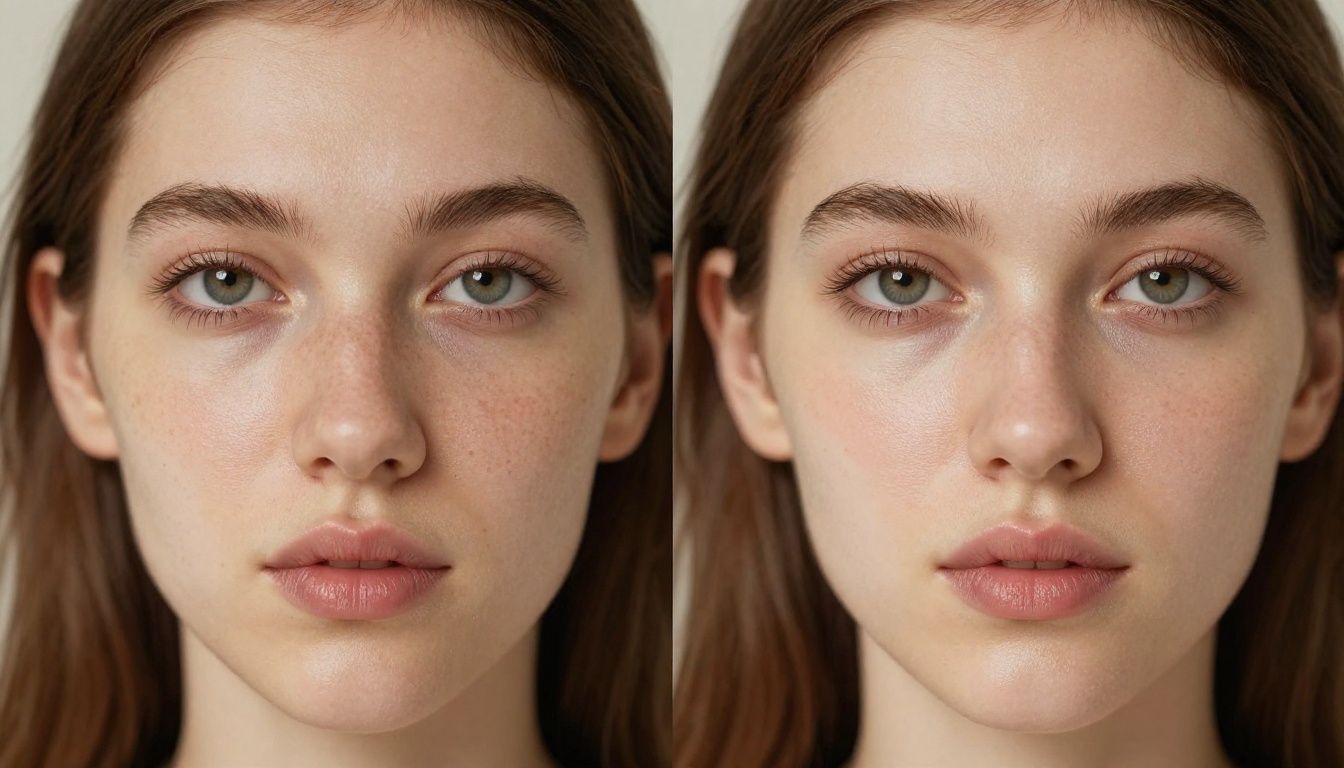
Bold Glamour was the filter that changed expectations. When it released, it used real-time machine learning to apply a hyper-realistic beauty look. Not the flat overlay you get from a simple filter, but an effect that tracked the movement of your face and adapted to changing light. It looked like professional makeup and studio lighting applied live. The reaction was immediate because nothing on a phone had felt that real before.
What Made Bold Glamour Different
Bold Glamour caused such a cultural conversation because it was genuinely hard to detect. Previous beauty filters smoothed skin by applying a blur layer. Bold Glamour worked at the facial structure level, predicting how makeup would interact with actual bone structure, nose shape, and eye placement. The result was a filter that did not fall apart when you moved your head or changed lighting. It tracked your face through motion. That tracking quality is now the baseline expectation for any beauty filter that wants to stay on TikTok's trending shelf.
Other Beauty Filters Dominating Feeds
Beyond Bold Glamour, these are the beauty-style AI effects TikTok creators are currently building their aesthetics around:
- Bright Eyes lifts the eye area and adds dramatic iris brightening for a wide-awake editorial look
- Soft Focus Skin uses AI texture replacement to give skin a glossy magazine quality without the obvious blur
- Natural Glow adds volumetric light that appears to emanate from within the skin rather than from a ring light
- AI Blush detects cheekbone placement automatically and adds a flush that adjusts with facial expression
- HD Lashes extends and defines lashes without looking drawn-on
Pro tip: The best results from any beauty filter come from filming in diffused natural light first. Good raw material gives the AI more to work with than trying to rescue badly lit footage.
Face-Change Filters Everyone Is Using
Beauty enhancement is one thing. Full face alteration is something else entirely. These filters do not enhance what is already there. They change the subject at a structural level.
Age Filters and the Teen Look Obsession
The Teen Look filter, along with several AI-powered age regression effects, generated hundreds of millions of views in recent months. The format is built for virality: press record, reveal the filter, react to the result. The loop of surprise and emotional relatability creates a structure that almost forces sharing.
Age regression filters work by analyzing facial geometry and predicting what features would look like with less defined bone structure, higher subcutaneous fat deposits, and more even skin tone, because these are the measurable physical signatures of a younger face that computer vision can reliably model.
Face Swaps Went From Gimmick to Viral Machine
Face swap started as a party trick. By 2024 it had evolved into something far more technically polished. Modern AI face swap filters on TikTok use diffusion-based rendering to composite one face onto another with realistic skin tone matching, lighting adaptation, and hair blending. The results are not perfect, but they are good enough to create genuinely funny and shareable content.
The most viral use cases are:
- Celebrity face swaps where creators insert themselves into famous faces for comedy
- Couple swaps where partners see what they would look like as each other
- Baby photo to adult progression comparisons side by side
- Historical figure animations that drop old portraits into modern scenarios
AI Photo Converts Selfies Into Portraits
The AI Photo filter takes a selfie and runs it through a diffusion model to produce a stylized portrait. The output ranges from a cinematic editorial shot to something that looks like it was taken by a more skilled photographer with better equipment. These filters are especially popular as "profile photo content" where the creator shows a before-and-after in a reveal format.
Worth knowing: The quality of an AI photo portrait depends heavily on the source image. A well-lit, high-resolution selfie produces dramatically better output than a grainy snapshot taken in poor conditions.
Background and Scene AI That Fools the Eye
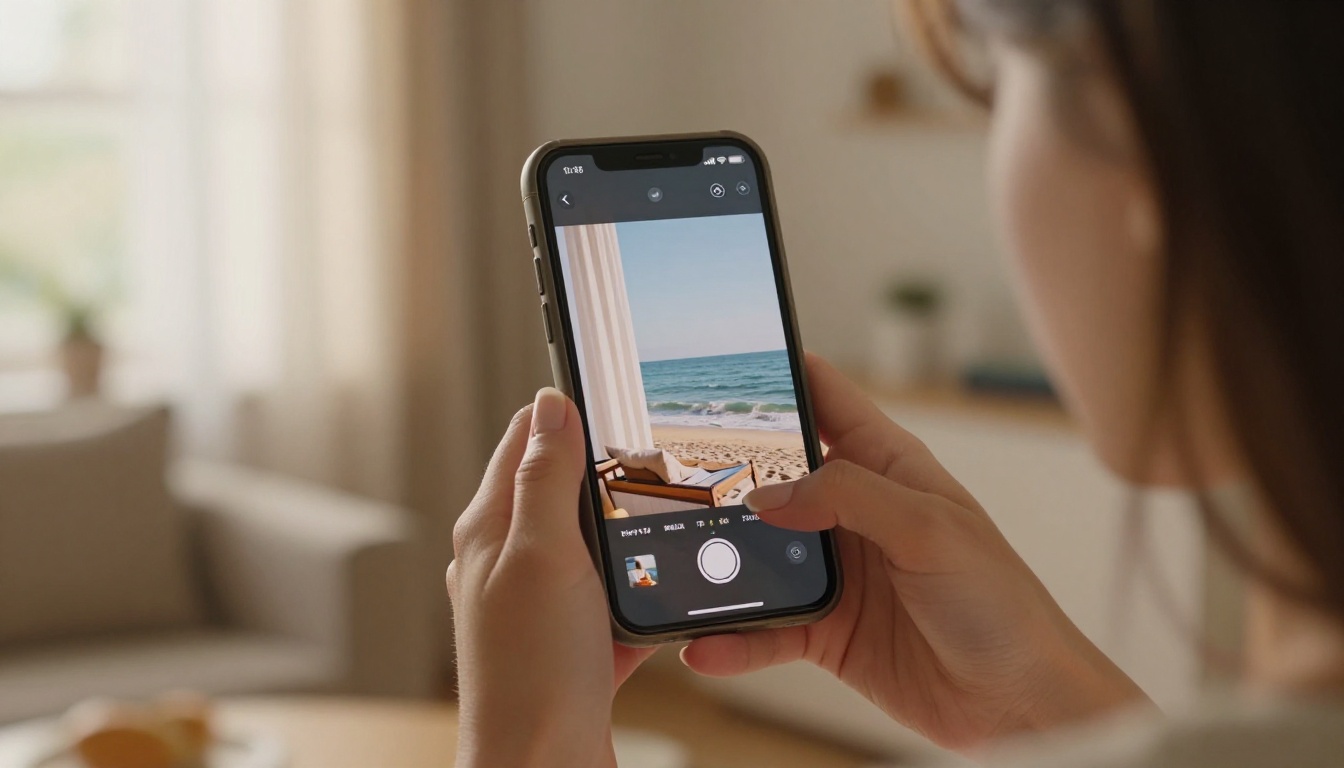
The ability to replace a background in real time used to require a physical green screen and editing software. TikTok's AI background tools changed that. Creators now film in their living rooms and appear to be standing on Santorini terraces or in Parisian cafés.
Virtual Backgrounds Beyond Zoom Calls
The content formats using AI background replacement that perform best on TikTok include:
- "Day in my life in [city]" series where the creator narrates a daily routine against aspirational AI-generated scenery
- Behind-the-scenes reveals where the creator shows the humble reality behind a polished-looking shot
- Green screen reaction videos where the creator overlays themselves on news clips, movie scenes, or viral moments in real time
AI Green Screen Without the Green Screen
Modern AI segmentation can separate a person from their background using only a phone camera. The algorithm predicts the edge between subject and background frame by frame. The results are not flawless around hair and fine edges, but they are good enough for TikTok's compressed video format.
For still images and higher-quality output, dedicated tools like Remove Background by Bria deliver significantly cleaner cutouts because they process each image at full resolution rather than attempting segmentation at 30fps in real time.
Lipsync and Talking Photo Filters
Lipsync filters are the category that surprises people the most when they first encounter them. Not because they are the most glamorous, but because they cross a line between static and alive.
Making Static Photos Come Alive
Talking photo AI takes a still portrait and animates the face to lip-sync with an audio clip. When done with a high-quality source image, the effect looks remarkably convincing. The most viral applications include:
- Old family photographs where a grandparent appears to speak a phrase or sing a line
- Pet photos animated to "react" to trending audio
- Celebrity portraits from past decades made to comment on modern events
- Historical figures placed into contemporary scenarios with current speech
For standalone, production-quality lipsync work outside of TikTok's built-in filters, models like Omni Human 1.5 by ByteDance and Fabric 1.0 by Veed produce frame-accurate mouth movement from a single photo input. Lipsync Precision by HeyGen and Lipsync 2 Pro by Sync are worth using when the lip movement quality of a TikTok filter is not sufficient for a professional output.
Voice Dubbing and Language Swap Effects
One of the fastest-growing TikTok AI filter trends is multilingual dubbing. Creators record a video in their native language and apply an AI filter that re-voices and re-lips the content in another language. The face moves with the new audio, and when the AI gets it right, the result is nearly indistinguishable from the original recording. This is expanding TikTok's creator economy by letting people reach international audiences without being fluent in another language.
Tools like Video Translate by HeyGen support over 150 languages for exactly this kind of translation-and-relipsync workflow. Kling Lip Sync by Kwai is gaining significant ground for its natural motion quality and accuracy on faces with visible teeth.
The Creator Stack Behind Viral Filter Content
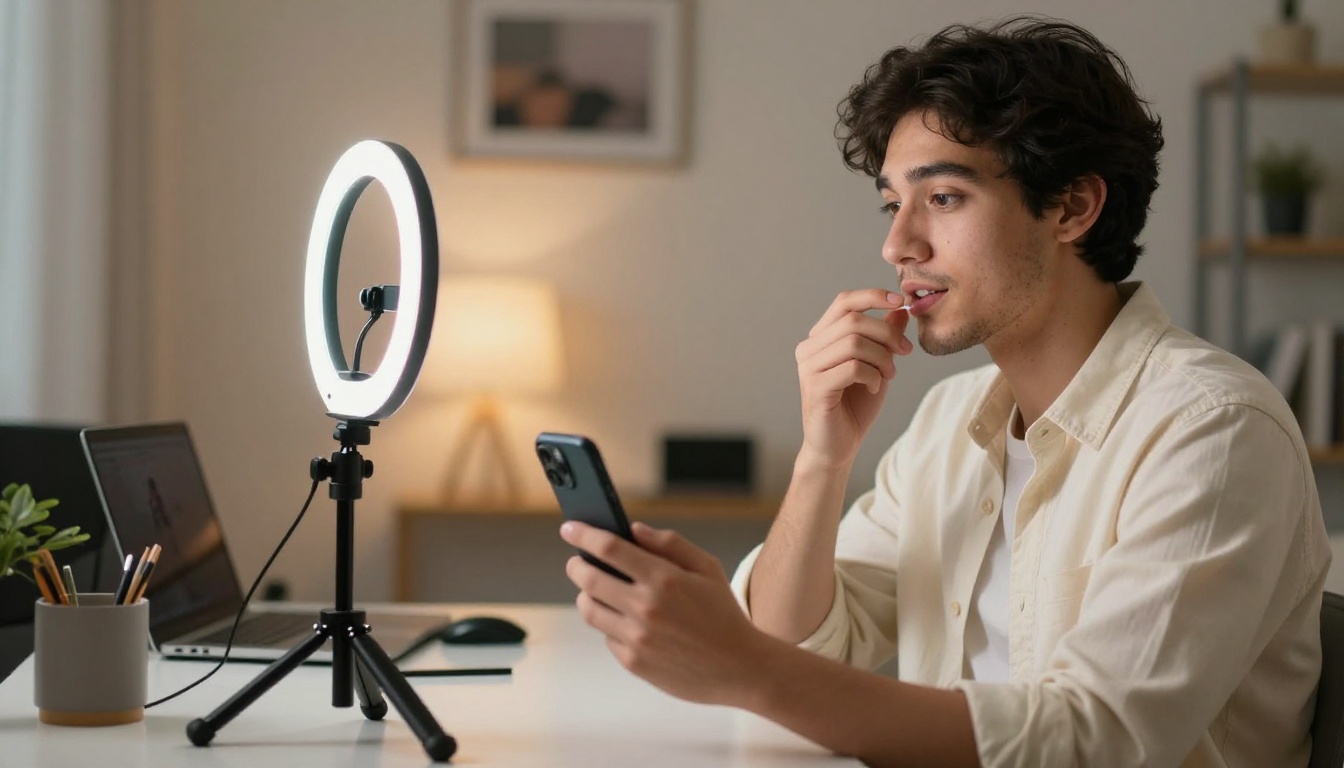
There is a common misconception that AI filters do all the work and the creator just needs to show up. Creators with the most views use a deliberate capture approach before they even open the camera app.
Lighting Before You Open the App
AI beauty filters work by analyzing pixel data. Better lighting produces richer pixel data for the model to process. The best creators in this space use:
- A large, soft light source (a window, a diffused ring light, or a softbox) placed slightly in front of and above the face at roughly 45 degrees
- A subtle fill on the opposite side to prevent harsh shadows that confuse edge detection
- Consistent color temperature throughout the frame: mixing warm tungsten with cool daylight creates skin tone inconsistencies that AI models struggle with
This is not about looking good before the filter. It is about giving the AI accurate color and texture information so the filter has something real to work with.
Resolution: Why Your Filter Looks Blurry

A problem that appears constantly in filter-heavy content is output quality loss. The filter looks polished in the live preview, but by the time the video is recorded, compressed by the app, uploaded, and compressed again by TikTok's servers, the image quality has dropped noticeably.
Recording at the highest possible resolution before applying effects is the single most effective way to retain visual quality through the full compression chain. TikTok accepts 4K uploads. Shooting in 4K gives your content several compression steps of buffer before it starts to look degraded.
When AI Filters Crush Your Image Quality
This is one of the genuine friction points in working with AI filters: the output file quality does not always match the quality of the live preview. Some filters introduce noise, softness, or color banding that was not visible during recording. That is where image restoration and super-resolution tools become genuinely useful.
Super-Resolution Tools That Fix the Problem
For still images exported from TikTok or from a filter app, upscaling tools can recover a meaningful amount of lost detail. The best options vary by use case:
For video content, Video Upscale by Topaz processes footage frame by frame and outputs in 4K at up to 120fps. Upscale v1 by Runway is a faster alternative when you need quick results without heavy processing time.
Real-world tip: Export your filter content at the highest quality the app allows, then run it through a super-resolution tool before reposting or archiving. The difference in skin and background texture is visible.
Stop Relying Only on TikTok Filters
TikTok's built-in filters are powerful for real-time capture. But they are constrained by the processing budget of a phone running at 30fps with limited VRAM. When you want a result that goes beyond what any live filter can produce, dedicated AI image generation is the answer.
Picasso IA gives you access to over 90 text-to-image models, background removal, portrait upscaling, lipsync generation, video enhancement tools, and more. You describe what you want, and the platform generates it at full resolution without the compression penalty of an in-app filter.
You can produce the same aesthetic that TikTok's trending filters approximate, the bold glamour beauty look, the cinematic portrait, the scenic background swap, except with full control over every parameter and output at a quality level no phone filter can match.
If you have been using TikTok filters to try to get a specific look and the results keep falling short of what you imagined, try running the same concept through Picasso IA. Set your own resolution. Define your own lighting. Pick from dozens of models. The difference between a phone filter and a dedicated AI generation platform is the same as the difference between a phone camera and a medium-format camera. Same subject. Completely different ceiling.


