Every time you hit "generate" on an AI image tool, you are burning credits. Do it casually for a week and you will discover your balance disappeared into a folder full of rejected outputs. That is the reality most tutorials skip: AI generators are powerful, but careless use turns them into money pits fast. This is not about buying less. It is about spending smarter on every tool in your stack, so each credit does more work.

The Real Cost of AI Generators
The marketing makes it look cheap. "$10 for 1,000 images!" sounds like a deal until you realize you are regenerating the same prompt six times to get one usable output. Suddenly that is 166 images, not 1,000. And that assumes you are only using one platform.
Per-Image Costs Add Up Fast
Most people underestimate how many generation attempts a single finished image requires. Professional users report an average of 3 to 5 attempts per image due to:
- Prompt refinement across iterations
- Aspect ratio or composition adjustments
- Lighting and color corrections
- Style inconsistencies between outputs
That 4x multiplier changes everything. A project requiring 50 final images may consume 200+ credits before you are satisfied. At standard mid-tier pricing across major platforms, that can easily reach $15 to $30 per project, not counting video or audio generation on top.

Free Tier Limits Explained
Free tiers are real, but their limits are designed to hook you, not sustain you. Here is what most platforms actually offer:
| Platform Type | Typical Free Limit | Reset Period |
|---|
| Image generators | 10 to 50 images | Daily or monthly |
| Text / LLM tools | 50 to 200 messages | Daily |
| Video generators | 1 to 5 clips | Monthly |
| Upscalers | 5 to 10 uses | Daily |
The trick is stacking multiple tools strategically so you are always drawing from the platform with the most remaining free capacity, rather than burning through one service's daily limit before noon.
5 Tricks to Cut AI Costs Now
These are not theoretical. Each one directly reduces the number of generation attempts you make per finished image.
Write Better Prompts
Bad prompts waste more money than anything else. Every vague, incomplete, or contradictory instruction leads to outputs you will discard. The more specific your prompt, the fewer retries you need.
Spending two more minutes on your prompt before hitting generate is the single highest-ROI habit in AI image creation. Include all of these:
- Subject: Who or what is in the image, with precise physical details
- Environment: Where it is happening, what surrounds the subject
- Lighting: Direction, color temperature, intensity, and source
- Style: Photorealistic, film grain, specific camera simulation (e.g., Kodak Portra 400)
- Mood: Atmosphere, emotional tone, time of day
A well-crafted 60-word prompt consistently outperforms a 6-word prompt, and it reduces your average attempts from 5 down to 2. That alone halves your credit usage.
💡 Tip: Save your best-performing prompts in a text file. Reusing a winning structure with new subjects is faster and far cheaper than starting from scratch every session.
Batch Your Requests
If you need 20 images for a project, do not generate them one by one as you need them. Batch all requests in a single session for two reasons:
- You stay in a creative flow where each output informs the next
- You avoid burning your daily free limit across fragmented sessions
Many platforms also offer higher rate limits during off-peak hours. Generating at 6am versus 3pm on the same plan can stretch your credits further with no extra cost.
Use Free Open-Source Models
Not every task needs the most expensive model. For text generation, prompt drafting, writing descriptions, or brainstorming ideas, free open-source LLMs deliver results that are more than sufficient.
On PicassoIA, several large language models are available completely free:
- Llama 2 7B by Meta: Fast, capable, and free. Perfect for drafting prompts and content ideas.
- Mistral 7B v0.1: Punches above its weight for creative text tasks.
- DeepSeek V3: Excellent reasoning and writing output at no cost.
- Gemini 2.5 Flash: Google's fast model, ideal for quick analysis and ideation.
Using a free LLM to write and refine your image prompts before spending any image credits is one of the most effective habits you can build. Draft 5 prompt variations with an LLM, pick the best two, then generate. You will use 2 credits instead of 10.

Upscale Instead of Regenerating
One of the most expensive mistakes in AI workflows is regenerating an image because it "lacks detail" or looks slightly soft. The fix is rarely a new generation. It is upscaling.
How Real ESRGAN Saves You Money
Real ESRGAN is a free super-resolution model on PicassoIA that enlarges any image up to 4x its original resolution while adding texture, sharpness, and detail that make it look like it was generated at a higher quality tier.
The workflow is simple:
- Generate at standard resolution (cheaper, faster, uses fewer credits)
- Pick the best output from your batch
- Run it through Real ESRGAN or Recraft Crisp Upscale
- Receive a 4K-quality result without paying for a premium generation tier
This two-step process consistently produces better results than paying for "HD" generation options, and it works with images from any source.
💡 Tip: Bria Remove Background is free and works seamlessly after upscaling. Remove the background from an upscaled portrait or product shot, then recompose it against a new background you generate cheaply at lower resolution. Zero wasted credits on backgrounds you will never actually use.
When Free Tiers Are Actually Enough
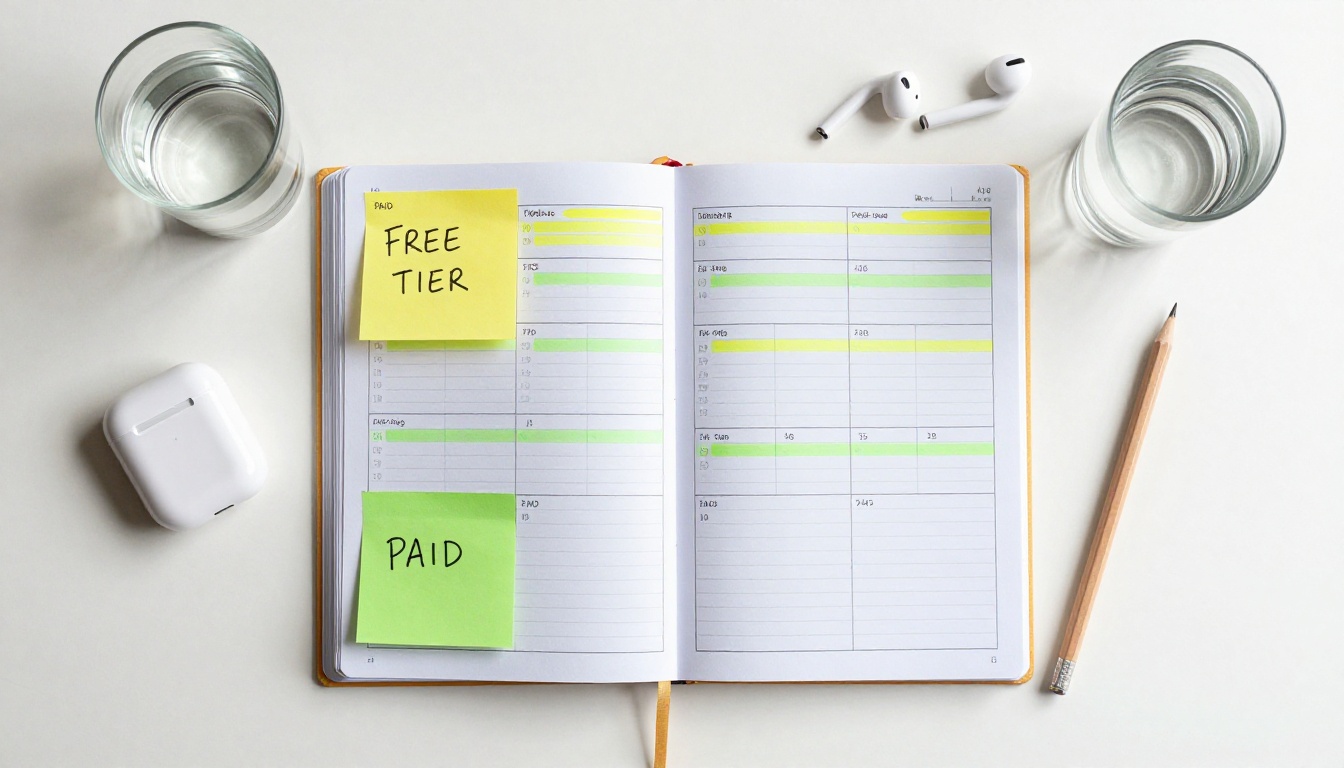
Most hobbyists, small creators, and even some professionals are paying for plans they do not need. Free tiers on modern AI platforms are substantially more generous than they were two years ago, and for many use cases, they are completely sufficient.
Matching Model to Task
The biggest waste in AI spending is using a premium model for a task that a smaller, cheaper model handles just as well. Match the tool to the actual requirement:
The pattern is consistent: a free or low-cost model handles 80% of tasks at 90% of the quality. Save your premium credits for the 20% that genuinely requires them.

3 Common Billing Mistakes
Knowing what to stop doing is half the battle:
- Auto-renewing plans you stopped using: Set a calendar reminder the day before any AI subscription renews. Review usage honestly. Unused subscriptions are pure waste.
- Paying for both image and video plans simultaneously: If you only occasionally produce video content, pay-per-use almost always costs less than a monthly video subscription.
- Ignoring annual plans: If you do need a paid plan, annual pricing typically saves 20 to 40% compared to month-to-month. The break-even is usually around three months of consistent use.
Smart Subscription Strategy
Not all spending is waste. Sometimes a paid plan genuinely makes sense. The question is whether your usage justifies the cost, and whether you are on the right plan for your specific pattern.
Pay-Per-Use vs. Monthly Plans
Monthly plans win when you generate consistently every week. Pay-per-use wins when you work in project bursts. Here is how to tell which category you fall into:
- Monthly plan makes sense: You use AI tools at least 4 to 5 days per week throughout the month
- Pay-per-use makes sense: You have 2 to 3 intense project weeks followed by quiet periods
Most creators fall into the second category but pay for the first. Switching to pay-per-use, or using a platform where multiple tools share one credit pool, typically cuts costs by 30 to 50% for this usage pattern.
💡 Tip: Track your actual credit usage for 30 days before renewing any subscription. Most platforms show a usage dashboard. If you used less than 60% of your plan's capacity, you are overpaying.

Stack Free Tools, Pay for One
The most cost-effective strategy for most creators is a hybrid approach:
- Use free LLMs for all text tasks: prompt writing, content planning, descriptions, and research
- Use free upscalers for all quality improvement needs after initial generation
- Use free background removal for product and portrait cutouts
- Pay for one image generation plan at the tier that fits your actual output volume
This way, you are paying for the one capability that requires credits (image generation) and running everything around it for free. The result is a dramatically lower monthly spend without sacrificing the quality of your final outputs.

How PicassoIA Works for Budget Creators
PicassoIA is built for this kind of mixed-use workflow. The platform hosts over 91 text-to-image models, 87 video models, and dozens of supporting tools including upscalers, background removers, and LLMs, all accessible through one interface sharing a single credit system.
That matters for budgeting because instead of paying separately for an image generator, an LLM, an upscaling tool, and a background remover, you are pulling from one shared pool. The free-tier access covers tools like Real ESRGAN, Recraft Crisp Upscale, Gemini 2.5 Flash, Llama 2 7B, and Bria Remove Background at no charge. Premium image generation uses credits, but the supporting workflow tools do not drain your balance the same way.
For creators who want to run a DeepSeek V3 session to plan a full month of content, then spend a single credit session generating all their images at once, the platform's structure makes that workflow natural and genuinely affordable.

Your Next AI Image, Cheaper
The tips in this article are not about cutting quality. They are about cutting waste. The gap between what most creators spend on AI tools and what they actually need to spend is significant, and it closes fast once you apply these habits consistently.
Write stronger prompts, batch your generations, use free models for supporting tasks, and upscale instead of regenerating. Do those four things and your per-image cost drops to a fraction of what it was before.
The best place to put this into practice is a platform where all these tools live together. PicassoIA gives you free access to upscalers, LLMs, and background removers alongside a catalog of over 90 image generation models. Start with the free tools, figure out exactly where you need to spend, and pay only for that. Open your first session at picassoia.com and see how far a single credit pool goes when you are actually using it efficiently.


