The tools available to creators in 2027 are not an incremental upgrade on what came before. They represent a different category of possibility: a solo creator can now produce a photorealistic image, a cinematic video clip, original music with vocals, and a polished 1500-word script in a single afternoon without touching professional software or hiring a team. The bottleneck has shifted from production to judgment, specifically, knowing which tool to use, when, and for what purpose.
This breakdown covers the 10 AI tools that belong in every creator's workflow right now, organized by output type, with honest assessments of what each one does best and where each one fits in a real production pipeline.

1. AI Image Generation: Three Models Worth Using
The image generation space in 2027 has three distinct leaders, each dominating a different use case. Using the wrong one wastes time and credits. Here is how they divide.
Ideogram v4: When Text Inside Images Matters
Ideogram v4 Quality is the first image model that reliably renders text inside images without spelling errors, character distortion, or layout collapse. For creators producing thumbnails, poster graphics, social media banners, or any visual asset where words need to be legible, Ideogram v4 is the only model that consistently delivers.
Two tiers are available. Ideogram v4 Quality produces the highest resolution output with the most accurate text rendering. Ideogram v4 Balanced runs roughly three times faster at a small cost to precision, making it the better pick during rapid iteration phases when final quality is not yet required.
💡 Pro tip: Enclose the exact words you want rendered in your prompt using quotation marks. "A banner reading EARLY ACCESS with clean white letters on black" returns far more consistent results than describing the text indirectly.
| Version | Best For | Relative Speed |
|---|
| Ideogram v4 Quality | Print assets, final outputs | Standard |
| Ideogram v4 Balanced | Concept drafts, fast cycles | 3x faster |
P-Image: Speed Without Sacrificing Quality
P-Image is built for volume. It produces photorealistic portrait, scene, and lifestyle images at a pace that suits content pipelines rather than single-shot projects. Where Ideogram specializes in text accuracy, P-Image excels at natural lighting, skin texture, environmental detail, and the kind of visual authenticity that social media content requires to perform.
If your workflow demands 20 or 30 image variations in an hour, P-Image is the model you want running.
Riverflow v2.5: Auto-Scored Batch Output
Riverflow v2.5 Pro adds a layer that most image models lack: a built-in quality score for every generated image. Set a minimum score threshold and the model only returns images that meet it. This removes the manual selection step from high-volume workflows entirely.
Riverflow v2.5 Fast applies the same scoring system with faster generation for situations where throughput matters more than maximum quality. For creators running stock image production, social media campaigns, or any visual pipeline that requires consistent minimum standards, this scoring mechanism alone makes Riverflow worth including in the stack.

2. AI Video: Production Without a Crew
Video generation in 2027 has reached a quality level where outputs are usable in professional contexts. The three models below cover short-form social content, cinematic production, and directed scene work.
Seedance 2.0: Synchronized Audio from One Prompt
Seedance 2.0 from ByteDance changed what text-to-video means in practice. Earlier tools produced silent clips that required separate audio workflows. Seedance 2.0 generates video with synchronized native audio from the same prompt: ambient sound, environmental noise, and atmospheric audio that matches the visual scene without any extra steps.
This makes it the fastest path from idea to finished short-form content. One prompt produces the video and the audio together.
What Seedance 2.0 handles well:
- Social media reels and short-form clips (5 to 15 seconds)
- Product showcase videos with natural ambience
- Lifestyle and travel b-roll with authentic sound
- Any content where environmental audio is part of the feel
Veo 3: Cinematic Realism at Scale
Veo 3 from Google operates at a level of visual complexity that most text-to-video models cannot match. It handles large environments, natural crowd behavior, complex lighting transitions, and sustained shot coherence across longer sequences. The native audio generation matches the visual quality of the output.
The practical use cases are anything that needs to look cinematic: commercial-style product features, short narrative sequences, and documentary-style footage that has to hold up on large screens. For quick turnaround on standard content, Veo 3 Fast trades some detail for significantly faster generation.
Sora 2 and LTX 2.3 Pro are two additional models worth keeping in rotation. Sora 2 is particularly strong on physics and real-world motion accuracy. LTX 2.3 Pro generates 4K video from text and is the pick when output resolution is a hard requirement for the delivery format.
Kling v3: Directed Motion at 1080p
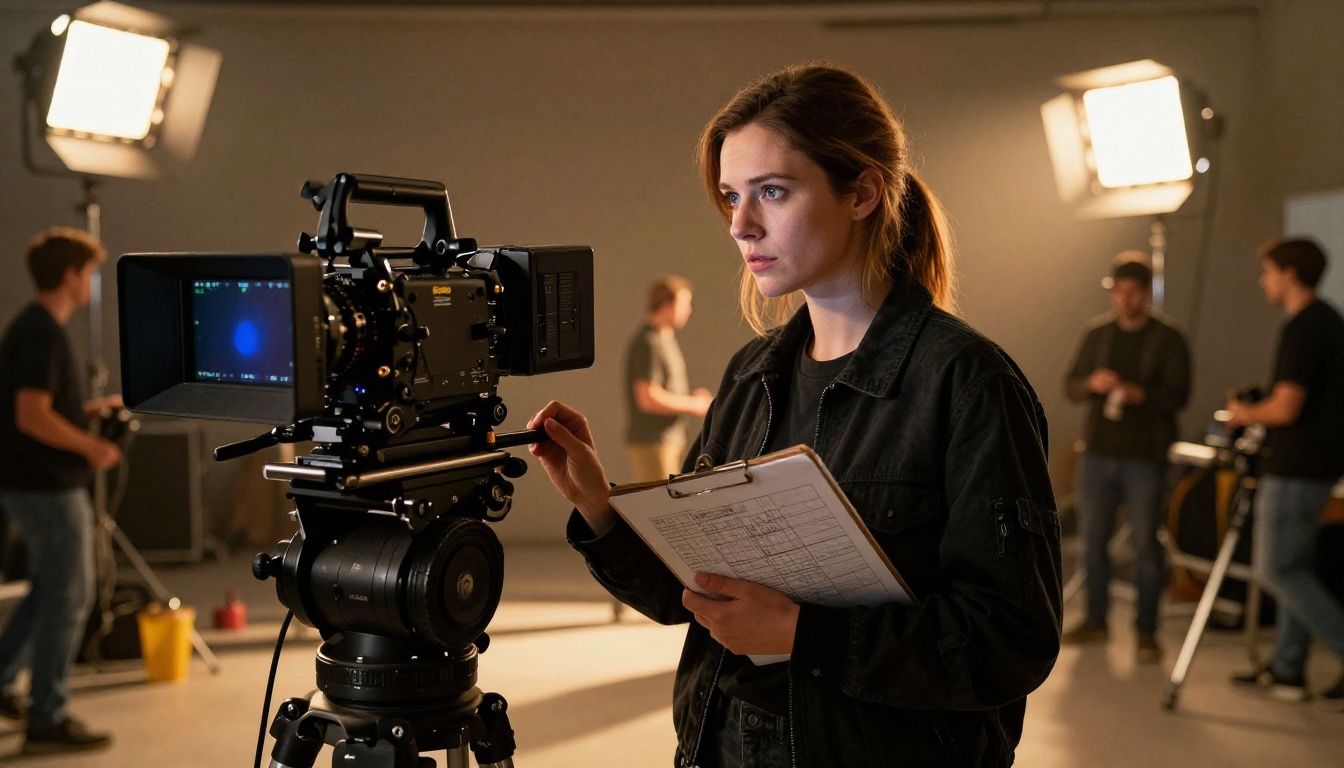
Kling v3 delivers 1080p video with a feature that distinguishes it from most competitors: controllable character and object motion. Kling v3 Motion Control lets you specify how subjects move through the frame, giving you directorial control over generated content that previously required rotoscoping or manual animation.
For creators who need to direct a scene rather than just describe it, Kling v3 closes the gap between intention and output in a way that simpler models cannot.
Quick comparison of the three video tools:
| Seedance 2.0 | Veo 3 | Kling v3 |
|---|
| Native audio | Full | Full | Partial |
| Max resolution | 1080p | 1080p | 1080p |
| Motion control | Limited | Limited | Yes |
| Best use case | Social clips | Cinematic | Directed scenes |
Also worth noting: Ray 3.2 from Luma produces cinematic HDR video and is a strong alternative when you want a different visual aesthetic from Veo 3.
3. Large Language Models: Three for Every Task
No creator workflow in 2027 runs without at least one LLM. The three below cover fast output, deep reasoning, and transparent analysis, which between them handle the majority of what creators actually need from language AI.
GPT-5: Volume, Speed, Consistency
GPT-5 is the model for creators who write at volume. Scripts, captions, email sequences, product copy, blog articles, and social content all process quickly without noticeable quality degradation on standard tasks. The major improvement over earlier GPT models is coherence in long-form content: GPT-5 maintains consistent tone, logic, and structure across documents that previous models would drift through.
For automated content pipelines that need structured outputs in JSON or other machine-readable formats, GPT-5 Structured is purpose-built for that use case.
💡 When using GPT-5 for script writing, provide a single-sentence character description for any narrator or voice before the script body. It noticeably improves tone consistency across the full output.
Claude Opus 4.7: Precision for Complex Work
Claude Opus 4.7 is the model for tasks that require precision, careful reasoning, or sustained quality across large amounts of text. Research summaries, multi-chapter content, contract analysis, detailed creative briefs, and any document where vagueness has real consequences all benefit from Claude Opus 4.7's depth.
Claude Sonnet 4.6 is the right choice for everyday writing tasks and processes with less processing overhead. Reserve Opus 4.7 for work where the quality ceiling genuinely matters and you need the model to stay focused across a long context window.
DeepSeek R1: Reasoning You Can See
DeepSeek R1 works through problems step by step and shows its reasoning. For creators solving multi-step problems, building complex workflow logic, or doing research that requires following a chain of evidence, seeing the model's reasoning process is more useful than just receiving an answer.
It sits among the top open-source language models available. DeepSeek v3.1 is the faster companion for tasks that need speed without deep reasoning chains.
Other LLMs worth keeping available:
- Gemini 3.1 Pro: Best when the task requires reading or analyzing images alongside text in the same session
- Grok 4: Strong on sustained logical reasoning and problems that require consistent focus over many steps
- Kimi K2.6: Built for agentic tasks and long-context code generation where reasoning across large files matters
4. AI Music: From Prompt to Published Track
Music production used to be the one content format that AI could not crack at a usable quality level. Atmospheric loops existed, but tracks with dynamic structure and coherent vocals did not. In 2026 that changed with two models that cover the full range of creator needs.
Lyria 3 Pro: Structure That Sounds Composed
Lyria 3 Pro from Google produces full-length songs with proper musical structure: intro, build, verse, chorus, bridge, and outro. Earlier music AI generated loops that felt repetitive after 30 seconds. Lyria 3 Pro builds tension and releases it the way a human composer would, creating tracks that have a beginning, middle, and end.
The output quality is sufficient for content monetization, sync licensing in video production, and consistent branded audio across a content series. Lyria 3 is available for shorter or simpler compositions when full song structure is not required.
Music 2.6: Vocals from a Single Description
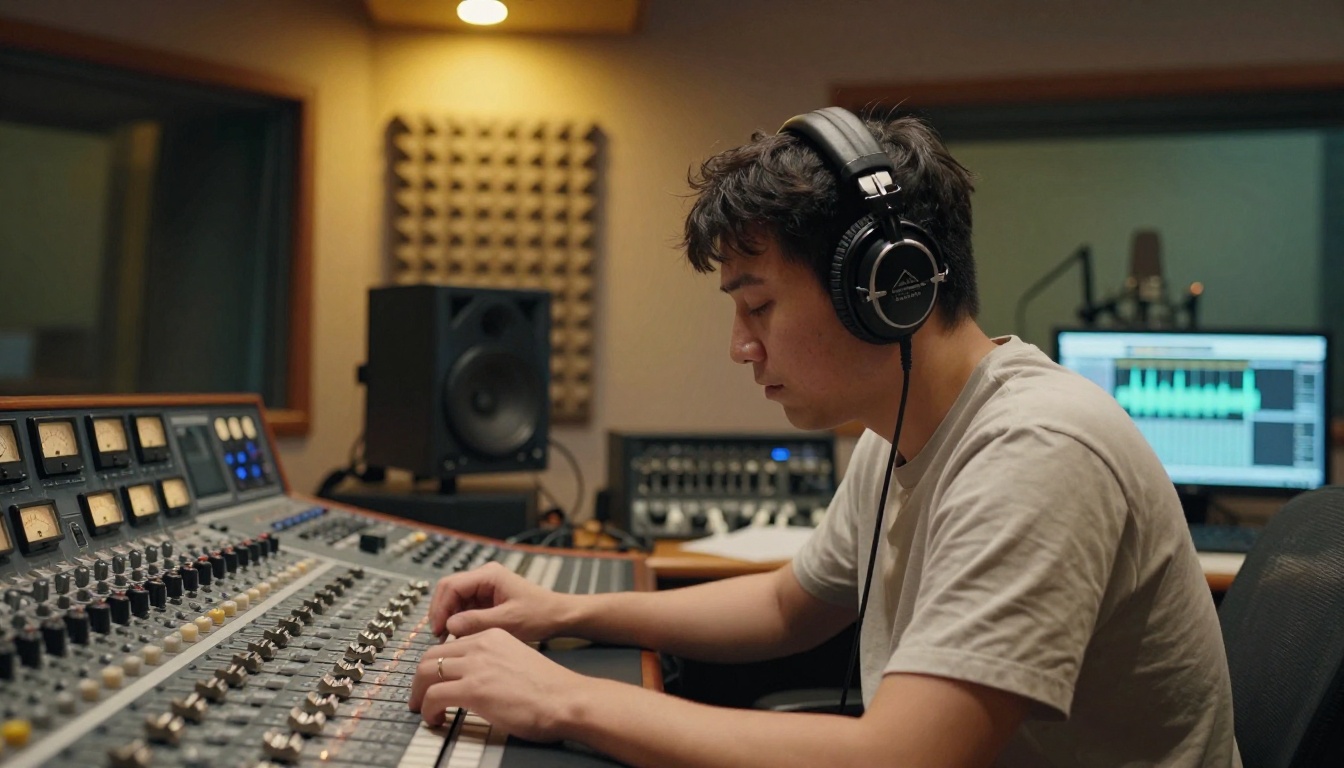
Music 2.6 generates songs that include coherent vocals, not just instrumental backing. Describe the genre, mood, tempo, and lyrical concept, and Music 2.6 writes and performs the track. For YouTube intros, podcast themes, short-form content branding, and any situation where silence feels unprofessional, this eliminates what used to be a multi-day production process.
Two additional tools complete a full audio toolkit. ElevenLabs Music excels at atmospheric and ambient compositions where mood matters more than song structure. Stable Audio 2.5 gives you stem-level control, letting you generate and adjust individual instrument layers separately for mixing flexibility.

The 10 tools above span multiple companies, three different output types, and varied pricing models. Managing separate accounts, separate API keys, and separate learning curves for each one adds friction that compounds over time. Serious creators in 2027 are consolidating onto platforms that host multiple models in a single interface.
PicassoIA provides access to all 10 tools in this article, plus the broader model library they sit within. Over 90 image models, 87 video generation models, 70 language models, and 10 dedicated music creation tools are accessible through one account. You can switch between Ideogram v4 and P-Image without leaving the page, or run the same video prompt through Seedance 2.0 and Kling v3 for a side-by-side comparison without changing tabs or managing separate integrations.
Platform capabilities that extend each tool:
- ControlNet for structure and pose control over generated images
- AI Image Restoration to fix noise, blur, or damaged source assets
- Super Resolution for 2x to 4x upscaling of any generated image
- Lipsync for audio-to-face synchronization on video content
- AI Video Enhancement to stabilize and upscale generated video footage
- Background Removal for clean asset extraction from generated images
- Face Swap for character consistency across a series of content
6. The Creator Stack in Practice

The creators producing the strongest output in 2027 are not running one AI tool. They are routing tasks through a coordinated set of models where each tool handles the step it executes best.
A working creator stack:
- Brief and outline: GPT-5 for fast structure, Claude Opus 4.7 for nuanced or complex briefs
- Research and analysis: DeepSeek R1 for step-by-step reasoning through complicated topics
- Visual assets: Ideogram v4 for graphics with text, P-Image for photorealistic scenes, Riverflow v2.5 for scored batch output
- Video production: Seedance 2.0 for social clips with audio, Veo 3 for cinematic sequences, Kling v3 when directed motion control is needed
- Music and audio: Lyria 3 Pro for full tracks, Music 2.6 when vocals are part of the concept
- Final polish: Super Resolution and AI Video Enhancement for delivery-ready quality
The interesting part is how these tools connect. An LLM writes the concept brief. That brief generates the image prompt. The image goes into Kling v3 as the source frame for a video clip. The video gets a Lyria 3 Pro soundtrack. The full package ships as a finished asset. That pipeline, which used to involve at least five people and several expensive software subscriptions, now runs on a single account.
7. What Actually Improves Your Output
The tools in this article produce impressive results at baseline. What separates good outputs from outputs you actually want to use comes down to how you work with each model.
Three habits that consistently raise output quality:
Specificity in prompts. Describing a specific camera angle, lighting direction, emotional tone, or surface texture produces outputs that look intentional. "Shot from below at 35mm with morning light from the left, slight motion blur on the background" produces a different image than "a photo of a person standing outside." The extra detail costs nothing and changes the result significantly.
Batch and compare. Running five variations of a prompt costs almost the same as running one, and the best output in a batch of five is usually notably stronger than the best single attempt. Build comparison into the process rather than committing to the first result, especially for assets that will appear in published content.
Model matching. Running Veo 3 for a 5-second social clip when Seedance 2.0 would handle it faster, or using Claude Opus 4.7 for a caption when GPT-5 would be more than sufficient, wastes time and credits. Each model has a category where it outperforms. Developing the instinct for which tool fits which task is the skill that compounds across a workflow and produces the biggest efficiency gains over time.
Start Building Your Stack on PicassoIA
Every tool in this list is available at picassoia.com. The platform lets you run image generation, video creation, language model tasks, and music production without switching accounts or managing separate integrations. Pick the model, write the prompt, and get the output.

Start with the format you work in most. If you produce images, run a prompt through Ideogram v4 Quality and P-Image side by side and see which output fits your style. If video is your primary format, try Seedance 2.0 for a quick clip with audio and see what comes back in under a minute. If you write, put a brief into GPT-5 and a detailed document into Claude Opus 4.7 on the same prompt and compare the outputs directly.
The full model library, including all 10 tools above and hundreds more across every creative format, is at picassoia.com/en/all-models. Pick one tool, run a few prompts, and see how it fits into what you are already building.


