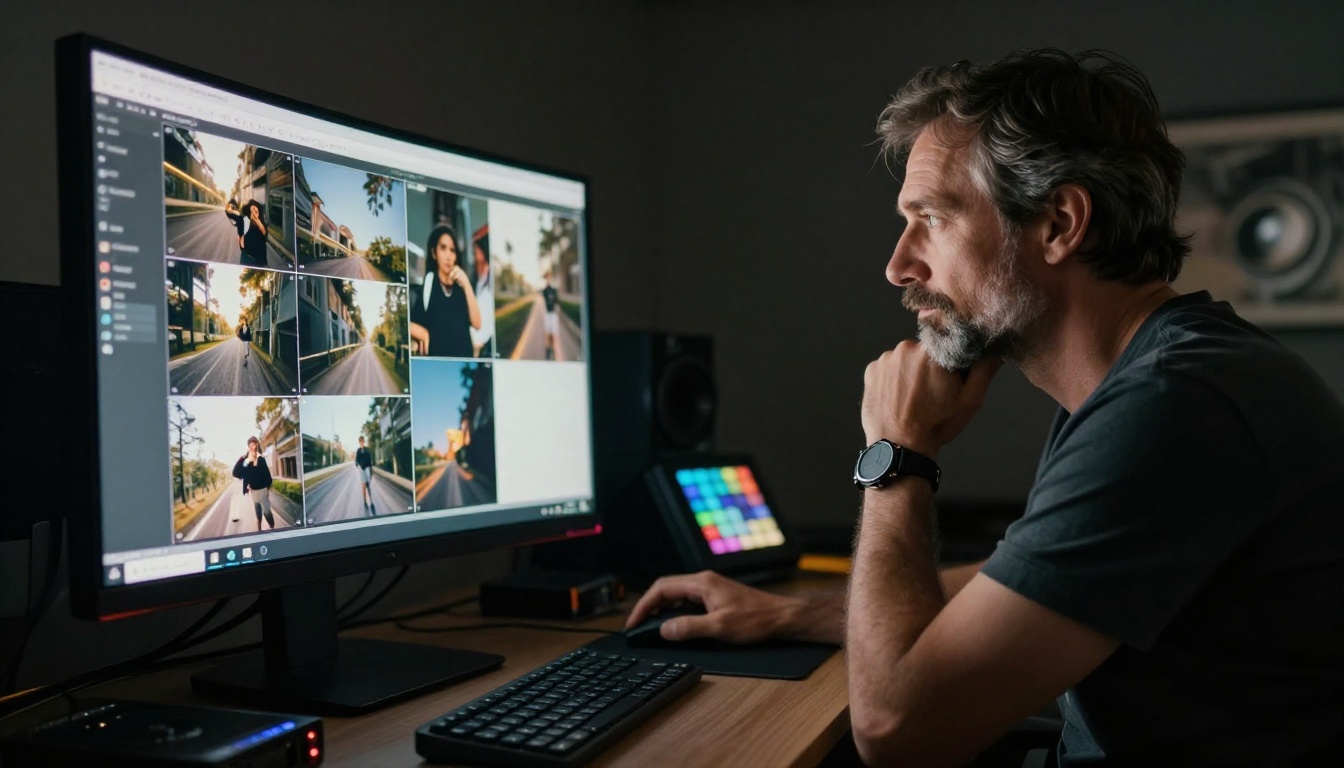
You type a prompt, the results look stunning, and then it happens: "Free credits exhausted." If you have spent any time testing AI image tools, you know how fast that message shows up. Most platforms advertise unlimited generation but deliver something far more frustrating. Daily caps, watermarks, slow queues for free users, and paywalls that appear right when you hit your creative stride.
This is a ranked list of the 10 best unlimited AI image generators that do not cut you off. Every model here is available on PicassoIA, a platform with over 185 text-to-image models and no arbitrary usage caps. Whether you are a content creator, designer, or someone who simply wants to create images without watching a credit counter, these tools deliver.
What "Unlimited" Actually Means
The word "unlimited" gets used loosely in this space. Before choosing a tool, it helps to know what kind of restriction you are actually dealing with.
The Credits Trap
Most platforms use one of three restriction models:
- Credit-based: Fixed number of credits per day or month. Run out and wait 24 hours.
- Queue-based: Technically unlimited, but free users sit in a slow queue that makes bulk creation impractical.
- Rate-limited: Free generation that throttles speed after a certain number of requests per hour.
True unlimited means none of the above. Submit a prompt, get a result, submit another immediately at full speed, no countdown.
Why Free Generators Run Out Fast
Running large AI models at scale is expensive. Most platforms offer free access as a funnel to paid plans, which means free users are deliberately limited. The generators on this list either have lean infrastructure, a different monetization model, or enough scale to absorb the compute cost. All 10 offer real generation without constant interruptions.
#1 PicassoIA Image Editor Pro
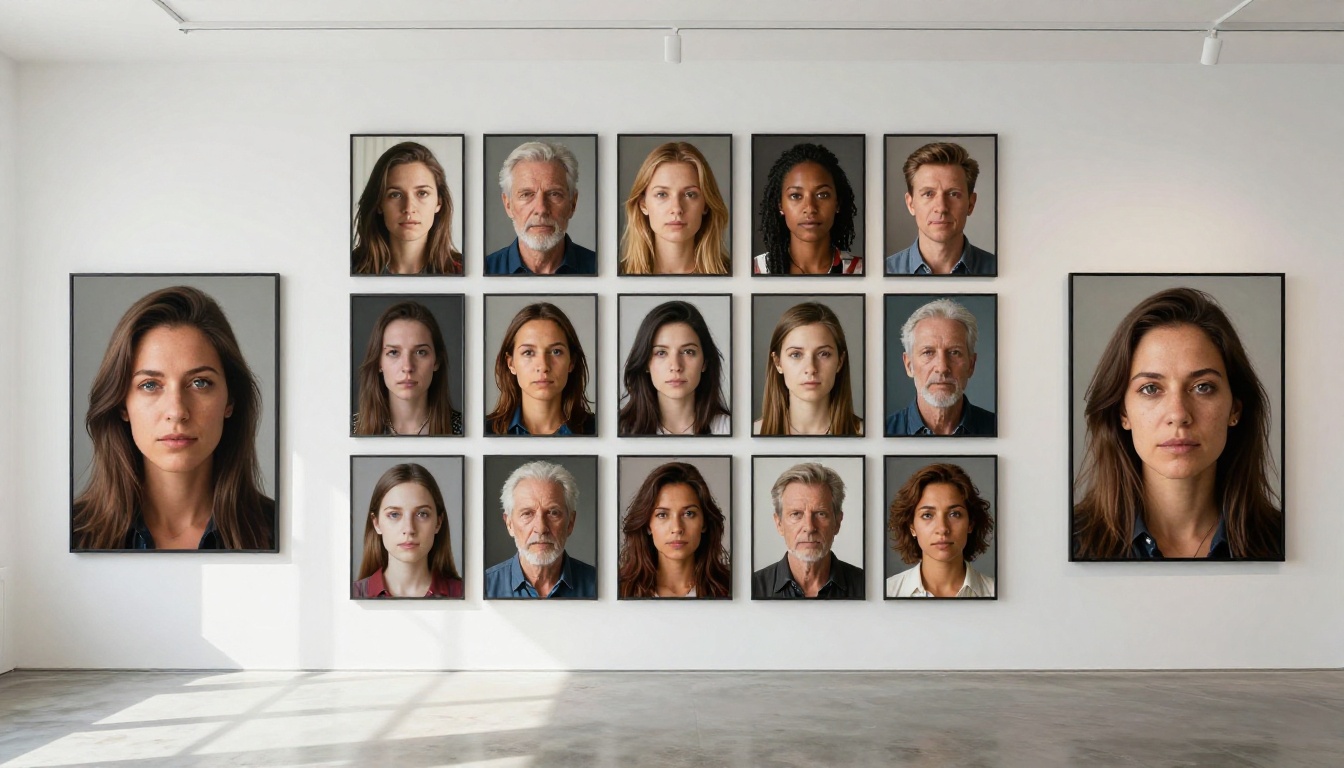
PicassoIA Image Editor Pro sits at the top of this list because it combines photorealistic text-to-image generation with a full-featured AI photo editing layer in one model. You are not choosing between creating and editing. You get both, without a credit cap on either.
What It Does
- Photorealistic image generation: Portraits, landscapes, products, architectural scenes. The output quality on detailed prompts competes with premium paid tools.
- AI-powered editing: Modify existing images via natural language. Change backgrounds, remove objects, adjust lighting conditions without manual selections.
- No watermarks: Every output is clean and ready for commercial or personal use.
- 8K resolution support: Fine texture, visible pores on skin, individual strands of hair rendered at full fidelity.
- No daily generation cap: Create as many images as your session demands.
Tip: Add lighting direction to every prompt. "Soft window light from the left" produces a completely different result than just "good lighting." Specificity is what separates professional-looking output from average results.
How to Use It on PicassoIA
- Open PicassoIA Image Editor Pro
- Write your prompt with subject, environment, and lighting details
- Choose output resolution and aspect ratio (16:9 for horizontal content, 9:16 for vertical)
- Click Generate and receive results in seconds
- Use the built-in editing tools to refine: outpainting expands the canvas, inpainting fills or replaces specific areas
- Download the finished image with no watermark or usage restriction
The 9 Other Generators Worth Your Time
#2 PicassoIA Image
PicassoIA Image is the platform's dedicated text-to-image generator for high-volume creation. It handles hyper-realistic portraits, product photography, and artistic scenes with consistent quality. No credit system, no daily reset. The go-to option for anyone running a content pipeline that requires a steady stream of original images.
#3 GPT Image 2
GPT Image 2 from OpenAI brings strong instruction-following to image generation. When your prompts are highly specific or require text to appear accurately within the image, this model handles it better than most. Product mockups, social media graphics with captions, and any image where layout and visual precision matter are where GPT Image 2 performs best.
#4 Seedream 4.5
Seedream 4.5 from ByteDance produces 4K images with exceptional color accuracy and detail. It handles complex multi-element scenes without losing coherence, a common failure point in other models. Scenes with multiple people or intricate backgrounds stay sharp and structurally sound where other models fall apart.
#5 Wan 2.7 Image Pro
Wan 2.7 Image Pro generates full 4K photorealistic images with excellent prompt fidelity. Architectural photography, wide landscape shots, and portrait work all come out at print quality. The "Pro" designation here is accurate: resolution and detail go noticeably further than most other models in the same category.
#6 Hunyuan Image 2.1
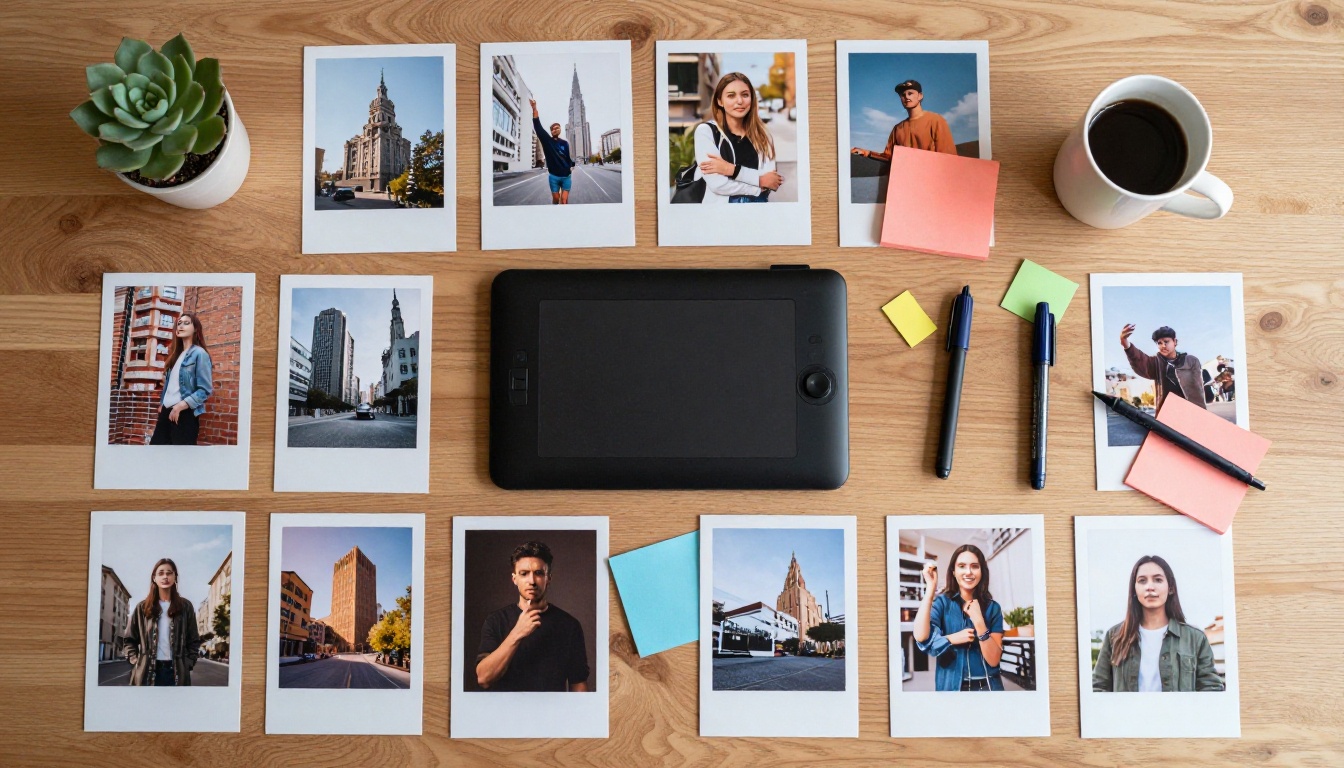
Hunyuan Image 2.1 from Tencent delivers 2K images with outstanding facial detail and skin texture realism. For portraiture, the skin pores, hair strands, and subtle lighting gradients render at a level that consistently passes for real photography. If beauty content, editorial portraits, or character-focused work is your priority, Hunyuan 2.1 is the most reliable option on this list.
#7 Flux Redux Dev
Flux Redux Dev from Black Forest Labs specializes in image variation generation. Upload a reference image and the model produces coherent variations that maintain the core composition while exploring creative alternatives. For brand consistency work, or when you need multiple takes on a scene without re-prompting from scratch, this is the right tool.
#8 Qwen Image Edit Plus
Qwen Image Edit Plus focuses on targeted AI photo editing through natural language instructions. Change the color of clothing in an image, replace backgrounds, or add objects to a scene without losing the original lighting or perspective. A fast alternative to manual editing tools for iterative visual work.
#9 P Image Edit LoRA
P Image Edit LoRA from PrunaAI brings LoRA-based style control to AI image generation. Fine-tuned stylistic control over outputs makes it particularly valuable for creators who want consistent visual identity across a batch of images. Pair it with a style reference to produce brand-consistent AI art at scale.
#10 Wan 2.7 Image
Wan 2.7 Image rounds out the list as a reliable 2K text-to-image generator. Faster than the Pro variant, it works well for quick iteration when you need volume over maximum resolution. Ideal for content pipelines where speed matters as much as output quality.
Side-by-Side Comparison
Getting Better Results From Any Generator
The model matters, but the prompt matters more. Here is how to consistently produce professional-grade output from any of the generators on this list.
Write Prompts Like a Photographer
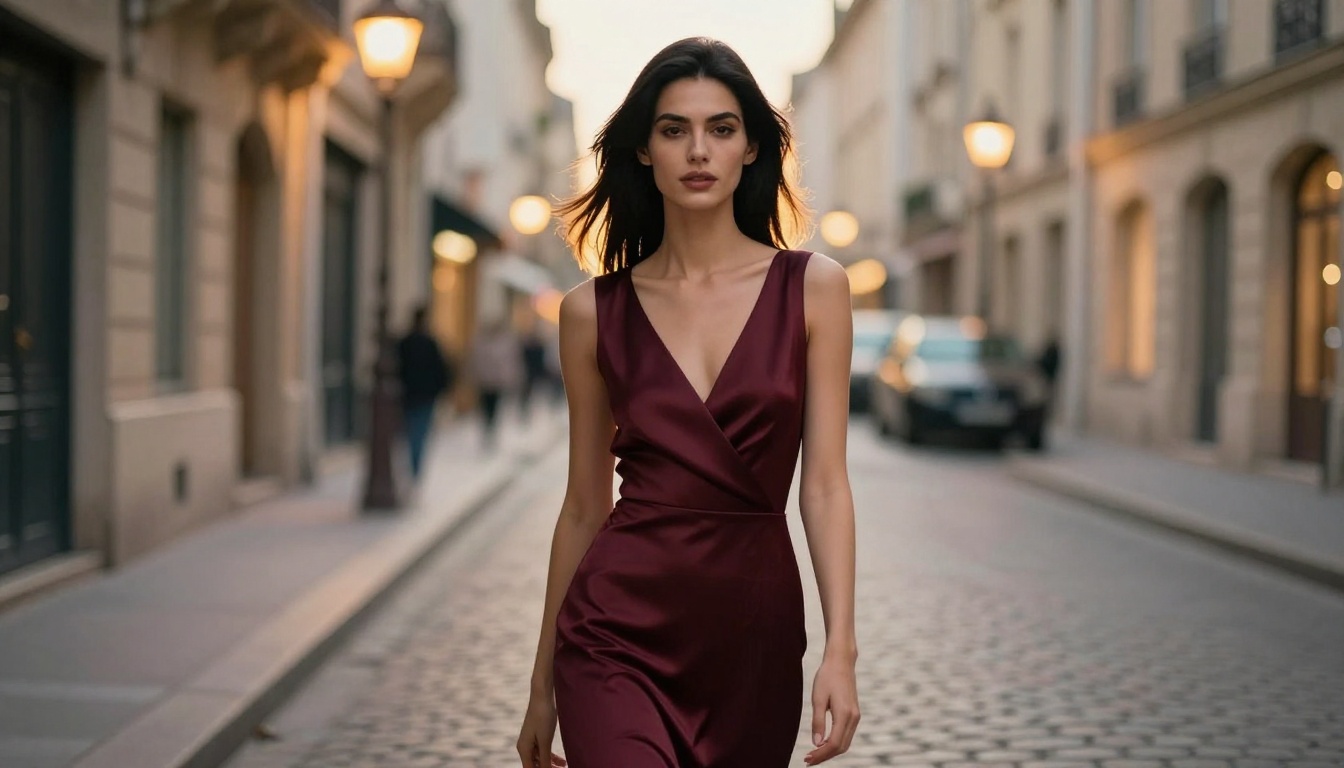
Specificity is the single biggest factor separating average AI output from professional-looking results. Instead of "a woman standing outside," write: "a woman in her 30s with dark hair on a cobblestone street at dusk, warm street lamp rim light behind her, 135mm telephoto lens, f/2.0 aperture, Kodak Portra 400 grain."
Four elements to always specify:
- Subject: Physical characteristics, clothing, expression, and action
- Environment: Location with atmospheric and architectural context
- Lighting: Direction, color temperature (e.g., 5500K daylight or 2700K warm lamp), and quality
- Camera spec: Focal length and aperture, which simulate real lens behavior including depth of field
Resolution and Format Settings
Match the output format to the final use case:
- 16:9 for blog headers, video thumbnails, and site banners
- 1:1 for social media posts and profile images
- 9:16 for vertical social content and mobile screens
- 3:2 for editorial photography and print
Choosing the correct ratio before generating avoids cropping that removes important composition elements from the final image.
Tip: End any prompt with "RAW 8K photography, photorealistic, film grain, Kodak Portra 400" to consistently push output toward photographic realism rather than illustrative or stylized results.
Which One Fits Your Workflow
When You're New to AI Image Generation
Start with PicassoIA Image Editor Pro. It handles both generation and editing, so there is no need to switch tools as your skills develop. The output quality makes it easy to get impressive results with basic prompts, and the interface does not require technical knowledge. No credits to manage, no daily limit to plan around.
When You Need Professional Output
For high-stakes commercial work, rotate between Wan 2.7 Image Pro and Seedream 4.5 based on subject. Use Wan 2.7 Pro for architectural and landscape work. Use Seedream 4.5 when the scene requires multiple people or complex multi-element compositions to stay coherent in a single frame.
For portrait and beauty content specifically, Hunyuan Image 2.1 produces facial detail that consistently stands apart.
When You Edit More Than You Create
Qwen Image Edit Plus handles targeted inpainting edits with precision through natural language. Flux Redux Dev is the better pick when you need multiple coherent variations of an existing image rather than a single targeted fix.
Create Without Limits
Every model on this list is live on PicassoIA, which runs over 185 text-to-image models with no credit interruptions. Open any model, type a prompt, and the image appears. Then do it again. That is what unlimited actually means.
PicassoIA Image Editor Pro is the best starting point. Run your first prompt, see the quality, then work through the list at your own pace. Each model has a different strength, and the real advantage of having 185 options is knowing which one to reach for based on what you are building right now.
No watermarks. No daily limits. No credits telling you to stop.