If you've spent more than ten minutes searching for a working NSFW AI image generator, you already know the problem. Most tools either refuse outright, produce watered-down results that look nothing like what you asked for, or quietly censor outputs without telling you why. The ones that work often require technical setup, jailbreak prompts, or subscriptions that don't deliver.
This ranking is built on actual testing. We ran consistent prompts across 10 models available on PicassoIA and scored them on output realism, prompt adherence, anatomical accuracy, NSFW permissiveness, and generation speed. No marketing claims, just what the models actually produce.
#1 Seedream 4.5
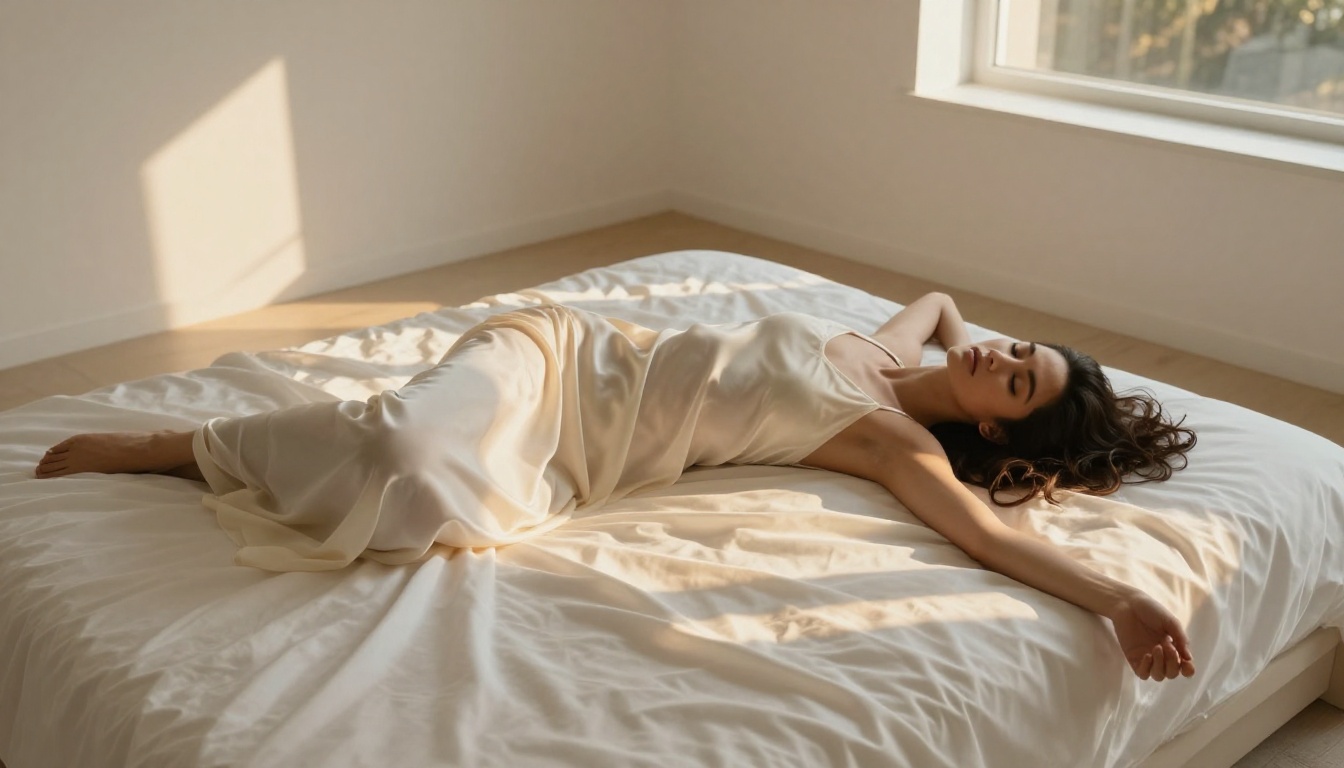
Seedream 4.5 from ByteDance is the best NSFW AI image generator available right now. It's not close.
The model produces photorealistic human figures at 8K resolution with the kind of anatomical accuracy and skin texture detail that most models only achieve under ideal conditions. Seedream 4.5 delivers this consistently, across varied prompts, body types, and lighting scenarios.
What separates it from everything else in this ranking is the combination of permissiveness and quality. Models that allow NSFW content often sacrifice realism to do it. Models that deliver high realism often have content filters that quietly block anything suggestive. Seedream 4.5 does both without compromise.
Why Seedream 4.5 Tops This List
- Skin texture: Visible pores, natural micro-detail, and accurate subsurface light scattering that makes skin look alive rather than plastic
- Anatomical precision: Hands, fingers, and body proportions stay correct even in complex poses and partial coverage
- Lighting fidelity: Natural light, artificial light, and mixed lighting all render correctly with physically plausible shadows
- Prompt depth: Long, complex prompts with multiple specific instructions stay coherent from start to finish in the output
- Speed: Sub-15-second generation at full resolution, which means you can iterate quickly without waiting through long queue times
How to Use Seedream 4.5 on PicassoIA
- Go to Seedream 4.5 on PicassoIA
- Write a detailed prompt. Start with the subject and their pose, move to the environment, then lighting, then camera details
- Add quality anchors at the end: "Kodak Portra 400, 85mm f/1.4, photorealistic, RAW 8K, film grain"
- Run generation. No jailbreak prompts needed, no content filter workarounds required
💡 Tip: Seedream 4.5 responds especially well to lighting descriptions. Phrases like "volumetric morning light from the left" and "single Profoto strobe with feathered shadow" create dramatically better results than generic prompts with no lighting direction.
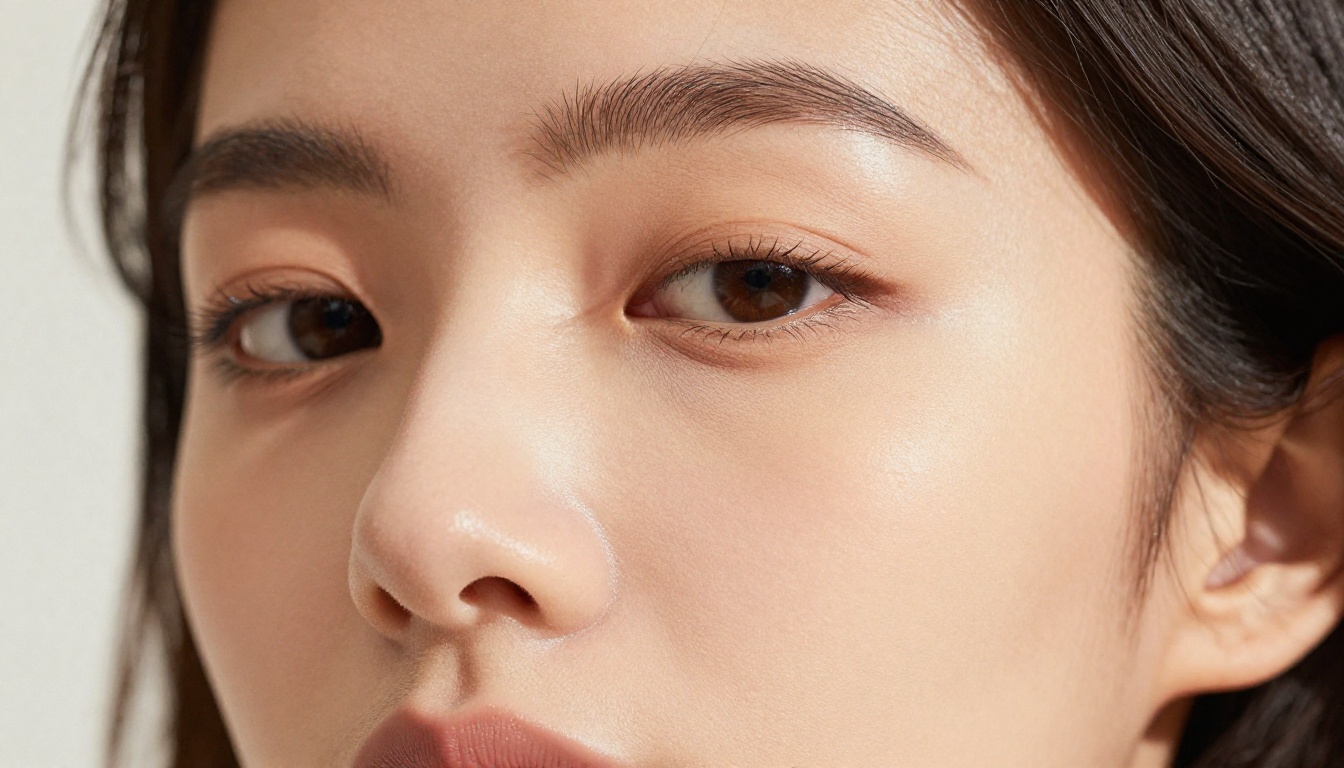
#2 PicassoIA Image Editor Pro
PicassoIA Image Editor Pro takes the number two spot not on peak output quality, but on total workflow value. This is the model for anyone creating NSFW content at volume.
The core feature is unlimited generations. No per-image credits, no generation caps, no running out mid-workflow. For content creators who test dozens of prompt variations before landing on the right look, this changes the economics entirely.
What PicassoIA Image Editor Pro Does Better Than Any Other Tool
Inpainting: If another model produces a perfect image but the hands are wrong, you're normally stuck regenerating the whole image and hoping the next version fixes the problem while keeping everything else intact. With PicassoIA Image Editor Pro, you paint over the problem area and regenerate just that region. The rest of the image stays exactly as it was.
Outpainting: Extend the canvas beyond the original frame. A tightly cropped portrait can become a three-quarter shot. A figure can get a complete background added without starting from scratch on the whole composition.
Full NSFW support: The same permissiveness that makes Seedream 4.5 appealing applies here, combined with editing tools that make post-generation refinement possible at no additional cost per edit.
When to Choose PicassoIA Image Editor Pro Over Seedream 4.5
Choose PicassoIA Image Editor Pro when:
- You're running 20+ generations per session and cost per generation matters
- You need to fix specific regions without regenerating full images from scratch
- You want to iterate on a composition incrementally, refining details over multiple passes
- You're building a complete creative workflow rather than producing one-off images
Choose Seedream 4.5 when:
- You need the absolute best single-generation quality with no compromise
- You're producing a final image, not iterating through a workflow
- Skin texture and anatomical accuracy at high resolution are the top priority

#3 Flux.1 Dev
Flux.1 Dev from Black Forest Labs changed the open-source image generation landscape when it launched. The model's architecture handles complex, multi-element prompts with a precision that models twice its size often fail to match.
Flux.1 Dev's Actual Strengths
| Attribute | Rating |
|---|
| Photorealism | ★★★★★ |
| Prompt Adherence | ★★★★★ |
| NSFW Output | ★★★★☆ |
| Speed | ★★★★☆ |
| Anatomical Accuracy | ★★★★☆ |
The prompt adherence advantage is Flux.1 Dev's defining characteristic. When you write a 150-word prompt with specific details about pose, environment, lighting, and subject, Flux.1 Dev follows it faithfully. Most models pick up 60-70% of your instructions and quietly ignore the rest. Flux.1 Dev executes closer to 90% of what you specify, consistently.
For NSFW content with specific compositional requirements, that adherence gap matters enormously. The difference between getting what you asked for and getting a generic variation of your prompt is the difference between a usable image and another generation cycle.
Best Use Cases for Flux.1 Dev
- Complex multi-character scenes where each subject needs distinct descriptions
- Specific pose control using detailed language without ControlNet
- High-detail environmental backgrounds that need to stay sharp alongside the subject
- Fashion and editorial glamour styles requiring precise clothing and fabric descriptions
#4 Realistic Vision v5.1
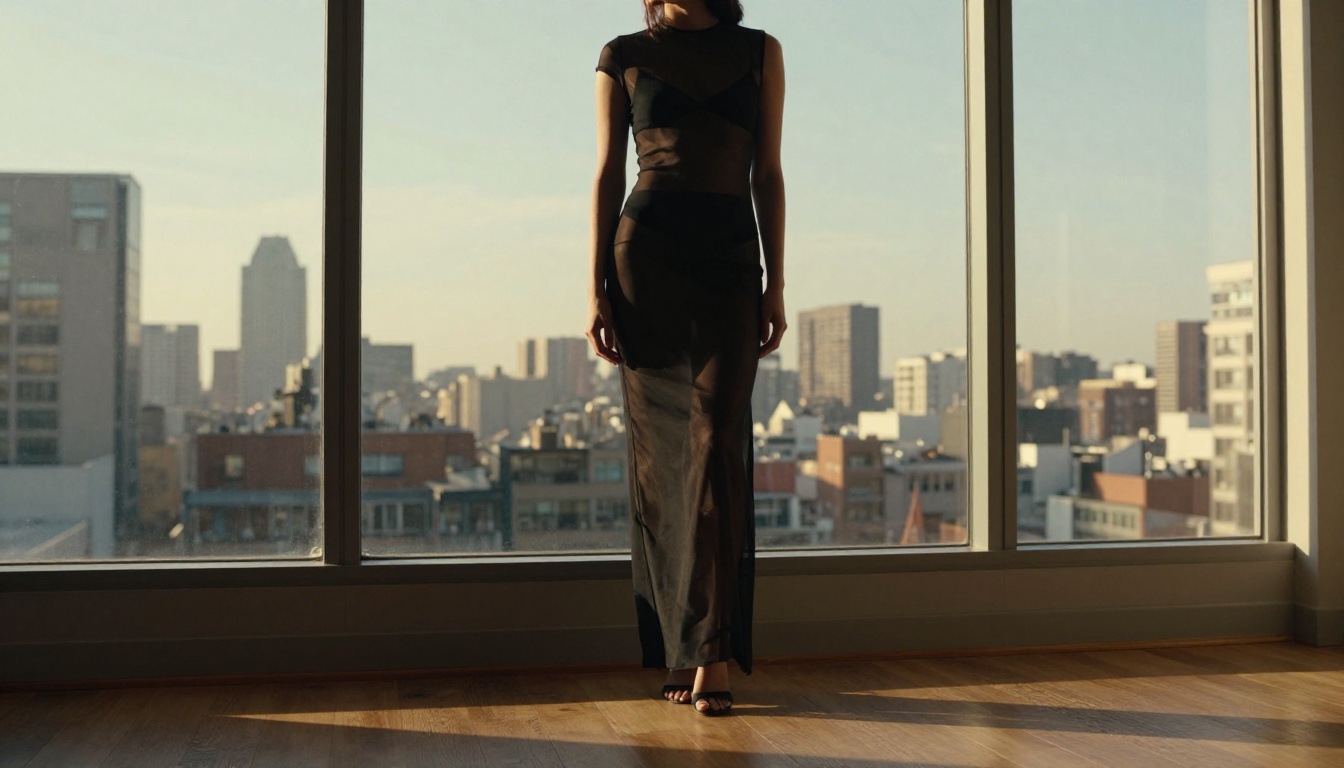
Realistic Vision v5.1 is the portrait specialist in this ranking. It was built specifically for photorealistic human generation, and that focused development shows clearly in the outputs.
Where Realistic Vision v5.1 Excels
Faces. Specifically, faces that look like real people rather than AI amalgamations of average human features. The model maintains consistent facial structure across different seeds, which means you can run ten generations and get ten versions of a believable person rather than ten different strangers with no visual relationship to each other.
Skin tones are Realistic Vision's other standout feature. Where many models produce skin that reads as slightly plastic or overly smooth, Realistic Vision v5.1 renders natural variation in skin tone, visible pores, and the micro-texture that makes photorealistic images hold up under close scrutiny.
Where Realistic Vision v5.1 Falls Short
Complex multi-person scenes expose the model's limitations. It was trained primarily on solo portraits, and that training bias shows when you push it toward group scenes or environments with multiple subjects. Compositions start losing coherence when there are 3+ people in frame. For solo portraits and boudoir-style NSFW content, nothing in this tier performs better on face and skin quality.
#5 Stable Diffusion 3.5 Large
Stable Diffusion 3.5 Large is Stability AI's most capable public release. The jump from SD 3 to 3.5 was architecturally significant, particularly for NSFW applications where prompt depth matters.
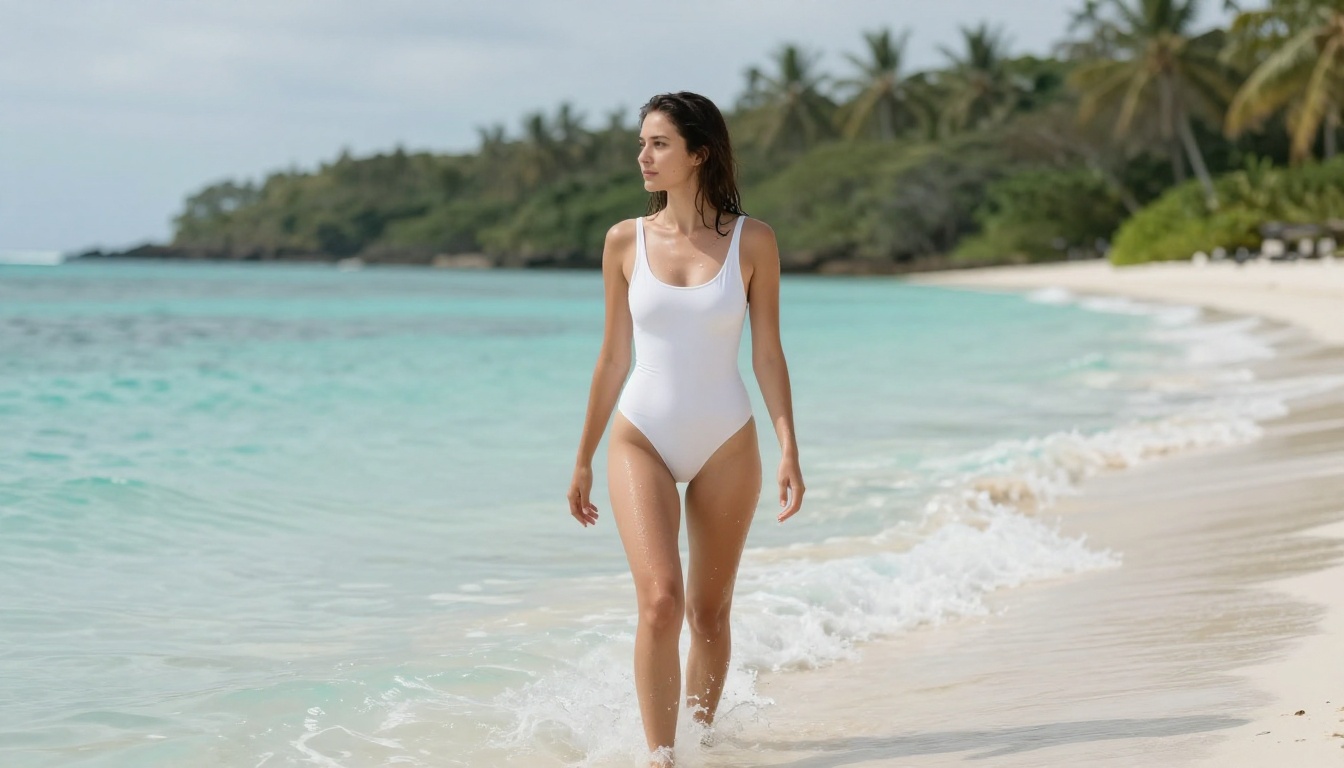
The triple attention mechanism at the core of SD 3.5's architecture handles long prompts without the instruction degradation that older SD versions showed. Write a 200-word NSFW prompt with specific details about clothing, pose, lighting, and environment and SD 3.5 Large actually processes and executes the complete instruction set.
Getting the Best NSFW Results from SD 3.5 Large
- Write prompts longer than 100 words. The model's architecture strength comes through at prompt depth, not brevity
- Specify exact lighting conditions: "soft window light from the left, 3pm golden hour warm color temperature, no harsh shadows"
- Include camera specifications: "85mm f/1.4 telephoto lens, shallow depth of field, bokeh background, medium shot from waist up"
- Add negative prompts to force realism: "cartoon, CGI, digital art, painted, illustration, 3D render, anime"
💡 Tip: SD 3.5 Large responds well to photography-style prompt framing. Write prompts as if you were briefing a professional photographer rather than describing what you want to a drawing tool.
#6 Seedream 4
Seedream 4 is the predecessor to the top-ranked Seedream 4.5, and the generational gap is real but not enormous at standard viewing sizes.
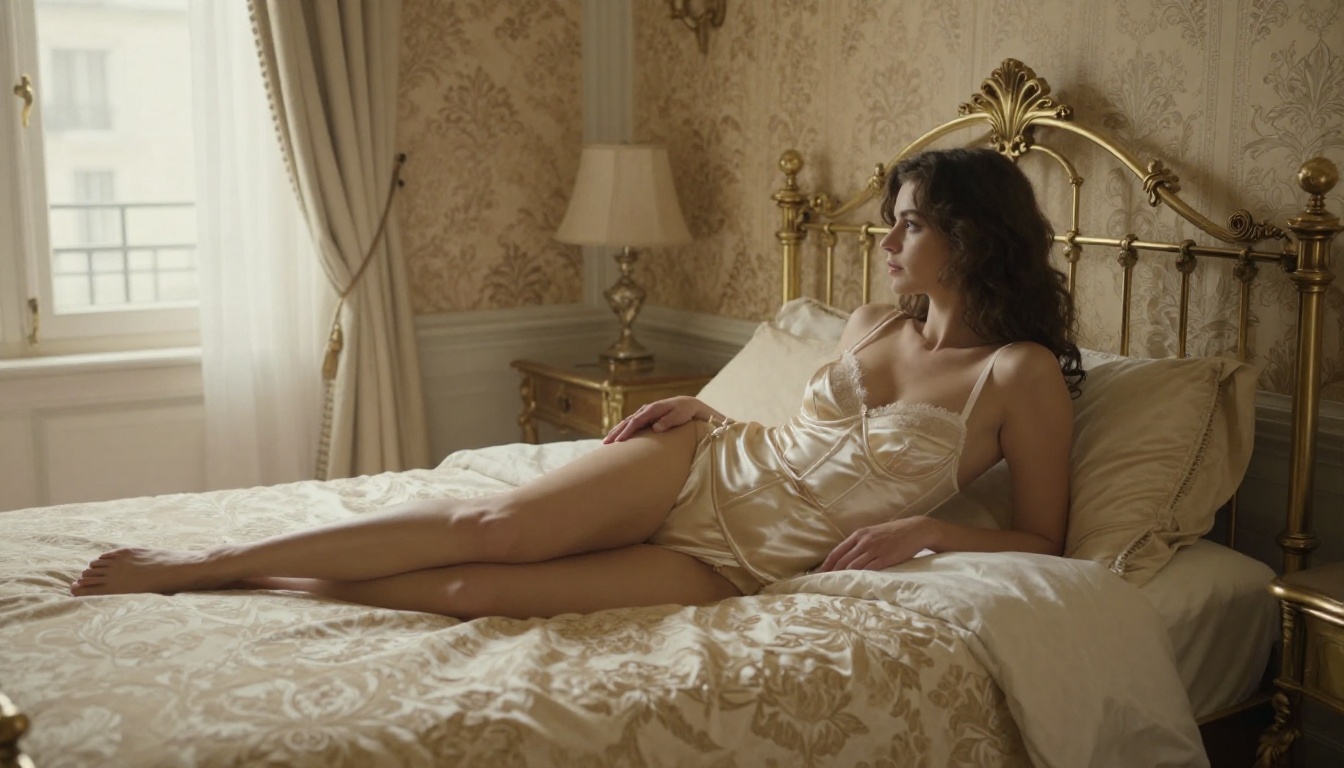
It's approximately 15-20% lower quality at maximum resolution, with the difference most visible in fine detail: individual hair strands, fabric texture at close crop, and complex lighting scenarios with multiple light sources competing. In standard web resolution viewing, many users won't spot the difference.
The NSFW permissiveness is essentially identical between Seedream 4 and 4.5. Prompts that work in 4.5 work in Seedream 4. For users who need higher generation throughput and are willing to trade some peak quality for speed, Seedream 4 is the pragmatic choice. The core ByteDance NSFW-capable training carries over completely from one generation to the next.
#7 Stable Diffusion 3.5 Medium
Stable Diffusion 3.5 Medium occupies the practical middle ground of the SD 3.5 family. It runs roughly 40% faster than SD 3.5 Large with a 15-20% quality reduction that's mainly visible in complex detail work at high crop levels.
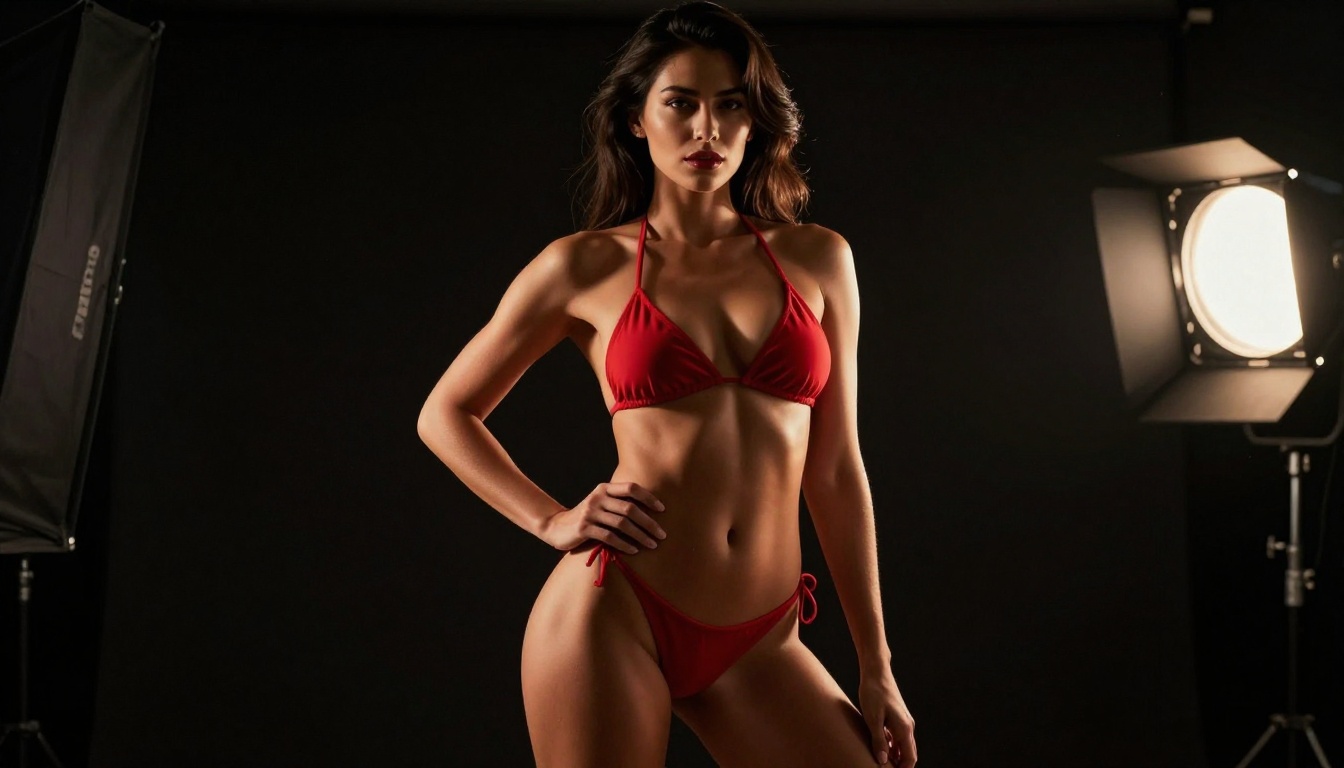
For standard NSFW content at resolutions up to 1024x1024, most users won't identify the quality difference between SD 3.5 Medium and Large in normal viewing conditions. The difference becomes apparent when cropping to 100% or printing at large format.
For screen-resolution content where the final delivery is a web page, social post, or digital platform, Medium's speed advantage often wins the practical comparison. The images look effectively identical on a monitor at normal viewing distance.
#8 Stable Diffusion 3
Stable Diffusion 3 is where the current SD architecture originated. By the standards of 3.5 Large, it shows its age in complex scenes and at high resolution. But it maintains a distinctive aesthetic quality in certain generations that the newer versions don't always replicate.
The output from SD 3 has a slightly softer, more filmic character that some users prefer for atmospheric NSFW content over the sharper, crisper output of 3.5. If you find the newer model too clinical or technically precise in its rendering, SD 3 is worth running as a deliberate aesthetic choice rather than treating it purely as a downgrade.
#9 Seedream 3
Seedream 3 established ByteDance's presence in the photorealistic image generation space. Comparing it to Seedream 4.5 illustrates how much the field has moved in two generations of the same model family.
Complex scenes, multi-element compositions, and detailed lighting scenarios that Seedream 4.5 handles cleanly expose visible limitations in Seedream 3. Anatomy is less reliable. Lighting is less physically accurate. Prompt adherence degrades faster as instructions get more specific.
For simple portraits and basic NSFW prompts without demanding compositional requirements, Seedream 3 delivers competent results. It's most useful as a reference point and for lower-compute scenarios where generation cost is the primary constraint.
#10 Stable Diffusion (Classic)
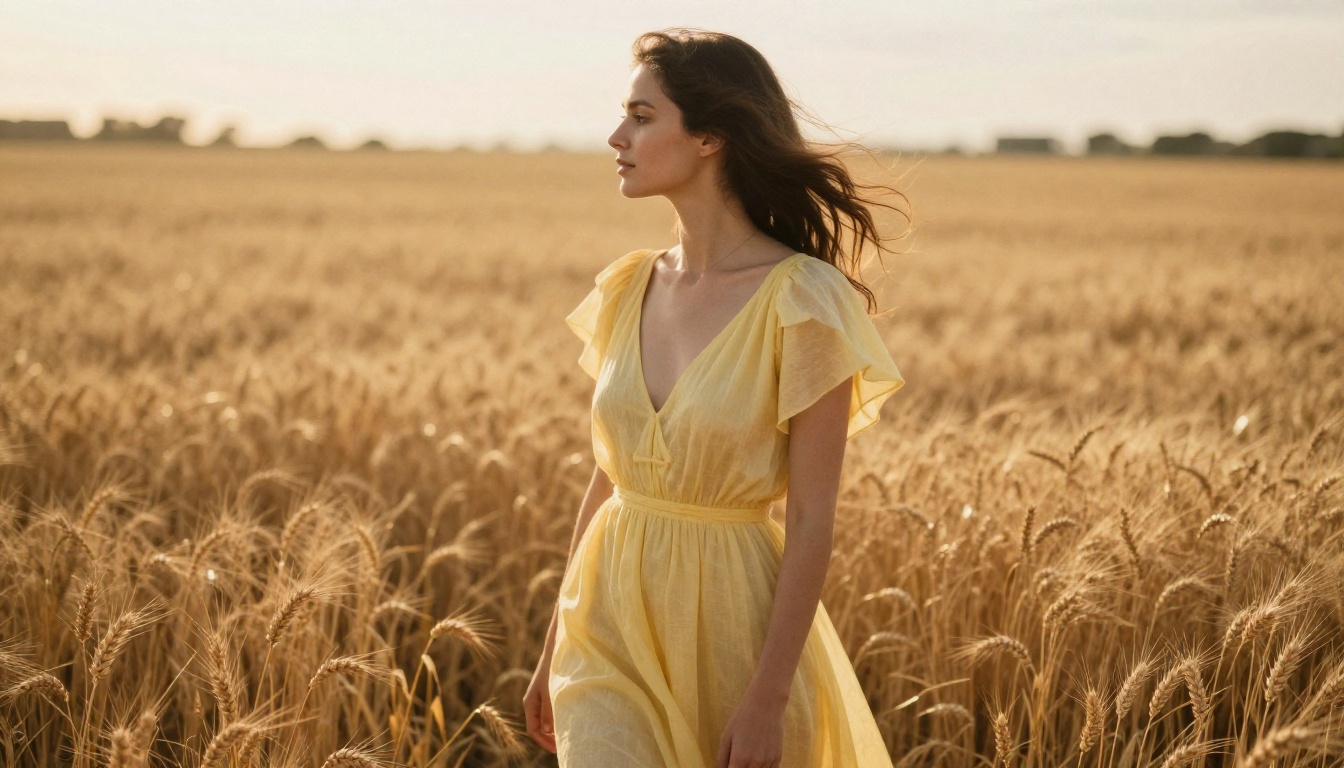
Stable Diffusion the original sits at #10. Native resolution caps at 512x512, anatomy is inconsistent under pressure, and prompt adherence requires significant engineering work to get right. Against every model above it in this ranking, the quality gap is large.
It earns a place on this list for historical context and because its generation speed makes it genuinely useful as a prompt-testing tool. Run your prompt in classic Stable Diffusion first to see if the basic composition and framing work, then take the refined prompt to Seedream 4.5 or Flux.1 Dev for production-quality output. It functions as a cheap sketchpad, not a final output tool.
How These Models Actually Compare
What Separates Good from Great in NSFW AI Generation
Most people approach NSFW AI generation as a binary problem: censored or uncensored. That framing misses what actually creates useful output over a real creative workflow.
Anatomical accuracy is the first real separator. Hands are the famous failure point for AI models, but NSFW content adds additional anatomical demands that expose model weaknesses quickly. Seedream 4.5 and Realistic Vision v5.1 lead on anatomy because of how their training data was curated and weighted. Flux.1 Dev's architecture handles it differently but achieves similar results through superior prompt adherence.
Prompt depth determines whether a model is a production tool or a novelty. Can it follow a 200-word prompt without losing track of specific instructions midway through generation? Flux.1 Dev and SD 3.5 Large are the clear leaders on this dimension. Most other models degrade significantly as prompt length and specificity increase past a certain threshold.
Lighting realism separates photorealistic from photo-adjacent. Shadows from conflicting directions, flat skin tones without subsurface detail, and blown-out highlights are the tells that identify AI images to trained eyes immediately. Seedream 4.5 and Realistic Vision v5.1 handle lighting physics correctly by default. The older models in this ranking show their limitations here more than anywhere else.
Output consistency is the production metric that ranking articles rarely cover. If you run the same prompt 10 times, how many images are actually usable without heavy correction? For serious content creation, a model with 80% usable output rate is more valuable than a model that occasionally produces stunning results but fails 60% of the time. Seedream 4.5 leads on consistency rate, not just peak quality.
The Prompt Structure That Changes Results
The biggest quality gap between users isn't the model they choose. It's how they write prompts. Every model in this ranking performs significantly better with a structured approach:
- Subject first: Describe the person, their pose, and their expression in the opening sentence
- Clothing and appearance second: Be specific about fabrics, colors, and coverage levels
- Environment third: Location, time of day, and background elements in enough detail to be unambiguous
- Lighting fourth: Direction of the primary light source, quality (hard strobe vs. soft diffused), and color temperature
- Camera fifth: Lens focal length, aperture, shooting distance, and angle relative to the subject
- Style anchors last: "Kodak Portra 400, RAW 8K, photorealistic, natural skin texture, film grain, no CGI, no illustration, no cartoon"
This five-part structure keeps every model focused on execution rather than interpretation. It eliminates the drift toward stylized or artistic output that happens when prompts are vague or short.
💡 Tip: For NSFW content, adding "professional photography, natural skin texture, photorealistic anatomy" as a closing phrase forces realism in models that might otherwise default to idealized or artificially smooth outputs. This single addition improves consistency across every model in this ranking.
Create Your First Images on PicassoIA
Every model in this ranking is available at picassoia.com/en/all-models. You're not signing up for separate platforms, managing multiple subscriptions, or learning different interfaces for each tool. One platform covers all 10 models with a single login.
Start with Seedream 4.5 for your first generation. Use the five-part prompt structure above and watch the difference compared to shorter, less specific prompts. If the result is close but has issues in specific regions, open the same image in PicassoIA Image Editor Pro and use inpainting to fix the problem areas without regenerating the whole composition from scratch.
That combination of Seedream 4.5 for generation and PicassoIA Image Editor Pro for refinement covers the vast majority of NSFW AI image creation workflows at a quality level that outperforms standalone tools. Between these two models and the full library at picassoia.com/en/all-models, the tools are in place to produce results at a standard that would have required professional studio photography equipment just two years ago.


