If you create content for a living, or even as a side hustle, background music is one of those problems that never quite goes away. Stock libraries are either expensive, generic, or both. Free options carry copyright risks that can wipe out your monetization overnight. And commissioning original music from a producer is out of budget for most solo creators.
AI music generators have changed that equation entirely. You describe what you want, and a trained model produces an original track in under a minute. No license fees. No copyright claims. No compromises on style or mood. Here are the five tools that matter most for content creators right now, all available directly on PicassoIA.
Why AI-Generated Music Matters Now
The copyright problem for creators is not going away. Major labels actively scan YouTube, Instagram, TikTok, and every other monetized platform for their catalog. Use three seconds of a recognizable song and you risk losing the entire revenue from that video, or having it blocked in key markets.
AI-generated music sidesteps this completely. Because the model creates a brand-new composition based on your prompt, no existing copyright holder has a claim on it. The track belongs to you from the moment it is generated.
Beyond copyright, the workflow advantage is significant. Matching mood between video and music is one of the most underrated production choices in content creation. With AI tools, you can generate five different versions of a track at different tempos, listen against your footage, and pick the one that works. That flexibility did not exist at this price point a few years ago.
💡 Worth noting: Several platforms now accept AI-generated music for monetization as long as you generated it yourself. Always check platform-specific policies, but the ownership situation for AI-generated tracks is far cleaner than licensed stock music.
The market for AI-generated music has also matured fast. Early tools produced tracks that sounded obviously synthetic, with flat dynamics, repetitive structure, and no sense of emotional arc. The five tools below produce results that sit comfortably alongside professionally produced tracks in terms of arrangement quality and sonic depth.
#1: MiniMax Music 2.6
MiniMax Music 2.6 is the most capable AI music tool available at the free tier right now. It generates full-length songs with real-sounding vocals, harmonies, arranged instrumentation, and properly mixed audio from a single text prompt. You do not need to provide lyrics, chord sheets, or any background in music theory.
What Separates It from the Rest
The defining feature of Music 2.6 is vocal quality. Most AI music tools that attempt voice synthesis produce something that sounds obviously synthetic: flat delivery, off-key moments, robotic artifacts. Music 2.6 generates singers with breath control, natural vibrato, and emotional phrasing that passes a casual listen without flagging as AI.
Strengths at a glance:
- Full songs with produced vocals in under 60 seconds
- Broad genre support: pop, hip-hop, R&B, jazz, lo-fi, rock, electronic, cinematic
- Auto-generates lyrics from your prompt, or accepts custom lyrics you write
- No watermarks on generated tracks at the standard tier
- Consistent quality across short clips and full-length compositions
Best Use Cases
Music 2.6 works best when you need a track that sounds like a real song rather than background filler:
- YouTube intros and outros with a specific vibe or message
- Social media reels that need a polished, radio-ready feel
- Podcast theme music with vocals that reinforce your show's tone
- Client pitch demos where you want to show what a final branded track could sound like
- Short films and student projects where licensing would otherwise be cost-prohibitive
💡 Prompt tip: Give Music 2.6 specific instructions. Try "upbeat indie pop about new beginnings, female vocalist with airy tone, acoustic guitar and light drums, 118 BPM" for personal, non-generic results. The more specific the mood, the more the model delivers.
#2: Google Lyria 3 Pro
Google Lyria 3 Pro is Google's top-tier music generation model. Where Music 2.6 wins on vocal tracks, Lyria 3 Pro wins on instrumental composition at a cinematic level. The model produces orchestral arrangements, jazz compositions, ambient soundscapes, and full-length tracks that sound like they belong in a premium production.
Studio-Level Instrumental Output
The depth of arrangement in Lyria 3 Pro is its standout quality. Where cheaper tools produce serviceable but thin-sounding instrumentals, Lyria 3 Pro layers multiple instruments with proper spacing, dynamics, and musical structure. A prompt for "cinematic orchestral score with building tension" returns something that sounds composed, not assembled.
The standard Lyria 3 is also available on PicassoIA and produces excellent results for most use cases. The Pro version adds extended output length and higher resolution audio for creators who need broadcast-ready files.
Where Lyria 3 Pro stands out:
- Documentary and short film scoring with emotional arc across the full track length
- Corporate video music with professional polish and neutral brand feel
- Ambient and atmospheric content for meditation, focus, or streaming backgrounds
- Long-form compositions of 3 to 5 minutes without quality degradation toward the end
- Genre accuracy on complex requests like "60s Motown soul" or "modern neoclassical piano"
When to Pick Lyria Over Other Tools
If your content is documentary-style, cinematic, or branded in a way that needs a "serious" sound, Lyria 3 Pro is the right call. It does not compete with Music 2.6 on vocal performance, but for purely instrumental work at this quality level, nothing in this list matches it.
#3: ElevenLabs Music
ElevenLabs Music applies the same quality philosophy that made ElevenLabs the standard for voice synthesis to the music generation space. The output is clean, cohesive, and emotionally consistent in a way that cheaper generators miss.
Prompt-to-Track in Seconds
The ElevenLabs Music model produces tracks quickly, often in under 30 seconds, and the arrangements feel intentional rather than randomly stitched. This structural coherence is the biggest differentiator compared to tools that produce technically correct but directionless audio. A prompt with emotional intent (e.g., "hopeful, slow build, string quartet") returns a track with actual narrative shape.
Where it performs well:
- Emotionally consistent tracks that hold together across their full runtime without abrupt shifts
- Brand-forward content where a specific sound identity needs to repeat across multiple videos
- Clean, non-distracting backgrounds for educational, tutorial, or training content
- Social ads where the first three seconds of audio need to match the visual hook precisely
- Podcast segment music where transitions need to feel smooth and professional
Ideal Creator Profiles
ElevenLabs Music sits comfortably between the full vocal output of Music 2.6 and the cinematic depth of Lyria 3 Pro. It is the default choice for:
- Online educators and course creators who need consistent, focused background music
- App developers creating product demo or explainer videos
- Brand marketers producing product showcases or announcement content
- Freelancers who do video production for clients and want to offer original music as part of their service
#4: Stability AI Stable Audio 2.5
Stable Audio 2.5 takes a different approach from the other three. Instead of prioritizing song structure or vocal performance, it focuses on the technical audio quality of the output itself. The clarity, stereo width, and dynamic range of what it produces are measurably better for applications where audio fidelity is the priority.
High-Fidelity Sound Design
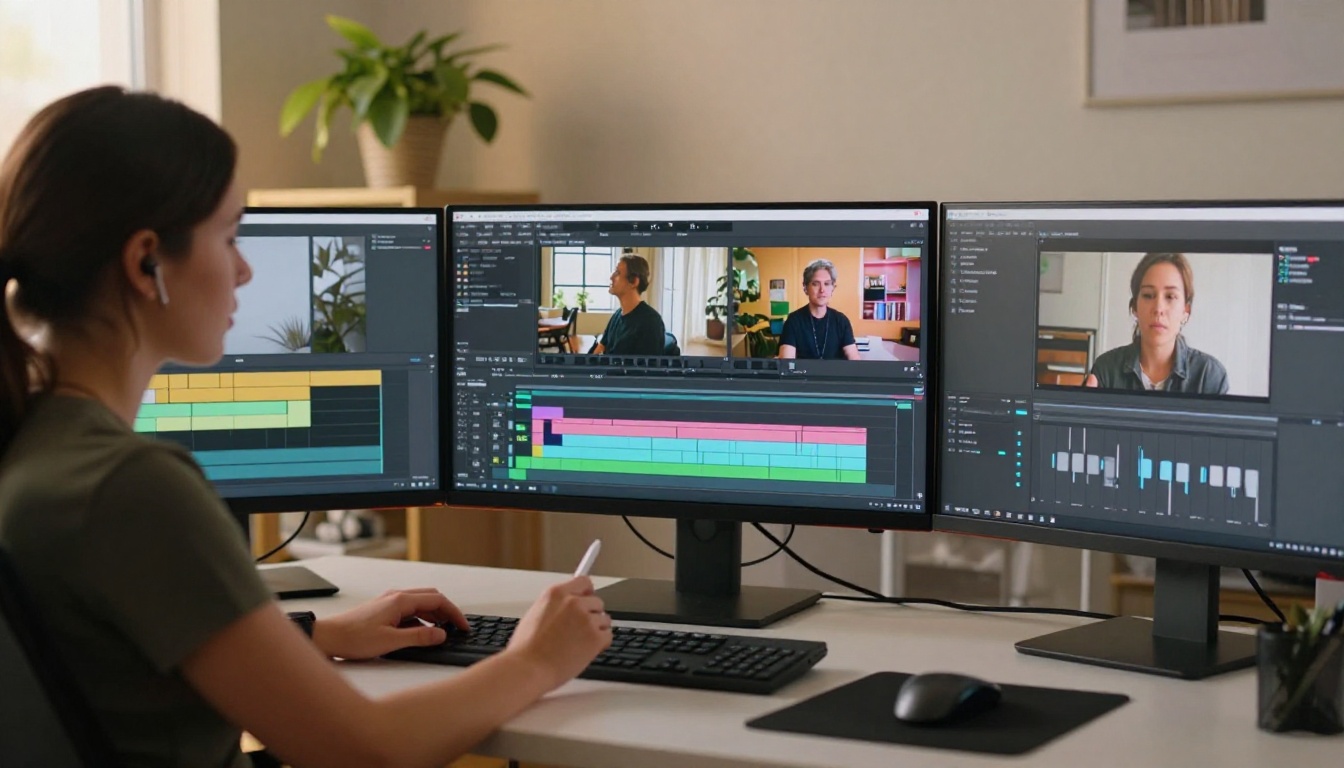
Stable Audio 2.5 treats music generation like a precision instrument. Prompts respond to fine-grained specifications about texture, space, and instrumentation in a way that other models simply do not match. If you have ever used a stock loop and found it sounded thin or compressed on your final export, this tool is built to solve exactly that problem.
What it excels at:
- Custom loops and stems for use in your own DAW or non-linear video editor
- Sound effects blended into music beds for immersive video production
- Niche genre accuracy on detailed prompts like "70s Brazilian bossa nova" or "dark minimal techno"
- Lossless-quality audio output for high-bitrate uploads on Apple Podcasts or YouTube
- Percussion-forward tracks where rhythm and groove are the primary creative goal
💡 Specificity pays off: Instead of "jazz background music," write: "Smooth late-night West Coast jazz, upright bass prominent, brushed snare, muted trumpet soloing gently, no vocals, 88 BPM, intimate bar atmosphere". Stable Audio 2.5 rewards detail with noticeably better results.
Who It Is Built For
Sound designers, independent filmmakers, game developers, and any creator uploading to platforms that support high-bitrate audio. If fidelity is your priority over speed of generation, Stable Audio 2.5 is the model to start with.
#5: Restyle Songs with MiniMax Music Cover
MiniMax Music Cover works differently from every other tool on this list. Rather than generating music purely from a text prompt, it takes an existing song and restyling it in a completely different genre, retaining the underlying melody and structure while replacing the sonic texture entirely.
What You Can Do with Song Restyling
Upload a pop track and get it back as a cinematic orchestral piece. Take a hip-hop instrumental and convert it to an acoustic lo-fi version. The melody, the structure, and the pacing stay recognizable while everything around them changes. This is one of the most creative applications available in AI music right now.
This is uniquely useful for creators in a few specific scenarios:
- You have a specific song structure in mind that fits your content, but the original version is copyrighted
- You want to produce multiple stylistically distinct versions of your own original track for different platforms
- You are testing how a musical idea translates across genres before committing to full production
- You create content across multiple niches and need stylistic variety from a single source idea
Rapid Iteration for Solo Creators
The real strength of MiniMax Music Cover is how fast it moves. Feed the same source material with five different style prompts and you have five distinct tracks to audition against your footage in minutes. That iteration speed simply cannot be matched by custom production at any price.
For creators who want to generate original full songs in the MiniMax ecosystem, MiniMax Music 2.5 and MiniMax Music 01 are earlier-generation alternatives worth testing for different stylistic outputs within the same model family.
AI Voiceovers: The Other Half of Your Audio
Music covers one half of your audio production. Voiceovers cover the other. If you do any kind of narration, explainer content, or commentary, the same AI-powered quality jump is available for your voice track too, and PicassoIA runs some of the best text-to-speech models available right now.
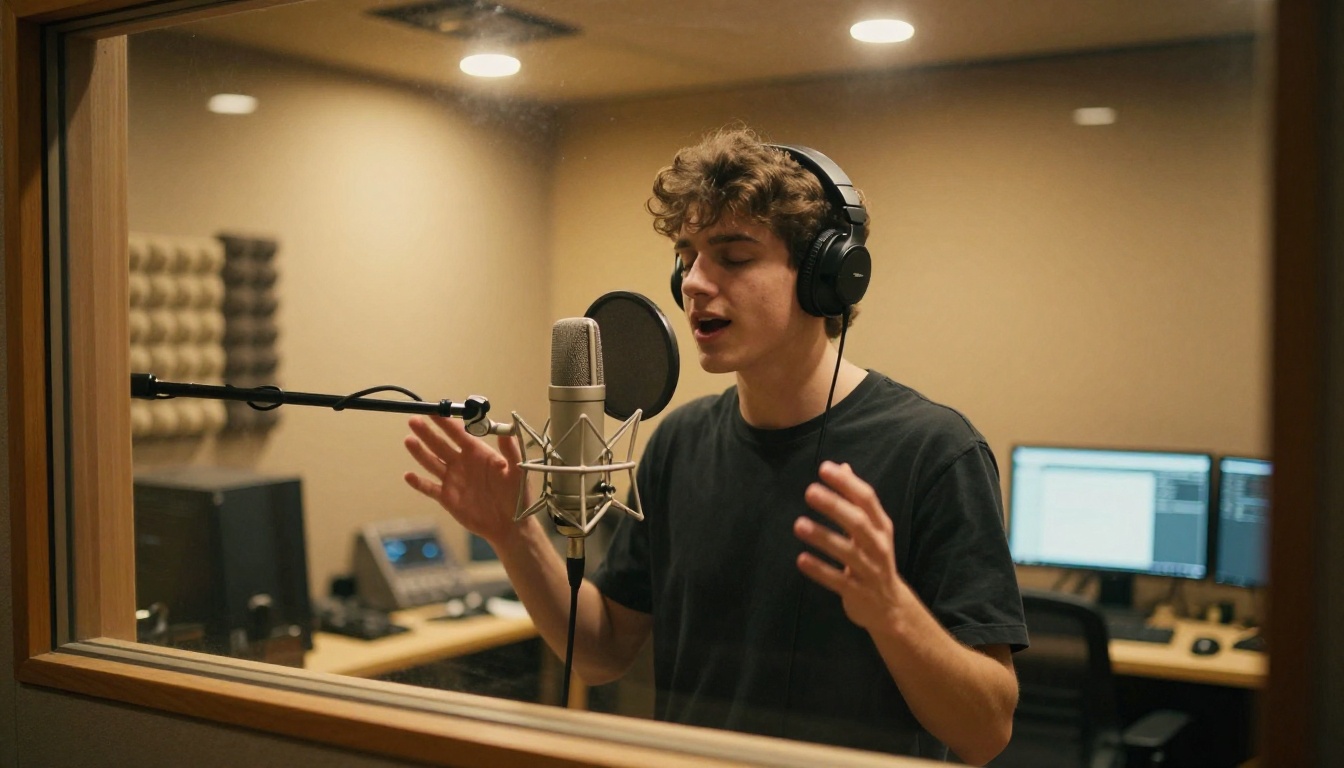
Top voiceover models to pair with your AI music:
- ElevenLabs V3: The most natural-sounding AI voice synthesis for long-form narration. Handles emotional delivery, pausing, and intonation with a consistency that holds across a full 20-minute episode without sounding robotic.
- MiniMax Speech 2.8 HD: Studio-quality voiceovers with precise tonal control. The right call for commercial, documentary, or brand narration where every word needs to carry weight.
- Google Gemini 3.1 Flash TTS: 30 voices across 70+ languages. The natural choice for creators producing content in multiple languages or targeting international audiences at scale.
Pairing a background track from Music 2.6 with a voiceover from ElevenLabs V3 produces a production that would have required a recording session and a composer just a few years ago. Both are on PicassoIA. No external accounts required.
Every model in this article runs directly on PicassoIA. No separate subscriptions. No API tokens. No software to install. You open the model page, write a prompt, and receive a file.
Step-by-Step: Your First AI Track
Using MiniMax Music 2.6 as the example:
- Open the model: Visit picassoia.com/en/collection/ai-music-generation/minimax-music-26
- Write your prompt: Describe the genre, mood, tempo, instrumentation, and vocal style you want
- Add custom lyrics (optional): Paste your own lines if you want specific words in the final track
- Generate: The model returns a full song in under 60 seconds
- Download: The track is original, unlicensed, and ready to drop directly into your video editor
Prompt formula that produces consistent results:
[Genre] + [Mood/Tone] + [Instrumentation] + [Vocal type] + [BPM or energy level]
Example: "Dark cinematic hip-hop, tense and focused, piano chords and 808 bass, male spoken-word verse, 85 BPM"
For purely instrumental work, open Google Lyria 3 Pro and apply the same structure without the vocal description. For sound design loops, use Stable Audio 2.5 with dense detail in your prompt.
Side-by-Side Comparison
The Gap Is Now 60 Seconds
You do not need a producer, a licensing budget, or a recording studio to have a great soundtrack for your content. The five tools above handle every creative scenario a working content creator runs into, from full pop songs with real-sounding vocals to cinematic orchestral scores to restyled versions of existing musical ideas.
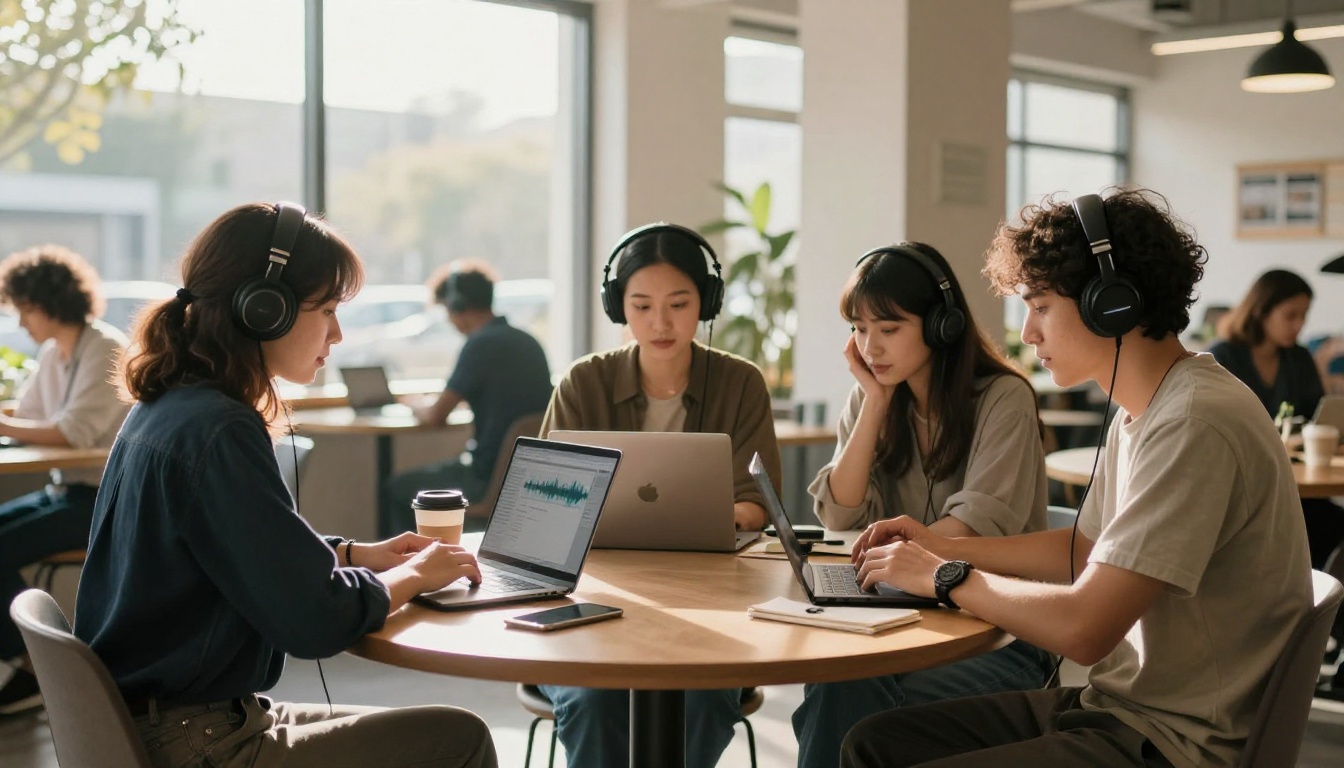
The gap between "I need music for this video" and "I have original, professional music for this video" used to be measured in days and dollars. Now it is measured in seconds and prompts.
Head to picassoia.com/en/all-models to see everything available. Start with Music 2.6 for your next YouTube video or social reel. Try Lyria 3 Pro for your next short film or documentary edit. Add narration from ElevenLabs V3 and your content sounds like it cost ten times what it does.
PicassoIA runs all of it in one place. Pick a model and generate your first track now.


