The NSFW AI video space has shifted dramatically. What used to require expensive subscriptions, shady offshore services, or heavy-duty local hardware is now accessible right from a browser tab. Several platforms have crossed the line from "mostly censored with loopholes" to genuinely unrestricted, and the quality gap between paid and free has nearly closed. These five tools are what people are actually using right now in 2027, generating adult-adjacent and explicit content without hidden paywalls blocking every useful feature.
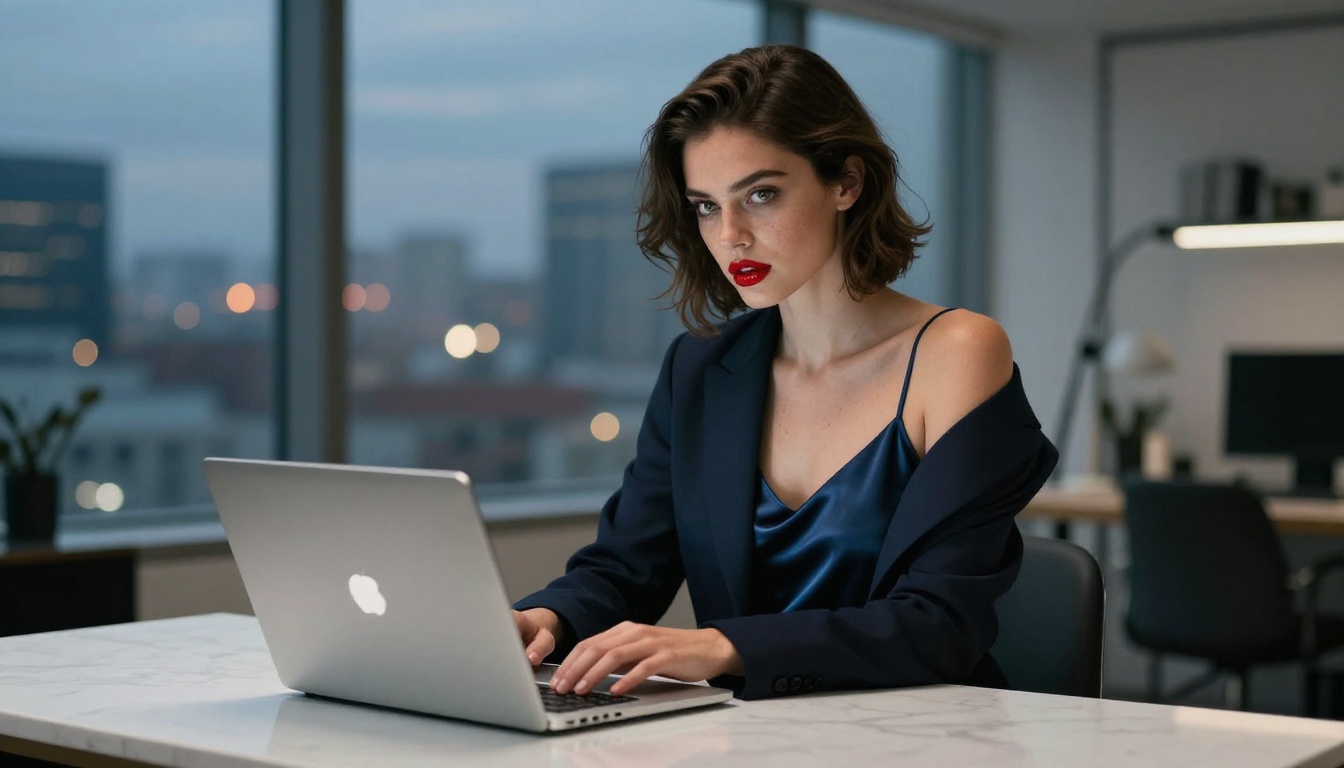
What "Free" Actually Means Here
Not all free tiers are equal. Before wasting time on platforms that gate every useful feature behind a paywall, it helps to know what you are actually looking for.
Genuinely free means:
- No credit card required to start
- At least 10-20 video generations before any limit kicks in
- No watermarks on final outputs
- No shadow bans on adult prompts server-side
Several tools market themselves as "free" but deliver censored, watermarked clips that require a paid plan to unlock adult content. The five below pass the real test: you can generate NSFW video content today without spending anything.
💡 Tip: Always check the platform's content policy page before investing time building a workflow. Some platforms technically allow adult content but silently filter prompts server-side without telling you why your results look nothing like your prompt.
The NSFW Capability Spectrum
| Capability | Fully Censored | Partially Open | Truly Unrestricted |
|---|
| Bikini / Glamour | Allowed | Allowed | Allowed |
| Suggestive poses | Blocked | Allowed | Allowed |
| Artistic nudity | Blocked | Mostly blocked | Allowed |
| Boudoir and intimate | Blocked | Blocked | Varies by tool |
The tools below sit firmly in the "Partially Open" to "Truly Unrestricted" range, which covers the vast majority of what NSFW creators actually need.
Why Most Platforms Still Censor
The filtering exists because most mainstream AI platforms want enterprise contracts and app store compliance. Those requirements force conservative content policies. The tools that have stayed open tend to be either open-source projects with minimal corporate overhead or platforms specifically targeting adult content creators. This list includes both.
#1: Seedance 2.0 on PicassoIA
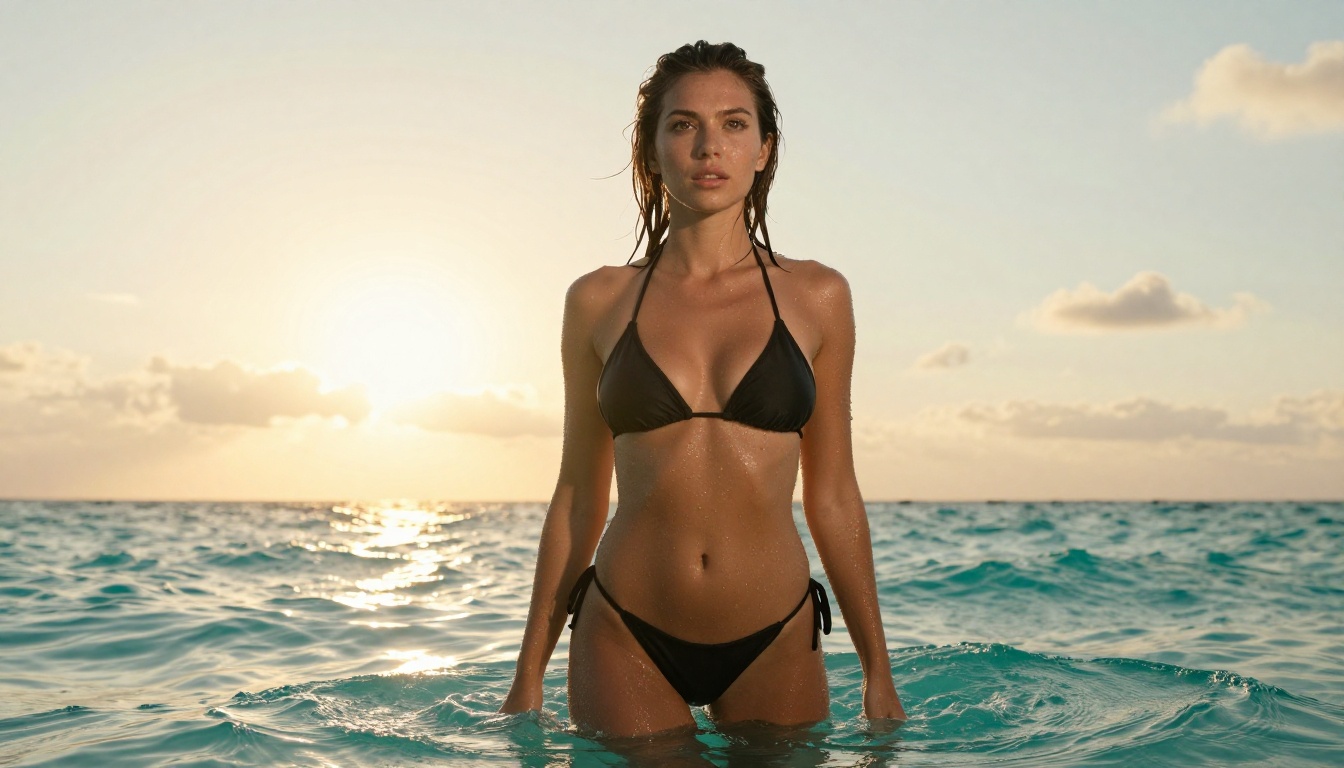
Seedance 2.0 from ByteDance is the current top pick for free NSFW AI video. It combines cinematic motion quality with built-in synchronized audio, and PicassoIA's platform lets you run it without a subscription.
Why Seedance 2.0 Leads Right Now
The motion realism in Seedance 2.0 is genuinely ahead of most alternatives. Cloth physics, hair movement, and skin detail all hold up under motion, which is exactly where earlier models fell apart. You could generate a photorealistic still in 2024, but the moment it moved it looked like a video game cutscene. Seedance 2.0 solves this.
What sets it apart:
- Native audio generation (ambient sound, music bed, or silence on demand)
- 1080p output at no extra cost on PicassoIA
- Accepts image input so you can use your own reference photos as starting frames
- Prompt adherence that handles suggestive and adult prompts without heavy filtering
How to Use Seedance 2.0 on PicassoIA
- Open Seedance 2.0 on PicassoIA
- Write a detailed text prompt with subject, setting, action, and camera movement
- Upload a reference image as the first frame for greater composition control
- Select 1080p resolution and click generate
- Download the MP4 directly, no watermark added
💡 Prompt tip: Describe the camera movement separately from the subject action. "Slow dolly-in toward the subject as she reaches toward the camera" produces better results than just describing a pose. Motion description is what separates good Seedance results from great ones.
For generating the reference images used as starting frames, PicassoIA's image catalog has 90+ models tuned for realistic human subjects. The photorealistic output feeds cleanly into Seedance 2.0's image-to-video pipeline.
#2: Kling v3 on PicassoIA
Kling v3 from Kwai consistently produces cinematic-quality video that holds its own against Sora and Veo 3. The motion coherence across 10-second clips is exceptional, and the model handles complex scenes with multiple elements without the typical AI drift that plagues shorter-context models.

Kling v3 for Adult Content
Kling v3's primary strength for NSFW creators is its handling of human anatomy in motion. Earlier video models would generate plausible bodies in static frames but introduce obvious distortions the moment movement started: extra fingers, limb stretching, floating fabric. Kling v3 largely eliminates this.
Kling v3 strengths:
- Stable anatomy across the full clip duration
- Strong prompt adherence for clothing states and body positioning
- Natural motion arcs (reaching, turning, sitting, walking)
- Consistent facial identity from frame to frame without drift
Kling v3 vs. Earlier Versions
| Feature | Kling v3 | Kling v2.1 | Kling v2.6 |
|---|
| Max resolution | 1080p | 720p | 1080p |
| Motion quality | Cinematic | Good | Very good |
| Adult prompt handling | Strong | Moderate | Strong |
| Approx. generation time | 60-90s | 40-60s | 50-70s |
The v3 takes longer but the output quality difference is significant enough that most creators committed to content distribution will find it worth the wait.
#3: Wan 2.7 T2V on PicassoIA
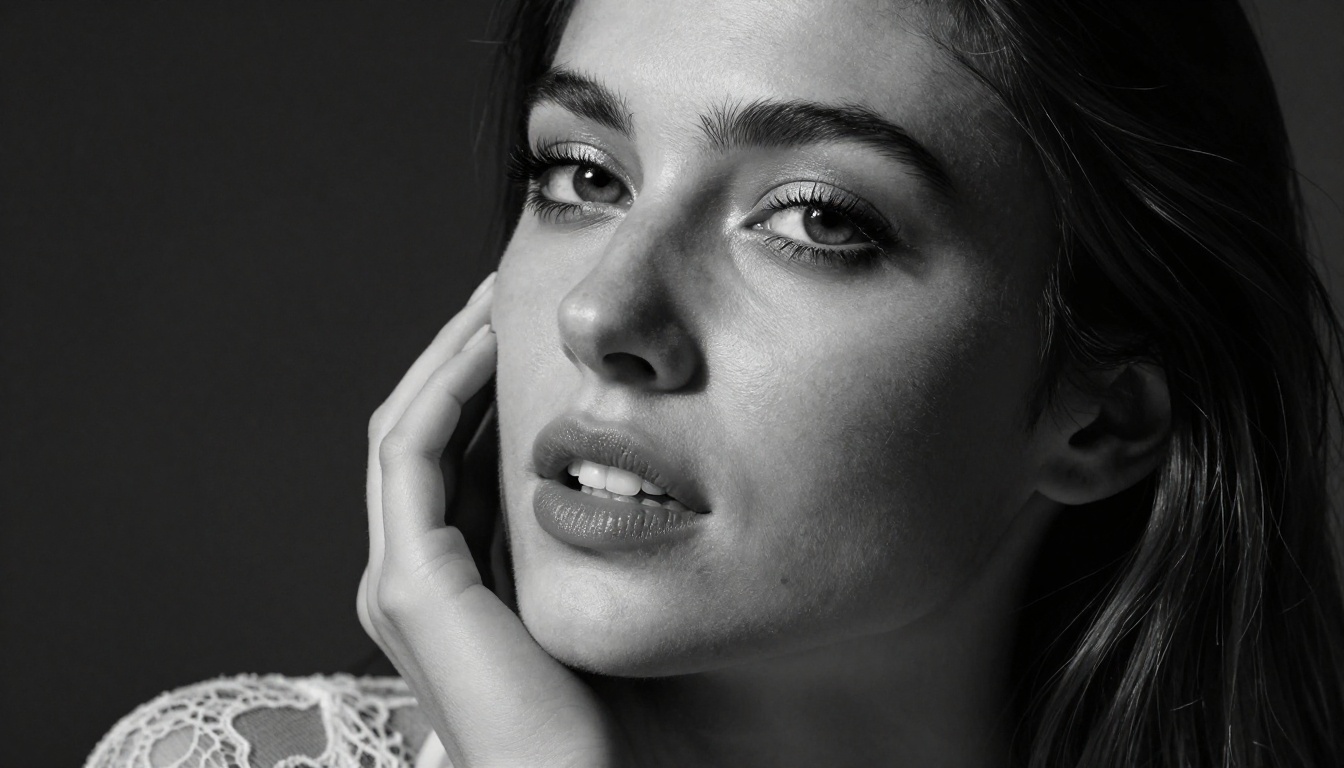
Wan 2.7 T2V is the open-source champion of this list. The Wan series from Wan-Video has become the default recommendation for NSFW creators who want maximum control without restrictive platform policies, and version 2.7 is the most capable release yet.
Why Open Source Matters for NSFW
When a model is open source, the content restrictions are minimal by design. The Wan team trains for quality, not for policy enforcement. That means Wan 2.7 will generate scenes that proprietary models refuse, and PicassoIA makes it accessible without needing local GPU hardware costing thousands of dollars.
Wan 2.7 outputs at 1080p and handles:
- Boudoir and intimate scenes with accurate body proportion
- Extended motion across longer clip durations
- Multiple subjects in frame simultaneously without confusion
- Indoor and outdoor lighting transitions within a single clip
💡 Important: Wan 2.7 requires more detailed prompts than Seedance 2.0. Vague prompts produce generic results. Treat it like prompting a diffusion image model: describe everything, including camera angle, lighting direction, subject clothing or lack thereof, and the exact action taking place over the clip.
Wan 2.7 I2V for Precise Scenes
The image-to-video variant Wan 2.7 I2V gives you a critical advantage: you build your scene precisely in an image first, then animate it. This is particularly useful for NSFW content where you need exact composition control before committing to video generation.
The 2.7 release brings meaningfully better skin texture and cloth simulation than Wan 2.5 T2V. If you have used either 2.5 variant before, the difference at equivalent prompt length is immediately visible in the output.

#4: Pixverse v5.6 on PicassoIA
Pixverse v5.6 is the speed pick of this list. Where Seedance 2.0 and Kling v3 can take 60-120 seconds to generate, Pixverse often delivers in under 30 seconds on PicassoIA. The output quality is solid enough that many creators use it as a rapid iteration tool before committing to a longer Kling or Seedance render.
Pixverse for Rapid NSFW Prototyping
The typical workflow looks like this:
- Write your scene concept
- Run 3-5 quick iterations in Pixverse v5.6 to test prompt wording and composition
- Take the best-performing prompt and generate the final version in Kling v3 or Seedance 2.0
This cuts wasted generation credits significantly and speeds up creative iteration across a full session.
Pixverse v5.6 sweet spots:
- Short clips (3-5 seconds) for social platforms or loops
- Fast fashion and glamour scenes with dynamic movement
- Camera movement shots (pans, tilts, tracking shots)
- Scenes with water, hair, or fabric in motion
Pixverse v5.6 vs. v4.5
Pixverse v4.5 was already capable, but v5.6 adds noticeably better face consistency and reduces the "AI smear" effect that used to appear in motion-heavy clips. Adult content prompts also see better adherence in 5.6 without requiring as many negative prompt workarounds or repeated generation attempts.
#5: PicassoIA Video (Truly Unlimited)
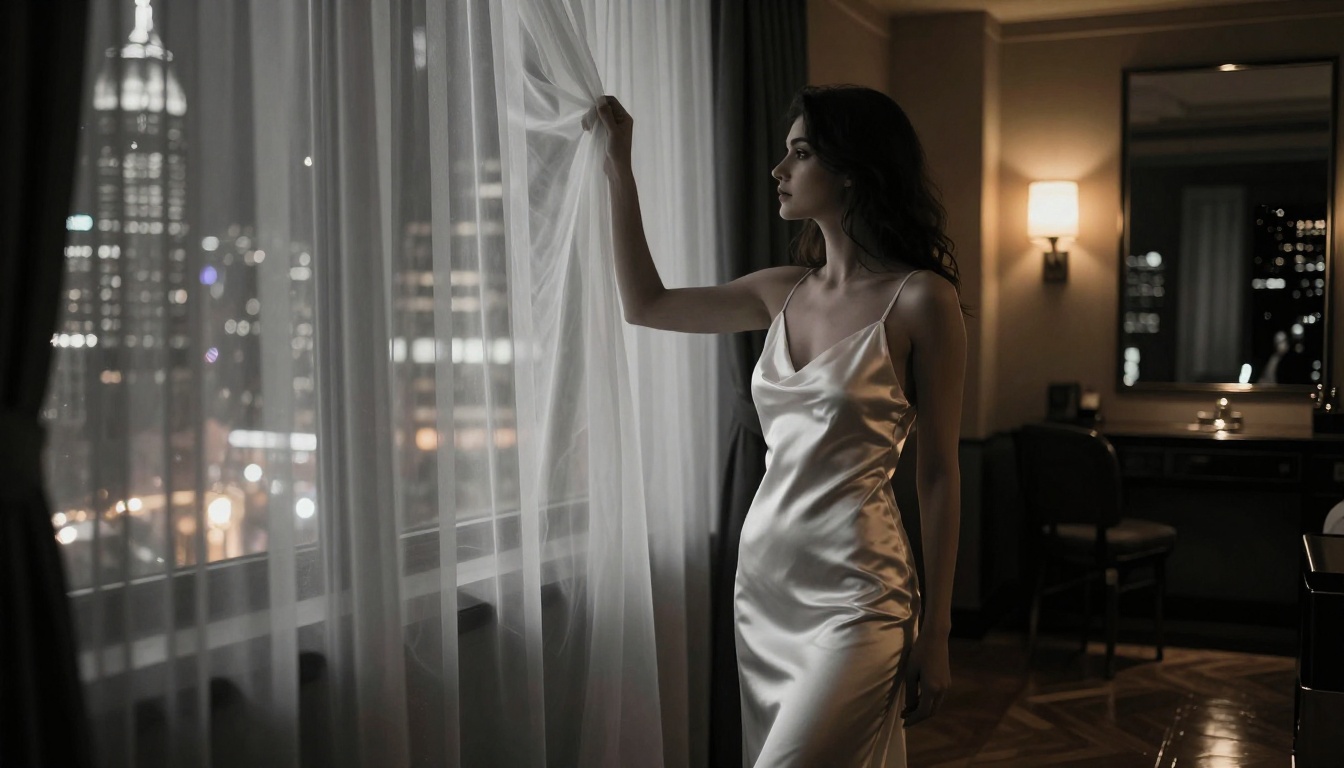
PicassoIA Video is PicassoIA's own model, and it fills a specific niche: truly unlimited free generation with no daily credit cap. While the output quality sits below Seedance 2.0 and Kling v3, it is the only tool on this list that has genuinely no generation ceiling on the free tier.
Who PicassoIA Video Is For
If you are building a content pipeline and need volume, PicassoIA Video is your baseline workhorse. You can run dozens of iterations without hitting a wall, refine your prompts extensively over a single session, and then take your best-performing prompts to Seedance 2.0 or Kling v3 for the final high-quality renders.
Free tier comparison:
The tradeoff is resolution (720p vs. 1080p) and slightly lower motion fidelity. For prototyping, iteration, and volume work, it is an unmatched option.
Getting Better NSFW Results from All Five
The prompt matters more for NSFW content than for standard video generation. These models are capable of producing exactly what you describe, but they need specificity to get there.
Prompt Structure That Works
A strong NSFW video prompt has four layers:
- Subject: Who is in the scene, what they look like, what they are wearing (or not wearing), body language
- Setting: Location, time of day, lighting conditions, props and environment details
- Action: What is happening, how the motion unfolds chronologically over the clip duration
- Camera: Angle, movement, lens behavior (close-up, wide shot, slow pan, dolly, tracking)
Effective prompt example:
A woman in a sheer slip dress stands at a rain-streaked window, slowly turning to look at camera, raising one hand to touch the glass, soft volumetric evening light from the left, shallow depth of field, slow push-in camera movement, photorealistic, natural skin detail
This level of specificity gives the model everything it needs: subject state, setting, action sequence, camera behavior, and lighting.
Using Still Images as Starting Frames
All five tools support image-to-video input, and this is one of the strongest NSFW workflows available right now. Generate a precise still image first where you have frame-by-frame control, then feed that image into the video model with a motion prompt.
For the still frame generation step, PicassoIA's image catalog covers every style you will need. Over 90 text-to-image models are available at picassoia.com/en/all-models, including models specifically tuned for realistic human subjects and adult-adjacent content.

Negative Prompts Still Help
Even on models with minimal filtering, negative prompts improve output consistency significantly:
Anatomy: deformed anatomy, extra limbs, floating body parts, distorted face, blurry motion, morphed hands
Style: cartoon, illustration, painting, 3D render, CGI, anime, sketch
Artifacts: watermark, logo, text overlay, frame borders
Wan 2.7 in particular responds well to negative prompts because it is built on diffusion foundations that were trained with them from the start.
Resolution and Format Choices
- 1080p for final content intended for distribution or sale
- 720p for iteration, prototyping, or platforms with lower display requirements
- 5-10 second clips hit the sweet spot between generation cost and usable content length
For video editing after generation, PicassoIA's video editing tools include upscaling, stabilization, and style transfer options that can extend what you generate into longer or higher-quality final outputs.
What Is Happening in Free NSFW Video Right Now
The five tools above represent the current state, but the category is moving fast. Seedance 2.0 Fast cuts generation time significantly while maintaining most of the quality. Kling v3 Motion Control extends what is possible with precise camera direction inputs. Wan 2.7 I2V adds the image-to-video pipeline for precise NSFW scene construction from reference frames.

The pattern is consistent across every release cycle: anatomy stability improves, filtering decreases, and the resolution ceiling on free tiers rises. The tools available today are already far beyond what existed twelve months ago, and the current trajectory points toward even fewer restrictions and higher quality across 2026 releases.
Start Generating Right Now
The fastest way to get started is Seedance 2.0 on PicassoIA. Write a detailed scene description, upload a reference image if you have one, and generate. The whole process takes under two minutes, and the result lands directly in your browser as a clean MP4 without a watermark or account requirement blocking you.
If you hit the daily credit limit on any of the premium models, switch to PicassoIA Video for unlimited iterations while you refine your prompts.
The full library of video models, image generators, editing tools, and effects is available at picassoia.com/en/all-models. There is no better moment to experiment than right now, when these tools are at peak capability and peak accessibility simultaneously.


