Top 5 Things You Can Do with Nano Banana 2 Right Now
Nano Banana 2 is Google's fast text-to-image model built for speed without cutting corners on visual quality. From photorealistic portraits and landscape photography to product shots, fashion visuals, and architectural renders, this article covers the 5 most useful things you can do with it and how to get the best results on each.
If you have spent any time searching for a text-to-image model that is both fast and genuinely photorealistic, Nano Banana 2 by Google is worth your attention. It does not try to be the most complex model in the room. What it does instead is deliver clean, detailed results at a speed that makes it practical for real creative workflows, not just experimental one-off tests.
The name might seem unexpected, but the output is anything but casual. As part of Google's growing family of compact text-to-image models, Nano Banana 2 sits alongside Nano Banana and Nano Banana Pro as a tool built for speed without sacrificing output quality. If you want to know exactly where it shines, the five use cases below will show you.
What Sets Nano Banana 2 Apart
Before jumping into what you can create, it helps to understand why this model behaves the way it does. Most high-performance image generators trade generation speed for raw quality. Heavier models like flux-2-pro or GPT Image 1.5 can produce extraordinary outputs, but they take time. Nano Banana 2 is built around a different set of priorities.
Speed as a Feature, Not a Compromise
Most people treat speed as a downgrade. With Nano Banana 2, speed is the actual design goal. The model produces outputs quickly enough to support rapid iteration, meaning you can test five prompt variations in the time another model takes to finish one. For creators who work in fast-moving environments, such as blogs, social content, and client proofing, that matters a lot.
💡 Tip: Use Nano Banana 2 for rapid ideation. Once you find a prompt that works, upgrade to Nano Banana Pro or flux-2-dev for your final high-resolution version.
Output Quality at a Glance
The results are sharper and more coherent than you might expect from a "fast" model. Prompt adherence is strong, meaning the model does a good job of capturing the specifics you describe rather than drifting toward generic interpretations. This makes it reliable for use cases where visual accuracy actually matters.
The model also handles a wide range of lighting conditions without needing extensive workarounds. Natural light, overcast diffusion, golden-hour warmth, and directional studio setups all produce consistent, photographic results when described with reasonable specificity.
#1. Photorealistic Portraits That Look Like Photos
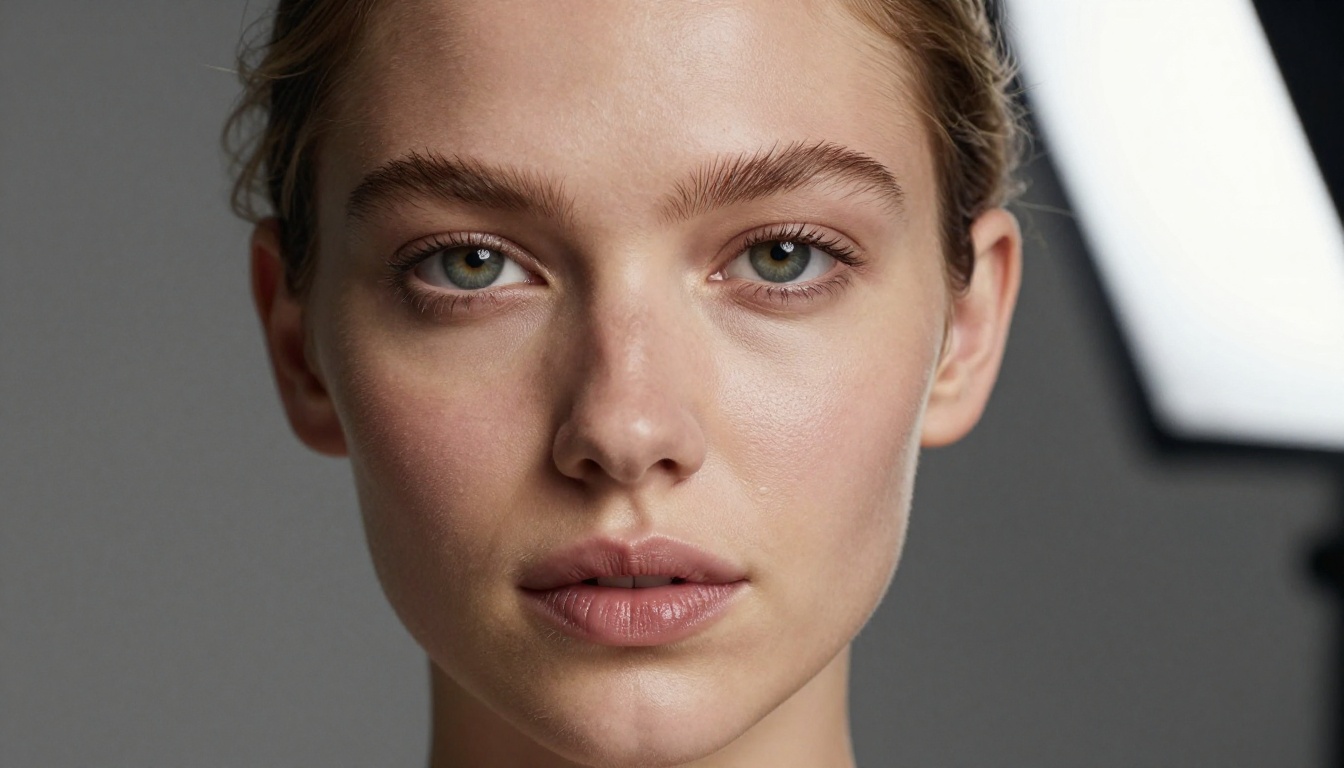
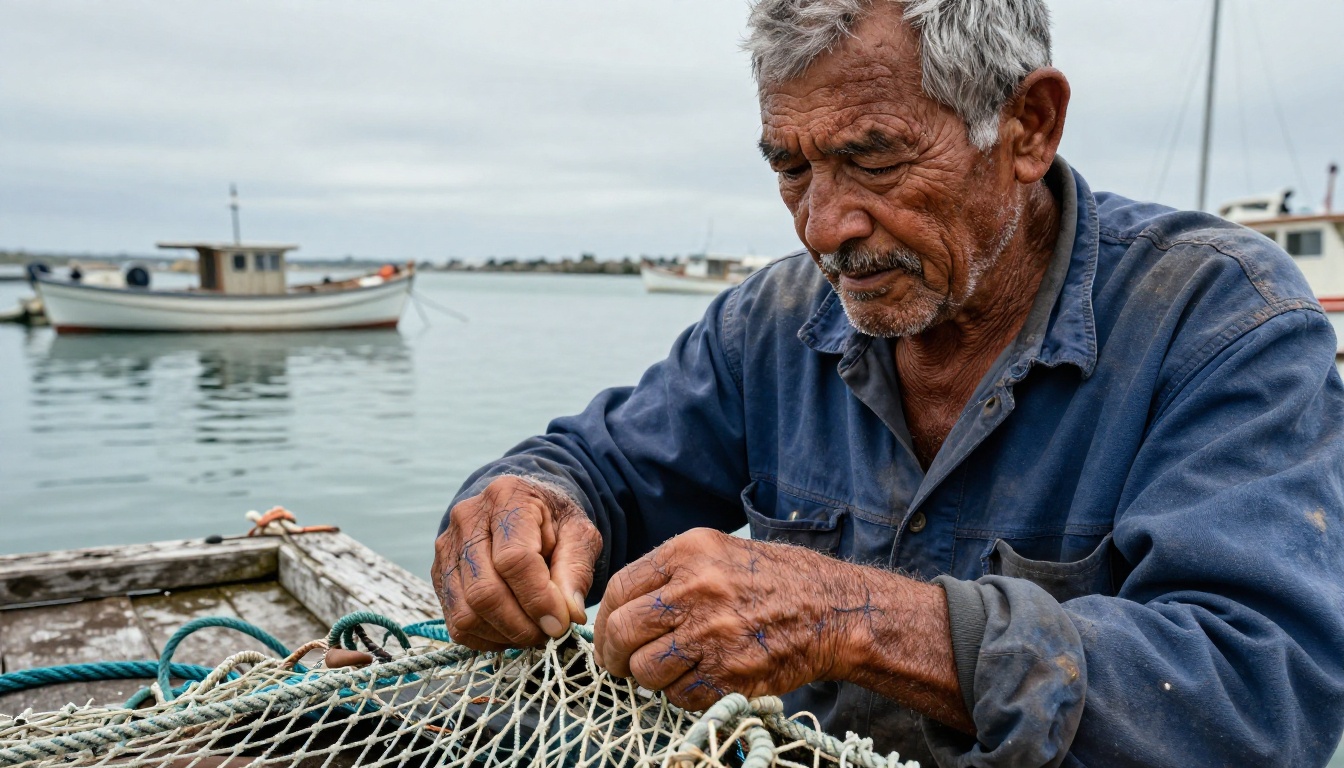
This is arguably the area where Nano Banana 2 makes the strongest first impression. Feed it a well-written portrait prompt and it will produce results with convincing skin texture, natural lighting, and facial coherence that rivals dedicated portrait models.
What the Prompt Needs
Portrait prompts for Nano Banana 2 respond well to specificity. Vague descriptions like "a beautiful woman" will give you something, but detailed prompts unlock a different level of output.
The three things that matter most in portrait prompts:
Lighting direction: "soft Rembrandt light from the upper right" gives the model precise instruction on shadow placement and mood
Camera lens: "85mm f/1.8, shallow depth of field" signals photographic realism and forces natural background separation
Skin details: "natural pores, slight flush on the cheeks, no retouching" prevents the smooth AI-skin look that makes portraits feel fake and overly processed
When It Really Shines
Nano Banana 2 is particularly strong with environmental portraits, where the subject interacts with a real-feeling space rather than a plain backdrop. A person in a specific setting, a workshop, a coastal dock, a sunlit loft, tends to produce results with more visual depth and natural atmosphere than a standard studio shot against a gray background.
For creators working on blog covers, social media content, or editorial imagery, this level of output quality at fast generation speed represents a genuine efficiency gain over slower alternatives.
#2. Landscape Photography From Pure Text
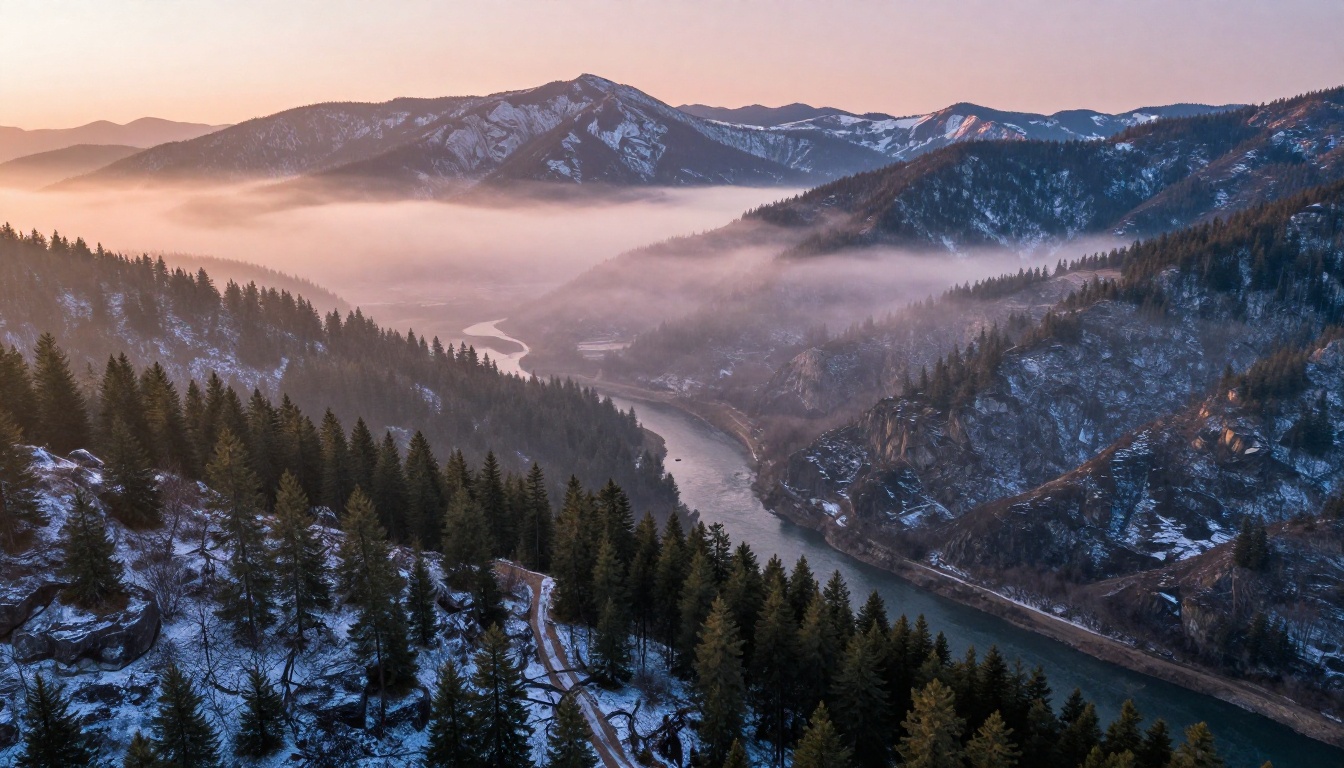
Landscapes are one of the most consistent wins for AI image generators, and Nano Banana 2 handles them with notable atmospheric quality. The model reads spatial descriptions well and translates them into images with proper depth layering.
Aerial and Wide-Angle Scenes
Wide aerial compositions benefit from the model's ability to handle atmospheric perspective, the natural visual effect where distant objects fade into haze and lose contrast. Specifying altitude ("drone view at approximately 200 meters altitude") combined with time of day and weather ("morning fog pooling in the lower valley basin") produces results with a genuine sense of depth and scale that flat, ground-level descriptions often miss.
Golden Hour and Atmospheric Light
The model handles transitional lighting conditions particularly well. Golden hour, dusk, misty mornings, and overcast coastal light all produce strong results because the model interprets photographic lighting language accurately. Pair light descriptions with specific film stock references such as "Kodak Ektar 100 color profile" or "Fujifilm Superia 400 film grain" to get consistent tonal responses across multiple generations.
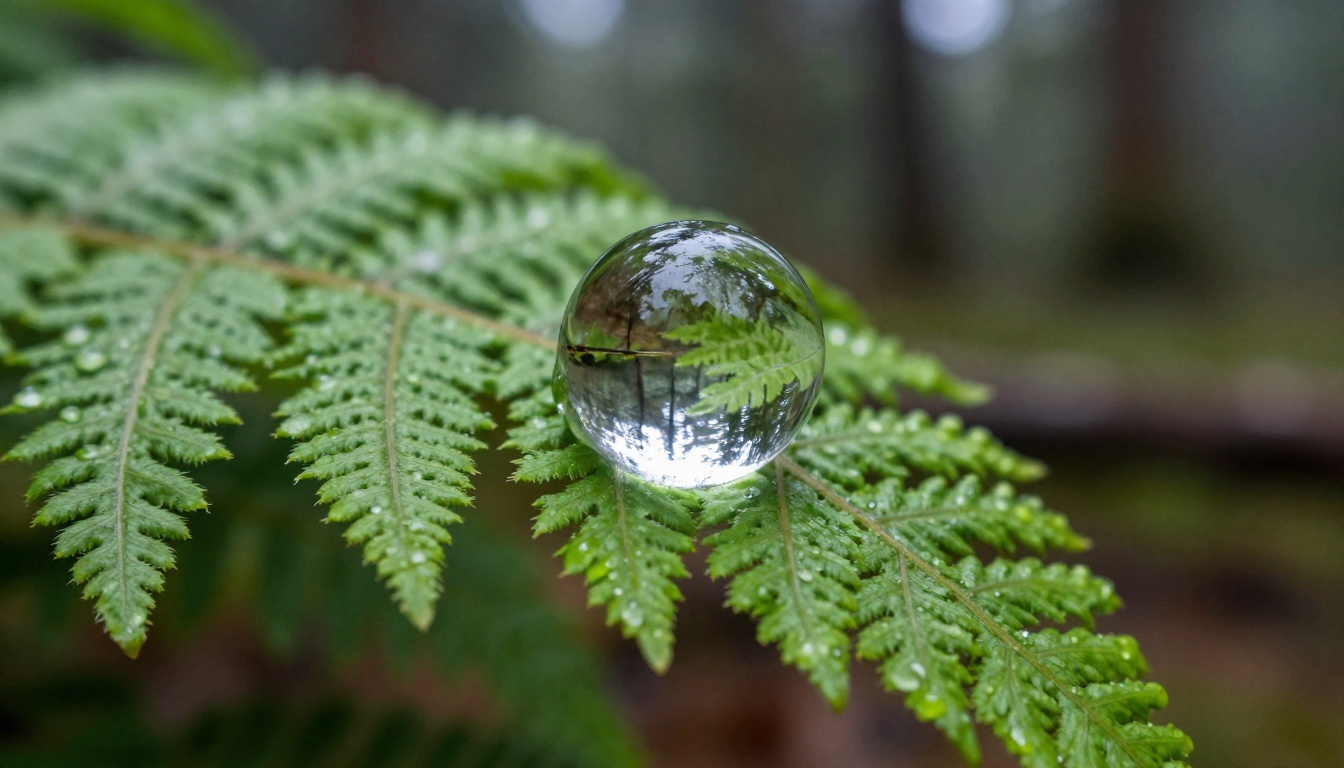
💡 Tip: Include fog, mist, or atmospheric haze in your landscape prompts. These elements add natural depth and make outputs look more like real outdoor photography rather than rendered illustrations.
#3. Product Photography Without a Studio
Studio product photography is expensive, requires physical setup, and demands skilled lighting knowledge. Nano Banana 2 can produce convincing commercial-quality product shots for a fraction of the cost and with zero physical setup required.
Luxury Goods and Minimal Layouts
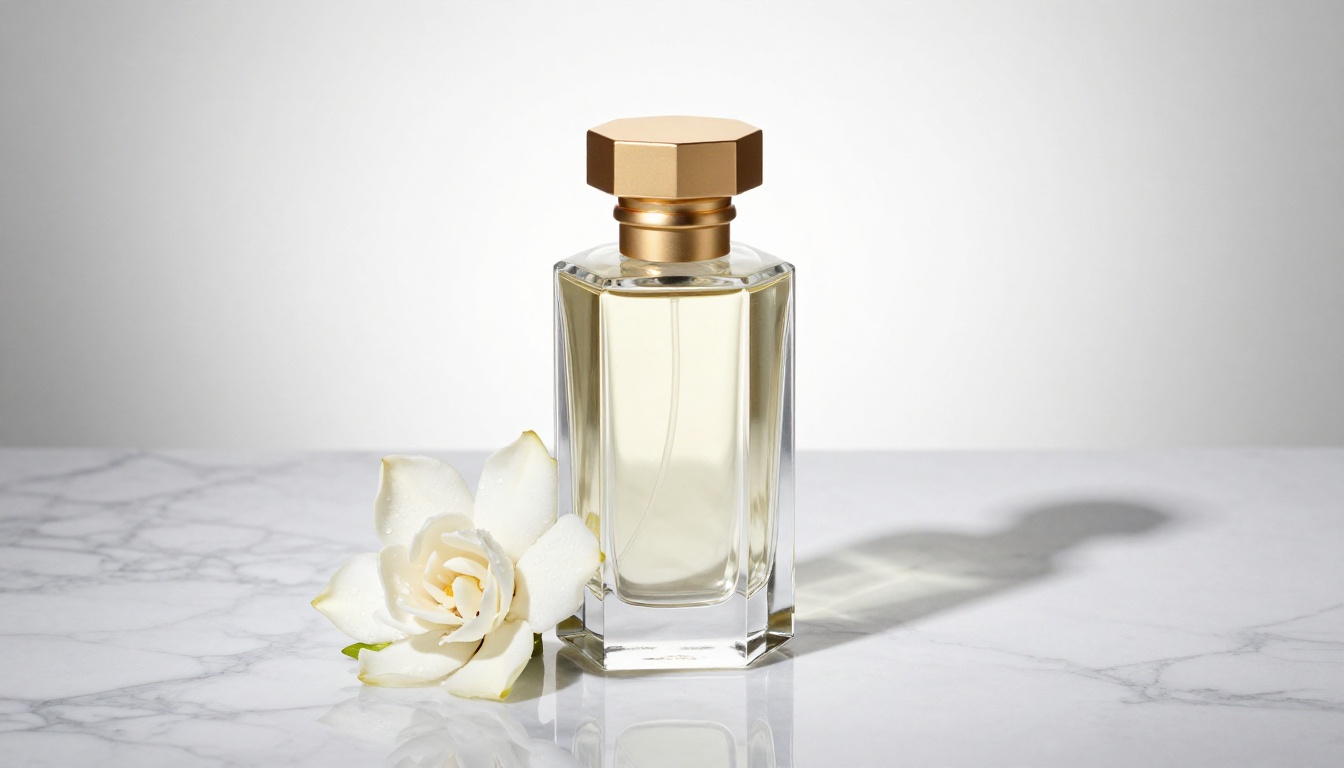
For premium product categories such as perfumes, watches, and cosmetics, minimal compositions on marble or concrete surfaces work especially well. The model renders material textures like glass, ceramic, and polished metal with strong fidelity when you specify them clearly in the prompt.
What to include in a product prompt:
Element
Example
Surface material
"White marble with natural grey veining"
Product shape
"Hexagonal faceted glass bottle with matte gold cap"
Lighting setup
"Directional LED from upper left, fill card to the right"
Prop for warmth
"Single fresh gardenia bloom with dew drops"
Lens specification
"100mm macro at f/8, full depth of field throughout"
Food, Cosmetics, and Packaged Goods
The same approach applies across product categories. For food photography, warm directional light with visible steam or condensation details brings meals to life. For cosmetics, overhead flat lays on textured fabric or stone backgrounds with individual product shadows produce editorial-ready outputs. For packaged goods, a simple three-quarter angle view with controlled shadow makes the product feel real and tangible.
💡 Tip: Always specify "photorealistic material rendering" in product prompts. This signals to the model that glass should transmit and refract light, metal should reflect its environment, and fabric should show weave texture rather than being rendered as a flat color.
#4. Fashion and Glamour Visuals
Fashion content creation is one of the most demanding use cases for any AI image generator. The results need to read as real photography, not AI-generated content, if they are going to be useful in actual content pipelines. Nano Banana 2 handles fashion imagery well when you approach it with the same rigor you would use directing a real shoot.
That means specifying location, lighting, wardrobe material, body position, and camera distance. Leaving any of these vague introduces inconsistency into the output that is hard to correct after the fact.
Editorial and Lifestyle Shots
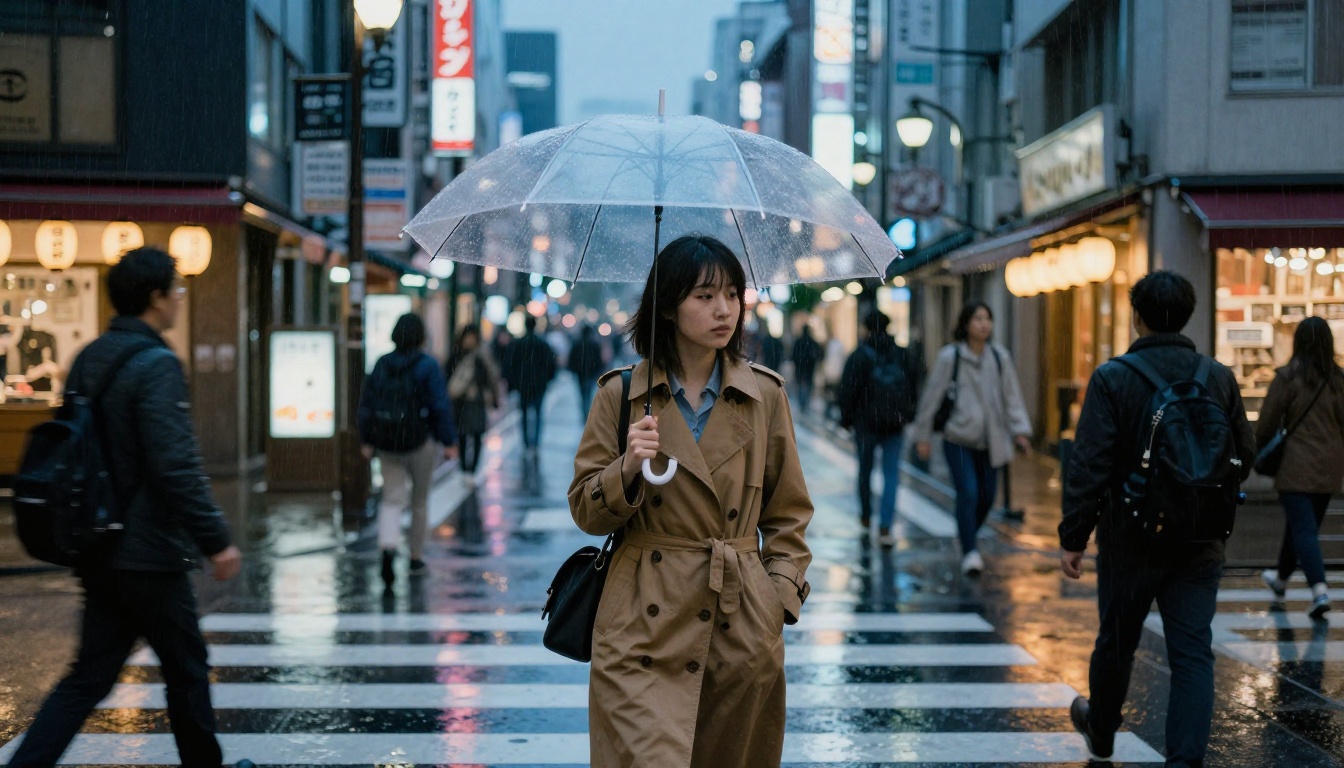
Editorial fashion prompts need a clear visual context. A woman in a silk dress reads very differently depending on whether she is in a Paris apartment, on a Greek terrace, or in a New York streetscape. The environment is not just a backdrop, it is part of the image. Describe it in the same detail as the subject and the results will reflect that investment.
Styling and Wardrobe in Prompts
Fabric material makes a significant difference in output quality. "Flowing champagne silk that catches backlight" gives the model specific optical properties to work with, creating fabric that moves and reflects light naturally. Compare that to simply writing "a nice dress" and the difference in output quality is dramatic.
Material finish: "silk sheen", "matte linen", "ribbed knit", "distressed denim"
Color with light interaction: "catches backlight", "absorbs shadow", "reflects golden hour warmth"
#5. Architecture and Interior Visualization
For architects, interior designers, and real estate content creators, Nano Banana 2 provides a fast way to visualize spaces that do not yet exist, or to generate strong reference material for projects in early planning stages.
Modern Interiors That Hold Up to Scrutiny
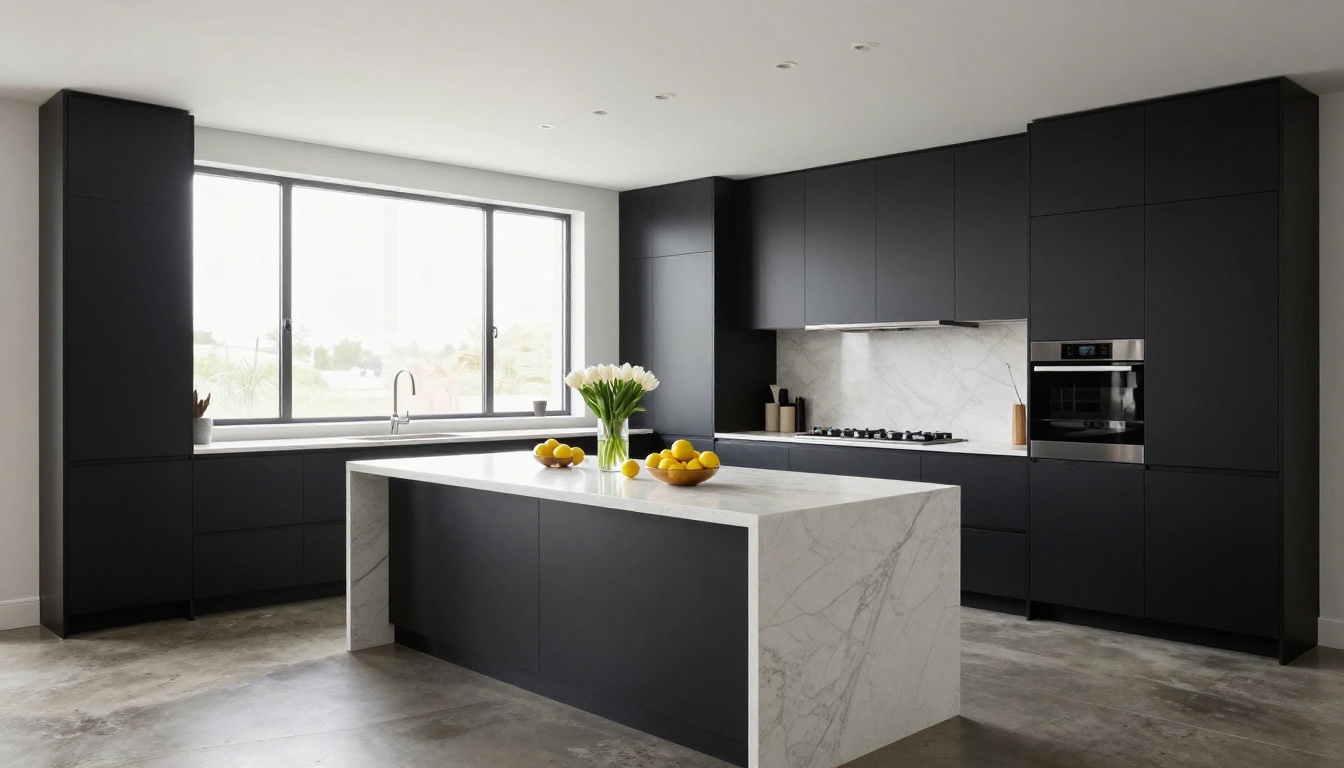
Interior photography is technically demanding because human viewers are extremely sensitive to architectural errors, including crooked lines, impossible light sources, and furniture that does not make physical sense in the space. Nano Banana 2 handles this better than many models when you use architectural photography language in your prompt.
Specifying a tilt-shift lens in interior prompts corrects vertical convergence in the model's output, keeping all vertical lines parallel. Describing the light source as "diffused overcast daylight through north-facing windows" gives a controlled, predictable result. These are the same choices a real architectural photographer would make on set.
Exterior and Structural Shots
Exterior architecture responds strongly to time of day and material specification. A concrete building in flat midday light looks very different from the same structure at late afternoon with directional shadow cutting across its facade. Both are valid choices, but intentional ones produce better results than leaving time of day unspecified.
💡 Tip: For interior visualization, include a single organic element such as a vase of flowers, a bowl of fruit, or a stack of books. It breaks the artificial sterility that makes AI-rendered interiors look empty and adds the photographic credibility that reads as "real room" rather than "staged set."
Using Nano Banana 2 on PicassoIA
Nano Banana 2 is available directly on PicassoIA. Here is how to use it from first click to final output.
Step 1: Open the Model Page
Go to the Nano Banana 2 model page on PicassoIA. The interface shows the prompt input area, output settings, and available parameter controls for the model.
Step 2: Write a Structured Prompt
Do not start with a vague description. Use this structure as a baseline:
[Subject + action or pose] + [Detailed environment] + [Lighting conditions] + [Camera angle and lens spec] + [Texture and atmosphere details]
Example for a portrait: "A young woman with olive skin and dark curly hair, laughing naturally at a phone screen, seated on a cream linen sofa in a warm afternoon-lit living room, rectangular window shadows crossing the sisal rug, 35mm f/2.8 lens, Kodak Portra 800 film grain, warm amber light from the left"
Step 3: Set Aspect Ratio and Generate
For most photography-style outputs, the 16:9 aspect ratio produces the most natural framing. Portrait work can benefit from 4:3 or even 3:2 for a more traditional photographic feel. Generate and review the first output before adjusting the prompt.
Step 4: Iterate Fast
This is where Nano Banana 2's speed becomes an actual creative advantage. If the first result is close but not quite right, adjust one element of the prompt and regenerate immediately. Change one variable at a time, whether that is lighting, clothing material, background distance, or camera angle, and observe what changes. This iterative approach gets you to a strong result far faster than rewriting the entire prompt from scratch each time.
How Nano Banana 2 Compares to Alternatives
If you are deciding which model to reach for on a specific project, this breakdown covers the most common alternatives available on PicassoIA:
The practical takeaway: use Nano Banana 2 when speed matters and quality still needs to be solid. For final publication-grade images where every detail counts, upgrade to Nano Banana Pro or flux-2-pro.
Prompt Patterns That Actually Work
After working with Nano Banana 2 across all five categories above, certain prompt patterns produce consistently strong results regardless of subject matter.
Portrait prompting checklist:
Skin tone and specific physical features described
Lighting direction named explicitly, not just "good lighting"
Lens focal length and aperture specified
Film stock or color profile referenced
At least one texture detail included such as skin, fabric, or surface material
Landscape prompting checklist:
Time of day and weather named explicitly
Foreground, middle ground, and background layers described
Camera height or perspective specified: ground level, aerial, or eye level
At least one atmospheric element included such as fog, haze, rain, or golden-hour light
Product prompting checklist:
Surface material described with texture reference
Lighting rig specified: directional, diffused, or backlit
Single prop or organic element included for visual warmth
Lens and depth of field specified for correct focus plane
💡 Tip: One of the most consistent ways to improve any output in Nano Banana 2 is to include a film stock reference. Kodak Portra 400 gives warm skin tones and fine grain suited to portraits. Kodak Ektar 100 gives saturated landscapes with punchy natural color. Fujifilm Superia 400 gives cool, slightly desaturated urban and street scenes.
The lifestyle image above shows what happens when structured prompting meets a model optimized for photorealism. The result reads as a candid photograph with natural warmth and authentic expression, which is the actual output goal for most real-world content creation projects.
Start Creating With Nano Banana 2
Nano Banana 2 is available on PicassoIA right now and takes seconds to start generating. Whether you are working on portrait content, product photography proofs, interior visualizations for a client pitch, or fashion reference images, the model gives you fast, credible results that hold up visually without requiring you to wait.
Write a prompt using the structure from this article, pick one of the five use cases listed, and generate your first image. Adjust one variable at a time and you will find the sweet spot faster than you expect. The speed of Nano Banana 2 is part of what makes this experimentation cost-free in practical terms.
When you want to push output quality further without changing your workflow, Nano Banana Pro accepts the same prompt structure and produces significantly more detail. For cinematic and highly stylized work, flux-2-pro and flux-2-dev are worth adding to your regular rotation. And if you want a serious step up in photographic realism for publication-grade outputs, imagen-4 is the next model to try.
Start with Nano Banana 2. See what it produces with a well-structured prompt. The results might surprise you.