ByteDance just changed what people expect from AI video generation. Seedance 2.0 is not a minor iteration of its predecessor. It is a rebuilt pipeline that handles native audio, sharp motion physics, and nuanced scene interpretation at a level that makes most other models look like they are still figuring out the basics. If you have been waiting for an AI video tool that does not require heavy post-processing to look usable, this is the one worth paying attention to.
What Makes Seedance 2.0 Different
Before getting into specific capabilities, it helps to understand what separates this model from the crowded field of text-to-video tools. Most models generate visually competent footage but stumble when asked to maintain motion consistency across a full clip, or when the prompt includes complex scene dynamics.
Seedance 2.0 addresses this through a dual-stream architecture that processes visual tokens and temporal context separately before merging them. The result is footage that moves more like something shot with an actual camera and less like an animation trying to approximate physics.

Native audio built right in
The single biggest addition in version 2.0 is native audio generation. Previous AI video models required you to generate video first, then add audio as a separate step using a different tool. Seedance 2.0 generates synchronized sound as part of the same output. Ambient noise, environmental sounds, and audio that fits the visual context are all produced in a single pass.
This is not a feature that sounds impressive on paper and disappoints in practice. The audio output is genuinely usable for short-form content without additional processing.
How it stacks up
| Feature | Seedance 2.0 | Seedance 1.5 Pro | Kling V3 |
|---|
| Native Audio | Yes | No | No |
| Max Resolution | 1080p | 1080p | 1080p |
| Image to Video | Yes | Yes | Yes |
| Motion Consistency | High | Medium | High |
| Prompt Adherence | Very High | High | High |
💡 Tip: If you worked with Seedance 1.5 Pro before, the jump to 2.0 is noticeable immediately in how it handles motion around faces and hands, two areas where older models consistently fell apart.
#1 Turn Text into Cinematic Sequences
This is the most obvious use case, but Seedance 2.0 executes it at a level that changes what is possible for individual creators. You write a description, and the model produces footage that reads like it was planned by a director.

The core difference from earlier text-to-video models is prompt fidelity. If you specify that a character should be walking slowly through rain-slicked streets at night, the model does not invent sunshine. It interprets the specific conditions you describe and applies them consistently across the clip.
Prompts that produce results
The model responds well to detailed, specific language. Vague prompts produce average results. Specific prompts that describe lighting conditions, the emotional tone of a scene, and physical characteristics of subjects tend to produce footage that is actually usable.
What works:
- Describe lighting direction: "overhead afternoon sun casting short shadows"
- Specify the shot type: "close-up on the subject's hands, shallow depth of field"
- Include environment details: "damp stone cobblestones, autumn leaves catching streetlight"
- State the motion clearly: "slow deliberate walk, no camera shake"
What to avoid:
- Generic descriptors like "beautiful" or "amazing" with no specifics
- Contradictory instructions that confuse motion physics
- More than two major actions happening simultaneously
Scene-setting that works
Complex scenes with multiple visual elements are where most models start struggling. Seedance 2.0 handles these by prioritizing the foreground subject while maintaining coherent background detail. This means you can write a prompt that places a subject in a busy market street without the background becoming a visual mess of artifacts.
💡 For storytellers: Try writing your prompt as a film scene description rather than a visual list. "A woman in her 30s stops at a rain-streaked window and looks out at an empty street" tends to produce better results than "woman, window, rain, street."
#2 Animate Still Photos into Living Scenes
Image-to-video is where Seedance 2.0 genuinely impresses creative professionals. You provide a still image, add a motion prompt, and the model produces footage that extends naturally from the visual logic of the original photograph.
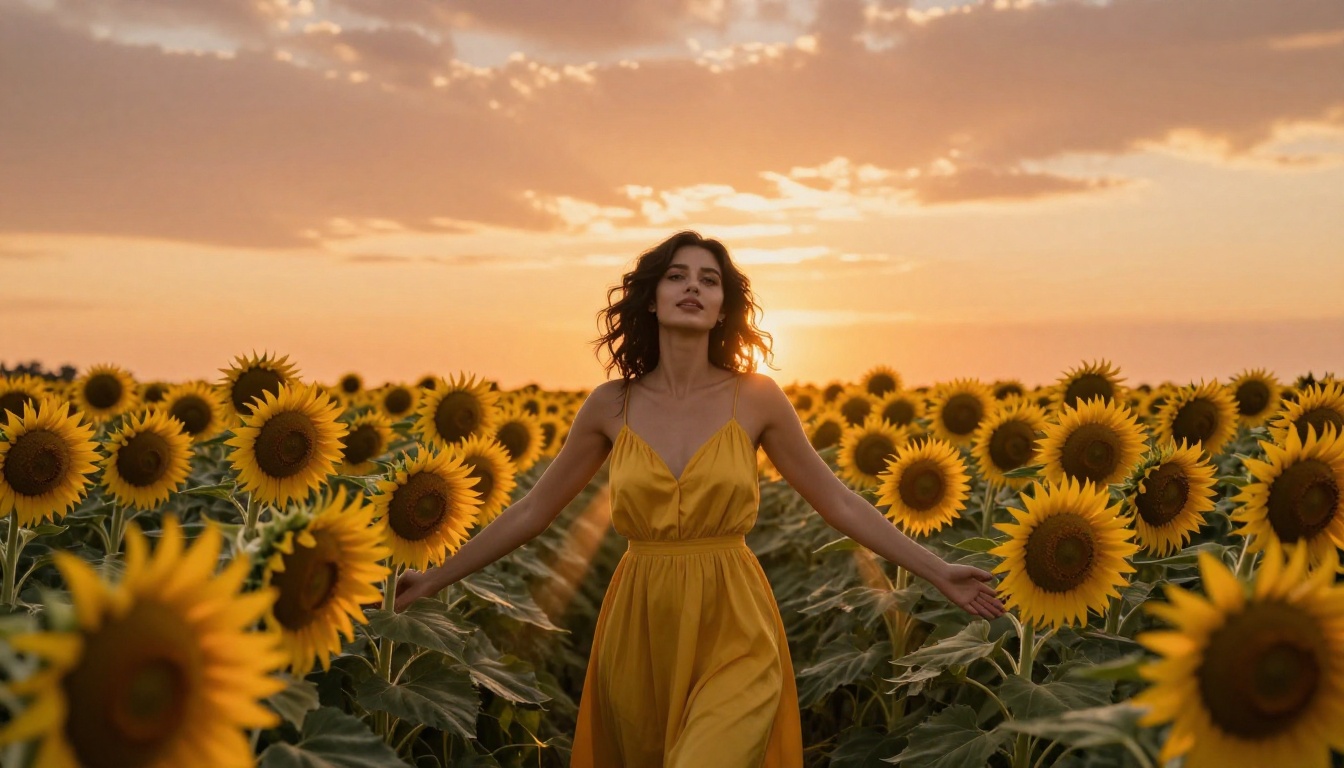
The practical applications are significant for photographers, product teams, and social media creators who have existing still assets they want to bring to life without a full production shoot.
Best image types to start with
Not all images produce equally good results. The model performs best with:
- Portraits with clear subjects: faces and body positions animate with more realism when they are clearly defined in the original
- Outdoor scenes with natural elements: wind effects on hair, leaves, and fabric animate with impressive physical accuracy
- Product photography: static product shots can be given subtle rotation, environmental context, or hover effects
- Architectural exteriors: time-of-day shifts and weather effects produce cinematic results
💡 Resolution matters: Higher resolution source images give the model more detail to work from. A blurry 800px wide photo will not produce 1080p footage with crisp detail, no matter how well you write the prompt.
Motion realism tips
Subtle motion almost always looks better than dramatic motion. The model can produce large sweeping movements, but gentle animations, a slight breeze through hair, fabric ripple, a slow camera pull, tend to look more photorealistic and are harder to identify as AI-generated.
For portraits specifically, the model has significantly improved eye and lip motion compared to Seedance 1.5 Pro. Small expressions, blinking, and subtle head tilts now animate with considerably less of the uncanny valley effect that plagued earlier versions.
#3 Create Videos with Real Audio
This is the capability that positions Seedance 2.0 as a step ahead of nearly every competing model. While tools like Kling V3 and Veo 3 deliver strong visual output, native audio generation as part of the video pipeline remains rare.
Why this changes content production
For short-form video creators, audio is the most labor-intensive part of post-production. Finding royalty-free music that fits the mood, recording voiceovers, and sourcing sound effects are all steps that add time and cost to every piece of content.
Seedance 2.0 does not replace all of those workflows, but it handles ambient and environmental audio extremely well. A market scene sounds like a market. An outdoor setting in wind produces appropriate atmospheric audio. This alone makes many outputs usable straight from the model without touching a separate audio editor.
Real use cases for audio-first creators
- Social media content: Short clips with environmental audio that requires no music licensing
- Product demos: Product reveal videos where ambient sound adds production value without additional tools
- Travel content: Location-based clips where the sonic environment is as important as the visual
- Podcast visuals: Animated background visuals that respond naturally to audio context
💡 Audio prompt tip: Include sonic context in your text prompt. "A busy coffee shop on a rainy afternoon" will produce relevant environmental audio. If you want something quieter, specify it: "a quiet gallery space, almost silent, footsteps on marble."
#4 Produce Complex Camera Movements
One of the more underrated capabilities of Seedance 2.0 is its ability to interpret and execute camera movement instructions. Most text-to-video models either ignore camera direction entirely or produce mechanical-looking moves that feel automated.
Seedance 2.0 interprets camera movement as part of narrative intent. A slow dolly forward reads differently from a crash zoom, and the model applies these differently in terms of how the subject and background respond.
Cinematic moves you can request
| Camera Move | What to Write | Best Used For |
|---|
| Slow push-in | "slow forward dolly toward the subject" | Intimate moments, tension building |
| Orbit | "camera orbits 90 degrees around subject" | Product reveals, character introduction |
| Low angle | "low angle shot, looking up at subject against sky" | Power, scale, drama |
| Aerial descent | "camera descends slowly from above into the scene" | Opening establishing shots |
| Tracking | "camera tracks sideways as subject walks" | Motion, narrative momentum |
| Pull-out | "slow zoom out revealing wider environment" | Context, isolation, endings |
Combining movement with narrative
The real power comes from combining camera movement with scene description in a way that serves a clear visual purpose. "The camera slowly orbits a woman standing in an empty train station at 3am, the fluorescent lights casting cold blue on the concrete floor" is more effective than "orbit camera around woman in station" because the model has enough context to make purposeful choices about how the movement interacts with the mood.
💡 Avoid: Requesting multiple conflicting movements in a single prompt. "Pan left while zooming in and tilting up" is likely to produce inconsistent results. Pick one dominant movement and let it breathe.
#5 Go Fast with Seedance 2.0 Fast
Speed is a real production constraint. If you are creating content at volume, waiting several minutes per video clip adds up quickly. Seedance 2.0 Fast addresses this with a significantly reduced generation time while maintaining most of the quality of the standard version.
Standard vs Fast
The trade-off is real but manageable depending on your use case:
Seedance 2.0 Standard:
- Highest motion consistency
- Best prompt adherence for complex scenes
- Native audio with highest fidelity
- Recommended for final output
Seedance 2.0 Fast:
- Significantly faster generation
- Slightly reduced consistency on very complex prompts
- Audio generation maintained
- Recommended for iteration and drafts
When Fast is the right call
Use Fast mode when you are iterating on a prompt. Generating ten variations of a prompt to find the one that works best is much more practical at Fast speeds. Once you have identified the winning prompt, run it through standard mode for the final output.
For social media content where you are producing high volumes of short clips, Fast mode may produce output that is entirely sufficient without the extra step. The quality difference only becomes clearly visible on complex scenes with many moving elements.
How to Use Seedance 2.0 on PicassoIA
Seedance 2.0 is available directly on PicassoIA with no API setup required. Here is exactly how to use it:

Step 1: Open the model page
Go to Seedance 2.0 on PicassoIA and click to open the generation interface. You will see the text prompt field and an optional image upload area for image-to-video mode.
Step 2: Write your prompt
Write a detailed description of your scene. Include:
- The main subject and what they are doing
- The environment and lighting conditions
- The camera angle and movement you want
- Any audio context for the kind of ambient sound you need
Keep prompts between 50 and 150 words for best results. Shorter prompts often produce generic results; longer prompts can introduce conflicts.
Step 3: Choose your mode
- Text to Video: Leave the image upload empty and submit your text prompt
- Image to Video: Upload your source image, then add a motion prompt describing what should happen in the scene
Step 4: Set parameters
| Parameter | Recommended Setting | Notes |
|---|
| Duration | 4-8 seconds | Sweet spot for quality and generation time |
| Resolution | 1080p | Use 720p only if speed is critical |
| Audio | On | Keep enabled unless you plan to add custom audio |
Step 5: Generate and refine
Submit your generation. If the first output is not what you wanted, adjust one element at a time rather than rewriting the entire prompt. Small changes to lighting description or camera direction often produce dramatically different results.
💡 Pro tip: Save your best-performing prompts. A well-written prompt for one type of scene often transfers well to similar scenes with minor modifications.
Parameter tips for specific results
- Slow motion feel: Use longer duration with fewer actions in the prompt
- Cinematic color: Include color grade references like "warm golden tones" or "desaturated cool palette"
- Stable footage: Specify "no camera shake" or "locked camera" if you want static framing
- Dynamic energy: Use active verbs and include multiple simultaneous environmental movements
Create Something Today
The capabilities covered in this article represent what Seedance 2.0 does well right now, not a theoretical concept. Native audio generation, image animation, cinematic camera control, and rapid iteration through Seedance 2.0 Fast are all production-ready today.

The best way to understand what this model can do for your specific creative work is to run a few generations. Pick one image you already have, write a motion prompt for it, and see what the image-to-video pipeline produces. That single experiment will give you a clearer picture of the model's strengths than any written description can.
PicassoIA gives you access to over 89 text-to-video models in a single platform, including both Seedance 2.0 and Seedance 2.0 Fast. You can run side-by-side comparisons, switch between models within the same session, and access other strong performers like Veo 3, Kling V3, and Hailuo 2.3 without managing separate subscriptions.

Start with what you already have. A single photograph, a paragraph of description, an idea for a short scene. Seedance 2.0 will show you what it can do from there.


