The AI image generation scene is moving fast in 2027. Really fast. What felt like science fiction two years ago, a single text prompt producing a photorealistic portrait indistinguishable from a camera image, is now routine. The harder question is no longer "can AI do this?" but "which model does it best?" This roundup cuts through the noise and ranks the models actually worth using, from flagship commercial tools to open-weight alternatives that punch well above their size.
How We Ranked These Models
Not every benchmark tells the full story. A model that scores well on academic tests can still produce results that look off, flat, or wrong in practice.
What actually matters in 2027
We evaluated models across five dimensions that real creators care about:
- Output quality at full resolution, not cropped thumbnails
- Prompt adherence: does it do what you asked?
- Speed: time-to-first-image for typical workflows
- Consistency: does it hold up across 20 generations, or just the cherry-picked ones?
- Editability: can you refine results without starting over?
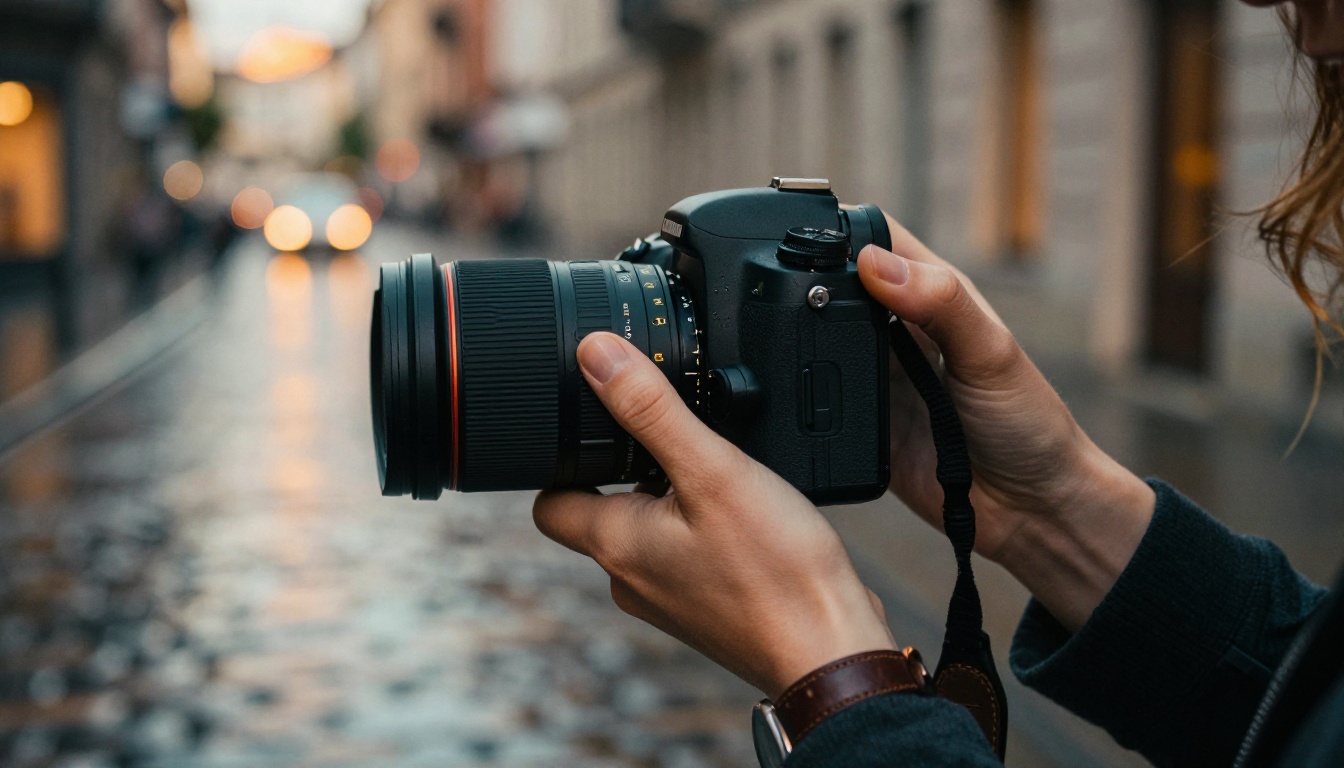
GPT Image 2 Sets the Bar
OpenAI raised the ceiling on what commercial image generation looks like. GPT Image 2 is not just an incremental improvement over its predecessor. It represents a genuine shift in how well a model can follow complex, layered prompts.
Where earlier models would drop details from long prompts, GPT Image 2 holds multiple subjects, lighting conditions, and stylistic constraints simultaneously. Ask for a woman in a leather jacket reading a book under warm tungsten light in a 1970s apartment, and you get exactly that, down to the specific quality of the light.
When it shines
- Portraits and lifestyle photography: skin texture, natural light, and micro-detail are all handled well
- Product photography: accurate object rendering with controlled backgrounds
- Multi-subject compositions: handles scene complexity that smaller models fail at
When to use something else
GPT Image 2 is powerful but not always the most flexible for heavy iteration. If you need to fine-tune a specific aesthetic through LoRA training or need depth-controlled editing, FLUX-based models often give you more knobs to turn.
GPT Image 1 remains a strong, cost-effective alternative for simpler tasks where you do not need the full power of its successor.
💡 Pro tip: GPT Image 2 responds exceptionally well to camera-specific language. Describing your shot as "Canon 5D Mark IV, 85mm f/1.8, golden hour backlight" produces noticeably more photographic results than generic prompts.

FLUX Models Still Lead Open Source
Black Forest Labs built something special with the FLUX family, and it has only gotten stronger. The real advantage is not just raw image quality but the ecosystem of specialized variants built around the base architecture.
Flux Kontext Fast for editing
Flux Kontext Fast is the editing workhorse of 2027. It processes reference images and applies precise, targeted changes without degrading the rest of the frame. Change a jacket color, swap a background, remove an object: all at speed that makes iteration practical.
Pair it with Flux Fill Pro for outpainting and inpainting workflows, and you have a full post-generation editing pipeline without touching external tools.
Flux Pro Finetuned for precision
Flux Pro Finetuned is where custom aesthetic control lives. If you need a model trained on your specific brand imagery, character style, or product line, this is the starting point. The finetuning pipeline is stable, the results are consistent, and the base quality means you are not fighting the model from the start.
Also worth mentioning: Flux Krea Dev specifically addresses the "AI look" problem, that particular flatness or over-smoothing that flags an image as machine-made. Its outputs have a distinctly photographic grain and imperfection that holds up under scrutiny.
For variation workflows, Flux Redux Dev generates coherent variations from a reference image, and Flux Canny Pro provides structural control via edge detection, ideal for maintaining composition across iterations.
💡 Pro tip: Combine Flux Depth Pro with Flux Kontext Fast for scene modifications that respect the original depth relationships. The depth-aware editing prevents objects from appearing pasted in.
ByteDance Surprises With Two Strong Entries
Few people expected ByteDance to ship two genuinely competitive models in the same generation cycle. Both Seedream 4.5 and Dreamina 3.1 have earned their place on this list.
Seedream 4.5 handles the details
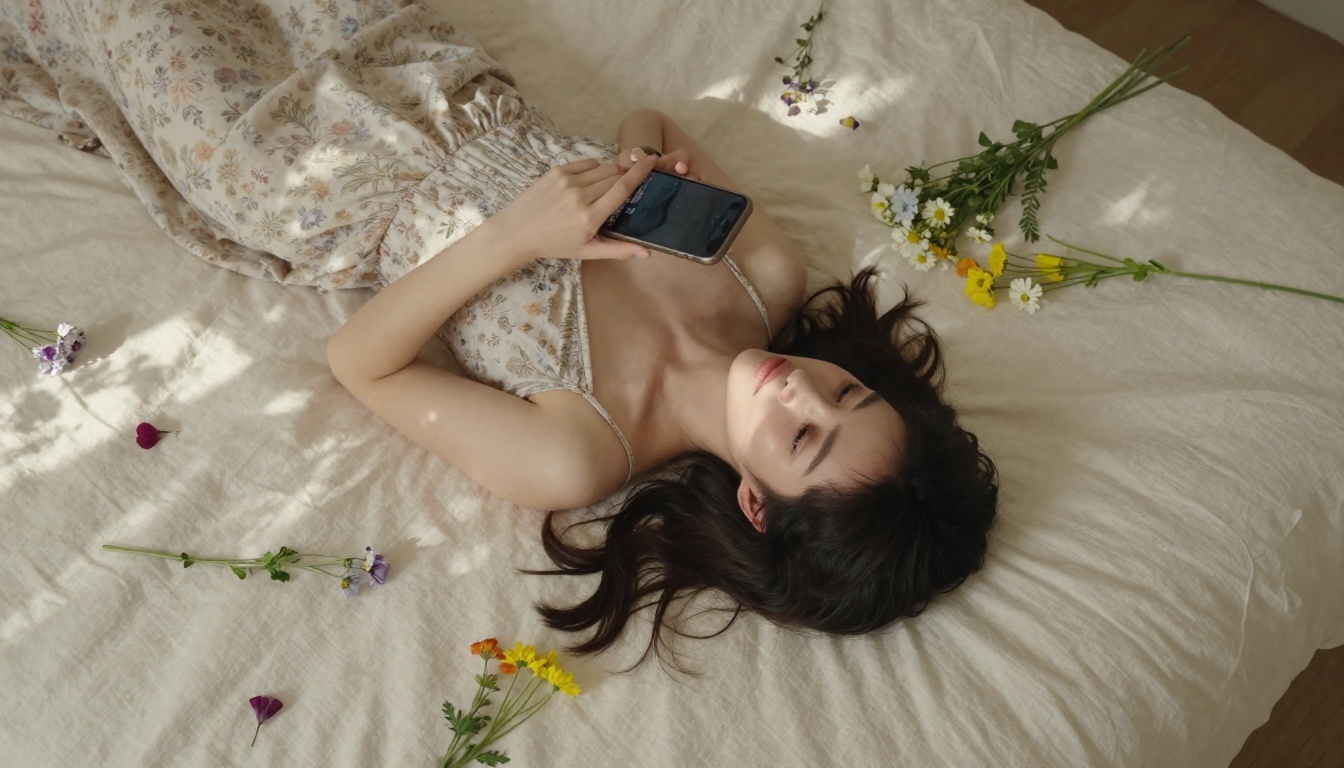
Seedream 4.5 hits 4K output natively, and the detail retention at that resolution is genuinely impressive. Fabric texture, hair strands, skin tone variation across a face: all rendered with the kind of specificity that smaller models blur over.
The model shows particular strength in lifestyle and fashion photography contexts. Prompts describing clothing materials, matte linen, glossy patent leather, chunky cable-knit, produce textures that actually look like those materials rather than generic fabric shapes.
Dreamina 3.1 brings cinematic scale
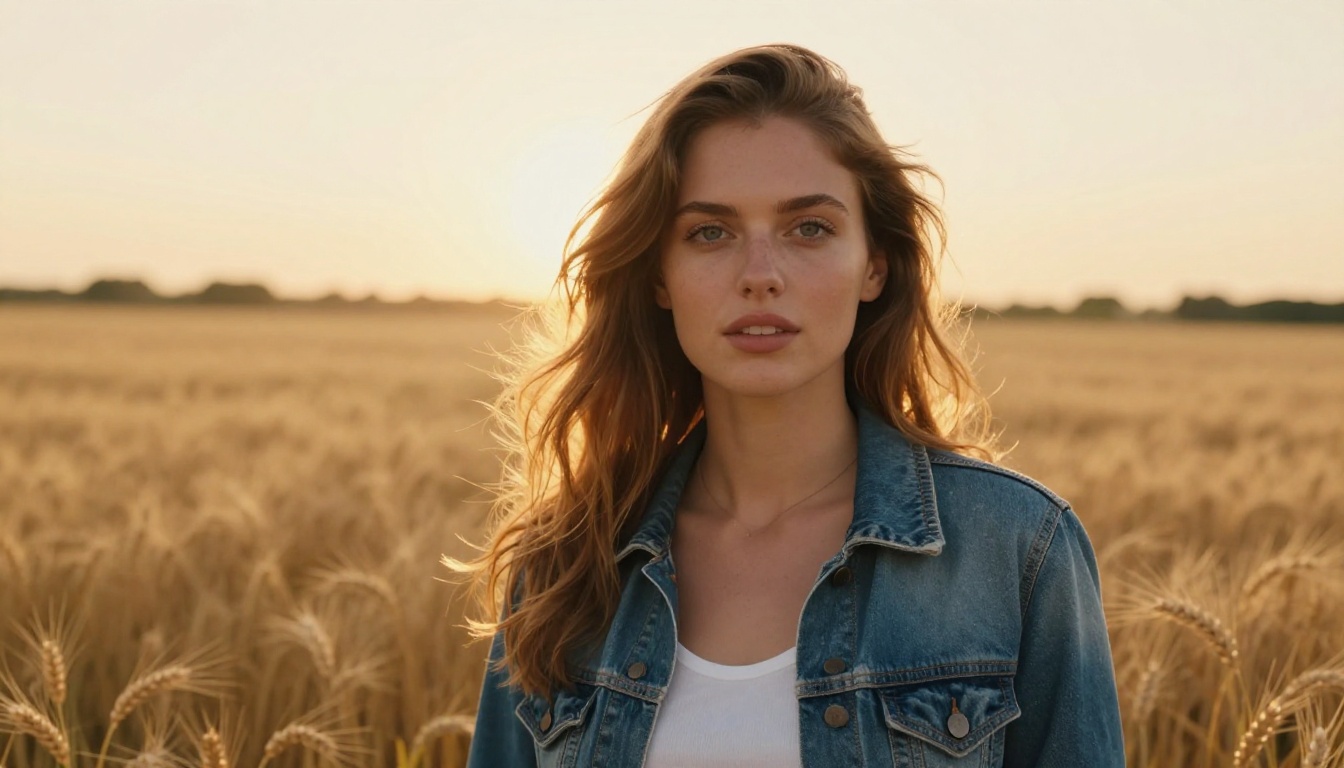
Dreamina 3.1 is built for cinematic 4MP photography, and that description reflects something real: its outputs have a filmic quality that most models cannot replicate without heavy post-processing prompting.
The color science in Dreamina 3.1 is notably different from FLUX or GPT-family models. Shadows hold detail instead of clipping to pure black, highlights roll off softly, and the overall color temperature reads as intentional rather than arbitrary. For editorial and advertising work, that distinction matters.
Chinese Labs Are Closing the Gap
Two entries from Tencent and Wan Video deserve serious attention. Both have improved dramatically in the past two model generations.
Wan 2.7 Image Pro punches at 4K
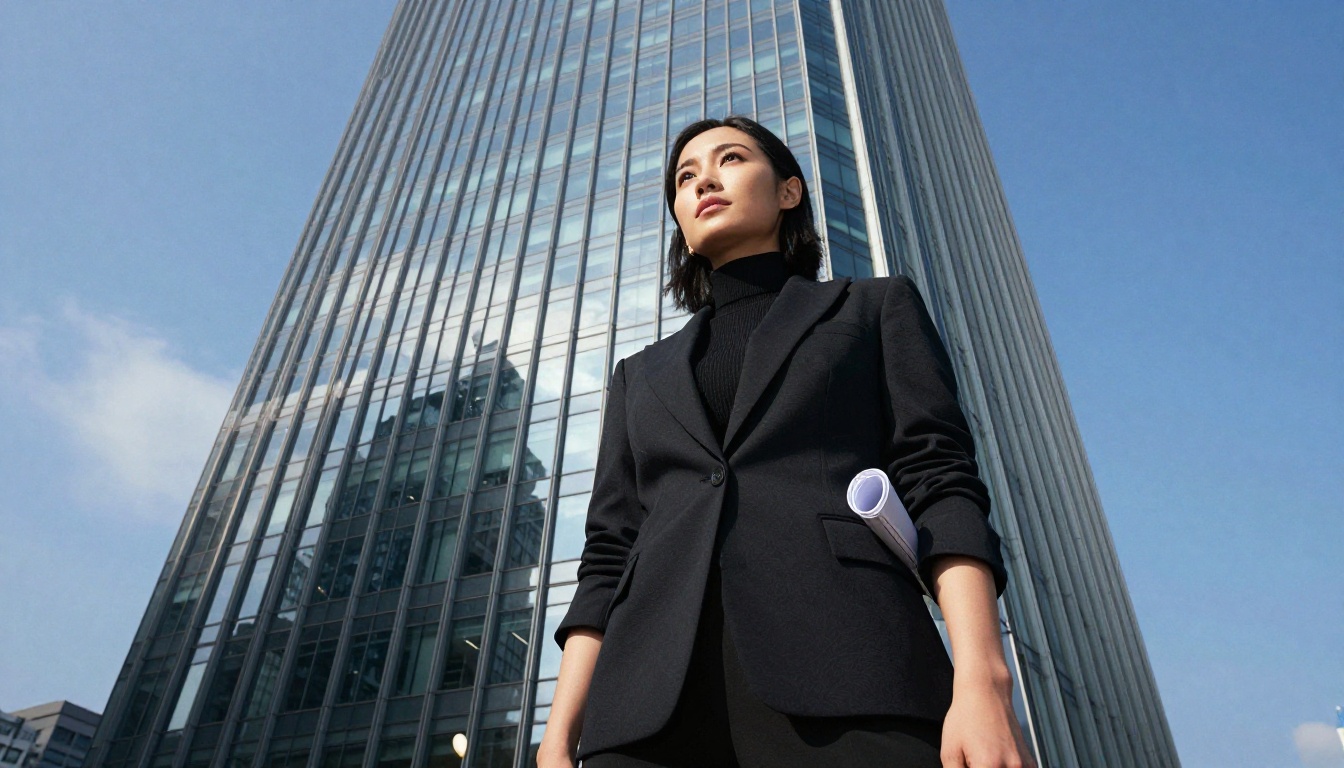
Wan 2.7 Image Pro operates at 4K resolution and shows particular strength in architectural and environmental photography styles. Wide-angle compositions, complex perspective, scenes with many layered elements: this is where it often outperforms its peers.
Its companion model, Wan 2.7 Image, covers the 2K range and is faster for rapid iteration before committing to a full-resolution output.
Hunyuan Image 2.1 excels at faces
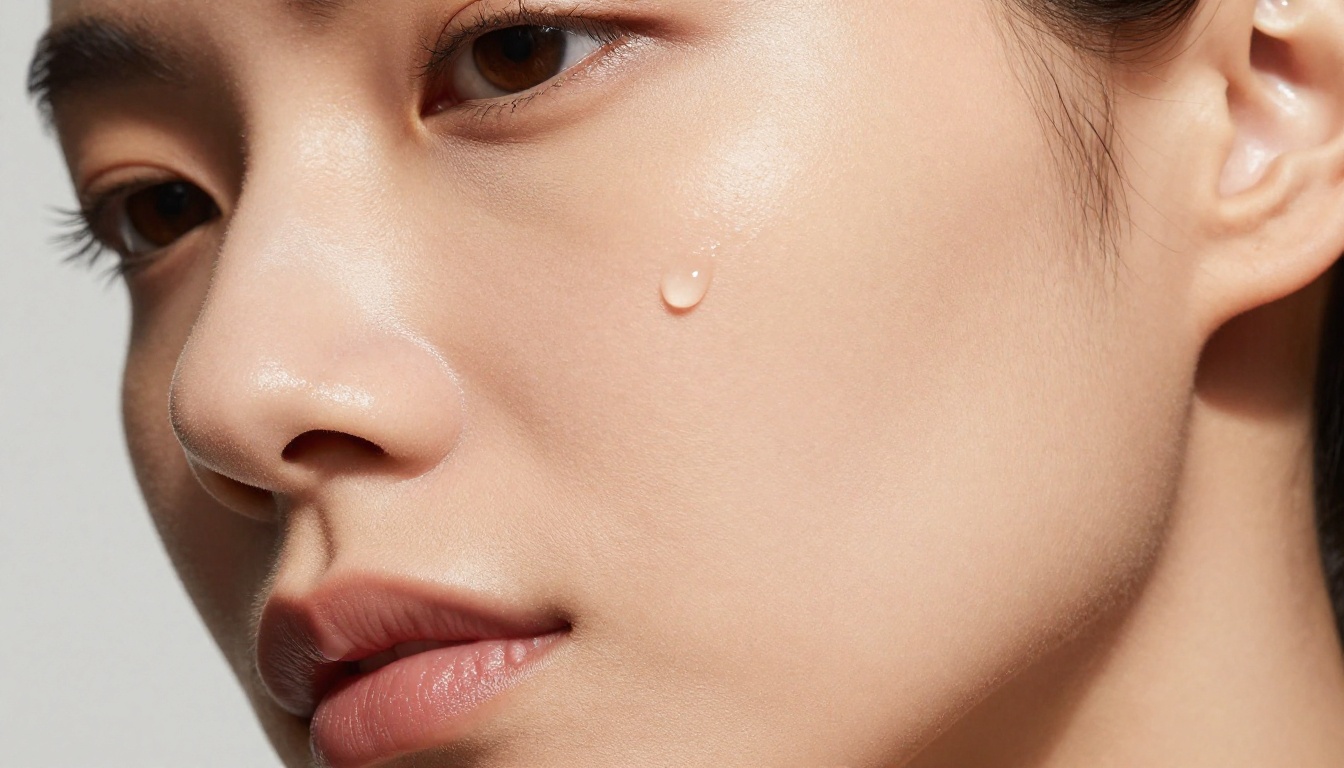
Hunyuan Image 2.1 from Tencent has become the go-to recommendation for portrait-heavy workflows. Face structure, expression subtlety, and the rendering of eyes in particular are handled with more care than most competing models at this price point.
If you work primarily in beauty photography, headshots, or character portraiture, Hunyuan Image 2.1 at 2K resolution delivers results that consistently hold up at full size.
Gemini, Recraft, and Phoenix Round Out the List
The remaining models each occupy a specific niche rather than trying to be everything.
Gemini 2.5 Flash for speed

Gemini 2.5 Flash Image is built for throughput. When you need volume without sacrificing baseline quality, this is the model to reach for. It integrates naturally into multi-step workflows where image generation is one step among many, not the bottleneck.
The model also shows strong performance in scenes with complex spatial relationships, likely a benefit of Google's broader vision model research feeding into the generation architecture.
Recraft 20B for brand consistency
Recraft 20B is the choice for brand and commercial design work. It handles style presets well and maintains consistency across a batch of outputs better than most models, which matters when you need 30 images for a campaign to look like they belong together.
Its SVG sibling, Recraft 20B SVG, is a unique offering: text-to-vector generation that produces clean, scalable output rather than rasterized graphics packaged in SVG format.
Phoenix 1.0 for high resolution
Phoenix 1.0 by Leonardo AI outputs up to 5MP, making it one of the highest native-resolution models currently available. For print work, large-format display, or any context where you cannot upscale afterward, that ceiling matters.
Stable Diffusion 3 also deserves mention as the foundational open-source option for users who want maximum control over the generation process and a model with a deep ecosystem of community tooling.
At a Glance: Model Comparison
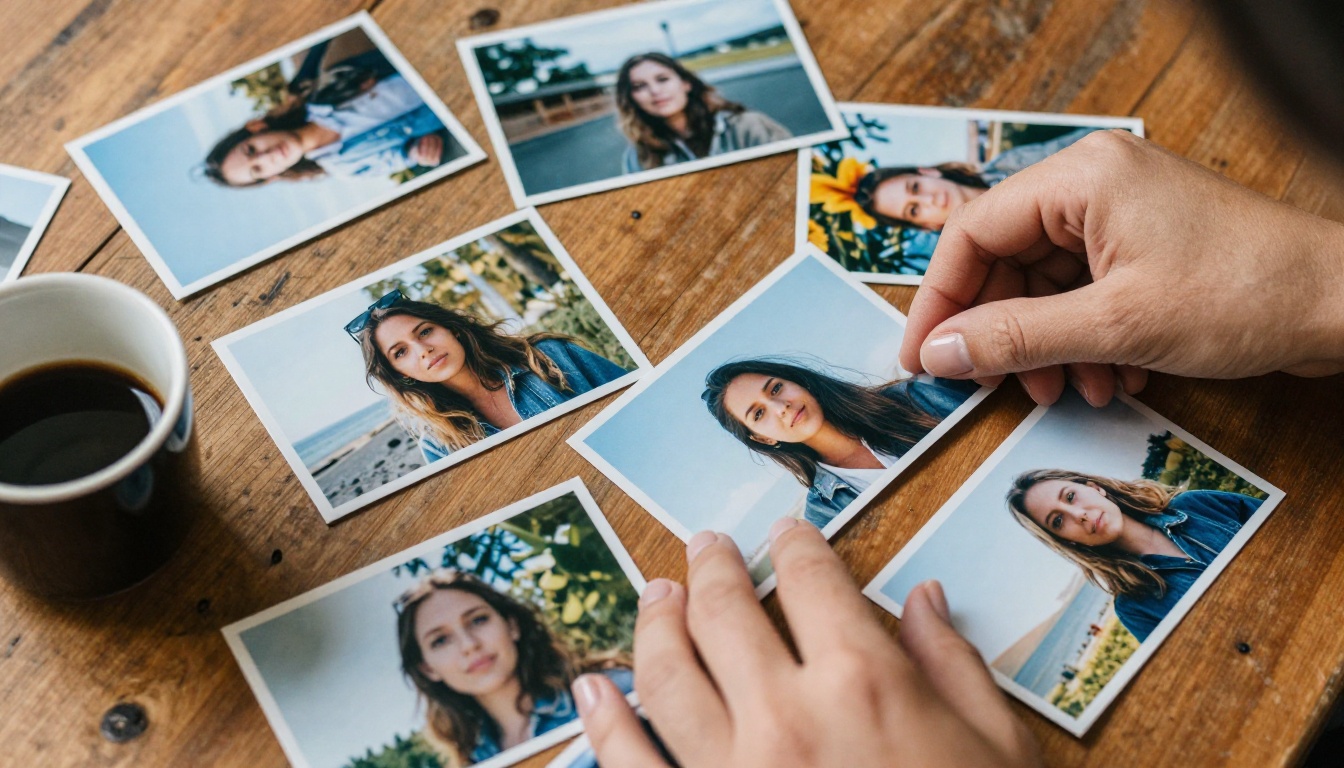
Here is how the top contenders stack up across practical use cases:
💡 Worth noting: Speed ratings above reflect relative performance within the platform rather than absolute generation times, which vary by server load and configuration.
Which Model Is Right for You?
Choosing depends on what you are actually making, not on which model has the most impressive demo images.
Portrait and beauty photography: Start with Hunyuan Image 2.1 or GPT Image 2. Both handle faces with precision that other models do not consistently match.
Product photography and e-commerce: Flux Kontext Fast for editing passes, GPT Image 2 for initial generation. Pair with Flux Fill Pro for background extension.
Fashion and lifestyle content: Seedream 4.5 for texture-rich material shots, Dreamina 3.1 when you want that cinematic editorial feel.
Brand campaigns and batch production: Recraft 20B for style consistency across a large output set. Gemini 2.5 Flash Image when time-to-output is the constraint.
Architectural and environmental imagery: Wan 2.7 Image Pro handles the spatial complexity of wide scenes better than most alternatives.
Custom trained aesthetics: Flux Pro Finetuned and Flux Kontext Dev LoRA are the clear choices for branded or character-consistent output.
Try These Models Right Now
The best way to see what any of these models actually produce is to run your own prompts through them. Reading about output quality only goes so far. The differences become obvious the moment you see them side by side with your own subject matter.
All of the models listed in this article are available on PicassoIA's platform, where you can run them without managing API keys, compute resources, or infrastructure. Pick a model, write a prompt, and see what 2027's best AI image generation looks like in practice.
Start with PicassoIA Image as a versatile entry point, or go directly to whichever specialist model matches your specific workflow from the table above. The gap between reading about these tools and actually using them is smaller than it has ever been.


