The gap between "AI-generated" and "actually convincing" has never been smaller. A new wave of text-to-image models trained on massive photography datasets now produces photorealistic NSFW output that genuinely challenges the eye. But not every generator handles it the same way. Some render skin with soap-texture blur. Others nail eyes and lighting but collapse at hands or feet. A few simply block the prompt and return nothing.
This article ranks the top AI NSFW generators for realistic images by what actually separates good from great: skin texture fidelity, lighting realism, anatomical accuracy, body proportions, and how closely the output follows a well-crafted prompt.
What "Realistic" Actually Means
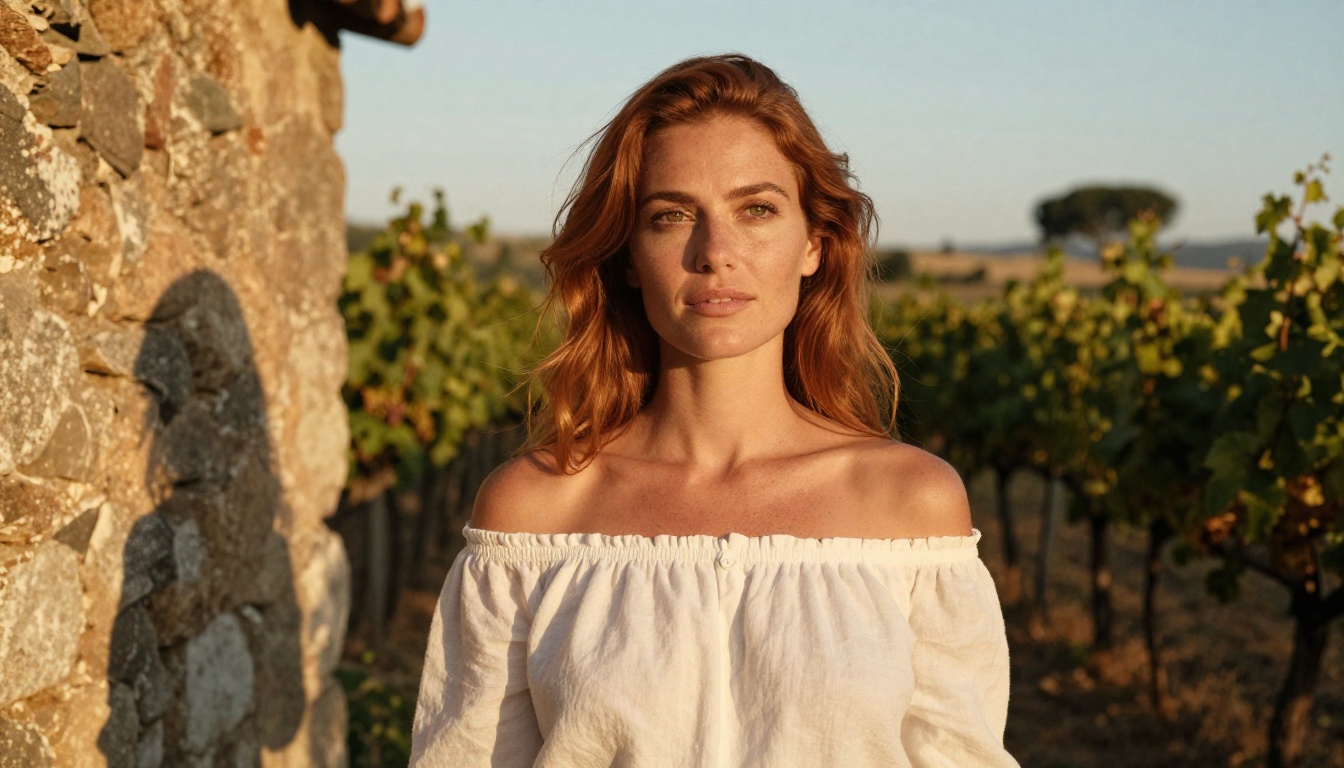
Most people searching for realistic NSFW AI images are not after smooth, overly processed renders. They want the texture of real photography: visible pores, subsurface light scattering on skin, natural body proportions, believable fabric drape, and contextual lighting that matches the environment.
The Quality Signals That Matter
These are the signals that separate photorealistic models from standard generators:
- Subsurface skin scattering: Real skin lets light pass through slightly, creating that warm glow around ears, fingers, and thin tissue. Cheap models render skin as flat plastic.
- Hair realism: Individual hair strands at the hairline, natural frizz, and how hair responds to light are hard to fake. Weak models produce "helmet hair."
- Fabric behavior: How clothing drapes, wrinkles, and reacts to body movement. A silk blouse behaves very differently than denim.
- Environmental lighting consistency: Shadows should match the light source. A subject outdoors at sunset should have warm sidelighting, not a flat studio-lit look.
- Anatomical coherence: Fingers, hands, ears, and body proportions remain consistently correct throughout the image.
💡 When evaluating a model's realism, generate the same prompt three times. Realistic models are consistent. Weaker models produce wildly varying outputs.
Why NSFW Changes the Stakes
Generating everyday portraits is one thing. Generating suggestive or tastefully explicit images raises the difficulty significantly. Skin coverage increases, which means more of that skin texture must be convincing at every part of the frame. Lighting on exposed areas must match exactly. Any AI artifact becomes immediately obvious when there is nothing else competing for visual attention.
This is why not every model in a platform's library is suited for realistic NSFW work, even if the platform allows it.
The Flux Family
No conversation about realistic AI image generation happens without Flux. Black Forest Labs built the Flux architecture to be deeply competitive on photorealism, and it shows across all variants.
Flux 1.1 Pro Ultra
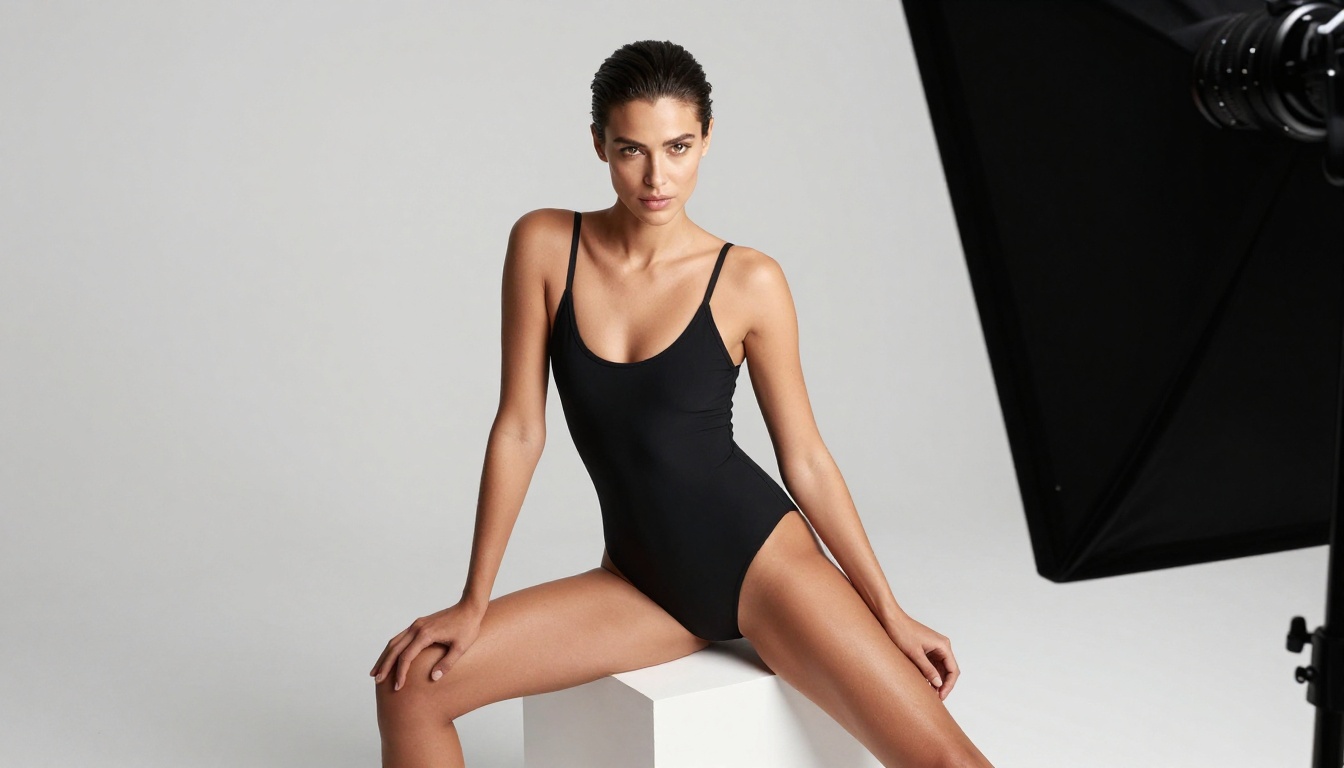
Flux 1.1 Pro Ultra is the benchmark for photorealistic image generation at the moment. Its handling of skin texture is class-leading: you get subsurface scattering, visible pore structure at close range, and natural color variance across the body. It also handles mixed lighting scenarios well, something many competitors struggle with.
For NSFW work specifically, Flux 1.1 Pro Ultra produces output that reads as genuine photography rather than AI synthesis. The model responds well to detailed lighting instructions in prompts, making it ideal for boudoir, glamour, and artistic nude styles.
Best for: High-quality editorial and glamour work. Users who want maximum realism and are willing to write detailed prompts.
Flux 2 Pro
Flux 2 Pro represents the next generation of the architecture. It improves on its predecessors primarily in anatomical accuracy and prompt fidelity. When you ask for a specific pose or lighting condition, Flux 2 Pro delivers it more reliably than earlier versions.
The model handles fabric texture exceptionally well, which matters in tasteful NSFW work where the interplay between clothing and body is a significant visual element.
Flux 2 Max
Flux 2 Max sits at the top of the current Flux 2 line for output quality. It prioritizes image fidelity over generation speed, making it the right choice when the final image needs to hold up at large resolutions. For photographers or content creators who print or display their work at high sizes, Flux 2 Max is the practical choice.
Flux Dev and Flux Schnell
Flux Dev and Flux Schnell serve different use cases. Dev is the experimental branch, better for iterating on prompt ideas quickly. Schnell is the speed-optimized version, producing results in a fraction of the time. Neither matches the Pro or Ultra variants on pure photorealism, but both are genuinely useful for rapid prototyping before committing to a high-quality render.
💡 Use Flux Schnell to test your prompt five or six times, refining wording and composition. Once you have the right direction, switch to Flux 1.1 Pro Ultra for the final render.
Stable Diffusion Variants
The Stable Diffusion ecosystem has always had a strong realistic photography branch, and the latest versions continue that tradition.
RealVisXL v3.0 Turbo
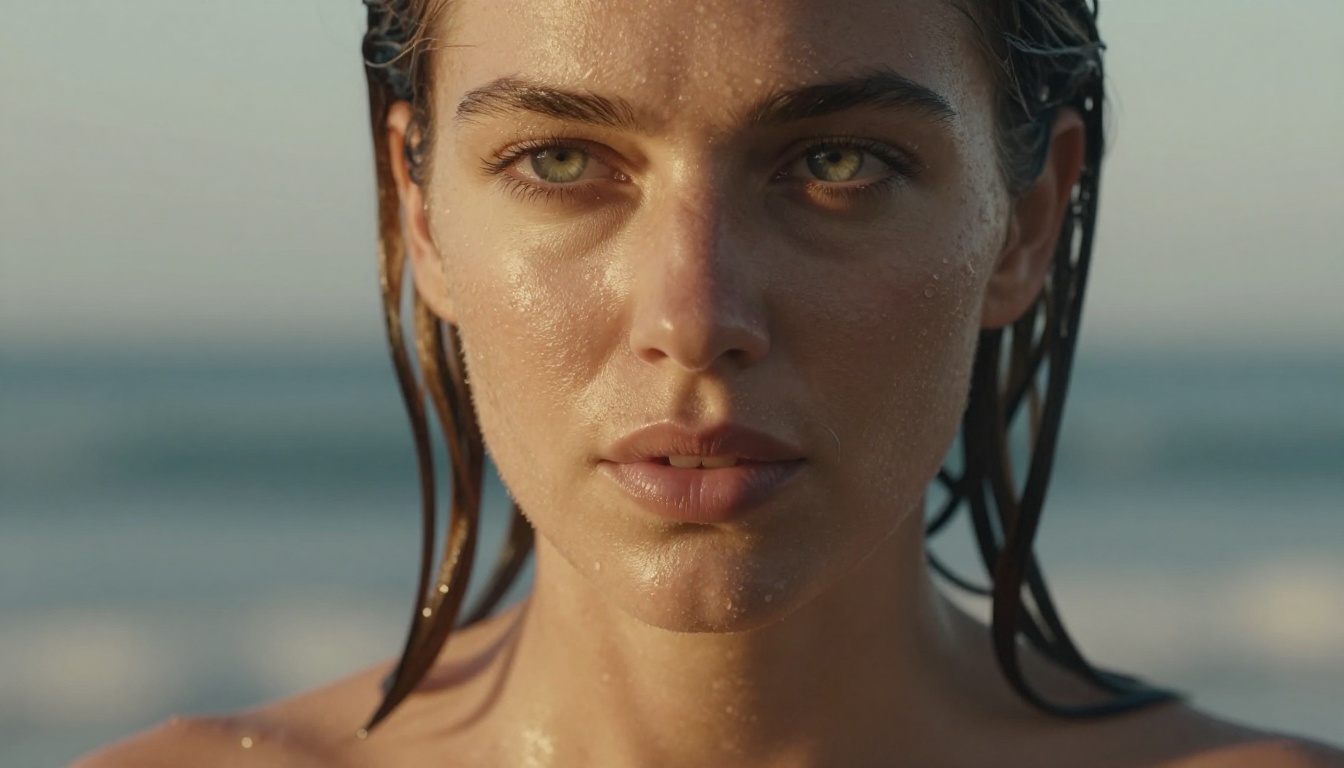
RealVisXL v3.0 Turbo is one of the most consistently strong photorealistic models in the Stable Diffusion family. It was specifically fine-tuned on real photography, and that training shows. Skin renders with natural variation, eyes have genuine depth and moisture, and the model handles dramatic lighting scenarios with accuracy.
For NSFW applications, RealVisXL v3.0 Turbo is a reliable workhorse. It responds well to photography-style prompts with camera, lens, and lighting specifications included.
Realistic Vision v5.1
Realistic Vision v5.1 has been a community favorite for photorealistic generation for several years. It excels at portrait work and handles skin tones across a wide range of ethnicities more accurately than many competing models.
The model's strength is in its consistency across generations. You will rarely get a wildly off-base output. The trade-off is that it sometimes lacks the raw resolution ceiling of the Flux family at very large sizes.
Stable Diffusion 3.5 Large
Stable Diffusion 3.5 Large brings a significant architecture upgrade over previous SD versions. The 3.5 series handles complex scene composition much more naturally, and its spatial reasoning means background elements actually match the subject's environment.
For users who want full control over the generation process, Stable Diffusion 3.5 Large combined with ControlNet pose guidance and the SDXL Multi ControlNet LoRA approach gives extraordinary control over body positioning.
Model Rankings at a Glance
How to Use Flux 2 Pro on PicassoIA
Flux 2 Pro is currently one of the most capable models available through the platform. Here is how to get the best realistic results from it.
Step 1: Write a Photography-Style Prompt
Do not write creative writing. Write a photography brief. Specify the subject, environment, lighting, camera, lens, and film stock.
Example prompt structure:
[Subject description] + [Location/Environment] + [Lighting setup] + [Camera and lens] + [Film/Style]
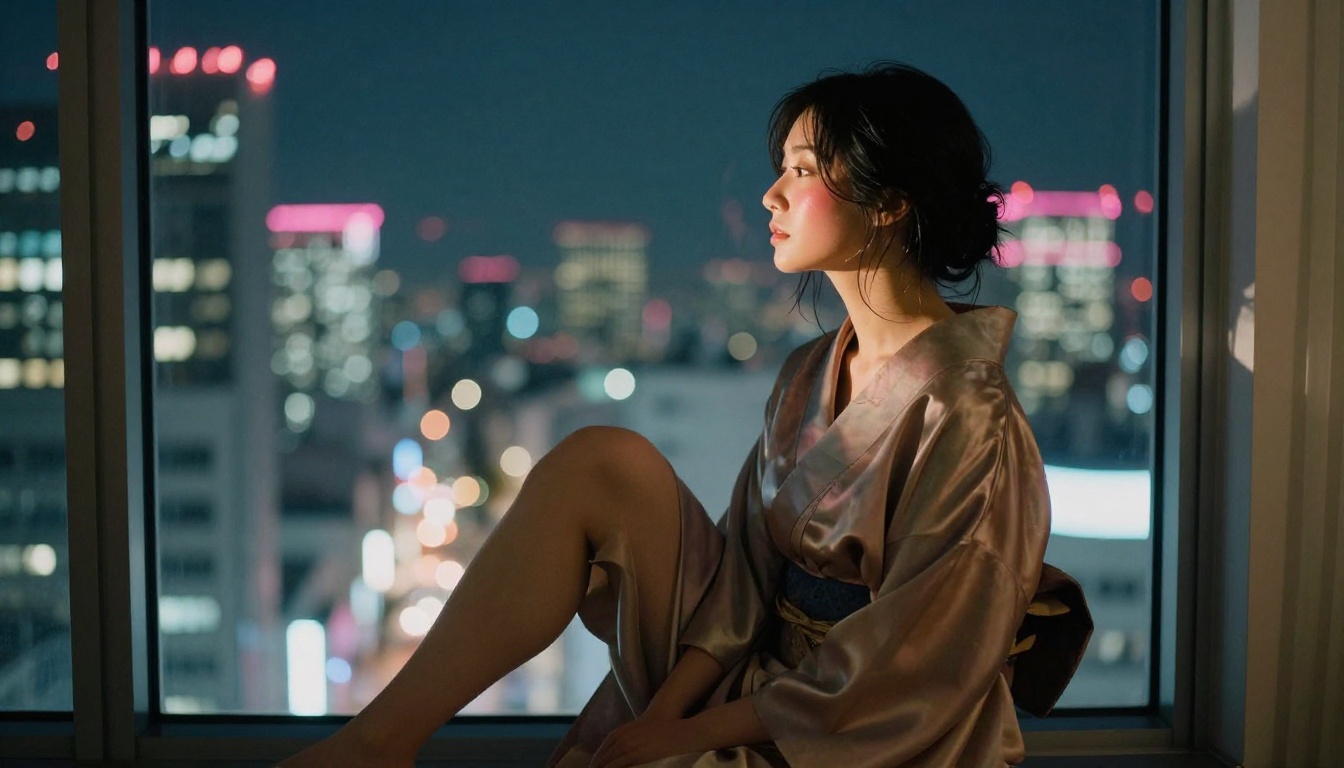
A working example: "A woman with natural auburn hair, wearing a fitted ivory silk blouse, standing in a sun-drenched loft apartment. Volumetric morning light from left-side window. Canon EOS R5, 85mm f/1.4. Kodak Portra 400 grain."
Step 2: Set Aspect Ratio to 16:9
For editorial or display work, 16:9 gives you the most cinematic framing and allows room for environmental context around the subject.
Step 3: Specify Skin Details Directly
Flux 2 Pro responds well to explicit skin texture instructions. Add phrases like:
- "visible pores, natural skin texture"
- "subsurface light scattering on shoulders"
- "warm peachy undertones, subtle freckles"
- "dewy natural skin, no makeup filter"
Step 4: Avoid Vague Quality Tags
Generic phrases like "ultra realistic" or "photorealistic" are less effective than specific photography instructions. Tell the model the f-stop, the lighting direction, and the film grain. That specificity forces the model into photography mode rather than generic art mode.
Step 5: Iterate with Flux Schnell First
Run three to five quick tests on Flux Schnell to check composition and overall direction. Once the framing works, switch to Flux 2 Pro for the final high-quality output.
Prompt Architecture for Realistic NSFW Output
Getting genuinely realistic output is not about finding a special model. It is about giving any good model the information it needs to produce photography rather than generic art.
Lighting Is the Single Most Important Variable
Lighting descriptions are the fastest way to separate realistic output from generic output. Every professional photograph has a specific lighting setup. When you describe it, the model knows it is simulating photography rather than producing illustration.
Effective lighting phrases:
- "volumetric morning light from the left, soft shadows on right side of face"
- "golden hour backlight creating rim lighting along shoulder"
- "overcast diffuse natural light, no harsh shadows"
- "tungsten room lamp at 3/4 angle, warm color temperature"
- "studio strobe from camera right, natural fill from white wall bounce"
Skin Texture Without Explicit Words
You do not need to use provocative language to get realistic skin output. Describe what a photographer would write:
- "natural skin, visible pores at 1:1 crop"
- "warm skin undertone, light catching collarbone"
- "sun-kissed complexion, light tan lines visible"
- "post-swim skin, slightly damp, salt-textured hair"
💡 The best prompts for realistic NSFW images read like a professional photography brief, not creative fiction. Think about what information a real photographer would give their lighting technician.
Camera and Lens Specifications
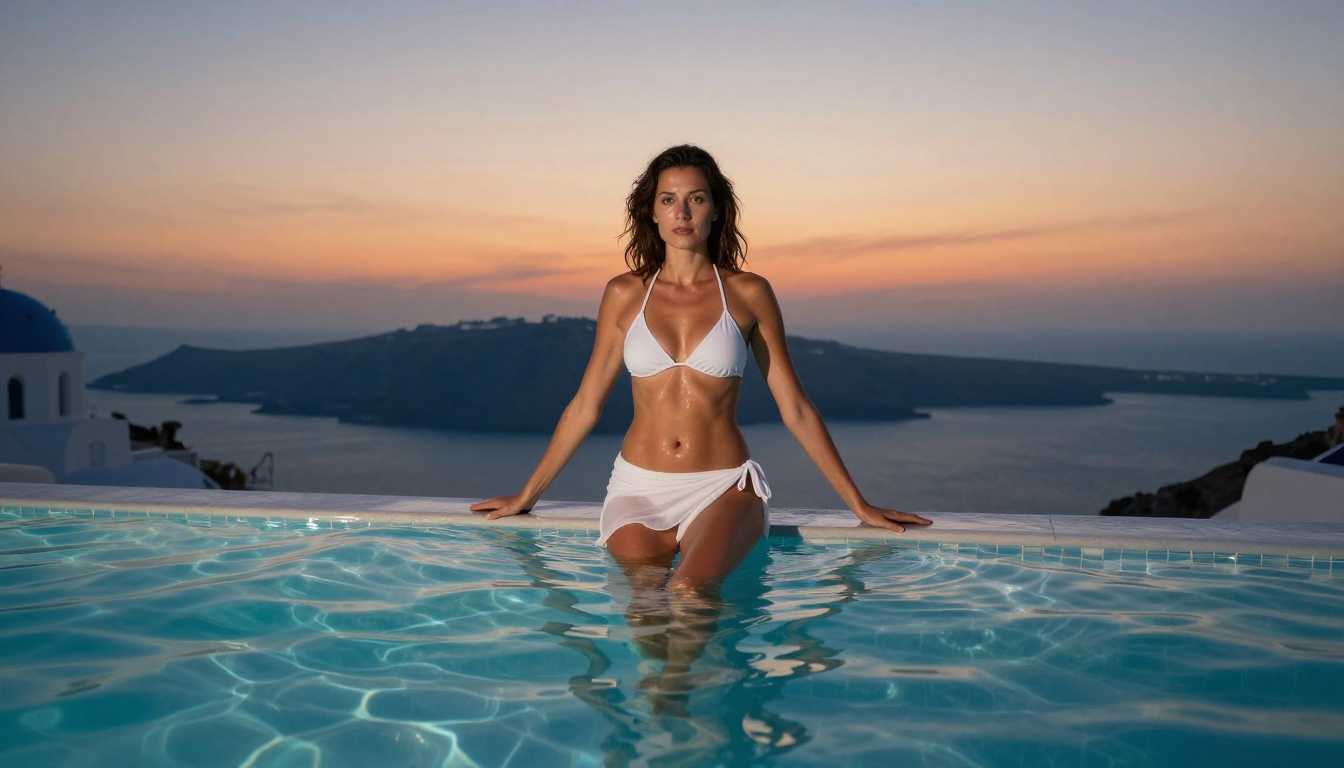
Specifying a camera and lens changes the bokeh, depth of field, and distortion characteristics of the output. The models have learned from millions of real photographs tagged with this data.
| Lens | Effect |
|---|
| 85mm f/1.4 | Portrait compression, smooth background blur |
| 35mm f/1.8 | Environmental context, slight wide feel |
| 135mm f/2 | Telephoto compression, flattened background |
| 50mm f/1.2 | Natural perspective, very shallow focus |
| 24mm f/2.8 | Wide environmental shots, slight drama |
Newer Models Worth Watching
GPT Image 1.5
GPT Image 1.5 brings OpenAI's natural language processing strengths into image generation. It follows complex, instruction-heavy prompts better than most models. If your prompt has multiple conditions that must all be met simultaneously, GPT Image 1.5 handles that complexity well.
Its photorealism is strong, though it occasionally applies a slight softness that differs from the grittier film-grain feel of Flux-based models.
Imagen 4
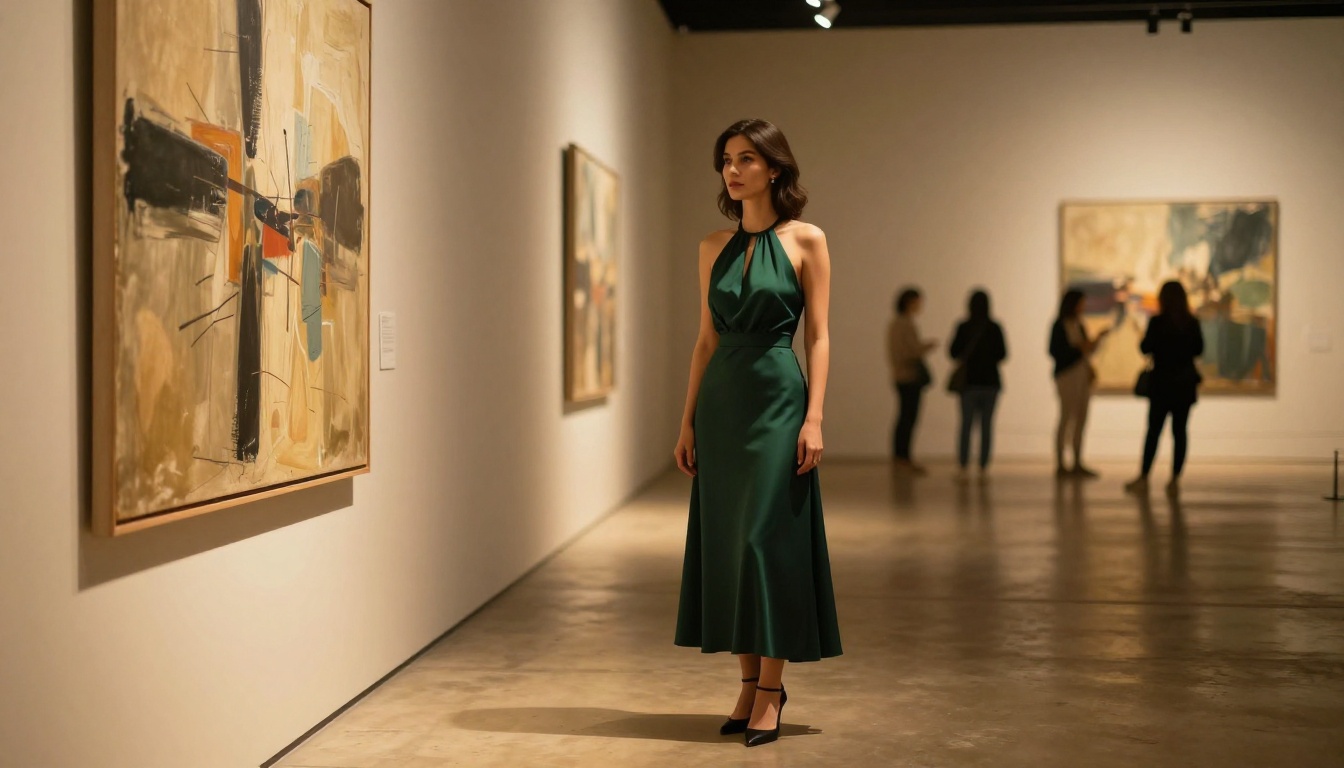
Google's Imagen 4 is built on massive training data and excels at natural outdoor scenes and environmental photography. For content featuring outdoor settings, beaches, gardens, or travel contexts, Imagen 4 often produces more convincing backgrounds than studio-centric models.
Its handling of natural light is exceptional. Sunsets, dappled forest light, and overcast beach scenes look genuinely captured rather than generated.
Seedream 4
Seedream 4 from ByteDance targets ultra-high-resolution output and holds fine detail at large sizes better than most competitors. For work intended for large displays or print, Seedream 4 preserves skin texture detail in ways that compressed models cannot.

LoRA Models for Specialized Styles
Standard base models produce excellent general results. But if you need a specific recurring style, a consistent body type across many images, or a particular photography aesthetic throughout a series, LoRA models are the right tool.
p-image-lora and the SDXL Multi ControlNet LoRA approach give you fine-grained style control that base models cannot provide. Think of LoRA as a style lens you attach to a base camera. The camera (base model) provides the photorealistic capability. The lens (LoRA) shapes it toward a specific visual signature.
When to Use LoRA
- You need consistent style across a series of images
- You have a specific photography aesthetic that base prompts do not reliably produce
- You are working on a content set that requires visual cohesion
💡 Combine p-image-lora with detailed photography prompts for results that feel personally curated rather than generically AI-produced.
Upscaling and Finishing
Generating a photorealistic base image is only part of the workflow. To genuinely compete with real photography at large sizes, super-resolution upscaling is often necessary.
The super-resolution tools available on the platform can take a 1024px output and push it to 4096px with genuine detail added, not just interpolated blur. For NSFW work where skin texture must hold up under close inspection, upscaling the finished image is worth the extra step.
Additionally, the AI Image Restoration capability can fix any noise, soft focus areas, or artifacts that slipped through during generation, leaving a clean final output ready for use.
Free Versus Paid Output Quality
Being direct about this: the difference is significant. Free-tier access on most platforms caps resolution, limits generations per day, and sometimes restricts which models are available. The photorealistic NSFW models that produce the best output, specifically Flux 1.1 Pro Ultra, Flux 2 Max, and Imagen 4, are typically premium-tier models.
What you actually get with paid access:
- Full resolution output (up to 8K equivalent)
- Priority queue (no waiting during peak hours)
- Access to the latest model variants
- Higher generation limits per day
- Commercial usage rights on output
For occasional personal use, free tiers can work with models like Flux Dev and DreamShaper XL Turbo, both of which produce solid results. For serious creative work, the paid models are a different category entirely.
Common Mistakes That Break Realism
Even excellent models produce poor results when prompted incorrectly. These are the most common errors:
- No lighting specification: The model defaults to generic studio flat lighting. Always describe the light source.
- Vague subject descriptions: "Beautiful woman" produces a generic result. Specific features, postures, and contexts produce photorealistic ones.
- Mixed style signals: Asking for "photorealistic oil painting style" confuses the model. Pick one lane.
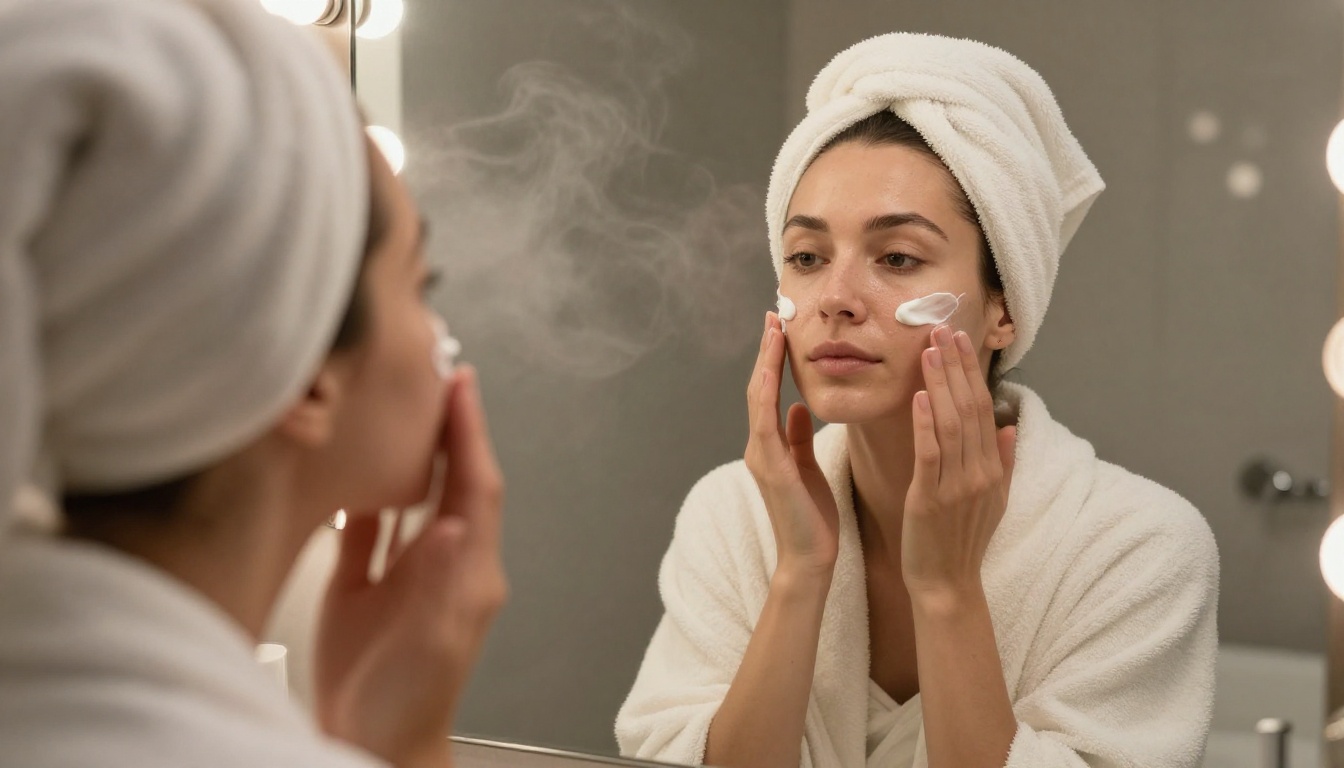
- Ignoring the background: A photorealistic subject in front of a vague white background reads as AI immediately. Describe the environment with the same detail as the subject.
- Not specifying shot distance: Is this a close-up portrait? A medium shot? A full-body environmental shot? Specify it explicitly.
Start Creating Your Own
The models ranked here are all accessible in one place. Whether you are testing for the first time with Flux Schnell, building a professional workflow around Flux 2 Pro, or pushing maximum detail through Flux 1.1 Pro Ultra, you have everything needed to generate genuinely photorealistic images right now.
The quality ceiling keeps rising. What required a professional retoucher and a camera crew two years ago is now a well-constructed prompt away. The best results go to those who treat prompt writing like photography direction: specific, intentional, and technically grounded.
Pick a model. Write a real prompt. See what comes back.
Head to Picasso IA and start with any of the Flux models for your first high-quality realistic NSFW image. The platform puts over 90 text-to-image models at your fingertips, from free-tier options for casual experimentation to premium models like Flux 2 Max and Imagen 4 for production-quality output. The difference between a mediocre AI image and a genuinely convincing one is almost always in the prompt, not the platform.


