The lines between art, expression, and commercial content have blurred dramatically in 2027. Independent creators building subscription platforms, photographers producing glamour shoots, and digital artists crafting fantasy worlds all share one critical need: AI tools that don't slam the brakes at the first sign of an adult aesthetic. Most mainstream image generators hedge everything — the moment a prompt touches skin, swimwear, or boudoir, the output gets sanitized into something safe enough for a children's app store. That is not what professional creators need.
This is a ranked breakdown of the top NSFW AI tools for content creators right now, covering what they do, how fast they work, where they shine, and which platform ties it all together under one roof.
Speed Without Compromise
An AI model that takes 30 seconds per image breaks any creative workflow. The best tools on this list generate in under 3 seconds for images, and the fastest ones complete in under 1 second. That speed matters when you are iterating through dozens of prompt variations to find the exact look you are after.
No Content Walls Mid-Session
The worst experience in AI content creation is spending 20 minutes crafting the perfect prompt, only to get hit with a content policy rejection on generation 8 of 10. Real creative tools either permit adult content consistently or they do not. The tools ranked below all support NSFW content without surprise cutoffs.
Value at Scale
A solo creator generating 1,000 images a month on a per-credit model can spend $80 to $120 without blinking. Unlimited-generation plans change the math entirely. When cost-per-image approaches zero, you iterate faster, experiment more freely, and produce better work.

1. Seedream 4.5 — The Best Overall NSFW Model
Seedream 4.5 is the benchmark for NSFW image generation in 2026. Built by ByteDance and available on PicassoIA, it combines two things most models force you to choose between: genuine photorealism and consistent adult content support.
The output quality is remarkable. Seedream 4.5 handles skin tones, fabric draping, lighting environments, and body proportions with a level of accuracy that puts it ahead of most commercial alternatives. Its image editing capability, not just text-to-image, means you can take an existing photo and refine specific elements rather than generating from scratch every time.
Why it leads this list:
- Generates in under 3 seconds consistently
- Accepts NSFW prompts without filtering mid-session
- Supports both text-to-image and image editing workflows
- Hyperrealistic output across diverse body types and lighting conditions
💡 Important: The newer Seedream 5 Lite does NOT support NSFW content. If you need adult content generation, use Seedream 4.5 specifically.

2. PicassoIA Image Editor Pro — Unlimited Generations
PicassoIA Image Editor Pro solves the cost problem that kills high-volume creators. It operates on an img2img model, meaning you feed it a source image and it transforms, edits, or refines it based on your text instructions.
The core advantage: Elite and Infinite subscribers get unlimited generations. Not a generous monthly credit allowance, not a fair-use cap with vague enforcement. Unlimited. Need 1,000 images this week? Generate 1,000. The same volume on a credit-based model like Nano Banana 2 would run approximately $100. Here it is covered by your subscription.
Results land in under 1 second. That is not marketing copy, it is the technical reality of how the model is configured on PicassoIA's infrastructure.
For creators who want to test it first: PicassoIA offers 3 free generations with no credit card required.
| Feature | PicassoIA Image Editor Pro | Typical Credit Model |
|---|
| Generation speed | Under 1 second | 5 to 20 seconds |
| NSFW support | Yes | Often restricted |
| Cost at 1,000 images | $0 (included in plan) | ~$80 to $120 |
| Image editing (img2img) | Yes | Varies |
| Free trial | 3 generations, no card required | Rarely |
3. Qwen Image 2 — Open Source Realism
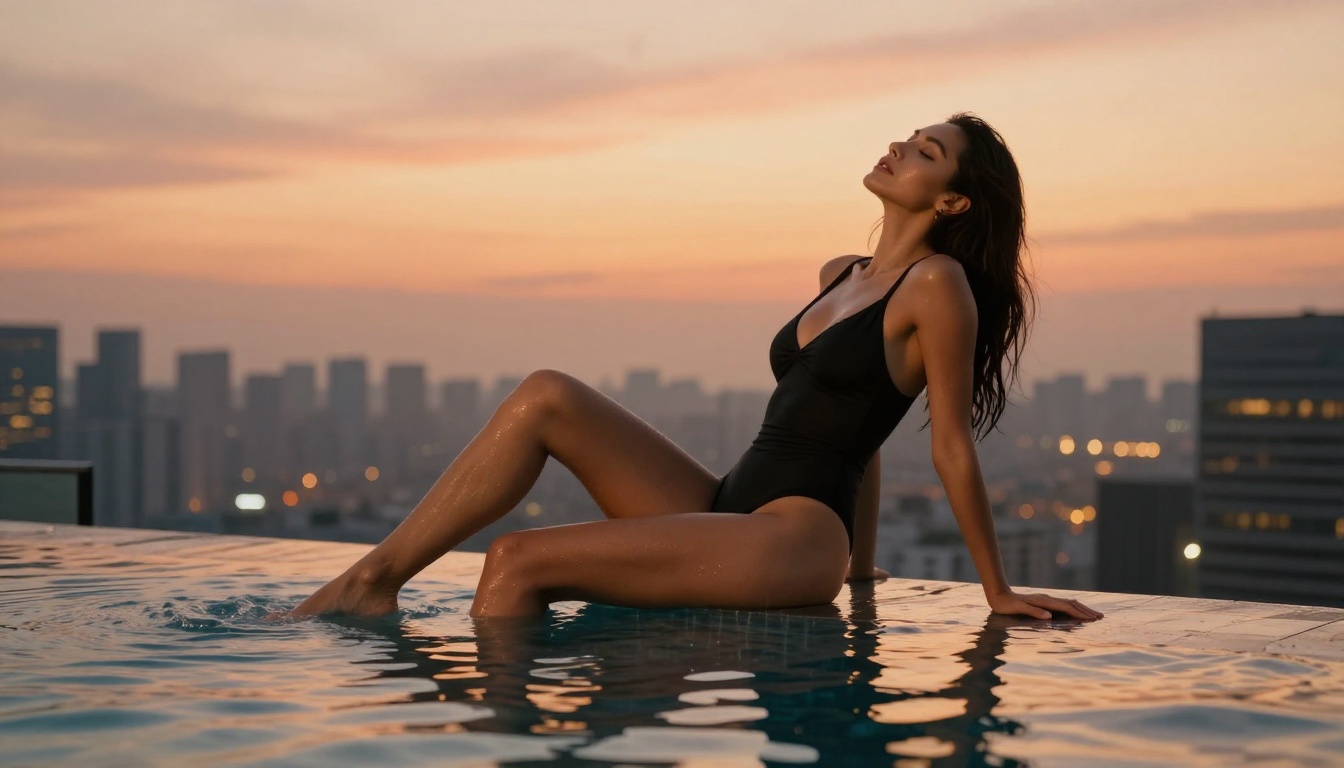
Qwen Image 2 is an open-source model that produces surprisingly detailed, realistic outputs. Its open-source nature means it has not been subjected to the same conservative content filtering that plagues proprietary models from major tech companies.
The results show genuine detail in skin textures, natural lighting conditions, and complex scene compositions. It handles both text-to-image and image editing workflows, and it accepts NSFW prompts with consistent results.
For creators who work primarily in a photorealistic style with varied scene complexity, Qwen Image 2 is a reliable workhorse that punches well above what you would expect from an open-source model.
4. Grok Imagine Image — Instant Image Transformation
Grok Imagine Image has a specific strength that makes it exceptionally useful for a particular type of creator workflow: it converts existing images into new aesthetic styles with striking realism.
The most notable use case is its ability to take a clothed reference image and output a bikini-style version that maintains realistic proportions, skin tone consistency, and natural lighting. For creators who work from reference photography, this capability can dramatically reduce the prompt engineering effort needed to reach a specific visual result.
It is an img2img model, so you are working from source material rather than generating entirely from text. That workflow suits creators who have existing photos they want to repurpose or stylize into new contexts.

5. Recraft V4 — Text-to-Image Realism
Recraft V4 is a text-to-image model with notably strong photorealistic output. It does not support image editing workflows, so you are working from prompts only. But within that scope, the quality of its results holds up against models with much more elaborate toolchains.
For creators who prefer to work primarily from text prompts and want clean, high-fidelity outputs without needing to source reference images, Recraft V4 is a solid choice. Its NSFW support is consistent, and its visual style leans toward polished editorial photography rather than the hyper-saturated aesthetic some generators default to.
6. P-Image — Sub-Second Speed
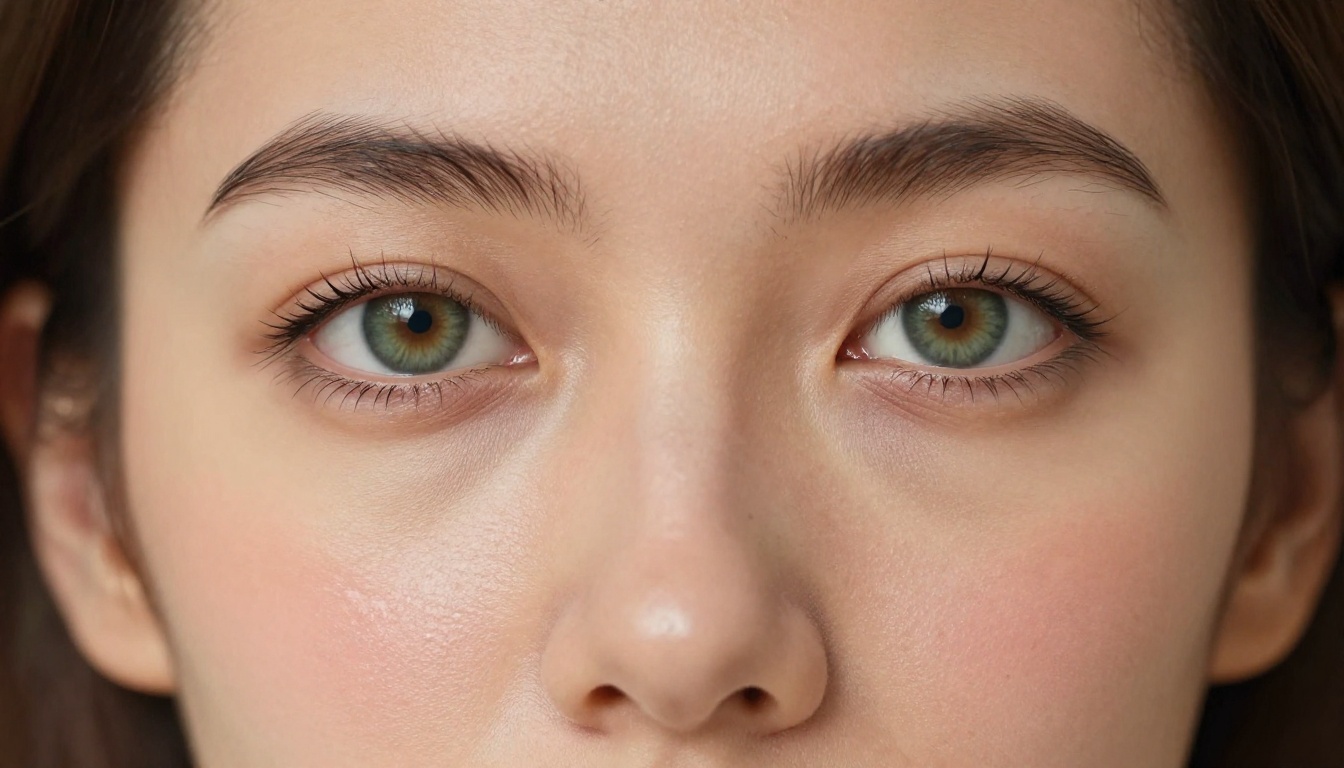
P-Image by PrunaAI is optimized for one thing above all else: speed. Generations complete in under 1 second. For high-volume workflows where you are generating hundreds of variations in a session, that speed advantage compounds significantly over time.
NSFW content support is consistent. The output quality is solid, though it does not reach the hyperrealistic ceiling of Seedream 4.5 or Recraft V4. P-Image is most valuable as part of a two-stage workflow: use it for rapid iteration to nail the composition, lighting, and concept, then refine the best results with a higher-fidelity model.
7. Wan 2.2 Image — Uncensored Realism from Text
Wan 2.2 Image generates highly realistic images from text descriptions without content filters. It is particularly strong at producing natural-looking human subjects in varied environments and poses.
Where some models require specific prompt engineering tricks to avoid content filtering, Wan 2.2 Image accepts straightforward descriptive prompts and delivers results that match the intent. For creators who find themselves spending as much time on workarounds as on actual creative work, this model is a productive shift.
💡 Wan 2.2 Image works best with detailed, descriptive prompts. Include lighting conditions, camera angle, environment details, and specific physical attributes to get the most accurate results from a single generation.
NSFW AI Video Tools for Content Creators
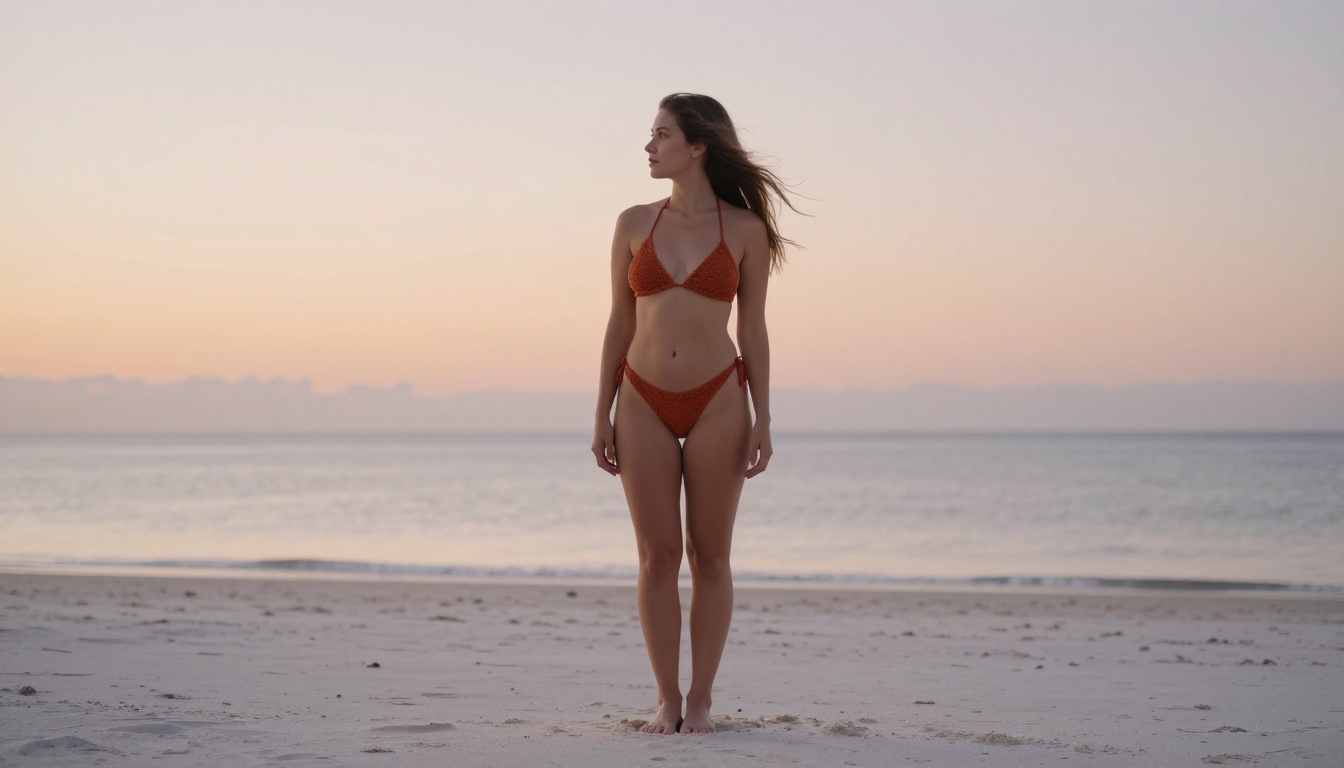
Not every piece of content is static. For creators producing short-form video content, PicassoIA offers several video models with genuine adult content support built in, not bolted on as an afterthought.
PicassoIA Video — Unlimited Video Generation
PicassoIA Video generates video clips directly from text prompts at resolutions up to 720p in 5-second clips. The standout feature is unlimited video generation with an Elite or Infinite subscription. No per-clip credit cost, no surprise charges at the end of the month.
For creators producing consistent volume, this is the same economic argument as PicassoIA Image Editor Pro, applied to video.
P-Video — Maximum Fidelity at 1080p
P-Video accepts text, image, or audio input and produces clips up to 1080p at 24 or 48fps. Its safety filter is disabled by default, so adult content prompts pass through without pre-generation checks. Draft mode produces an instant low-resolution preview, then you render the final clip once the composition is confirmed.
Duration is adjustable from 1 to 10 seconds across seven aspect ratios, covering both portrait mobile content and landscape formats for wider distribution.
Grok Imagine Video — 15-Second Clips, No Watermarks
Grok Imagine Video produces clips up to 15 seconds from text prompts, reference images, or existing video clips. No watermarks appear on the output. The image-to-video mode auto-matches source photo proportions, which simplifies the workflow considerably when you are extending still images into motion.
LTX 2.3 Pro — 4K at 50fps
LTX 2.3 Pro is the high-end option. Output up to 4K at 50fps puts it in the range of professional broadcast quality. It includes retake mode, which lets you replace a specific segment without re-rendering the whole clip, and extend mode, which appends footage to the start or end of an existing clip. Camera-motion presets include dolly, jib, and focus-shift for cinematic movement control.
For creators delivering client work or producing content that competes with professional video production, LTX 2.3 Pro represents the current ceiling of what AI video tools offer.

Large Language Models for NSFW Content Workflows
Image and video generation is only part of the content creation stack. Creators producing written content for adult platforms, character backstories, scripts for video narratives, or product descriptions for digital content marketplaces need LLMs that do not refuse straightforward adult creative writing requests.
PicassoIA provides access to several large language models suited for these workflows. When you need to write suggestive copy, narrative scenarios, or character descriptions to feed back into your image generation prompts, having an LLM that operates without aggressive content restrictions is a genuine productivity advantage.
How LLMs Fit into NSFW Content Creation
Prompt engineering: Crafting detailed, effective image generation prompts is a skill. An LLM can help you expand a simple concept into the 50-75 word structured prompts that produce the best results from models like Seedream 4.5.
Content scripts: Video creators producing narrated or scripted adult content need writing assistance that matches their aesthetic intent without constant refusals.
Platform copy: Subscription platform creators need SEO-aware, persuasive copy describing their content offerings. An uncensored LLM handles this without fighting the content filter on every paragraph.
Platform descriptions, character bios, video scripts, and prompt templates: all of these benefit from an LLM that does not treat adult creative work as inherently problematic.
💡 Explore the full range of large language models available at picassoia.com/en/all-models to find one that fits your specific writing workflow.
How to Use Seedream 4.5 on PicassoIA
Since Seedream 4.5 is the top NSFW model on the platform, here is how to use it effectively for the best results.
Open the Model
Go to picassoia.com/en/collection/text-to-image/bytedance-seedream-45 and open the generation interface. No special settings are needed for NSFW content.
Write a Structured Prompt
Structure your prompt in this order for the best results:
- Subject and pose: Who is in the image and what are they doing
- Environment: Where they are and what surrounds them
- Lighting: Direction, quality, and color temperature of light
- Camera: Angle, lens, and depth of field information
- Style qualifiers: "photorealistic, 8k, natural, film grain, Kodak Portra 400"
A well-structured 60-75 word prompt consistently outperforms a vague 10-word prompt. The model responds to specificity.
Iterate Fast
Use Seedream 4.5's sub-3-second generation speed to run 5-10 variations of your prompt before committing to post-processing or additional editing. Small changes to lighting descriptions and camera angle produce significantly different compositions.
Refine with Image Editor Pro
Once you have a strong base image, move it into PicassoIA Image Editor Pro for targeted refinement. The unlimited generation policy means you can iterate through the editing stage without any credit cost concerns.
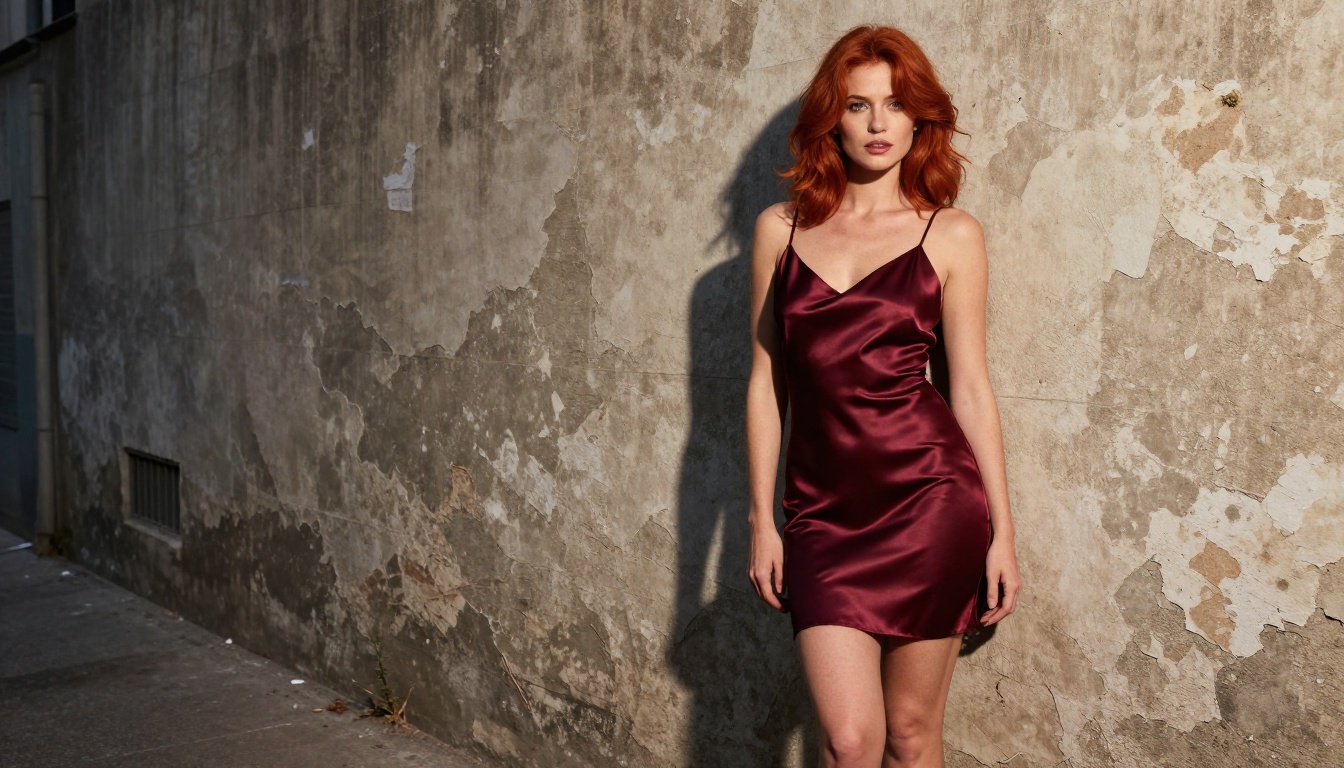
Most creators learn these lessons through wasted time and money. Here is the short version.
Avoid models with inconsistent NSFW support. If a model accepts a prompt 70% of the time and rejects it 30%, that unreliability wrecks any professional workflow. The tools on this list support adult content consistently across sessions.
Avoid per-credit models for high-volume work. If you are generating more than 200 images a month, per-credit pricing scales against you fast. Unlimited plans pay for themselves quickly at that volume.
Do not confuse image quality with content permissiveness. Some of the highest-rated image models on mainstream platforms produce stunning outputs but block adult content completely. Quality and permissiveness are separate variables. The models above deliver both.
Skip Seedream 5 Lite for adult content. It is ByteDance's newer model but it does not support NSFW generation. Seedream 4.5 is the correct choice for adult content workflows.
The Full NSFW AI Model Lineup on PicassoIA
Here is the complete ranked list, with direct links to every model mentioned:
Start Creating on PicassoIA
The tools exist, they work, and they are accessible to solo creators without enterprise budgets. PicassoIA brings over 91 text-to-image models and 87 video generation models under one platform, with NSFW-capable models clearly available and consistently performant across sessions.
The fastest way to see what these models actually produce is to try them. Seedream 4.5 is the right starting point for most creators, and PicassoIA Image Editor Pro offers a 3-generation free trial with no credit card to test the workflow before committing to a subscription.
Put a prompt in. See what comes back. The model is not working against you here.
The full model catalog, including every NSFW-capable image and video model covered in this article, is at picassoia.com/en/all-models.


