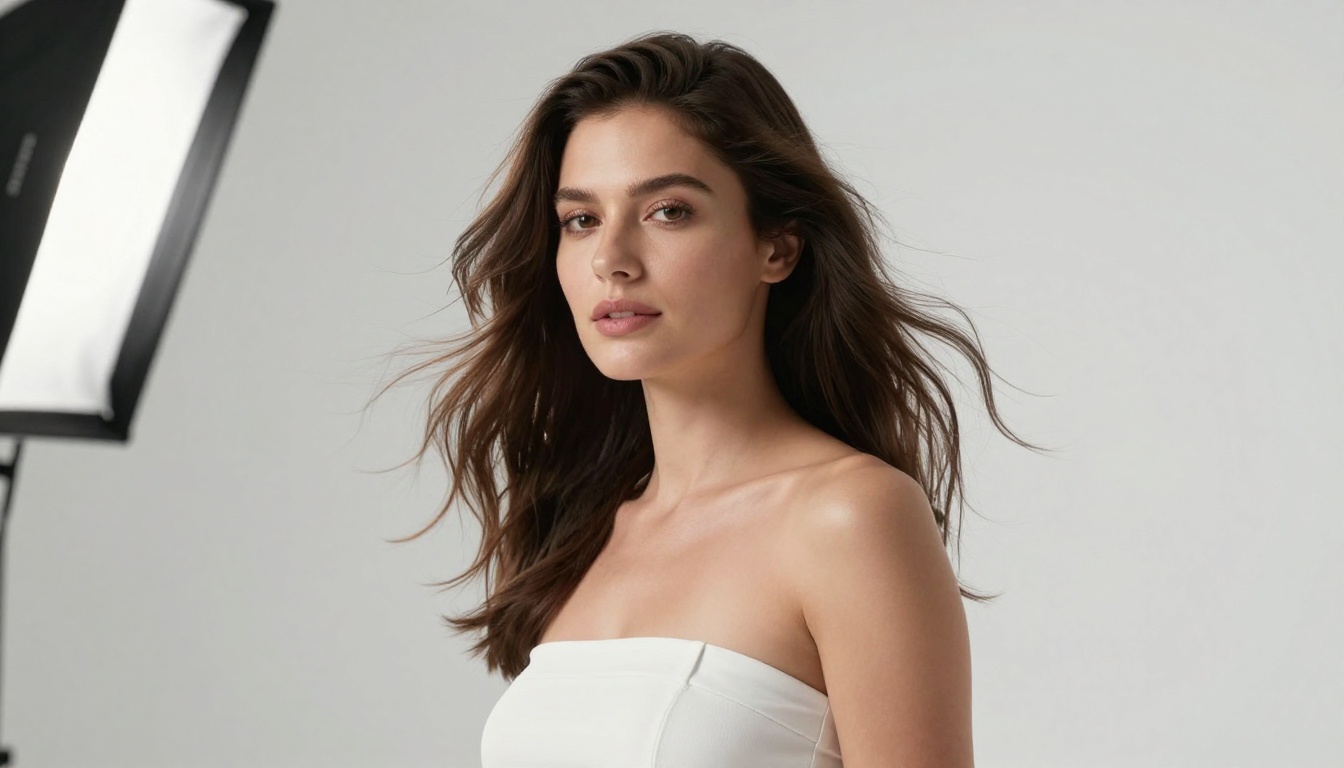
If you've spent any time searching for NSFW AI tools that actually work without regional restrictions, you've probably hit the same walls: geo-blocks that cut off access based on your country, content filters that activate the moment you type anything remotely suggestive, daily generation limits that stop you after a handful of images, and premium paywalls protecting the only features that matter. The standard workaround has been a VPN, but that solution is becoming less reliable. Many platforms now detect and block VPN traffic, account flagging is common, and the added latency slows down your generation pipeline in ways that turn iterative creative work into a chore.
The real solution isn't a workaround at all. It's finding platforms that don't restrict access by region in the first place, running models specifically configured for adult content without the censorship layers that neuter most competitors. This article breaks down the top NSFW AI tools that work without VPN right now, what makes each one worth your time, and how to get the best results from each.
The problem isn't the AI models themselves. The underlying technology is fully capable of generating unrestricted adult content. The restrictions come from corporate policy decisions made at the platform level, shaped by hosting providers, payment processors, app store requirements, and investor agreements that have nothing to do with what the models can actually do.
The Real Reason Access Gets Blocked
Most mainstream AI image platforms are built on infrastructure that requires them to maintain advertiser-friendly content policies. This means implementing content classifiers that flag anything adult before the output even reaches you. It means IP-based region blocking to comply with regulations in certain markets. It means restricting the most capable models to users who have verified their age through processes that exclude a significant portion of international users.
The VPN approach tries to get around the IP-based elements of this system, but it leaves the classifier problem entirely untouched. You can mask your location, but if the model itself has been fine-tuned to refuse adult content, your prompt is getting filtered regardless.
Region Locks Are Different From Model Restrictions
These are two separate problems that get conflated under the general complaint of "NSFW AI doesn't work." A region lock prevents you from accessing the platform at all unless you appear to be in an approved country. A model restriction is built into the AI itself and refuses to generate certain content regardless of where your traffic originates.
Platforms that solve only one of these problems still fail in practice. The tools listed below address both: globally accessible without IP routing tricks, and running models configured for adult content generation without classifier layers blocking the output.

Seedream 4.5 Is the Standard Right Now
Seedream 4.5 is the strongest available model for photorealistic NSFW content, and it runs directly on PicassoIA with no VPN required, no geo-blocking, and no proxy workaround needed. The model generates 4K-resolution output with anatomical accuracy and skin-texture realism that most competing models in this category can't reach.
ByteDance's Seedream architecture approaches proportional rendering as a primary objective rather than an afterthought. Most NSFW-capable models are fine-tuned from general-purpose diffusion checkpoints that were never designed with body coherence in mind. Seedream 4.5 was built from the ground up with photorealism as the primary target metric, and that distinction shows immediately in the output.

What Separates It From the Competition
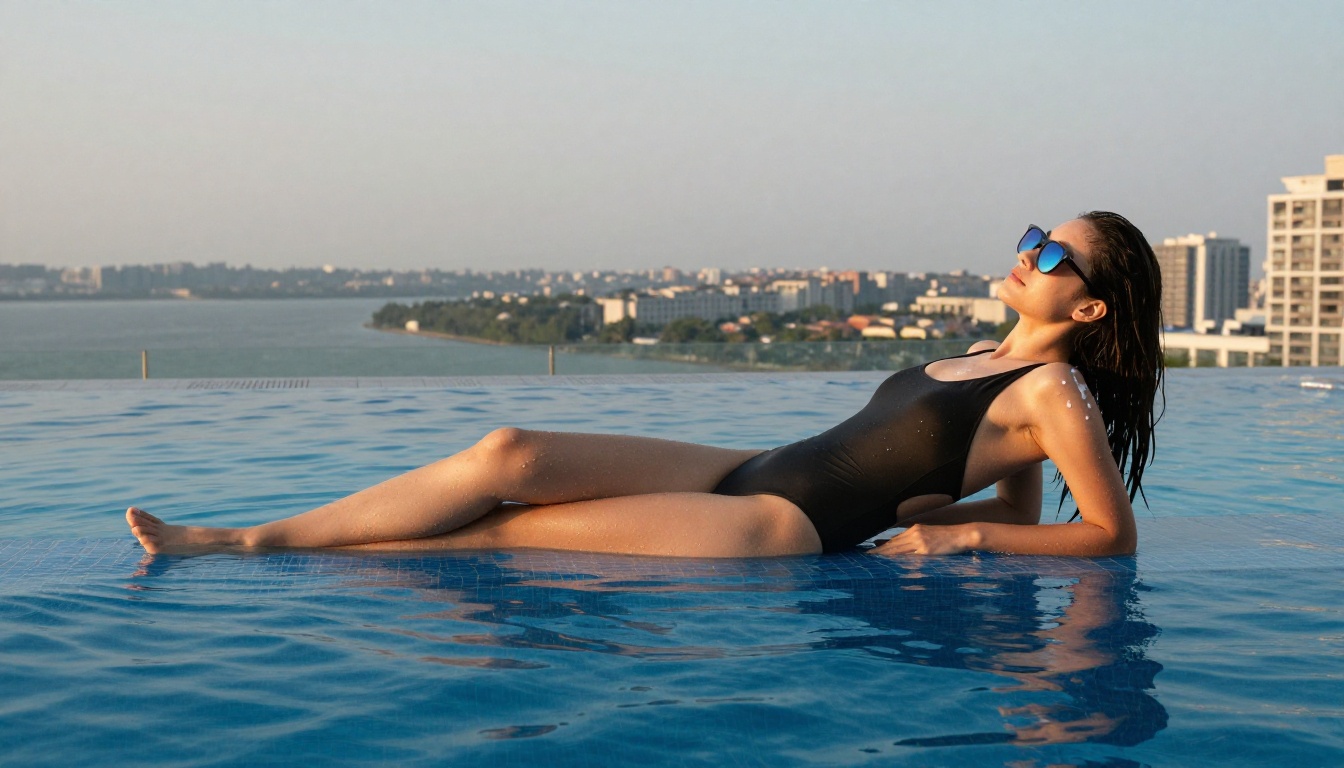
The most visible difference shows up at close range. Where other models produce outputs that look convincingly photorealistic at small sizes and fall apart under scrutiny, Seedream 4.5 images hold up at full resolution. Skin pores are present and consistent across illuminated areas. Individual hair strands are rendered with directional accuracy. Fabric weave is visible in clothing. Natural complexion imperfections appear where you'd expect them to appear.
Lighting is the other major differentiator. Most NSFW AI models flatten light sources into vague ambient illumination. Seedream 4.5 handles directional lighting with accuracy that reads as photography rather than rendering. Shadows fall correctly. Specular highlights on skin appear in physically plausible locations. Even an inexperienced eye reads the output as a photograph before it reads it as AI.
💡 Prompt tip: Specify your light source before your subject. "Soft window light from the left, late afternoon, warm golden tones" placed at the beginning of your prompt consistently produces better lighting coherence than adding lighting descriptors at the end.
Getting High-Quality Output Quickly
The generation pipeline on Seedream 4.5 is fast enough to support iterative prompting without breaking your creative momentum. For NSFW content specifically, you almost always need multiple iterations: adjusting the framing, refining a pose, correcting the composition. A model that takes two minutes per generation makes that iteration loop painful. Seedream 4.5 doesn't.
Build your prompts in layers: establish the environment and lighting first, describe the subject second, add technical camera parameters third. This structure produces more internally consistent outputs than front-loading subject description before context is established.
PicassoIA Image Editor Pro Removes the Limits
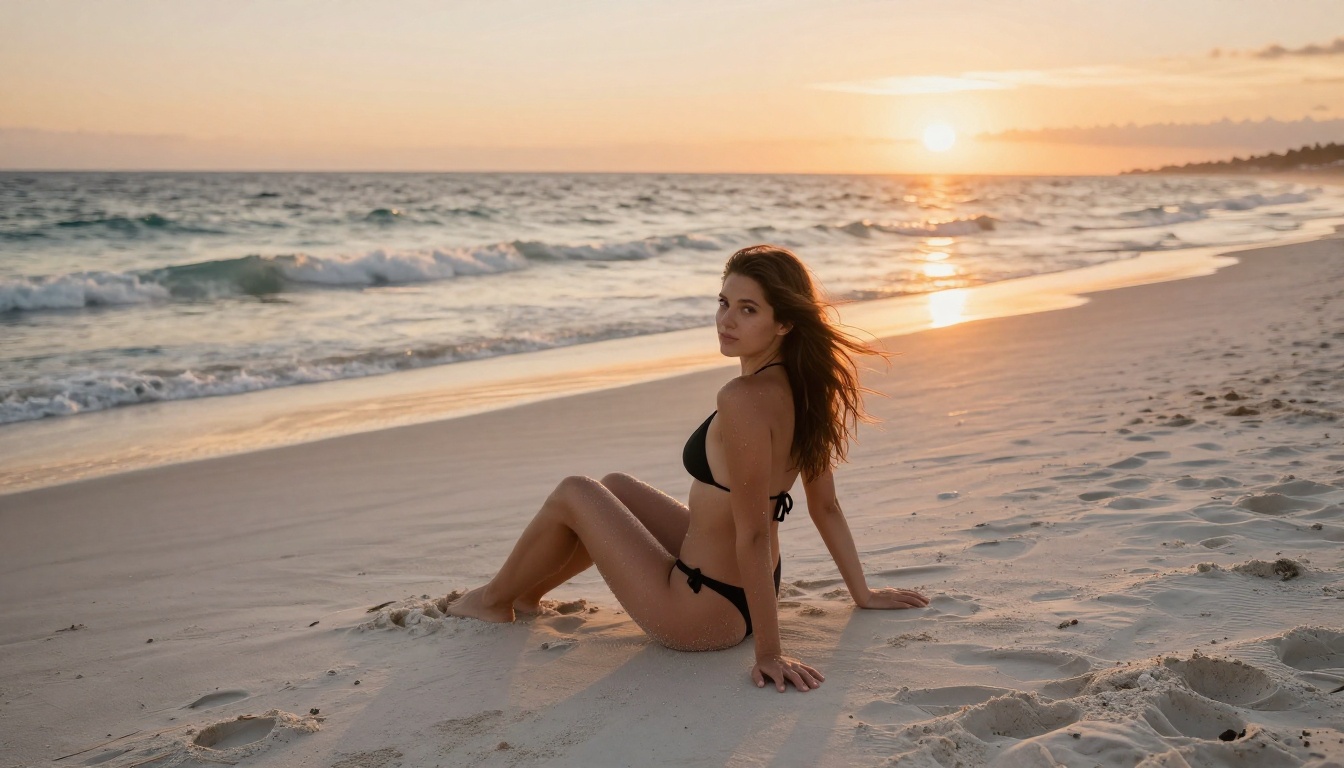
PicassoIA Image Editor Pro addresses a different pain point: the daily generation cap. Nearly every NSFW AI platform in this space limits how many images you can create per day, either by hard-capping free users or by throttling access after a set number of outputs even on paid tiers. Image Editor Pro operates on an unlimited generation model. No daily cap, no queue, no waiting for a reset.
This matters more for NSFW content than for general AI art because adult content creation is inherently iterative. You're not generating a single image and walking away. You're adjusting anatomical details, fixing lighting, correcting proportions, trying the same scene from different angles. That workflow requires dozens of generations per session, and platforms that cut you off at 20 or 30 break the creative process at exactly the point where it starts to get productive.
No Daily Limits, No Waitlists
There's no queue either. Some NSFW AI platforms with genuinely strong models have moved to waitlist-based access to manage server load, which means waiting 30 to 60 minutes to start a session. Image Editor Pro doesn't run a waitlist. You open the tool and generate immediately.
The platform includes inpainting and outpainting alongside base text-to-image generation. Inpainting lets you mask a specific region of an existing image and regenerate only that area while preserving everything else. For NSFW work this is practically essential: fix an awkward hand, adjust a facial expression, or change clothing on a character without scrapping an otherwise successful composition and starting from scratch.
What You Can Create
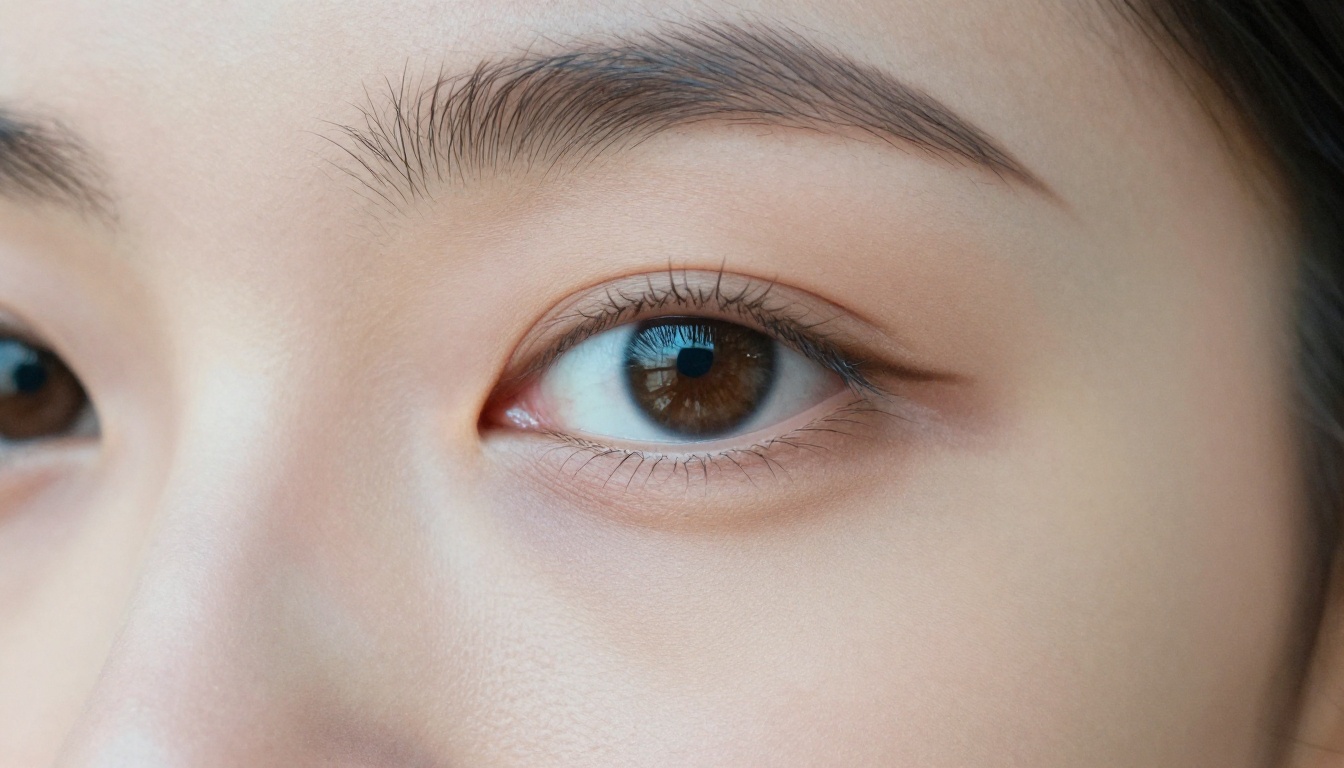
Image Editor Pro handles the full range of suggestive and adult content from glamour photography and lingerie contexts to more explicitly adult scenarios for users who have configured their account settings appropriately. The output quality scales with prompt quality but holds up well even with less detailed inputs compared to more demanding models.
💡 Workflow tip: Generate your base composition with Seedream 4.5 at maximum quality, then bring the best result into Image Editor Pro to refine specific elements through inpainting. This two-step approach consistently outperforms either tool used alone.
Other Models Worth Knowing
Beyond the two primary tools, PicassoIA hosts several other models that serve specific use cases well within the NSFW space. Each has a different strength profile that fits different creative requirements.

SDXL: Free, No Content Restrictions
SDXL is one of the most widely fine-tuned base architectures for adult content and runs on PicassoIA without the content filters that other platforms layer on top. It's also free, which makes it the practical starting point for prompt development before you move to premium models.
The caveat is that SDXL requires more specific prompting than Seedream 4.5 to reach photorealistic output. Loose prompts produce more illustrative, slightly artificial-looking results. Detailed prompts with explicit photography terminology close the gap significantly. Use it to develop and test your prompt structure before spending credits on premium generation.
Flux Dev and Flux Pro: Precision Prompt Following
Flux Dev and Flux Pro from Black Forest Labs handle multi-clause prompts with higher literal fidelity than SDXL-based models. When you describe a specific lighting setup, a particular clothing item, or a defined compositional arrangement, the Flux architecture follows those instructions more precisely.
Flux 2 Pro extends this with improved resolution ceiling and finer detail rendering, particularly useful for complex scenes with multiple environmental elements. Flux Kontext Dev adds reference-image-based editing, letting you modify specific elements of an existing image via text description while preserving the rest of the composition. This is useful for iterating on successful NSFW outputs without regenerating from a text prompt each time.
Realistic Vision v5.1: Portrait Specialist
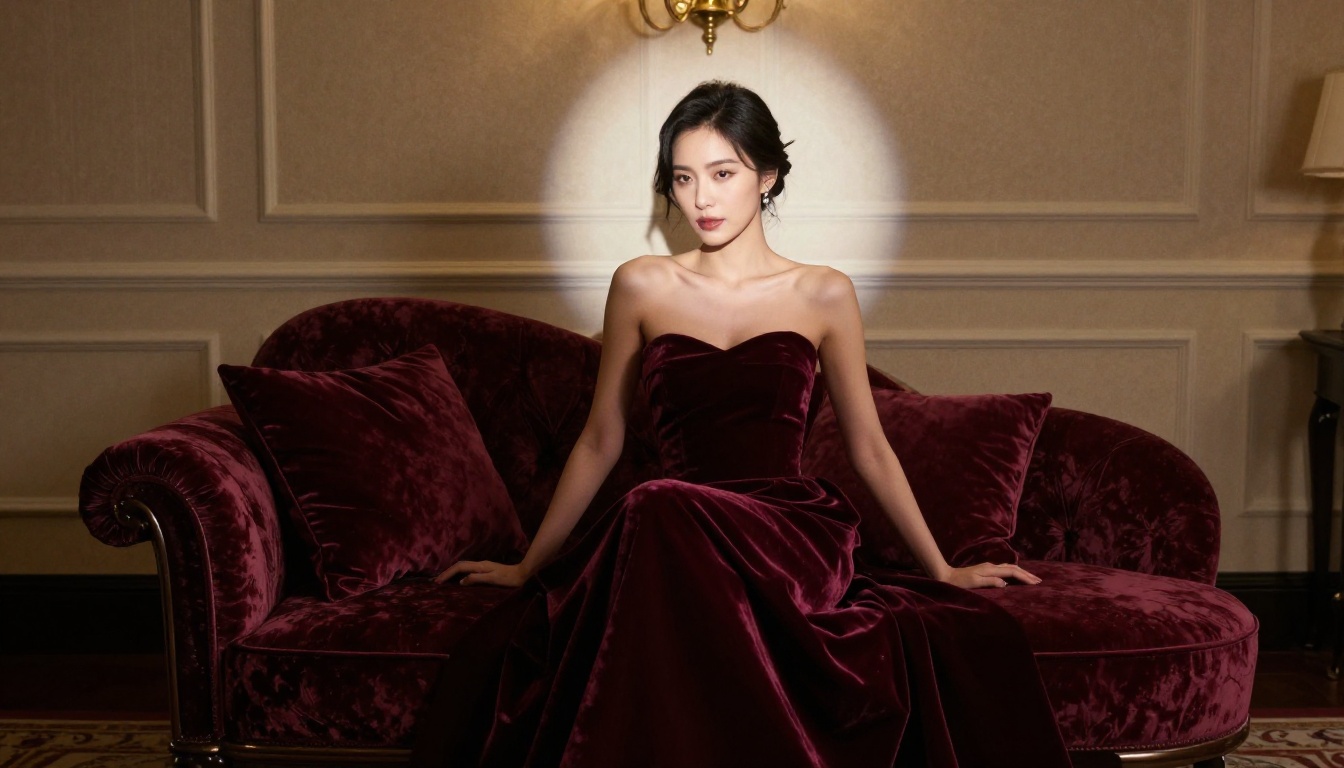
Realistic Vision v5.1 focuses on portrait and close-range body photography with a strong emphasis on facial accuracy and natural skin rendering. For NSFW compositions where character fidelity at close range is the priority, it frequently outperforms larger general-purpose models.
The model handles nuanced indoor and studio lighting particularly well, with strong results for soft box setups and natural indoor environments. It's most useful when facial expression and close-up body detail matter more than scene complexity or environmental variety. Pair it with a strong lighting descriptor and 1:1 aspect ratio for portraits that hold up at full resolution.
Comparing the Top Options
The practical starting point: Seedream 4.5 for the best photorealistic NSFW output. SDXL for free exploration and prompt testing. Image Editor Pro when you need to work without generation limits or queues.
Prompts That Actually Work for NSFW Content
The model quality accounts for roughly half of your output quality. The other half is prompting technique. NSFW AI prompts have specific requirements that general text-to-image prompting doesn't prepare you for, because the subject matter demands precise anatomical and contextual description to produce coherent results at the detail level you're after.
What Gets Consistent Results
Layer your prompts from context to subject to technical. Start with the environment and lighting, then describe the subject, then close with camera parameters. This structure gives the model a coherent scene to populate before placing a character in it, producing more internally consistent output than jumping straight to subject description.
Use photography as your vocabulary. Terms like "85mm f/1.8 shallow depth of field," "Kodak Portra 400 film grain," "volumetric morning light from the left," and "RAW 8K photography" function as shorthand for entire visual paradigms that diffusion models are trained to recognize. These aren't decorative tags; they're precise instructions that push output toward photorealism over illustration.
Be specific about physical descriptors. Height, build, hair color and length, skin tone, specific clothing items and fabrics, posture, and gaze direction should all be stated explicitly if they matter to your composition. The more precisely you define the subject, the less the model fills in gaps with defaults you didn't ask for.
Aspect ratio is compositional. For full-body vertical compositions, use 9:16. For environmental scenes with a full-body subject, 16:9. For portrait and close-up work, 1:1 or 4:3. Setting this correctly before you start iterating saves regenerations caused by composition mismatch.
3 Mistakes That Ruin Your Output
-
Multiple subjects in one prompt. Two or more characters in a single frame multiplies the probability of anatomical errors, merged limbs, and inconsistent scale. If you need multiple characters, refine a single-character composition first, then add complexity in controlled steps.
-
Generic quality modifiers without substance. "Beautiful, detailed, high quality, masterpiece" appended to a vague prompt produces minimal improvement. These amplifiers work only when there's already enough specificity in the prompt for them to amplify. Build the specificity first.
-
Skipping the negative prompt. Most platforms including PicassoIA support negative prompt fields. Standard exclusions like "blurry, low resolution, illustration, cartoon, deformed anatomy, extra limbs, watermark" prevent the most common failure modes and raise your average output quality without requiring you to change your positive prompt.
💡 Fast improvement: Add "RAW photo, 8K resolution, Kodak Portra 400 film grain, photorealistic, natural skin texture" to any prompt on Seedream 4.5 and your baseline realism jumps immediately without changing any other element.
Start Creating Images Right Now
The tools covered here represent the best current options for NSFW content that works without a VPN, proxy, or any region workaround. They're accessible from anywhere, running models configured for adult content generation without the filter layers that make most competing platforms functionally useless for this use case.
Seedream 4.5 is where to start. The quality difference between it and the typical VPN-dependent NSFW AI tool is significant enough that most users who test it stop looking for alternatives. PicassoIA Image Editor Pro handles the iteration workflow with unlimited generations and inpainting built in. Between these two tools, you have everything needed to generate, refine, and perfect NSFW AI images without limits, without queues, and without a VPN.
The complete model library, including over 90 text-to-image options, video generation, face swap, super resolution, and audio tools, is at picassoia.com/en/all-models. Open the editor, pick a model, and start creating.