The frustration is real. You type a prompt, the AI refuses. You try again with careful wording, and you get a blurred, cropped, or blocked result. Most mainstream AI image generators are locked down so tightly that even artistic, suggestive, or stylized content gets flagged before it renders. There are better options, and this article shows you exactly which ones.
What "Unrestricted" Actually Means
Not every "no-filter" tool is the same. There's a wide spectrum between a platform that allows mature themes and one that gives you full creative control over every output parameter. Understanding what you're actually buying into is the first step.
The Censorship Problem
Most popular AI image generators route every prompt through aggressive content classifiers. These systems block artistic nudity (even classical-style references), suggestive poses or attire, any prompt containing flagged vocabulary regardless of creative context, and certain cultural or historical imagery.
The result? You spend more time prompt-engineering around filters than actually creating. That's not creative freedom. That's creative friction.
What a Real Unrestricted Tool Offers
A genuinely unrestricted image creation tool has three things: no generation caps (or a very high daily limit), minimal content filtering that respects artistic intent, and photorealistic output that matches your prompt closely. The tools below have been selected specifically for hitting all three marks.
#1 Seedream 4.5 (Best Overall for Unrestricted 4K Images)
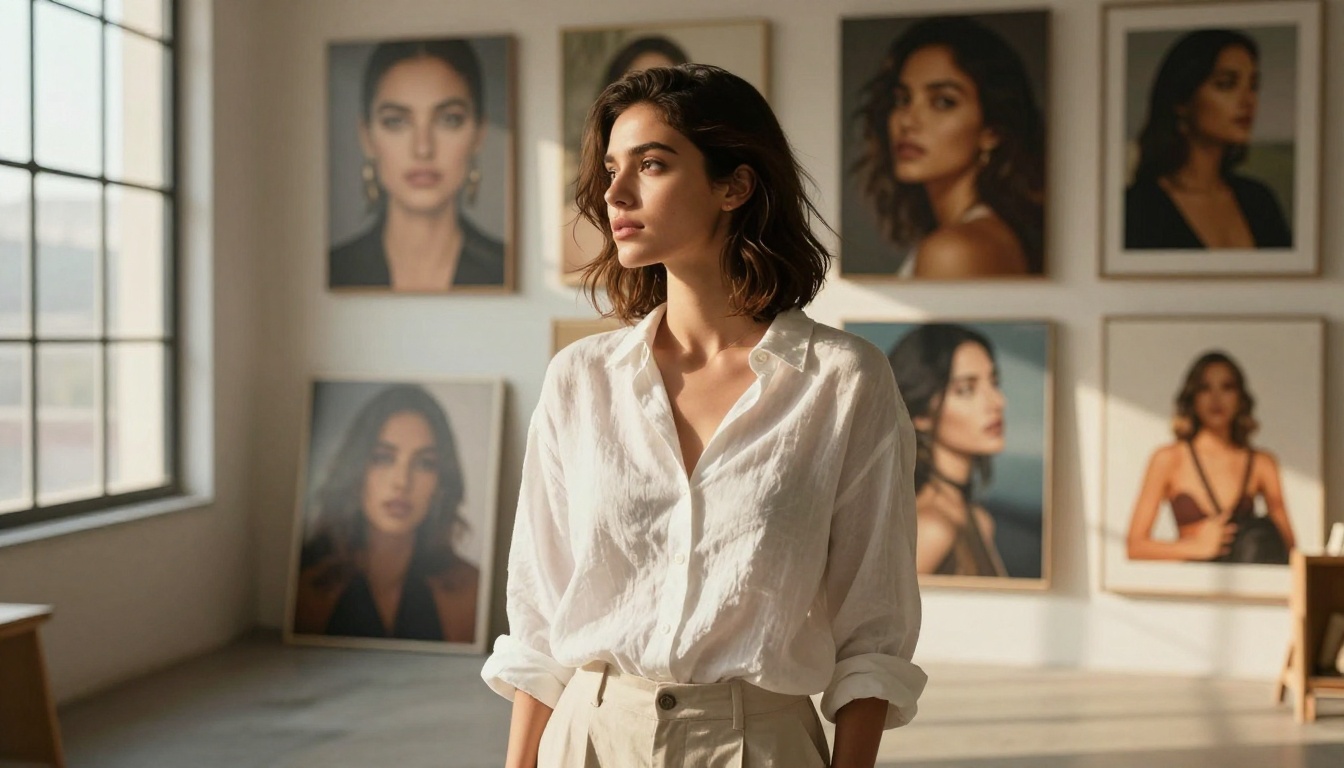
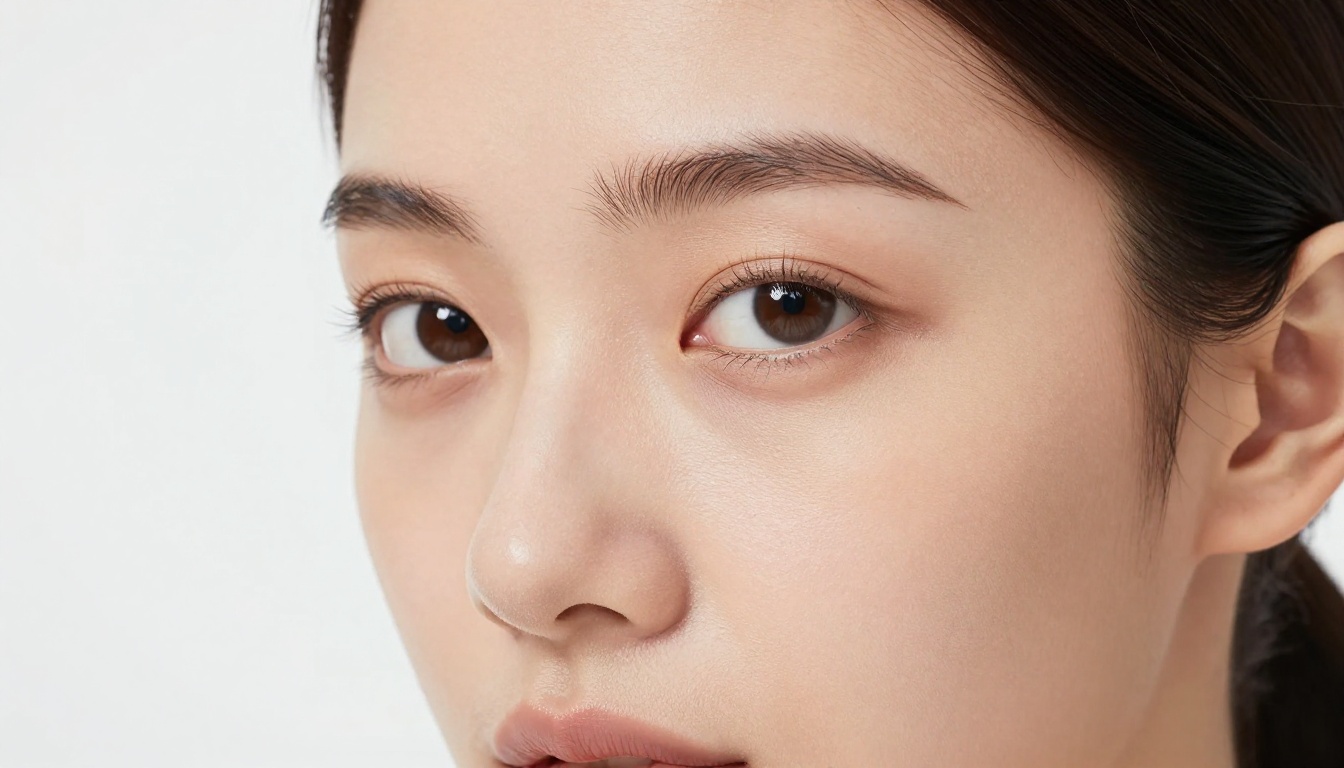
Seedream 4.5 from ByteDance is the clear leader on PicassoIA for unrestricted creative image generation. It's fast, it generates at native 4K resolution, and it handles complex, detailed prompts with a level of photorealism that most competing models simply cannot match at the same speed.
Why Seedream 4.5 Tops the List
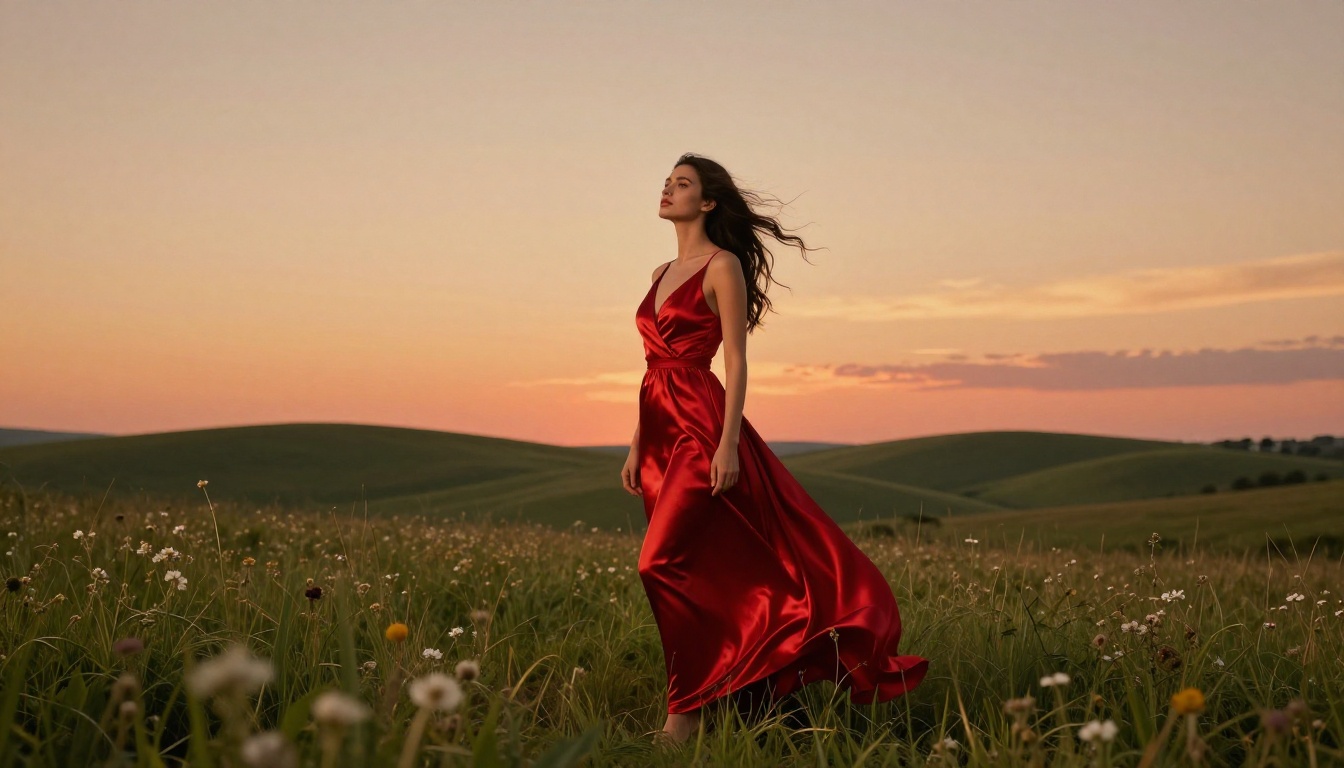
Seedream 4.5 earns the top position for several reasons that matter in practice:
- 4K native resolution output without post-upscaling artifacts
- Handles nuanced prompt details including lighting conditions, fabric textures, and skin tone accuracy
- Suggestive and mature content renders without aggressive blocking
- Faster than comparable high-res models at equivalent quality levels
- Works best for: portraits, fashion, glamour, lifestyle photography, and artistic body work
💡 Pro tip: For best results with Seedream 4.5, always describe your lighting setup explicitly. Add terms like "volumetric morning light from the left" or "soft butterfly studio lighting" to dramatically improve output realism.
How to Use Seedream 4.5 on PicassoIA
- Go to Seedream 4.5 on PicassoIA
- Type your prompt in the text field, using specific descriptors for lighting, camera angle, and style
- Set your preferred aspect ratio (16:9 for landscape, 9:16 for portrait)
- Click Generate and wait approximately 8-15 seconds for 4K output
- Download or continue editing directly in the platform
#2 PicassoIA Image Editor Pro (Best for Unlimited Generations)
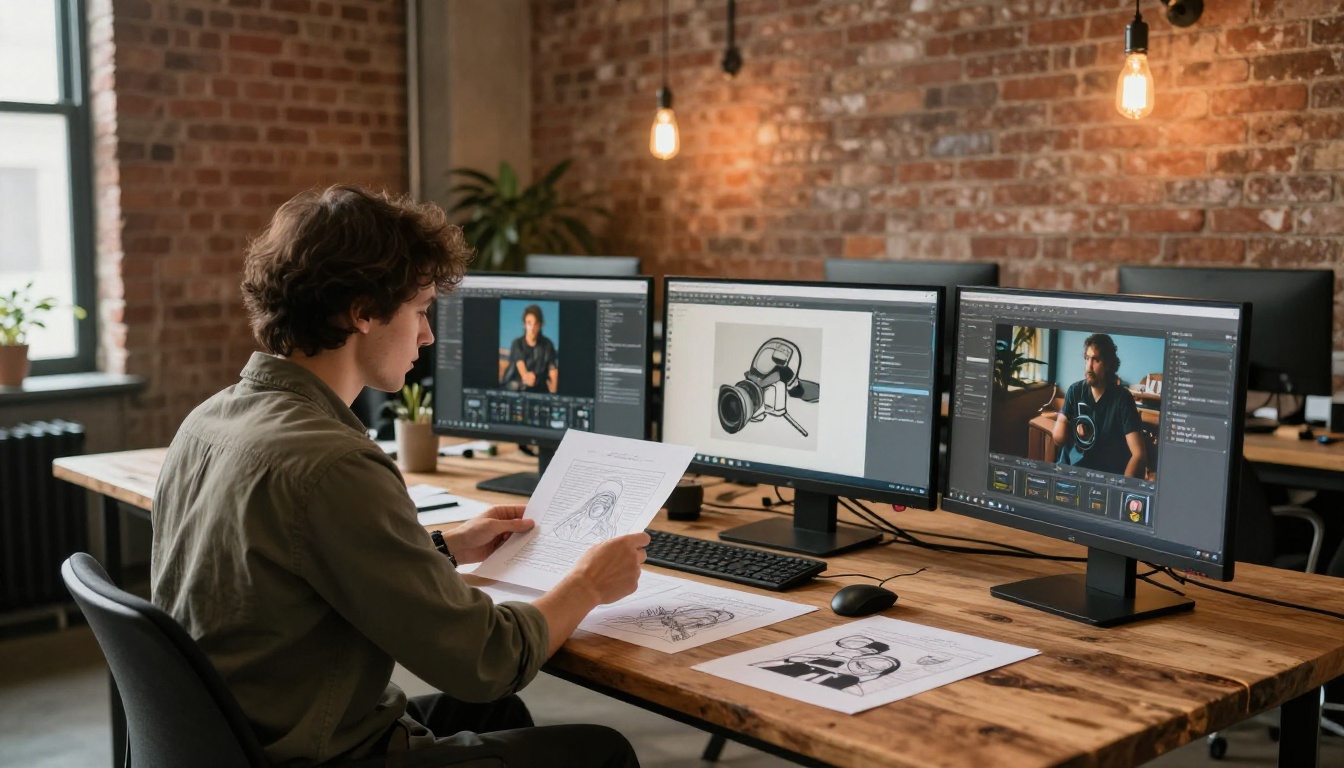
If daily generation limits are the bottleneck in your workflow, PicassoIA Image Editor Pro removes it entirely. This is PicassoIA's own model, built specifically to give creators unlimited AI photo editing and image generation without subscription walls breaking creative flow.
No Daily Caps, No Restrictions
Most commercial AI image platforms restrict free users to 50-100 images per day. PicassoIA Image Editor Pro operates on a different model: generation without the friction of usage caps that interrupt the work.
What it handles well:
- Complex scene compositions
- Portrait retouching and style variations
- Mature and suggestive content within artistic boundaries
- High-detail prompt adherence on repeated generations
💡 Tip: PicassoIA Image Editor Pro is ideal for content creators who need to generate dozens of variations quickly. Batch your prompts with slight modifications to rapidly test different compositions without hitting limits.
Who It's Best For
| Creator Type | Why It Works |
|---|
| Content marketers | No daily limit interrupts batch campaigns |
| Fashion photographers | Mature content renders for editorial use |
| Artists | Freedom to test experimental concepts |
| Social media managers | Fast iteration on visual content |
| Adult content creators | Unlimited generations, suggestive content allowed |
#3 Wan 2.7 Image Pro (Best for 4K Texture Detail)
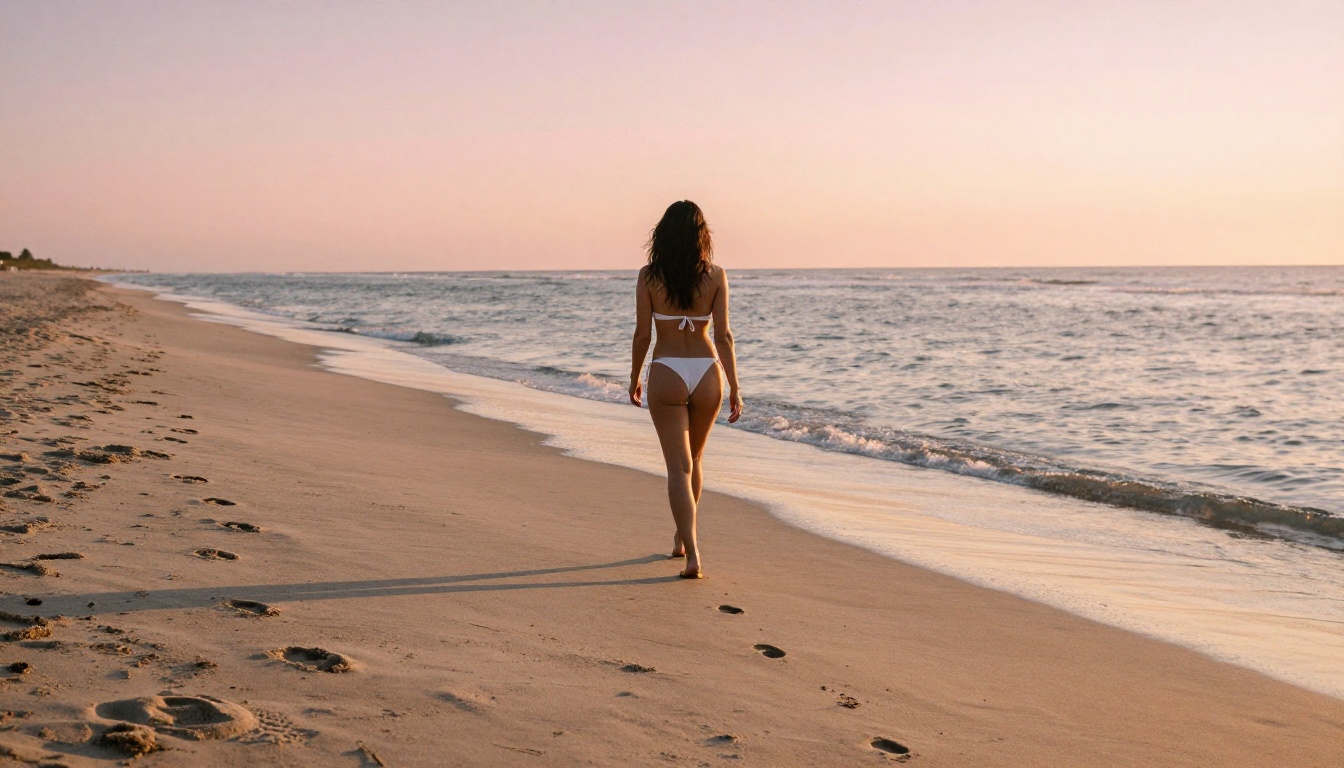
Wan 2.7 Image Pro punches above its weight in raw resolution and texture accuracy. Available on PicassoIA, it generates 4K images with a level of surface fidelity that rivals professional photography outputs.
Its sibling model, Wan 2.7 Image, offers 2K output for faster generation when you don't need full 4K resolution.
Wan 2.7 Image Pro excels at:
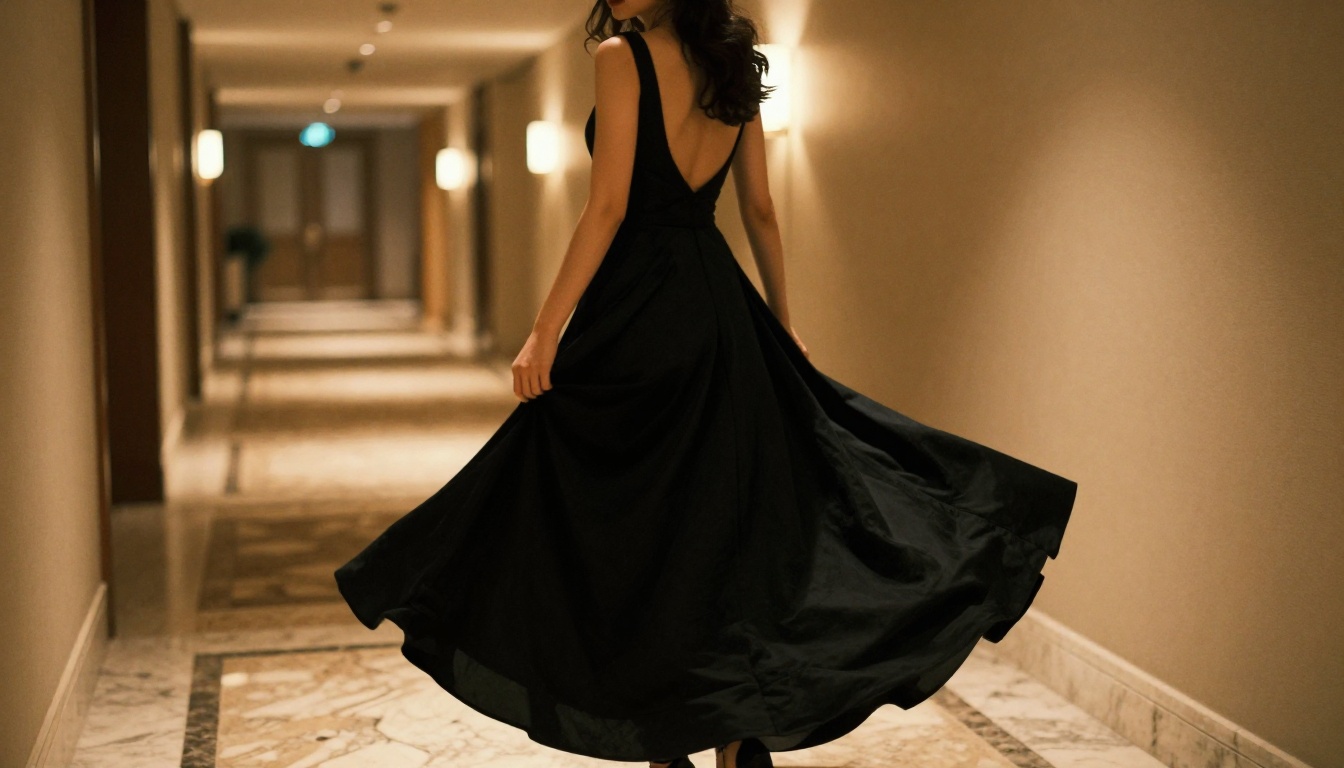
- Fabric texture detail in fashion and editorial photography
- Environmental atmosphere rendering (lighting conditions, weather, time of day)
- Multi-subject scenes with accurate spatial relationships
- Skin tone accuracy across diverse subjects
#4 GPT Image 2 (Best for Prompt Accuracy)
GPT Image 2 from OpenAI brings impressive natural language understanding to image generation. If your prompts are written conversationally and in detail, GPT Image 2 interprets them more accurately than most text-to-image models on the market.
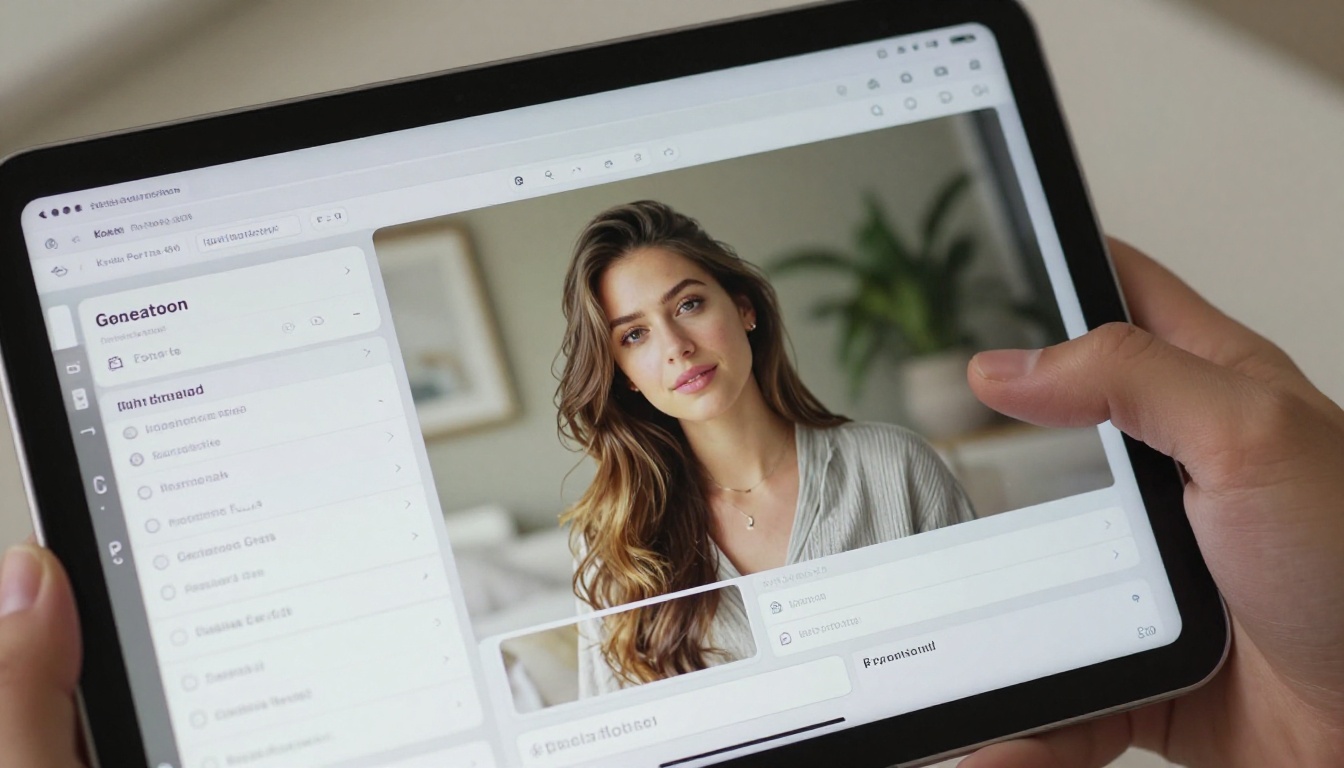
Where it really stands out is in complex scene compositions. Write a paragraph describing a specific environment, mood, lighting setup, and subject, and GPT Image 2 will parse all of it into a single coherent output. This makes it particularly valuable for creators who prefer writing natural descriptions over structured prompt formulas.
Best for: Detailed scene descriptions, mixed-subject compositions, photorealistic editorial content.
#5 Hunyuan Image 2.1 (Best for Portrait Diversity)
Tencent's Hunyuan Image 2.1 is a 2K text-to-image model that handles diverse portrait styles particularly well. It generates reliably across different skin tones, hair textures, and cultural fashion references, making it an important tool for any unrestricted image creation workflow that values diversity of output.

Best for: Portrait photography, fashion editorial with cultural specificity, versatile realistic skin tone rendering.
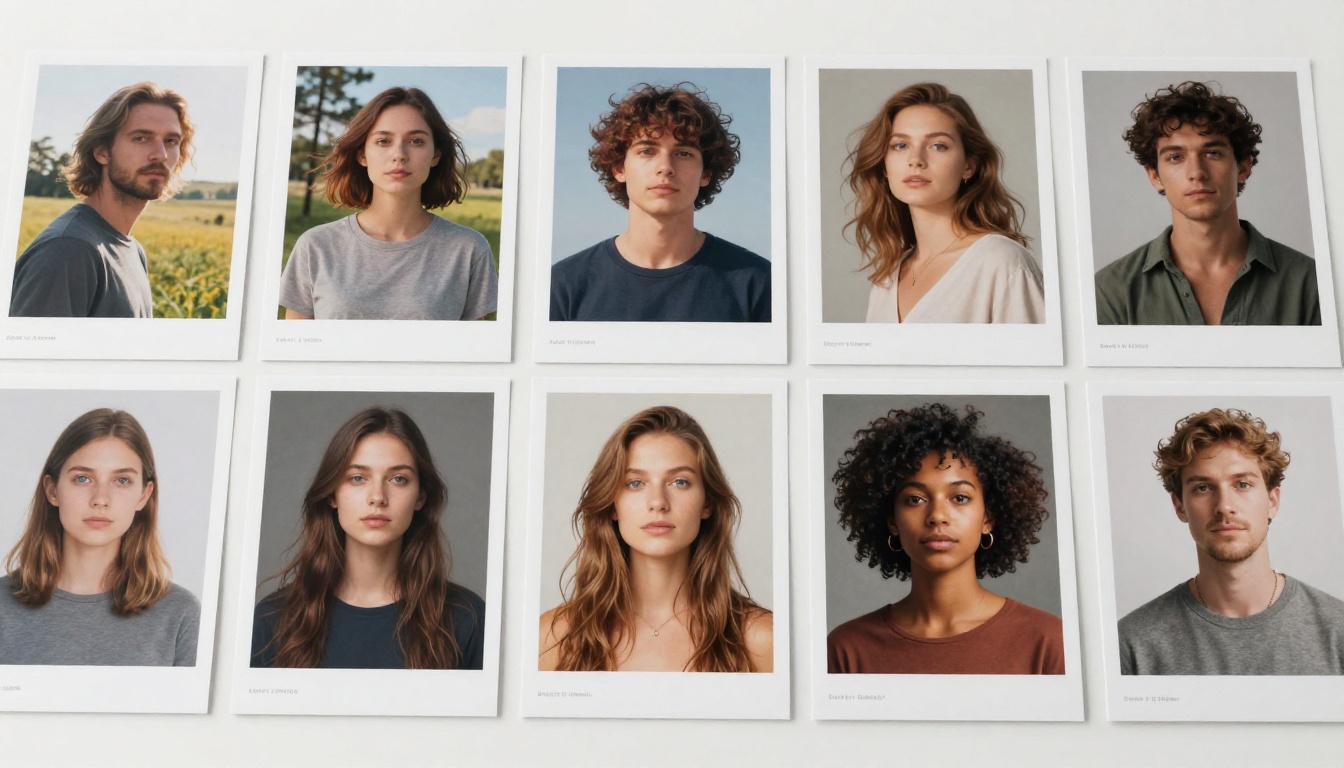
Here's the complete ranked overview across all major criteria:
Speed vs. Quality: What to Choose When
Not every project demands 4K photorealism. Sometimes you need 50 draft variations in 10 minutes. Other times you need one perfect image for a campaign cover. Picking the right tool for each situation saves real time.
Best for Fast Drafts
When speed matters more than perfection:
- PicassoIA Image: Fast generation, solid quality for quick creative reviews
- Hunyuan Image 2.1: 2K output at impressive speed with reliable portrait quality
- Wan 2.7 Image: The 2K variant is noticeably faster than the Pro version for iteration workflows
Best for Final Outputs
When quality is non-negotiable:
- Seedream 4.5: The clearest choice for final print-ready 4K portraits
- Wan 2.7 Image Pro: When fabric, texture, and environmental detail must be pixel-perfect
- GPT Image 2: When the prompt is complex and accuracy is critical to the output
3 Prompting Mistakes That Kill Your Results
Most bad AI images are a prompting problem, not a model problem. These are the three most common issues that separate mediocre outputs from genuinely impressive ones.
1. Vague Subject Descriptions
Bad: "A woman at the beach"
Better: "A woman in a white linen dress standing at the water's edge at golden hour, photographed from a low angle, warm backlight creating a rim-light effect on her hair and shoulders, wet sand texture with realistic water reflections"
Specificity is everything. The model cannot infer intent from vague descriptions, but it responds very well to concrete visual direction. Every detail you add reduces the gap between what you imagined and what you get.
2. Missing Lighting Specifications
Without lighting instructions, the model defaults to flat, neutral illumination. Every effective prompt includes at least one lighting direction: "soft morning side-light from the left," "overhead studio butterfly lighting," or "warm tungsten interior glow."
Lighting is what separates a flat AI image from something that looks genuinely photographic. A technically correct subject in flat light will always look less real than the same subject described with intentional, directional lighting.
3. No Camera or Lens Reference
Add camera details to force photorealistic rendering: "85mm f/1.8 shallow depth of field," "24mm wide angle low-angle shot," or "macro 100mm close-up." These terms anchor the model in photography language rather than illustration mode. Without them, outputs often drift toward a more stylized or painterly look.
💡 The formula that works: [Subject + clothing/appearance] + [location and background] + [lighting direction and quality] + [camera angle and lens] + [atmosphere/style reference] --ar 16:9 --style raw
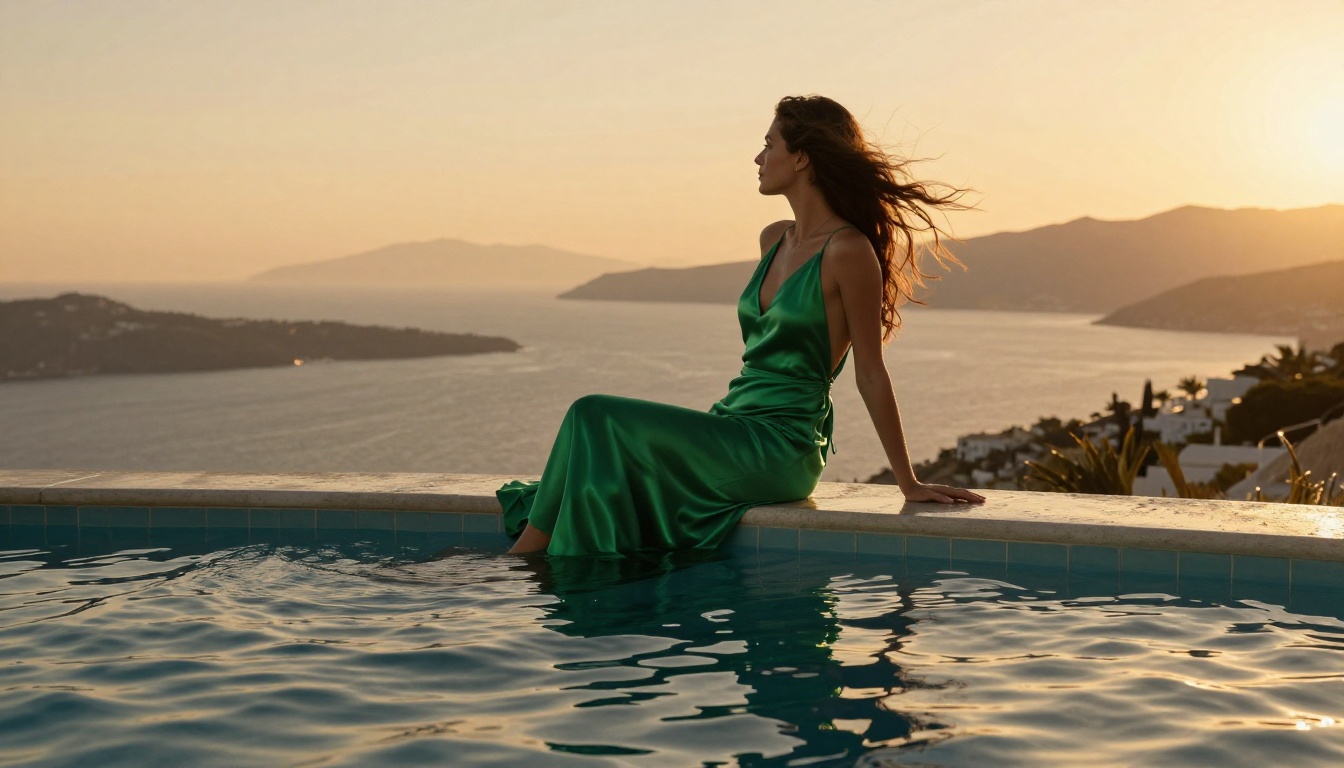
Editing What You Generate: The Next Step
Generating an image is only half the workflow. These tools, also available on PicassoIA, let you modify and refine outputs after generation:
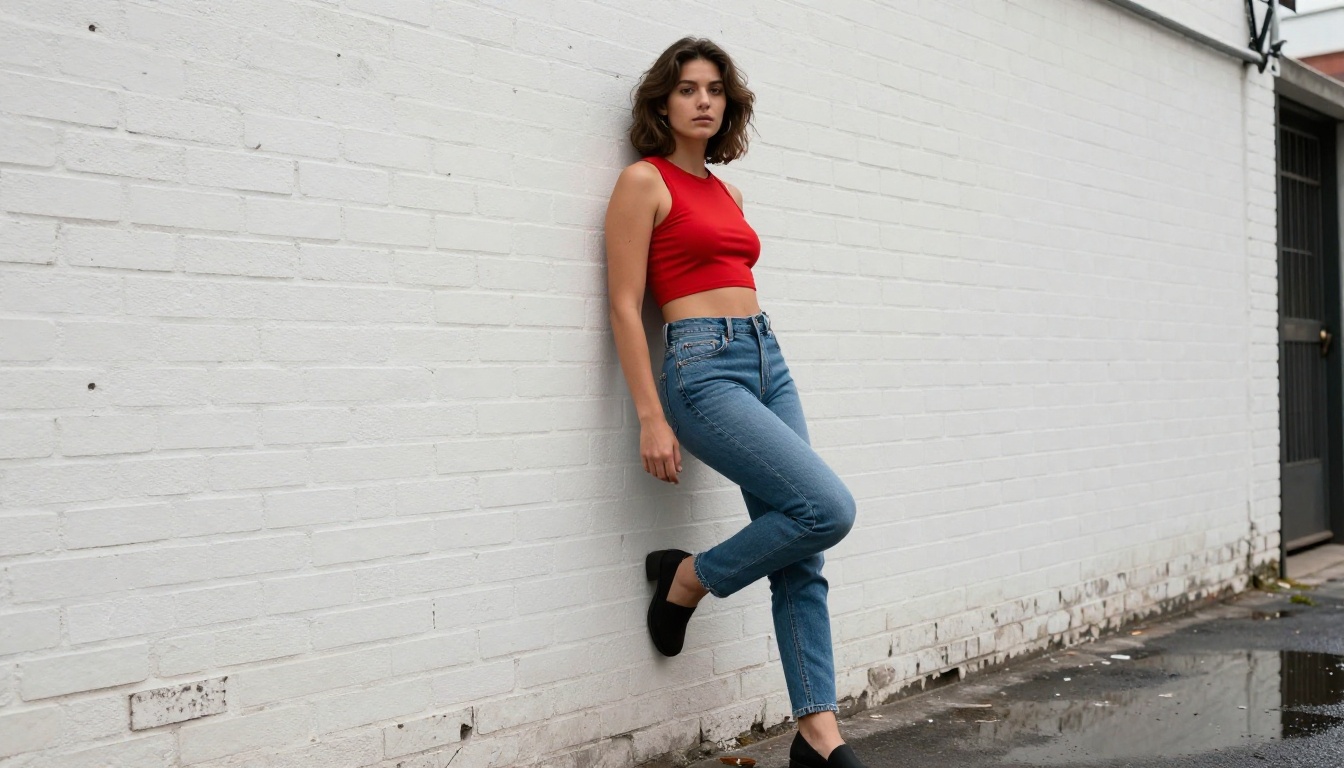
- Qwen Image Edit Plus: Modify specific parts of a generated image using text instructions. "Replace the background with a sunset beach" or "adjust the lighting to late afternoon" works directly on your output without re-generating from scratch.
- P Image Edit LoRA: LoRA-powered image editing for style-consistent modifications to existing images, particularly useful for maintaining visual coherence across a series.
- Flux Redux Dev: Feed any generated image as a reference and generate stylistic or compositional variations of it. Excellent for iteration workflows where you want controlled variation rather than completely new generations.
- Flux 2 Klein 9B Base LoRA: Styled image generation with fine-tuned LoRA control for consistent aesthetic output across a series of related images.
- Flux 2 Klein 4B Base LoRA: The lighter, faster Flux variant suited to rapid style testing before committing to the heavier 9B model.
This layered workflow from Seedream 4.5 for initial generation to Qwen Image Edit Plus or Flux Redux Dev for refinement gives you creative control that replaces entire post-production steps.
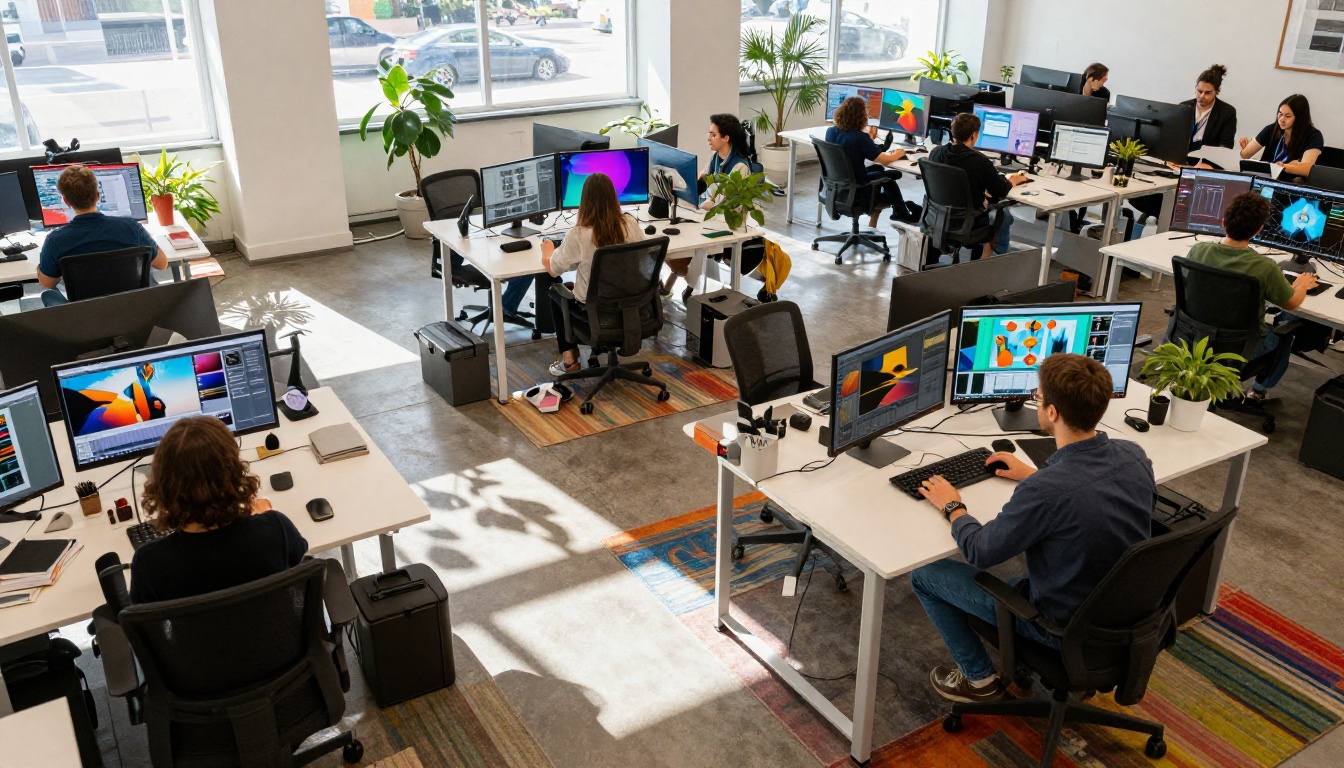
Instead of maintaining accounts across five separate AI platforms, PicassoIA consolidates 91 text-to-image models in one place. That means you can start a portrait draft with Wan 2.7 Image for fast iteration, refine the style in PicassoIA Image Editor Pro, and deliver the final output via Seedream 4.5, all without switching tabs or managing API keys.
The platform also extends beyond images: 87 text-to-video models, AI music generation, background removal, super resolution upscaling (2x to 4x), and lipsync tools are all available in the same interface. For creators building content pipelines, it's the only platform where text-to-image, image-to-video, and audio can all run without bouncing between tools.
💡 Worth knowing: PicassoIA's Super Resolution models can upscale any generated image 2x to 4x after generation. Start with a fast 2K draft, then upscale to print-ready resolution at the end of your workflow without losing quality.
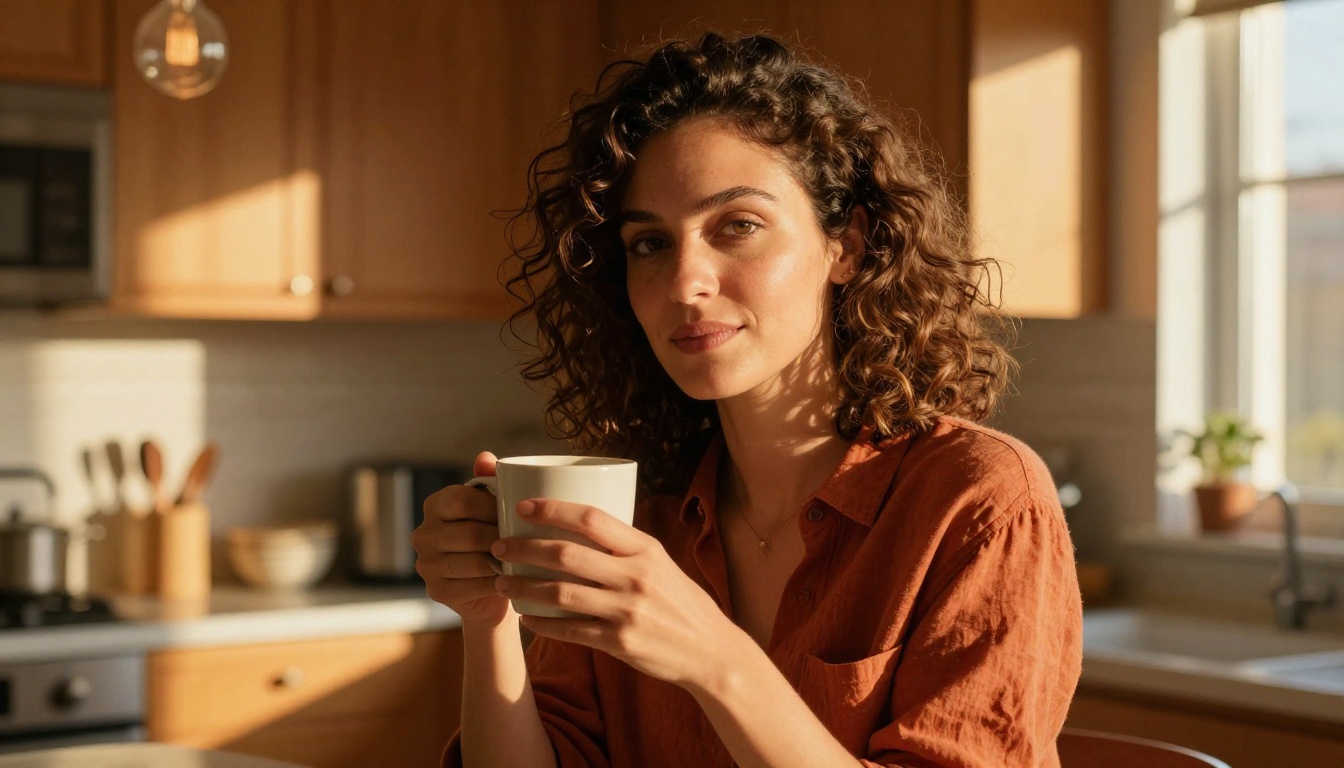
For NSFW and mature content specifically, Seedream 4.5 remains the top recommendation, followed closely by PicassoIA Image Editor Pro. Both handle suggestive, glamour, and artistic content without the reflexive blocking you'll encounter on mainstream platforms. Do not use Seedream 5 Lite for NSFW work, as that variant applies stricter content filters that will block adult content.
The full model library is available at picassoia.com/en/all-models.
Start Creating Without Limits
The tools exist. The restrictions don't have to define your creative output. Whether you need 4K photorealistic portraits, fashion editorial with mature aesthetics, or rapid batch generation without daily caps, the models ranked in this article are the best available in 2027 for unrestricted image creation.
Start with Seedream 4.5. Write a detailed prompt with explicit lighting and camera specifications, set a 16:9 aspect ratio, and generate. The output quality will immediately show you why it sits at the top of this ranking.
From there, browse the full library at picassoia.com/en/all-models. With 91 text-to-image models and growing, there is a version tuned for every creative direction you want to take, and none of them will block you for having an actual creative vision.


