If you've spent more than ten minutes with most AI image generators, you already know the problem. You type a prompt. The system flags it, refuses it, or produces something so sanitized it looks like a stock photo from 2012. The best images in your head, the ones that require a bit of daring, never make it out. That's not a limitation of AI. It's a limitation of the platform.
This article ranks the top uncensored AI tools available right now, with a specific focus on quality, speed, and what you can actually create without running into a content wall. Some of these tools handle glamour and artistic nudity without blinking. Others specialize in photorealistic faces, fashion, and lifestyle images that push past the typical PG-13 filter systems. The ranking is based on output quality, NSFW support, generation speed, and reliability.

Most image generators sold to the public operate under strict content policies set by their investors, their hosting providers, and their own legal teams. The result is a filtration layer that sits between your prompt and the output, catching anything that looks even remotely adult, suggestive, or outside the brand guidelines of a corporation trying to avoid controversy.
The censorship problem runs deeper than you think
This isn't just about explicit content. Standard filters routinely block swimwear, artistic nudity, romantic scenarios, and sometimes just attractive people in certain poses. Fashion photographers using AI to prototype shoots get rejected. Romance novel artists get rejected. Body positivity creators get rejected.
The filters are blunt instruments. They don't operate with artistic context. They operate with pattern matching, and pattern matching fails creative work constantly.
What "uncensored" actually means
An uncensored AI image tool is one that does not apply a content filter between your prompt and the output. It generates what you ask for, within the bounds of the model's training data and the platform's stated terms of service.
Most legitimate uncensored platforms operate in an adult content space that includes glamour photography, artistic nudity (implied or partial), romantic scenarios, fashion content with skin, and NSFW creative work that stops well short of illegal material. The better platforms are consistent, fast, and don't make you feel like a criminal for typing a suggestive prompt.
Seedream 4.5 Is Currently the Best Option
Seedream 4.5 from ByteDance stands at the top of this list right now. Not because it's the flashiest name, but because it delivers at a level that most censored tools can't touch, even on safe prompts.
4K output, real photorealism, no content wall
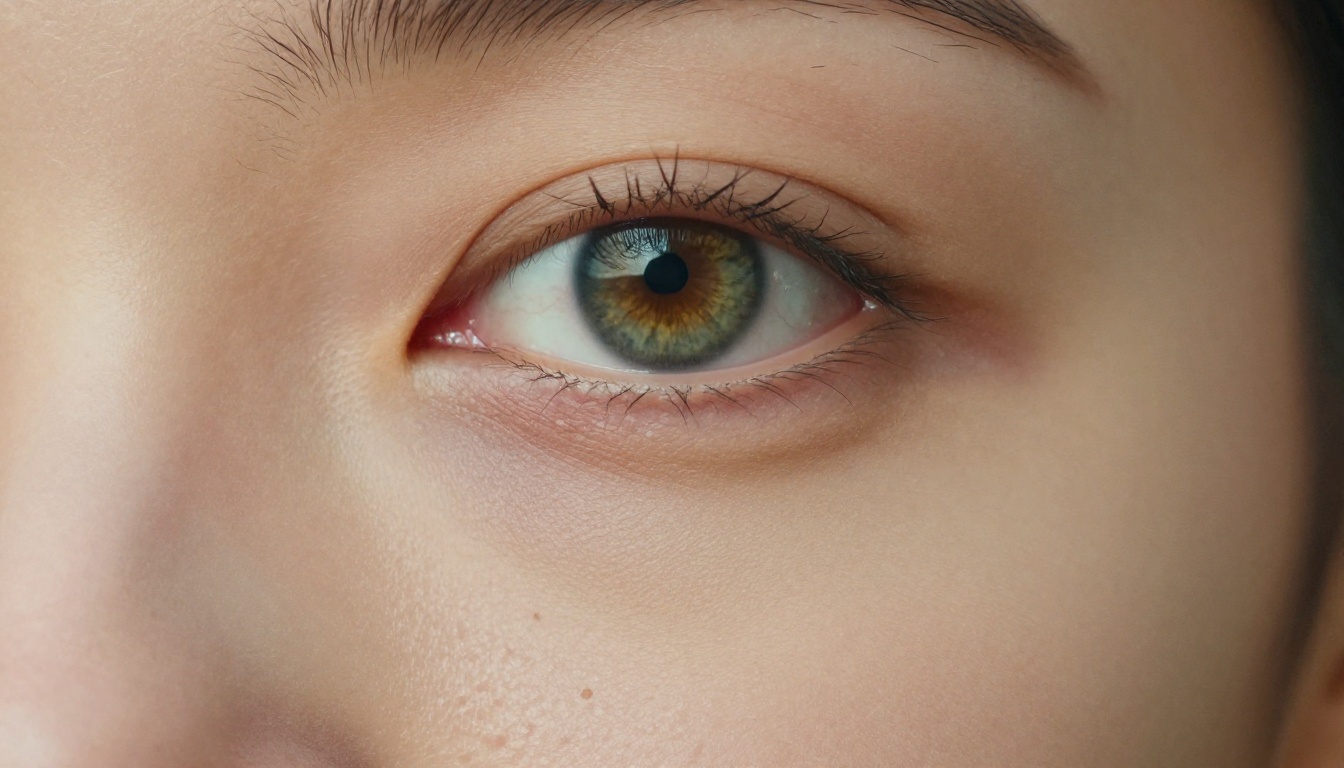
What makes Seedream 4.5 stand out is the quality floor. Even on a mediocre prompt, it produces images that feel like they came from a real camera. Skin texture is authentic. Lighting behaves correctly. Faces hold up at full resolution without the uncanny valley that plagues many NSFW models.
For uncensored creative work, this matters enormously. Most NSFW-focused models sacrifice quality for permissiveness. Seedream 4.5 doesn't. You get both, and that combination is still rare.
💡 Tip: For glamour photography prompts, add "Kodak Portra 400, 85mm f/1.8, natural skin texture" to your Seedream 4.5 prompts. The model responds exceptionally well to film photography references and produces extraordinary skin realism.
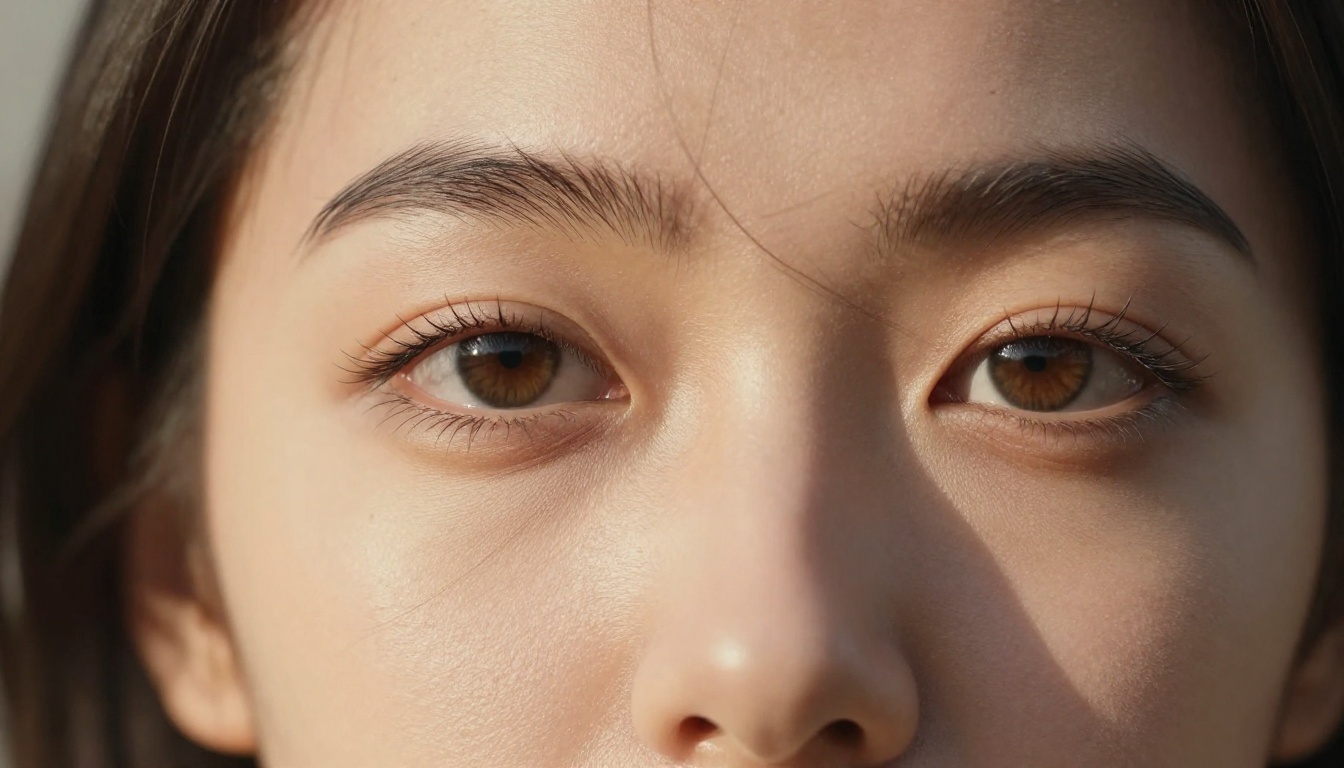
Output specs that matter
| Feature | Seedream 4.5 |
|---|
| Max Resolution | 4K |
| NSFW Support | Yes |
| Speed | Fast |
| Photorealism | Very High |
| Available on PicassoIA | Yes |
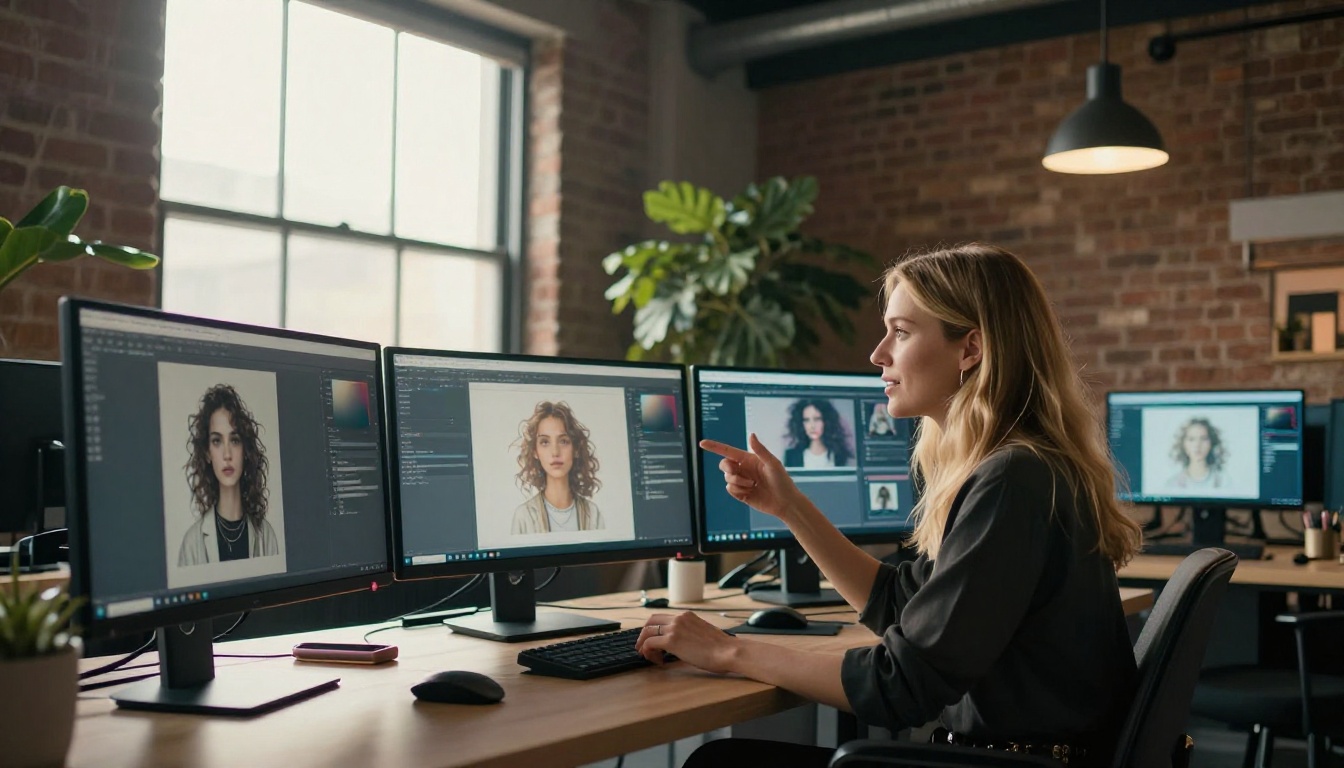
PicassoIA Image Editor Pro: Unlimited and Unrestricted
If Seedream 4.5 is the best individual model right now, PicassoIA Image Editor Pro is the best platform-level tool for uncensored work. The distinction matters.
What "unlimited" actually means here
Most platforms that claim "unlimited" have a catch: rate limits, daily caps, or quality throttling after a certain volume. PicassoIA Image Editor Pro doesn't. You generate at volume, iterate fast, and run NSFW prompts without hitting a wall after 20 images.
For working artists, this changes the entire workflow. You're not babysitting your credit count or watching a progress bar reset your daily allowance. You're just generating.
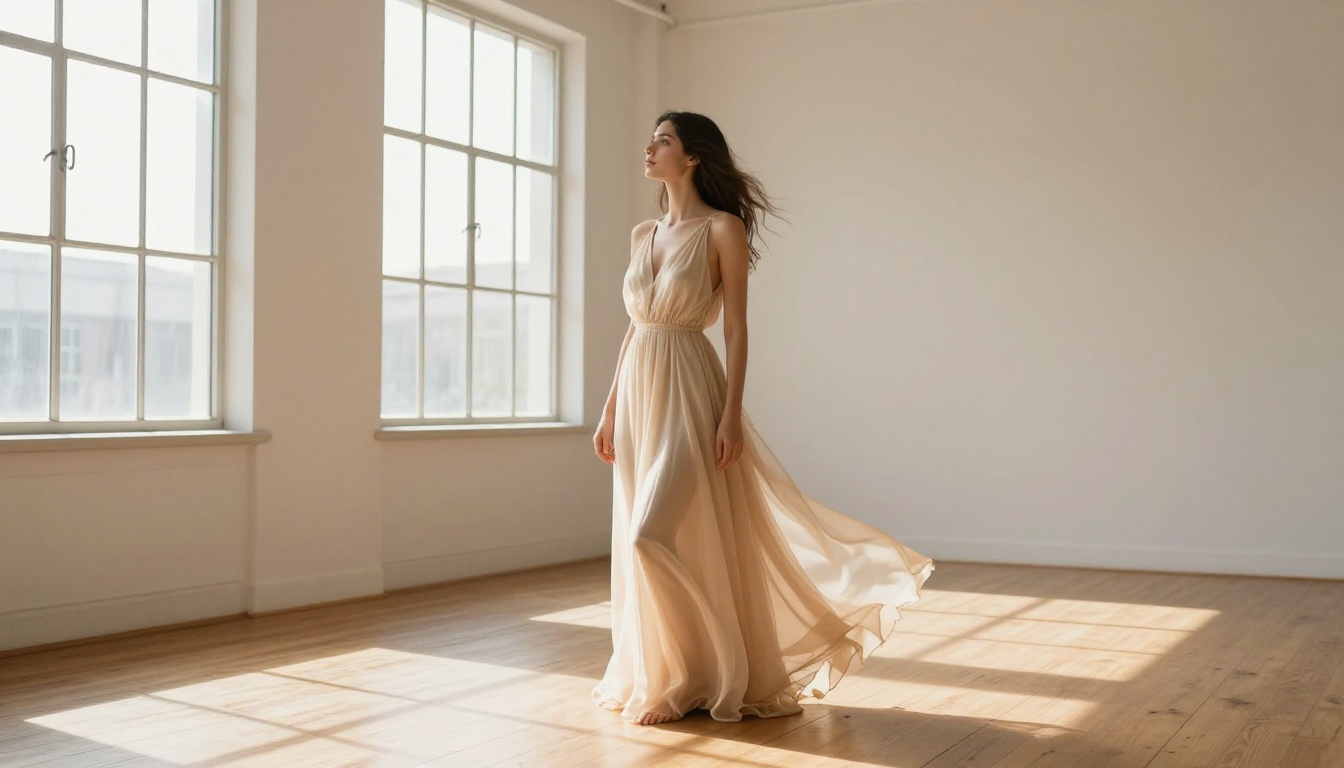
When to use it over other models
Use PicassoIA Image Editor Pro when:
- You're iterating fast and need volume without caps
- You want to edit and fine-tune an existing image (the inpainting and editing tools are solid)
- You're working on a project that requires dozens of variations of the same scene
- You need reliable NSFW support without per-image friction
The tool also handles inpainting and outpainting well, so you can start with a base image and adjust specific elements without regenerating from scratch. That's a meaningful time saver when you're close to the result you need but not quite there.
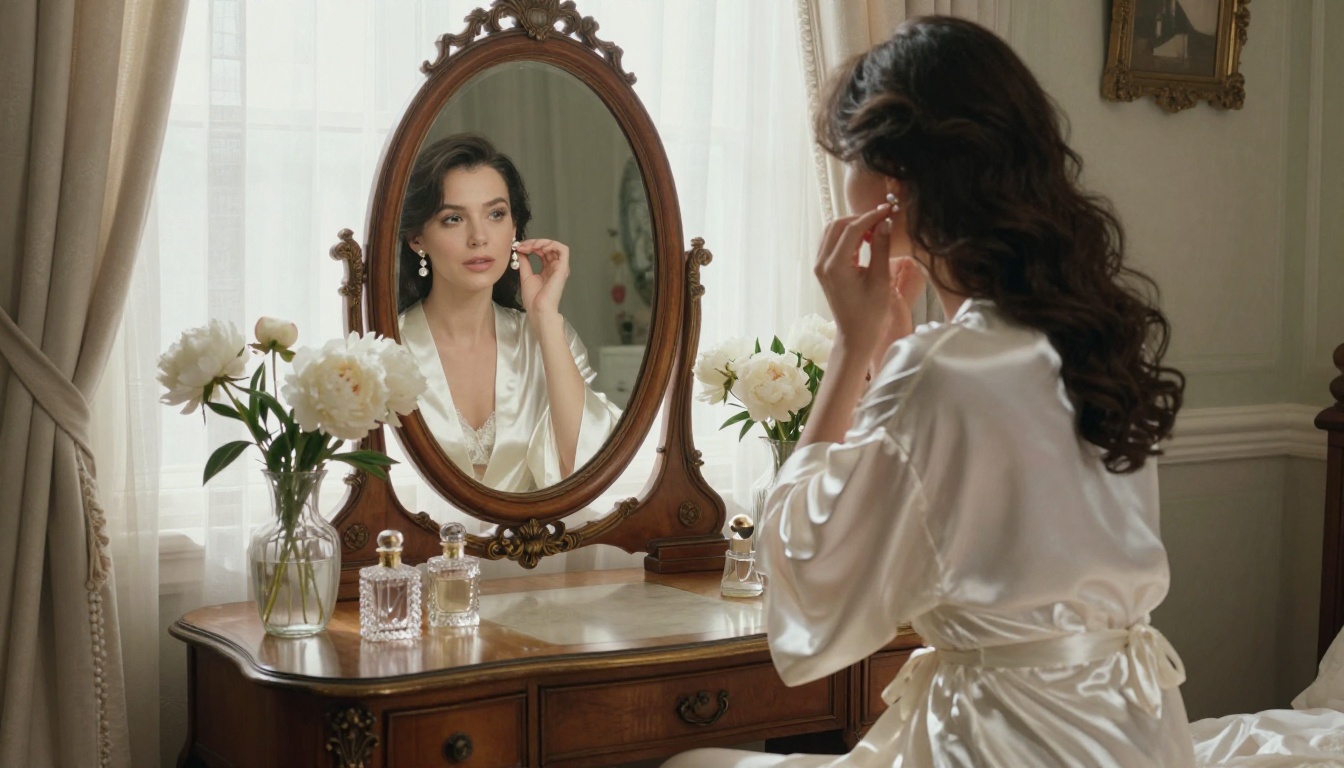
How to Use Seedream 4.5 on PicassoIA
PicassoIA makes Seedream 4.5 accessible without any technical setup. Here's how to get the best output from it.
Step 1: Access the model
Go to Seedream 4.5 on PicassoIA. No account setup is required for basic use. The interface loads the model directly and is ready to generate immediately.
Step 2: Write a detailed prompt
Seedream 4.5 rewards specificity. A vague prompt gets average results. A detailed prompt that describes subject, environment, lighting, camera angle, and mood gets images that look like editorial photography.
Weak prompt: "woman at beach"
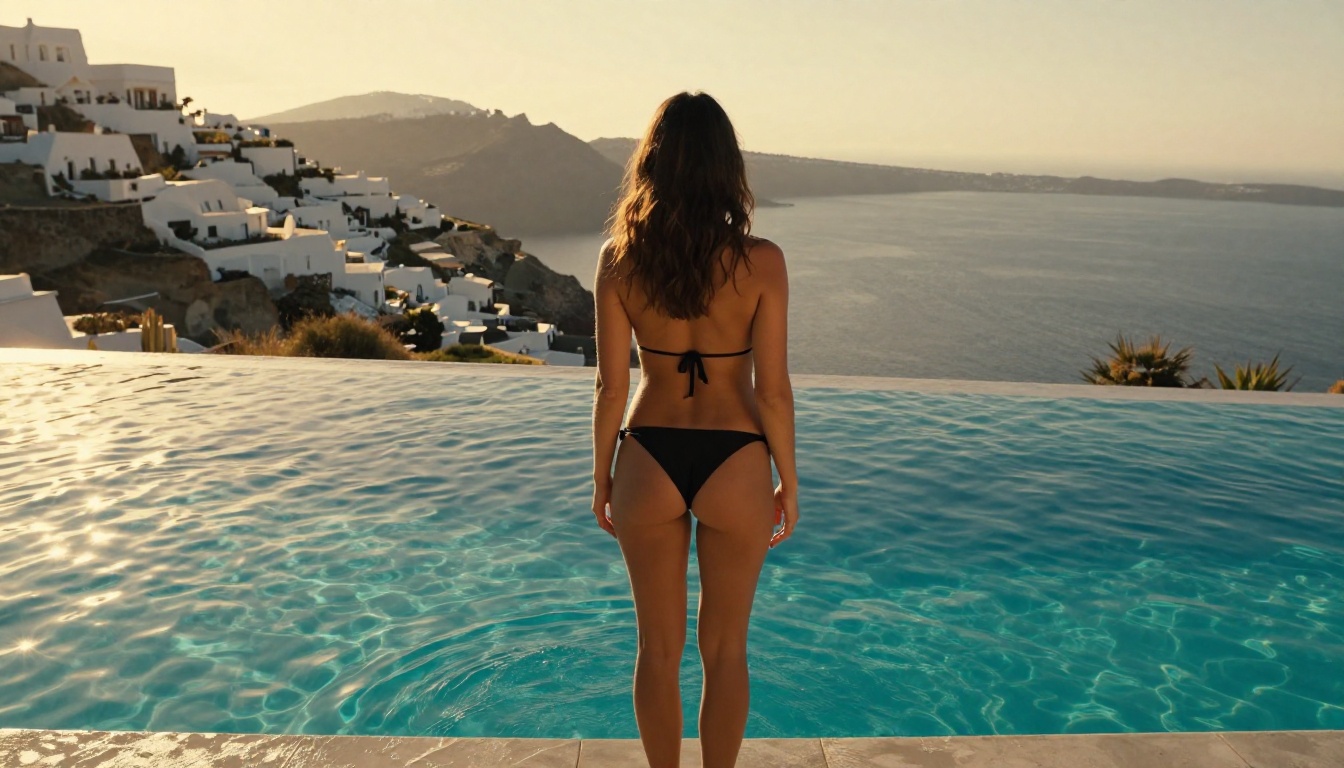
Strong prompt: "A woman in a white bikini stands waist-deep in clear turquoise water at golden hour, shot from a low angle at 35mm f/5.6, warm orange backlight creating rim lighting on her wet skin, natural beach environment with no artificial elements, photorealistic, film grain, Kodak Portra 400"
Step 3: Set your parameters
- Aspect ratio: 16:9 for landscape shots, 9:16 for portrait photography
- Resolution: Always select the highest available option for final output
- Seed: Leave random for exploring variations, set a specific number to reproduce a result you want to refine
Step 4: Iterate without overthinking
Generate 4 to 6 variations before settling on a direction. The model's outputs vary meaningfully between seeds. A second generation frequently produces something dramatically better than the first, and a third better still.
💡 Tip: Add "no text, no watermarks, no logos" to NSFW prompts on any model. Some generators add branding elements automatically to generated images, particularly when prompts are ambiguous about content type. This line prevents it.

5 More Models Worth Using Right Now
Beyond Seedream 4.5 and PicassoIA Image Editor Pro, several other models perform well for uncensored creative work. Each has a specific strength.
RealVisXL v3.0 Turbo
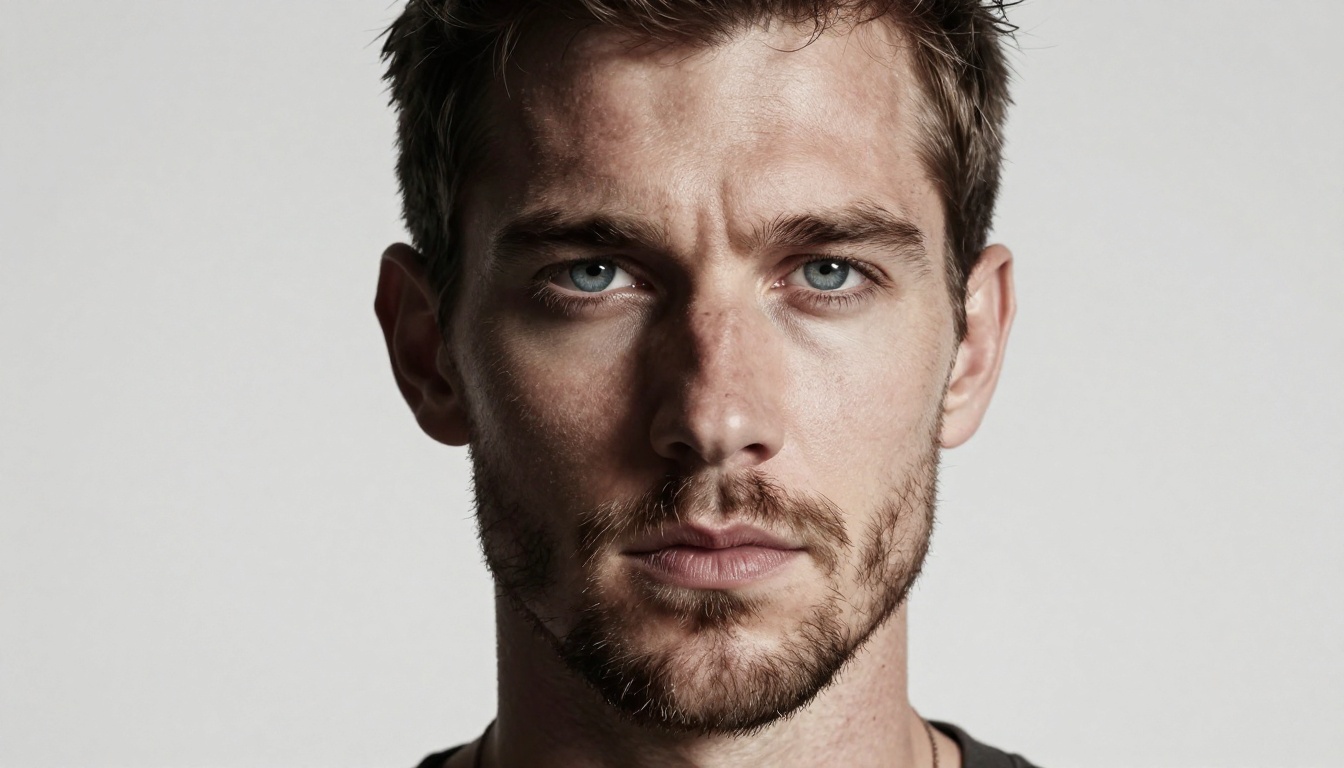
RealVisXL v3.0 Turbo specializes in photorealistic human subjects and has been a favorite in the NSFW AI community for good reason. The model handles skin texture and anatomy accurately, which matters more than it might seem when generating artistic nudity or fashion content. At its best, the output is indistinguishable from photography.
Best for: Portrait sessions, glamour photography, realistic bodies in natural environments.
Flux Dev
Flux Dev from Black Forest Labs is one of the most flexible models available. The image quality is exceptional, particularly for environments, landscapes, and compositionally complex scenes. On PicassoIA's platform it handles more creative freedom than the default Flux experience on restricted platforms.
Best for: Creative scenes with complex backgrounds, high-detail fashion and editorial content.
Wan 2.7 Image Pro
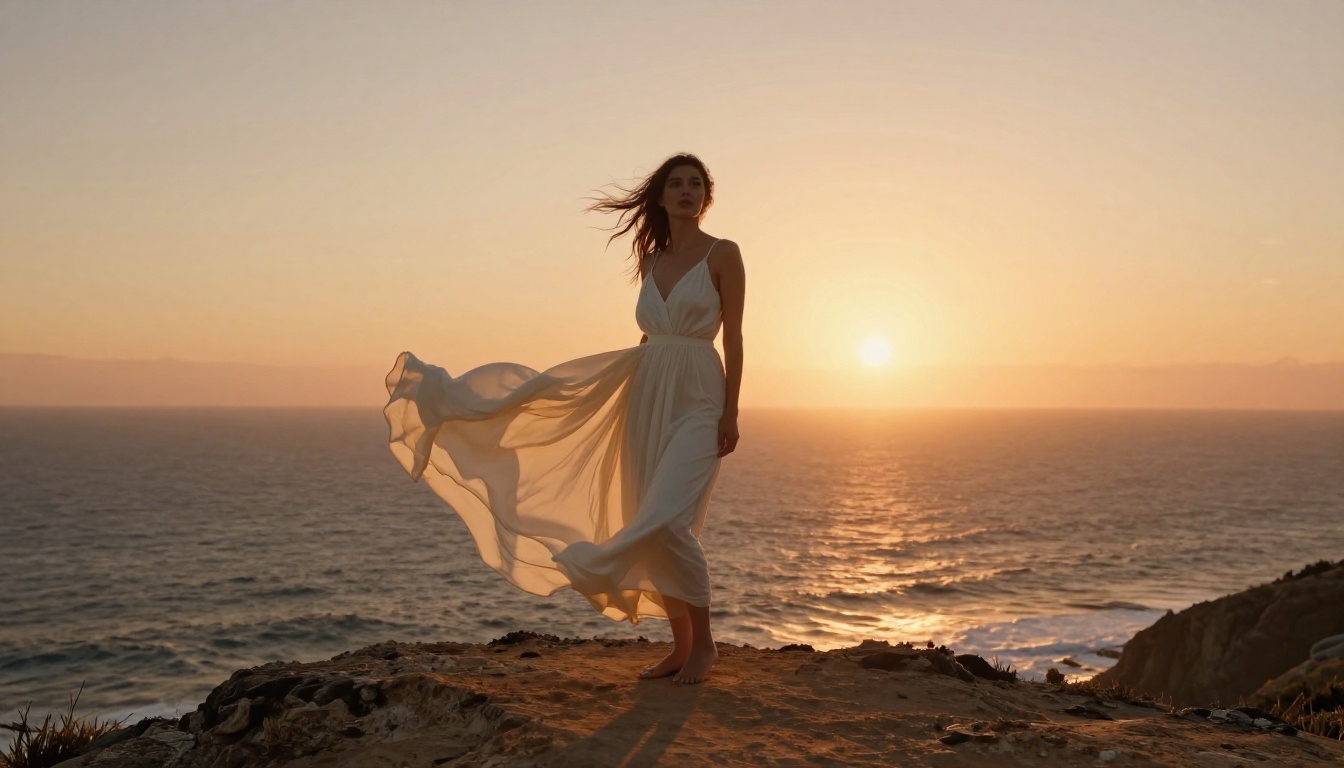
Wan 2.7 Image Pro outputs at 4K with strong detail retention and a distinctly cinematic quality. Where many models at this resolution produce over-processed, HDR-looking results, Wan 2.7 Image Pro tends toward a more analog, film-like output that works particularly well for artistic portraits and beauty photography.
Best for: High-resolution fashion shoots, cinematic portrait work, editorial imagery.
Qwen Image 2 Pro
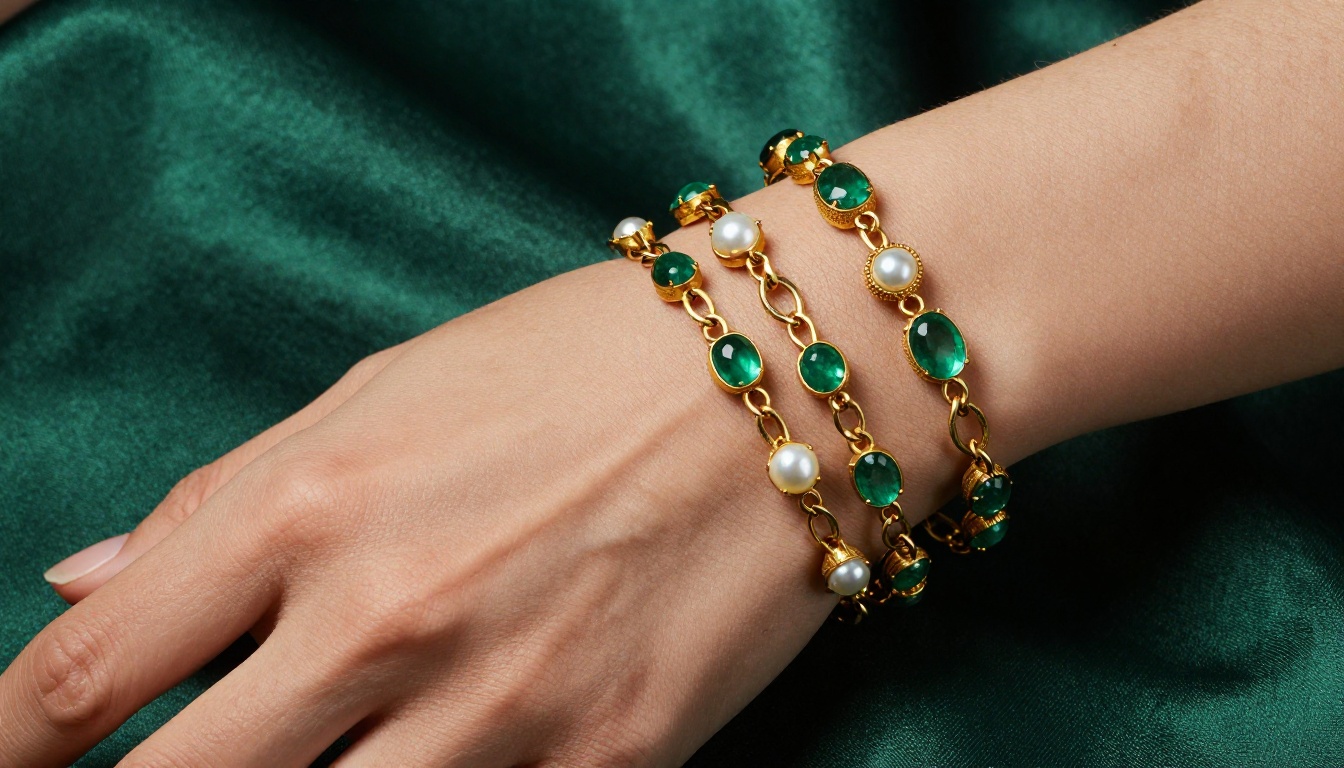
Qwen Image 2 Pro handles a wide range of subjects with consistent quality. Where it particularly shines is in creative lifestyle and fashion contexts, producing images with strong compositional instincts and natural-looking lighting. It's reliable, fast, and doesn't require elaborate prompting to get solid results.
Best for: Lifestyle content, fashion photography, editorial-style social imagery.
Stable Diffusion 3.5 Large
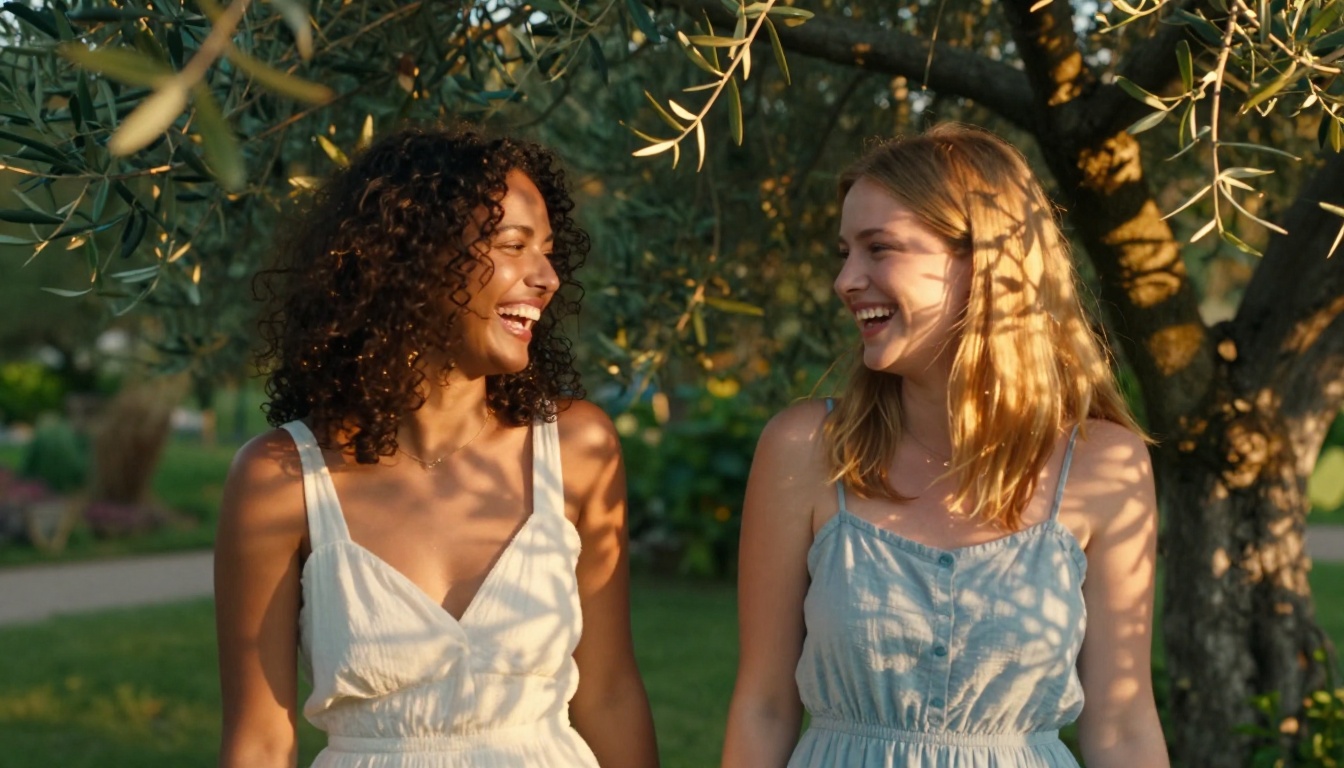
Stable Diffusion 3.5 Large remains one of the most capable open-architecture models available. When accessed through a platform without content restrictions, it delivers results that rival commercial closed-model alternatives. The model's strength is versatility: it handles everything from photorealism to artistic stylization with equal competence.
Best for: Users who want control over output style and a model with broad stylistic range.
Speed vs. Quality: What You Actually Get
One of the most honest comparisons you can make between uncensored AI tools is speed versus quality. They're not the same thing, and the right balance depends entirely on what stage of a project you're in.
Fast models: lower quality ceiling, higher output rate
Flux Fast and SDXL Lightning 4Step are the speed champions on the platform. You get results in seconds. For rapid prototyping, testing prompt ideas, or generating large batches of variations to review, these are the right tools. The trade-off is that the quality ceiling is lower. You won't get the skin texture detail or the lighting nuance that Seedream 4.5 provides.
Slower models: higher quality, better for final output
Models like Wan 2.7 Image Pro and Stable Diffusion 3.5 Large take longer to generate. That's the deal. But when you need an image that looks like it came from a professional photographer's camera, the wait is worth it.
💡 Tip: Use a fast model to prototype the composition and prompt direction. Once you have the scene working right, run the same prompt through Seedream 4.5 or Wan 2.7 Image Pro for the final version. You get the speed benefit of fast iteration without sacrificing quality at the end.
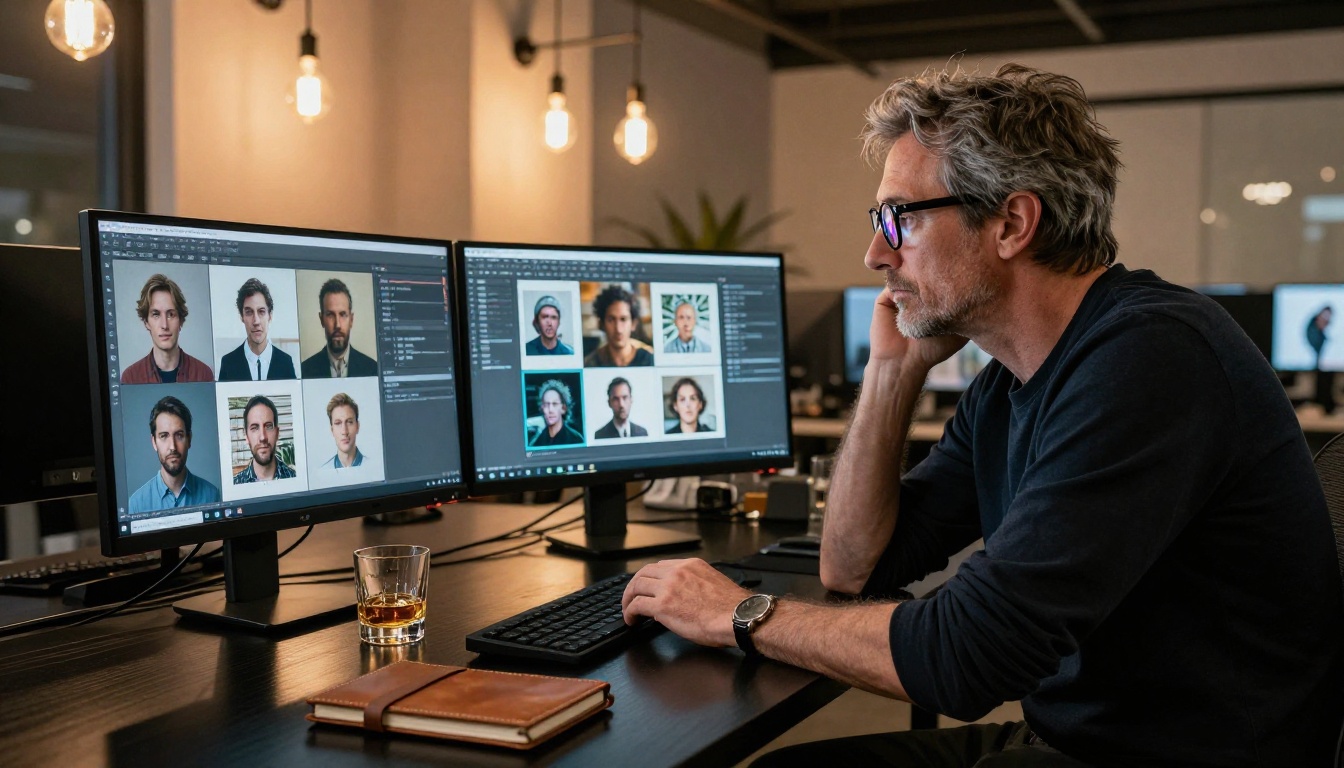
Not all uncensored AI image generators are created equal. Some earn the label by simply turning off safety filters while doing nothing about the underlying quality. Others have built a proper product around creative freedom. The difference shows up immediately in practice.
3 things that matter most
1. Output consistency. A good uncensored tool produces strong results on the third prompt, not just the first. If you have to regenerate 15 times to get one acceptable image, the tool isn't actually that useful regardless of what it permits.
2. Prompt fidelity. The model should produce what you describe. Vague, drifted output where the system ignores specific details of your prompt is as frustrating as censorship. You described something. The model should do it.
3. Platform reliability. Downtime, errors, and slow queues cost you time. A platform that's technically uncensored but down half the day is no platform at all.
PicassoIA scores well on all three. The platform has 90+ text-to-image models available, which means you're never locked into a single model's limitations. If Seedream 4.5 doesn't nail a particular prompt, you have RealVisXL v3.0 Turbo, Wan 2.7 Image Pro, and dozens of others to try without leaving the platform.
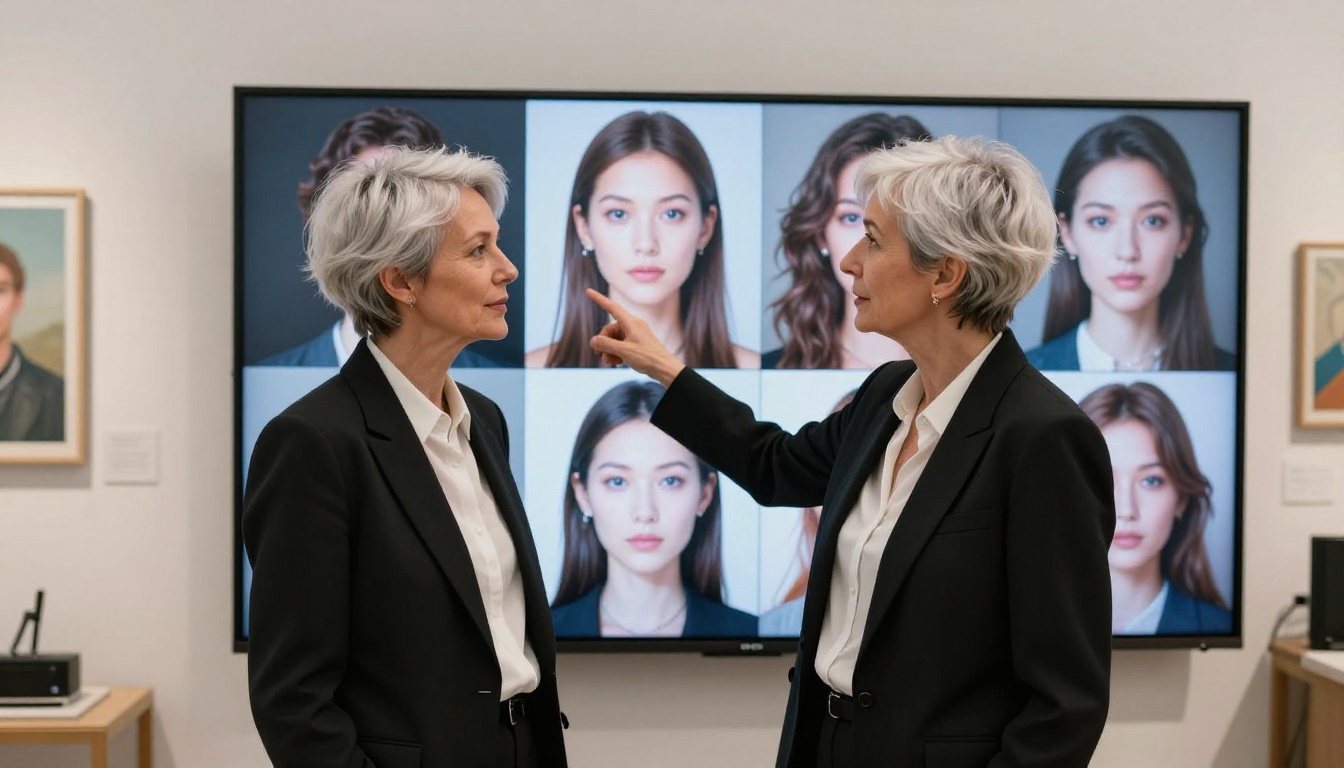
The model variety argument
Having access to 91 text-to-image models on a single platform isn't just convenient. It's practically necessary for professional creative work.
Different models have different strengths. RealVisXL v3.0 Turbo is outstanding on human subjects. Flux Dev handles environments and complex compositions. Seedream 4.5 does both well at 4K. Wan 2.7 Image Pro excels at the cinematic analog look. Qwen Image 2 Pro is fast and consistent for lifestyle and editorial content.
No single model is perfect for every creative task. A platform that restricts you to one model restricts your creative range at the same time.
Beyond images: what PicassoIA also offers
The platform extends well beyond text-to-image. For creators working in video, PicassoIA hosts 87 text-to-video models. There's also lipsync, face swap AI, super resolution upscaling, video stabilization and upscaling tools, and outpainting for expanding image canvases. The scope of what you can build from a single login is substantial.
If you're sourcing content for a video project, you can generate a photorealistic portrait with Seedream 4.5, upscale it with super resolution, animate it via the video tools, and apply lipsync, all without leaving the platform. That's a production pipeline that would have taken multiple separate tools and significant technical knowledge to build two years ago.
Start Creating Right Now
The gap between "I want to make something" and "I made it" used to be enormous. For creators working in adult, glamour, or artistic content, that gap was even larger because most platforms said no before you even started.
That's less true now.
Seedream 4.5 handles the most demanding prompts with quality that holds at 4K. PicassoIA Image Editor Pro removes the ceiling on how much you can generate without hitting credit limits or daily caps. RealVisXL v3.0 Turbo, Flux Dev, and Wan 2.7 Image Pro fill out a toolkit that covers whatever your project actually needs.
The best way to see what these tools can do is to use them. Go to picassoia.com/en/all-models and browse what's available across every category. Pick a model and start generating. The range of what you can produce in an afternoon, with no technical setup and no subscription barrier, is genuinely impressive.
Your creative vision doesn't have to end at a content filter. The tools to realize it are here, they're accessible, and several of them are free to start. The only thing between you and the image in your head is the prompt.