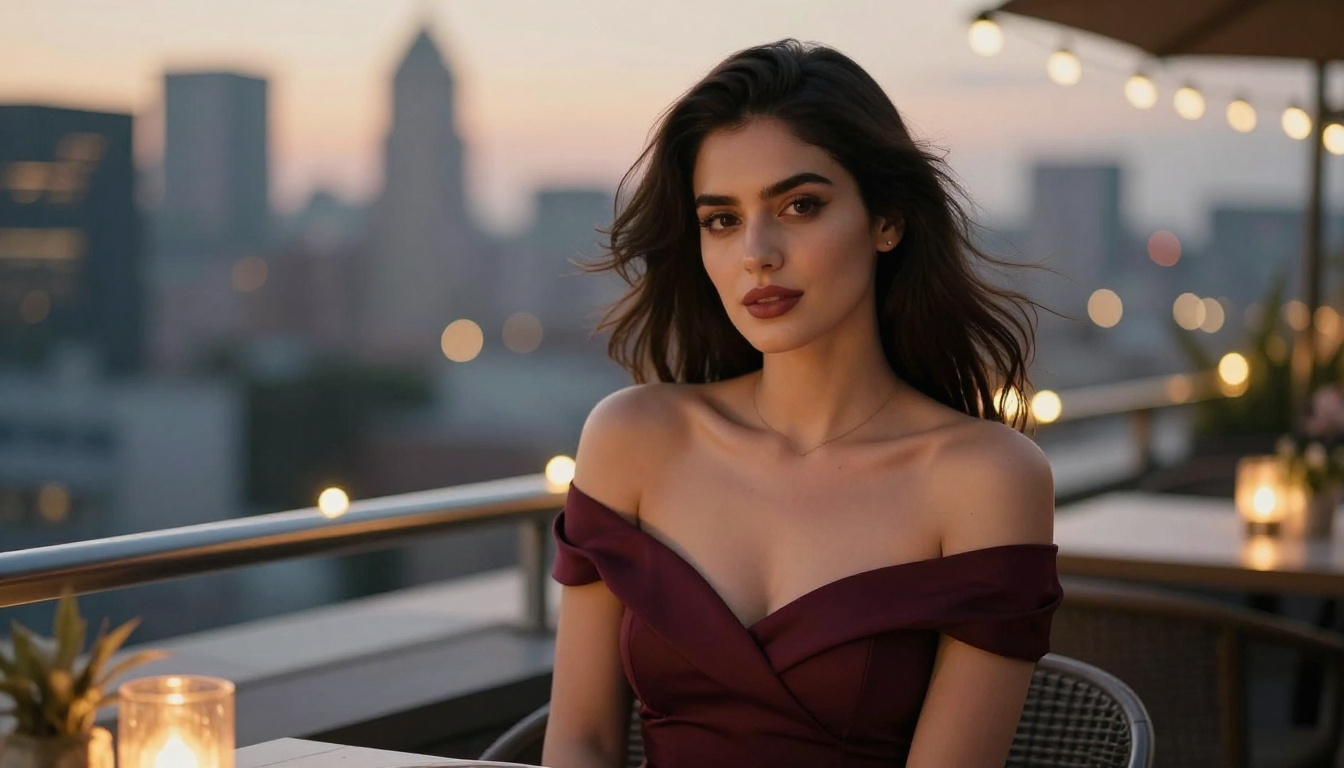
Uncensored AI Art Generator Free: Best No-Login Options
Want to generate uncensored AI art without creating an account? This breakdown covers the best free tools and models available right now, from Flux Dev to Stable Diffusion, with zero sign-up friction and instant results for artists and creators who value privacy and speed.
The demand for free, no-login AI art tools has exploded. More people than ever want instant image generation without registering emails, setting up accounts, or navigating paywalls. Whether you are creating glamour portraits, artistic figure studies, suggestive fashion shots, or editorial-style imagery, the barriers should be minimal. This article breaks down the best uncensored AI art generators available right now, what separates them technically, and how to get the most out of each one without a single account.
Why No-Login AI Art Actually Matters
Most mainstream AI art platforms force you through an account creation funnel before generating a single image. That friction matters. It adds steps, collects your data, and ties your creative output to a platform you may not trust long-term. No-login tools flip this model entirely.
Privacy Is a Real Concern
When you create an account, you agree to terms of service that often include rights clauses over your generated content. Anonymous generation bypasses this. Your prompts, your style choices, and your creative output stay yours without being linked to an identity you did not consent to share.
There is also a simpler dimension: many people creating suggestive or mature content simply do not want that activity logged against a personal account. No-login generation is not only about convenience, it is about control.
Zero Friction Means More Creativity
There is a psychological reality here: the faster you go from idea to image, the more you experiment. No-login tools remove the mental tax of onboarding, making it easier to iterate quickly on visual concepts, test prompts, and generate without hesitation. When there are no credits to protect and no account to manage, creative risk-taking costs nothing.
The Best Free Models for Uncensored AI Art
The quality of your output depends almost entirely on which model you choose. Not all models handle human figures, skin textures, or suggestive content with the same fidelity. Here are the ones that consistently stand out.
Flux Dev and Flux Schnell
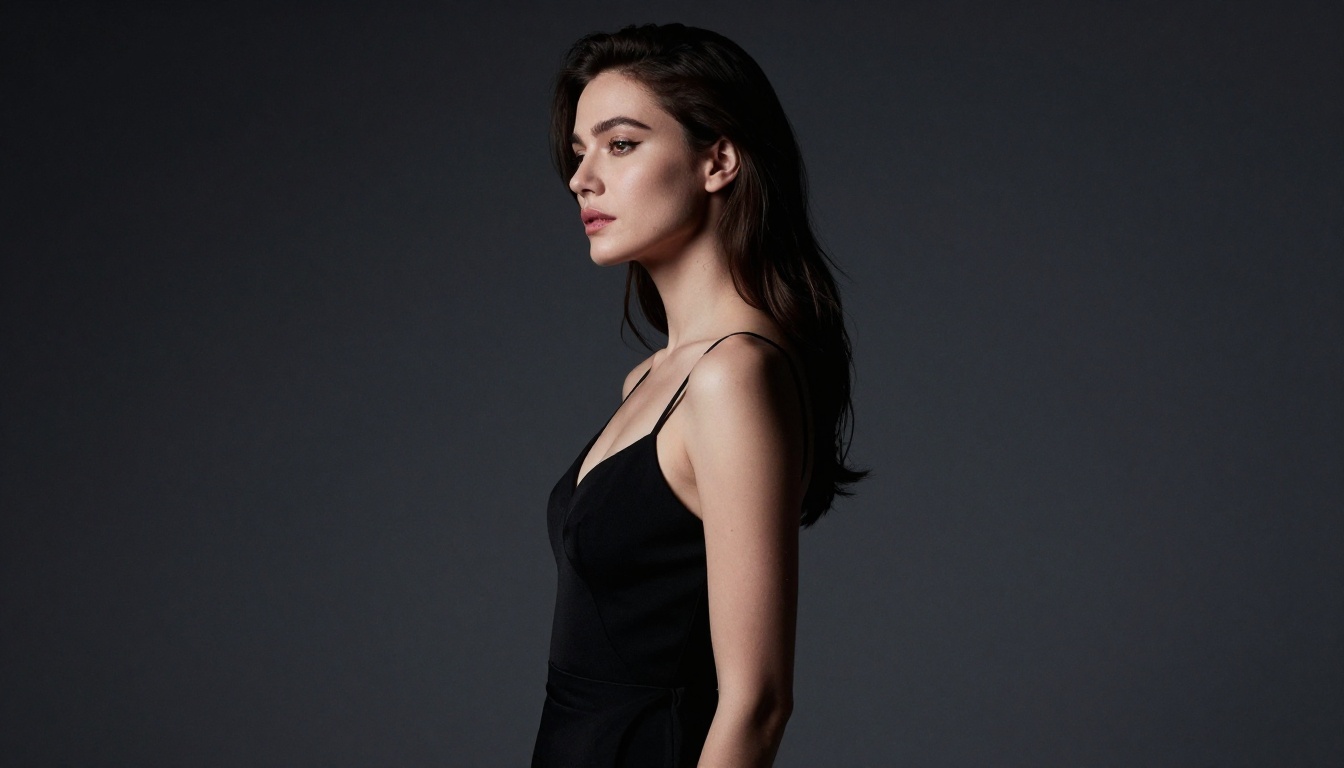
Flux Dev is widely regarded as one of the most capable open-weight models for photorealistic human generation. It handles body composition, skin texture, fabric, and lighting with a level of detail that was previously only accessible through fine-tuned commercial models. For suggestive or glamour content, Flux Dev consistently produces images that feel like professional photography rather than AI output.
Flux Schnell is the faster sibling. It sacrifices some fine detail for dramatically improved generation speed, making it the better pick when you are iterating on compositions quickly or testing multiple prompts back-to-back. The speed difference is substantial: Flux Schnell typically completes in under 5 seconds where Flux Dev takes 15-25.
💡 Tip: Start with Flux Schnell to find the right composition and prompt, then switch to Flux Dev for the final high-quality render.
Stable Diffusion: The Open Standard
Stable Diffusion was the model that started the open-source AI art movement. Its architecture became the foundation for thousands of fine-tuned variants, LoRA adapters, and community checkpoints specifically designed for photorealistic and mature content generation.
Running Stable Diffusion through a browser-based platform means you get all the open-source power without needing a local GPU. For figure-focused generation, Stable Diffusion 3.5 Large represents a significant quality jump with better anatomy rendering and more natural skin tones than earlier versions. Its training improvements are especially visible in close-up portrait shots and medium-distance figure compositions.
SDXL and Its Variants
SDXL introduced a two-stage generation pipeline that improved compositional quality across the board. The base model produces images at 1024x1024 resolution with noticeably better body proportions and lighting coherence compared to SD 1.5. The refiner stage adds fine detail and sharpness on top of the base output, particularly on faces, hair, and fabric.
For speed without sacrificing too much output quality, SDXL Lightning 4-Step distills the full pipeline into just four sampling steps. The output is competitive with full SDXL runs at a fraction of the inference time, making it ideal for rapid prototyping sessions.
Realistic Vision v5.1
Realistic Vision v5.1 is a fine-tuned checkpoint built specifically for photorealistic human figures. It excels at portrait photography aesthetics, with natural skin tones, accurate facial features, and convincing fabric textures. If your primary goal is glamour or beauty photography-style outputs, this model is purpose-built for it.
The training approach makes it particularly strong at handling soft lighting scenarios, a common requirement in fashion and editorial AI art. Skin pores, hair detail, and eye clarity are consistently better than the base SD models.
DreamShaper XL Turbo
DreamShaper XL Turbo bridges the gap between photorealism and artistic stylization. It handles human figures with strong anatomical accuracy while allowing the creative latitude to push into more dramatic lighting setups, moody environments, and stylized compositions.
For creators who want something that looks like a magazine shoot crossed with cinematic photography, DreamShaper XL Turbo is consistently reliable. The turbo version adds speed without the quality loss typical of distilled models.
RealVisXL v3.0 Turbo
RealVisXL v3.0 Turbo pushes the photorealistic boundary further. Built on the SDXL backbone but trained with an emphasis on photographic realism, it is one of the top choices for generating images that could plausibly pass as genuine photography.
Skin pores, hair strands, fabric weave, and lighting reflections on surfaces all render with a precision that generic models cannot match. For close-up glamour shots and detailed portrait work, this model is among the best free options available.
Open Dalle and Proteus
Open Dalle v1.1 brings a different aesthetic, with richer color saturation and stronger contrast handling that suits editorial and artistic photography styles. It is particularly good at moody, high-contrast scenarios with dramatic shadow play.
Proteus v0.2 offers strong performance for stylized realism, sitting in a space between pure photorealism and artistic interpretation. Its successor Proteus v0.3 adds anime-adjacent stylization options while retaining solid figure generation capability.
For creators who want precise compositional control, Playground v2.5 offers aesthetic-focused training that produces visually striking outputs with a strong sense of color harmony and compositional balance.
What Makes a No-Login Platform Worth Using
Not every platform that claims "no registration required" delivers a genuinely frictionless experience. Here is what actually matters.
Speed and Uptime
A free, no-login tool is useless if it queues your request for five minutes. The best platforms use optimized inference infrastructure to deliver results in under 30 seconds, even for high-resolution outputs. Consistent uptime is equally important: if the service goes down at peak hours, it defeats the purpose of instant-access generation.
Content Policy Flexibility
Many mainstream AI art platforms enforce conservative content filters that block even mildly suggestive content. The best free tools for unrestricted generation operate with broader creative policies, allowing glamour photography aesthetics, artistic figure studies, and mature themes without triggering automatic refusals on every other prompt.
Output Quality Without Compromise
Free does not have to mean low resolution. The best no-login platforms run the same model weights as paid services. The difference is usually in daily generation limits, queue priority, or access to the newest model versions, not in fundamental output quality.
How to Use Flux Dev on PicassoIA
PicassoIA gives direct access to Flux Dev without requiring an account for basic generation. Here is how to get the best results.
Step 1: Select Your Model
Navigate to the Flux Dev model page on PicassoIA. This model is in the text-to-image category and is one of the platform's highest-fidelity options for photorealistic human figure generation. For faster iteration, Flux Schnell is available as a speed-optimized alternative.
Step 2: Write a Specific Prompt
Vague prompts produce mediocre results. Specify all of these elements:
Subject: who they are, what they are wearing, posture, expression
Environment: location, time of day, setting details
Lighting: direction, quality, source, color temperature
Camera angle: lens focal length, aperture, shooting angle
Style qualifiers: film stock, resolution, texture details
Example prompt:"A woman in a form-fitting black slip dress sitting on the edge of a rooftop terrace at dusk, city lights blurred behind her, warm amber light from string lights above casting golden tones on her skin, shot from a slight low angle with an 85mm f/1.8 lens, photorealistic, Kodak Portra 400 grain, 8K resolution"
💡 Tip: Lower CFG values (3.5-4.0) produce more natural, photographic results. Pushing above 6 introduces over-saturation and the distinctive artificial sharpness that marks obvious AI output.
Step 4: Refine With Flux Dev LoRA
If you want to push stylization further, Flux Dev LoRA allows you to load custom training weights on top of the base model. This means you can blend in specific photography styles, fashion aesthetics, or lighting setups without retraining from scratch. It is particularly useful when you have a very specific visual language in mind and want consistent results across multiple generations.
Prompt Writing for Uncensored AI Art
The gap between a mediocre and a stunning output usually comes down to prompt construction. These principles consistently produce better results across all the models covered here.
Anatomy of a Strong Prompt
A strong prompt for photorealistic content follows this structure:
Subject description: who they are, what they wear, posture, expression
Environment: location, time of day, setting details
Lighting: direction, quality, source, color temperature
Camera specs: focal length, aperture, shooting angle
Style qualifiers: film stock, resolution, texture notes
Keep the total prompt under 150 tokens. Beyond that, models begin to lose coherence and weight earlier instructions less reliably.
Negative Prompts That Actually Work
Negative prompts are consistently underused. For photorealistic figure generation, these terms improve output quality significantly:
Once you have the core image workflow down, it is worth knowing what other tools are available alongside the image generators. Super Resolution tools upscale outputs 2x-4x, turning a 1024px output into a print-ready asset with recovered fine detail. AI image restoration tools fix noise, blur, and compression artifacts in existing photos, making them useful for cleaning up older source material.
For creators who want to bring generated images to life, text-to-video models can animate static portraits into short clips, adding motion while preserving the visual style of the original image. For those working with speech or voiceover, text-to-speech and AI music generation tools round out a full creative production pipeline that starts with no account required.
💡 Tip: After generating your final image with Flux Dev, run it through a super resolution upscaler before downloading. The improvement in fine detail, particularly on skin texture and hair, is dramatic at larger print sizes.
Common Mistakes That Hurt Output Quality
Even with the right model, small errors in prompts or settings consistently degrade output quality:
Overloading prompts: Beyond 150 tokens, coherence drops and the model starts prioritizing earlier tokens over later ones. Keep it tight.
Skipping negative prompts: Especially for figure generation, negative prompts prevent the most common artifacts. Always include them.
Wrong CFG scale: Pushing CFG above 7 on photorealistic models produces the characteristic "AI look" with over-saturated skin and unnatural sharpness.
Mismatched resolution: Always match your aspect ratio to the model's training resolution. Flux Dev and SDXL work best at 1024x1024 or 1216x832 for 16:9 outputs.
No seed management: When iterating on a composition you like, fix the seed and change only one variable at a time. Random seeds make it impossible to isolate what actually improved.
You do not need to install anything, configure a local GPU, or manage model files. Pick a model, write your prompt, and generate. The platform handles everything from inference to image hosting, and your outputs are immediately available to download.
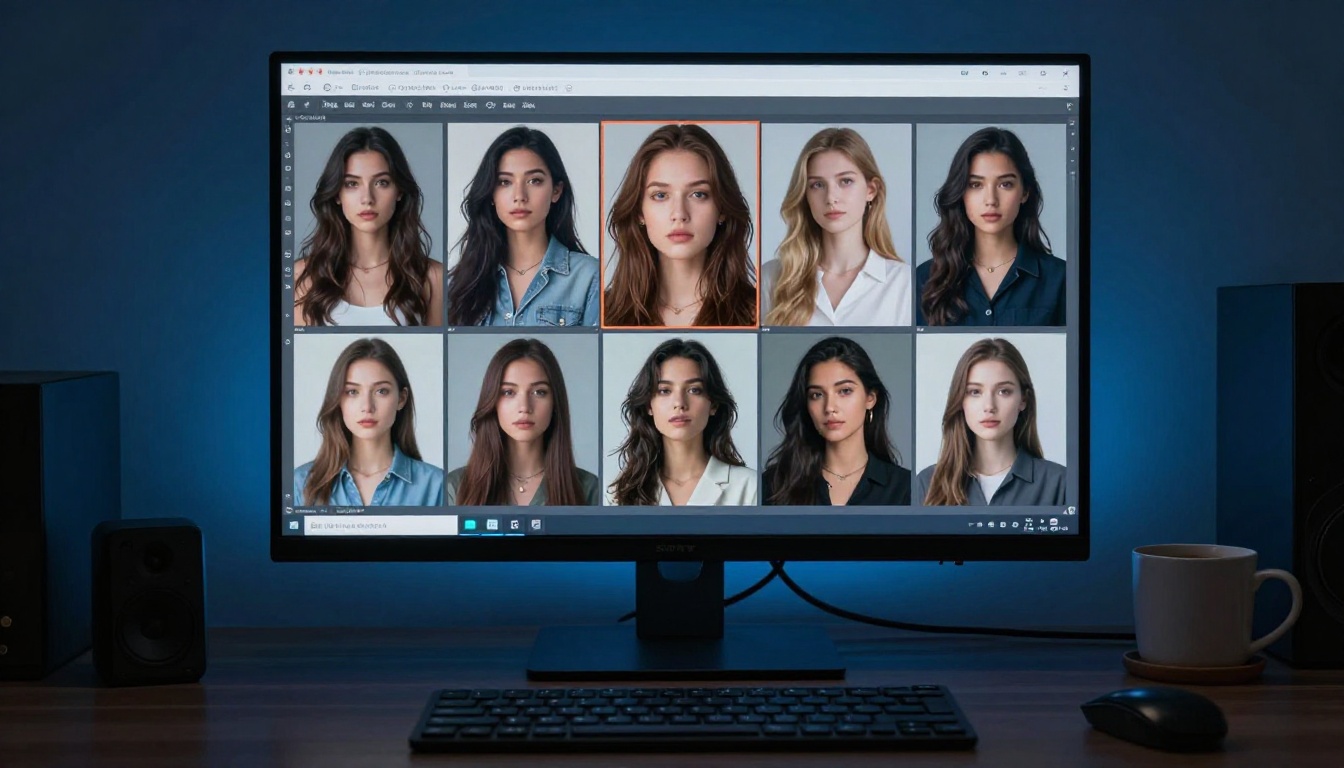
The best way to see what these models can actually do is to run the same prompt across three or four of them and compare the outputs side by side. You will quickly develop an intuition for which model fits which creative task, and you will build a mental library of prompt patterns that work reliably for your particular aesthetic direction.