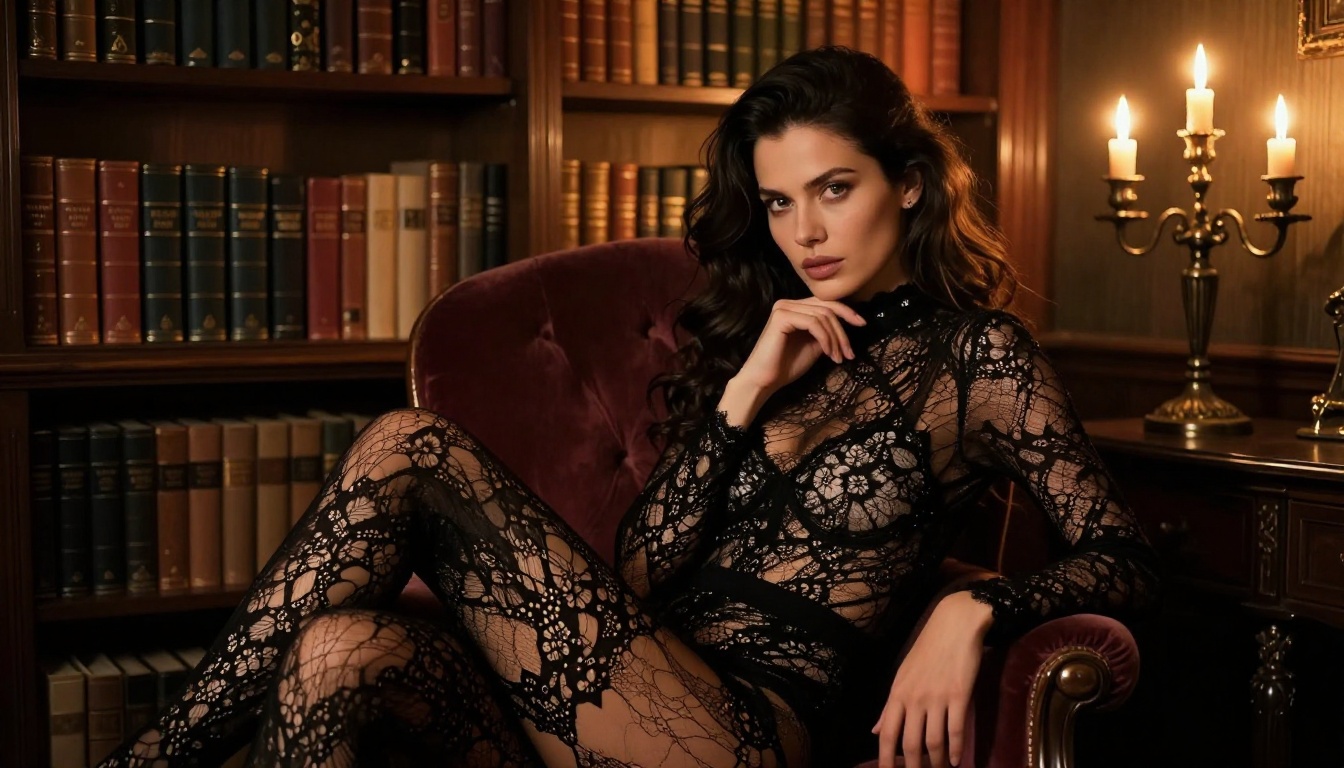
If you've typed a prompt into an AI image generator and watched it get rejected, filtered, or watered down by an automated content policy, you already know the frustration. Most mainstream AI platforms run tight restrictions that catch anything remotely adult, atmospheric, or outside their pre-approved content range.
The demand for uncensored AI generators is real, growing, and completely legitimate. Digital artists, content creators, photographers, and storytellers all need tools that match their actual vision, not a sanitized version of it. And beyond content restrictions, there is the problem of cost: most platforms charge per image, making large-scale iteration prohibitively expensive.
This article details the best uncensored AI image generators available right now, how to get truly unlimited generation without burning through a credit budget, and how to prompt for images that are genuinely beautiful rather than merely permissible.
What "Uncensored" Actually Means for AI Images
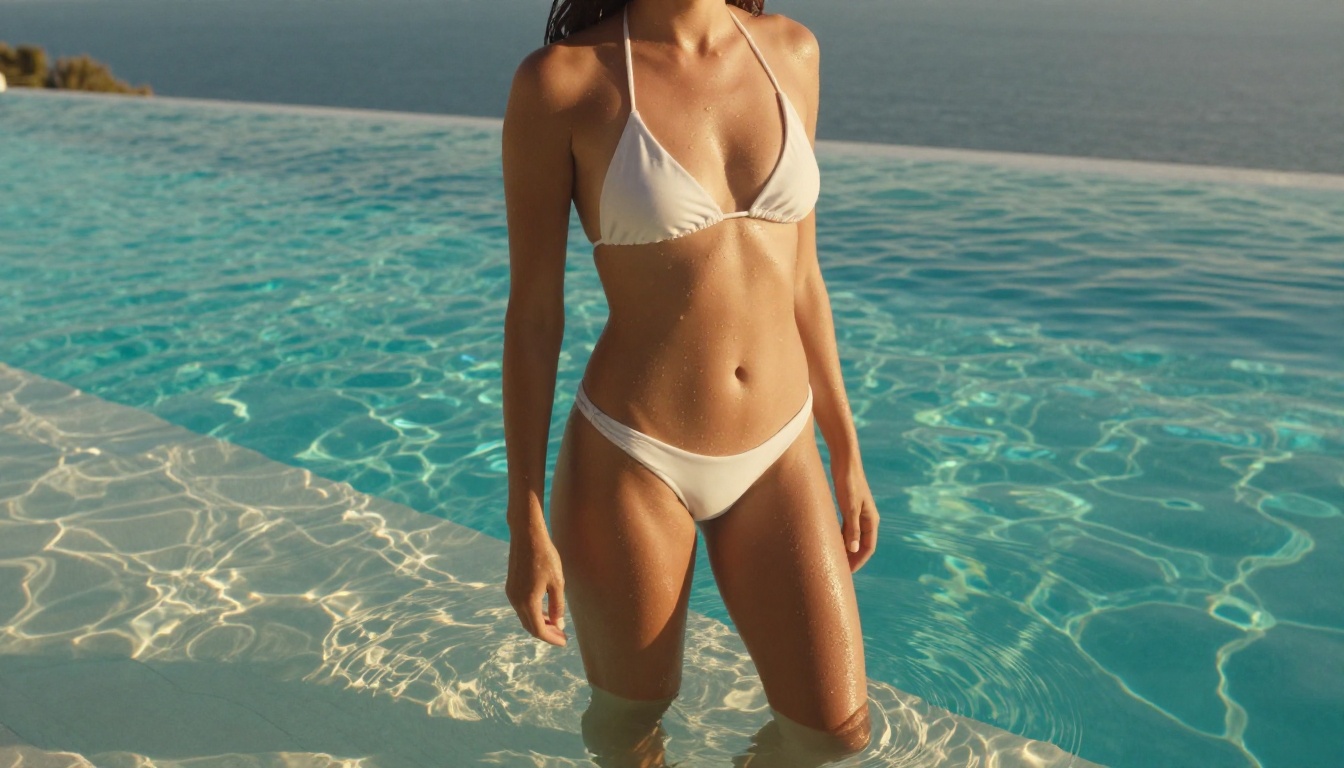
The word "uncensored" means something specific in the AI generation space. An uncensored AI image generator is a model that does not apply hard content filters to your prompts. You can describe realistic human figures, intimate scenarios, swimwear, artistic nudity, or mature themes, and the model will generate an image that matches your description.
This is not about irresponsibility. The best uncensored generators produce aesthetically coherent, beautifully lit, technically excellent images. The difference is purely that the safety filter is not overriding your creative intent.
Why Mainstream Platforms Block So Much
Large commercial AI platforms apply broad content policies because they serve a general audience that includes minors, corporate clients, and enterprise users. The simplest way to handle that mix is to filter aggressively and catch everything remotely questionable.
The result is that even fully reasonable creative requests get blocked: a photographer wanting to prompt a fashion editorial, a novel illustrator trying to render a scene from their book, or a swimwear brand generating product visuals. These are legitimate use cases caught in the same net as genuinely harmful requests.
The Real Difference Between Filtered and Unfiltered AI
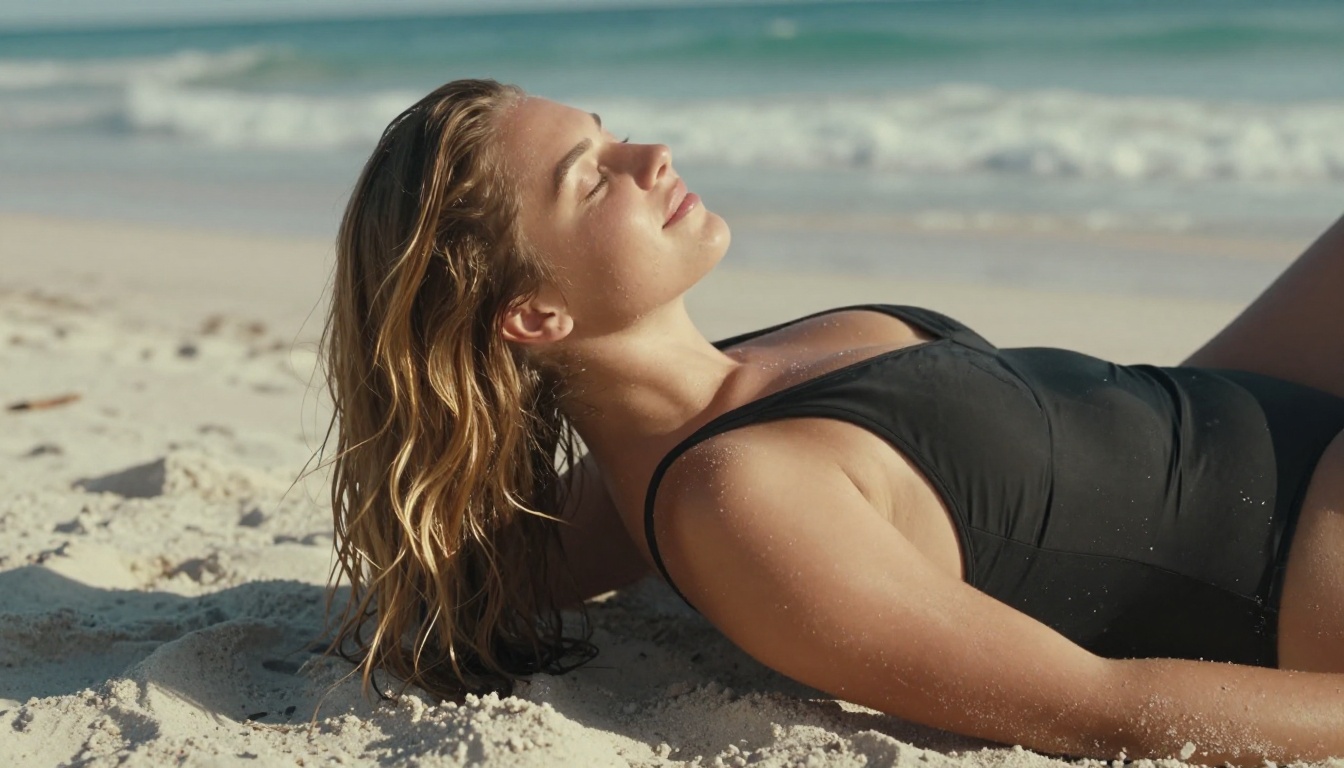
It is not just about what you can generate. Unfiltered models tend to respond more faithfully to subtle prompt details because they were trained without the aggressive fine-tuning that makes filtered models "safe." A model that has been heavily restricted often loses nuance elsewhere too. Uncensored models respond more accurately to lighting descriptions, fabric textures, body language cues, and compositional instructions.
For professional creators, this broader responsiveness is often more important than any specific content permission.
Best Uncensored AI Image Generators Right Now
Not all uncensored generators are equal. Speed, realism, image editing capabilities, and pricing vary enormously. Here are the models that consistently deliver.
Seedream 4.5: Speed Meets Realism
Seedream 4.5 is the strongest recommendation for uncensored AI image generation right now. Developed by ByteDance, it accepts adult content, handles image editing on top of text-to-image, and generates results in under 3 seconds at a quality level that is genuinely impressive.
Skin texture, fabric physics, lighting conditions, and compositional accuracy all respond well to detailed prompts. If you put effort into your prompt, Seedream 4.5 reflects that effort in the output.
Important: Seedream 5 Lite, the newer model from the same family, does not support NSFW content. For adult or mature content, stick with Seedream 4.5.
PicassoIA Image Editor Pro: Truly Unlimited
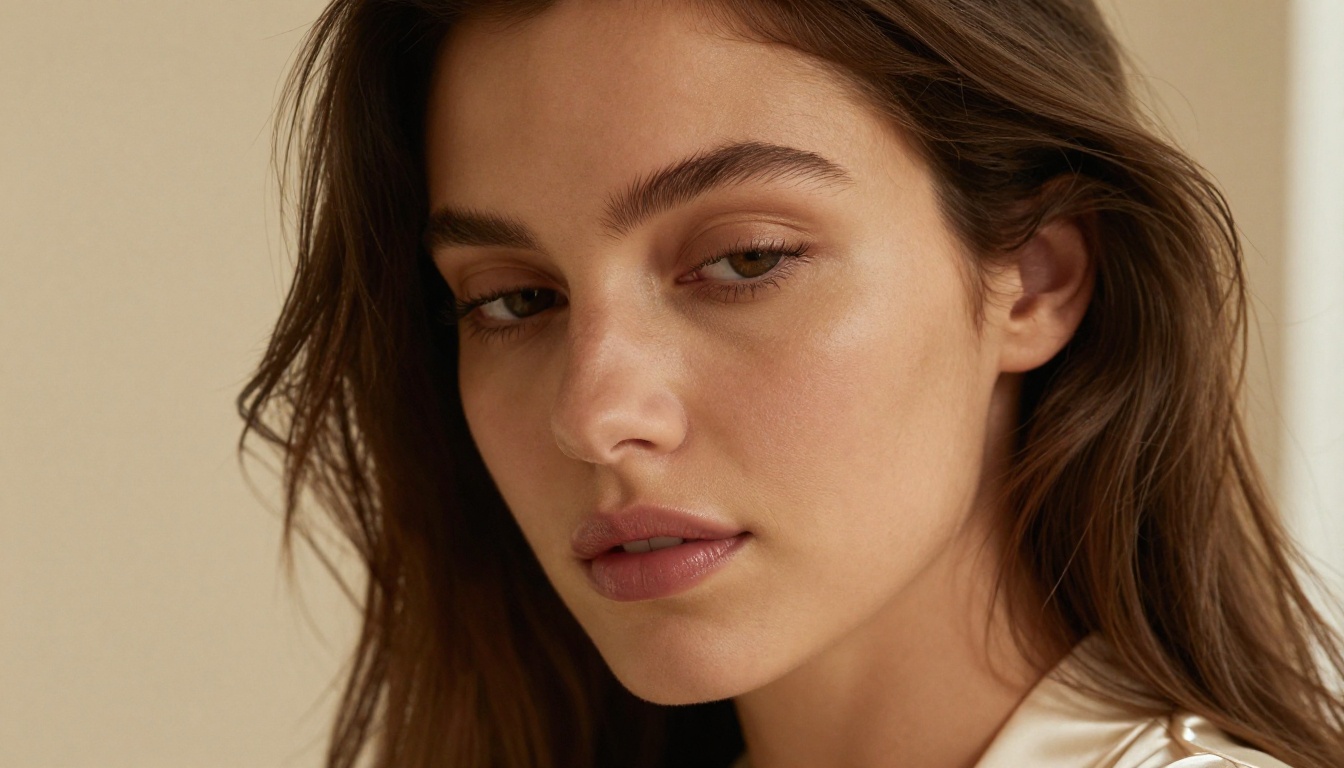
PicassoIA Image Editor Pro is an image-to-image model: you provide a reference image and it transforms or extends it based on your prompt. The defining advantage is unlimited generations.
On an Elite or Infinite subscription, you can generate as many images as you want at no additional cost per image. Need 1,000 images in a session? That costs the same as 10. For comparison, generating 1,000 images on credit-based models like Nano Banana 2 would run around $100.
It returns results in under 1 second, accepts NSFW content, and offers a free trial of 3 generations without a credit card. For creators who need volume, it is the most cost-efficient tool in this list.
Qwen Image 2: Open Source, No Restrictions
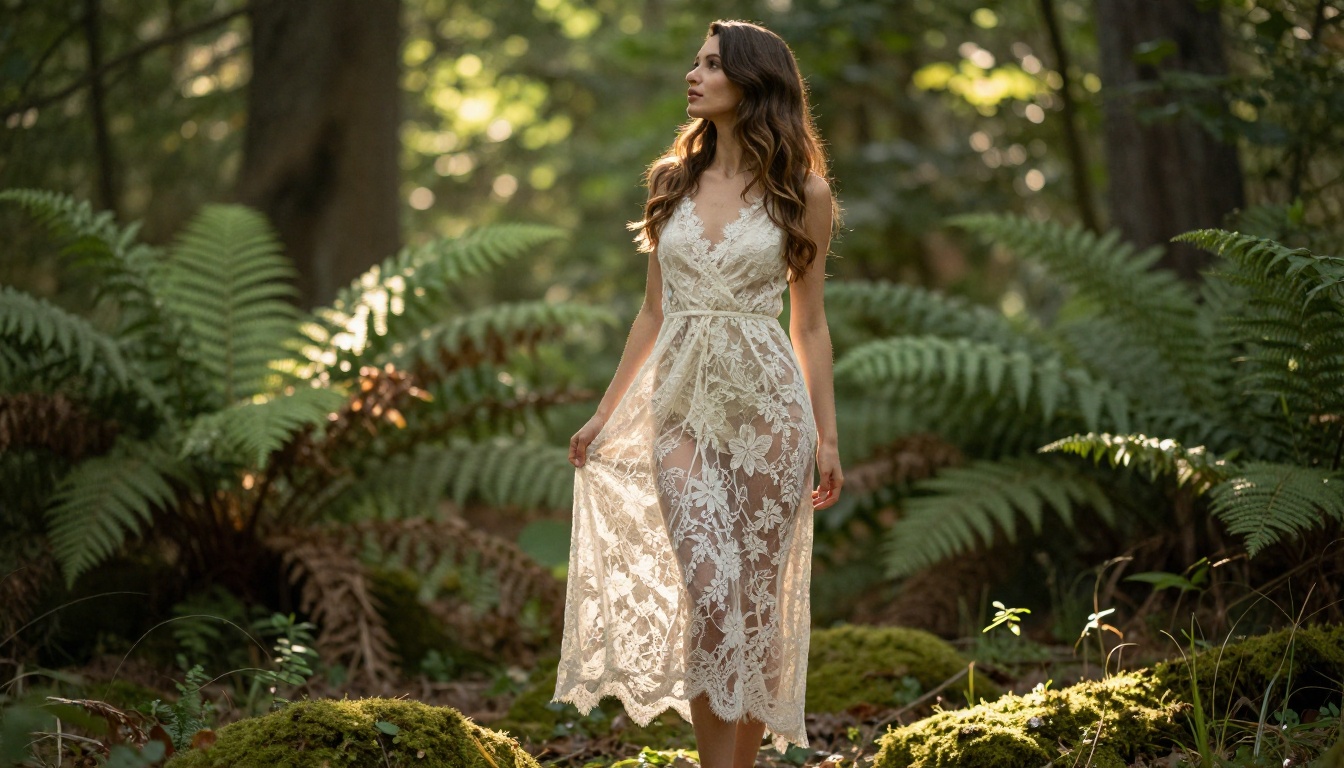
Qwen Image 2 is an open-source model that handles both text-to-image creation and image editing. Because it is open source, it operates without the corporate content restrictions that shape most proprietary models. Output realism is strong with high detail fidelity for human figures.
For creators who want to stay on the open-source side of the AI ecosystem without sacrificing image quality, Qwen Image 2 is the strongest option currently available.
Grok Imagine Image: Instant Transformations
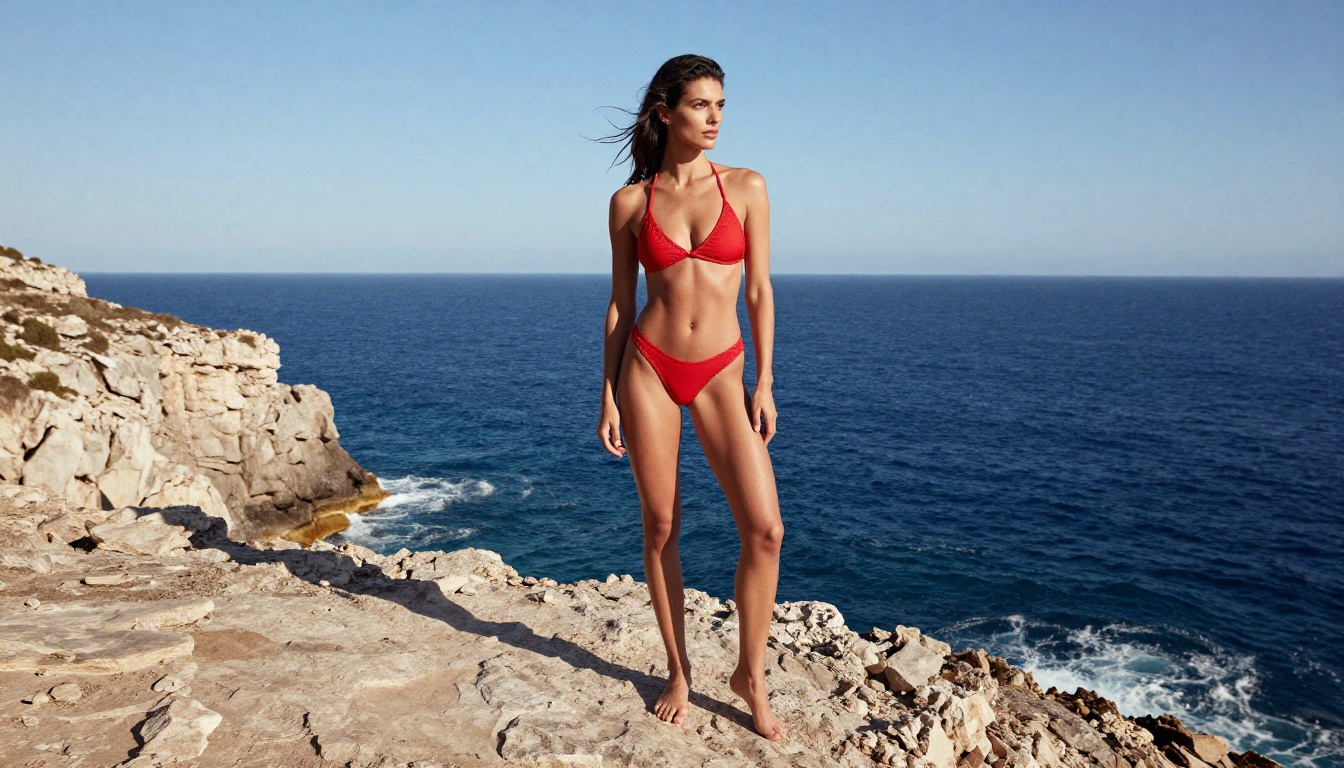
Grok Imagine Image does something specific very well: it takes any input image and transforms it into a bikini or swimwear format in a realistic, natural-looking way. Results arrive almost instantly.
For creators in beauty, lifestyle, or fashion content, this fills a specific creative need with excellent results.
More Models Worth Testing
| Model | Type | What It Does Best |
|---|
| Recraft V4 | Text-to-image | Very realistic results, text-to-image only |
| P-Image | Text-to-image | NSFW generation in under 1 second |
| prunaai-wan-2.2-image | Text-to-image | Highly realistic images without content filters |
Unlimited AI Images: Why Credits Kill Creativity
Most AI platforms charge per image, per token, or per credit. That model works fine for occasional use but becomes a real problem when you are iterating rapidly, testing multiple prompts, or building a content library at scale.
The True Cost of Per-Credit AI Tools
Consider a typical workflow for a professional digital artist or content creator:
- Test 10 prompt variations to find the right composition
- Generate 5 versions of the winning prompt at different seeds
- Adjust the style and re-generate twice
- Export 3 final variants for editing
That is 30+ generations for a single piece of content. At $0.05 to $0.15 per generation on popular platforms, a single creative session costs $1.50 to $4.50. A productive week of work costs $30 to $100 or more.
The math gets worse when you factor in that good AI image generation requires iteration. Your first prompt rarely produces your best result. Charging per attempt penalizes the exact behavior that leads to great output.
How Unlimited Plans Change the Workflow
When generation is unlimited, the entire creative process changes. You stop pre-filtering your ideas before prompting. You stop counting attempts. You iterate freely, fail fast, and reach better results faster because you are not rationing your tool.
PicassoIA Image Editor Pro on an Elite or Infinite plan provides this. Generate 1,000 variations in a session and pay the same monthly fee whether you produce 10 images or 10,000. PicassoIA Video extends this to video clips as well.
How to Use Seedream 4.5 on PicassoIA
Getting strong results from Seedream 4.5 requires understanding how the model interprets prompts. Here is a practical workflow.
Step-by-Step Setup
- Go to Seedream 4.5 on PicassoIA
- Select 16:9 for landscape or 9:16 for portrait and social formats
- Write your prompt starting with the subject, then the environment, then lighting, then camera details
- Set the generation count to 4 to compare variations before committing to a direction
- If the first set misses your intent, adjust one element at a time rather than rewriting the whole prompt
Best Prompt Tips for Realistic Results
Be specific about lighting. "Soft morning window light from the right" beats "good lighting" every time. Describe the direction, temperature (warm or cool), and quality (diffuse or direct) of your light source.
Name the camera lens. Specifying "85mm f/1.8" or "35mm f/2.8" tells the model what depth of field and perspective compression to expect. Models trained on photographic data respond very well to lens specifications.
Describe texture explicitly. "Silk with natural drape wrinkles and a slight sheen" produces different results than just "silk dress." Surface detail lives in adjective depth.
Add a film stock reference. "Kodak Portra 400" or "Fujifilm Velvia 50" will shift the color palette and grain character of your output in consistent, repeatable ways.
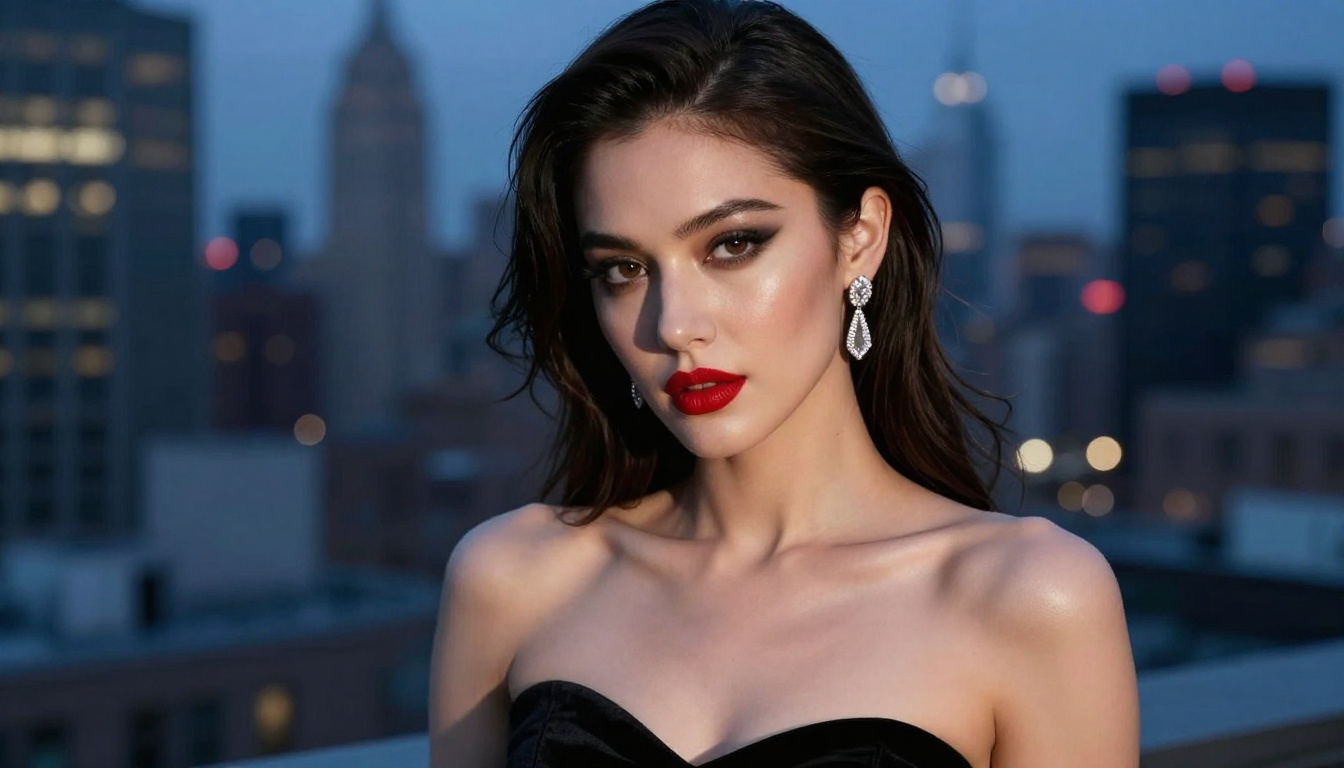
Tip: Add --style raw at the end of your prompt to push Seedream 4.5 toward photorealistic rendering and away from any stylized or illustrated output.
How to Use PicassoIA Image Editor Pro
Image Editor Pro works differently from pure text-to-image models. You start with a reference image and use the prompt to direct the transformation.
Img2Img Without Limits
Basic workflow:
- Upload a source image to PicassoIA Image Editor Pro
- Write a prompt describing the transformation you want
- Set the strength slider: lower keeps the output closer to your source, higher allows more creative interpretation
- Generate. Results arrive in under 1 second.
The model excels at outfit changes, style transfers, background replacements, and subtle pose adjustments while maintaining the core photographic quality of the source image.
Getting the Most Out of Elite and Infinite Plans
The unlimited generation feature means your strategy should shift: generate many variations, not fewer. Use a batch size of 4 or 8 when testing prompts, then generate 10 to 20 variants of the top result before final selection. The cost beyond your subscription is zero.
The free trial (3 generations, no credit card required) is worth running to benchmark output quality for your specific use case before committing to a plan.
Video Generation Without Content Restrictions
Still images are only part of the uncensored AI generation picture. Video generation has matured significantly, and several models now produce unrestricted short clips at high resolution.
Top Video Models for Unrestricted Content
PicassoIA Video offers text-to-video generation with unlimited video creation at up to 720p and 5 seconds per clip. For creators who need volume, this is a remarkable offer: generate as many clips as you want on an unlimited plan.
P-Video by PrunaAI converts text, images, or audio into clips at up to 1080p at 24 or 48 fps. Its safety filter is disabled by default, and a draft mode gives you a quick low-resolution preview before committing to a full render. Duration adjusts from 1 to 10 seconds with seven aspect ratios available.
Grok Imagine Video handles clips up to 15 seconds, works from text, reference images, or existing video, and produces output at 720p with no watermarks. Its companion model, Grok Imagine Image, is already a top choice for still generation.
Wan 2.2 I2v Fast turns static images into dynamic video with smooth, natural animations. Ideal for bringing already-generated still images to life with minimal extra effort.
LTX 2.3 Pro for Ultra-High Fidelity
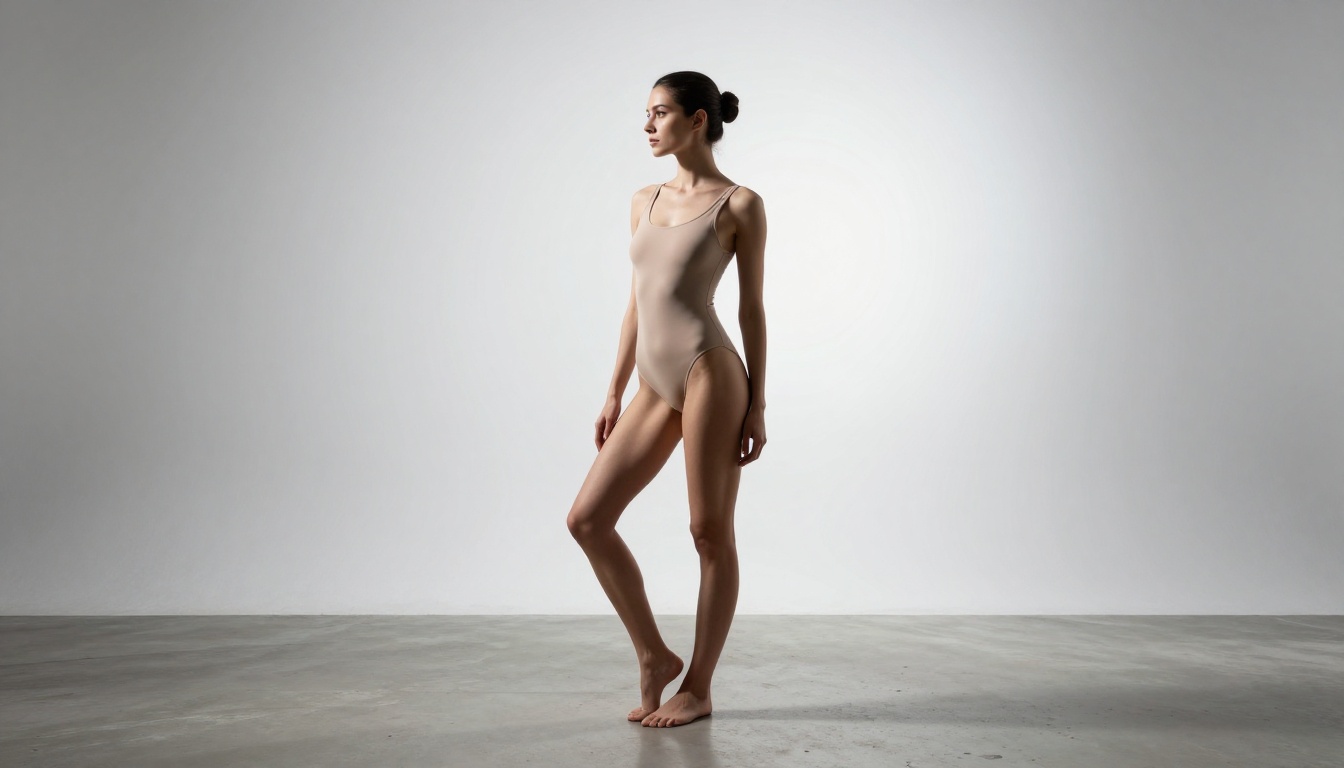
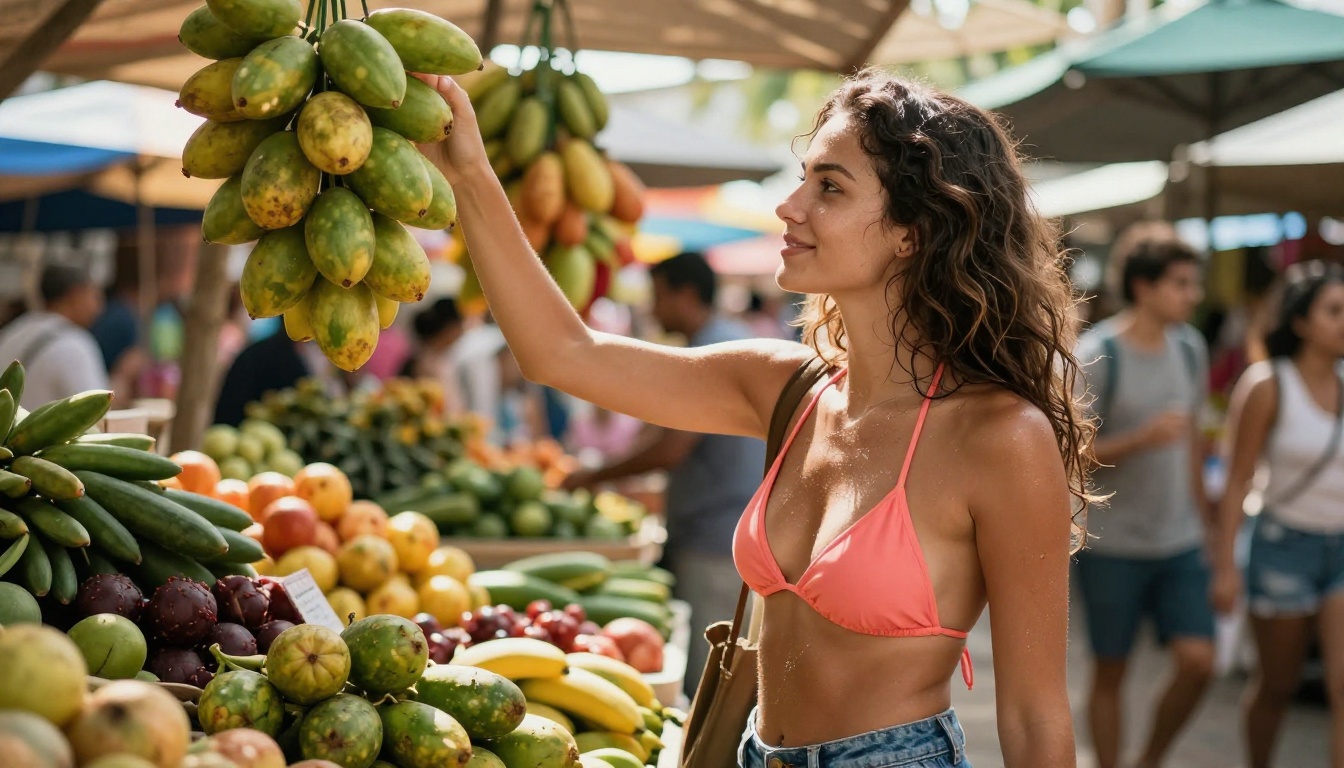
LTX 2.3 Pro is the premium option for anyone needing near-broadcast quality. It exports at up to 4K at 50fps across five modes: text-to-video, image-to-video, audio-to-video, retake (replace a specific segment without re-rendering the whole clip), and extend (append footage to the start or end). Camera motion presets include dolly, jib, and focus-shift for precise cinematic control.
For client-facing work where video fidelity matters as much as content freedom, LTX 2.3 Pro is the highest-end option currently on PicassoIA.
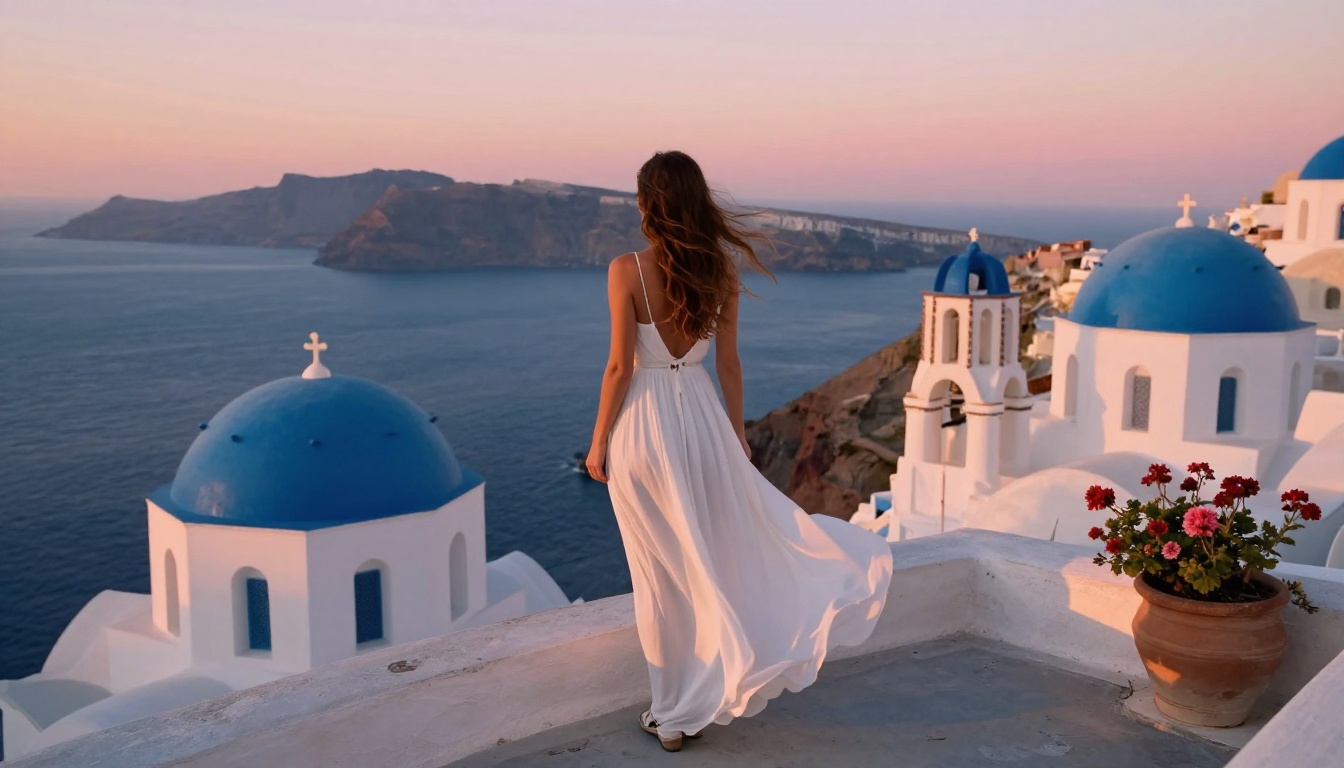
Comparing Uncensored AI Generators at a Glance
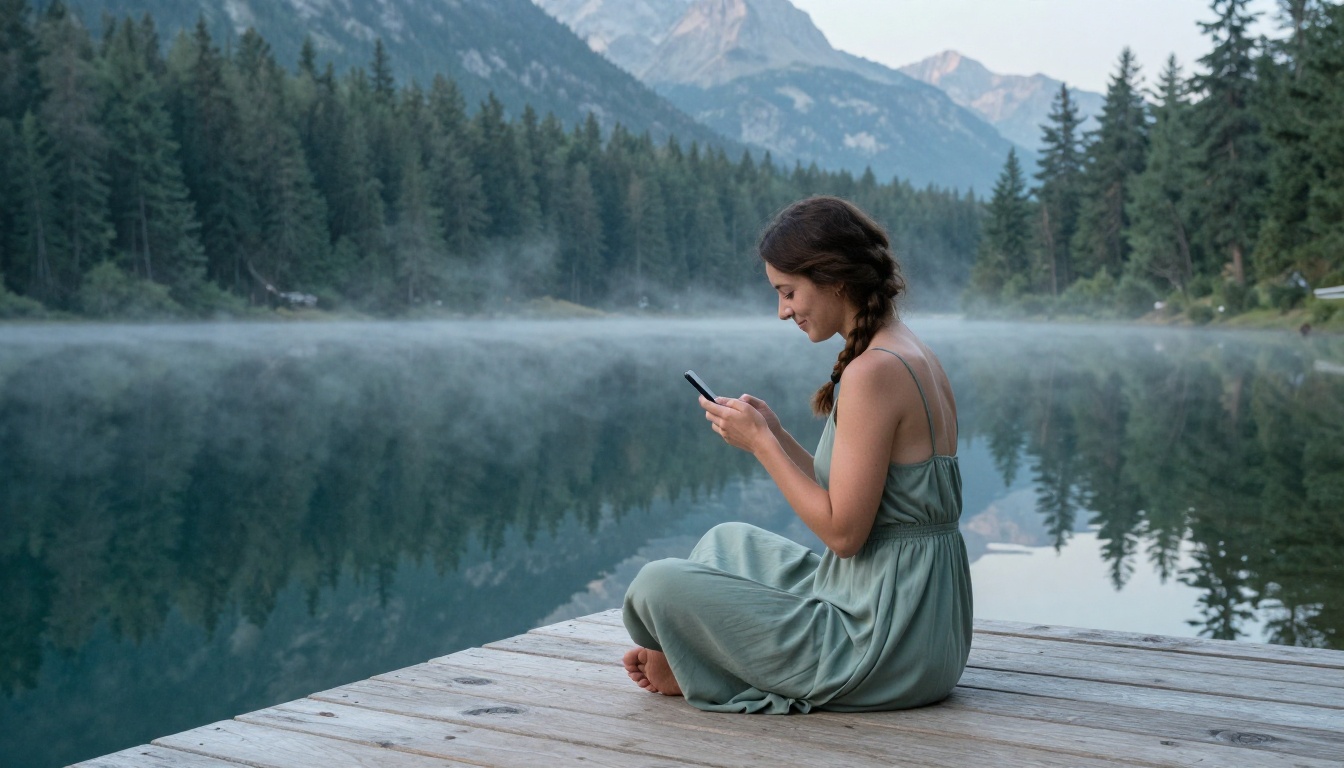
Prompt Quality Determines Output Quality
The biggest variable in uncensored AI image generation is not the model. It is the prompt. Two people using the same model will get vastly different results depending on how specifically they describe what they want.
What a Strong Prompt Looks Like
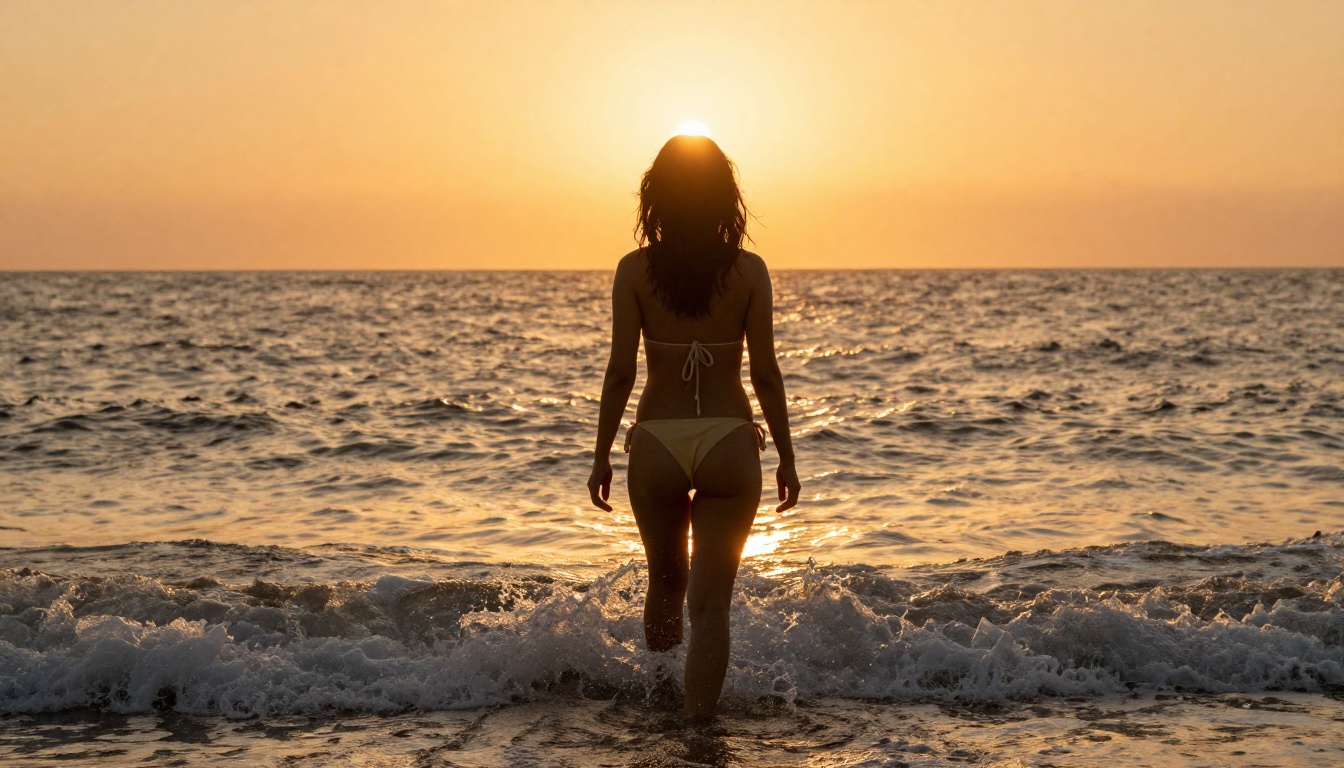
A weak prompt: beautiful woman at beach
A strong prompt: Young woman in cream bikini walking toward ocean at golden hour, viewed from behind at low angle, warm rim lighting catching her hair, wet sand reflecting the sky, 50mm f/4, Fujifilm Provia film simulation, photorealistic 8K RAW
The strong prompt specifies: composition, subject, wardrobe, time of day, camera angle, lighting physics, camera hardware, film simulation, and output quality. Every specific detail is information the model can use.
Tip: The most impactful prompt improvements are usually lighting direction (where is the light coming from?) and camera angle (where is the camera positioned relative to the subject?). These two variables shape the entire mood of the resulting image.
Composition Angles That Work
Different angles communicate fundamentally different things:
- Low angle (below eye level, shooting up): Creates presence, power, and height. Works well for full-body fashion shots.
- High angle (above eye level, shooting down): Intimate and often flattering for portraits.
- Eye level: Neutral and natural, the default for candid and lifestyle photography.
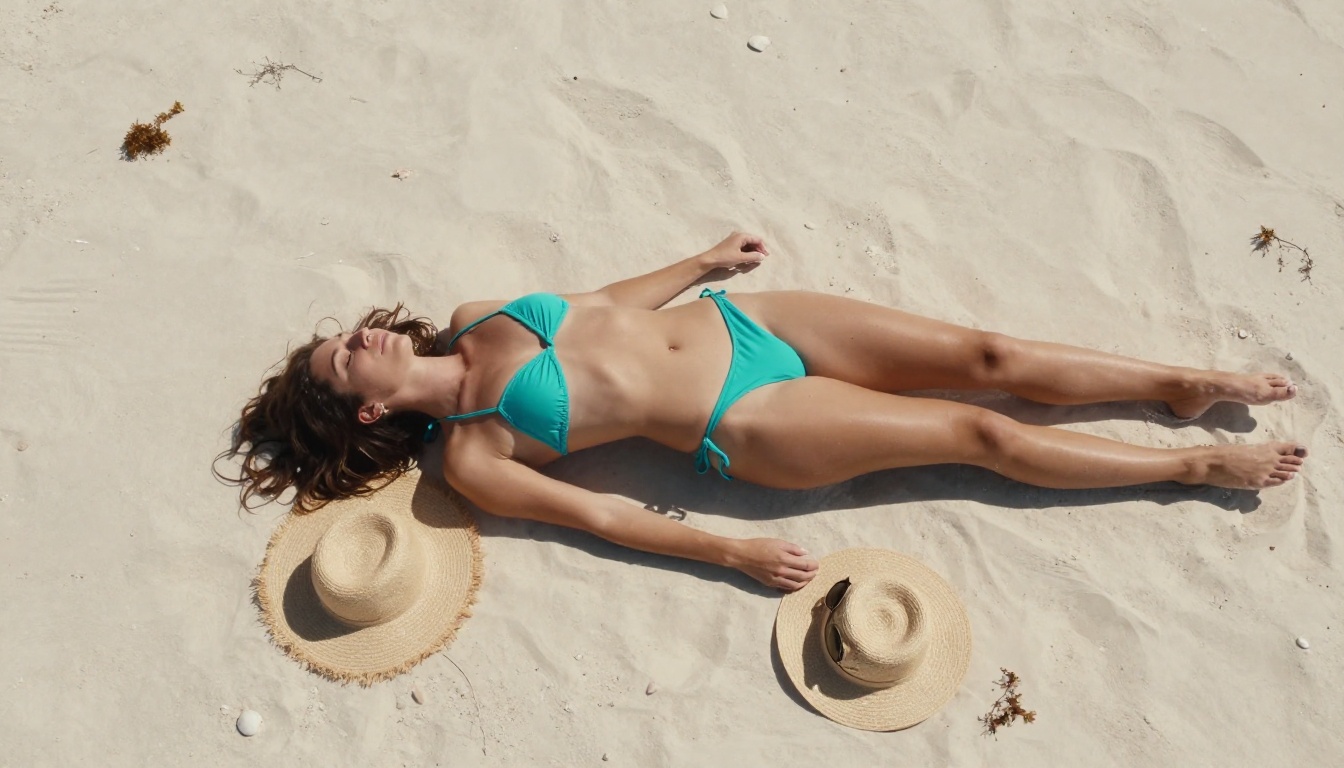
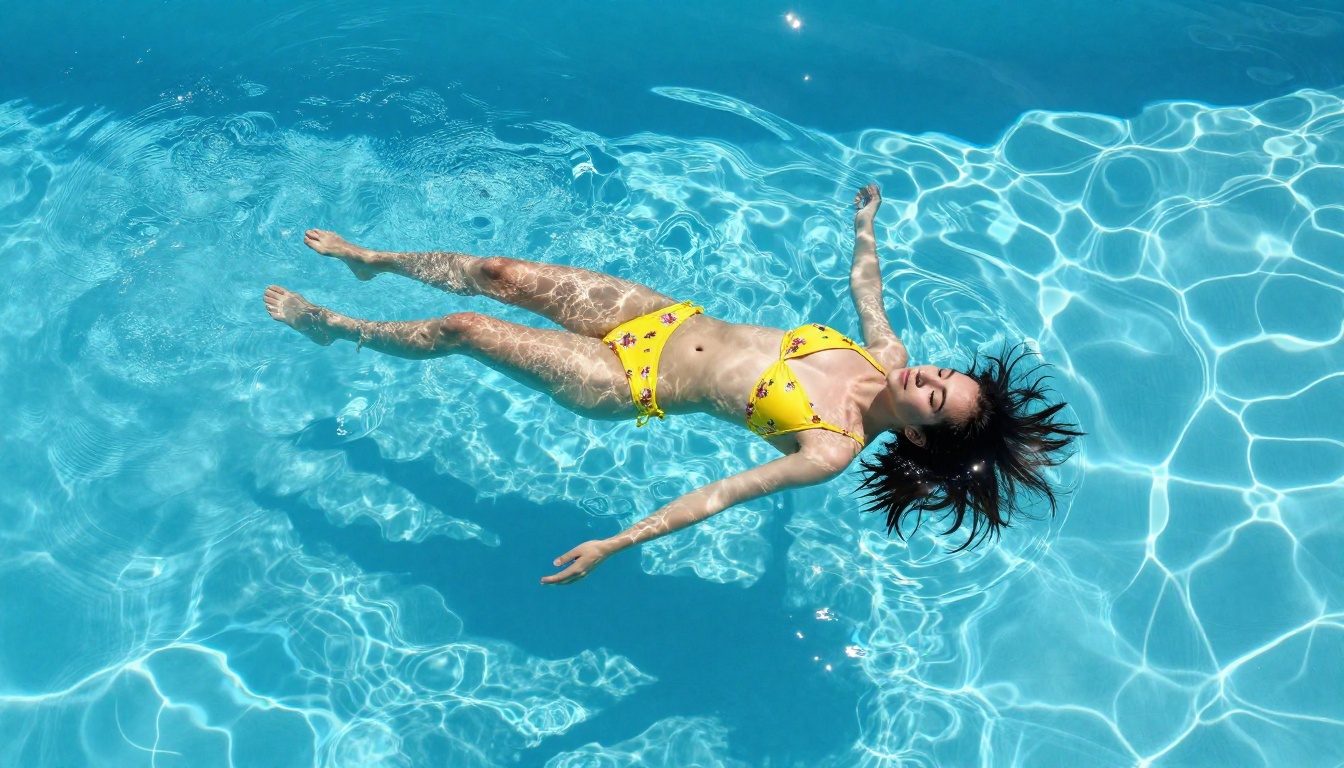
- Overhead (90 degrees down): Graphic and editorial, ideal for shots of subjects on flat surfaces.
- Behind the subject: Immersive and voyeuristic, creates a sense of movement and destination.
Using angle language in your prompt, such as "shot from behind at low angle" or "overhead aerial perspective," gives the model clear spatial information it can work with.
Building a Prompt Library
If you generate images professionally or at scale, build a personal library of proven prompt components:
Lighting that works:
- "Volumetric morning light from the left at 45 degrees"
- "Hard overhead noon sun with strong cast shadows"
- "Rim lighting from the setting sun directly behind the subject"
Camera setups:
- "85mm f/1.8 shallow depth of field"
- "24mm wide-angle f/8 deep focus on subject and environment"
- "100mm macro f/2.8 extreme close-up"
Film simulations:
- "Kodak Portra 400" (warm, skin-flattering, slightly saturated)
- "Fujifilm Velvia 50" (rich saturated colors, punchy contrast)
- "Kodak Vision3 500T tungsten" (warm interior, cinematic feel)
- "Fujifilm Classic Chrome" (muted, desaturated, editorial)
Reuse and combine these components across sessions. Over time, you build a vocabulary that reliably produces the output quality you need without starting from scratch every time.
Privacy and Creative Freedom
A significant part of why creators seek uncensored AI generators is privacy. When you generate on a platform that logs your prompts and reviews flagged content, your creative process is monitored. For many creators, that surveillance is itself a creative restriction.
PicassoIA operates with a focus on giving creators genuine freedom. The models listed here run without prompts being checked against adult content blocklists before generation, which means your creative intent reaches the model without being filtered at input.
This matters practically: you prompt freely without self-censoring, which leads to more honest and interesting creative output. The absence of a watching policy changes the feel of the creative process, not just the results it permits.
The Full Catalog
Beyond the models covered in this article, PicassoIA hosts a wide range across every creative category:
- 91 text-to-image models, including ControlNet for pose and structure control
- 87 text-to-video models
- Image editing tools: outpainting (expand the canvas), inpainting (fill or fix areas), object replacement, AI restoration
- Face swap AI for realistic instant swaps
- Super resolution for upscaling 2x to 4x
- AI music generation, text-to-speech, and speech-to-text
All NSFW-capable models are accessible in one place, with no need to hunt across different platforms.
👉 See the full lineup of uncensored AI models at picassoia.com/en/all-models
Start Creating Without Restrictions
The tools are here. The quality is high. The only real variable is what you decide to create.
Start with Seedream 4.5 for the best balance of speed and output quality. If you need unlimited volume, PicassoIA Image Editor Pro gives you a 3-generation free trial with no credit card required. For video, PicassoIA Video gives you unlimited clips without counting every generation.
The difference between a filtered platform and an uncensored one is not just what you are allowed to generate. It is the entire pace and feel of the creative process. When you are not counting credits or second-guessing whether your prompt will get flagged, you generate more freely, iterate faster, and reach better results because nothing is slowing you down.
That is what filter-free AI image generation actually means in practice: not a permission slip, but a creative process that finally works at the speed you think.