Uncensored AI Image Generator No Filter: What Actually Works in 2027
Tired of AI platforms blocking your creative vision? This article details the best uncensored AI image generators with no filter, top NSFW models with zero restrictions, realistic prompting strategies, and video tools that produce what you actually want.
The promise of AI image generation was simple: describe what you want, get what you imagine. But content filters have become standard across most mainstream platforms, blocking artistic nudity, suggestive poses, and creative figure references that have been legal artistic material for centuries. If you have been searching for an uncensored AI image generator with no filter, you already know how frustrating that barrier feels. This article details the platforms and models that actually work, with real output quality, zero content restrictions, and a clear picture of which tools give you the most creative freedom.
Why AI Image Generators Block Your Content
The Filter Problem Is Real
Most mainstream AI image tools run every prompt through content moderation systems before generating a single pixel. These systems are deliberately broad. They block artistic nudity, suggestive poses, vintage paintings with exposed figures, medical illustrations, and sometimes even fully clothed portraits if certain phrases in the prompt trigger an alert.
The result is error messages, blurred outputs, or silent refusals that give you no information about what triggered the block or how to rephrase your request. For professional photographers building reference libraries, adult content creators, digital artists working on personal projects, and novelists who need character reference images, this represents a serious daily obstacle to production.
The situation has grown more restrictive over time, not less. Platforms that previously allowed artistic content have tightened their policies under pressure from payment processors and app store guidelines. What was acceptable a year ago now triggers an automatic block on many services.
What "No Filter" Actually Means
An uncensored AI image generator with no filter does not mean a platform with no standards. It means one where your prompt is processed without a pre-generation content screening system that blocks legitimate creative requests before a single image is produced. The best platforms allow artistic nudity, suggestive imagery, and NSFW content while still operating within clear legal boundaries.
The distinction matters because "uncensored" in this context is about artistic freedom, not the removal of all standards. When creators want a no filter AI image generator, they mean one that trusts them to determine what is appropriate for their own work rather than applying enterprise-level restrictions to individual artists.
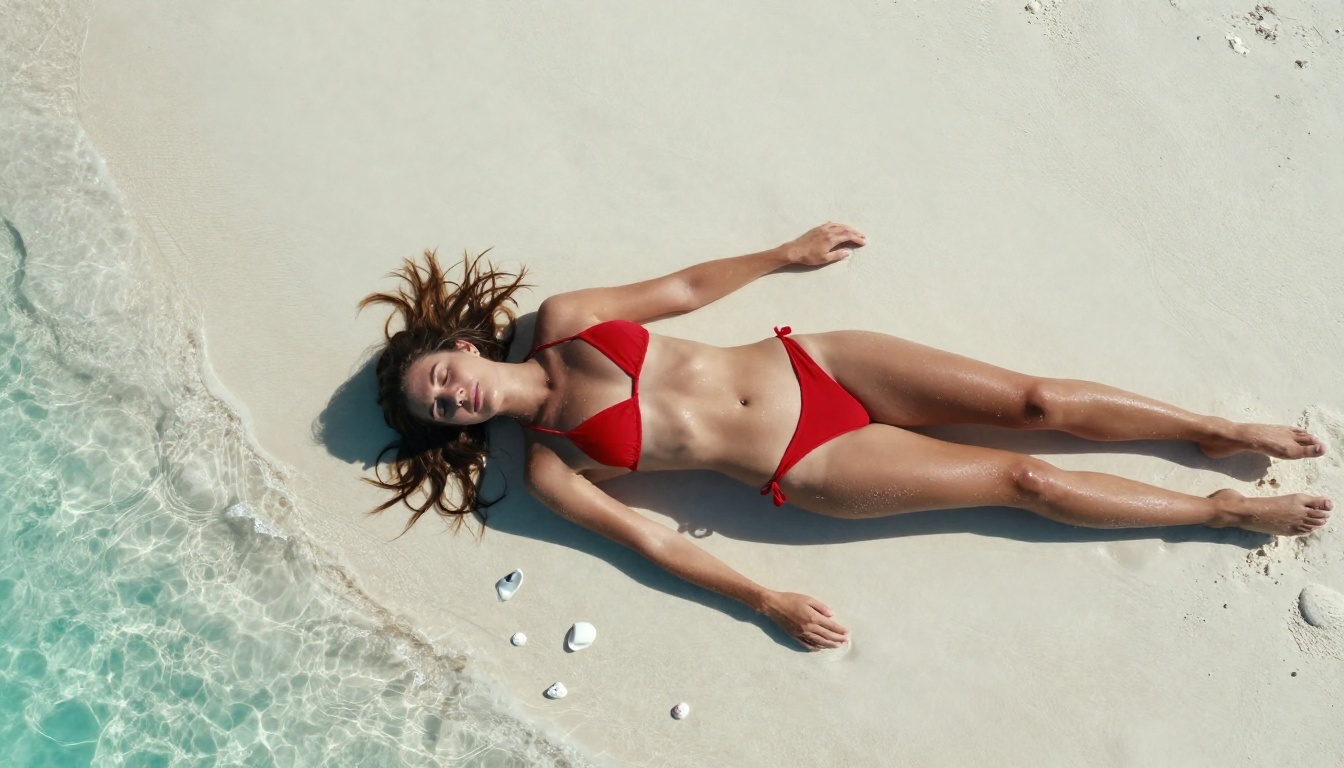
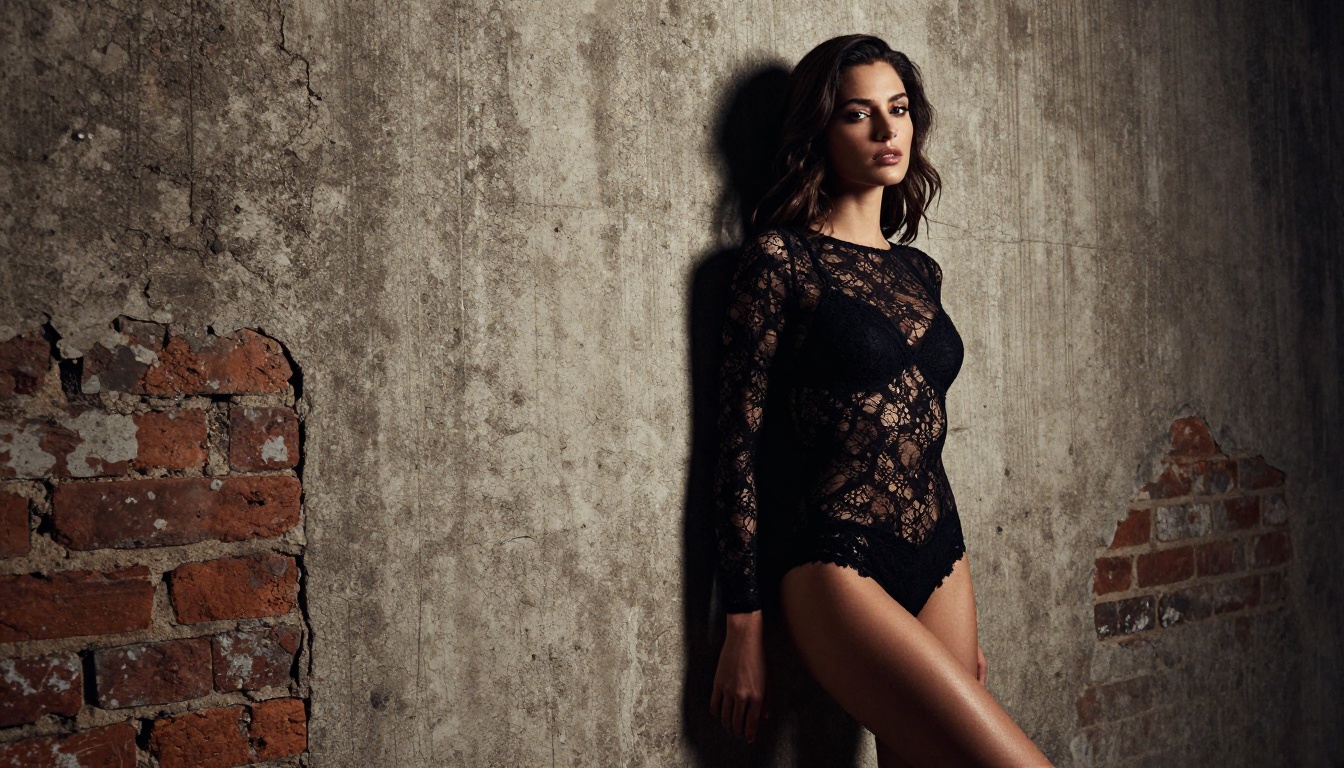
💡 What to look for: A genuinely unrestricted platform will let you generate bikini shots, boudoir imagery, artistic nudity, and suggestive portraits without triggering refusals on the first prompt attempt.
Best Uncensored AI Image Generators Right Now
The models below are all available on PicassoIA, ranked by performance, realism, and creative freedom. Each one accepts NSFW prompts and produces photorealistic results without content filtering.
Seedream 4.5 is the strongest all-around choice for uncensored AI image generation right now. It accepts NSFW prompts without filtering, supports direct image editing so you can refine generated results, and delivers outputs in under 3 seconds. The realism is exceptional across all categories. Skin texture, hair detail, fabric rendering, and facial expressions all come through at a level that rivals professional photography.
One critical note: the newer Seedream 5 Lite does not support NSFW content. Stick with version 4.5 for unrestricted generation.
2. PicassoIA Image Editor Pro (Unlimited Generations)
PicassoIA Image Editor Pro is the best option when you need volume without paying per image. Elite and Infinite plan subscribers can generate without limits. Need 500 images for a project? 1,000 reference shots? They are all included in your subscription at no extra cost per image.
Compare that to models billed per credit, where 1,000 images would cost around $100. On PicassoIA Image Editor Pro, that same volume is included in your subscription, making it the most cost-effective option for anyone doing high-volume NSFW or unrestricted AI generation.
Speed: Results in under 1 second
NSFW: Accepted without filtering
Free trial: 3 generations, no credit card required
Plans: Elite and Infinite subscriptions include unlimited access
3. Qwen Image 2
Qwen Image 2 is an open-source model that lets you both create and edit images with high realism. Being open-source means no proprietary content filtering layered on top of the core generation capabilities. It handles NSFW prompts well and produces detailed outputs with natural-looking textures, lighting, and skin rendering.
4. Grok Imagine Image
Grok Imagine Image specializes in image-to-image transformations. Feed it a source photo and it converts the subject realistically to your target description. Bikini conversions and wardrobe changes are among its strongest use cases. The outputs maintain the original photo's lighting conditions, skin tones, and compositional elements, producing very believable results.
5. Recraft V4
Recraft V4 is a text-to-image model with strong photorealism. It accepts NSFW content and produces very clean, detailed portrait and figure photography results. It does not include an image editing function, but for pure text-to-image generation where realism is the priority, the output quality is excellent.
6. P-Image (Under 1 Second)
P-Image is the speed option in the lineup. NSFW text-to-image generation in under 1 second makes it ideal for rapid iteration and prompt testing. When you need to run 20 variations of a scene quickly to find the composition that works, this model lets you do that without waiting.
How to Use Seedream 4.5
Since Seedream 4.5 is the top recommendation for most users, here is exactly how to get the best results from it on PicassoIA.
Step 1: Open the Model
Navigate to Seedream 4.5 on PicassoIA. The interface loads directly in your browser with no installation, no GPU required, and no technical setup. If you are on the free tier, use your trial generations to test the model quality before committing to a plan.
Step 2: Write Your Prompt
Descriptive and specific prompts produce consistent, high-quality results. Vague prompts leave too much to the model's interpretation and produce generic outputs. A solid prompt structure looks like this:
[Subject + appearance] + [clothing or state] + [environment] + [lighting] + [camera and lens] + [style qualifier]
Example prompt:Woman with long dark hair in a white lace bralette, sitting in a sunlit studio, warm golden window light from the left at 35 degrees, shot on a Hasselblad 90mm f/2.8, Kodak Portra 400, photorealistic 8K RAW
The more detail you include about lighting direction, camera angle, and clothing specifics, the more controlled and intentional the output will be.
Step 3: Generate and Refine
Click generate. Seedream 4.5 returns results in under 3 seconds. If the composition is close but needs adjustment, use its built-in image editing feature to modify specific areas of the output rather than starting over from scratch. This saves significant time on complex scenes where the overall composition is correct but a single detail needs work.
💡 Pro tip: Generate 3 to 5 variations of the same prompt with slightly adjusted phrasing or a different seed value. Pick the strongest result and refine it with image editing.
Prompting Tips That Actually Work
The 5-Part Prompt Formula
Getting consistent, high-quality outputs from an uncensored AI image generator with no filter comes down to prompt structure. Most failed attempts at NSFW AI art generation are not failures of the model. They are failures of the prompt. Here is the formula that produces reliable results:
Part 1: Subject description. Describe who is in the image in specific terms. Hair color, length, and texture. Skin tone. Build. Age range. The more specific you are, the more consistent the outputs will be across multiple generations.
Part 2: State and clothing. Describe exactly what the subject is wearing or not wearing. Be specific about fabric (silk, lace, cotton, wet), fit (loose, form-fitting, draped), and style (editorial, casual, boudoir). Vague clothing descriptions produce inconsistent results.
Part 3: Environment. Where does the scene take place? Indoor or outdoor? What time of day? What specific location type? A hotel room in warm morning light reads completely differently from a beach at midday or a studio with controlled lighting.
Part 4: Camera and technical details. This is where most beginners leave significant quality on the table. Adding specific camera language, lens focal length, and aperture dramatically improves photorealism. 85mm f/1.4, medium format, Hasselblad, Canon 70-200mm telephoto all signal to the model what kind of photographic quality you are targeting.
Part 5: Style and grain. Film stock emulation and style qualifiers close the loop on the photorealistic aesthetic. Kodak Portra 400, RAW 8K, photorealistic, cinematic, natural lighting all push the output toward the authentic photographic look rather than the soft, slightly artificial appearance that AI images default to without this guidance.
Weak prompt:beautiful woman on beach
Strong prompt:Tanned woman in a minimal white bikini standing at the shoreline, waves breaking gently at her feet, late afternoon golden light from the left creating long shadows on the wet sand, shot on Canon 70-200mm f/2.8 from medium distance, Kodak Portra 400 grain, photorealistic 8K RAW
The difference in output quality between these two prompts is dramatic and consistent.
3 Mistakes People Make
Mistake 1: Too short, too vague. Short prompts rely entirely on the model to fill creative gaps, leading to generic, uninspired results. Every element of the image that matters to you should appear explicitly in the prompt.
Mistake 2: Too many competing subjects. One subject, one environment, one mood. Attempting to describe three people in three locations with two different lighting setups produces visual confusion. Simplify the scene and get it right before adding complexity.
Mistake 3: Skipping camera specifics. Phrases like "85mm f/1.4" or "medium format lens" are not decorative. They are instructions to the model about the type of photographic rendering to produce. Always include them when realism is the goal.
Video Generation Without Restrictions
Uncensored AI generation is not limited to still images. PicassoIA offers several video models that accept adult content and produce high-quality cinematic clips, from quick 5-second sequences to full 15-second scenes.
Top Video Models on PicassoIA
PicassoIA Video is the unlimited video option. Generate as many clips as you want at up to 720p, 5 seconds from a text prompt. No per-clip charges on Elite or Infinite plans, making it the obvious choice for any project requiring high-volume video content.
P-Video takes text, image, or audio input and produces clips at up to 1080p. Its safety filter is disabled by default, meaning prompts are not screened before generation begins. Duration is adjustable from 1 to 10 seconds across seven aspect ratios. Draft mode gives you an instant low-resolution preview before committing to a full-quality render.
Grok Imagine Video generates clips up to 15 seconds from a text prompt, a reference image, or an existing video you want to re-edit. Outputs at 720p or 480p with no watermarks. Image-to-video mode automatically matches your source photo's aspect ratio.
LTX 2.3 Pro is the premium tier, exporting at up to 4K at 50fps. It includes retake mode to replace a short segment without re-rendering the entire clip, and extend mode to append footage to the start or end of an existing sequence.
Most major AI image platforms operate under enterprise content policies designed to minimize liability at scale. Midjourney, Adobe Firefly, and DALL-E 3 all block NSFW content entirely in their standard interfaces. Stable Diffusion allows uncensored generation but requires local installation, compatible GPU hardware, and technical configuration that is out of reach for most creative professionals.
PicassoIA occupies a different position: a web-based platform with no setup required, hosting models that accept uncensored content without requiring you to run anything locally. No GPU needed. No configuration files. No downloading model weights. Open a browser, choose a model, write a prompt.
Platform comparison at a glance:
Platform
NSFW
Setup Required
Unlimited Plans
Avg. Speed
PicassoIA
Yes
No
Yes
1-3s
Midjourney
No
No
No
30-60s
Adobe Firefly
No
No
No
10-30s
Stable Diffusion
Yes
Yes (GPU)
Yes (local)
Variable
DALL-E 3
No
No
No
15-30s
Pricing and Unlimited Value
The unlimited generation model is what most clearly separates PicassoIA from competitors. On per-image platforms, NSFW generation at any meaningful volume becomes expensive fast. At 1,000 images, you are looking at $50 to $100 or more depending on the model tier.
PicassoIA Image Editor Pro on an Elite or Infinite plan removes that ceiling entirely. If you are generating more than a few dozen images per month, a subscription pays for itself faster than accumulating credits on per-generation platforms.
💡 Free start: PicassoIA Image Editor Pro offers 3 free trial generations with no credit card required. Test the NSFW output quality before committing to a subscription.
The Full NSFW AI Model Lineup
Here is the full recommended list for uncensored AI image and video generation on PicassoIA:
Seedream 4.5 The best all-around NSFW model. Accepts adult content, supports image editing, and generates ultra-realistic results in under 3 seconds. (Note: Seedream 5 Lite does not allow NSFW.)
PicassoIA Image Editor Pro Img2img with unlimited generations on Elite/Infinite plans. Results in under 1 second. 3 free trial generations, no credit card required.
Qwen Image 2 Open-source model for creating or editing any image in seconds with very detailed realism.
Grok Imagine Image Realistically converts any image to a bikini format or other wardrobe target.
Recraft V4 Very realistic text-to-image results for portrait and figure photography.
P-Image NSFW text-to-image generation in under 1 second for rapid iteration.
PicassoIA Video Unlimited video generation from text prompts at up to 720p, 5 seconds per clip.
P-Video Text, image, or audio to video up to 1080p, safety filter off by default, draft mode for instant previews.
Grok Imagine Video Clips up to 15 seconds from text, image, or existing video with no watermarks.
LTX 2.3 Pro Highest fidelity at up to 4K/50fps, with retake and extend editing for precise control.
Content filters on mainstream AI platforms were never built for creative professionals. They were designed to minimize platform liability at scale, which means they block far more legitimate artistic work than genuinely harmful content. Every time a filter blocks a boudoir reference, an artistic nude, or a suggestive fashion shot, that is the filter doing exactly what it was designed for. It just was not designed with your creative work in mind.
The models on PicassoIA are different. They were selected specifically because they do not apply that same blanket restriction. Whether you are building a portfolio of photorealistic figure photography, creating adult content character references, producing suggestive editorial imagery, or simply testing what modern AI generation can produce without restrictions, these tools give you the freedom to work without interruption.
Start with Seedream 4.5 for the best combination of realism, speed, and flexibility. Move to PicassoIA Image Editor Pro when you need high-volume output without paying per image. Add video to your workflow with P-Video or Grok Imagine Video when still images are not enough.