Type "woman in a silk robe by a hotel window" into a mainstream image generator and there is a decent chance you get a polite refusal instead of a picture. That is the moment most people start searching for uncensored image generation models. The good news: plenty of options exist, some are free, some come with an API, and several run entirely in the browser. The bad news: the market is full of vague promises, and "uncensored" means very different things from one tool to the next.
This article sorts the noise into three practical paths: free use, API access, and online use without a GPU. You will see what each path really costs, where the limits hide, and which models on PicassoIA are worth your time first.
💡 Quick answer: For tasteful, photorealistic glamour, swimwear and portrait work with fewer restrictions, start with Seedream 4.5, then try PicassoIA Image Editor Pro for unlimited generations. Both run online, no install needed.
What "Uncensored" Actually Means
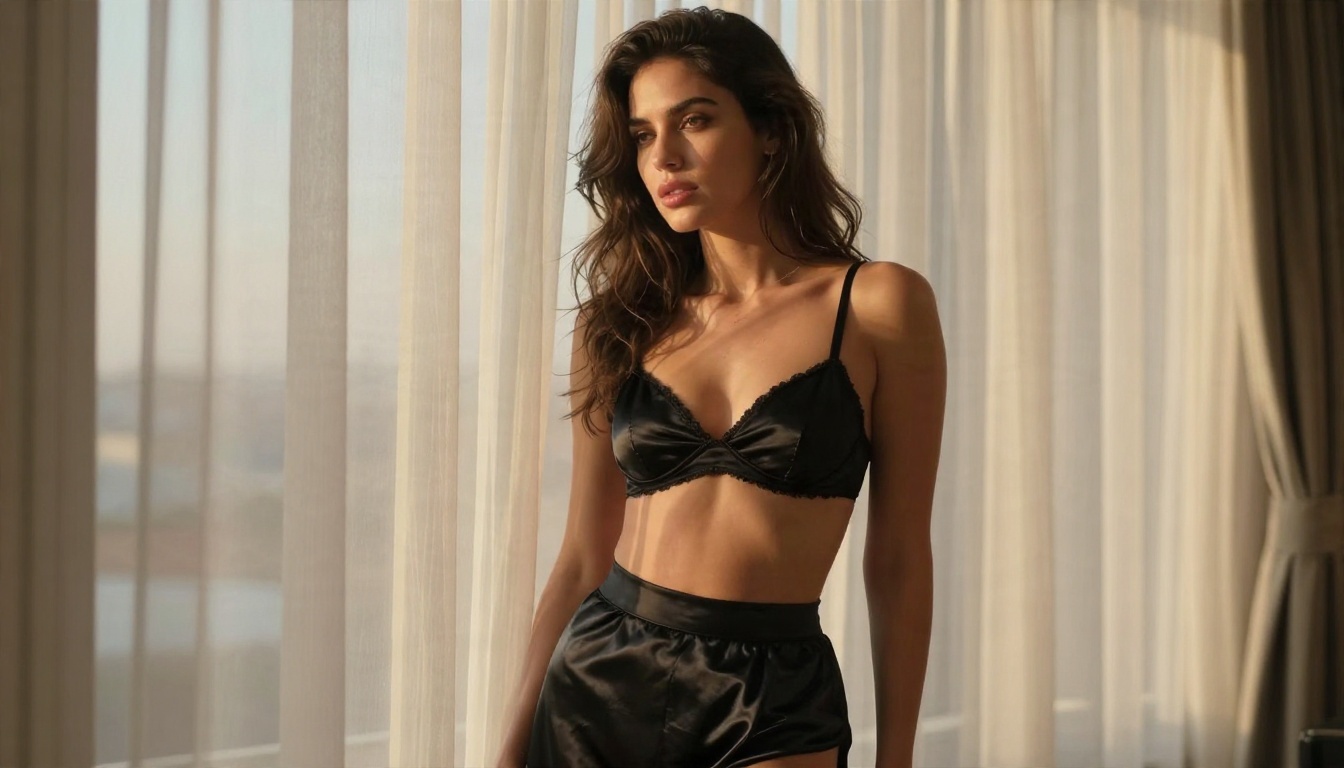
The word sounds absolute, but in practice it describes a slider. At one end sit tools that refuse anything involving a bikini, a bare shoulder or a mildly suggestive pose. At the other end sit open weights you run on your own computer with no moderation layer at all. Most useful tools live somewhere in the middle.
Filters Are a Spectrum
Every hosted service applies some kind of moderation, and they do it in three places:
- Prompt filters scan your text before generation starts.
- Model-level training makes the network drift away from certain content even if the prompt passes.
- Output filters check the finished image and blur or block it.
A tool can be loose on one layer and strict on another. That is why two generators that both call themselves "unrestricted" can behave completely differently on the same prompt.
Hosted Versus Open Weights
Hosted means someone else runs the model on their servers. You get speed and zero setup, but you accept their rules. Open weights means the model file is public, so you can run it locally and decide the rules yourself. Hardware, setup time and your own judgment become the price of that freedom.
⚠️ Hard limits stay in place everywhere. Content involving minors, real people without consent, or anything illegal is off the table on every legitimate platform, and it should be off the table for you too. "Uncensored" in this article means adult, consensual, non-explicit glamour: swimwear, lingerie-style fashion, boudoir lighting, artistic portraits.
Free Options That Work Today
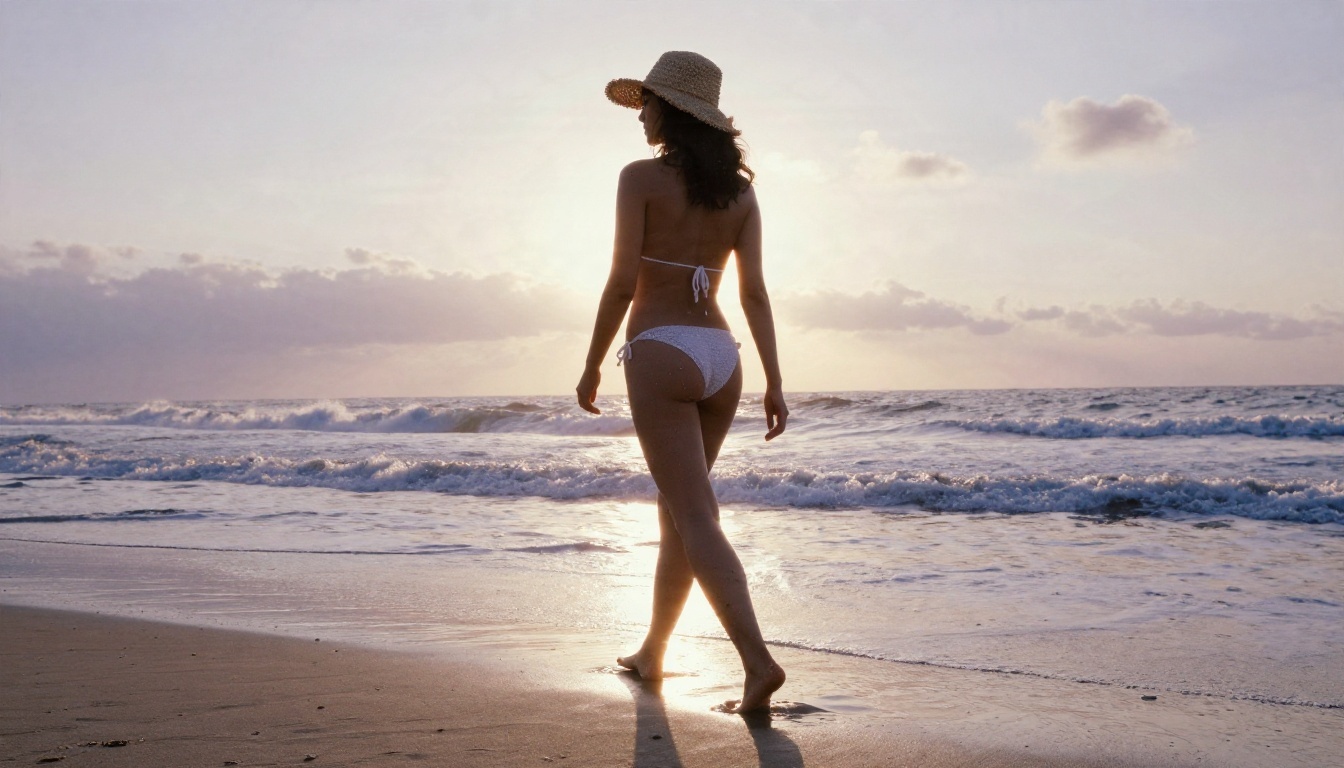
Free is where most searches begin, and it is also where the most marketing fluff lives. Some "free" tools give you three images and a paywall. Others are genuinely generous but slow. Here is how the free landscape breaks down.
Free Tiers on Hosted Platforms
Hosted free tiers usually work on credits, daily limits or queue priority. Research on the current market suggests that several big-name services have pulled back their free image access in 2026. One example: reports indicate xAI removed the free image generation tier for Grok in March 2026, leaving a paid subscription as the entry point. Treat any claim like that as something to verify on the day you sign up, because pricing changes fast.
On PicassoIA, the free route is more direct. Flux 2 Klein 9B Base LoRA and Nano Banana Pro are both listed with free access, and PicassoIA Image Editor Pro gives you unlimited generations.
Free Local Weights
If you own a decent graphics card, open weights cost nothing beyond electricity. The Stable Diffusion family and the Flux family are the most common starting points. You can see how those families behave online first with Stable Diffusion 3.5 Large or Flux Dev, then decide whether a local install is worth the effort.
Hidden Costs of Free
| Hidden cost | What it looks like |
|---|
| Queue time | Free users wait behind paying users, sometimes minutes per image |
| Resolution caps | Output stuck at 512 or 1024 pixels |
| Watermarks | A logo stamped in the corner |
| Data trade | Your prompts and images used for training or marketing |
| Setup hours | Local installs eat an afternoon before the first picture |
A free tool that wastes two hours of your day is not free. Count your time.
Uncensored Image Generation API Options
An API matters when you want to build something: a product mockup tool, a content pipeline, a photo app, a batch workflow that produces hundreds of images overnight. The API route is also where "uncensored" claims need the most scrutiny, because many vendors that sell API access apply their own filters on top of the model.
Pricing Per Image
Market research for 2026 points to a wide spread. API-first platforms reportedly charge anywhere from about $0.003 to roughly $0.21 per image, depending on model size, resolution and speed. A small distilled model like Z Image Turbo sits at the cheap end and returns in seconds. Large flagship models at 4K sit at the expensive end.
A rough way to budget:
- Decide your monthly image volume.
- Multiply by the per-image price of the model you actually need, not the cheapest one.
- Add a 30 percent buffer for rerolls, because the first result is rarely the keeper.
What to Check Before Integrating
💡 Before you write a single line of code, test the exact prompts you plan to use on the exact model. A moderation layer that blocks 1 prompt in 5 will wreck an automated pipeline.
Run through this checklist:
- Moderation behavior: Does it reject at the prompt level, the output level, or both?
- Safety settings: Can you adjust them, or are they locked?
- Rate limits: Requests per minute, concurrent jobs, daily caps.
- Terms of use: Some vendors forbid adult content in commercial products even if the model produces it.
- Output rights: Who owns the generated images, and can you sell them?
Several vendors that rank "best uncensored API" lists also sell the API they are recommending. Read those rankings as advertising, not as neutral testing.
Online Use Without a GPU
For most readers, this is the sweet spot. No driver installs, no 24 GB of VRAM, no Python errors at midnight. You open a browser tab, write a prompt, and get a photo. The catch is picking a platform that does not refuse everything beyond a landscape.
Seedream 4.5 First
Seedream 4.5 is the strongest starting point for photorealistic glamour. It renders skin texture, fabric sheen and lighting with a level of realism that older open models struggle to reach, and it outputs at 2K or 4K. It also handles image-to-image input (1 to 14 references), batch runs of up to 15 related images, and nine aspect ratios including 16:9, 9:16 and 21:9.
Why it leads this list:
- Photographic realism: pores, freckles, wet hair, satin folds.
- Resolution: up to 4096 by 4096 pixels, enough for print.
- Speed: a sharp image in seconds, not minutes.
- Flexibility: the model exposes a safety checker setting, which relaxes input moderation so that only illegal content is blocked.
Image Editor Pro Unlimited
PicassoIA Image Editor Pro is the second stop, and for many people the daily driver. The headline benefit is unlimited generations. When you are iterating on a pose, an outfit or a lighting setup, the number of rerolls matters more than the price of any single image. Removing the meter changes how you work: you try wilder ideas, fix small details, and keep the best frame instead of settling for the third attempt.
💡 Use Seedream 4.5 when you want a polished hero image. Use Image Editor Pro when you want to iterate fast, edit existing photos, or produce dozens of variations without watching a counter.
Other Online Picks
| Model | Best for | Link |
|---|
| Seedream 4.5 | Photoreal glamour, 4K output | Open model |
| Image Editor Pro | Unlimited edits and variations | Open model |
| Flux Dev | Natural light portraits | Open model |
| Realistic Vision v5.1 | Lifelike skin, classic photo look | Open model |
| Z Image Turbo | Fast, cheap drafts | Open model |
| Qwen Image 3 Pro | Detailed photorealism | Open model |
Open Weights and Local Setup
Running a model on your own machine is the only route with zero external rules. It is also the route with the highest friction. Be honest with yourself about whether you want the control or just want the pictures.
Hardware Reality
A realistic local setup needs:
- A recent NVIDIA GPU with at least 12 GB of VRAM for comfortable work with mid-size models, and more for the biggest ones.
- 32 GB of system RAM and a fast SSD, since model files run from 2 GB to over 20 GB each.
- A willingness to troubleshoot drivers, dependencies and interface tools.
If that list made you tired, the online route is the better fit. You can test the same model families first. Stable Diffusion, Stable Diffusion 3 and Flux Dev LoRA are all available to try in the browser.
Models Worth Running
A June 2026 local-generation write-up carried a useful warning: not every open model is filter-free. Some ship with safety training baked into the weights, so a "downloadable" model can still refuse or dilute certain prompts. Community fine-tunes and LoRAs, small add-on files that nudge a model toward a style or subject, are what usually loosen that behavior.
That is where LoRA-ready models matter. Flux 2 Klein 4B Base LoRA and Qwen Image LoRA Trainer Legacy let you steer a base model toward a look you want, without starting from scratch.
⚠️ Check the license of any open model before using it commercially. "Open weights" does not always mean "free for business."
How to Use Seedream 4.5 on PicassoIA
Seedream 4.5 is the fastest way to turn a written idea into a photorealistic glamour image. Here is the workflow from blank prompt box to finished 4K file.
Step by Step
- Open the model page. Go to Seedream 4.5 on PicassoIA and sign in.
- Write your prompt. The field accepts up to 4000 characters, so you have room for lighting, lens and fabric details.
- Pick the size. Choose 2K for fast drafts and 4K for final images. Note that 1K is not supported.
- Set the aspect ratio. Use 16:9 for banners, 9:16 for phone screens, 3:4 for portraits, and 21:9 for cinematic crops.
- Add reference images if needed. Upload 1 to 14 images in the image input field to keep a face, outfit or setting consistent.
- Choose batch mode. Set sequential generation to auto and raise max images up to 15 to get several related frames in one run.
- Review the safety setting. The safety checker option relaxes input moderation so only illegal content is blocked. Use it responsibly and keep your subjects adult and consensual.
- Generate, compare, refine. Change one thing at a time, such as the light direction or the outfit, so you can tell what caused the improvement.
Parameter Tips That Matter
| Setting | Recommended value | Why |
|---|
| Size | 2K for drafts, 4K for finals | Saves time while you iterate |
| Aspect ratio | 3:4 or 2:3 for portraits | Matches how people frame fashion photos |
| Max images | 4 to 8 | Enough variety without clutter |
| Image input | 1 to 3 references | More references can fight each other |
| Prompt length | 60 to 150 words | Detailed, but focused |
Prompt Habits That Get Better Results
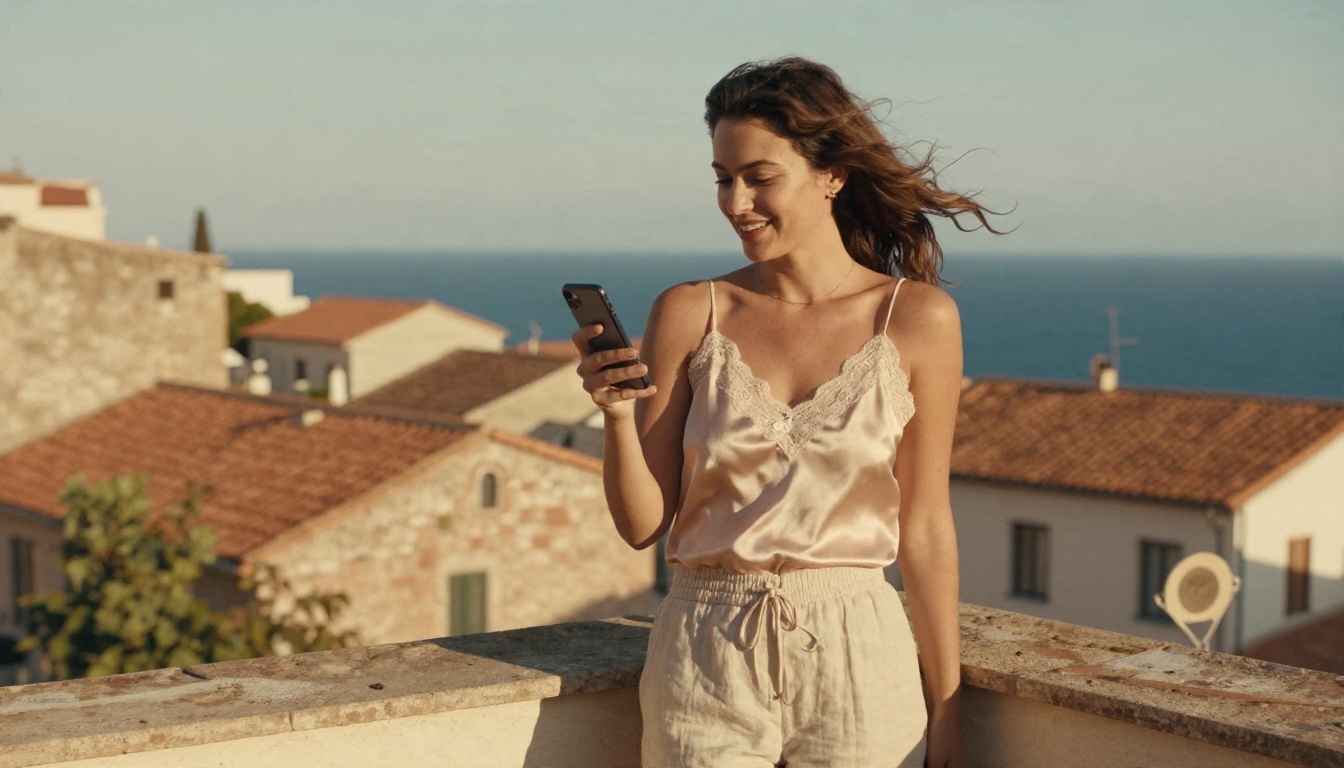
Fewer restrictions do not rescue a vague prompt. A lazy prompt gives a generic result on every model, filtered or not. A good prompt reads like a photographer's shot list.
Use a Photographer's Shot List
Build each prompt from five parts:
- Subject and pose: who, doing what, with which expression.
- Wardrobe and texture: satin, lace trim, crochet, wet linen.
- Environment: hotel suite, beach at sunrise, velvet sofa, balcony.
- Light: golden hour from the left, window light, warm lamp with cool dusk fill.
- Camera: 85mm f/1.4 for portraits, 35mm f/2 for walking shots, 100mm for close-ups.
Example: Woman in a black satin robe leaning against a floor-to-ceiling window, soft golden hour light from the left, 85mm f/1.8, shallow depth of field, visible skin pores, film grain.
Mistakes That Waste Credits
- Style soup: stacking ten art styles gives muddy output. Pick photography and stay there.
- Contradictory light: "harsh noon sun" plus "soft candle glow" confuses the model.
- Skipping texture words: "skin pores," "fabric folds" and "water droplets" are what separate a photo from a plastic render.
- Changing five things at once: you will never learn which edit helped.
💡 When a prompt gets refused or diluted, rewrite it around the photographic scene rather than adding more charged words. Describing wardrobe, light and mood in a fashion-editorial voice tends to pass both filters and produce better images.
Which Path Fits You
Pick based on what you actually need to do this week, not on what sounds most extreme.
| Your situation | Best path | Starting point |
|---|
| Want great photos today, no setup | Online | Seedream 4.5 |
| Iterating a lot, hate meters | Online, unlimited | PicassoIA Image Editor Pro |
| Building an app or pipeline | API | Test Z Image Turbo for cheap volume |
| Own a strong GPU, want total control | Local open weights | Preview with Flux Dev first |
| Need a consistent character or style | LoRA workflow | Flux Dev LoRA |
Two points are worth repeating. First, many "best uncensored generator" lists are written by companies selling the product, so test before you pay. Second, a tool that refuses nothing is not automatically a tool that looks good. Image quality, speed and rerolls matter just as much as the filter setting.
Try It Yourself on PicassoIA
You have the map. Now spend ten minutes with it. Open Seedream 4.5, paste in a shot-list prompt like the example above, and generate a 2K draft. Then move the same idea into PicassoIA Image Editor Pro and run it ten more times with different lighting, outfits and lenses. Unlimited generations mean you can afford to be curious.
When you want more options, browse the full catalog at picassoia.com/en/all-models, where text-to-image, editing, upscaling and background tools sit side by side. Pick a model, write a prompt, and make your first glamour photo today.


