Google's Veo 3.1 arrives at a moment when the AI video space is moving faster than most creators can keep up with. Six months ago, "AI-generated video" meant jittery loops, morphing faces, and temporal artifacts that screamed synthetic. Today, the benchmark has shifted so dramatically that the question is no longer whether AI can produce watchable footage, but whether it can produce footage that stands alongside a professional cinematographer's work. Veo 3.1 makes a serious case that the answer is yes.
This is a hands-on review of Veo 3.1, Google DeepMind's latest video generation model. We address what sets it apart, where it performs best, where it struggles, and how it compares to the strongest competition available right now.
What Veo 3.1 Actually Does
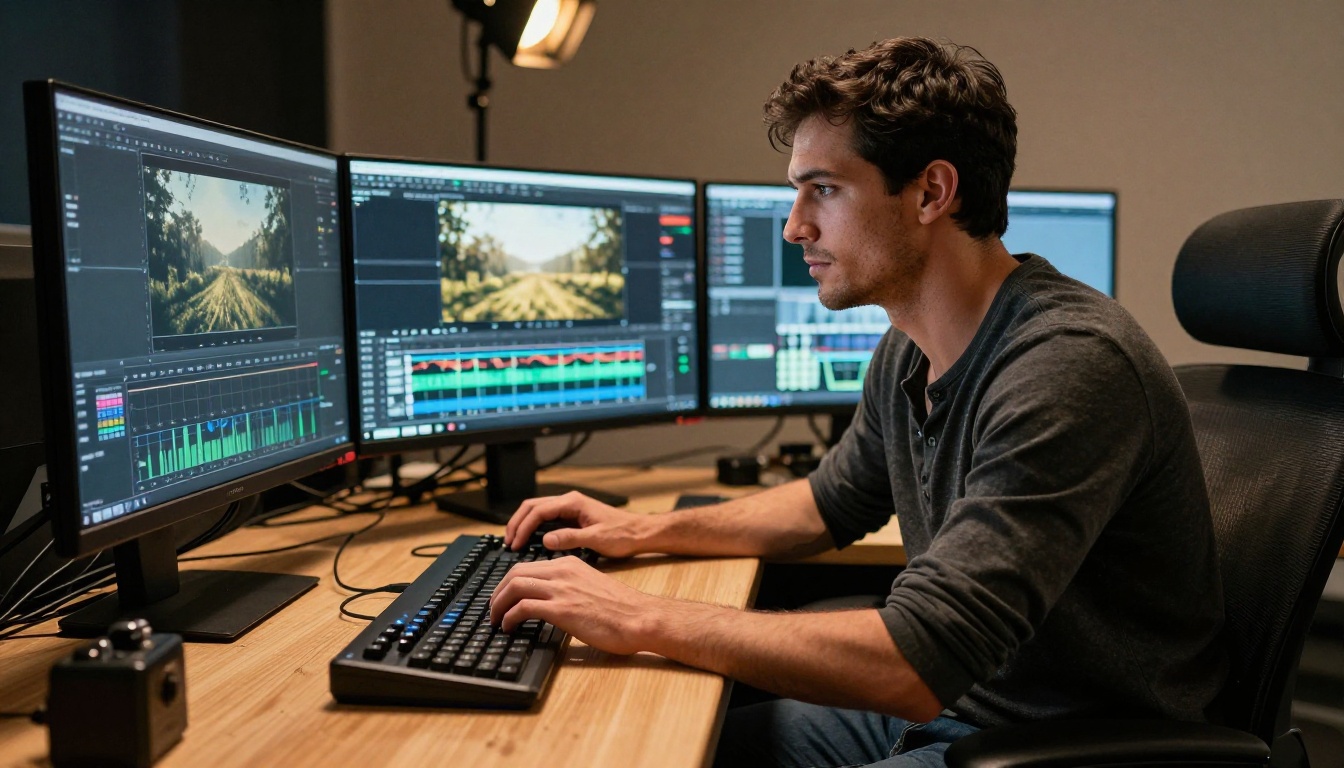
Veo 3.1 is a text-to-video and image-to-video model developed by Google DeepMind. It generates video clips up to a minute long from a written prompt, optionally anchored to an input image. The model operates at resolutions up to 4K, with frame rates up to 60fps, and produces output reflecting what DeepMind calls "cinematic fluency" in camera motion, lighting physics, and scene composition.
What separates Veo 3.1 from its predecessors and most of the competition is temporal consistency. Earlier video AI models notoriously struggled with objects that disappeared between frames, faces that morphed unexpectedly mid-clip, and camera movements that felt disconnected from the scene's physics. Veo 3.1 handles these significantly better, though not flawlessly.
Built on DeepMind's Diffusion Architecture
Veo 3.1 uses a video diffusion transformer architecture trained on a massive proprietary dataset including licensed cinematic footage, documentary material, and synthetic training data. This gives the model a vocabulary of professional cinematography that cheaper models simply do not have. When you prompt for "a low-angle tracking shot following a runner through a wet cobblestone alley at dusk," Veo 3.1 does not just produce the subject and the background. It produces believable parallax, atmospheric moisture in the air, and the slight camera stabilization artifacts that make the shot feel captured rather than rendered.
💡 Tip: The more specific your cinematographic language, the better Veo 3.1 performs. Reference real camera movements like "dolly zoom," "handheld verité," or "orbital crane shot" for dramatically better outputs.
Native Audio: A Real Differentiator
One feature that separates Veo 3.1 from nearly every competitor is native audio synthesis. The model generates synchronized ambient sound, foley effects, and atmospheric audio as part of the clip output. A beach scene includes wave sounds and wind. A city street includes traffic and crowd murmur. This is not post-processing added after generation. The audio and video are synthesized together, which means the sound matches the visual dynamics in a way that feels organic rather than layered on.
The Cinematic Quality Breakdown
Motion Coherence
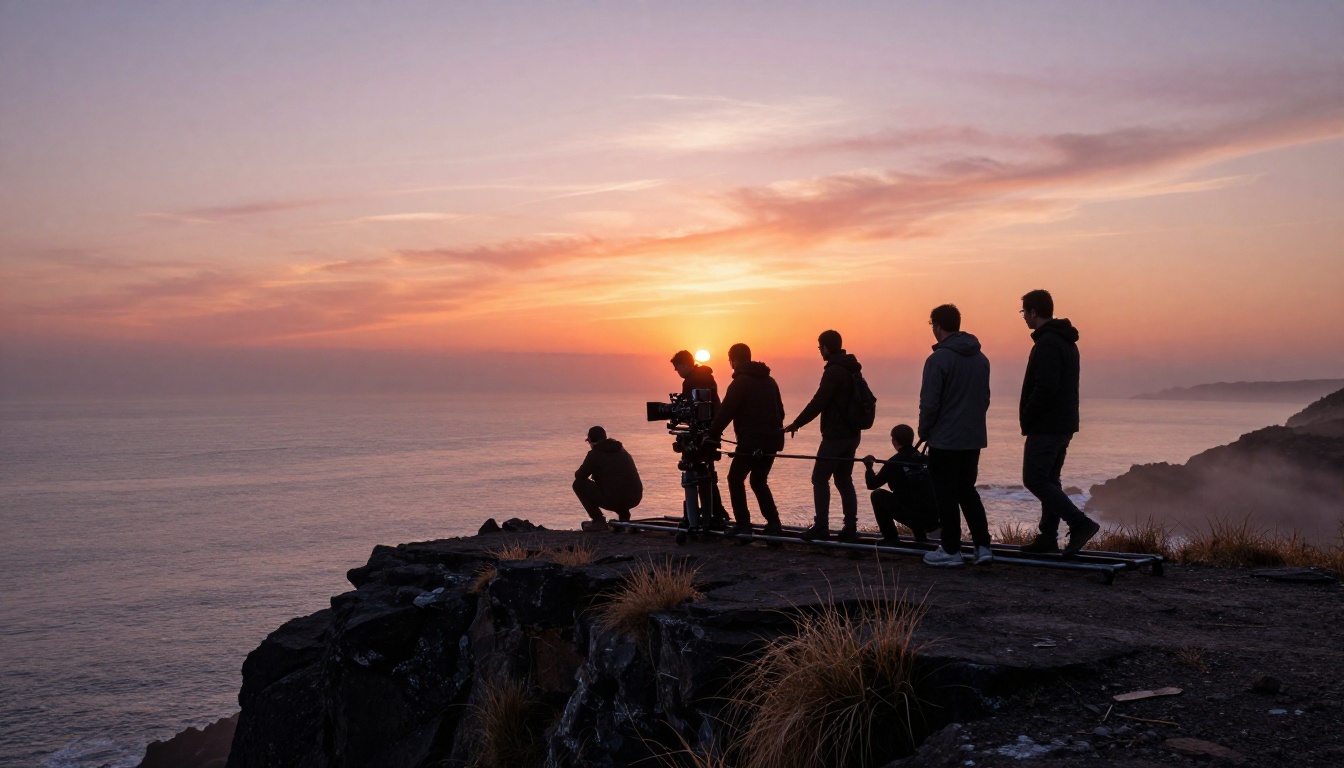
This is where Veo 3.1 most visibly outperforms the field. Motion coherence refers to how consistently objects, people, and environments behave across frames. A person walking should swing their arms in a physically plausible way. A flag in the wind should behave according to consistent airflow rather than randomly shifting direction. Veo 3.1 maintains this coherence better than any publicly available model at this time.
In testing with human subjects, the model handles natural gait, facial movement, and secondary motion (hair, clothing) with a level of fidelity that approaches reference footage. Fast motion remains a partial weakness. Subjects moving at high speed occasionally show subtle warping at the edges of the frame, particularly when the background contains fine detail.
Lighting and Depth
Veo 3.1 treats lighting as physics rather than as a visual style filter. Prompt it with "interior scene with a single practical lamp casting harsh shadows" and the model correctly places shadows based on the described light source position. Specular highlights on wet surfaces behave realistically. Subsurface scattering on skin in soft directional light produces the kind of warmth that cinematographers spend thousands of dollars in lighting gear to achieve on set.
Depth of field is handled with the same precision. Specify a shallow depth of field and foreground elements will have natural bokeh separation from the background, with the bokeh circle size and shape reflecting the implied focal length. This level of optical simulation in a generative video model is genuinely impressive.
Veo 3.1 vs The Competition
The text-to-video space has five serious contenders right now. Here is how Veo 3.1 stacks up against each one.
Veo 3.1 vs Sora 2
Sora 2 Pro from OpenAI remains the closest competitor in terms of raw cinematic fidelity. Both models produce footage that can be mistaken for real video under controlled conditions. The core differences break into three areas. First, Veo 3.1 includes native audio while Sora 2 does not. Second, Veo 3.1 handles longer duration clips more consistently without visible drift. Third, Sora 2 tends to produce slightly more expressive, stylized interpretations of prompts, while Veo 3.1 trends toward photorealistic literalism.
For creators who need footage that blends seamlessly into real-world content, Veo 3.1 has the edge. For those who want cinematic interpretations with more visual flair, Sora 2 Pro competes closely.
Veo 3.1 vs Kling v3
Kling v3 from Kuaishou is the speed leader in this comparison. It generates clips significantly faster than Veo 3.1 at a comparable cost per second of output. For social media content where turnaround speed matters more than 4K resolution, Kling v3 is a strong choice. However, it does not match Veo 3.1's cinematic depth, particularly in complex lighting scenarios and multi-subject scenes where temporal consistency is critical.
Real Use Cases for Creators
Social Media and Short-Form Content
Veo 3.1 is highly effective for creating cinematic short-form content on platforms that reward visual quality. Product shots, lifestyle footage, travel-style b-roll, and atmospheric background video for ads are areas where the model excels. The native audio output is particularly useful here since platforms reward videos with sound that matches the visual content naturally.
The fast variant is the better choice for high-volume social content where speed matters more than 4K output. It produces 1080p clips with the same cinematic character at roughly twice the generation speed, making it ideal for teams running multiple creative tests per day.
Professional Production Workflows
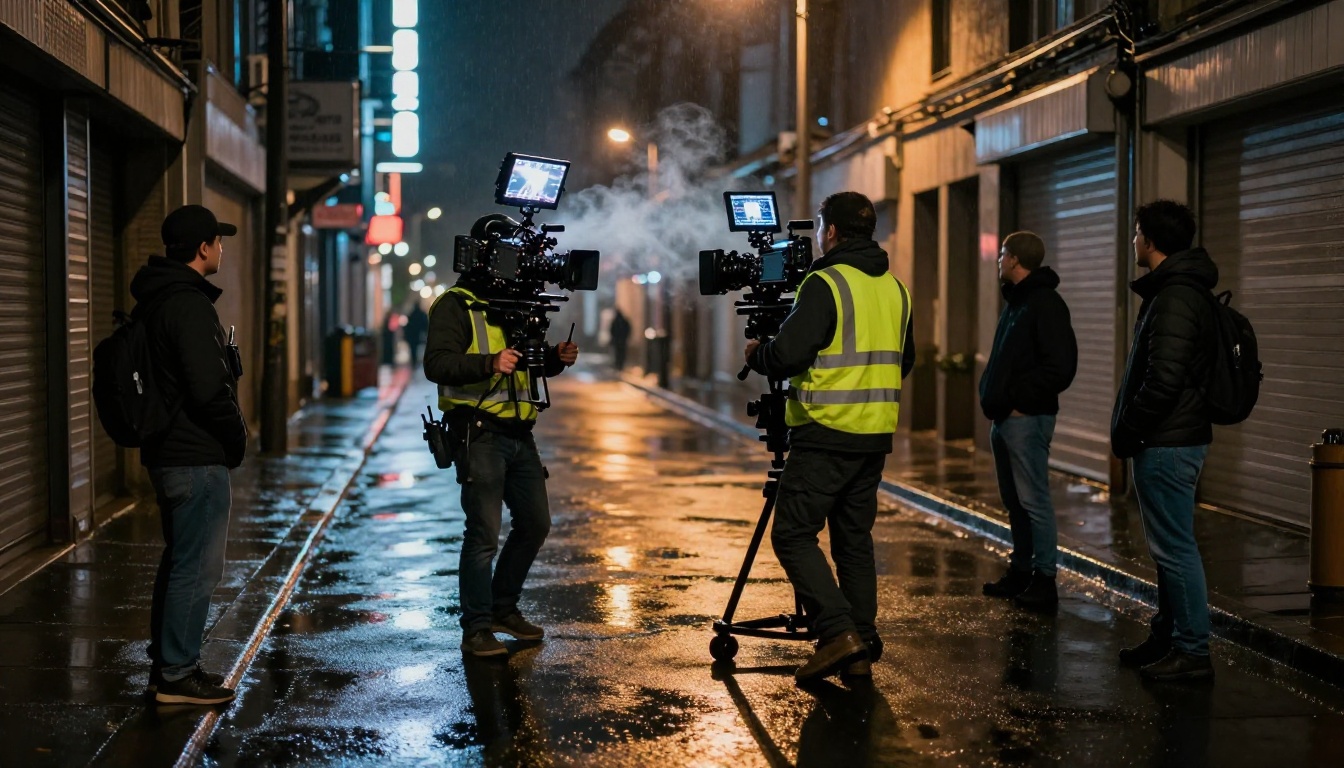
For production teams, Veo 3.1 slots in most naturally as a previsualization and b-roll tool. Previsualization refers to generating rough visual representations of planned shots before committing to physical production. A director can describe a complex crane shot and see a photorealistic representation of it in minutes rather than days of traditional previs work. The cost and time savings here are substantial.
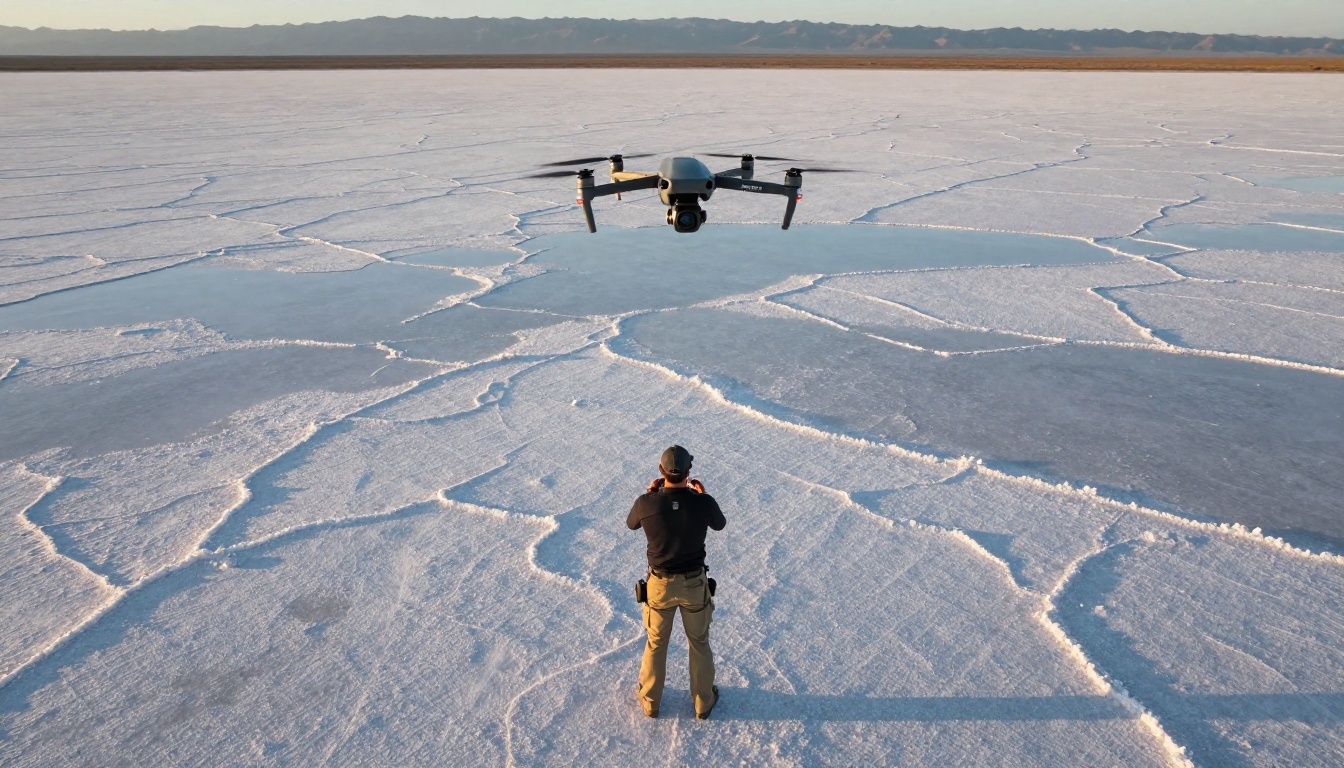
For b-roll, the model handles establishing shots, insert shots, and atmospheric cutaways convincingly. Wide-angle exterior shots of locations, abstract lifestyle footage, and environmental close-ups are all strong use cases. Shots of specific named individuals is not a fit, since the model generates anonymous subjects rather than replicating real people.
Where It Falls Short
No honest review of a generative AI model ignores the real limitations, and Veo 3.1 has several worth knowing before you commit to it.
Hands and fine motor detail: The model still struggles with hands performing complex tasks. Fingers in motion, keyboard typing, instrument playing, and similar fine motor sequences produce artifacts more frequently than other subject matter.
Text in video: On-screen text generated within the video frame is unreliable. Letters morph between frames. If you need accurate text overlays, add them in post-production rather than prompting for them directly.
Narrative continuity in long clips: While Veo 3.1 handles clips up to a minute well for atmospheric content, narrative continuity across longer clips remains inconsistent. A single character's appearance can drift across a 45-second clip in ways that break the illusion of a continuous shot.
Generation speed at 4K: The model's full-resolution output takes meaningful time to generate. If your workflow requires fast iteration at 4K, budget extra time or use the fast variant and upscale in post.
💡 Tip: Pair Veo 3.1 Fast with a super-resolution model to upscale output after generation. You get the speed of the fast variant with near-4K visual quality in the final output, at a lower cost per generation.
How to Use Veo 3.1 on PicassoIA
Veo 3.1 is available directly on PicassoIA. Here is the workflow for getting your first cinematic clip out of the model.
Step 1: Open the Model Page
Go to the Veo 3.1 model page on PicassoIA. You will see the prompt input field, an optional image upload for image-to-video generation, and the generation settings panel. If you want faster outputs for testing your prompt direction, switch to Veo 3.1 Fast first, validate your prompt, then run the final output through the full Veo 3.1 for maximum quality.
Step 2: Write a Cinematic Prompt
Your prompt should follow this structure: subject and action + environment + camera movement + lighting conditions + mood or atmosphere. Specificity in camera and lighting language is what separates ordinary AI video from cinematic output.
Weak prompt: "a woman walking on a beach"
Strong prompt: "a woman in a white linen dress walking barefoot on a wide sand beach at golden hour, slow dolly shot tracking alongside her from knee height, warm side light creating long shadows on the wet sand, calm ocean in background with gentle surf, atmospheric coastal haze diffusing the horizon"
The difference in output quality between these two prompts is dramatic. Veo 3.1 rewards cinematographic specificity more than almost any other video model.
Step 3: Set Duration and Audio
Veo 3.1 supports clip durations from 5 to 60 seconds. For social media content, 8 to 15 seconds is the sweet spot. Enable native audio generation to get synchronized ambient sound with your output. This feature alone differentiates Veo 3.1 from Sora 2, Kling v3, Gen-4.5, and most other competitors on the platform.
Step 4: Generate and Iterate
Run your first clip. If the composition or motion is not exactly right, adjust specific elements rather than rewriting the entire prompt. Change one variable at a time: swap the camera angle, adjust the lighting description, or modify the subject's action. This approach gets you to a strong result faster than starting fresh on each iteration.
Veo 3.1: The Real Assessment
Veo 3.1 is the strongest text-to-video model for photorealistic, cinema-quality output currently available. The combination of motion coherence, lighting fidelity, and native audio synthesis puts it ahead of the competition in the scenarios that matter most for professional and semi-professional content work.
Who Benefits Most
- Content creators producing lifestyle, travel, or brand video content at scale
- Social media teams that need high-quality b-roll without physical production costs
- Filmmakers using AI for previsualization or rapid concept iteration
- Marketing agencies producing product and campaign video assets with fast turnaround
- Developers building video applications and pipelines on top of the API
Pricing and Value
Veo 3.1 operates on a per-second pricing model. The 4K variant costs more per second than the fast 1080p variant. For most production workflows, the fast variant at 1080p delivers strong value, with full Veo 3.1 reserved for hero shots and final delivery assets where resolution matters.
At the fast tier, Veo 3.1's cinematic quality is priced competitively against Kling v3, Hailuo 2.3, and other alternatives in the same price range. You are not paying a premium for novelty. You are paying for a measurable quality difference in motion coherence, lighting, and audio.

Start Creating with Veo 3.1
If you have been waiting for AI video generation to reach a point where it is actually useful for professional content work, Veo 3.1 is that point. The gap between AI-generated and camera-captured footage is narrowing faster than anyone predicted, and the tools available on PicassoIA put this technology within reach for creators at every level without requiring a production budget.
The best way to see what Veo 3.1 can do is to run a prompt yourself. Go to the Veo 3.1 page on PicassoIA, write your first cinematic prompt using the structure above, and watch the output. Compare the full model with Veo 3.1 Fast for your specific workflow, and check out the previous generation Veo 3 to see how far the model has come in a single iteration cycle. PicassoIA also offers super-resolution models for upscaling generated clips, video quality tools for stabilization and color work, and audio generation models for scoring your finished videos, bringing the full AI production pipeline into one place without multiple accounts or platform switching.


