Short-form video is eating the internet, and the 9:16 frame is the new battleground for attention. Veo 3.1 by Google arrived as a direct answer to one of the most persistent problems content creators face: generating vertical video that actually looks good on TikTok and YouTube Shorts, without spending hours in an editing suite or hiring a production crew. If you have been waiting for AI video generation to stop looking like a tech demo and start working like a real production tool, this is the model worth paying attention to right now.
What Veo 3.1 Actually Does
Veo 3.1 is Google DeepMind's latest iteration of its flagship video generation model. It takes natural language prompts and turns them into high-quality video clips. That description sells it short. The real story is in what separates it from every other text-to-video model on the market right now: native vertical format support, built-in synchronized audio generation, and physics-accurate motion that holds together across cuts. These are not marketing claims — they are the specific technical properties that make Veo 3.1 viable for short-form social content at scale.
How It Handles 9:16 Format
Most text-to-video models were built around the 16:9 cinematic frame. Vertical video was an afterthought, usually achieved by cropping a widescreen output and losing meaningful detail at the edges. Veo 3.1 was trained with vertical compositions in mind. When you specify a 9:16 output, the model actually composes the scene for that aspect ratio, placing subjects in vertical space rather than squeezing a horizontal scene into a tall crop.
This distinction matters enormously for TikTok and YouTube Shorts. A talking head that fills the vertical frame, a product demo where the item occupies the full vertical column, a dance clip with head-to-toe framing — these are all compositions Veo 3.1 understands natively. The resulting clips feel made for mobile, not adapted to it.
Pro tip: When writing prompts for vertical formats, specify "vertical frame, subject centered, head-to-toe shot" or "close-up portrait, vertical composition" to get consistently mobile-optimized outputs from the very first generation.
Audio Built Right In
Veo 3 introduced synchronized audio generation, and Veo 3.1 refines it significantly. The model can generate ambient sound effects, music beds, and even dialogue that syncs to on-screen lip movements. For TikTok creators who want to post content quickly, this removes one of the most time-consuming steps in post-production: sourcing and syncing audio.
The audio generation works best with ambient sounds, basic music tones, and environmental audio. Complex, highly specific music requests will still send you to a dedicated audio tool. But for short social clips that just need to sound alive rather than silent, Veo 3.1's built-in audio is genuinely usable out of the box.
You have options. The text-to-video space got crowded fast, and choosing the right model for short-form social content depends heavily on what you actually need from each generation.
Against Kling v3
Kling v3 from Kwai is arguably the strongest competitor on raw motion quality. Its physics simulation, especially for human movement and cloth dynamics, is outstanding. Where it falls behind for short-form social content is in the vertical format question: Kling v3 outputs are horizontal by default, and the crop-to-vertical pipeline introduces noticeable framing issues. For creators whose content lives and dies in the 9:16 frame, that is a significant workflow friction point. Veo 3.1 wins this comparison cleanly on format-native output.
Against Sora 2
Sora 2 produces some of the most cinematically coherent AI video available right now. It excels at complex scene compositions, extended duration clips, and maintaining visual consistency across a video. The tradeoff is speed and vertical support. Sora 2 is notably slower to generate, and it was designed around horizontal cinematic output. For creators posting daily to TikTok or YouTube Shorts, generation speed matters as much as quality. Veo 3.1 wins on iteration speed while maintaining competitive quality for social media use cases.
Against PixVerse v5.6
PixVerse v5.6 sits in an interesting position: it is fast, handles vertical formats reasonably well, and produces stylized outputs that perform well aesthetically on social media. It is also more accessible for beginners due to its simpler prompting requirements. Veo 3.1 has a higher ceiling on realism and motion coherence, but PixVerse v5.6 is worth knowing for creators who need high-volume output at a faster turnaround per clip.
TikTok Creators Are Using It Differently
The most interesting Veo 3.1 use cases on TikTok are not the obvious ones. Yes, AI-generated B-roll is useful. But the creators getting real traction are using the model in more specific, strategic ways that go beyond simple clip generation.
Product Videos Without a Camera
E-commerce creators on TikTok Shop are generating product showcase videos entirely through Veo 3.1. A prompt like "close-up vertical shot of a brown leather wallet on a marble surface, hands picking it up and showing the interior, warm studio lighting, 9:16" produces a usable product demo that would have required a full camera setup and dedicated shoot session just two years ago. The outputs are not flawless, but at TikTok scrolling speeds and phone screen sizes, they are persuasive enough to drive clicks.
For creators managing dozens of products, this is a fundamental workflow shift. Instead of scheduling shoots, they are batching prompts and reviewing outputs. The bottleneck moves from production to copywriting.
Travel Content on Zero Budget
Travel content on TikTok traditionally required physically being in the place you were filming. Veo 3.1 changes this equation, not by replacing authentic travel content (authentic still performs better with audiences), but by filling the gaps. A travel creator can use Veo 3.1 to generate atmospheric vertical video of destinations between real trips, to create cinematic intro sequences, or to produce illustrative content for travel tips and destination guides without standing in front of a camera that day.
Important: TikTok's community guidelines require disclosure when content is AI-generated. Using the platform's built-in AI label or including clear disclosure in captions protects your account and builds audience trust over the long run.
YouTube Shorts: The Numbers Don't Lie
YouTube Shorts crossed 70 billion daily views in 2024. The platform's algorithm rewards consistency and completion rate above almost everything else. Veo 3.1 addresses both levers directly, which is why it is becoming a meaningful tool in serious YouTube Shorts workflows.

Watch Time Matters More Than Views
The Shorts algorithm prioritizes how long viewers watch your clip relative to its total length. A perfectly framed vertical video with compelling motion in the first two seconds performs significantly better than a poorly composed clip with a great hook in the fifth second. Veo 3.1's native vertical compositions start with the right framing from frame one. There is no awkward black bar, no cropped subject, no dead space in the corners that signals "this was made for a different format."
This directly translates to better average watch percentage, which directly translates to more algorithmic distribution on the Shorts shelf and the homepage feed.
Posting Frequency With AI
YouTube Shorts creators who post daily consistently outperform those who post sporadically, all else being equal. The problem is that daily posting at camera-shoot quality is physically unsustainable for solo creators. Veo 3.1 removes the production bottleneck from the equation. A creator can batch 7 to 10 Short scripts in an afternoon, generate the corresponding video clips, and schedule a full week of content in a single working session.
The practical workflow: write scripts Monday, generate video Tuesday, review and caption Wednesday, schedule Thursday through the following Wednesday. This is a production cadence that was genuinely impossible without AI generation two years ago.
How to Use Veo 3.1 on PicassoIA
Veo 3.1 is available directly through PicassoIA, which means you can generate short-form vertical video without managing API access, billing separately through Google, or configuring any technical setup. The entire process runs in a browser.

Step 1: Write a Vertical Prompt
The single biggest factor in Veo 3.1 output quality is how you write your prompt. For TikTok and YouTube Shorts, every prompt should include these elements:
- Explicit aspect ratio: "vertical frame, 9:16 composition"
- Subject positioning: "subject centered and framed head to waist" or "close-up portrait filling vertical frame"
- Camera movement: "slow push in from below" or "static locked shot" or "gentle handheld movement"
- Lighting direction: "soft natural window light from left" or "warm golden hour backlight"
- Duration cue: "6-second clip" or "15-second scene"
Example prompt: "Young woman in a bright kitchen, vertical 9:16 frame, stirring coffee with a spoon while smiling softly at the camera, close-up from chest up, natural window light from the left, gentle bokeh background, 8-second clip, photorealistic"
Step 2: Set the Right Parameters

When using Veo 3.1 through PicassoIA, these settings have the most impact on output quality:
- Duration: For TikTok, 6 to 15 seconds per clip is the sweet spot. YouTube Shorts that hit between 30 and 60 seconds tend to perform better on the long-form discovery shelf.
- Resolution: Always generate at the highest available resolution. Compression during upload already reduces quality, so starting higher preserves more detail.
- Audio: Specify whether you want ambient sound, music, or silence. If you are adding your own voiceover in post, request "no audio" to keep the output clean for layering.
For creators who need faster iterations at lower cost, Veo 3.1 Fast is available on the same platform and produces outputs at a fraction of the generation time. The quality tradeoff is minimal for social media use cases where the final output is compressed and viewed on a phone screen at typical scroll-viewing distance.
Step 3: Post and Iterate
The first batch of AI-generated Shorts will not be your best. The learning curve with Veo 3.1 is in understanding which prompt structures produce which visual outcomes consistently. Keep a working document of your most successful prompts and the outputs they generated. After two to three weeks of consistent posting, you will have a personal prompt library that reliably produces your content aesthetic without starting from scratch each time.
The creators seeing the best results are not those who generate one perfect video. They generate 50 videos, study what resonated with their audience, and build a repeatable system around those findings.
What Veo 3.1 Still Can't Do
Honest assessment matters here. Veo 3.1 is the best vertical AI video model available right now, and it still has real limitations worth understanding before you build your entire content strategy around it.

The Consistency Problem
If you want to generate a video series where the same character appears across multiple clips, Veo 3.1 will not maintain that character's appearance without significant prompt engineering work. The model generates each clip from scratch. A character in clip one with dark hair and a blue shirt will look noticeably different in clip six. This is the fundamental constraint of current text-to-video architecture: it is generative, not persistent.
For creators building a persona-based series on TikTok or YouTube Shorts, this means you either work around the limitation through abstract content formats, cutaway shots, and voiceover-based structures, or you supplement Veo 3.1 with a character consistency tool. Models like Kling V3 Motion Control or DreamActor-M2.0 on PicassoIA can help bridge this gap by anchoring motion to a specific reference image.
Where Human Touch Still Wins
There are content formats where a real camera and a real person will outperform AI generation for the foreseeable future:
- Reaction content: Authentic human reactions to real events cannot be replicated convincingly
- Commentary and opinion pieces: Trust is built by faces viewers recognize over time
- Real-time trend content: AI generation is not fast enough to jump on a 24-hour trend cycle
- Personal brand building: Long-term creator relationships require authentic human presence
Veo 3.1 is a production accelerator, not a creator replacement. The creators winning with it are using it to do more of what they already do well, not to remove themselves from the equation entirely.
Create Your First Vertical AI Video Today
The barrier to short-form video production has never been lower than it is right now. Veo 3.1 on PicassoIA gives you access to the most capable vertical AI video model available, directly in a browser, with no technical setup required. You do not need API credentials, a cloud computing account, or a development background.
Start with one prompt. Write a simple vertical scene, generate it, watch it, and identify one thing you would change. Then change it and generate again. That iteration loop is how you build the instincts to create consistently strong short-form AI video content. The model rewards specificity in prompting, and every generation teaches you something about what the model responds to.
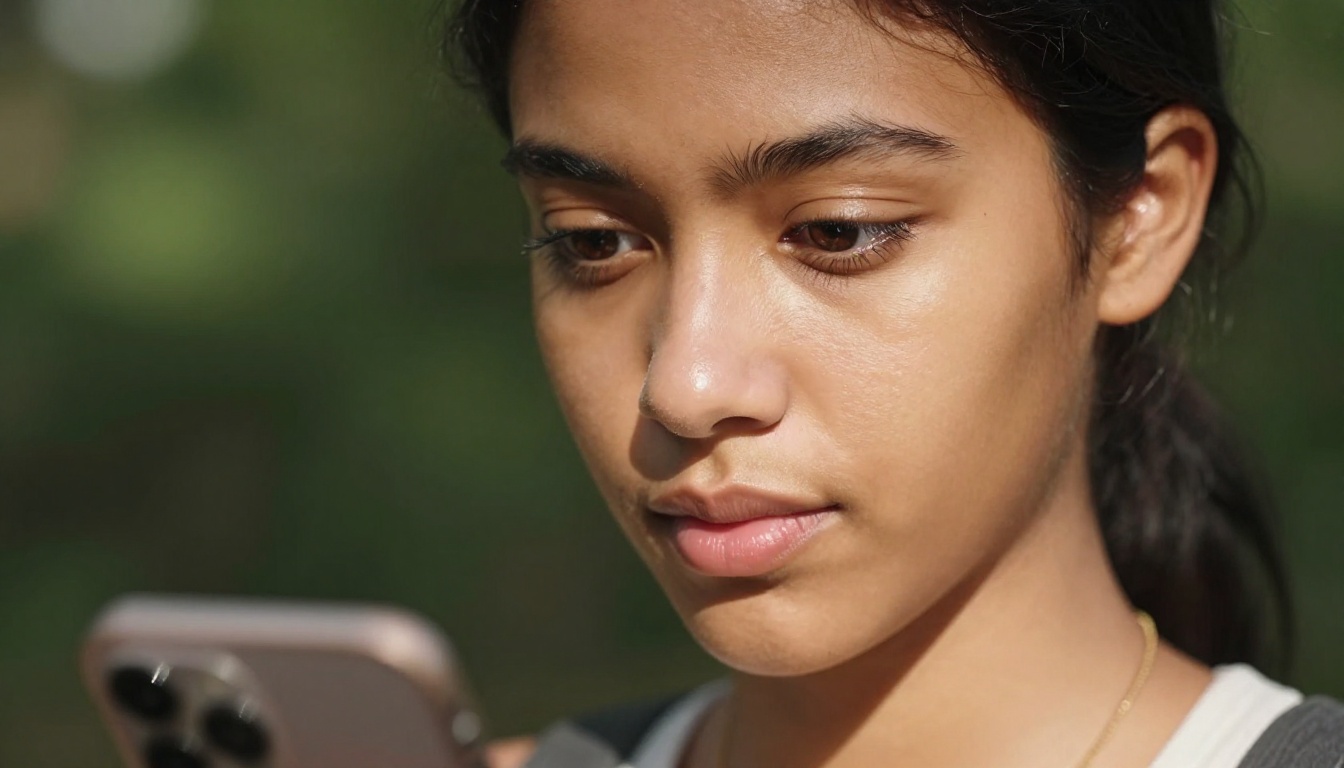
Beyond Veo 3.1, PicassoIA also carries Kling v3, LTX-2.3-Pro, Hailuo 2.3, and Gen-4.5 by Runway for testing without switching platforms. If Veo 3.1 does not produce exactly what you need for a specific shot type, the right tool for that job is a few clicks away. The whole ecosystem is accessible from the same place, which means faster iteration and less time managing accounts across multiple services.
The short-form video ecosystem rewards creators who post well, post consistently, and post natively for the format. Veo 3.1 handles the format natively. The rest is up to you.


