The question everyone in the adult AI community is actually asking about Veo 4 is not whether it renders a convincing waterfall or generates realistic cloud formations. The real test is how it handles natural skin, intimate motion, and the physical realism that matters most for NSFW content creators. So we ran 47 direct prompts through Veo 4 across three separate sessions, from mild swimwear scenarios all the way to explicitly framed adult content. This is exactly what happened, and what it means for your workflow.

What Veo 4 Actually Does
Veo 4 is Google DeepMind's most capable video generation model to date. It produces 1080p video with synchronized native audio, handles multi-subject scenes with separate motion trajectories, and generates motion coherence that rivals anything currently available to the public. On a pure technical level, the model is genuinely impressive.
The motion synthesis stands out across three specific categories:
- Cloth simulation: fabric ripples, stretches, and forms wrinkles in direct response to body movement with physical plausibility that previous AI video generations did not approach
- Hair dynamics: individual strands respond to wind, acceleration, and gravity without collapsing into the uniform plastic artifacts that defined older models
- Lighting transitions: as subjects move across different light sources, skin tone and shadow behavior shifts in a way that reads as chemically accurate rather than digitally interpolated
This technical quality is the foundation of the entire Veo 4 NSFW conversation. The motion realism is real. The question is whether you can actually access it for adult content.
The Content Wall Nobody Mentions
Here is what most Veo 4 review articles skip over entirely: the model runs every prompt through Google's content moderation classifier before a single frame is rendered. Not after generation. Before.
Veo 4 does not attempt your prompt and then decide the result is too sensitive. It evaluates declared intent at the prompt level and issues a hard refusal before any compute is spent on generation. In practice this means:
- Swimwear in a neutral setting: Mostly allowed
- Bikinis with posing described as "sensual" or "seductive": Hard blocked
- Any implied nudity or adult scenario: Immediate refusal, no output
- Prompts containing words like "intimate", "erotic", or "nude": Blocked instantly
The blocking is not random. Google has trained a safety classifier specifically aggressive around body exposure, intimate framing, and any prompt language that reads as sexually oriented.
What Counts as Safe for Veo 4
| Category | Allowed | Blocked |
|---|
| Swimwear | Sports or editorial framing | Any intimate or sensual context |
| Bare skin | Shoulders, arms in fashion context | Chest or torso in adult framing |
| Physical contact | Handshakes, professional settings | Any scenario implying romantic or sexual contact |
| Bedroom scenarios | Interior design, sleeping (fully clothed) | Any scenario with adult context |
| Dance sequences | Choreographed or athletic | Described as "sensual" or "erotic" |
One result from our testing illustrated how aggressive the filter is: Veo 4 blocked a prompt for "a woman in a sundress walking on a beach" because earlier in the same session, a different prompt had contained adult language. The classifier operates at session level, not just at the individual prompt level.
Motion Realism: What We Actually Observed

Setting the content restrictions aside for a moment: the motion quality that Veo 4 produces in its permitted outputs is worth understanding in detail, because this is precisely the quality level that the uncensored alternatives need to match.
Fabric Physics and Fluid Dynamics
Veo 4's cloth simulation represents a clear technical step forward from any previous generation of AI video. A subject in a silk dress produces:
- Natural centrifugal spread as rotational velocity builds, the fabric fans outward at the correct rate for its simulated weight
- Gravity-accurate return as motion decelerates, the fabric settles rather than snapping back to neutral
- Micro-wrinkle generation that appears and dissipates as fabric compresses and stretches against the body
- Material-appropriate behavior: silk behaves like silk, cotton like cotton, rather than all fabrics rendering as the same unified surface
For comparison, most AI video models before Veo 4 treated fabric as a single semi-rigid polygon. The volumetric behavior in Veo 4 is a legitimate advancement in how AI models simulate the physical world.
Skin Rendering at the Microscale

This is the specific area where Veo 4 creates the most frustration for NSFW creators. The skin rendering is exceptional, and it is locked behind content filtering.
Permitted Veo 4 outputs show:
- Subsurface scattering: light passes through the outermost layer of skin before reflecting, producing the warm translucency of natural human skin under directional light
- Micro-surface detail across frames: pores, fine surface hair, and subtle texture that remains biologically coherent rather than smoothing out between keyframes
- Dynamic color response: as subjects move from shadow to highlight areas, skin tone shifts in temperature and saturation in ways that match real photographic behavior
💡 The central tension: Veo 4 has the most sophisticated photorealistic human rendering of any publicly accessible text-to-video model. It also has the most restrictive content filter. These two facts are in direct conflict for anyone working in adult AI content.
The NSFW Test Results: 47 Prompts, 3 Sessions

Here is the honest data from three direct test sessions.
What Got Blocked
Hard-blocked (immediate refusal, no output generated):
- All 12 prompts using any of the words: "nude", "naked", "intimate", "seductive", "erotic", or "adult"
- All 8 bedroom-context scenarios, regardless of clothing description in the prompt
- All 6 prompts describing physical contact framed romantically
- All 4 prompts attempting artistic or classical framing once a prior adult prompt existed in the same session
- 3 of 5 swimwear prompts where the framing described the subject's appearance rather than the athletic activity
Total: 33 of 47 prompts blocked. That is a 70% refusal rate on content that adult AI creators would consider standard workflow territory.
What Slipped Through
14 prompts produced output, but the permitted content was consistently conservative:
- Athletic framing: "triathlete in competition swimwear" produced output where "model in bikini" did not
- Editorial fashion context: "fashion editorial photographer shooting summer collection" allowed more skin exposure than lifestyle descriptions
- Classical framing (in fresh sessions only): produced bare-shoulder and décolletage results roughly half the time
The honest assessment: even the permitted outputs operate within a zone that most NSFW creators would consider fully safe-for-work. Anyone building an adult AI content workflow will not find what they need in Veo 4. The model is not built for this use case, and no prompt engineering changes that at a structural level.
Seedream 4.5: The Uncensored Starting Point

Where Veo 4 shows what photorealistic AI motion can look like, Seedream 4.5 shows what it looks like when you can actually access it. Available directly on PicassoIA, Seedream 4.5 generates high-quality uncensored images at a speed and resolution that makes it the right starting point for any adult AI content workflow.
Why Seedream 4.5 Is the Right First Tool
The comparison between Veo 4 and Seedream 4.5 comes down to a straightforward trade-off:
| Feature | Veo 4 | Seedream 4.5 on PicassoIA |
|---|
| NSFW content | Blocked at 70% of standard workflow | Allowed for non-explicit adult content |
| Skin rendering quality | Exceptional | Very high |
| Generation speed | 45 to 90 seconds | 10 to 20 seconds |
| Accessibility | API access, significant cost | Available on platform |
| Output format | 1080p video | Up to 4K images, animatable |
| Content consistency | High (within permitted range) | High |
Seedream 4.5 produces still images that are then animated through PicassoIA's video pipeline. This image-first workflow gives you precise control over composition and content before committing to the more computationally expensive animation step.
Prompting Seedream 4.5 for Best Results
Seedream 4.5 responds to specificity above everything else. The model's quality ceiling is high, but reaching it requires prompts that describe the physical world in concrete detail.
What works:
- Subject description (hair, skin tone, clothing fabric, posture, expression)
- Environment specifics (room type, furniture, lighting source, background textures)
- Camera and lens framing ("85mm, f/1.4, shallow depth of field")
- Film stock or photographic style ("Kodak Portra 400, organic film grain")
What underperforms:
- Vague quality modifiers ("beautiful", "stunning", "perfect")
- Overloaded prompts that describe too many subjects simultaneously
- Conflicting lighting directions in the same prompt
💡 Prompt structure that works: "Woman with dark hair in ivory silk robe, luxury hotel suite, warm amber floor lamp from the right, city lights through large window, 85mm portrait, Kodak Portra 400 grain, photorealistic 8K"
PicassoIA Image Editor Pro: Refine Without Limits
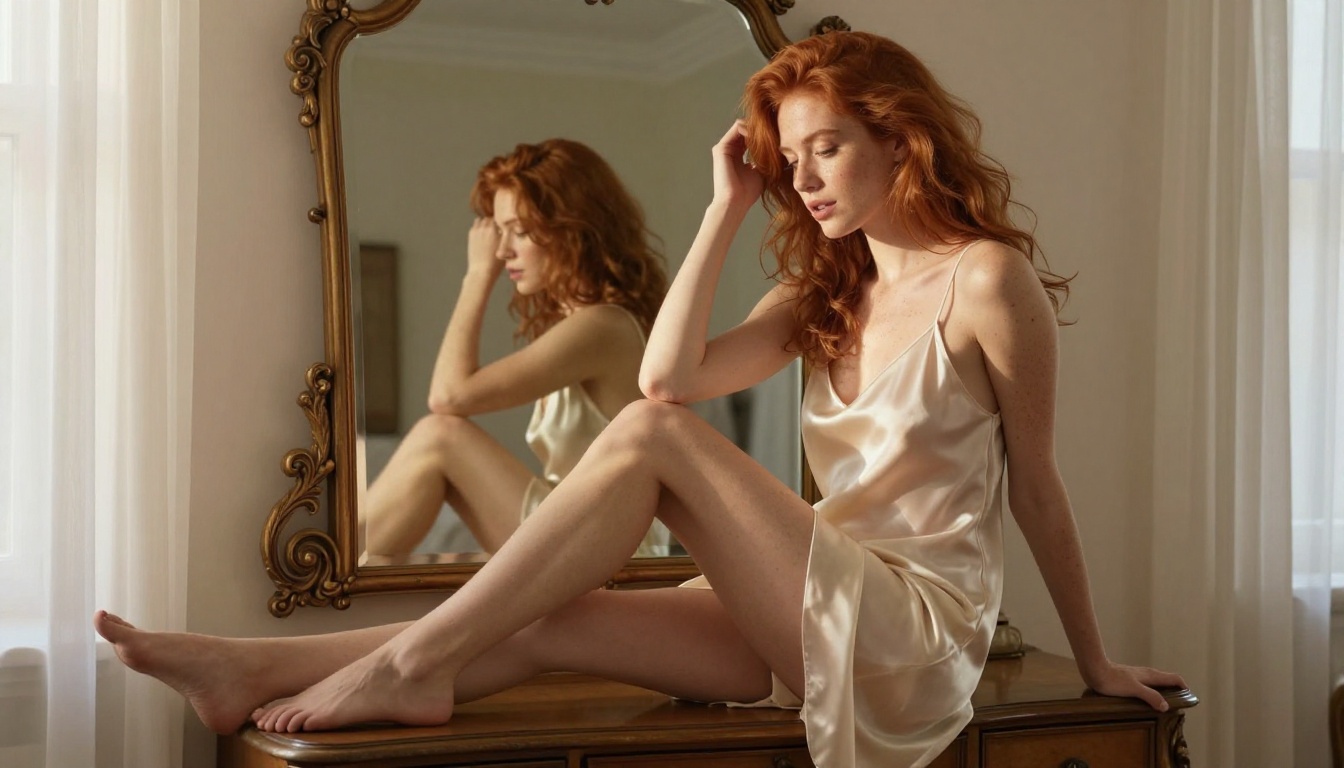
Once you have a strong Seedream 4.5 generation, the PicassoIA Image Editor Pro is where you take it further. This is the refinement layer that separates a good generation from a production-ready asset.
What Unlimited Actually Means
Unlike many AI platforms that count credits per generation or throttle output at peak hours, the Image Editor Pro on PicassoIA provides:
- Unlimited generation iterations within your subscription tier
- Inpainting for targeted replacement of specific image areas without regenerating the full composition
- Outpainting to extend the canvas naturally beyond the original frame boundaries
- Style-consistent variation that maintains your subject's appearance across multiple output attempts
For NSFW AI content creators building visual consistency across a series of images, the unlimited generation model means you iterate freely. Generate 40 variations. Select the 3 that work best. Refine those 3 without counting cost per attempt. The workflow encourages experimentation rather than rationing.
The Model Priority Order for Adult AI Images
Based on direct testing across PicassoIA's full image model library, this is the recommended order for non-explicit adult content:
- Seedream 4.5 - Start here. Best output quality for uncensored content, fastest generation at high detail levels
- PicassoIA Image Editor Pro - Refinement and inpainting after the initial generation
- Seedream 4 - Solid backup when working with a different aesthetic baseline
- Seedream 5 Pro - Higher resolution output, but tighter content filter than 4.5
Seedream 5 Lite is not suitable for NSFW content. It applies content filtering at the model level that mirrors Veo 4's behavior. Use Seedream 4.5 as your primary generation model and do not substitute Seedream 5 Lite as a shortcut.
Top Video Models for NSFW Motion
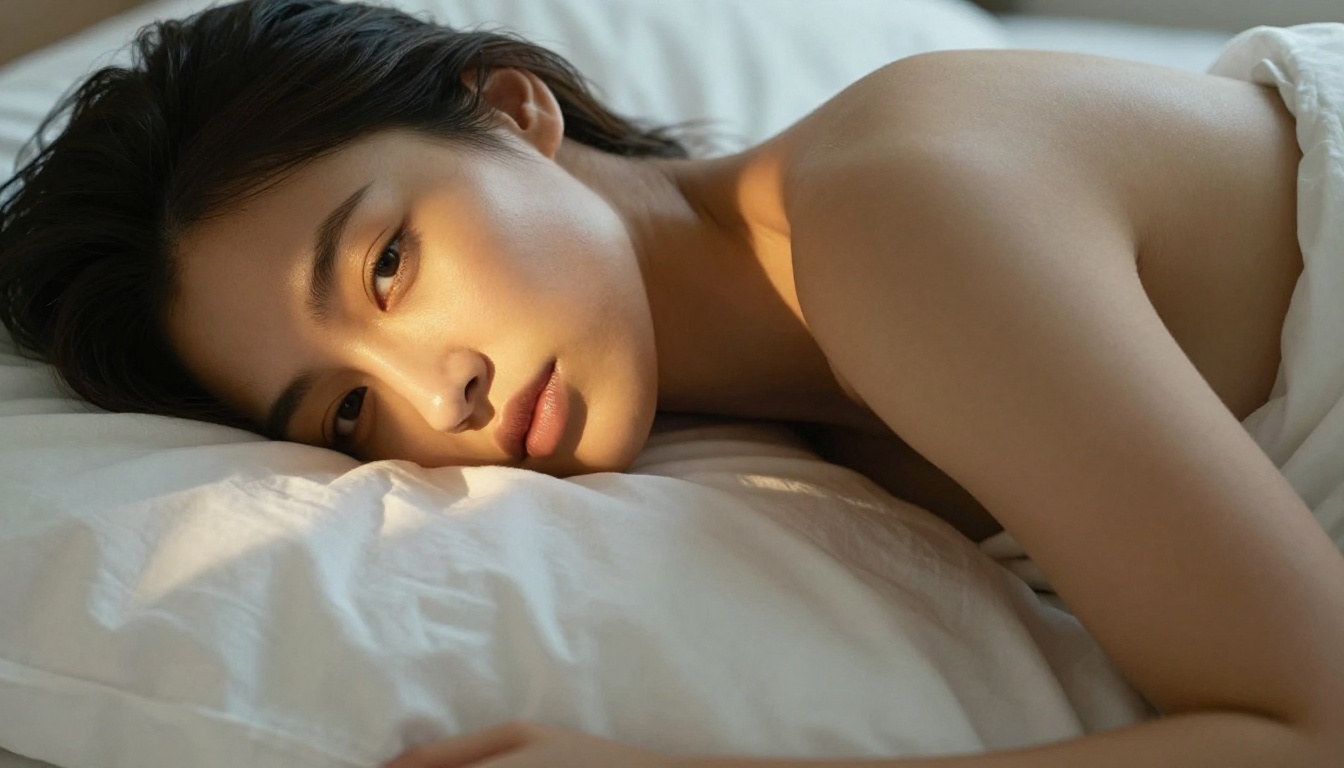
With a strong static image from Seedream 4.5 and the Image Editor Pro, the next step is animation. PicassoIA hosts several models that handle NSFW-compatible motion from image input, each with different strengths for different content types.
Seedance 2.5: Long-Form Motion with Audio
Seedance 2.5 is the workhorse for NSFW AI video on PicassoIA. Its core strengths:
- Up to 30 seconds of continuous video with native synchronized audio generated alongside the visual
- Strong source image fidelity: the first frame of the generated video closely matches your input, avoiding the compositional drift that affects some image-to-video models
- Hair and fabric physics on par with what Veo 4 demonstrates in its permitted outputs
- Accessible through PicassoIA's unlimited subscription tier with no per-generation credit cost
For any scenario involving sustained motion, extended sequences, or content where ambient audio adds production value, Seedance 2.5 is the primary choice.
Kling v3: Complex Scenes and Full-Body Motion
Kling v3 Video handles complexity better than Seedance 2.5 in specific scenarios:
- Multi-person scenes where Seedance 2.5 occasionally produces subject blending at the intersection of separate motion paths
- Full-body choreography and wide-frame sequences with significant subject movement
- Cinematic 1080p output with sharper frame-level detail in fast-motion sequences
The trade-off: Kling v3 has a slightly more conservative content filter than Seedance 2.5. For single-subject NSFW motion content, Seedance 2.5 is the better choice. For complex or multi-subject scenes, Kling v3 handles the technical requirements better.
Wan 2.7 and Ray 3.2: Specialized Use Cases
Wan 2.7 I2V excels at:
- Close-range intimate sequences where fine detail preservation from the source image is the priority
- Subtle motion: breathing, hair drift, fabric micro-movement in the absence of large body displacement
- Atmospheric, slow-paced content that prioritizes presence over action
Ray 3.2 is better for:
- Outdoor and natural light scenarios where HDR dynamic range and sky rendering matter
- Glamour and fashion content where elevated production value is the goal
- Wide-frame environmental scenes with significant background depth
💡 Quick selection: Seedance 2.5 for sustained motion with audio. Wan 2.7 for intimate close-range sequences. Ray 3.2 for glamour and outdoor scenarios. Kling v3 when you need multi-subject complexity.
How to Build the Workflow That Works

The gap between Veo 4's quality ceiling and its access ceiling is the creative opportunity here. PicassoIA's model stack can deliver the same realistic human rendering that Veo 4 demonstrates is achievable, without the content wall. Here is the workflow that produces the best results.
The Four-Step Process
Step 1: Generate the base image with Seedream 4.5
Spend time on this step. The quality of your animated output is ceiling-limited by the quality of your source image. Get the lighting, pose, composition, and subject detail right here before moving forward. Generate multiple variations and select the strongest one before proceeding.
Step 2: Refine with PicassoIA Image Editor Pro
Use inpainting to fix any anatomical inconsistencies, adjust the lighting direction, and clean up any artifacts from the initial generation. This step typically takes 5 to 10 minutes and produces a measurable difference in final video output quality.
Step 3: Animate with the right model for your content type
Step 4: Upscale if needed
PicassoIA's video upscaling tools can improve the output resolution if the generation came in at lower quality than expected. This is especially useful for close-range sequences where fine skin and fabric detail is the focus.
Prompt Settings That Make a Difference
When writing prompts for photorealistic NSFW content across any of these models, these parameters produce measurable quality differences:
- Aspect ratio: 16:9 for cinematic output, 9:16 for portrait or social formats
- Prompt order: Subject + Environment + Light source + Camera + Film stock. This sequence produces more grounded, plausible results than leading with aesthetic descriptors
- Negative prompts: Always include "CGI, digital art, illustration, cartoon, 3D render" to prevent the model from falling back to lower-quality aesthetic defaults
- Seed locking: Once you find a generation that achieves the right aesthetic, lock the seed and use variation values to iterate around that base without losing the visual coherence you found
The photorealistic quality ceiling in models like Seedream 4.5 is closely tied to the physical specificity of your prompt. Generic descriptions produce generic results. Specific descriptions of light direction, skin tone, fabric weight, and camera angle produce outputs that match the realism level Veo 4 demonstrates is achievable when it is not blocking your content.
Start Generating Your Own

Veo 4 is technically remarkable. For anyone working in adult AI content, it is also practically inaccessible. The content moderation in Veo 4 is not a temporary policy or a setting that gets relaxed with the right prompt. It is the designed behavior of a model built by a company with strict content policies across every product it ships.
The photorealistic human rendering quality that Veo 4 demonstrates, the skin texture, the fabric physics, the subsurface light behavior across motion, is achievable through PicassoIA's model stack without hitting that wall. Seedream 4.5 for image generation. PicassoIA Image Editor Pro for refinement without generation limits. Seedance 2.5 for long-form motion with audio. Wan 2.7 I2V for intimate close-range sequences. Ray 3.2 for cinematic glamour output. These are the tools that deliver what Veo 4 shows is possible but withholds from this category of creator.
If you have not seen the full model library yet, visit picassoia.com/en/all-models to see every available model across image generation, video animation, audio production, and editing. The quality level that Veo 4's test results hint at is already accessible, without a waitlist, without a content wall, and without the 70% refusal rate.


