You record thirty seconds of yourself reading a paragraph. A minute later, a synthetic voice that sounds eerily like you is reading a script you never said out loud. That is voice cloning AI, and in 2027 it no longer needs a studio budget, a machine learning degree or a monthly subscription to try. The catch is that "free" means very different things depending on the tool, and the gap between a flat robotic clone and one that actually breathes, hesitates and smiles is wider than most reviews admit.
This article sorts through the options: online tools you can open in a browser, software you can run on your own computer, the settings that control emotion, and the alternatives worth using when a clone is more than you need.
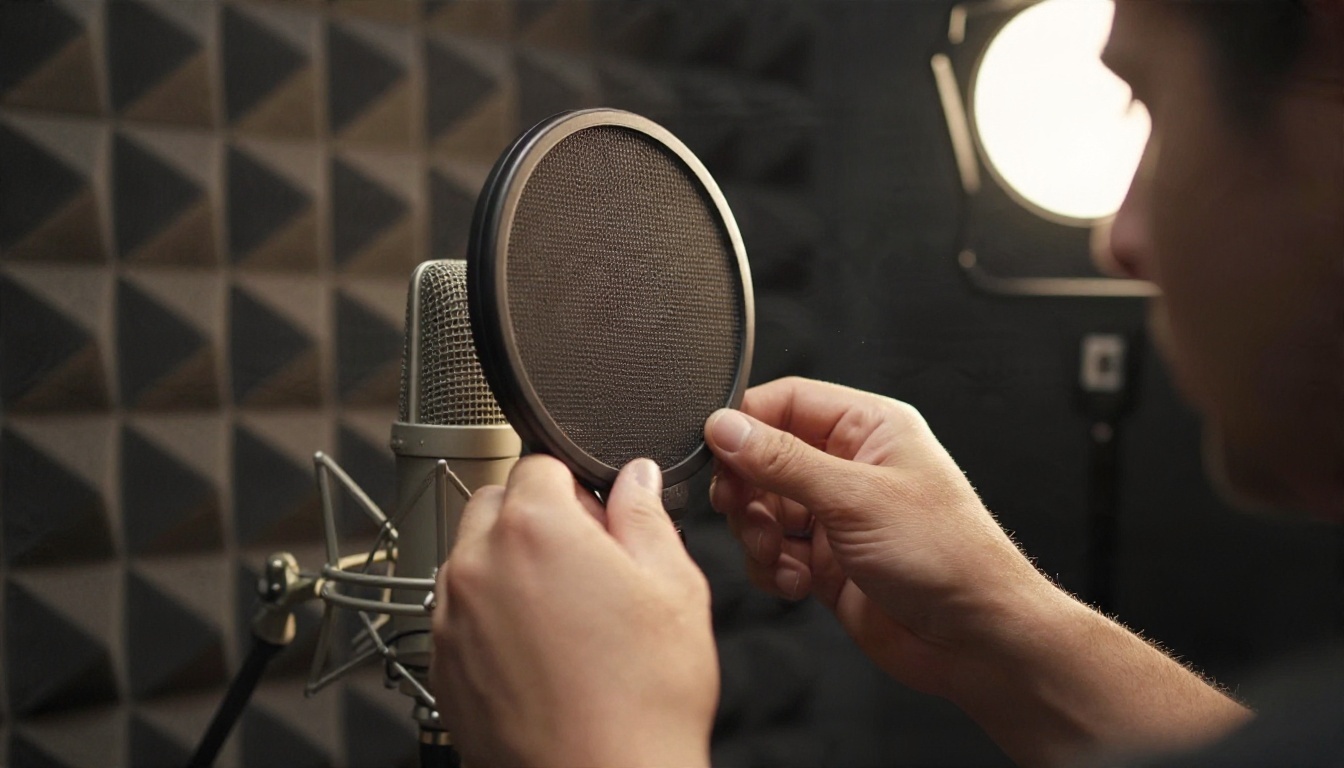
What Free Voice Cloning Really Means
How the Technology Works
A cloning model listens to a short reference recording and extracts a kind of fingerprint of the speaker: pitch range, timbre, accent, speaking rhythm, even the way sentences rise and fall. That fingerprint then conditions a text to speech model, so any text you type comes out in that voice.
There are two broad approaches:
- Zero-shot cloning: you give the model a clip of a few seconds to a few minutes, and it imitates the voice immediately. No training wait.
- Fine-tuned cloning: the model is trained on much more audio (often an hour or more) and produces a tighter match, at the cost of time and compute.
For most creators, zero-shot is the sweet spot. It is fast, it is cheap, and the quality of current models is good enough for narration, short videos, prototypes and personal projects.
What "Free" Usually Includes
Almost nothing is unlimited and free forever. Here is how the word tends to break down in practice:
| Type of "free" | What you actually get | Typical limit |
|---|
| Free trial or credits | Full quality, short window | A set number of generations |
| Free tier | Basic voices, sometimes no cloning | Monthly character cap |
| Open-source software | Unlimited use, your hardware | You pay in setup time and GPU power |
| Free demo page | One-off test clips | Short text, no download |
💡 Tip: Before you commit hours to any tool, test it with the same 20 second reference clip and the same paragraph of text. Comparing outputs side by side tells you more than any feature list.
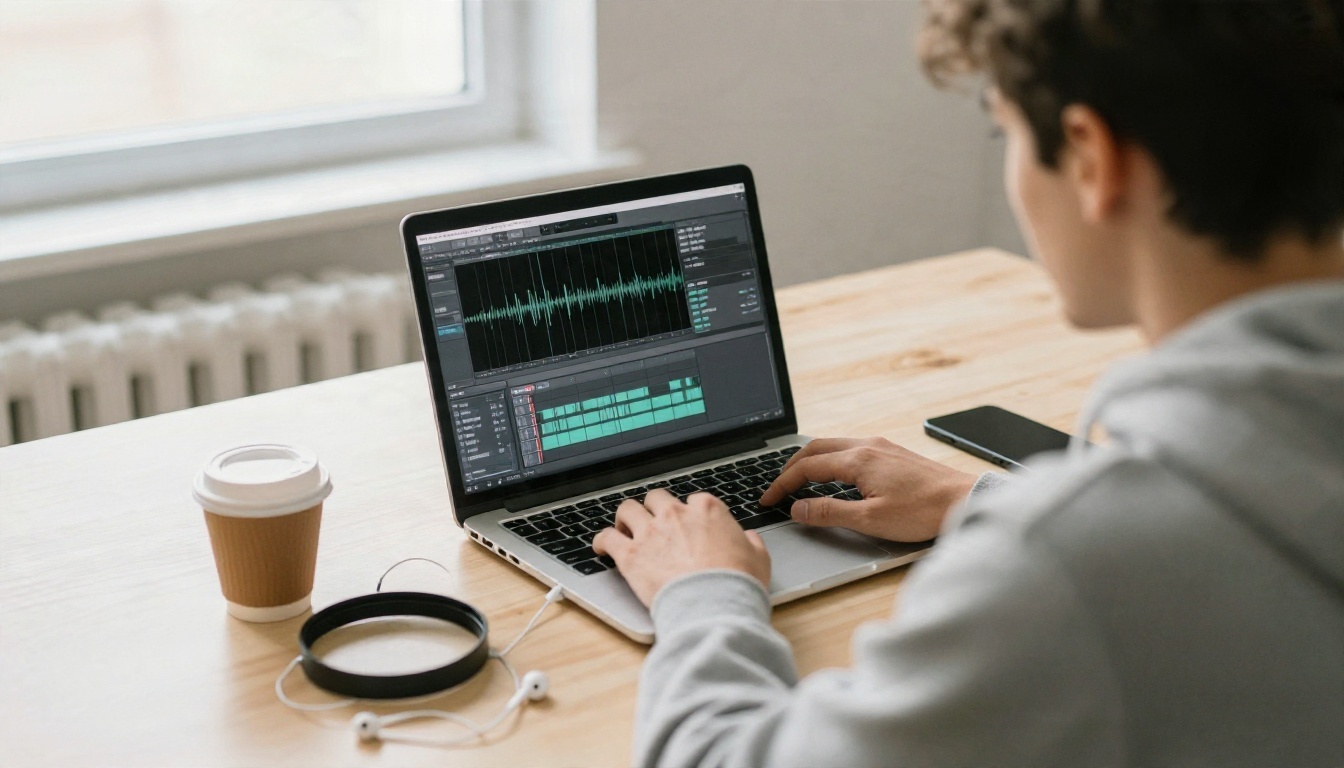
Browser-based tools win on convenience. There is nothing to install, nothing to configure, and you can switch between models in seconds. These are the ones worth your time.
Voice Cloning on PicassoIA
Voice Cloning is built for exactly the job this article is about. You upload a short clip, and it turns the voice into a reusable AI voice you can pair with several speech models. It accepts MP3, M4A and WAV files, works with clips from 10 seconds up to 5 minutes, and includes optional noise reduction and volume normalization for recordings made outside a perfect room.
What makes it practical is the model choice. The cloned voice can be trained against Speech 2.6 Turbo, Speech 2.6 HD, Speech 02 Turbo or Speech 02 HD. Turbo versions favor speed. HD versions favor fidelity for final narration.
Chatterbox for Quick Clones
Chatterbox is the pick when you care about emotion. You provide text and an optional reference clip, and a single exaggeration slider moves the delivery from calm narration to animated storytelling. Outputs carry an inaudible watermark, which keeps generated audio traceable without hurting how it sounds.
If you want something faster and lighter for simple reads, Chatterbox Turbo trades some expressiveness for speed. For more polished work, Chatterbox Pro is the step up.
Qwen3 TTS for Design and Cloning
Qwen3 TTS does two things well: it clones a voice from a reference clip, and it lets you design a brand new voice from a written description. That second option is useful when you do not want to use a real person's voice at all.
Software You Can Run Locally
If you want unlimited generations without a credit counter, local software is the route. It is more work, but the control is real.
Open-Source Options Worth Knowing
Several open projects can clone a voice from a short reference clip. In plain terms:
- Chatterbox from Resemble AI is widely regarded as the strongest open option for cloning, released under a permissive MIT license with a built-in watermark.
- Orpheus, built on a Llama base, is known for emotion tags that let you steer tone directly in the text. Its license asks for attribution.
- Fish Speech offers zero-shot cloning with emotion control and is popular with hobbyists.
- CosyVoice2 from Alibaba supports cloning across many languages under a permissive license.
- Sesame CSM and Dia are known for conversational, expressive speech, though they are less focused on cloning.
Licenses and features change quickly, so check each project's repository before building anything commercial on top of it.
The Real Cost of Running Locally
Free software is not free of cost. You will usually need a recent NVIDIA GPU with plenty of memory, a working Python environment, and patience for dependency conflicts. Expect an afternoon of setup before your first clean clip. For one-off projects, an online tool usually wins on time. For hundreds of hours of audio, local starts to make sense.
| Factor | Online tool | Local software |
|---|
| Setup time | Under a minute | Hours |
| Hardware needed | Any browser | Strong GPU |
| Model choice | Many, one click apart | One at a time |
| Cost curve | Credits per use | Upfront effort, then flat |
| Updates | Automatic | Manual |
Adding Emotion to a Cloned Voice
A clone that sounds like you but reads like a GPS is the most common disappointment. Emotion comes from three places: the reference clip, the model settings, and the text itself.
Start With an Expressive Sample
The model copies how you speak in the reference. If you read in a monotone, the clone will be monotone. Record a sample that includes natural variation: a question, a short laugh, a sentence with emphasis. Ten to thirty seconds of lively speech beats two minutes of flat reading.
Settings That Matter
On a model like Chatterbox, three controls shape the performance:
- Exaggeration: 0.5 is neutral. Raise it for energetic delivery, but extreme values can turn unstable and strange.
- Temperature: higher values give more variety between runs, lower values make results predictable.
- CFG weight (pace): lower values slow the delivery, higher values tighten the rhythm.
If your goal is expressive speech without cloning, ElevenLabs v3 is built for natural, emotional reads, and Gemini 3.1 Flash TTS offers 30 voices across more than 70 languages.
Write Text That Sounds Alive
Punctuation is a direction tool. Short sentences create urgency. Commas create breath. An ellipsis creates hesitation. A question mark lifts the pitch. Read your script out loud before pasting it in. If you stumble, the model will too.
💡 Tip: Break long scripts into paragraphs of three to five sentences and generate them separately. Emotion drifts over long passages, and shorter chunks keep each one sharp.
How to Clone a Voice on PicassoIA
Here is the whole process using Voice Cloning, start to finish.
Record a Clean Sample
- Pick a quiet room. Soft furnishings, curtains and carpets reduce echo.
- Hold a phone or microphone about a hand's width from your mouth.
- Read naturally for 30 to 60 seconds. The tool accepts anywhere from 10 seconds to 5 minutes.
- Save as MP3, M4A or WAV, under 20 MB.
Run the Clone
- Open the Voice Cloning page and upload your file to the voice file field.
- Turn on noise reduction if your recording has hiss or room noise.
- Turn on volume normalization if your levels jump around.
- Choose a speech model. Speech 2.6 HD is the default and the right choice for final audio. Use a Turbo option for quick drafts.
- Leave accuracy at the default of 0.7 first. Raise it only if the result drifts from your script.
- Run it, then use the resulting voice with your chosen speech model to generate narration.
💡 Tip: Generate a short test line first, such as a single sentence. If it sounds off, fix the sample rather than the settings. Ninety percent of bad clones come from bad recordings.

Put the Voice to Work
Once you have a clone, there are several natural next steps:
- Narrate videos and tutorials without re-recording every revision.
- Dub content into other languages with Dubbing.
- Match audio to faces by sending your clip to Lipsync 2 so a video speaker's mouth follows the new audio.
- Prototype a podcast or audiobook chapter before booking studio time.
Alternatives When Cloning Isn't Needed
Plenty of projects do not need your voice at all. A strong stock voice is faster, carries no consent questions, and often sounds better than a rushed clone. Here is how the main options compare.
Which One Should You Pick?
Using Cloned Voices Responsibly
The same technology that lets you narrate a course without re-recording also makes impersonation easy. A few rules keep you on the right side of it.
Rules Worth Following
- Clone your own voice, or one you have written permission to use. Never clone a friend, celebrity or colleague without consent.
- Disclose AI audio when it could mislead listeners, especially in ads, news-style content or customer messages.
- Never use a clone to deceive anyone into sending money, sharing data or believing something false.
- Prefer tools with watermarking. Traceable audio protects you if someone questions where a clip came from.
- Keep your reference files private. A good sample of your voice is a credential. Treat it like one.
Common Mistakes
- Using a noisy phone recording and blaming the model.
- Pushing emotion sliders to the maximum and getting unstable, warbling audio.
- Pasting a full chapter in one go instead of generating by paragraph.
- Skipping a listen-through. Always play the finished audio on headphones before publishing.
- Cloning a voice with poor consent and assuming a disclaimer fixes it. It does not.
Make Your Own Voice Today
You do not need a studio, a GPU or a budget to hear what a cloned voice sounds like. You need one clean 30 second recording and ten minutes.

Here is a simple plan. Record a lively sample on your phone. Upload it to Voice Cloning and generate a test line. Then try the same script through Chatterbox with the exaggeration slider at 0.5, then at 0.7, and listen for the difference. If cloning is not what you need, compare a few stock voices from the table above.
Everything lives in one place on PicassoIA, so you can write the script, generate the voice, dub it into another language and sync it to video without leaving the platform. Open the library at picassoia.com/en/all-models, pick a speech model and start experimenting with your own voice today.


