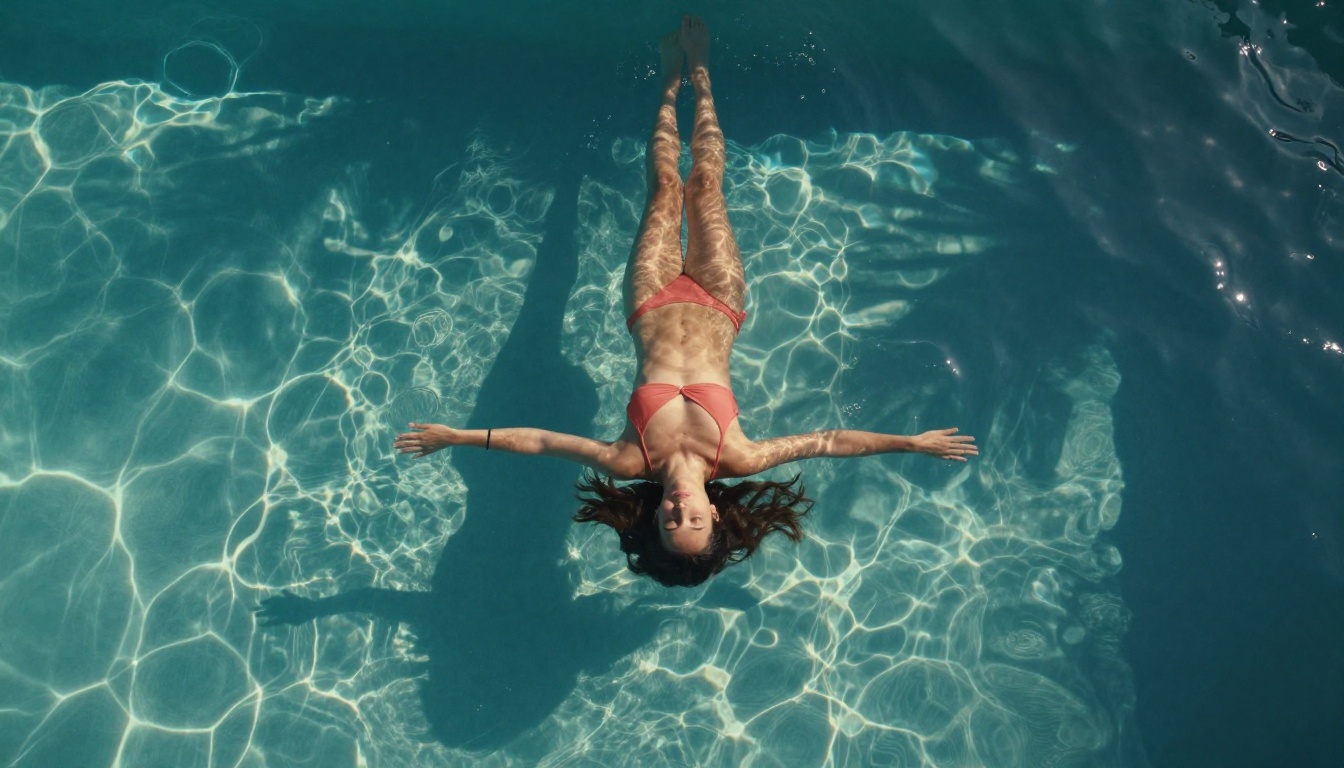
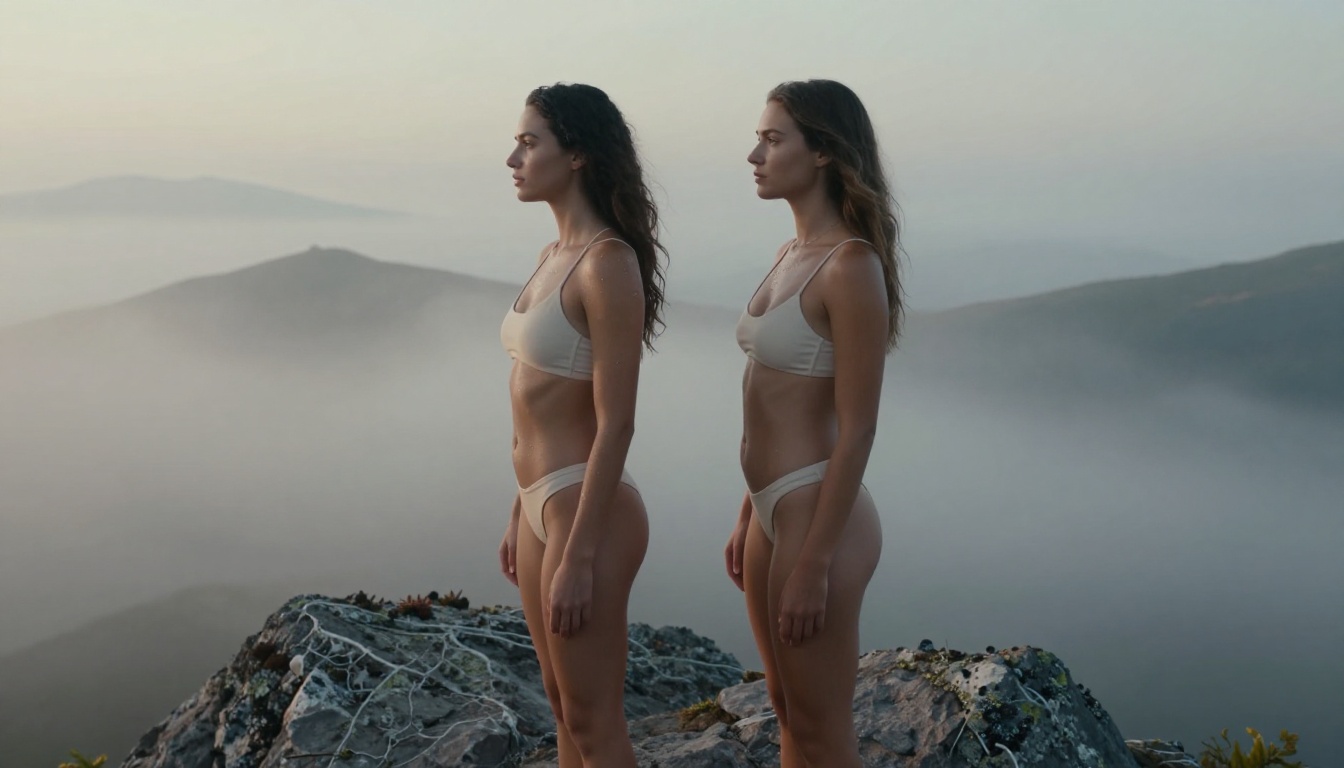
A detailed look at Wan 2.7 Pro's uncensored video generation capabilities, including its three model variants (T2V, I2V, R2V), 1080p resolution support, prompt strategies for realistic results, and how to access all of them without content restrictions on PicassoIA.
Wan 2.7 Pro arrived with something most AI video models are afraid to offer: no content filter. Whether you are a creator working in adult entertainment, a digital artist pushing beyond mainstream restrictions, or simply someone tired of AI platforms second-guessing your prompts, Wan 2.7 Pro delivers video generation that treats you as an adult. This article examines the model's full capability set, its three distinct variants, why it handles NSFW content without restriction, and exactly how to put it to work on PicassoIA right now.
What Wan 2.7 Pro Actually Is
Wan 2.7 Pro is a state-of-the-art open-source video generation model developed by the Wan team. It sits at the top of the Wan model family, which has iterated rapidly through versions 2.1, 2.2, 2.5, 2.6, and now 2.7. The "Pro" designation refers specifically to the 14B parameter variant, which offers substantially higher output fidelity, more coherent motion, and better prompt adherence compared to the lighter versions.
What separates Wan 2.7 from the previous generation is the architectural improvement to its temporal consistency mechanism. Earlier Wan models sometimes struggled with subject drift over the course of a clip, where a person's features would subtly change between frames. Wan 2.7 addresses this with improved cross-frame attention, keeping subjects stable across the full clip at 1080p resolution.
PicassoIA hosts all three Wan 2.7 model variants, giving creators access to the full range of generation modes from a single platform.
Three Models, One Ecosystem
The Wan 2.7 lineup is split into three distinct tools, each serving a different creative workflow:
Wan 2.7 T2V: Text-to-video. Write a prompt, get a 1080p clip.
Wan 2.7 I2V: Image-to-video. Animate any still image into a fluid motion sequence.
Wan 2.7 R2V: Reference-to-video. Use a subject reference image to animate characters while controlling their motion separately from the background.
Each of these operates without content restrictions when used through platforms that do not impose additional filters on top of the base model.
The Numbers That Matter
Spec
Value
Parameters
14B (Pro), 1.3B (Lite)
Max Resolution
1080p
Output Length
Up to 10 seconds
Frame Rate
16fps or 24fps
NSFW Filter
None
Architecture
Diffusion Transformer
Why It Supports NSFW Content
Most commercial AI video models sit behind safety classifiers that reject adult prompts before generation even begins. This is a product decision, not a technical limitation. The underlying diffusion models themselves do not inherently distinguish between "acceptable" and "restricted" content: the restriction comes from a separate filtering layer added on top.
Wan 2.7 Pro, being open-source, ships without that filtering layer baked in. The model was trained on diverse visual data and optimized purely for quality and motion coherence. Platforms that deploy it can choose whether to add content filters. Most that cater to adult creators choose not to.
No Built-In Censorship Layer
The practical consequence is that your prompt is processed exactly as written. A detailed prompt describing an intimate scene will be interpreted literally, rather than sanitized or rejected. This is the fundamental difference between Wan 2.7 and restricted models like Sora, Veo 3, or Kling, which all apply content moderation at the API level.
💡 For creators: This does not mean the model generates anything without limit. Platform-level terms of service still apply. On PicassoIA, non-explicit suggestive content is permitted. Fully explicit material is subject to platform guidelines.
What That Means in Practice
In practical terms, Wan 2.7 Pro will generate:
Intimate scenes with suggestive content and implied nudity
Glamour and fashion content without automatic wardrobe "corrections"
Scenes with realistic human body representation in minimal clothing
Adult-oriented narrative sequences for content creators
What it will not generate on PicassoIA: pornographic content or anything violating platform ToS.
The Three Variants Explained
Picking the right Wan 2.7 variant saves you significant time and credits. Each serves a genuinely different use case.
Wan 2.7 T2V: Text to 1080p Video
Wan 2.7 T2V is your entry point when you have a clear visual concept but no source image. You write a detailed text prompt, and the model synthesizes a full scene from scratch, including the subjects, environment, lighting, and motion.
For NSFW content specifically, T2V works best when your prompt includes explicit environmental detail. A vague prompt like "a woman on a beach" will produce generic results. A prompt that specifies lighting direction, clothing, body language, camera angle, and background elements gives the model the context it needs to produce something visually cohesive.
Best prompt structure for T2V:
[Subject description + clothing/body state] + [Environment and lighting] + [Camera angle and movement] + [Mood and atmosphere]
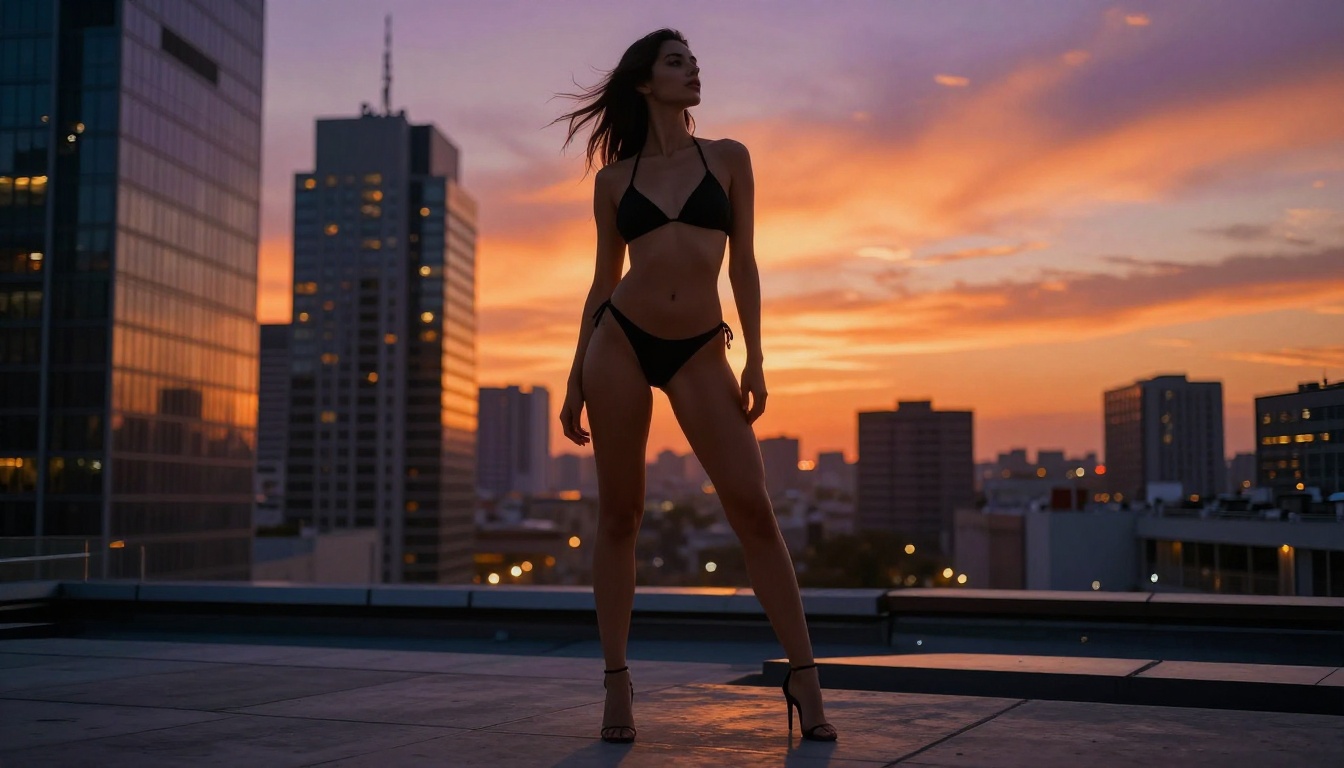
Example:"A tall athletic woman in a white string bikini standing at the edge of an infinity pool, late afternoon golden light from behind casting a warm rim glow, camera slowly tilting up from her feet to her face, turquoise water reflecting the sunset, cinematic 24fps"
Wan 2.7 I2V: Animate Any Photo
Wan 2.7 I2V takes a still image and brings it to life. This is the variant most NSFW creators gravitate toward because it allows you to generate a precise image first, then animate that exact subject with full control over appearance.
The workflow is powerful: generate a photorealistic image using a model like Seedream 4.5 that matches your creative vision exactly, then feed that image into Wan 2.7 I2V with a motion prompt. The animated output inherits the visual quality and specific appearance of the source image.
This solves one of the core frustrations with text-to-video: you cannot control subject appearance with text alone. I2V gives you that control by separating the "what does this look like" step from the "how does this move" step.
I2V input parameters:
Image: Your generated or uploaded source photo
Prompt: Describes the motion, not the appearance (appearance comes from the image)
Motion strength: Controls how much the model deviates from the source frame
Resolution: 480p for drafts, 1080p for final quality
Wan 2.7 R2V: Reference-Based Animation
Wan 2.7 R2V is the most specialized of the three. It accepts a reference image of a subject and uses that to maintain consistent character identity while generating entirely new background environments and motions.
This is particularly useful for creators who have an established character or model they work with repeatedly. You upload a clear reference photo of the subject, then describe the scene you want them placed in. R2V handles the identity preservation while the motion prompt controls what they do.
💡 Pro tip: For R2V, use a clean front-facing reference photo with a neutral background for best identity consistency. The model struggles with partial faces, heavy accessories, or complex poses used as reference images.
Best NSFW Models on PicassoIA
Wan 2.7 is exceptional for video, but NSFW creators often need a pipeline that starts with image generation. PicassoIA offers a curated set of models that accept adult content and deliver the realism required for that source image workflow.
Seedream 4.5 ⭐ The top choice for NSFW image generation. It accepts adult prompts, supports image editing, and produces ultra-realistic results in under 3 seconds. Its quality ceiling is very high, and the speed makes iteration practical. Note: the newer Seedream 5 Lite does not support NSFW, so stay with 4.5 for adult content work.
PicassoIA Image Editor Pro The unlimited-generation option. Elite and Infinite subscribers can generate 1,000+ images at no extra cost. If you need volume, this is the model. It also accepts NSFW, operates in under a second, and offers a 3-generation free trial without a credit card.
Qwen Image 2 An open-source model that creates or edits images in seconds with very detailed realism, without imposing content guardrails.
Grok Imagine Image Specializes in realistic wardrobe transformations, converting any reference photo into a bikini or similar format with striking realism.
Recraft V4 Delivers very realistic text-to-image output without applying content filters to the generation process.
P-Image NSFW text-to-image in under 1 second. When speed matters more than maximum quality, P-Image is the fastest option available.
For video, the NSFW-capable options on PicassoIA beyond the Wan 2.7 family include:
PicassoIA Video: Unlimited video generation up to 720p and 5 seconds per clip. No credit consumption per generation for Elite/Infinite subscribers.
P-Video: Text, image, or audio to video up to 1080p, with safety filters off by default.
Grok Imagine Video: Clips up to 15 seconds, no watermarks, accepts NSFW prompts.
LTX 2.3 Pro: The highest fidelity option at up to 4K and 50fps, with retake and extend editing tools.
Write a motion-focused prompt: what does the subject do, and how does the camera move?
Set motion strength: lower (0.5 to 0.7) to stay faithful to the source, higher (0.8 to 1.0) for more dynamic animation
Click Generate
The motion prompt is entirely about what changes over the clip duration. Describe the action, not the appearance.
Prompt Tips That Actually Work
The quality gap between a mediocre and an excellent Wan 2.7 output comes down almost entirely to prompt quality. Here are the approaches that consistently produce better results.
For T2V Prompts
Specify lighting direction. "Morning sun from the left" gives the model a specific visual instruction. "Good lighting" gives it nothing.
Describe the camera movement. "Slow dolly forward" or "gentle upward tilt" turns a static scene into a cinematic shot. Without this, Wan 2.7 often defaults to very subtle motion that reads as a slightly animated still.
Include temporal language. Phrases like "she slowly turns," "her hair gradually lifts in the wind," or "the camera reveals" give the model a sequence to follow across the clip's duration.
Use negative prompts. Always include: "blurry, distorted, morphing face, flickering, artifacts" to prevent the most common quality failures.
For I2V Prompts
Focus entirely on motion. Your image already defines what everything looks like. The I2V prompt only needs to describe what moves and how.
Weak Prompt
Strong Prompt
"Beautiful woman on beach"
"She slowly turns to look at the camera, hair lifted by the ocean breeze, camera gently panning right"
"Woman in studio"
"She inhales deeply, shoulders rising and falling, a subtle smile forming, shallow focus maintained on her eyes"
"Sunset scene"
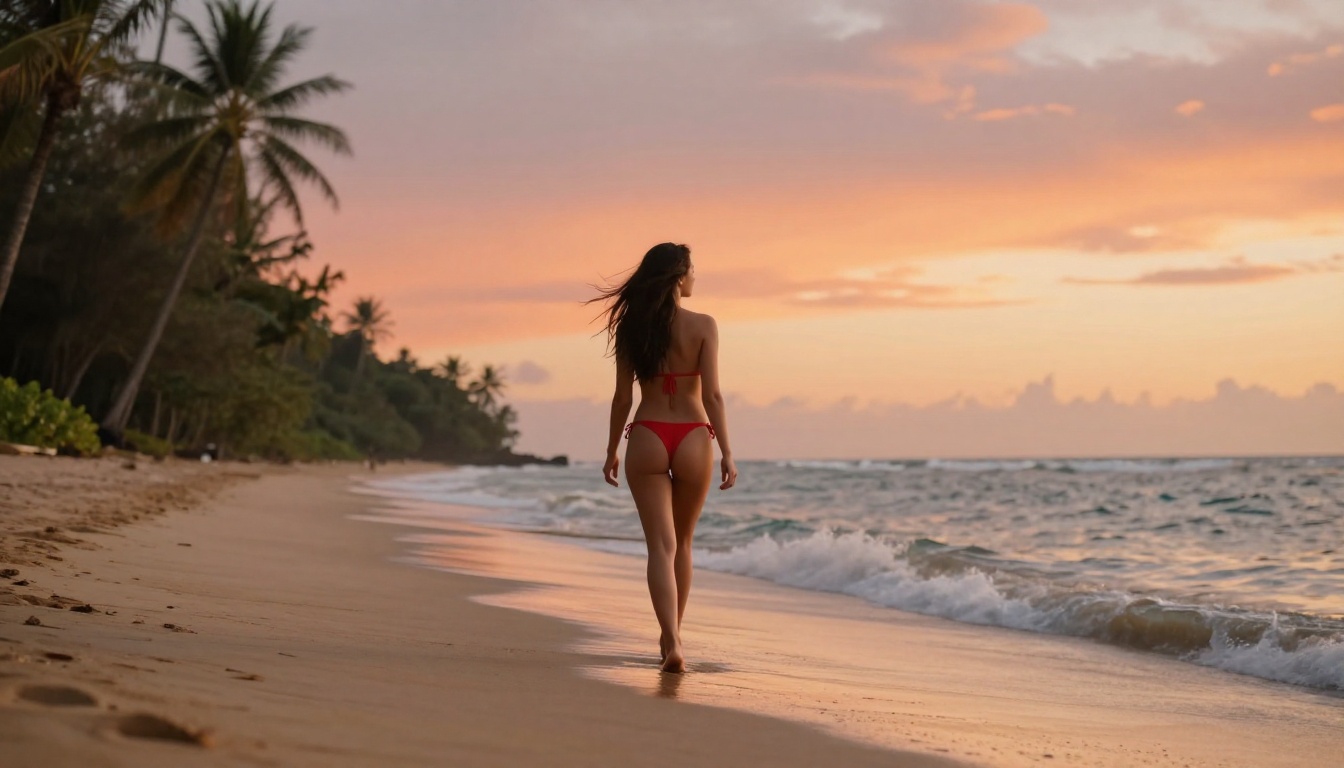
"Slow dolly backward reveals the full landscape, light warming as the sun descends, waves pulling back on the sand"
Set motion strength deliberately. For subtle, realistic motion (a breath, a turn of the head), use 0.5 to 0.6. For pronounced action (walking, dancing, strong environmental movement), use 0.8 to 1.0.
Wan 2.7 vs Other NSFW Video Models
The NSFW video space on PicassoIA is genuinely competitive. Here is how Wan 2.7 Pro compares to the alternatives.
Wan 2.7 sits in the middle of this spectrum: better resolution than PicassoIA Video or Grok Imagine Video, faster than LTX 2.3 Pro, and with better subject consistency than P-Video. The I2V variant in particular has no real equal for the "generate image, then animate" workflow that most serious NSFW creators use.
Where Wan 2.7 loses:
Clip length: capped at 10 seconds maximum. Grok Imagine Video goes up to 15 seconds.
Generation speed: slower than P-Video or PicassoIA Video for quick tests.
4K output: LTX 2.3 Pro is the only option for truly premium fidelity.
Where Wan 2.7 wins:
Subject consistency across all three variants is the best in this class.
1080p output at no extra cost versus tiered pricing elsewhere.
R2V character reference has no equivalent in competing models.
Open-source base means no corporate-level content policing.
Create Your First Clip Today
The fastest way to see what Wan 2.7 Pro can do is to run a test yourself. Start with Wan 2.7 I2V: generate an image of your subject using Seedream 4.5, write a two-sentence motion prompt, and generate at 480p to check the result. The whole process takes under 5 minutes.
If image generation is your primary workflow rather than video, PicassoIA Image Editor Pro delivers unlimited generations for Elite and Infinite subscribers at speeds under one second per image. It is the most cost-effective option for high-volume NSFW image creation on the platform.
For creators who want to see the full catalog, all unrestricted models are listed at picassoia.com/en/all-models. Between the Wan 2.7 family for video, Seedream 4.5 for images, and the broader set of NSFW-compatible tools, PicassoIA offers the most comprehensive uncensored AI generation stack available to independent creators right now.