Most AI video platforms put a content filter between your prompt and the output. Wan 2.7 Pro does not. That is the practical difference that matters. Released by the Wan Video team as their most capable open-source video generation model to date, Wan 2.7 Pro outputs up to 1080p clips from text or image prompts with no built-in restriction layer. For creators working in NSFW, adult, and unrestricted content spaces, this changes what is actually possible without setting up a local GPU rig.
What Wan 2.7 Pro Actually Is
Wan 2.7 Pro is the latest in the Wan Video series, a family of open-source diffusion-based video generation models. Where most frontier video models from major labs ship with aggressive content filtering, Wan 2.7 Pro is released as a base model. The safety guardrails are optional and left to the deployment platform.
Open-Source, No Built-In Restrictions
Being open-source means two things for NSFW creators. First, the model weights are available for hosting on platforms that choose not to enforce safety filters. Second, it can run on a GPU with enough VRAM without routing through an API that screens prompts before generation.
The result is a model that responds to descriptive adult prompts with realistic, high-fidelity video output. The baseline output covers:
- Temporal coherence: Figures, faces, and backgrounds remain consistent frame to frame
- Motion naturalness: No jarring teleportation or melting limbs that plagued earlier open-source video models
- Detail preservation: Fine textures, fabric physics, and skin details carry through the full clip
- Lighting consistency: Shadows and highlights do not flicker or reset mid-clip
Resolution and Output Specs
| Spec | Wan 2.7 Pro |
|---|
| Max resolution | 1080p |
| Typical clip length | 4 to 8 seconds |
| Frame rate | 24 fps |
| Input modes | Text, Image, Reference image |
| Content filtering | None by default |
💡 Worth noting: 1080p output at 24fps from an open-source model without a content filter was not possible 18 months ago. The pace of progress in this space has been fast.
Wan 2.7 Models on PicassoIA
PicassoIA hosts all three Wan 2.7 variants, each suited to a different workflow. You do not need to run your own GPU or manage model weights. Access is through the platform's browser interface, ready to use immediately.
Wan 2.7 T2V: Text to Video
Wan 2.7 T2V generates video from a text prompt alone. This is the fastest path from idea to output. You describe the scene, the model generates it.
For NSFW content, this mode works well when you have a specific scenario in mind and can describe it clearly in a structured prompt. The model handles:
- Indoor and outdoor environments with realistic lighting
- Specific wardrobe descriptions and fabric behavior
- Body positioning and motion across the clip
- Camera angle, depth of field, and mood descriptors
Wan 2.7 I2V: Image to Video
Wan 2.7 I2V takes a static image as the first frame and animates it forward. This mode gives precise control over the starting composition, lighting, and character appearance.
The typical NSFW workflow with I2V:
- Generate a high-quality still using one of the NSFW image models below
- Feed that image into Wan 2.7 I2V with a motion prompt
- The model animates the subject while preserving the appearance from the source image
This solves the character lottery problem. With pure text-to-video, you describe a character but the model interprets it differently every generation. With image-to-video, the face and body from your source image carry through the entire clip.
Wan 2.7 R2V: Reference to Video
Wan 2.7 R2V uses a reference image to influence the style, character, or setting without being locked to it as a literal first frame. The model can place your reference subject into a new environment or context described in the text prompt.
R2V is useful when you have a character reference and want variety in the output, the subject can be placed in different scenes without being frozen in the same starting pose every generation.
How to Use Wan 2.7 on PicassoIA
The process is direct. Here is the full workflow from start to output.
Step 1: Choose Your Mode
Pick the Wan 2.7 variant that fits your task:
Step 2: Write Your Prompt
Prompt structure matters more in video than in image generation. The model has to maintain consistency across time, so vague prompts produce clips that drift or feel aimless.
Break your prompt into four layers:
1. Subject: character appearance, attire, posture
2. Action: what motion happens during the clip
3. Environment: location, background, lighting conditions
4. Camera: angle, movement, depth of field
For NSFW content, be explicit about motion. "Standing" produces a near-static clip. "Slowly turning toward camera, hip sway as she walks across the room" gives the model a motion arc to animate. Describe what happens across the duration, not just the starting frame.
Step 3: Set Resolution
For NSFW content at social media sizes, 720p is the practical choice for most outputs. It renders faster and the visual difference at viewing sizes is not significant. Use 1080p when you need archival quality or will display the clip at full screen on a large monitor.
💡 Tip: Generate at 720p to iterate quickly, then run your best version at 1080p for the final output.
Best NSFW Models on PicassoIA
Wan 2.7 Pro is a video model. For the best NSFW output workflow, pairing a strong image model for stills with Wan 2.7 I2V for animation is the most reliable approach. Here are the top NSFW-capable models on PicassoIA, in order of recommendation:
-
Seedream 4.5 ⭐ The top choice for NSFW image generation. Accepts adult content, supports image editing, and produces ultra-realistic results in under 3 seconds. Its successor, Seedream 5 Lite, does not allow NSFW, so stick with 4.5 for this type of content.
-
PicassoIA Image Editor Pro An img2img model with one defining advantage: unlimited generations on Elite and Infinite plans. Need 1,000 images for a project? That costs nothing extra on your plan. The same volume on models like Nano Banana 2 would run around $100. Accepts NSFW, returns results in under a second, and includes a 3-generation free trial with no credit card required.
-
Qwen Image 2 Open-source model that edits or creates any image in seconds with very detailed realism. No content restrictions.
-
Grok Imagine Image Converts any image to a bikini format in a highly realistic way. Effective for outfit-based transformations from a reference photo.
-
Recraft V4 Very realistic text-to-image results. No editing capability, but the still quality is high for source image generation.
-
P-Image NSFW text-to-image in under 1 second. Good for rapid iteration when you need to produce many variants quickly.
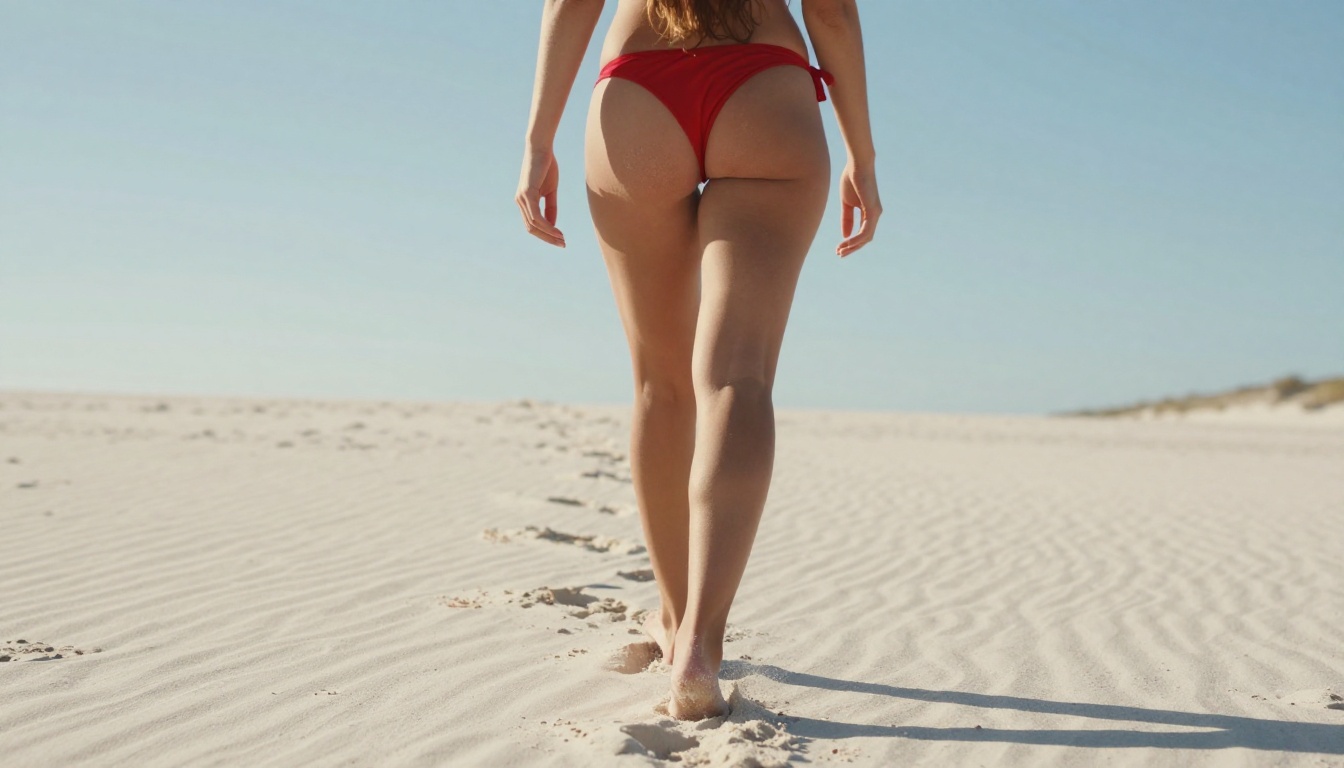
For NSFW video generation, the lineup on PicassoIA includes:
-
PicassoIA Video Unlimited video generation from text prompts, up to 720p at 5 seconds per clip. No per-generation cost on eligible plans.
-
P-Video Text, image, or audio to video at up to 1080p. Safety filter is off by default. Duration adjustable from 1 to 10 seconds with draft mode for instant previews before the full render.
-
Grok Imagine Video Clips up to 15 seconds from text, a reference image, or an existing clip you want re-edited. No watermarks.
-
LTX 2.3 Pro The highest fidelity option, exporting up to 4K at 50fps. Includes retake and extend editing modes for segment-level control without re-rendering the entire clip.
💡 Unlike most mainstream AI platforms, PicassoIA gives creators full creative freedom with uncensored, high-performance models across both image and video generation.
👉 See the full catalog of NSFW-capable AI models at picassoia.com/en/all-models.
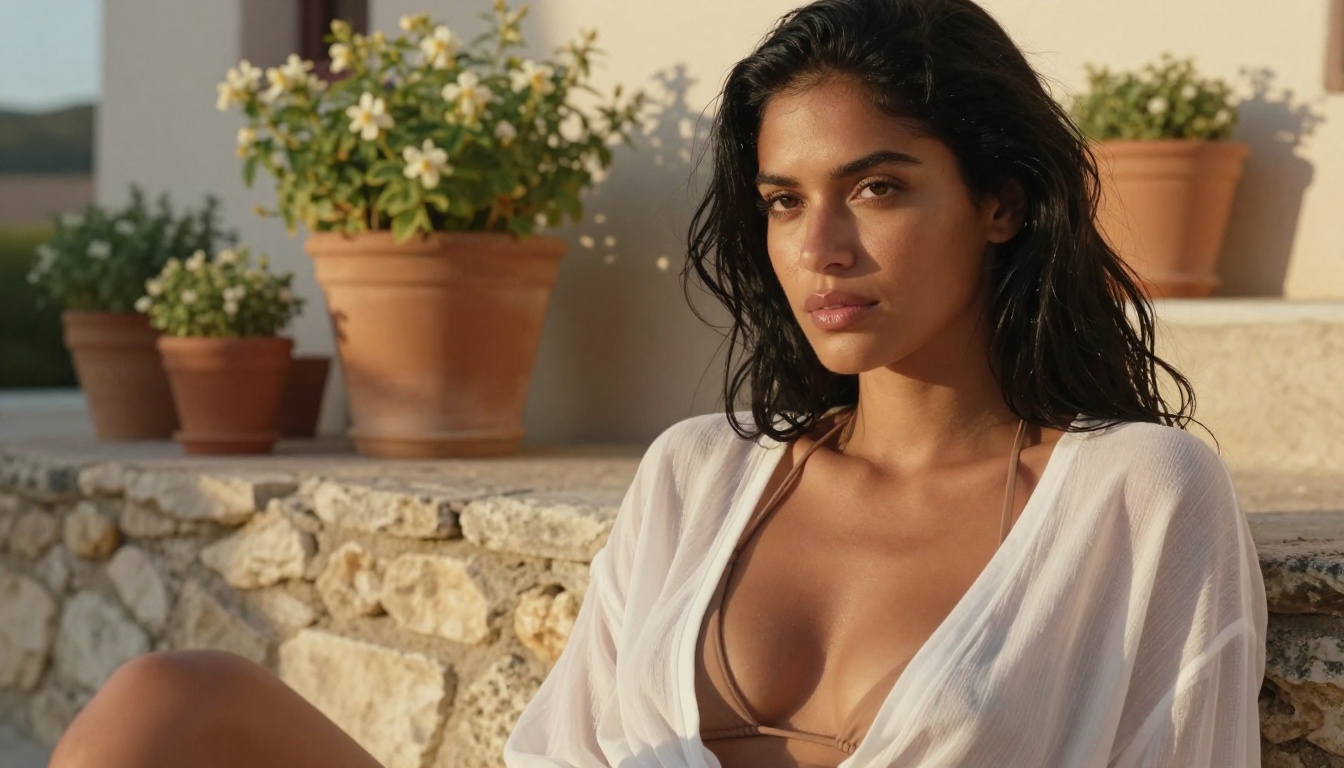
Wan 2.7 vs. Other Video Models
Knowing where Wan 2.7 Pro sits relative to other options helps you pick the right tool for each project type.
P-Video vs Wan 2.7
P-Video is the more flexible multi-input option. It accepts text, image, and audio prompts, goes to 1080p, and lets you set duration from 1 to 10 seconds. Its safety filter is off by default, making it one of the most accessible NSFW video generators on the platform.
Wan 2.7 I2V, by comparison, is more specialized for image-to-video with stronger character coherence from the source image. When you need to animate a specific generated character and preserve their appearance consistently, Wan 2.7 I2V holds source image fidelity better than general-purpose models.
| Feature | Wan 2.7 I2V | P-Video |
|---|
| Max resolution | 1080p | 1080p |
| Source inputs | Image | Text, Image, Audio |
| Max duration | 8 seconds | 10 seconds |
| Character coherence | High | Medium |
| NSFW filter | Off | Off by default |
Grok Imagine Video vs Wan 2.7
Grok Imagine Video stands out for clip length, up to 15 seconds versus Wan 2.7's typical 4 to 8 second output. It also handles video re-editing, letting you pass in an existing clip for restyling or extending.
For NSFW content that needs longer storytelling clips, Grok Imagine Video wins on duration. For tightly controlled character animation from a specific reference image, Wan 2.7 I2V is the more precise option.
LTX 2.3 Pro vs Wan 2.7
LTX 2.3 Pro is the premium option when maximum resolution is the priority. Output goes up to 4K at 50fps, beyond what Wan 2.7 Pro currently offers. It also includes retake and extend editing modes, letting you replace specific segments of a clip without re-rendering the whole thing.
For producing content for large displays or requiring client-ready quality, LTX 2.3 Pro is the stronger pick. For rapid iteration on NSFW content at social media resolution, Wan 2.7 remains competitive at a lower cost per generation.
| Feature | Wan 2.7 T2V | LTX 2.3 Pro |
|---|
| Max resolution | 1080p | 4K |
| Frame rate | 24 fps | Up to 50 fps |
| Editing modes | None | Retake, Extend |
| Speed | Fast | Slower |
| Cost per clip | Lower | Higher |
Prompts That Actually Work
The quality gap between good and poor prompts in video generation is wider than in image generation. The model has to maintain consistency across time, so vague prompts produce clips that drift.
Structure of a Strong NSFW Prompt
Break your prompt into four components:
Subject description — who and what they look like:
"Young woman, long dark hair, wearing a red bikini, athletic build"
Action and motion — what happens during the clip:
"Slowly turning toward camera, hip sway as she walks across the room"
Environment — where the action takes place:
"Sunlit bedroom, white linen bedsheets, afternoon golden light through sheer curtains"
Camera direction — how the viewer sees it:
"Medium shot, slow dolly forward, shallow depth of field"
Combined: "Young woman with long dark hair wearing a red bikini, slowly turning toward camera with a confident smile and hip sway, sunlit bedroom with white linen and afternoon golden light through sheer curtains, medium shot with slow dolly forward and shallow depth of field"
5 Prompts to Try Right Now
| # | Prompt | Best Mode |
|---|
| 1 | "Woman in white string bikini on yacht deck, gentle breeze moving her hair, Mediterranean sea background, golden hour warm light, slow dolly in, medium shot" | Wan 2.7 I2V |
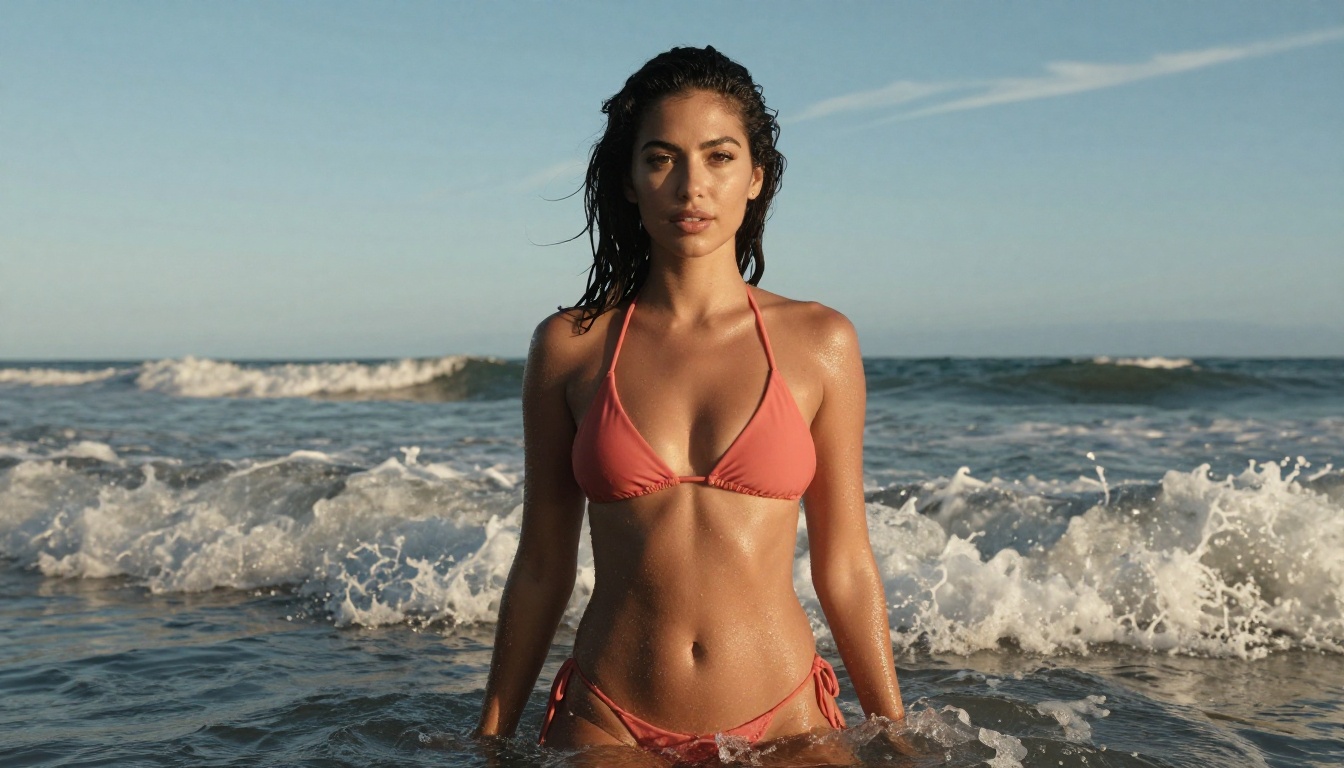
| 2 | "Brunette in coral bikini top wading in shallow ocean water, waves at her calves, slowly turning toward camera, warm afternoon side-light, 105mm telephoto look" | Wan 2.7 T2V |
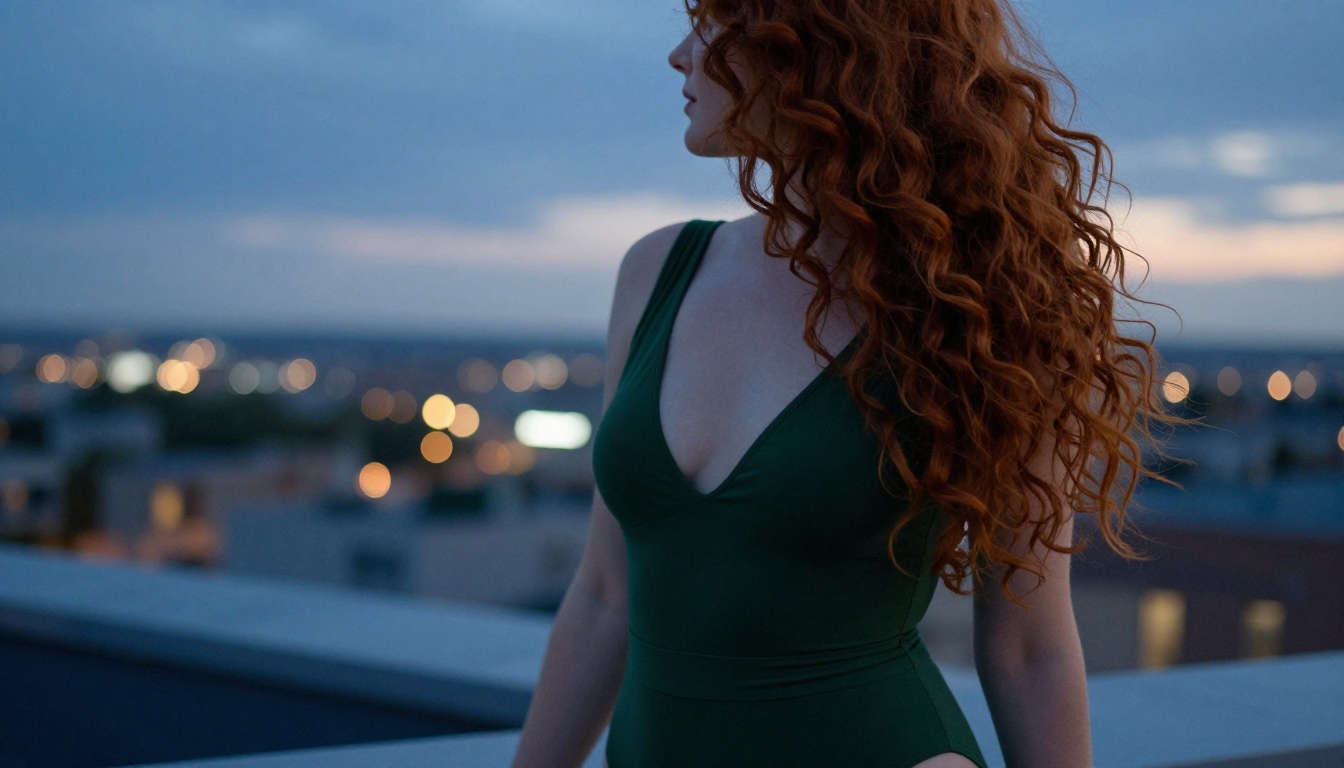
| 3 | "Woman on rooftop terrace at dusk in deep green bodysuit, city lights below, slow pan left to right, 135mm compression, natural ambient city light" | Wan 2.7 T2V |
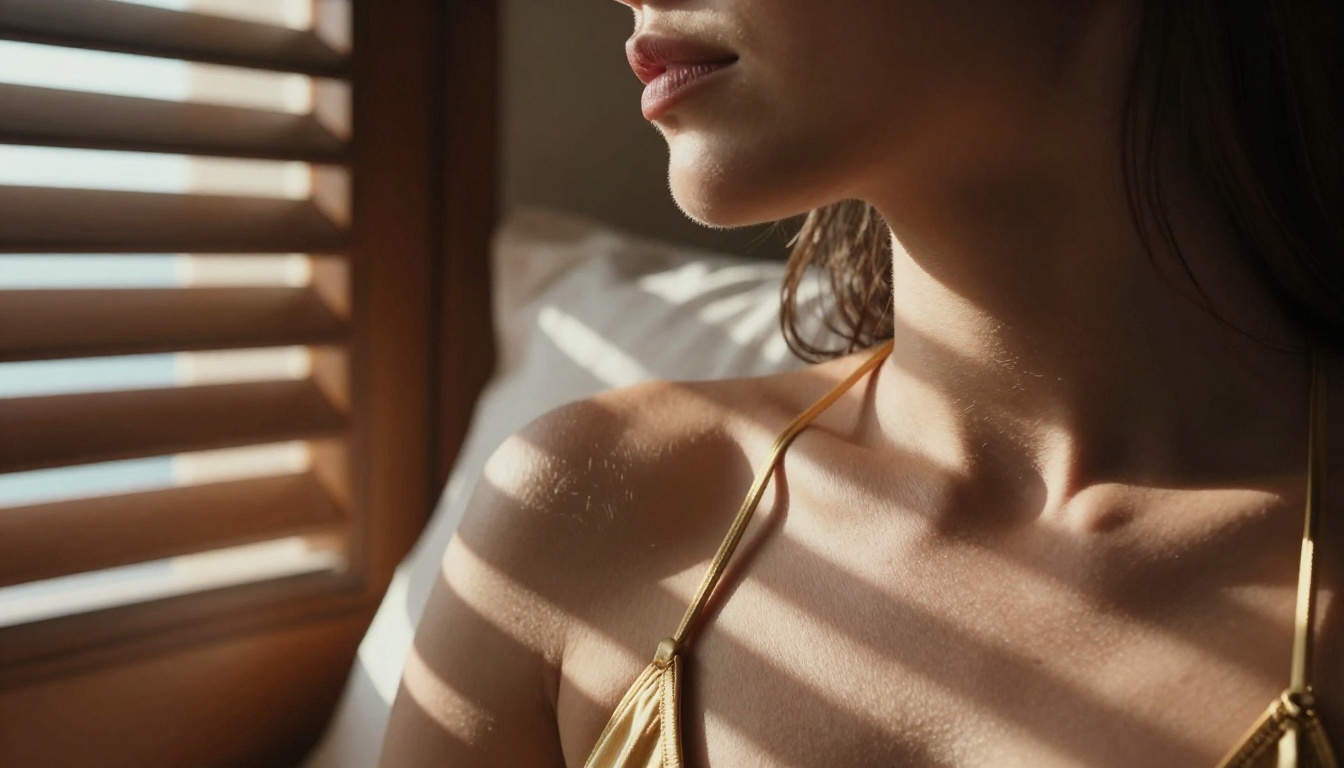
| 4 | "Close-up of woman's face, sunlight through wooden shutters casting stripes across her collarbone, gentle head tilt toward camera, 85mm depth of field" | Wan 2.7 I2V |
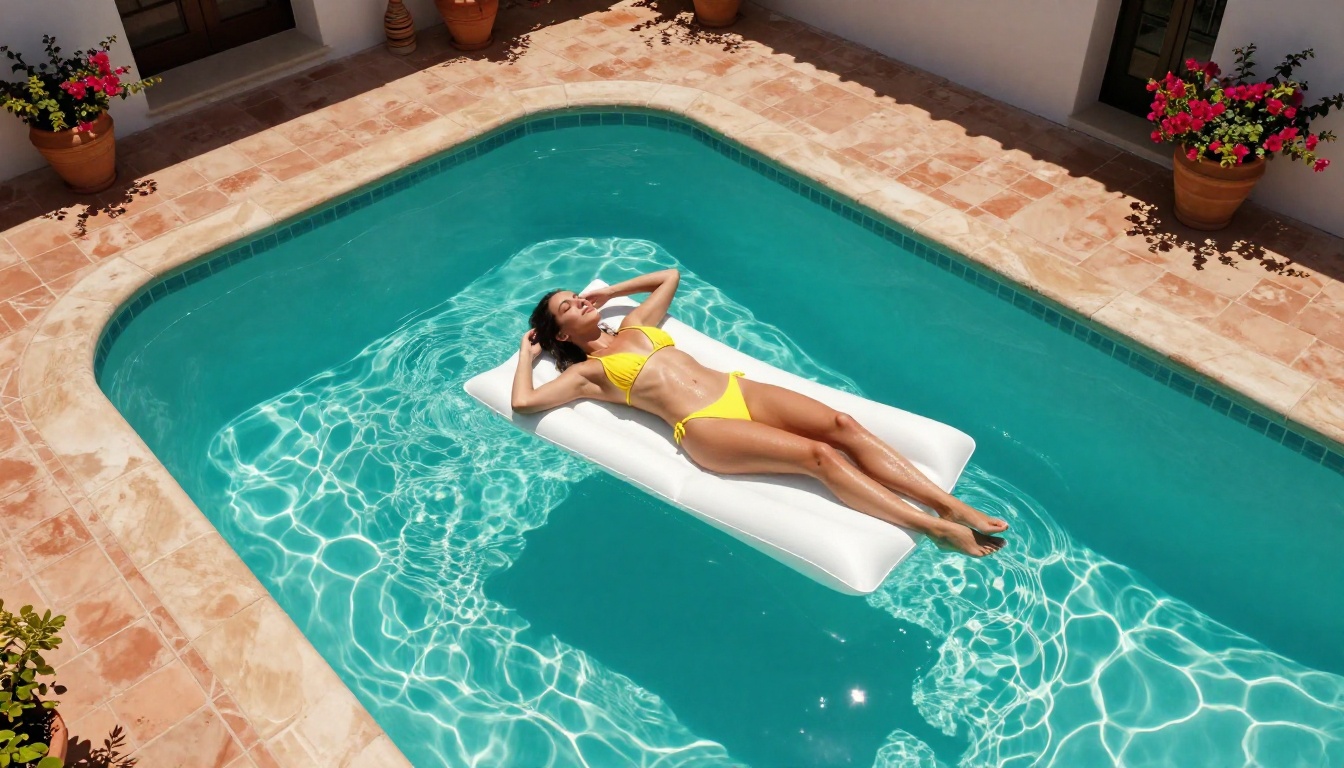
| 5 | "Aerial view, woman in yellow bikini on pool float, gentle drifting motion, turquoise water caustics shifting below, slow zoom out from above" | Wan 2.7 T2V |
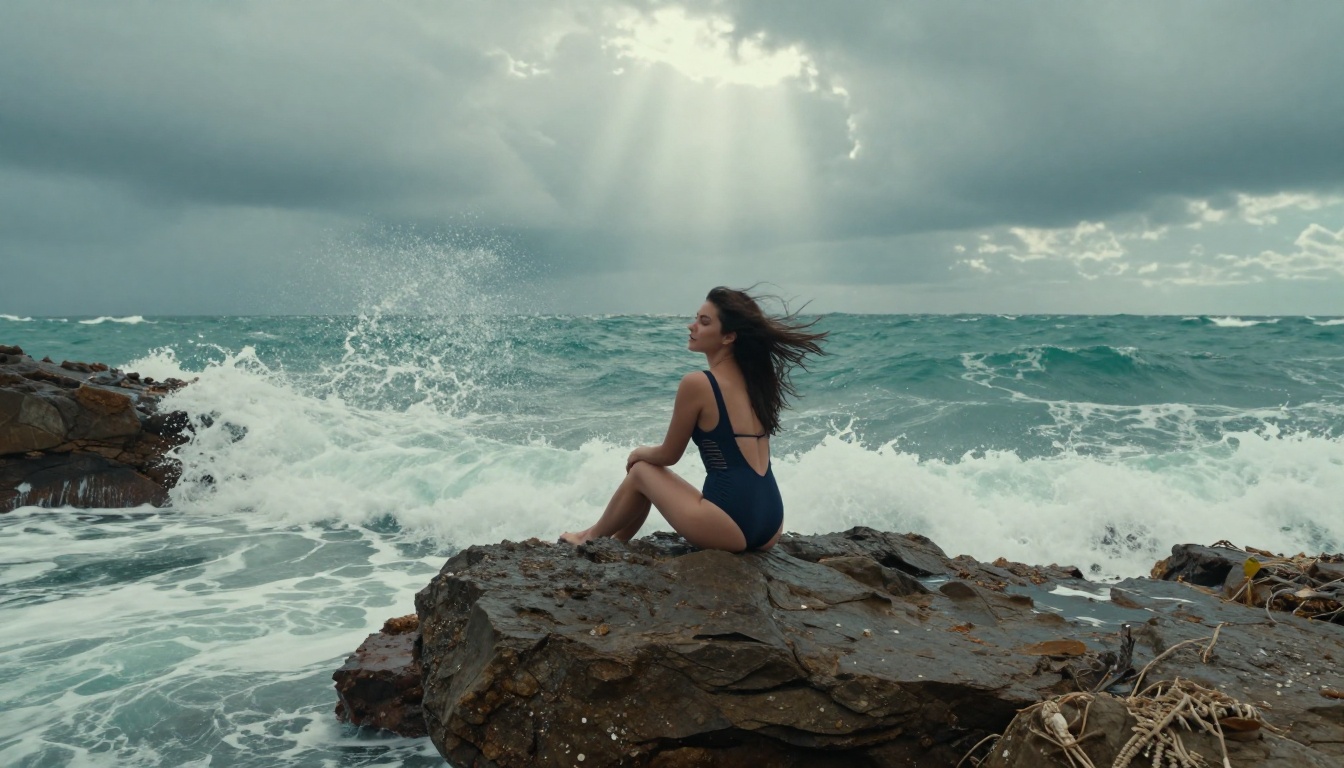
Settings That Matter
720p vs 1080p
The practical difference between 720p and 1080p from Wan 2.7 Pro is render time and file size, not a dramatic visual quality gap at typical viewing sizes. At compressed social media playback, the difference is minimal.
Use 720p when:
- Iterating on prompts and need a faster feedback loop
- Publishing to social media platforms that compress video anyway
- Generating multiple variations to select from before a final render
Use 1080p when:
- The clip will play at native resolution on a large display
- You plan to crop or reframe in post-production
- The content is for platforms that serve at full resolution
Duration, Motion, and Stacking
Wan 2.7 Pro clips run between 4 and 8 seconds. This is short by editing standards, but enough for:
- Social media loops: A 5-second clip looping seamlessly is a standard content format
- Preview clips: Seeing how a character or scene looks in motion before a longer generation
- Stacked edits: Multiple Wan 2.7 clips cut together in editing software produce a longer sequence
For clips longer than 8 seconds, Grok Imagine Video at up to 15 seconds or P-Video at up to 10 seconds are the better choices on the platform.
💡 Stacking approach: Generate the same scene with slight prompt variations and cut them together. The result reads as a longer, intentional sequence rather than a looping short clip.
Start Generating Now
Wan 2.7 Pro is available right now in all three modes on PicassoIA. No GPU, no setup, no installation. Open the browser, pick your mode, write a prompt, and generate.
The platform also has Seedream 4.5 for generating the source images to feed into Wan 2.7 I2V, PicassoIA Image Editor Pro for unlimited still generation on Elite and Infinite plans, and the full range of video models for when Wan 2.7's clip length is not enough.
If you want to see what Wan 2.7 can do with NSFW content at 1080p, the fastest way to find out is to generate one clip. Start with Wan 2.7 I2V, feed it a Seedream 4.5 source image, write a clear motion prompt, and let it run. The output will tell you more than any article can.
👉 See the full NSFW model lineup at picassoia.com/en/all-models.


