Watermarks were never meant for creators. They were designed for stock photo agencies to protect revenue, slapped across previews as a polite way of saying "pay first, use later." But somewhere along the way, AI image generators started doing the same thing to their own free-tier outputs, and suddenly millions of people were generating beautiful AI images they couldn't actually use. That tension, between what AI can produce and what you're actually allowed to keep, is exactly what watermark-free AI is solving.
Why Watermarks Show Up in AI Images
The free-tier problem
Most AI image platforms operate on a freemium model. The core idea is straightforward: give away a limited version of the product, add friction (a watermark, a resolution cap, a download limit), and hope that friction converts users into paying customers. Watermarks are cheap friction. They don't require much engineering, and they're psychologically effective. You see a great image, you want it clean, you pay.
The issue is that this model treats creators as potential customers first and actual users second. If you're testing a new workflow, building a client presentation, or running a social media account for a small business, you don't have time to hit a paywall every time you want a clean export.
What the mark actually costs you
A watermarked image isn't just ugly. It's unusable in any professional context:
- Social media: Platforms like Instagram and LinkedIn read watermarks as low-quality or spam-adjacent content. Algorithmic distribution drops.
- Print: Any watermark on a printed piece looks unprofessional immediately.
- Client work: Presenting a client a watermarked mockup signals you don't have the proper tools.
- Commercial use: Even if the watermark is small, using it commercially when you haven't paid for a license may violate the platform's terms of service.
💡 A watermarked image signals to every viewer that something about the creation process was incomplete. That signal has real costs.
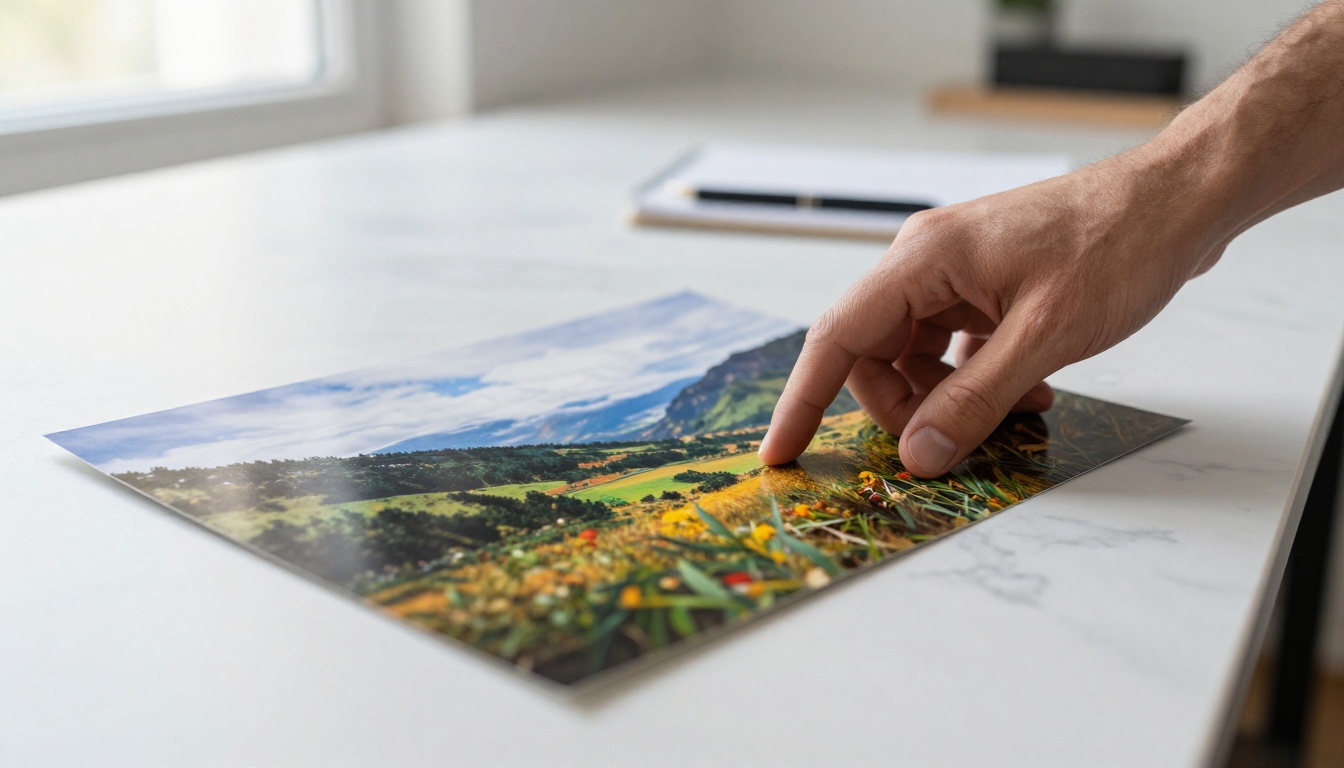
What Watermark-Free AI Actually Means
It's not just a visual change
When an AI platform offers watermark-free output, the change isn't cosmetic. It signals something about the underlying relationship between the platform and the user. A clean image comes with an implicit promise: this output is yours. You can use it, publish it, print it, and build on it without asking permission again.
The best watermark-free AI platforms extend this further with actual usage rights documentation. Not just "no watermark" but "here's what you can do with what you created." For commercial creators, this distinction matters enormously.
Ownership vs. access
There's a meaningful difference between accessing an AI-generated image and owning the output. Most free-tier platforms give you access (you can see it, maybe download a low-res version), but ownership gets locked behind a subscription. When you move to a watermark-free tier, you're not just removing a logo from a corner of the image. You're acquiring the right to treat that image as a professional asset.
This matters most when you're:
- Creating content for brands or clients
- Printing physical materials (menus, packaging, marketing collateral)
- Publishing on platforms with strict content policies
- Building a portfolio that represents your actual capabilities
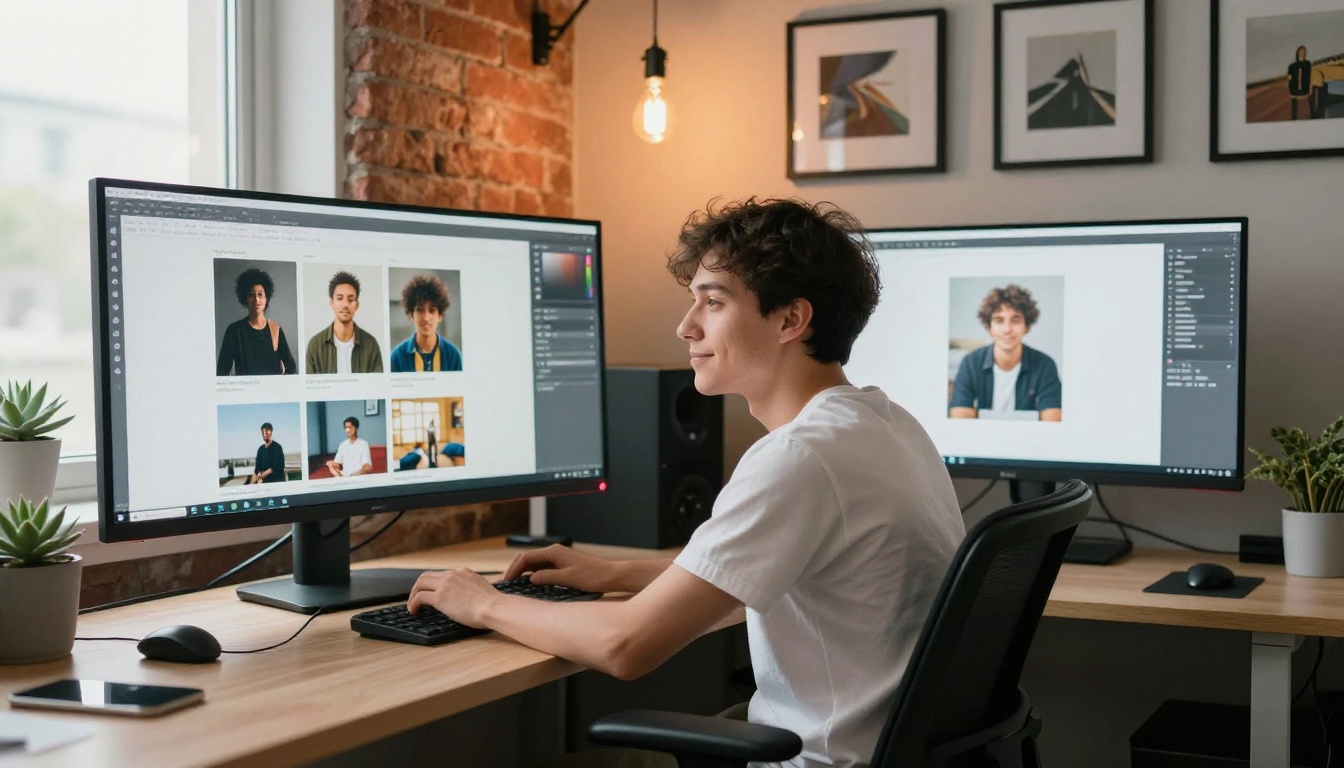
Who Benefits Most from Watermark-Free AI
Content creators and influencers
For anyone building an audience online, visual consistency is critical. Watermarked images break that consistency. They're a constant visual reminder that the content was made under constrained conditions. Watermark-free AI output lets creators maintain a polished, professional aesthetic across every post, story, and reel without having to invest in custom photography for every single piece of content.
The volume alone justifies it. A creator publishing daily needs dozens of high-quality images per week. At that scale, watermark-free AI isn't a luxury, it's the only scalable option.
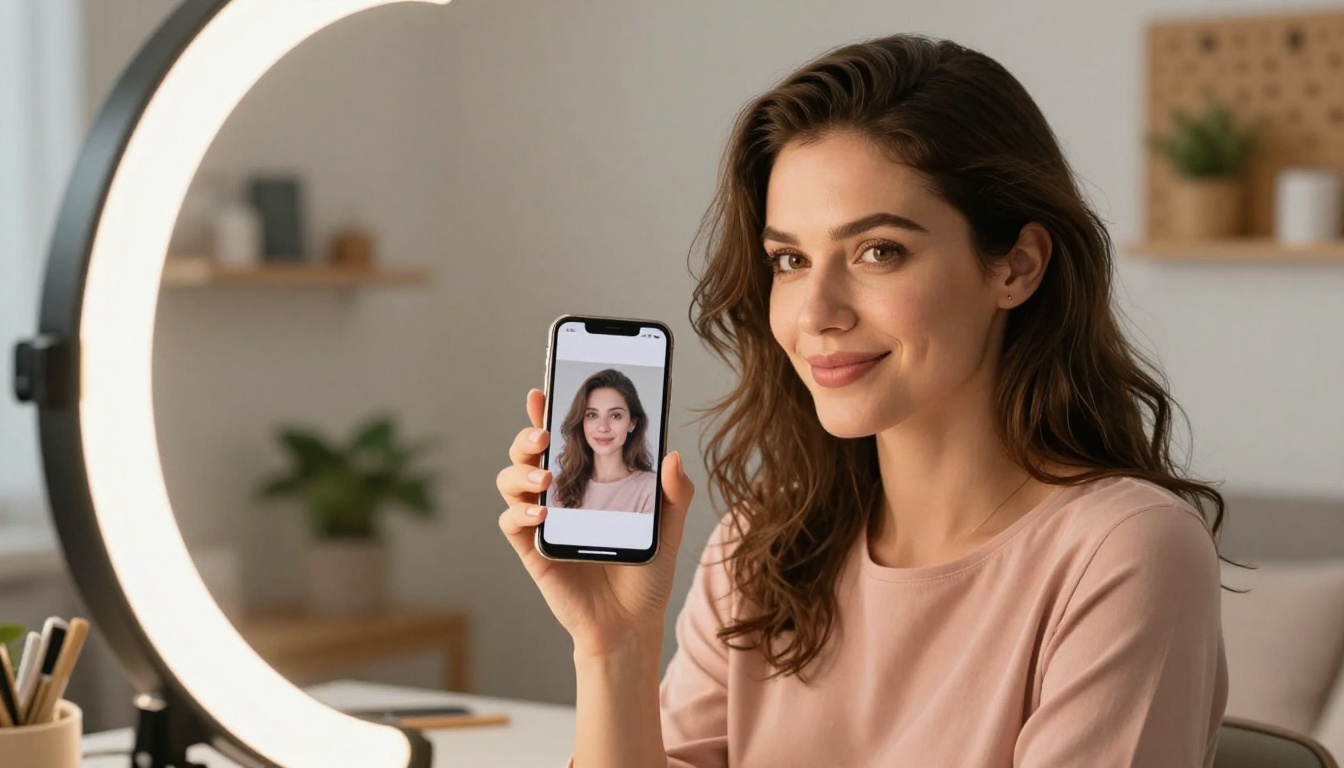
Small business owners
A small business owner designing their own menu, product photography stand-in, or social media banner doesn't have a design team. They have time constraints, a tight budget, and a need for materials that look professional enough to not undermine their brand.
Watermark-free AI levels that playing field. A restaurant owner can generate a hero image for their new seasonal menu. A boutique can create lifestyle photos for their online store. A freelance consultant can produce polished presentation visuals. None of that requires a photographer, a designer, or a big production budget.
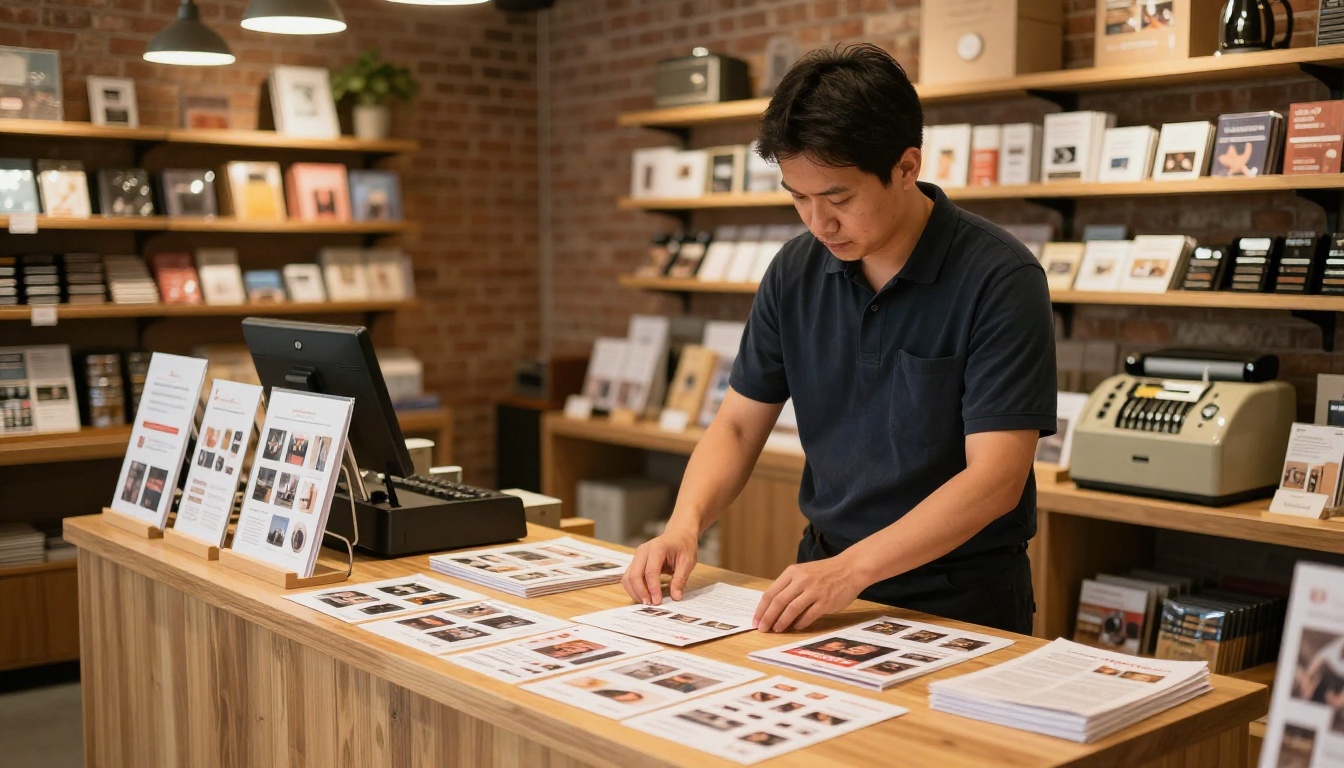
Marketers and agencies
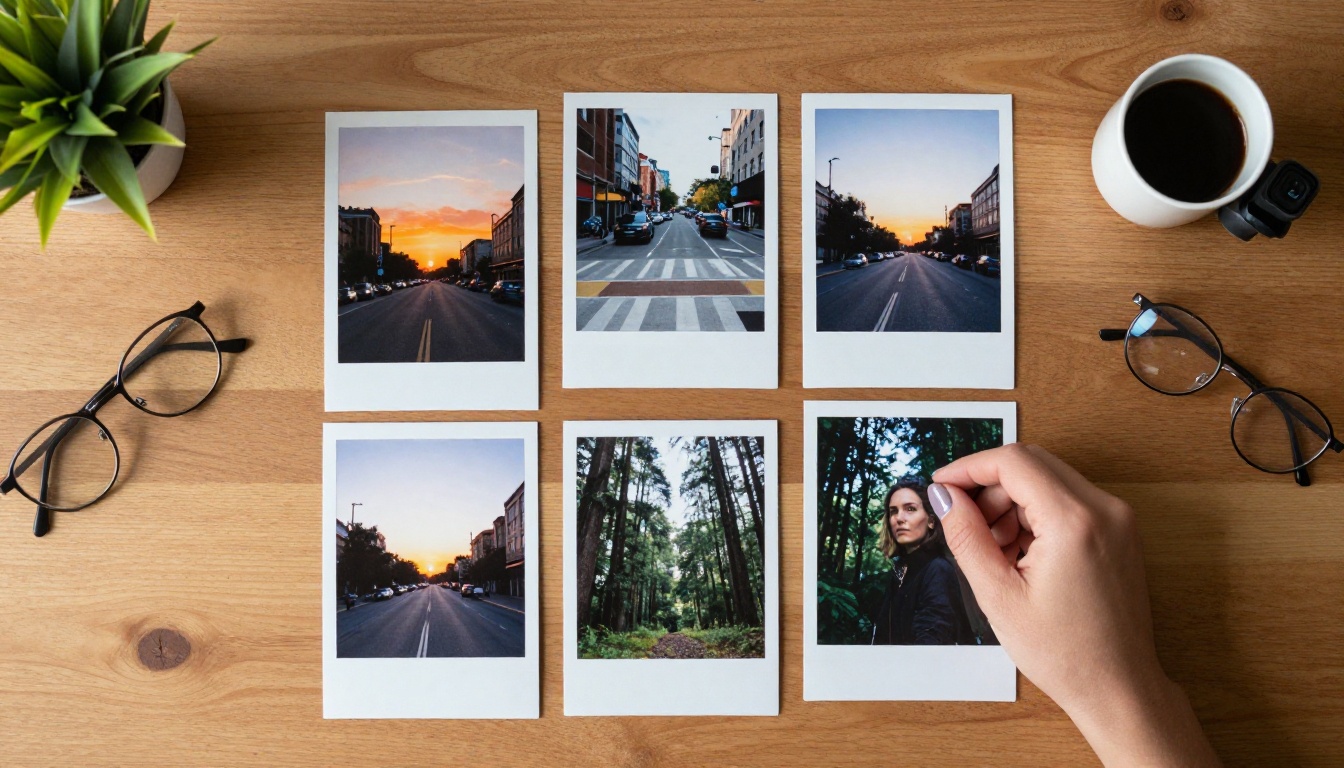
Marketing teams operate under constant creative pressure. Campaign after campaign, asset after asset, and often without the time or budget for a full photoshoot. Watermark-free AI gives marketing teams a way to produce on-brand visuals at speed, without having to route every image through an approval and licensing process.
Agencies benefit from the scalability. When you're managing multiple client accounts with different visual identities, being able to generate clean, unique visuals per client without usage restrictions dramatically changes what's possible within a given budget.
The paid vs. free reality
Not all watermark-free promises are equal. Here's how most platforms tier their output:
| Tier | Output Quality | Watermark | Commercial Rights |
|---|
| Free | Low to Medium | Yes | Restricted |
| Basic Paid | Medium | No | Limited |
| Pro/Premium | High | No | Full |
| Enterprise | Highest | No | Custom |
The critical thing to check is not just whether the watermark is removed, but what commercial rights come with the clean output. Some platforms remove the visual watermark but still restrict commercial use in their terms of service. That's not watermark-free in any meaningful sense.
What to look for before you sign up
Before committing to a platform, check three things:
- Output license: Can you use the image commercially without attribution?
- Resolution options: Does the clean version come at full resolution?
- Prompt ownership: Does the platform retain rights to use your prompts for training?
These details live in the terms of service, and they vary significantly across platforms. The safest approach is to look for platforms that explicitly state "you own your outputs" rather than relying on the absence of a watermark as a proxy for full ownership.
Beyond Clean Images: What Else You Get
Background removal without leftover artifacts
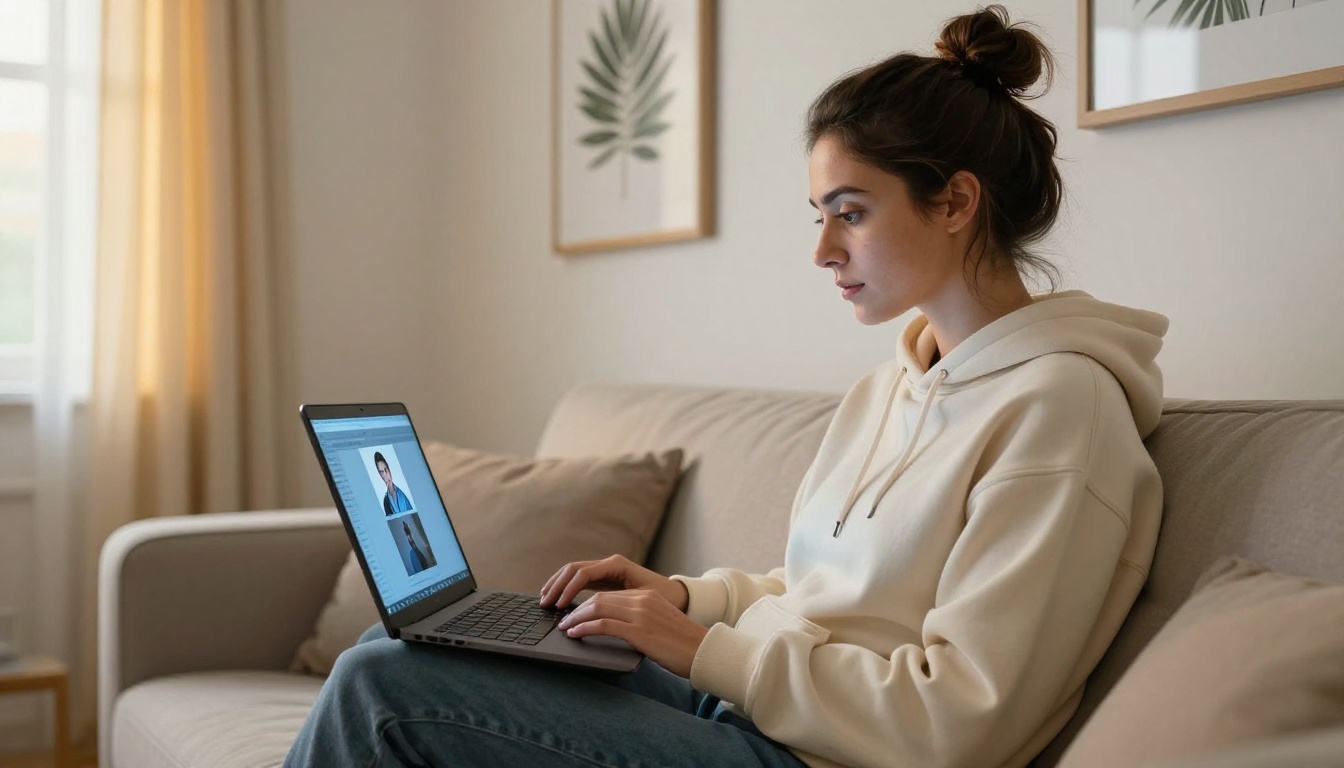
Watermark-free image generation is just one piece of a larger workflow. Once you have a clean base image, you often need to edit it further. Background removal is a common next step, especially for product photography and social media visuals.
Platforms like PicassoIA include dedicated tools like Remove Background by Bria, which cuts subjects cleanly from any background. When your base image is already watermark-free and high-resolution, the background removal result is dramatically better: no artifacts from trying to work around a logo overlay, no quality loss from the initial compression that free-tier images often have.
💡 Always start with the highest-quality, cleanest base image you can get. Background removal, upscaling, and editing tools all perform better when the source material is uncompromised.
Upscaling without degradation
Clean images also respond better to upscaling. AI upscaling tools like Real ESRGAN, Google Upscaler, and Topaz Image Upscale can enlarge images up to 4x to 6x while preserving or even recovering fine detail. These models work by analyzing existing pixel data and extrapolating intelligently. When the source image has a watermark embedded in it (a semi-transparent overlay that affects pixel values), the upscaler has to work around compromised data.
Starting watermark-free means the upscaler has clean data to work with. The output is sharper, textures are more natural, and the final image holds up at larger print or display sizes.
How to Get Watermark-Free Images on PicassoIA
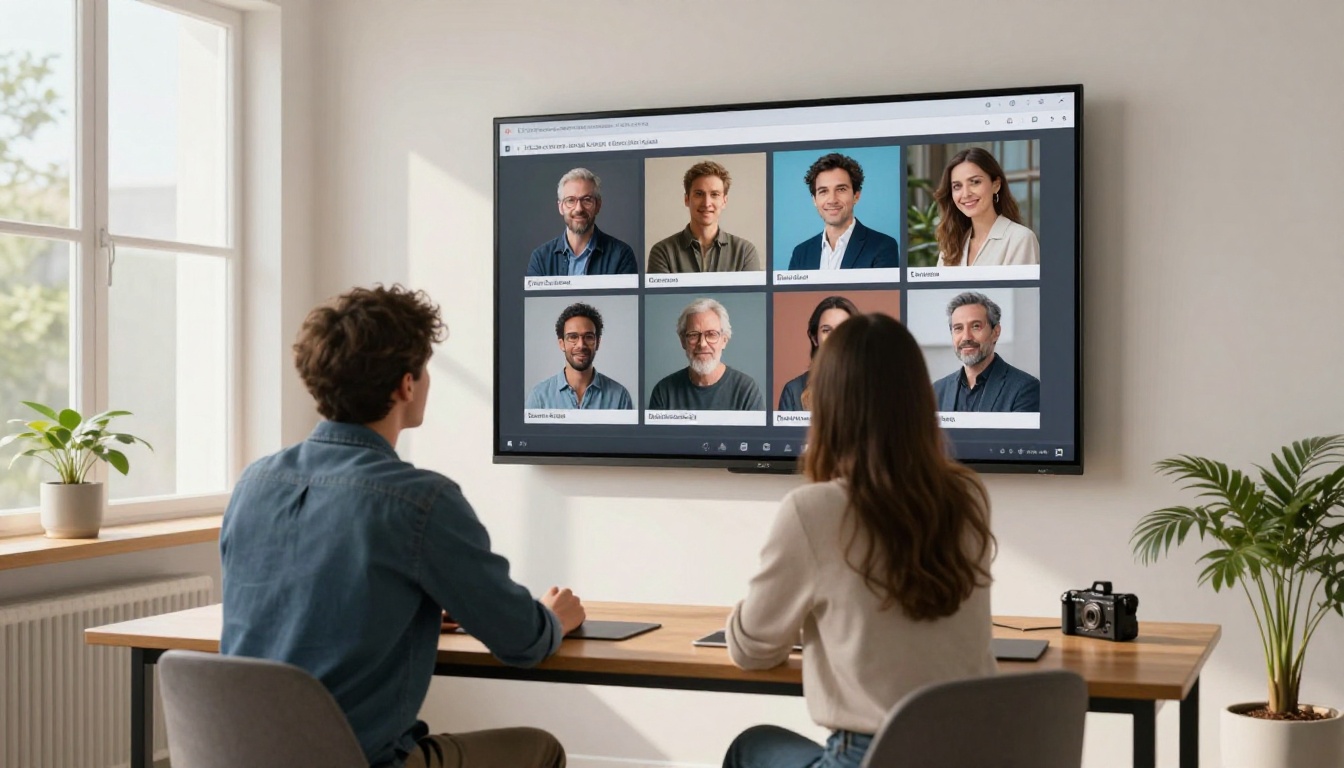
PicassoIA provides access to over 90 text-to-image models that generate output you can download and use directly, without any watermark overlaid on the result. Here's how to get the most from the platform.
Pick the right model for your use case
Different models produce different output styles and quality levels. The PicassoIA text-to-image collection includes models ranging from photorealistic options to artistic and stylized generators. For watermark-free professional use, photorealistic models give you the most versatile output.
For photography-style images: Look for models trained on real-world photography datasets. These produce the most natural lighting, skin tones, and textures.
For commercial product shots: Models with strong object rendering and neutral backgrounds work best. You can then apply background removal to isolate the product on a clean white or transparent background.
For editorial or lifestyle content: High-fidelity portrait and lifestyle models give you images that read as editorial photography. No studio required.
Write a prompt that gets you there in one shot
The quality of your watermark-free output depends almost entirely on your prompt. Vague prompts produce mediocre results that still technically have no watermark but also have no commercial value. Here's the structure that consistently produces usable output:
[Subject and action] + [Environment] + [Lighting] + [Camera/lens details] + [Mood/atmosphere]
For example:
"A confident woman in her 30s sitting at a clean minimalist desk reviewing printed photographs, warm morning sunlight from the left, Canon 85mm f/1.4, soft shadows, photorealistic, 8K"
That level of specificity tells the model exactly what you want. The result is something you can actually use.
Download and verify before using
Once generated, download the full-resolution version. Open it in your image viewer and zoom in to 100% to verify:
- No watermark text or logo anywhere in the frame
- No resolution degradation at the edges or corners
- Color fidelity is consistent across the image
If you need a larger version for print, run it through Bria Increase Resolution to upscale to print-ready dimensions without quality loss.
The Real Shift in Creative Independence
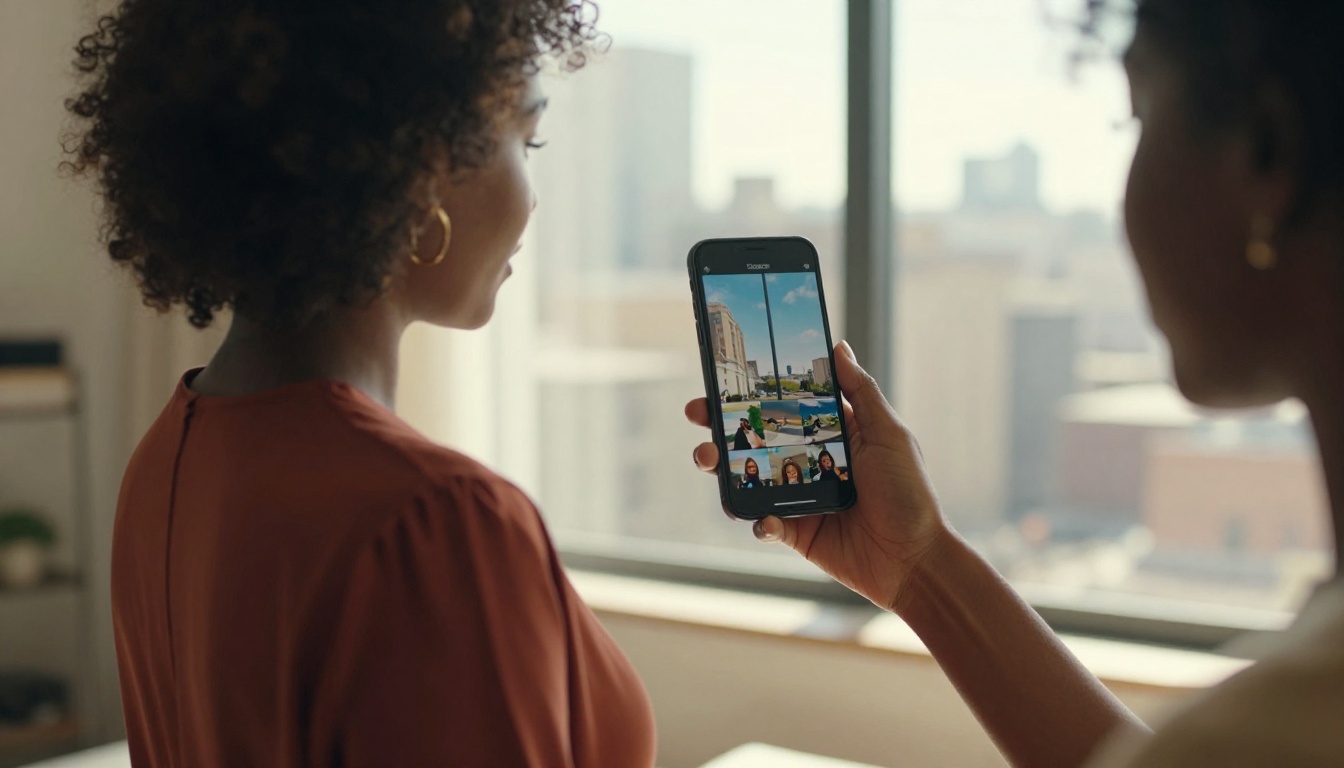
Watermark-free AI isn't just about removing a logo from a corner of a photograph. It's about what that removal enables. When every image you generate is a finished, usable asset, your creative workflow changes. You stop treating AI as a sketching tool you'll replace later with "real" images. You start treating it as your primary production engine.
That shift is happening across every type of creative work. Photographers using AI for rapid mood boarding and concept testing. Copywriters producing their own illustrations without needing a designer. Small business owners who now have professional visual assets for the first time.
What was once possible only with a substantial budget for photography, design, and licensing is now available to anyone with an internet connection and a well-written prompt.
💡 The most valuable thing about watermark-free AI isn't the absence of a mark. It's the presence of real creative freedom.
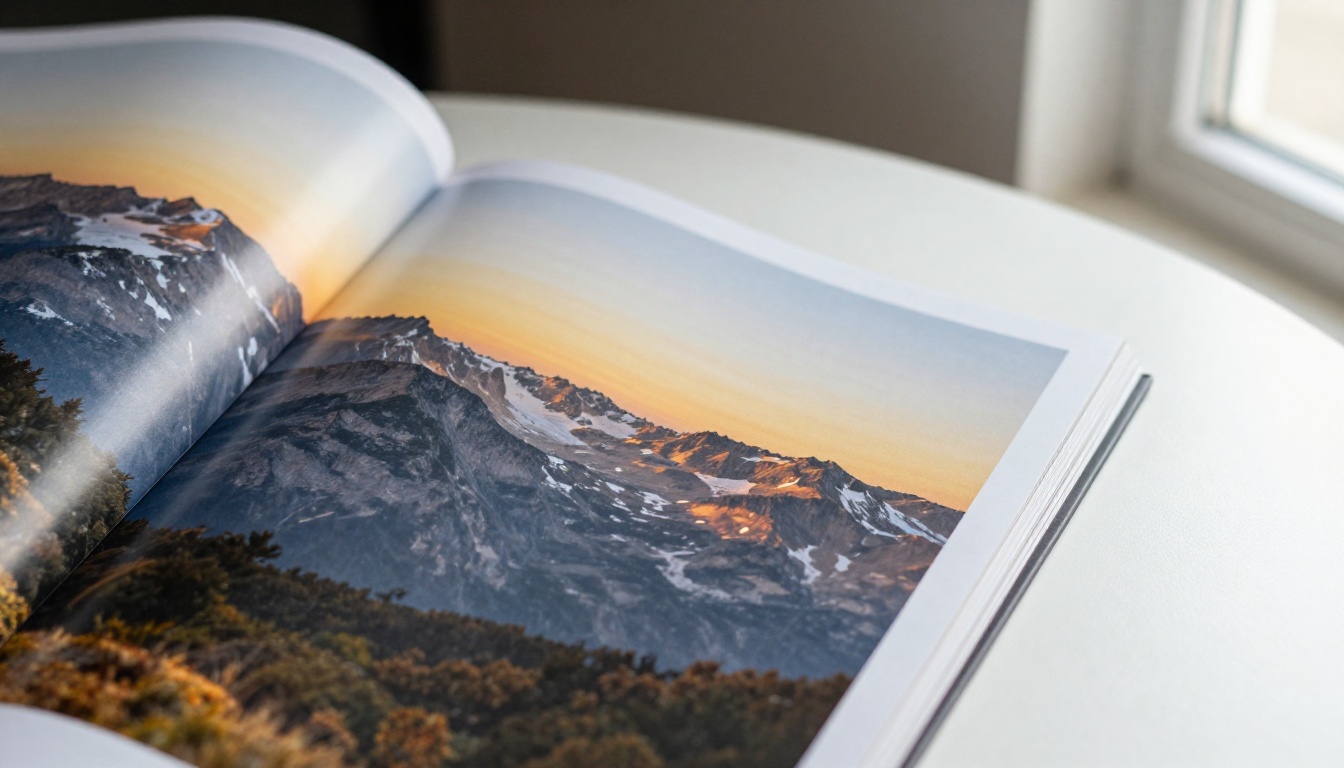
Start Creating Without Limits
PicassoIA gives you access to a full suite of AI image generation models that produce clean, high-resolution, watermark-free output you can use for any purpose. From the text-to-image collection to background removal and super resolution upscaling, the entire workflow lives in one place.
There's no better way to see what watermark-free AI actually means for your specific use case than to generate your first image and download it. Open a model, write a prompt, and get a finished asset that's yours to use. No cropping out logos. No upgrade prompts before you can save. Just a clean image, ready to work.
Try it now at PicassoIA and see what your visual workflow looks like when there are no limits on what you can keep.


