Free AI video tools have crossed a threshold most people didn't see coming. What used to require an expensive subscription, a dedicated editing workstation, and weeks of learning curve can now be done in a browser tab in under five minutes. That's not an exaggeration. That's Tuesday for a growing wave of content creators, small business owners, and marketing teams who have quietly walked away from traditional video software.
This article breaks down exactly why that shift is happening, which models are worth your attention, and how to start producing videos that look expensive without spending anything.
The Old Way Was Expensive
What Video Production Used to Cost
Not long ago, making a polished video meant assembling a stack of tools. You needed editing software at $55 per month, stock footage licenses at $200+ per clip, a decent camera rig, storage for large files, and time. Lots of it. Rendering a 2-minute 4K video could tie up a computer for hours.
Then there were the skills. Color grading alone takes months to get right. Motion graphics require a separate application. Audio sync, transitions, titling, export settings for each platform, the barrier was real. Video content was expensive in time, money, or both.
The numbers didn't lie:
| Cost Item | Monthly Estimate |
|---|
| Video editing software | $55 |
| Stock footage platform | $79 |
| Cloud storage | $10 |
| Stock music license | $15 |
| Total | $159+/month |
For a solo creator or a small business, that's a meaningful budget just to produce basic content. Agencies charged anywhere from $500 to $5,000 for a single polished video, and timelines stretched over days or weeks.
The Budget Barrier Is Gone
Free AI video tools eliminated that entire stack. Not by offering cheap substitutes, but by replacing the whole workflow with something fundamentally different: type a description, click generate, download your video. The core creative act is now writing a good prompt, not mastering software.
The tools run in the cloud. No GPU required on your end. No installation. No license keys. Open a browser, write what you want to see, and a model renders it for you. That shift alone is responsible for the massive adoption wave happening right now.

Text to Video in Seconds
The most impressive capability is pure text-to-video generation. You describe a scene in plain language and the model renders it as a short video clip, with realistic motion, coherent lighting, and natural camera movement included.
Models like Kling v3 and Veo-3 produce clips that hold up to professional scrutiny. Fluid movement, proper depth, correct physics on objects in the scene. A year ago, text-to-video outputs looked like AI fever dreams. Today, results from LTX-2.3-Pro can pass as footage shot on a real camera.
💡 Tip: The more specific your prompt, the better the result. Instead of "a woman walking," write "a young woman in a red coat walking through a rain-slicked Tokyo street at night, cinematic lighting, slow motion." Specificity is your most powerful parameter.
Image to Video with One Click
Got a still photo? Drop it into Wan 2.6 Image-to-Video or Hailuo 2.3 and watch it animate. Hair moves. Eyes blink. Backgrounds shift with atmospheric depth. This is a tool that photographers, e-commerce brands, and social media managers are adopting fast.
Product shots become scroll-stopping videos. Portraits become living thumbnails. The creative ceiling for anyone who already has good still photography just jumped dramatically.
AI Editing Without the Steep Curve
Generation is only half the story. What happens after you have a raw clip matters just as much. Free AI editing tools now handle tasks that used to require skilled editors.
AutoCaption transcribes and subtitles your video automatically, with proper timing and formatting. Real-ESRGAN Video upscales lower-resolution footage to crisp 4K quality. Video Remove Background strips out backgrounds without green screen equipment, using AI segmentation on any footage you throw at it.
These tools work independently or in sequence. Generate a clip, upscale it, add captions, done. The whole pipeline runs in a browser.
The Models Powering This Shift
Kling v3 for Cinematic Results
Kling v3 has become a benchmark model for cinematic quality in AI-generated video. It handles complex motion well, maintains consistent subject appearance across frames, and produces natural-looking camera behavior. If you want a video that looks like it was shot on a professional rig, this is where to start.
For precise control over movement, Kling V3 Motion Control adds the ability to dictate exactly how camera and subject motion behaves across the clip, from slow pans to dynamic tracking shots.
LTX-2.3 for Speed
When you need volume over perfection, LTX-2.3-Fast delivers. It generates video clips significantly faster than most competitors without sacrificing the visual coherence that makes AI video usable. Social media teams that need to produce 10 to 20 clips per day find this model especially practical.
For projects where quality needs to step up, LTX-2.3-Pro brings text, image, and audio inputs together in a single generation pass, giving you more creative control with every run. The combination of speed and quality across the LTX family makes it one of the most used model lines for professional content workflows.
Wan 2.6 for Versatility
The Wan 2.6 family from wan-video offers one of the most flexible ranges in text-to-video AI. Wan 2.6 T2V handles pure text prompts cleanly across a wide variety of scenes and styles. Wan 2.6 I2V brings still images to life with remarkably natural motion.
Both versions handle a wide range of visual styles, from documentary realism to dramatic commercial looks. The model is particularly strong at respecting the composition of your input image while adding believable motion.
💡 Tip: Wan 2.6 performs especially well for product demonstrations and lifestyle content where natural motion and lighting consistency are critical outputs.
PixVerse v5.6 for Social Content
PixVerse v5.6 is built for the pace of social media. It generates short-form video content with strong stylistic consistency, making it ideal for Instagram Reels, TikTok clips, and YouTube Shorts. The turnaround is fast, the output formats are platform-ready, and the visual quality holds up on mobile screens where most content is consumed.
Brands and solo creators alike use PixVerse to maintain a consistent visual identity across their short-form channels without hiring a video production team.
How to Use Kling v3 on PicassoIA
Kling v3 is one of the strongest free AI video models available right now. Here's exactly how to use it to produce a professional-quality clip.
Step 1: Open the Model
Go to Kling v3 on PicassoIA. No software download, no installation. It runs entirely in your browser. Sign in with your account to access free generation credits.
Step 2: Write Your Prompt
Your prompt is the most important variable in the entire process. Be specific about every element:
- Subject: Who or what is in the video
- Action: What movement is happening
- Environment: Where the scene takes place
- Lighting: Time of day, natural or artificial light source, direction
- Camera style: Close-up, wide shot, slow tracking, aerial
Example: "A barista in a white apron carefully pours steamed milk into a ceramic espresso cup in a softly lit café, close-up shot, morning light streaming from the left window, slow motion, film grain."
Step 3: Set Duration and Ratio
Choose your clip duration. Five seconds is ideal for testing a new prompt. Ten seconds works for more developed scenes with movement arcs. Select your aspect ratio based on your intended platform. For social media vertical content, use 9:16. For cinematic widescreen output, use 16:9.
Step 4: Generate and Refine
Click generate and review the result carefully. If the motion feels off, adjust the prompt. Add specific camera directions like "slow dolly forward" or "static shot" to influence how the camera behaves. Run two or three variations with small prompt tweaks to find the best take.
💡 Tip: Save your best-performing prompts in a document. Slight wording changes, replacing "walking" with "striding confidently," can produce meaningfully different motion outputs.

The comparison between free AI video tools and traditional paid software is no longer a debate about quality. It's a debate about workflow fit.
| Feature | Traditional Software | Free AI Video Tools |
|---|
| Setup time | Hours or days | Seconds |
| Learning curve | Steep, months to master | Minimal |
| Monthly cost | $50 to $200+ | Free tiers available |
| Hardware required | High-end GPU required | None, fully cloud-based |
| Output quality | Excellent | Excellent |
| Iteration speed | Slow | Fast |
| Custom motion control | Full frame-level control | Prompt and parameter-based |
| Accessibility | Desktop only | Any browser, any device |
Traditional video software still wins for frame-level precision editing and highly custom motion graphics work. But for generating content fast, at scale, without technical overhead, free AI tools now clearly take the lead in most content production scenarios.
What Paid Plans Actually Add
Most platforms offer free tiers that are genuinely useful, not crippled demos. Paid plans typically add higher resolution exports, faster generation queues, longer clip durations, and more monthly generation credits. If you're using these tools professionally at volume, a paid tier is worth evaluating. But the free tier is a real working on-ramp for creators at every level.
Solo Creators
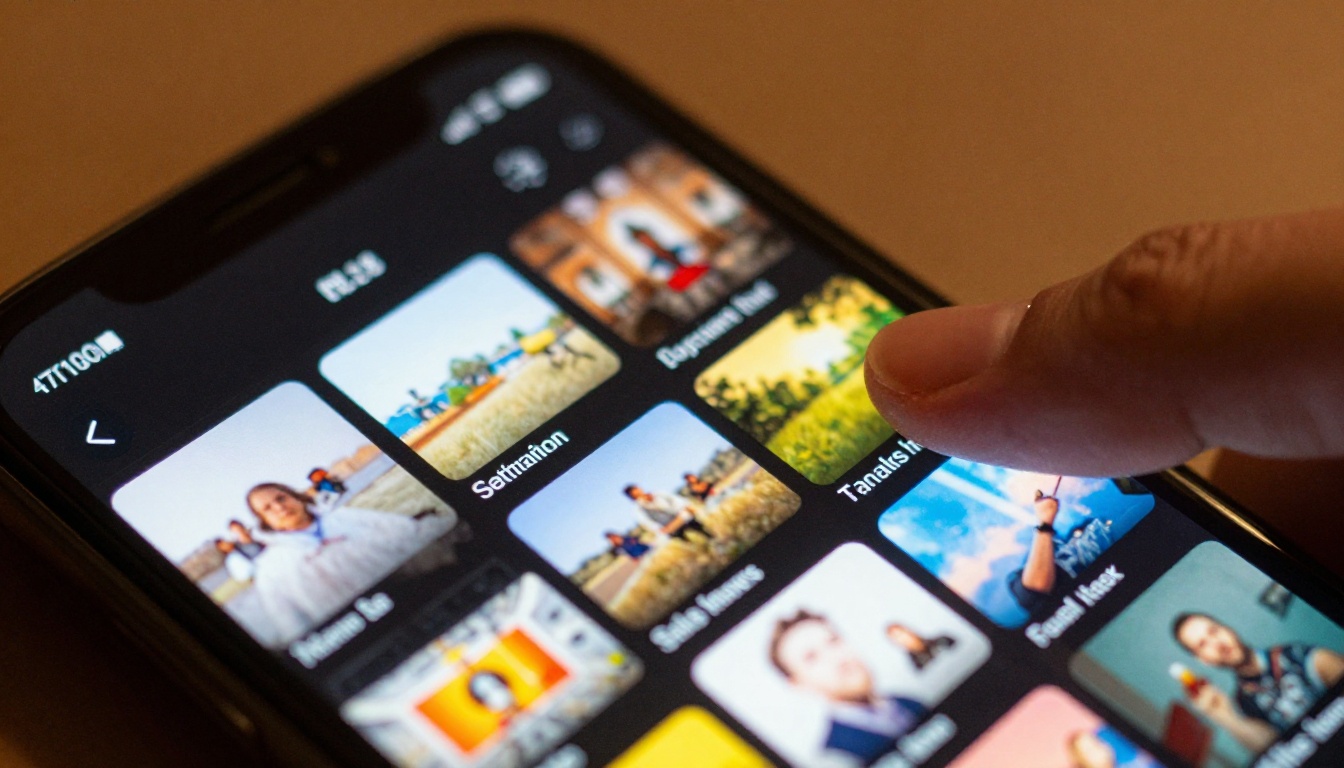
Independent creators on YouTube, TikTok, and Instagram are the fastest-growing segment adopting AI video. Many are using these tools to produce b-roll footage they couldn't afford to shoot themselves, animate static graphics, and create cinematic intro sequences with no production crew.
Seedance 1 Pro has become a consistent favorite in this group for its balance of speed and output quality, particularly for lifestyle and travel-style content where natural motion and lighting accuracy matter most.
Small Businesses
Product videos, explainer clips, social media ads, and event recaps are all being produced in-house now by small businesses that previously outsourced all video work. Gen-4.5 by Runway is especially popular for commercial applications where visual polish and brand consistency matter.
The operational impact is significant. A two-day video project previously handled by an external agency can now be produced internally in two to three hours. That time savings compounds fast across a content calendar.
Marketing Teams
Marketing teams are using AI video for rapid creative testing at a scale that wasn't previously practical. Instead of producing one polished video ad and hoping it converts, teams now generate 10 to 15 variations of the same concept and A/B test them before committing to full production.
Vidu Q3 Pro and PixVerse v5.6 are both well-suited for this kind of rapid iteration workflow, delivering fast turnaround without sacrificing the visual quality that ad performance depends on.
5 Things That Still Trip People Up
Vague Prompts
"A cool video" will get you a generic result. The model has no context for "cool." Describe the scene as if you were giving directions to a film director on set. What's in frame, where the light is, how the camera moves, what the subject is doing. Specificity is the single biggest lever you have over output quality.
Wrong Aspect Ratio
Generating 16:9 content for TikTok means your video will appear letterboxed with black bars on mobile. Match your aspect ratio to your delivery platform before you generate. Regenerating because of a ratio mismatch costs credits and time that could be avoided.
Not Using Image-to-Video
Many people default to text-to-video when they already have strong visual assets on hand. If you have a good product photo or a well-composed portrait, drop it into Wan 2.6 I2V or Hailuo 2.3 Fast. The results are often stronger because the model has a concrete visual anchor to work from rather than building the entire scene from a text description.
Ignoring Editing Tools
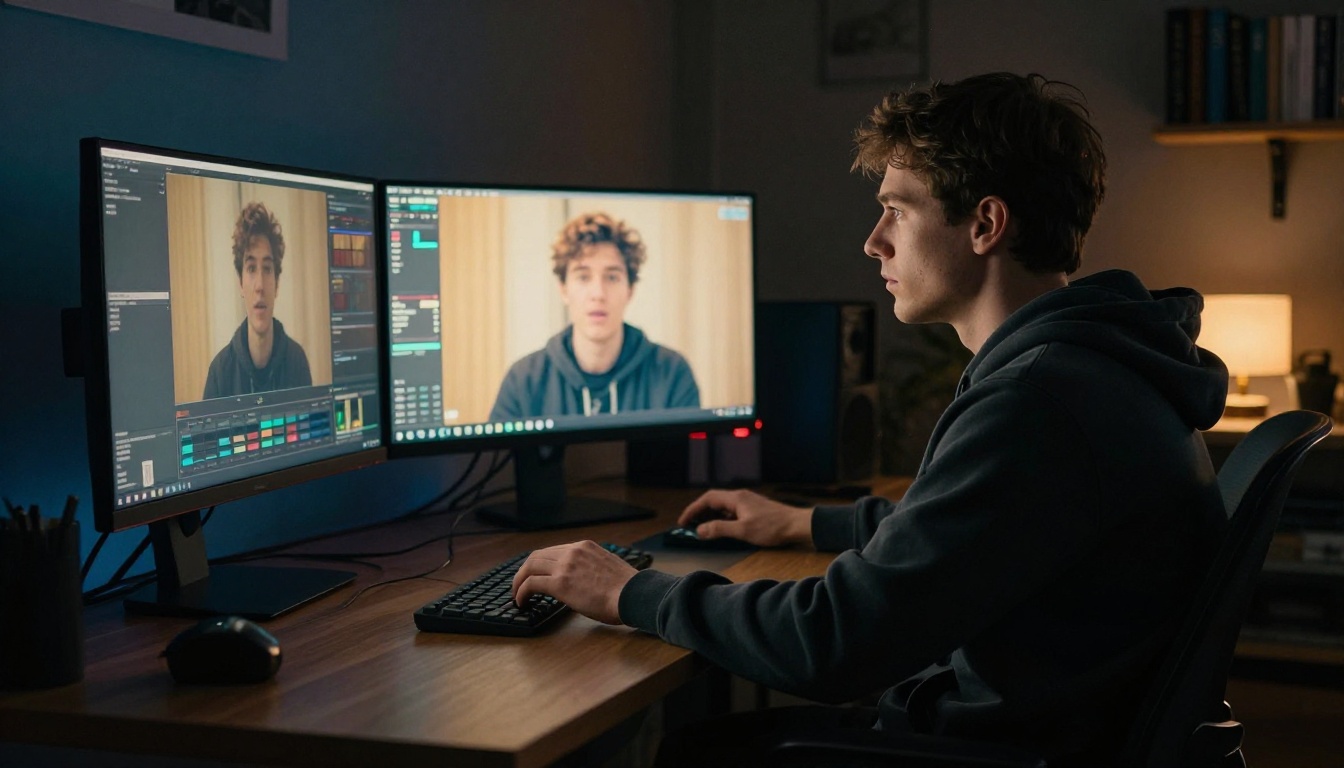
Generation is the starting point, not the endpoint. Running your generated clip through Real-ESRGAN Video for upscaling and AutoCaption for subtitles takes a few extra minutes and significantly improves the final product. Most creators who skip this step are leaving visible quality on the table.
Skipping Video Enhancement
AI-generated video sometimes has subtle motion artifacts or slightly soft edges in detailed areas. Video Increase Resolution can sharpen and scale your output before publishing. One extra processing step, meaningful difference in how the final video reads on high-resolution screens and in platform feeds.
Make Your First AI Video Today
The shift toward free AI video tools is not a trend that's still building. It already happened. Creators who adopted these tools 12 months ago have a production output advantage that's hard to close with traditional workflows.
The models are here, they're free to try, and the quality floor keeps rising with every new release. Kling v3, LTX-2.3-Fast, Wan 2.6 T2V, PixVerse v5.6, and Veo-3 are all accessible on PicassoIA right now, alongside 80+ other text-to-video models and a full suite of AI video editing tools.
Write one prompt. Generate one clip. See what these tools actually produce when you sit down and use them. The gap between what you imagine and what you can produce has never been smaller, and there's nothing to install and nothing to pay to find out.


